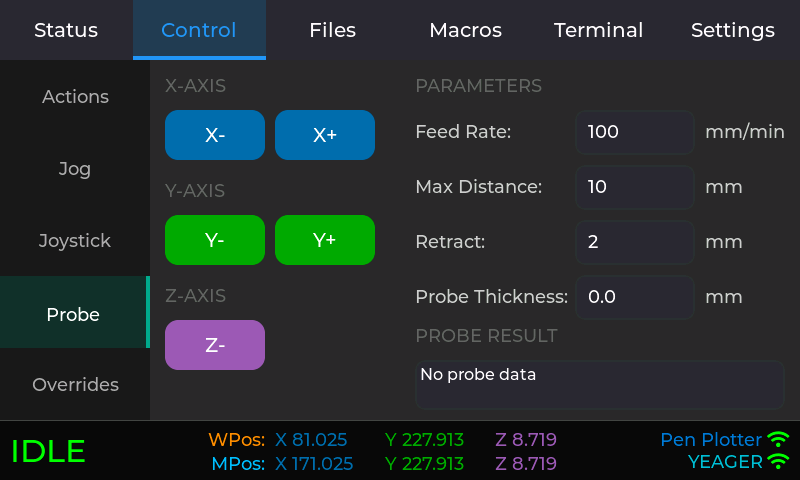
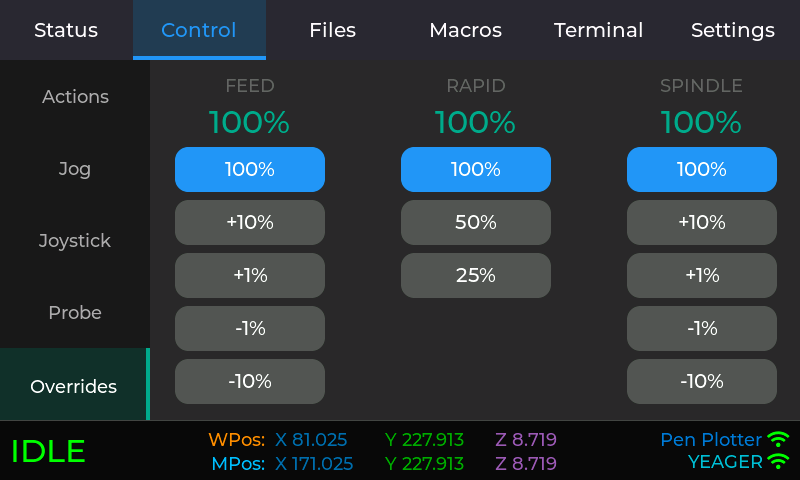
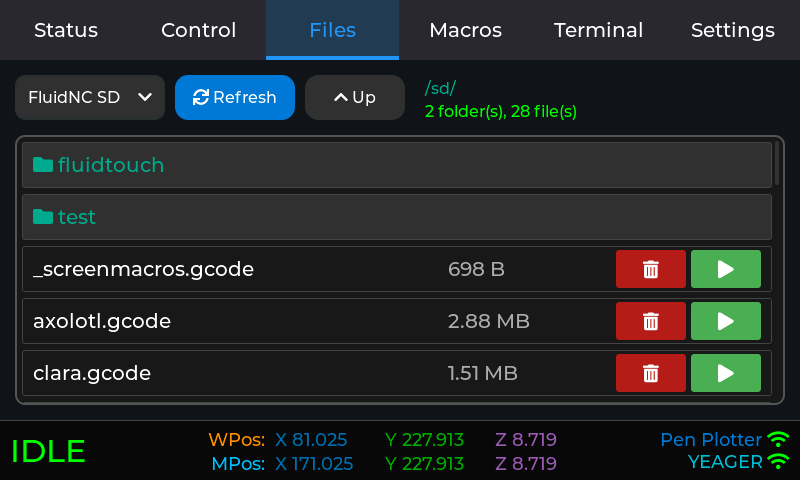
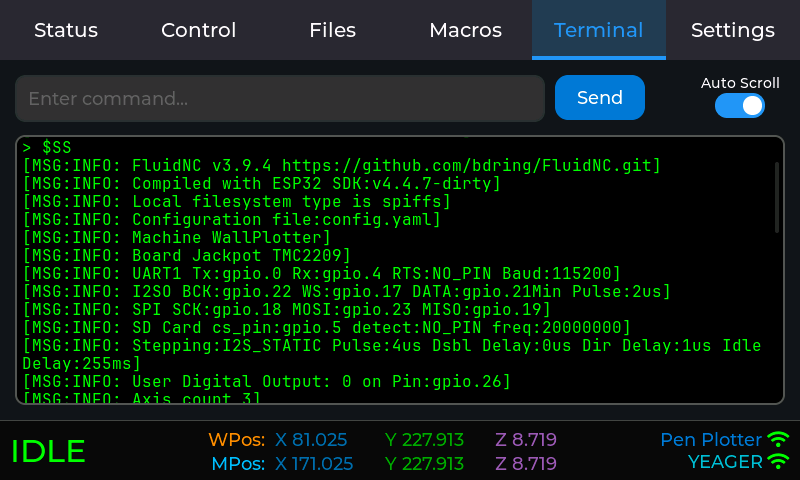
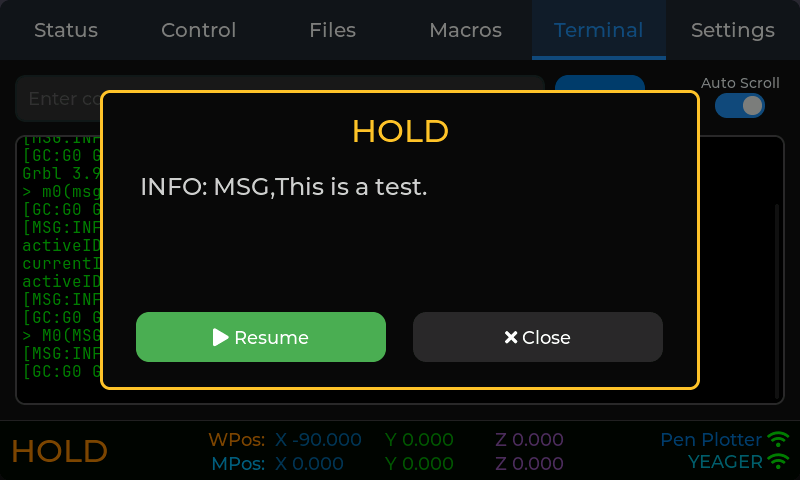
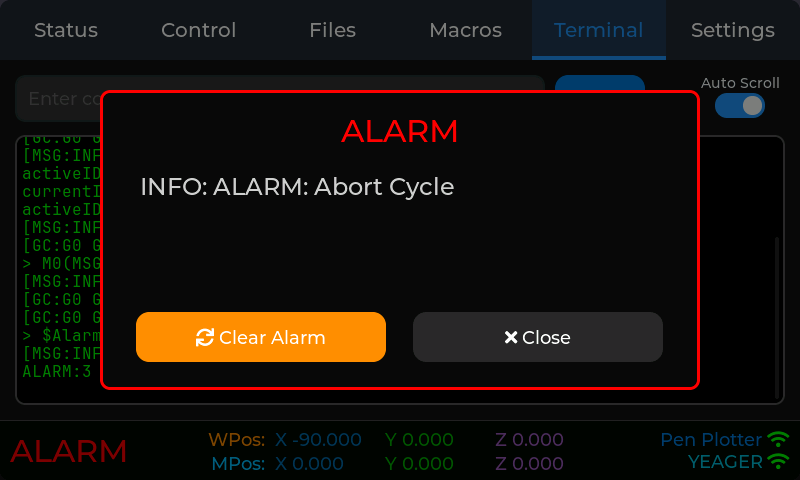
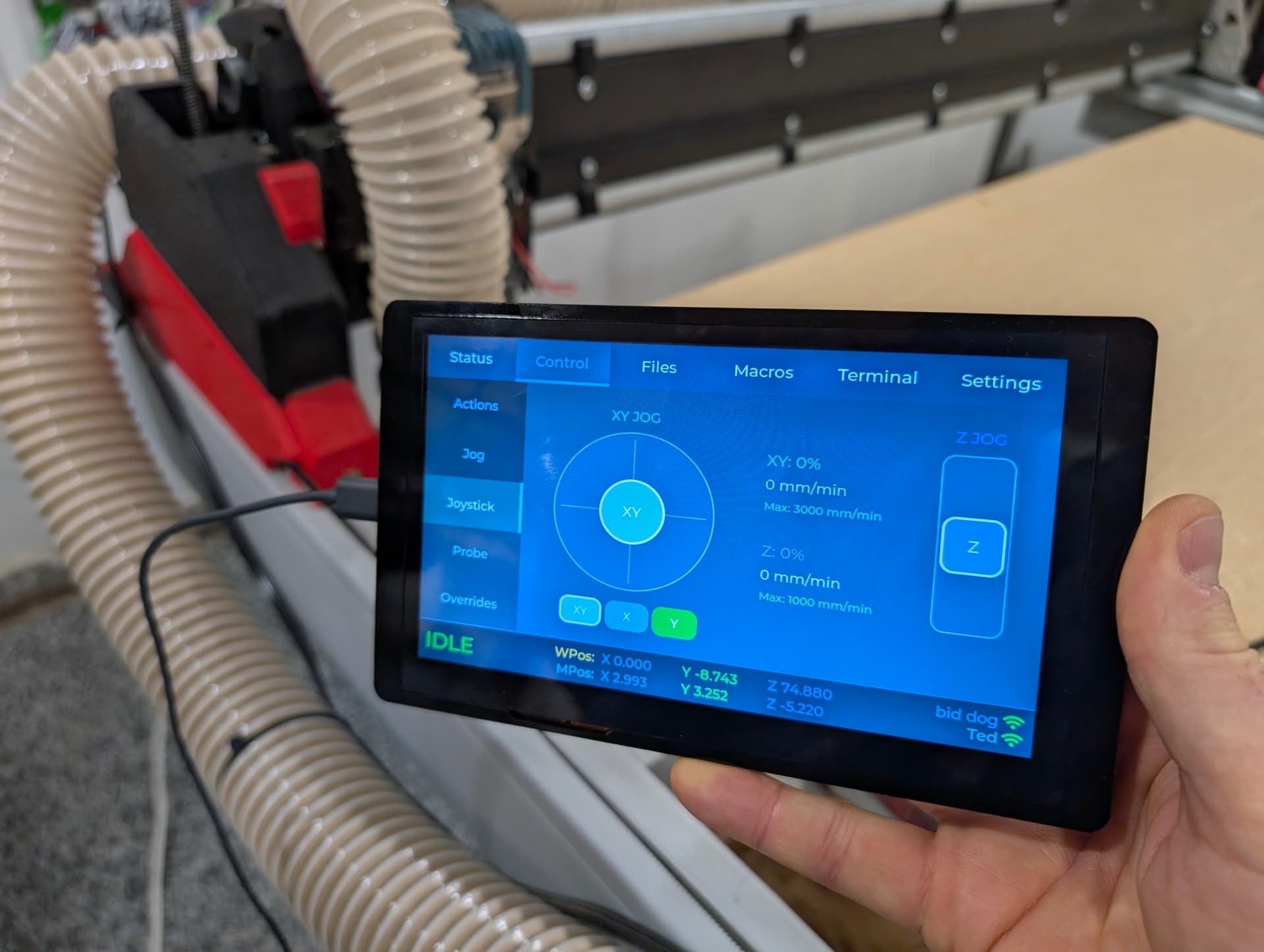
FluidTouch - Wireless FluidNC Pendant

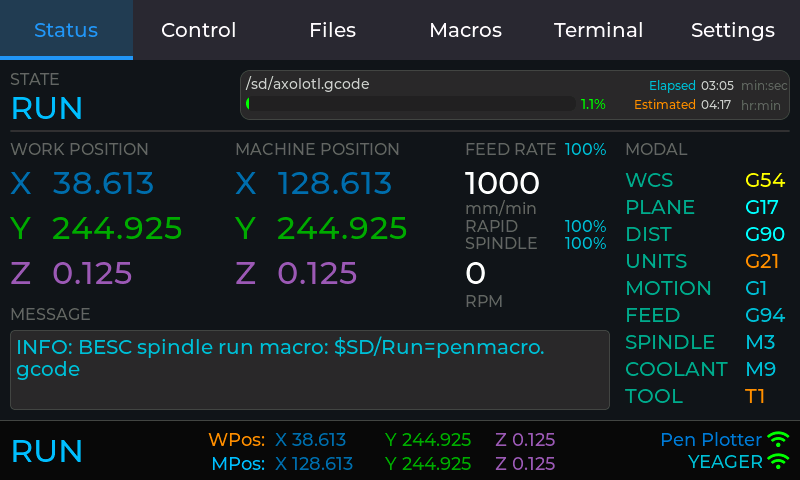
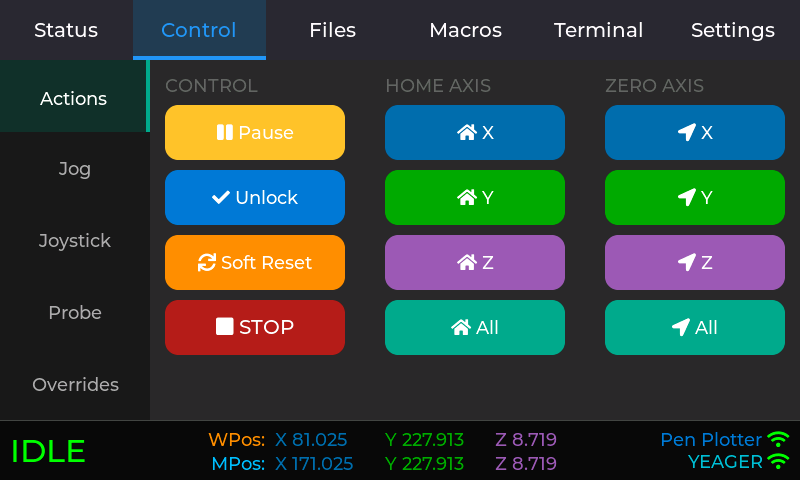
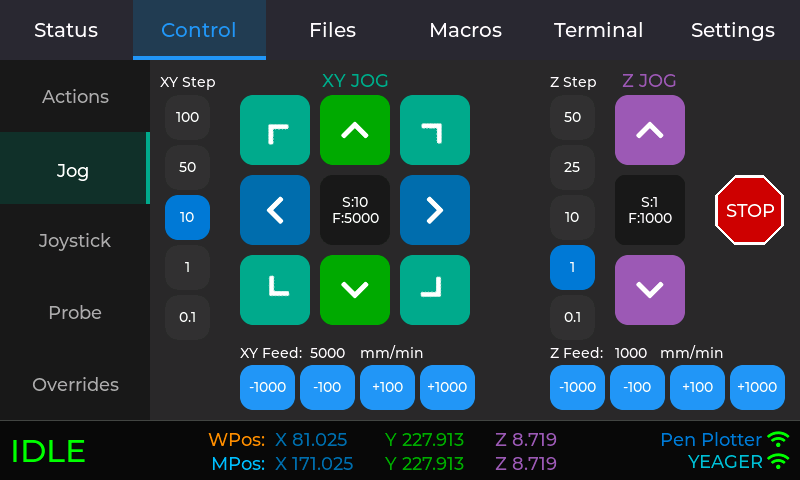
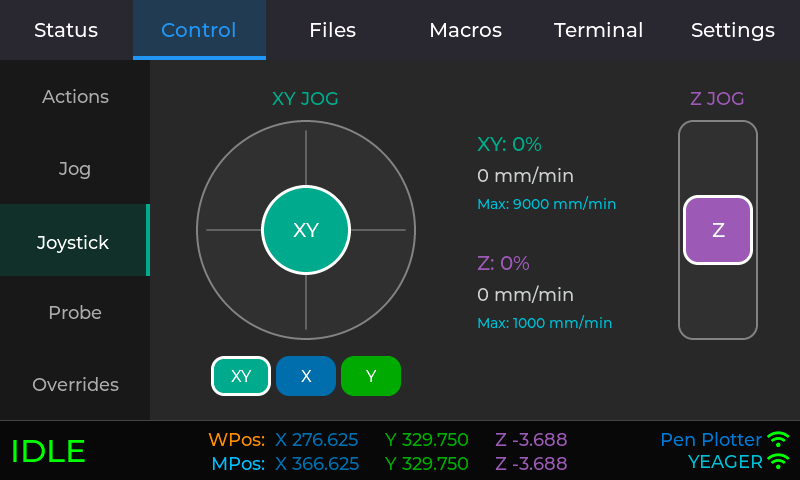
A little over a month ago, I started some experimentation with an Elecrow 7" display with LVGL and my new friend Claude. It went way better than expected and this is the result as version 1.0.0.

Here’s a 20 minute video of me talking and showing what it does. I’m clearly not becoming a Youtuber any time soon.

Check it out on Github:

It’s even got a web installer:

Here’s where it started:

20 Likes

Glorious. Such amazing work.

2 Likes

Mind-blowing, congrats on the release!

3 Likes

Very nice Jason. This is a great accomplishment. Congratulations

2 Likes

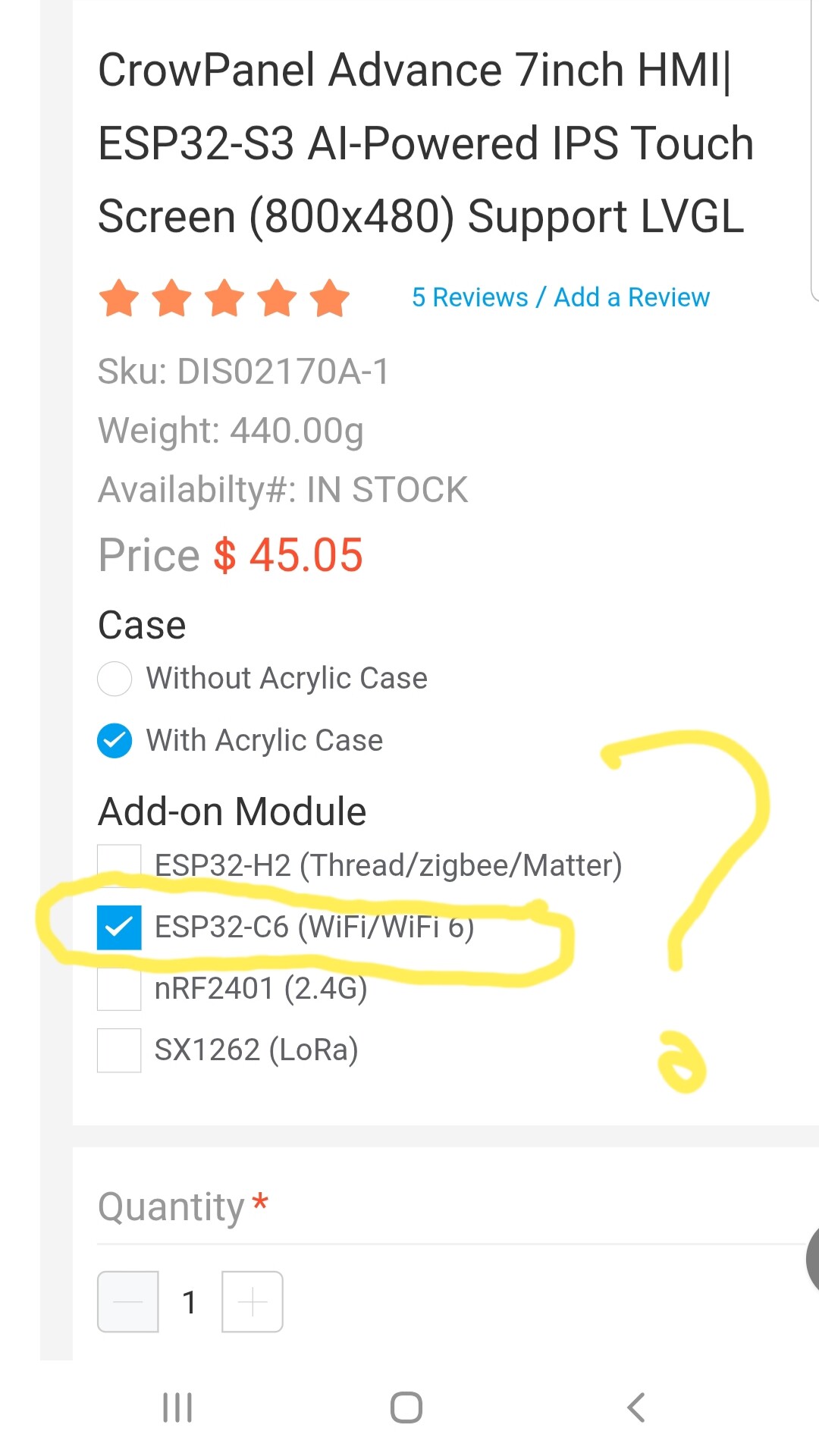
Hi Jason, this looks great! If I want to order a display from elecrow do I have do put an “add on” to the display? There are check boxes for add ons. Second question: Is this thing working with the jackpot 1 and its firmware from Nov 24? And finally: In your video there is a USB cable attached to the display - where goes the other end?

Oh, and for last: what batterie pack do you recommend?

Regards Ulf

1 Like

I’m assuming you are referring to the wireless addons for the advance display. If so, nontoy don’t need any of those. I recommend getting the acrylic case.

Yes, it will work with any FluidNC board and the firmware version doesn’t really matter. It uses a Websocket which is the same communication method used by the API.

That’s just for power. I have it plugged into a cell phone charger. My plan is to leave it plugged in normally via some kind of dock and pull it off the dock when using.

I’m using a 1200 mah lipo battery because I had one on hand. I have some experimentation to do to see if I can use something larger. You do have to be careful that the polarity is correct. For one of the batteries I was using, I had to swap the wires in the JST connector.

3 Likes

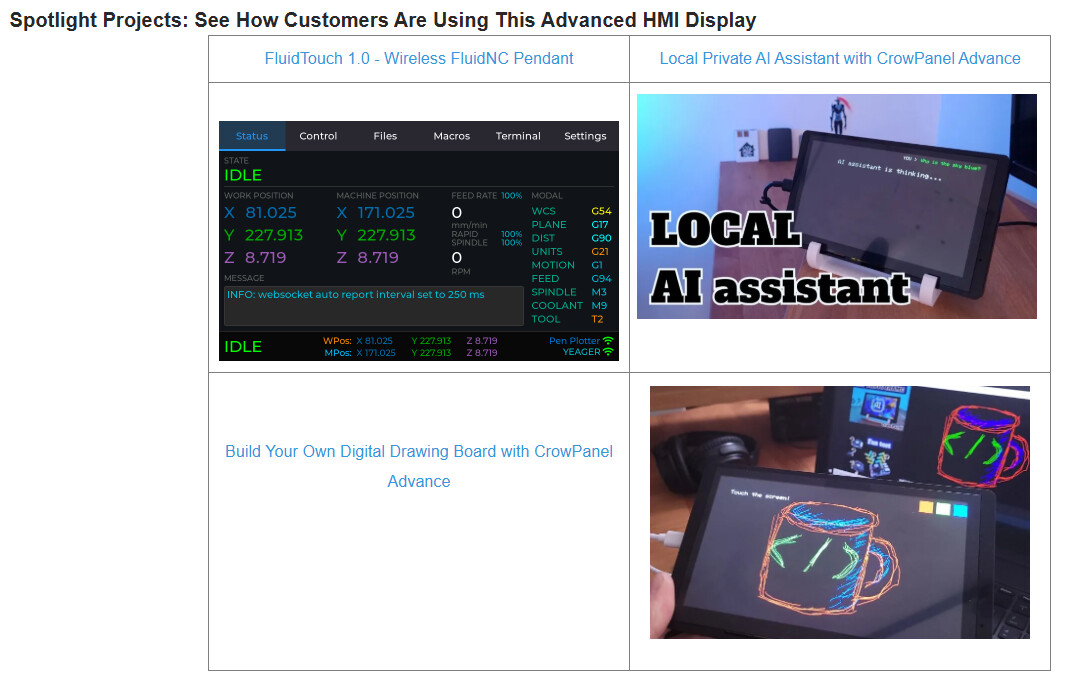
Wow, check this out. If you go to the Elecrow page for the Advance display, and scroll down to Spotlight Projects.

https://www.elecrow.com/crowpanel-advance-7-0-hmi-esp32-ai-display-800x480-artificial-intelligent-ips-touch-screen-support-meshtastic-and-arduino-lvgl-micropython.html

17 Likes

Wow, they found that fast!!

3 Likes

Chinese efficiency. :smiley:

1 Like

They definitely clicked through to the Github link to get that screenshot. So, it wasn’t an automatic thing.

1 Like

That’s awesome. I think they should give you some free stuff for that Jason.

2 Likes

I think you can actually get an affiliate link for those screens. That would actually get you free stuff once and a while. So far they have been a good company to work with.

8 Likes

Great work @jeyeager! Cheers for doing this, and sharing the helpful video covering all the features you managed to launch with already.

Got an affiliate link people can use?

Should these options be selected when ordering?

Consider asking Elecrow folks to update their webpage to have link to your repo (which is documented and structured nicely), and fixing web page images to look like links to the YouTube video more clearly.

2 Likes

I recommend getting the acrylic case but you don’t need the wireless module.

I may look into that but not currently.

3 Likes

Sooner the better, the longer you wait the more clicks you lose!

2 Likes

Yeah, I had the same question :slight_smile:

Got affiliate link for FluidTouch author when I buy Advance 7inch IPS display? — ELECROW - FORUM (had to workaround not being able to paste links, for now…)

The affiliate links look gross, I don’t think I would click this. I just want to make fun stuff without having to deal with BS like this.

https://www.awin1.com/cread.php?awinmid=82721&awinaffid=2663106&ued=https%3A%2F%2Fwww.elecrow.com%2Fcrowpanel-advance-7-0-hmi-esp32-ai-display-800x480-artificial-intelligent-ips-touch-screen-support-meshtastic-and-arduino-lvgl-micropython.html

1 Like

You don’t have to. Offer both links. One lets get some other stuff to play with once and a while.

I would. And have :grin:

1 Like

Well that is just pretty slick. Jason, you did a heck of a job with the interface, and the installer went without issue.

Note to anyone using the joysticks, home, and soft limits!

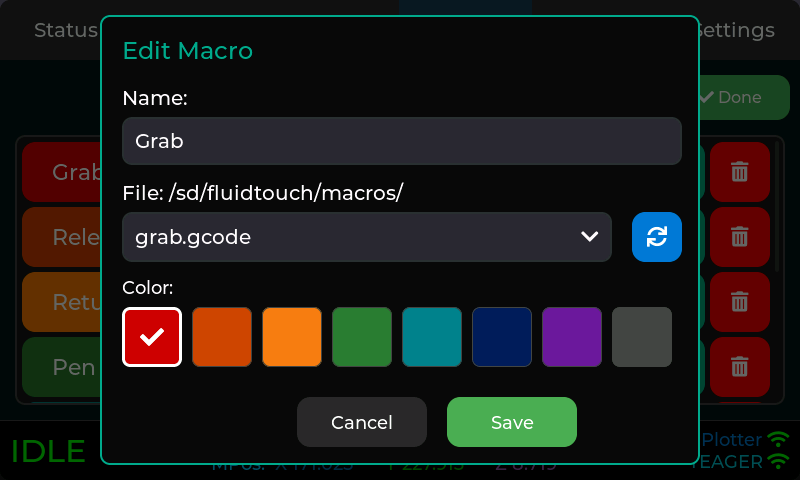
For the macros it needs a place to save them, is that the microsd or do I need that folder/directory on the esp32?

How do you turn the screen back on when it falls asleep? I had to unplug and replug, the reset button didn’t do anything. Touching it didn’t seem to do anything either.
7 Likes