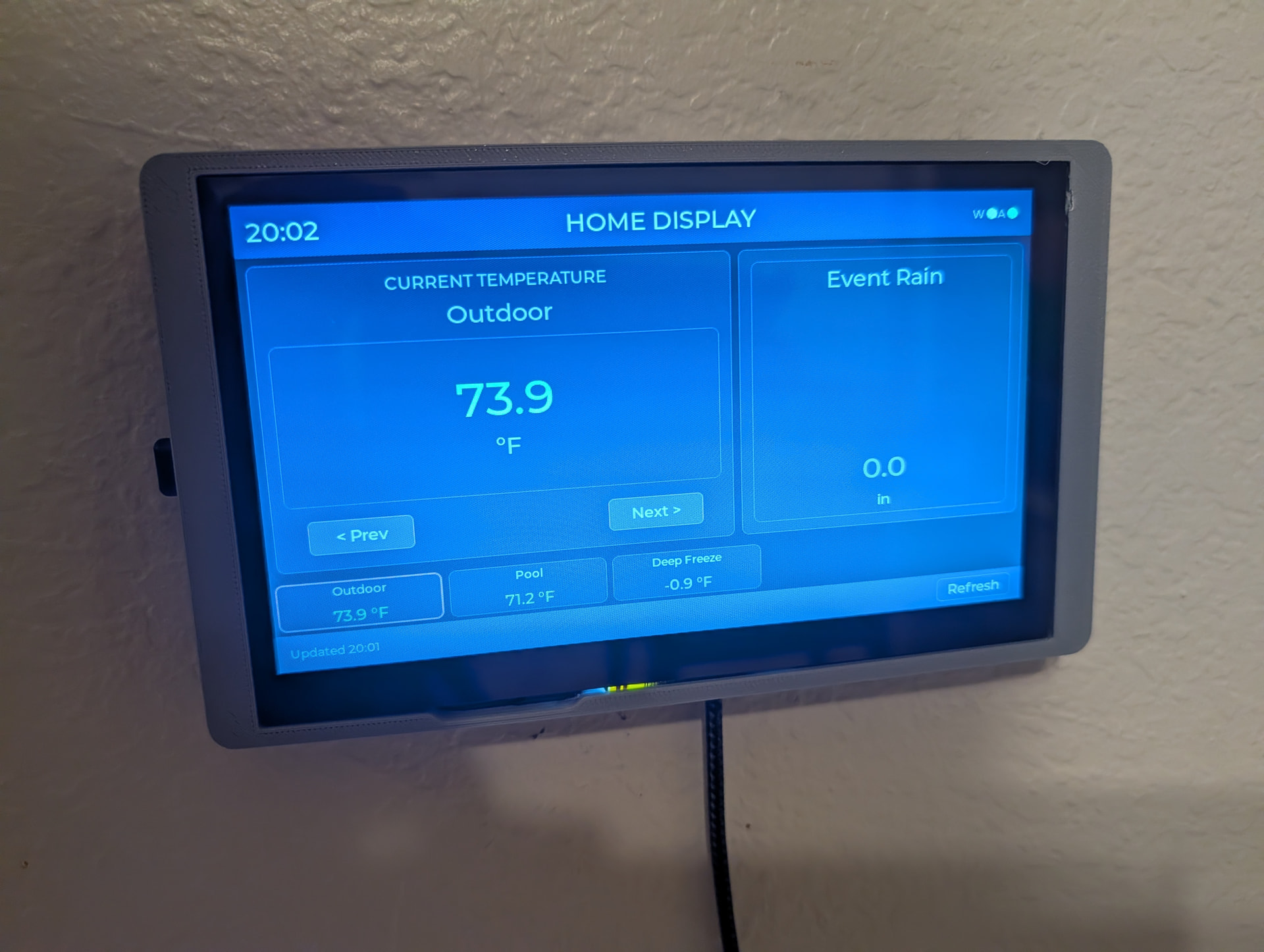
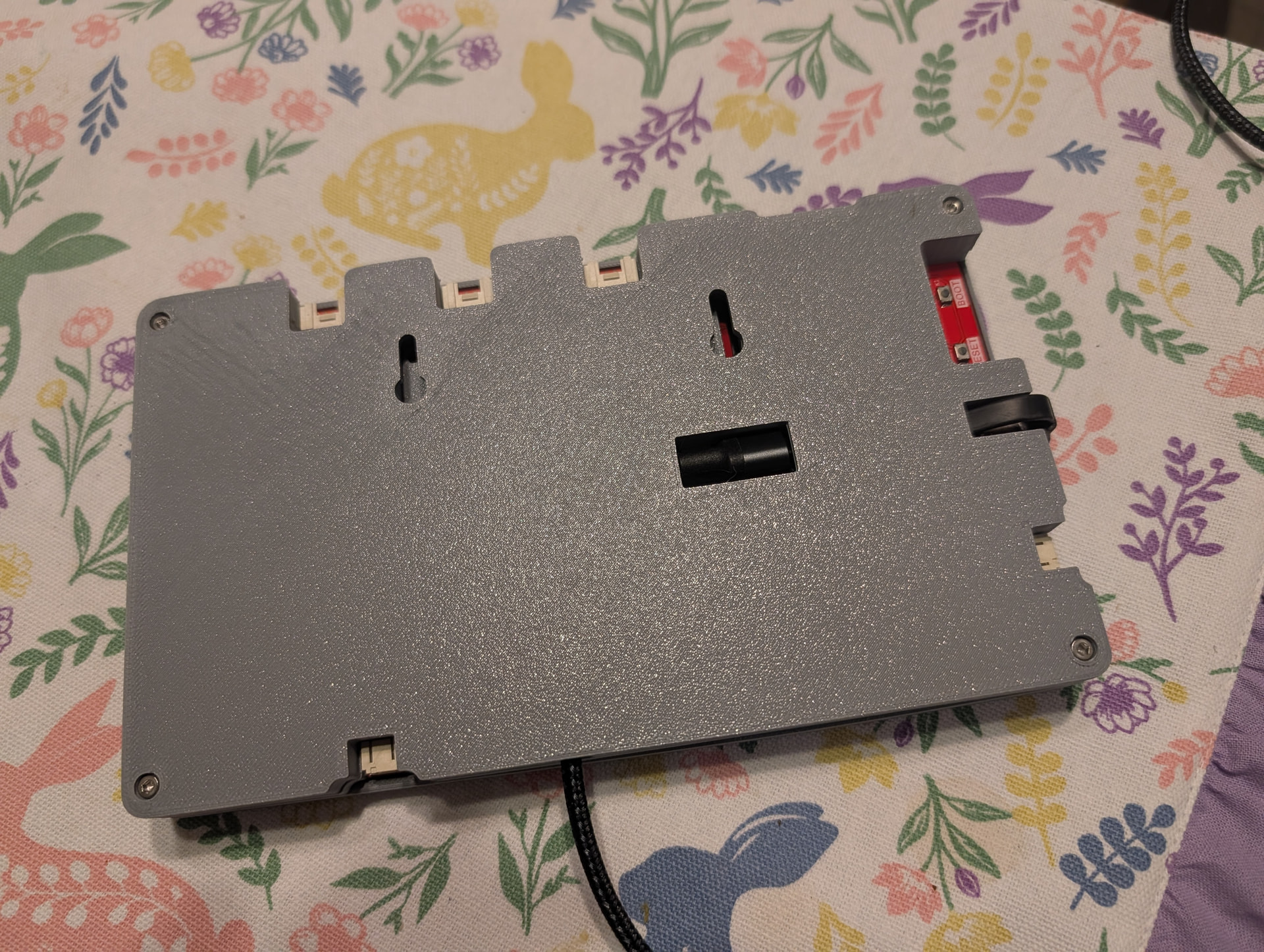
The case was pretty much the one from the Elecrow step file. I did modify the back panel to add the cable run and keyhole slots.
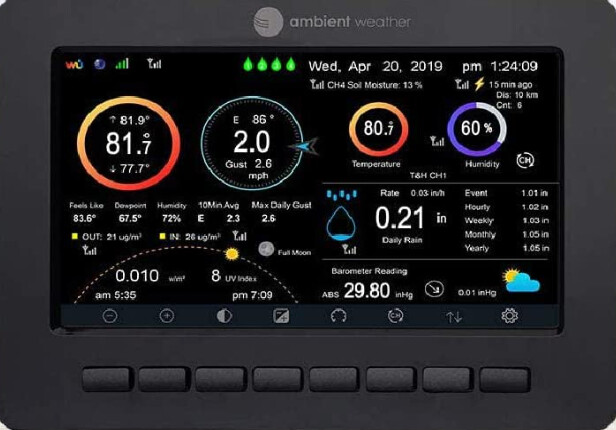
The LCD for my weather station had the back light go out. The elecrow is 1/3 the cost. It took a good chunk of the weekend to get the code working. There’s a few minor bugs and I want to add some more tabs for other values.
The data flow is : weather station sends data to an ecowitt base station. The ecowitt pushes values to HA. This display uses the HA api to pull values down and display them.
The code is all micropython using the lvgl firmware. I made a few small changes to the firmware due to weird bugs.
Only interesting part of the code is I used both cores of the CPU. The polling of the values is a separate thread from the display updates.
I took out the ‘touch’ stuff. Realized I didn’t really need it.
But it’s finished (for now). Kids still want a more graphical representation of the sun/moon position like the old display had. Not sure I want to go through the effort of figuring out that.
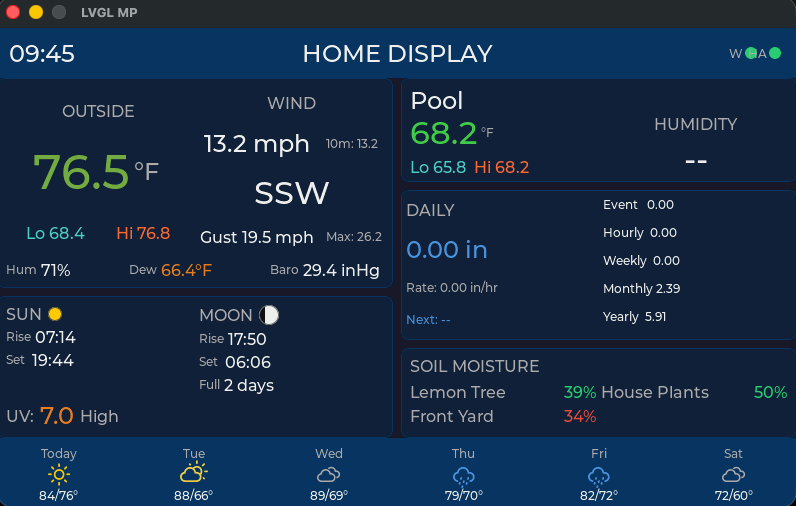
One nice thing I figured out is that you can compile a SDL version of the LVGL firmware so you can test out the UI locally on your laptop without having to sync all the python files up to the ESP32. That drastically sped up the iteration loop. This screen shot is from the SDL. The forecast on the bottom is still pulled via home assistant so the data matches what’s in the app on the phone.
I’m debating adding some type of little speaker for an alarm in the event the deep freeze temp gets too high.
The sun changes color based on solar radiation (black->red->orange->yellow)
I need to test unplugging the HA and seeing what the display does. It’s supposed to just show the last known value and put a red dot next to the ‘A’ in the top right. I haven’t tested to see if the code eats itself, though. Same with turning off WiFi.
Are you doing a generic I2C address search for all devices or specifically targeting the expected address of your screen? I’ve had better luck in the past searching all addresses to find the device I was looking for, and frequently been surprised when the address was not what I expected.
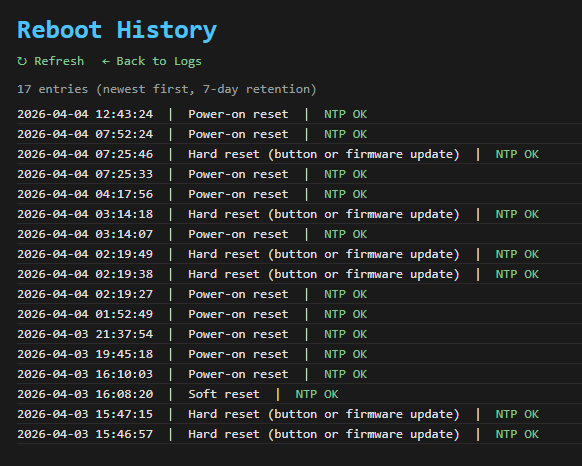
Another oddity… I think the ‘smart’ charger I’m using to power my LCD is causing oddities. I’m getting multiple reboots each day. The reason for the restarts is returning something to do with power. I’m thinking the ‘smart’ charger is renegotiating on a regular basis and causing restarts.
I need to go dig up a dumb charger from the shop to test my theory.