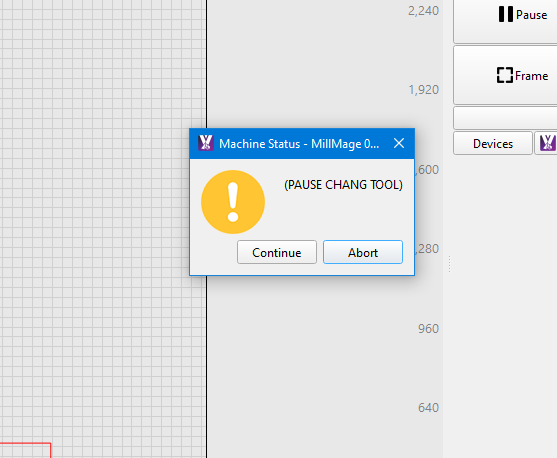
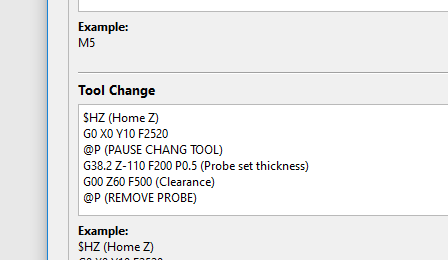
No, but I’m just using it to generate gcode. I’m not running directly from Millmage.
No, I assume that’s a Millmage specific command that would only work when running the job directly from it.
No, but I’m just using it to generate gcode. I’m not running directly from Millmage.
No, I assume that’s a Millmage specific command that would only work when running the job directly from it.
that’s what i was guessing ,
not sure if im game enough to
throw the @ command in , be my luck it will screw with my nc board and it freezes completely
I am off to a rough start, just installed, but now I cannot find the email from when I was accepted to beta, how did you all get your key?
Well, it appears it expired.
My Key from the beta is still good. But you should be able to send them an email and get it.
Edit: Try this. If you know you login and password this will give you your key for Millmage and Lightburn. Its also how you can remove old computers to open up and be able to add to a new computer.
Yeah i never completed the beta so i never got a key! I just hit the trial button.
Are you running RC1? It shouldn’t require a key.
rc2 is out now and didn’t require a key either
I think if you have a beta key that auto transfers over when you update. With @RockinRiley having never put in a beta key that might be why he is getting the trial part where we didn’t. Complete guess so I could be wrong
@RockinRiley did you email them to get your beta key?
just click activate licence, thats all i did and it worked sweet
I have been using it almost exclusively for months. I really like how it works possibly because I am proficient in Lightburn, this makes the interface comfortable.
If I want to do an inlay using a laser in lightburn I’d 2 two Fill layers, one a negative of the other and there’d be some tinkering with the kerf or using offsets to make them tight
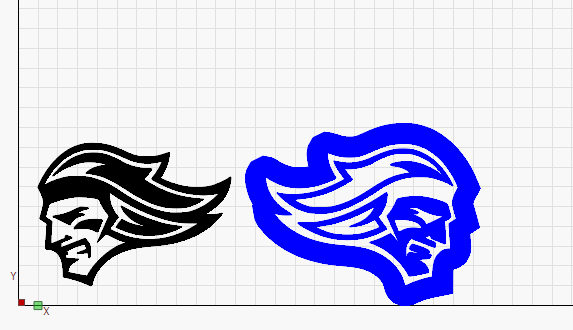
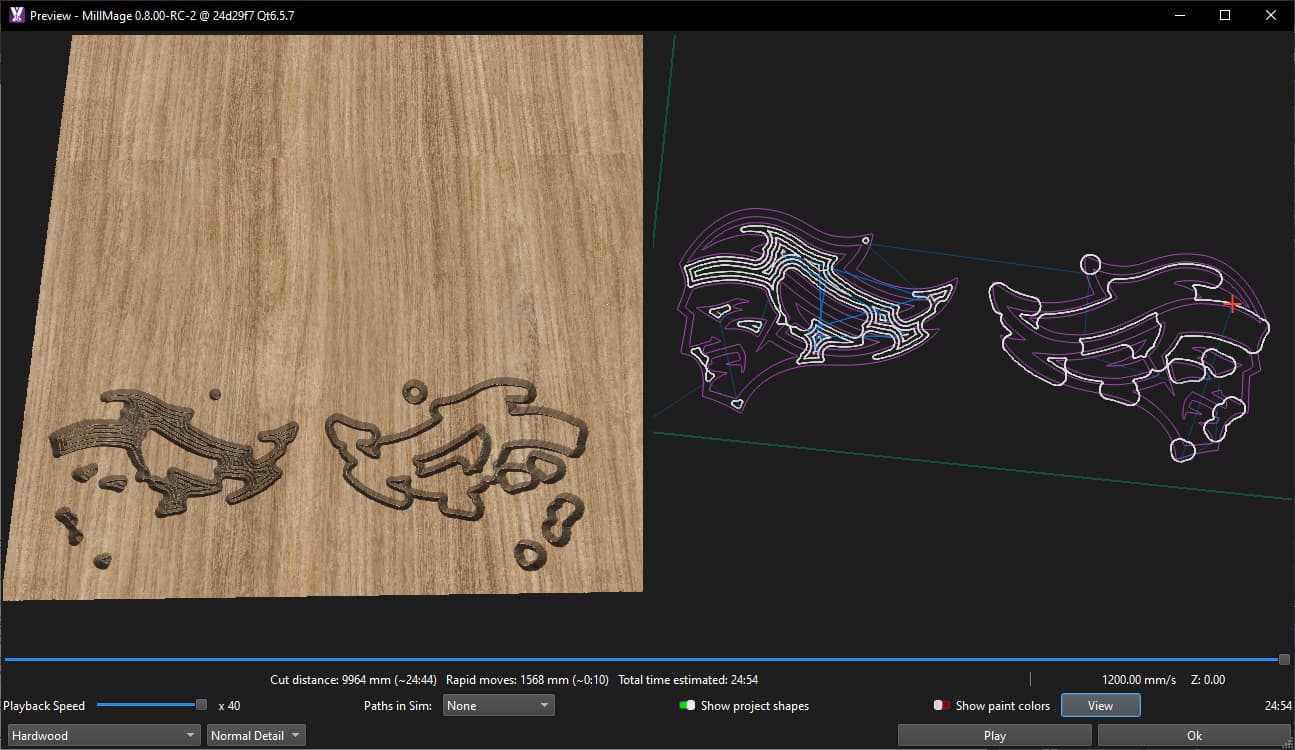
When I use the same dxf, choose a female and a male inlay with a v bit - this is the result.

I’ve no idea how else I’m meant to be using it. The Tools and Features documentation isn’t clear but I understand this is a work in progress.
In general it would be nice if pocketing operations were clearly visible in the design space in the same way Fill operations are in lightburn - and tied to layers so I know for example anything yellow and filled is a pocket of 5mm and anything blue and filled its a pocket of 3mm etc. having to constantly open the preview window, (which defaults back to hardwood even if you change it) is frustrating. The layers/operations and assigning shapes bit of the interface is also very frustrating.
Create an Operation and enable ‘Auto Use Layer’
Select an Operation, select a shape and ‘Assign Shape’ doesn’t add it to the layer
Select an Operation, select a different shape and ‘Assign Shape’ - removes the first shape
Select 2 shapes, add to layer from the bottom ribbon - applies the operation
Select a further shape - adds to the operation without removing first 2
Edit: where do I confgure the settings for tabs, not their placement - though that was harder to find than I expected- but width depth and shape? found it - but if you open the add tabs dialog and click ‘Cancel’ instead of ‘Apply’ it adds them anyway?
When I use the same dxf, choose a female and a male inlay with a v bit - this is the result.
I suspect the problem here is just a disconnect in expectations.
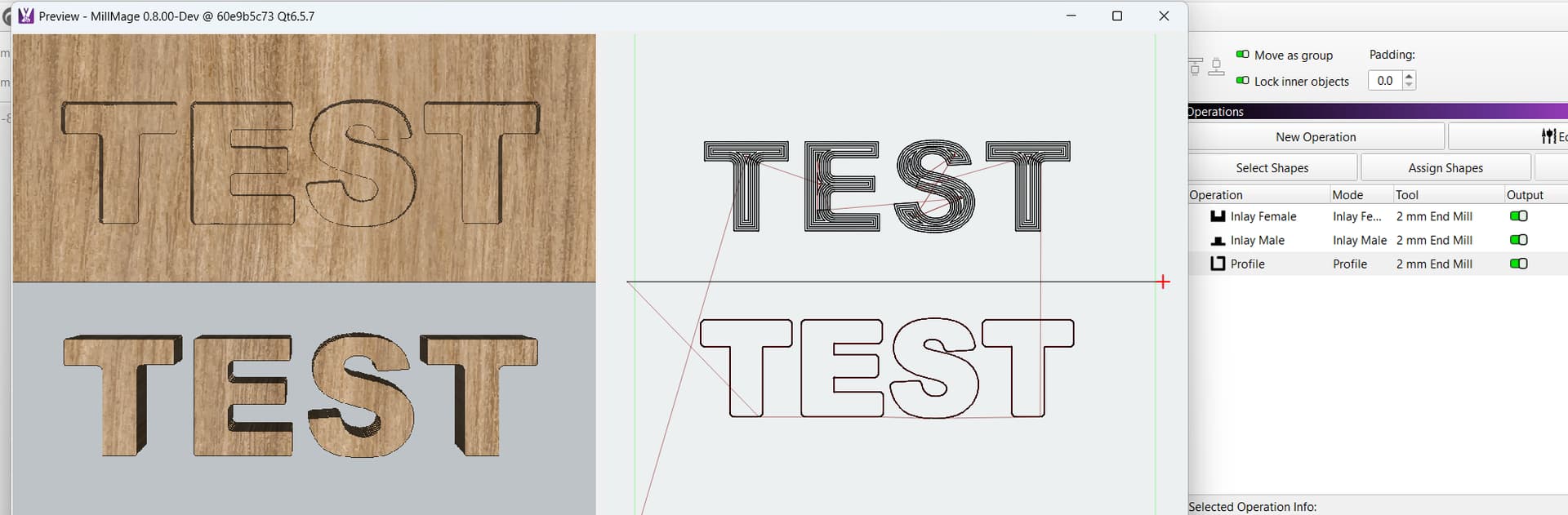
The inlay operations pair in MillMage is intended to produce a flat-bottomed pocket at a specified depth, and a fully cut out shape that you drop into that pocket - see my screenshot example below. The “male inlay” part of it handles rounding all the exterior corners to match the bit radius so the cutout fits properly into the pocket. It assumes the same diameter bit is used for both parts.
I suspect what you are doing is trying to produce a V-carved pocket, and an “inverted pocket” done with the same V-bit, that clears an area around the male inlay part, but doesn’t cut all the way through.
I think V-Carve has an operation that does this, but we don’t - the pocket side of that would be V-carve operation which we don’t have support for yet, but we’re working on it. When the core functionality is working I expect we’ll also add a V-pocket / inlay operation pair as well.
I remember seeing someone asking about framing. I did test that today. If you are running the Jackpot and have it on STA WIFI. You can put the IP address in MM and frame just like you would in lightburn. Works quite nicely. I would NOT run the Gcode over WIFI but I don’t see any issue in letting it frame that way.
Also saw that RC-3 is out as well. The link @Britt posted above will take you right to it.
Yes exactly - thats what I expect/want from an inlay tool. What you’re describing isn’t that at all and it isn’t what I would describe as an inlay. The V bit ensures the edges taper so there is zero clearance between male and female. The inlay function as you’ve implemented it isn’t what I expected and that’s disappointing.
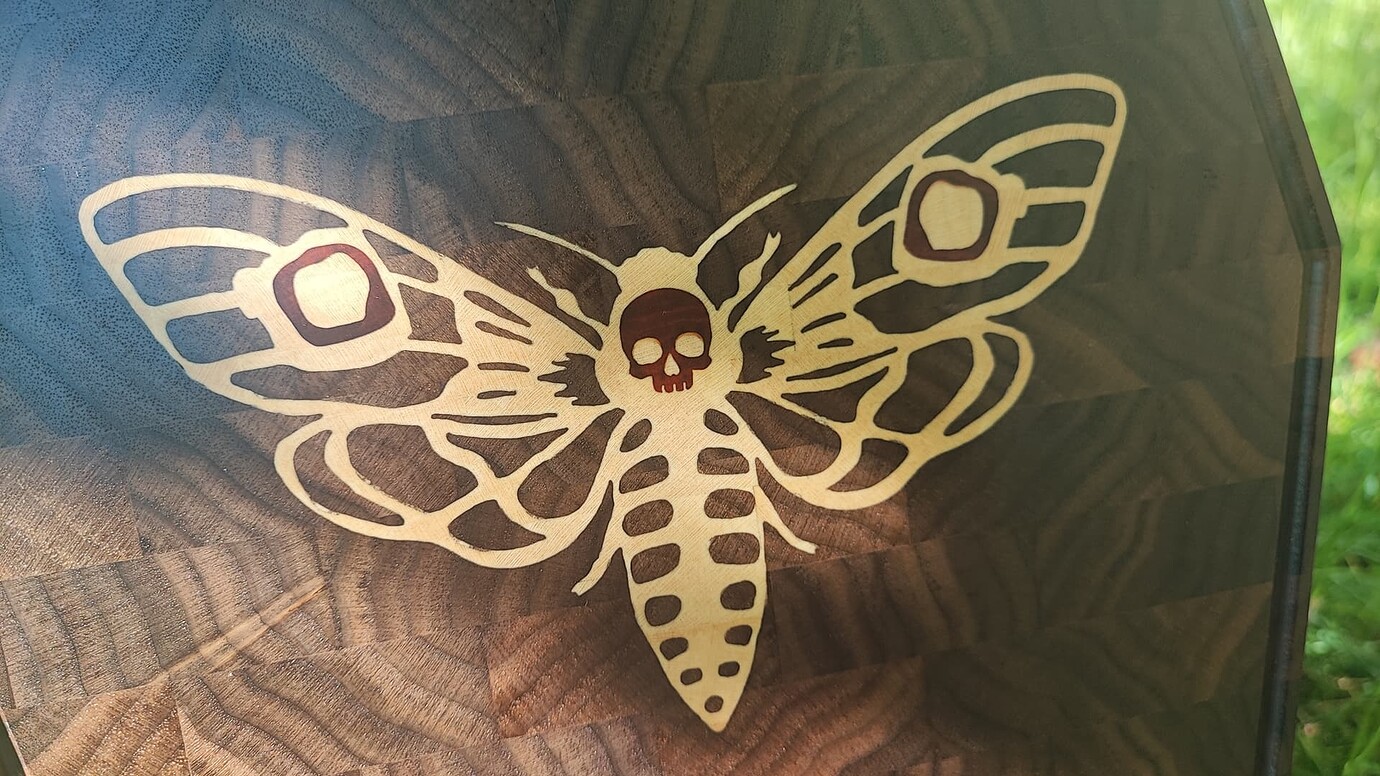
Take this for example, done with v bit carving and mirrored toolpaths in estlcam:
That would be impossible with millmage currently, if I understand you.
That aside I hope you consider the other points about visually communicating pocket features in the same way as fills in lightburn.
I really like lightburn and genuinely want and hope you can make cnc routing software that is just as good.
This is the feature that Vectric takes a loooot of money for, you need V-Carve Pro for that and is the only reason that I am contemplating buying V-Carve at all. I can do the inlays with Estlcam (see my linked moth above), but it is a pain.
I did offer to try the Millmage Alpha/Beta when you started the program and even told you that this was my “specialty”, so to speak and that this was the feature that was the most important to me, since no program can do it easily (except for V-Carve, but they couldn’t a year back). If you can implement this feature and also add the possibility to do that with a pointy ball nose, you win. 
Interestingly engough Cutting it Close published another video on V-Carve inlays today (which is way better than my explanation):

That’s what we want. 
re running g code over the wifi, that’s the only way ive been using MM
have run over 6hrs of tool paths via wifi and been sweet
even when i was having issue due to the M0 in tool change, causing program to stop
had to close MM and restart delete 1st tool path then re run it,
though piece was going in bin , it picked up where left off