I’ll provide more details once I sort that out. There are some more things to sort out. Right now, I have to completely unplug the adapter to get it to flash because it shares pins with the USB connection.
I’m just about about to begin testing after getting this operational. I’ve only briefly done some jogging but one of the things I thought I’d be able to do but failed was setting the axes to zero on the Control-Actions screen. None of the position along the bottom info section zero’d themselves out when I pressed the command.
Based on another thread I saw, I don’t think you had the appropriate config loaded. Does it work from the WebUI?
Tonight I was intrigued to implement uploading a file from the display SD to the controller when using a wired connection. I’m not sure I’ve seen a wired pendant do that. Wirelessly, it’s just an HTTP request but that doesn’t work wired. It required using XModem for the upload like FluidTerm does. I told Claude to use XModem and referenced FluidTerm. It did a little research, looked at the FluidTerm code (which is Python), and had the upload working in one shot, with other minor things to tweak. Fun.
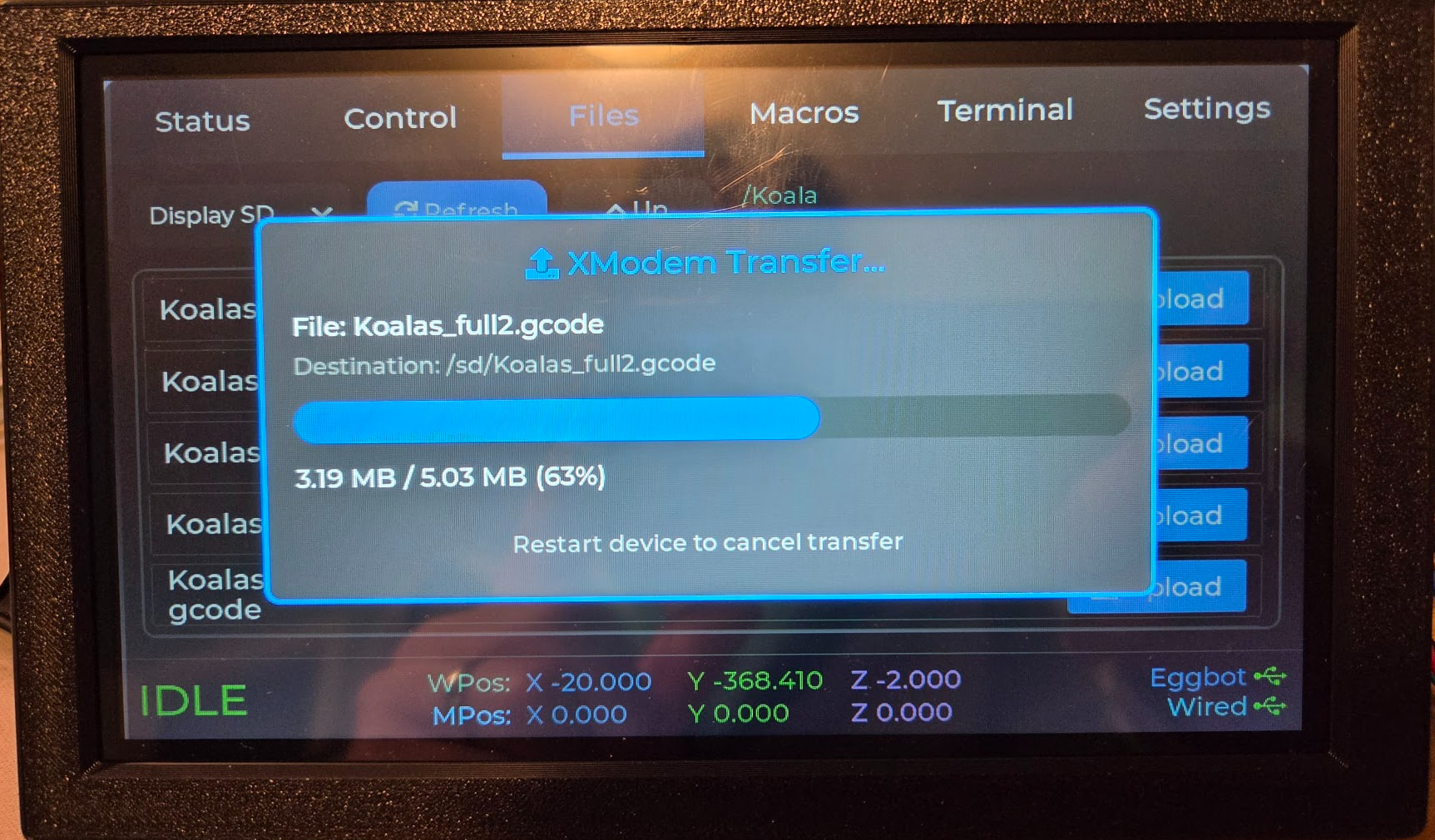
[vader voice] IMPRESSIVE. MOST IMPRESSIVE. [/vader voice]
Well, that was not fun. All of a sudden, my builds were failing and I couldn’t figure out why. I use a library called LovyanGFX which released a new version which broke LVGL. Now I have specific versions pinned so that won’t happen again.
Sometimes it feels like coding is mostly dependency management and naming.
Glad you figured it out. Those things can be brutal to trace.
We ported some code from Linux to windows and traced a bug down to a dependency that was apparently compiled with a different version of stl, which had a different size for std::vector. We spent about two weeks, asking any engineer we found for help before we figured it out.
Jason, not related to your last post. Is there any chance to get a handheld usb/bt keyboard connected?
Not really. Can’t use wifi and bluetooth at the same time and not the right USB. Could maybe work with an I2C keyboard but that’s pretty out there.
FluidTouch Release v1.0.5
- Probe / Limit Switch Indicators: Real-time pin status — probe indicator on Control → Probe and the Status tab; per-axis limit-switch indicators on Control → Actions and the Status tab. Triggered indicators stay visible for 500ms so brief activations are easy to see
- Terminal History: Terminal tab retains command history — recall previous commands for re-sending
- FluidNC Version on About Tab: Settings → About now displays the connected FluidNC controller’s firmware version
- M7 + M8 Coolant Display: Status tab now correctly shows both flood (M8) and mist (M7) coolant when active simultaneously
- A-Axis is Per-Machine: A-axis enable/disable is now stored per machine instead of as a global setting, allowing mixed 3-axis and 4-axis configurations
- Library Updates: LVGL 9.5.0, LovyanGFX 1.2.19, ArduinoJson 7.4.3
- ESP32 Platform Branch: Switched to
Arduino/IDF53_gcc15after the previous upstream branch was removed/renamed
I ordered an advanced a few days ago, switches, and battery are here. Just need to print the case before the screen shows up.
Thank you!!
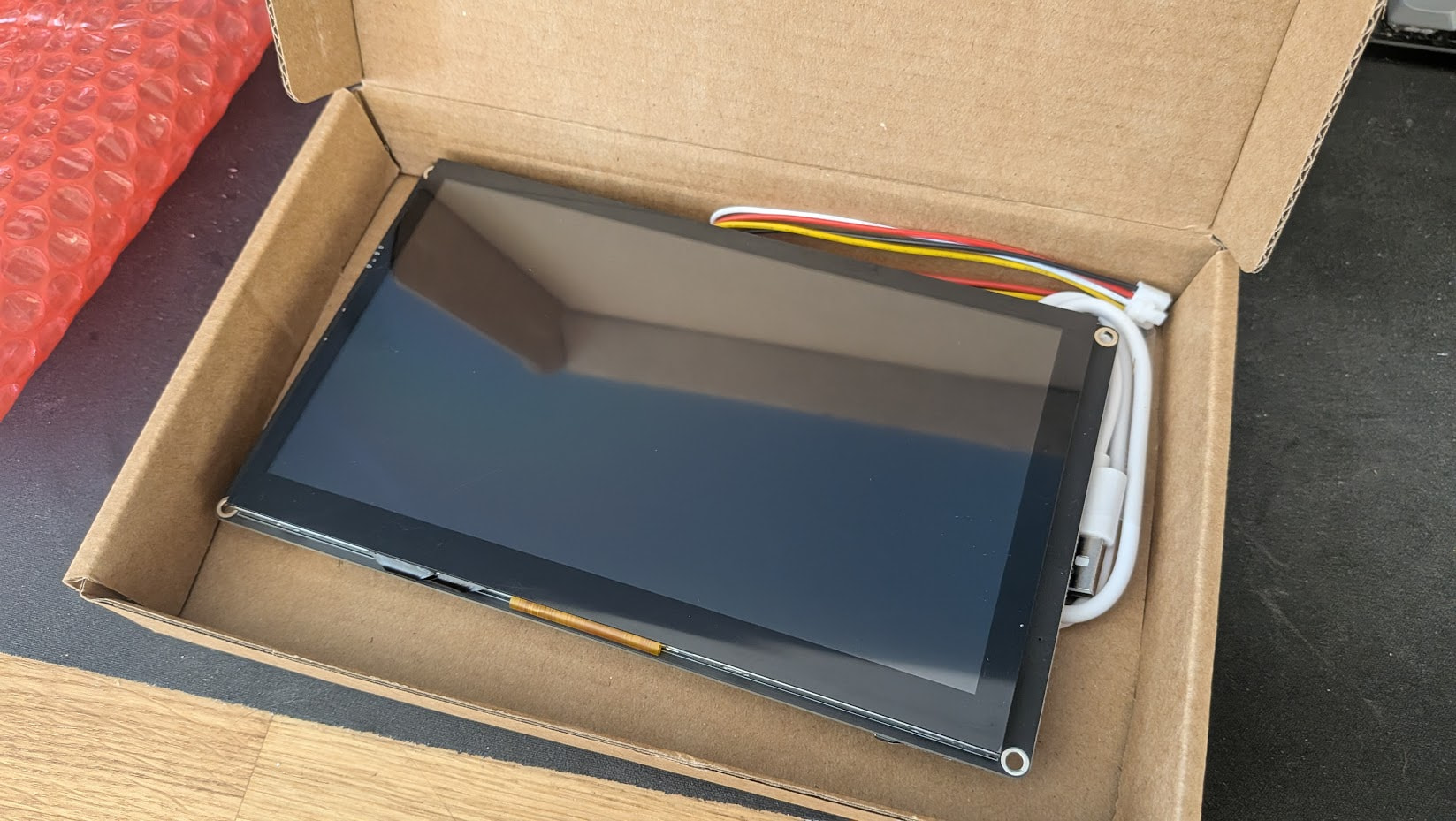

If you have anything you need from the v1 shop I have a spare switches I can throw in.
Me, literally 10 minutes later, having read absolutely nothing… just googled “install fluidtouch”, connected an usb cable and clicked OK…
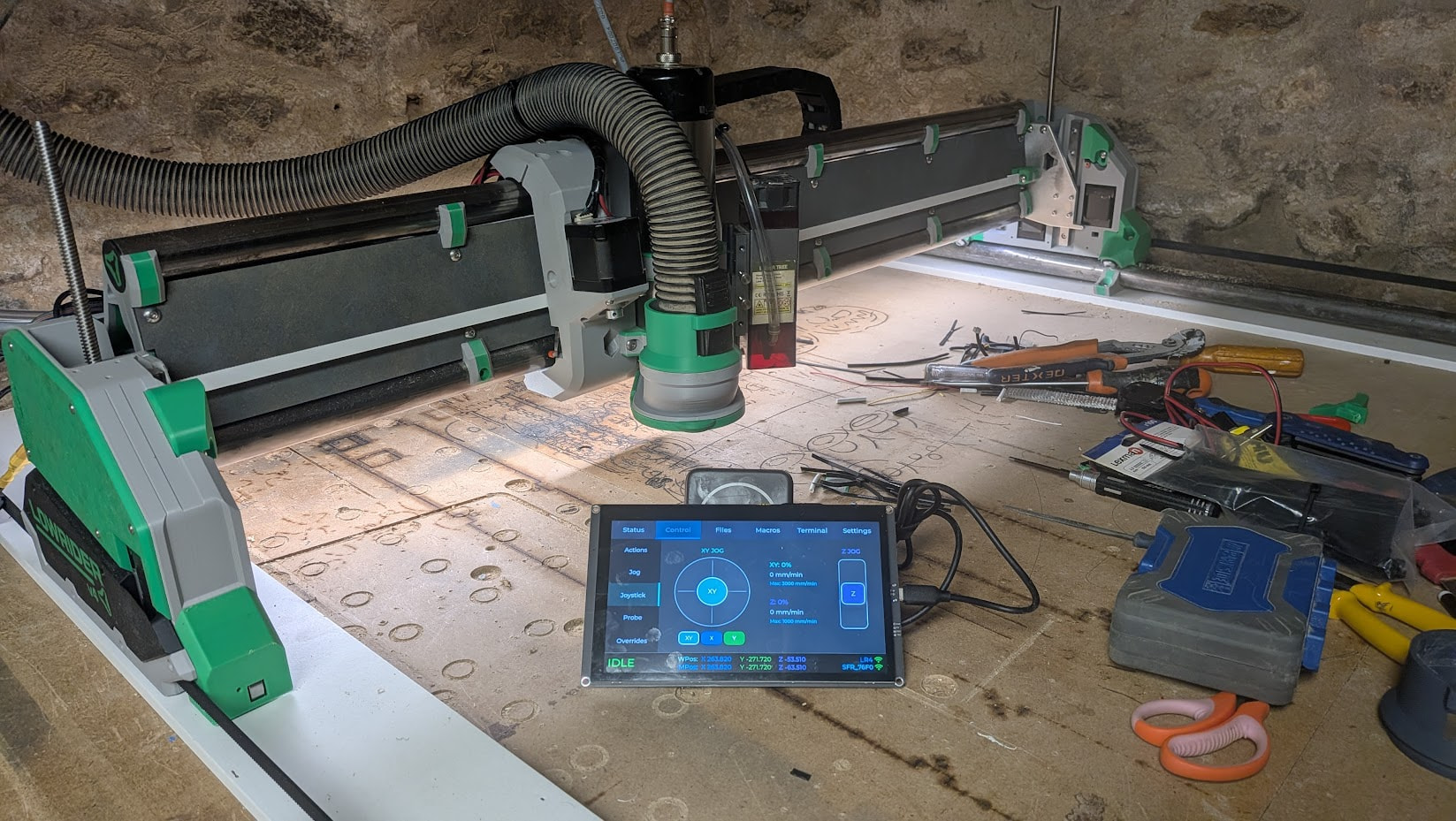
@jeyeager, sir, you had me toroughly impressed!
Ok, I started reading….. but then a friend came by with a beer bottle….
Now I’m trying to read… again… and it’s much harder 
Jokes aside… made a few search on printables and on this topic, I’m looking for a case/stand that could take either a direct USB power source, or a magsafe external battery (from which I’m powering the tablet in the picture)
Did anyone model something like that?
f not, does anyone have a link to the dimensions of the panel so that I can make and share one?
I haven’t gotten around to uploading to MakerWorld/Printables yet. I should probably do that. Or at least put them in the Github.
Printing right now 
I’ll start with that, and we’ll see where we go from here…
What I’d like to achieve is making the crowpanel “fit” in the magsafe ecosystem
Let me explain…
If I have a panel case with a magsafe-comaptible “input port”, I can power it by just sticking a magsafe external battery behind, or stick the panel on a magsafe supprort connected to an USB charger.
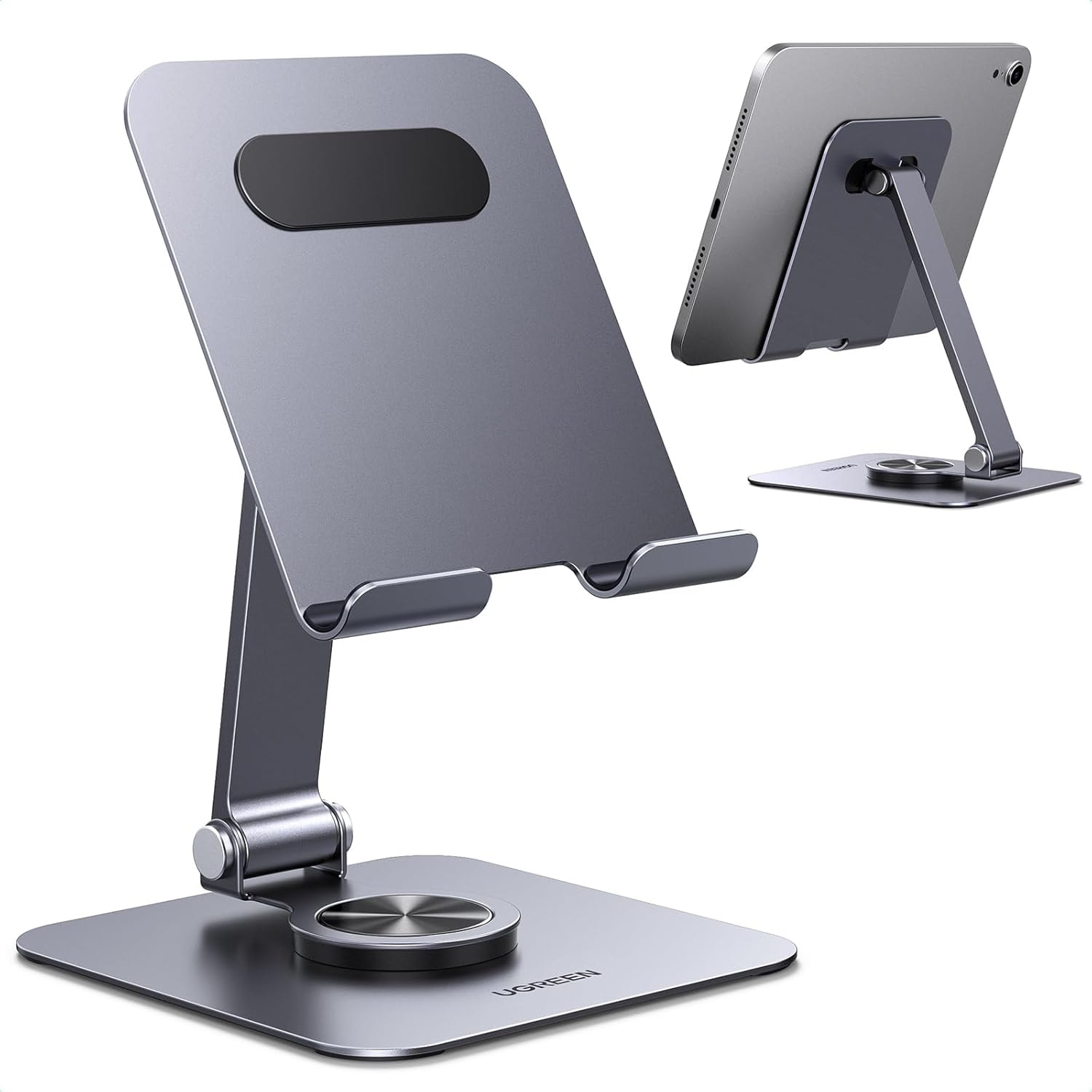
Some external batteries even double up as makeshift “stand” which is very handy…
Better yet, if the panel/case has a battery, it can be charged by the magsafe charger stand, or even the magsafe external battery.
It’s a totally transparent/flexible system, plus you can leverage existing stands and solutions rather than re-inventing/re-printing everything
In the end, the elecrow panel would act just like an iphone/ipad, seamlessly charging/powering from ubs/battery, and being fully compatible with an existing ecosystem
I’m curious how that plays out. I tried using a wireless charger and that didn’t work. If you have a battery that plugs in via USB and that battery can charge via magsafe, maybe that would work? I spent longer investigating battery solutions than I cared to.
Biggest fan without a doubt with your FluidTouch. Amazing is saying the least!
One thing I noticed is that the probe requires to be performed twice to update Z Wpos. When it does it is slightly off. Slowing to 50mm/min helps. I have added a macro to do a double tap.
Also, any chance to change the job commands to example:
M64 P0
G0 X10
M65 P0
A small bug bear is that LED status “run” only activates when running a job, not when moving like it does in Lightburn.
Thanks a million!
I’ll have to look but being slightly off is probably correct. When the probe makes contact, that is the point at which the point is set, but it still has to decelerate so it won’t be exactly 0. Slowing helps because less deceleration is required. I’ll ponder adding an option to do a second probe though since thats fairly common.
Not sure what you are asking for here.
This is just showing the status reported from FluidNC. At least if you use the FluidNC jog command $J, it will show a status of Jog. Lightburn is different because it is a gcode sender which FluidTouch is not.