Thanks! I completely forgot about this and it indeed allows me to read the SD card.
Hello, I am using the FluidTouch to control a laser and I was wondering if it is possible to have a parameter for the outline and the triggering? Thanks again for your work
I do have future plans to add a Spindle/Laser tab but I haven’t sorted out the details. I recently got a laser but I haven’t hooked it up yet. Can you elaborate on what you’re looking for? Some things are possible by adding a macro.
a contour/framing function to move the laser or the spindle around the size of the pattern
That’s not really practical. It would require downloading the gcode file and parsing the entire thing to find max and min X and Y values. That type of thing almost requires a sender.
Lightburn has a framing option to send
I put the battery positive to the center contact on the switch and the on contact to the board. I wired a charging port to the other side of the switch so I could charge the board when it is off. I had to drill a hole for the charge port. But it all fits and no extra components are needed. This way I can charge it while it is off.
Hi, thanks für the Link I printed it and it looks amazing. Would you be able to send the file without the antenna? Would be much appreciated. :9
@jeyeager Here’s the pull request for the battery meter using the board I mentioned: Add Battery Meter Support by anant-singh · Pull Request #46 · jeyeager65/FluidTouch · GitHub . There are unfortunately multiple issues with this approach as well.
-
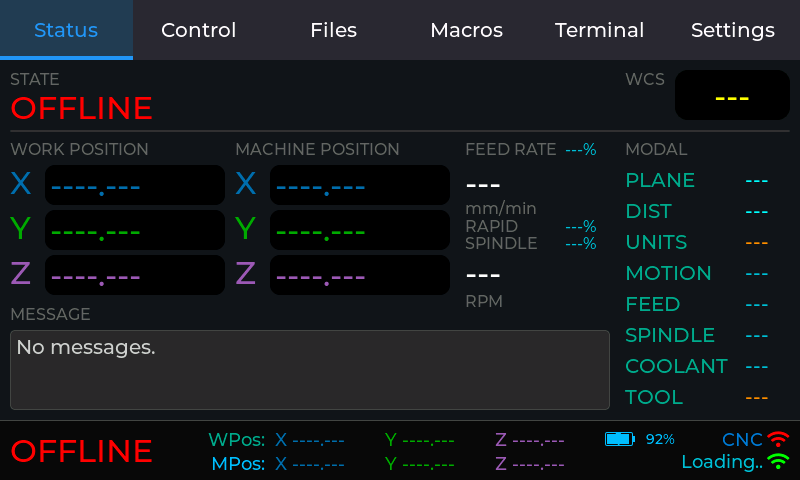
When you plug it into charging it takes a while before the meter changes to show that it is charging.
-
Even at full charge it only shows up as 92% charged for my battery. Don’t know why that is yet.
-
The board with the standing jumper cables are huge for the case I printed. So it’s currently dangling outside the enclosure. Need to either find ways to flatten it or print a different enclosure.
Are you talking about my 3d printed case?
And the buttons if you have the v1.4 display.
Ok, when I get a chance, I’ll order one of those battery meters and see how it works. For the simple voltage divider, I removed the cap and it still didn’t charge long. I need to try with 100k resistors on that. So, I probably won’t merge anything until I sort out how all of this goes together. I’m not sure where yet, but that battery indicator will need to go somewhere else since that blocks longer machine names.
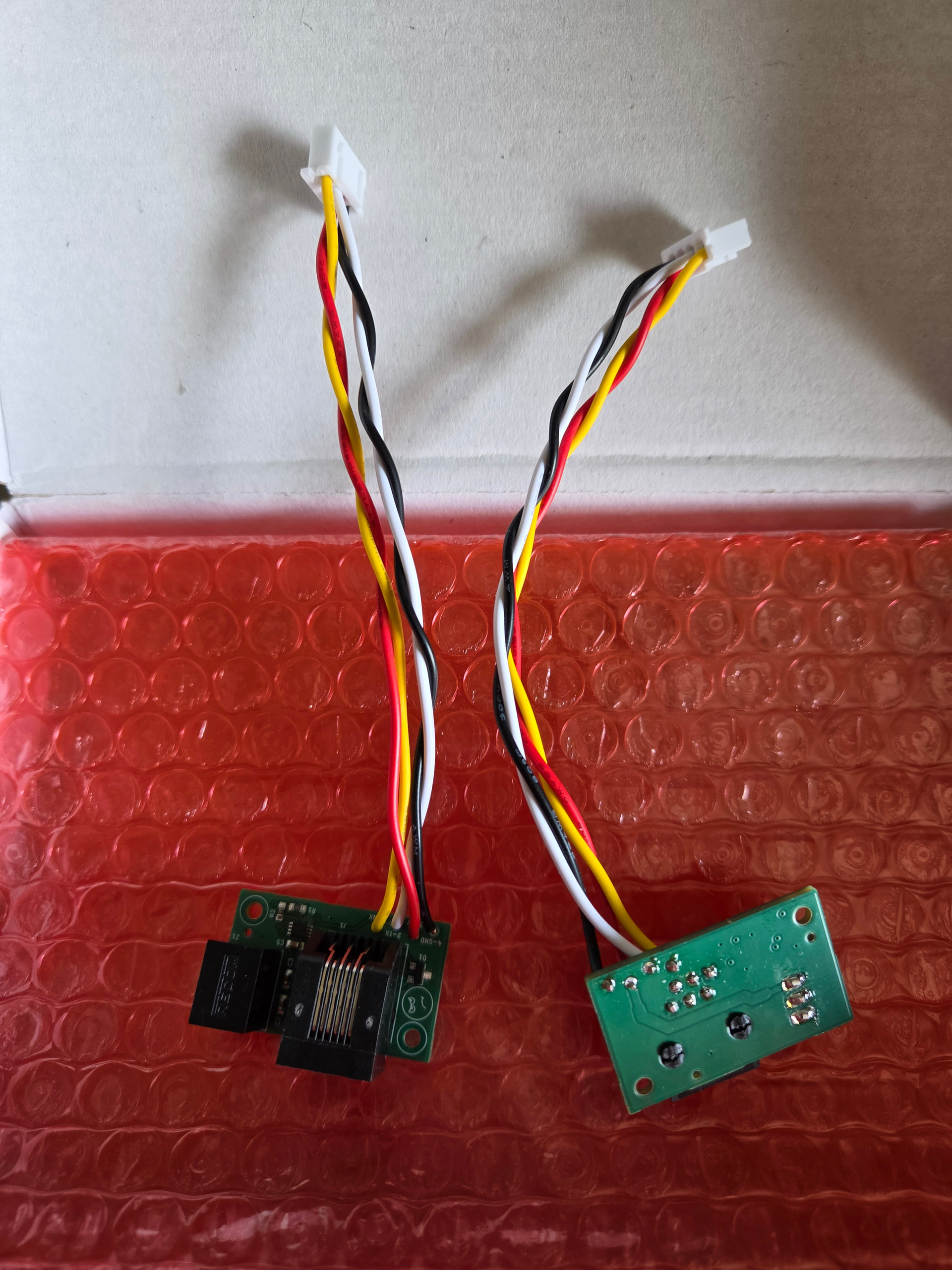
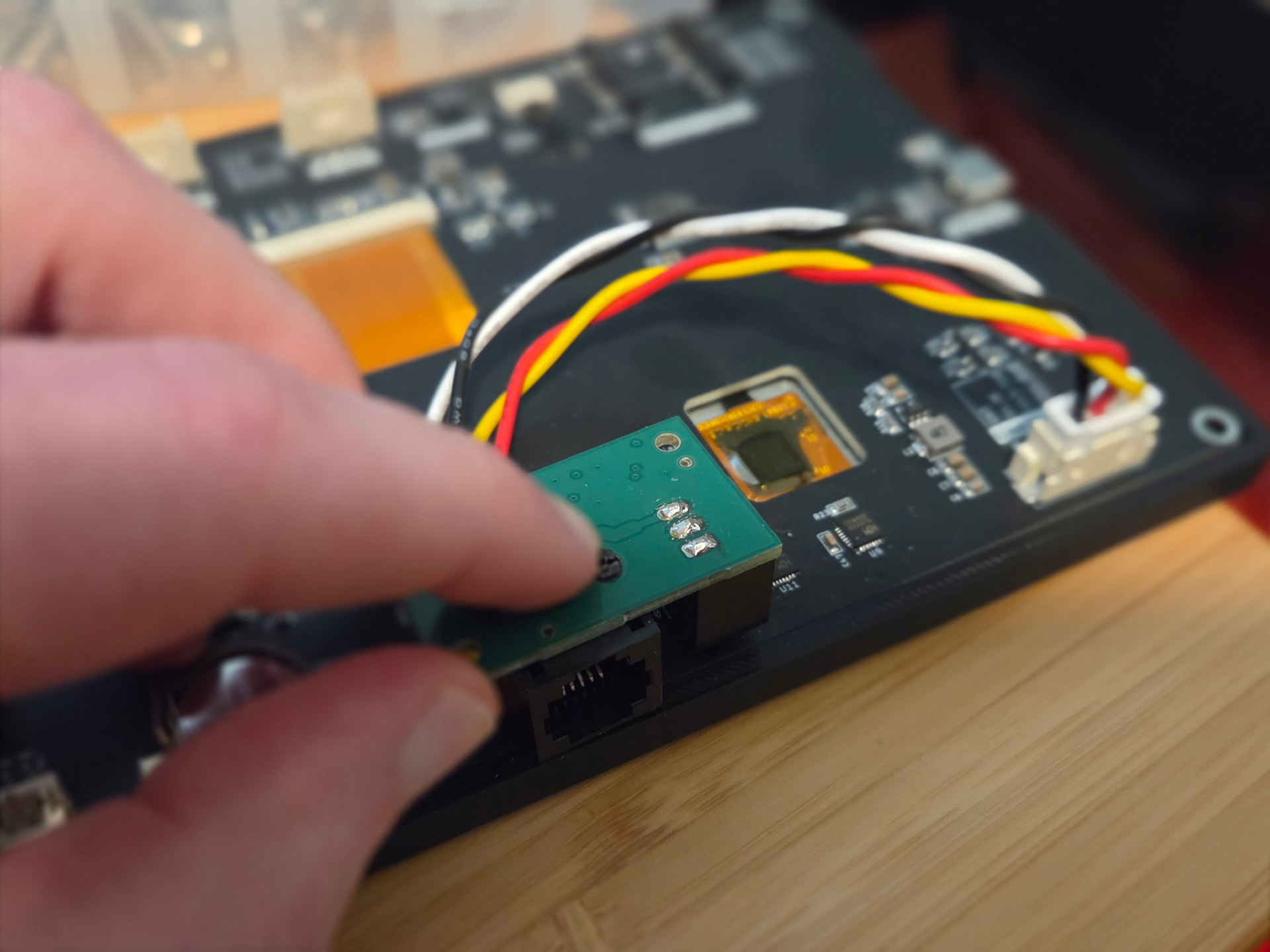
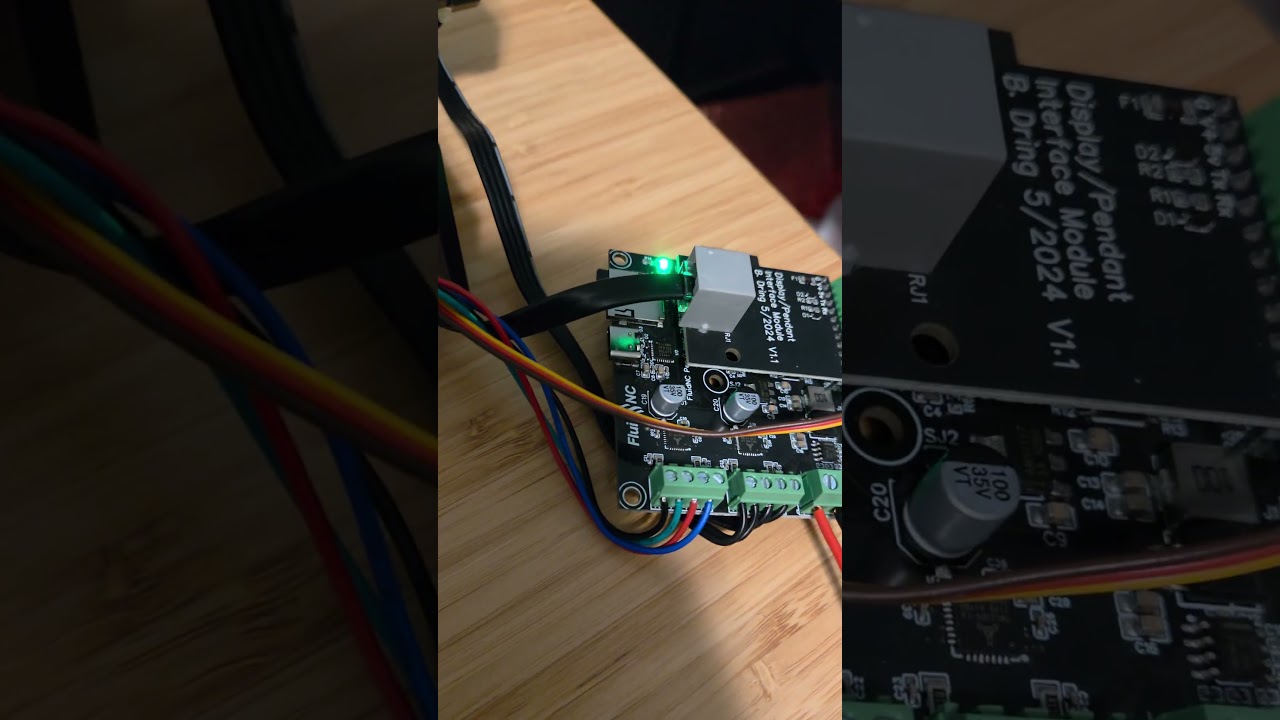
Someone is also sending me a little PCB this week for a wired connection, so I hope to mess with that a bit this week as well.
Also, thanks to anyone using my affiliate links. I’m by no means getting rich off this but I just got my first $25 from it last week. It should come a bit quicker now since there’s about $60 pending but it takes awhile until it gets approved and processed. Some (not many) of them get denied like if there was too much time between clicking the link and it being purchased.
Affiliate Link:
CrowPanel Advance 7.0-HMI ESP32 AI Display 800x480
At this point, I wouldn’t recommend getting the Basic version anymore. For the price difference, the Advance is well worth it. Plus, anything that I’m doing as far as 3d printed cases or wired connection is all directed at the advance display.
Hi Jason,
Thanks a lot for the case. You are amazing with your contribution on this.
I broke also the pin on the Boot button, hope this works now with your solution as well.
Would you be able to take a look on an other problem that I have at the moment? I would appreciate your help on this a lot.
Maybe its ok to have look at it 
Oh and I love your fluid touch solution a lot. I use it sind around two months.
Thanks again for your work.
Cheers Matt
5 Likes
For me it looses the benefits of the tablet/wireless
I still expect most people to use wireless mode. But there are certainly places where a wired connection is needed. Too bad I didn’t have this ready for RMRRF.
You are a feature wizard. Super cool to have the options. I think I am going to ditch my tablet in favor of your system once I print the case for it.
Thanks for all the hard work.
I didn’t do anything with the hardware side of the wired adapter. Someone on the FluidNC Discord offered to help and sent me a couple. It uses the 12v/24v from the pendant connection and steps it down to 5v so voltage drop isn’t an issue. I designed it with this idea in mind, but Claude still did most of the software work. It’s a fun project and I’ve learned a lot.
It looks great!! How can we supply that hardware?