Today I saw … when I use web gui for controll cnc. Fluid touch shows wrong number positions … after restart it, it shows correct …
Would you mind opening up a topic for it, introducing how you connected it and what parts you need for it? Valves, compressor etc? I am in the planning stage of getting the same ATC, but have got no idea what I need… 
but it is ratrig cnc … it is not problem?
No, I am interested in how to set up the spindle, what kind of stuff you need.  And we are not an exclusive club, everyone can present their CNCs and I am pretty sure that more people would find that interesting.
it is here for you
A few questions that all affect how that is handled.
What version of FluidNC are you running?
Which version of the Web UI were you using?
What port is FluidTouch using for the connection?
Smoothieware web ui and Fluid tuoch is 1.0.3 and port is default
Fluid nc is 4.0.1
sdk: v4.4.7-dirty
Not related to the pendant, but your use of it prompted me to order one of the screens for a completely unrelated project. I’m looking forward to playing with it when it comes in later today.
I don’t know what Smoothieware web ui is. Around here it’s either the FluidNC fork of ESP3D WebUI v2 or v3. The default port in FluidTouch is 81 but for FluidNC v4.0, it would need to be 80 or it wouldn’t work at all.
I just started testing FluidNC v4.0.2. I haven’t run into any issues yet. Yesterday, I had WebUI on my phone and computer plus FluidTouch all showing real time updates.
version 2
I’m having trouble getting the the FluidTouch to connect to my Jackpot V3 board.
The wifi is connecting fine (green wifi icon) but I get the “Machine Connection Failed, could not connect to machine MPCNC URL: fluidnc.local:82” screen.
I can browse to the fluidnc.local:82 URL from my PC (on same wifi network as the JackpotV3 FluidTouch), so it is up and accessible.
The Jackpot and crowpanel both responds a-ok when I ping them
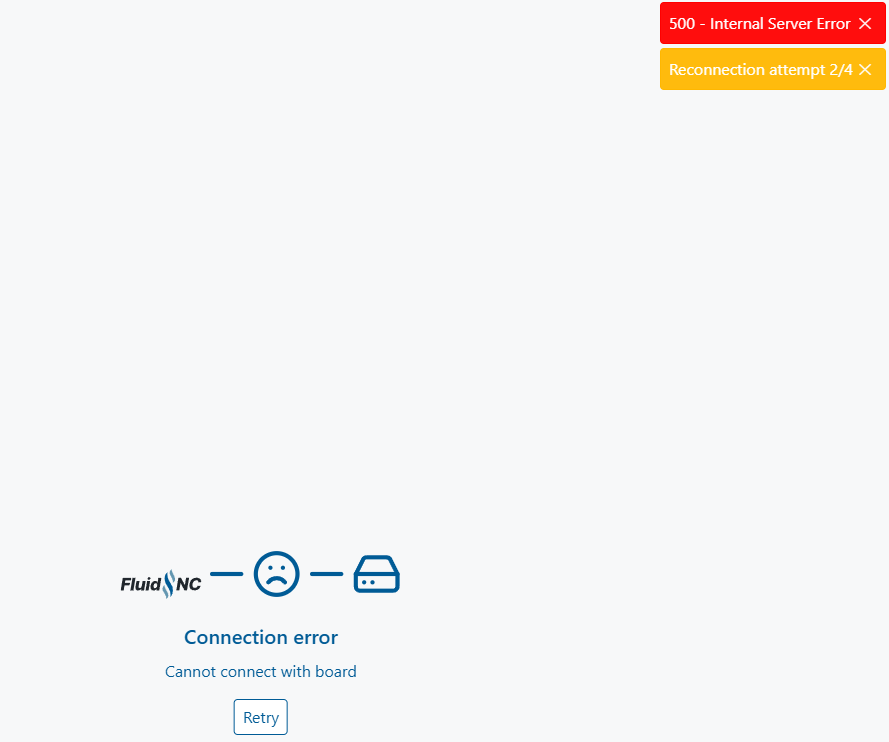
I haven’t tried WebUI v2 on FluidNC v4.0.2 but it shouldn’t matter. Is this something that keeps happening?
What FluidNC version are you using? If a v3.9.2 version, port 82 is good. If v4.0.2 (which isn’t tested/recommended for V1 machines yet), it needs to be port 80.
I would turn off FluidTouch and restart the controller to see if you can connect. On FluidNC v3.9, when both the WebUI and FluidTouch are connecting to the websocket on port 82 (which is true for WebUI v3), they will only allow 1 to be connected at a time. If the WebUI works once FluidTouch is disconnected, they may be fighting each other. For me, there is a clean disconnect/reconnect on both FluidTouch and WebUI. But if you’re not actually getting connected on FluidTouch, that could be something else.
You can also connect to FluidTouch via the web installer while running it. Instead of selecting to install it, click for the logs and send those details for when it’s trying to connect.
Hi Jason, the stand looks great. Can I get the link for stl files?
4.0.2 → I was eventually able to change the port back to 80 and save before the connection error screen from fluidnc.local:82. This has stopped those connection errors I was seeing in the browser.
Since changing back to port 80 (and editing the machine profile on the FluidTouch back to 80 too) it now connects fine, it even connects while I have the Webui open in a browser this time which it didn’t do the first time around, weird.
I’ll downgrade to 3.9.2 now
Edit: Seems i cannot downgrade. “Error! Unable to flash device. Try a lower installation speed (baud rate).”
I didn’t mean to say 3.9.2. If downgrading, go to 3.9.9.
Here’s the FreeCAD and .3mf file. I do plan on uploading this and the case to Printables/MakerWorld and putting on the FluidTouch Github but there are a couple things pending at the moment. One is to see what I need to change once the v1.4 advance display I ordered comes. There’s also a wired option I’m working on that may result in a slightly thicker case.
FluidTouchStand.zip (1.2 MB)
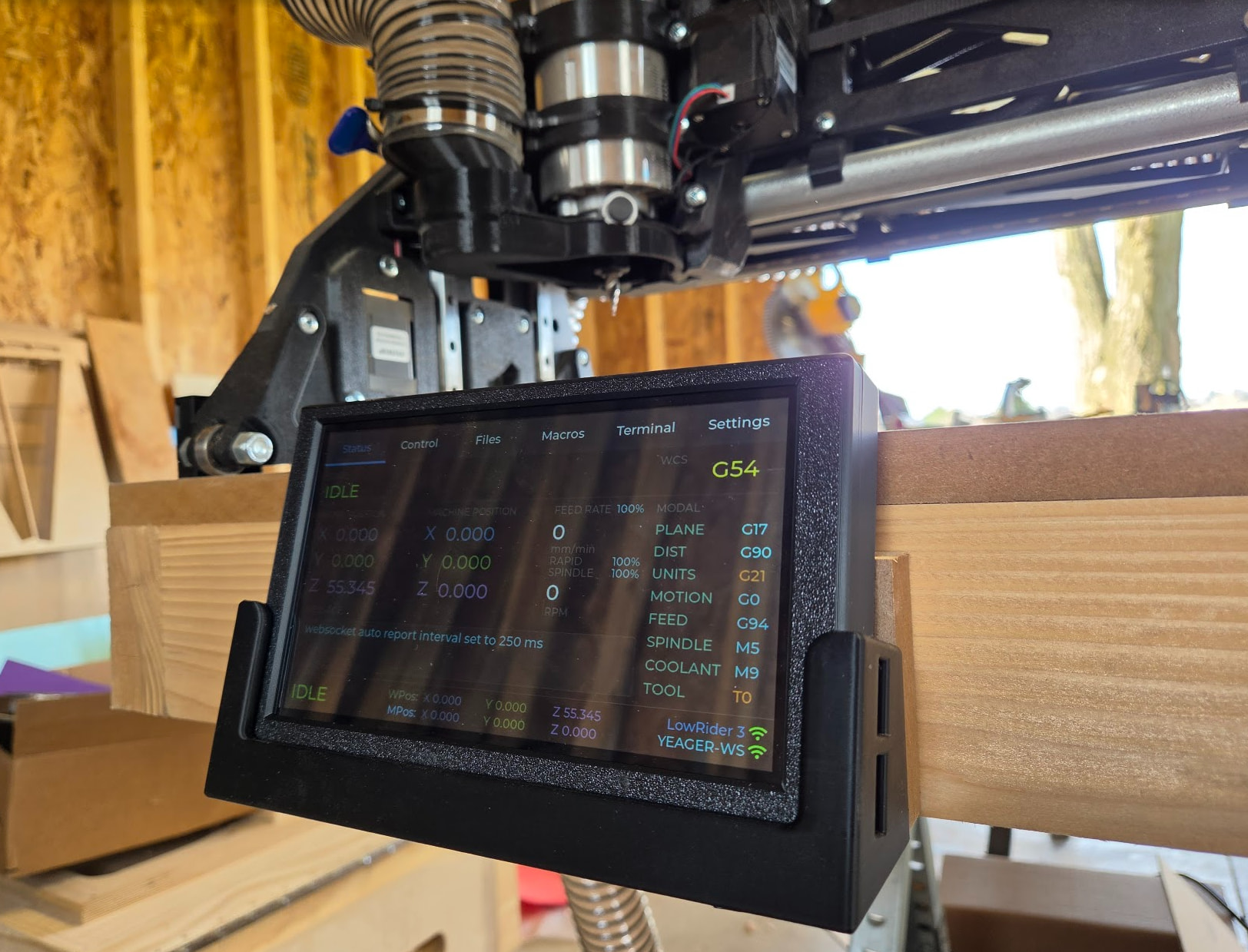
And here it is mounted to the front of my table:
I tried to replace the two push button that I broke. Unfortunately they are not working. Since I have almost no experience in soldering it might be related to my skills an knowledge. I simply removed the 2 button and then soldered the new ones on the 4 contacts. Anything I might have missed?
I failed at replacing mine too. Although it was the removal part I failed at since I ripped two of the pads off. I don’t consider myself to be great at soldering either.
The only fortunate thing is if you have a power switch, you don’t really need either button. I haven’t had to press the boot button ever when flashing. And power off and back on should work in place of reset.