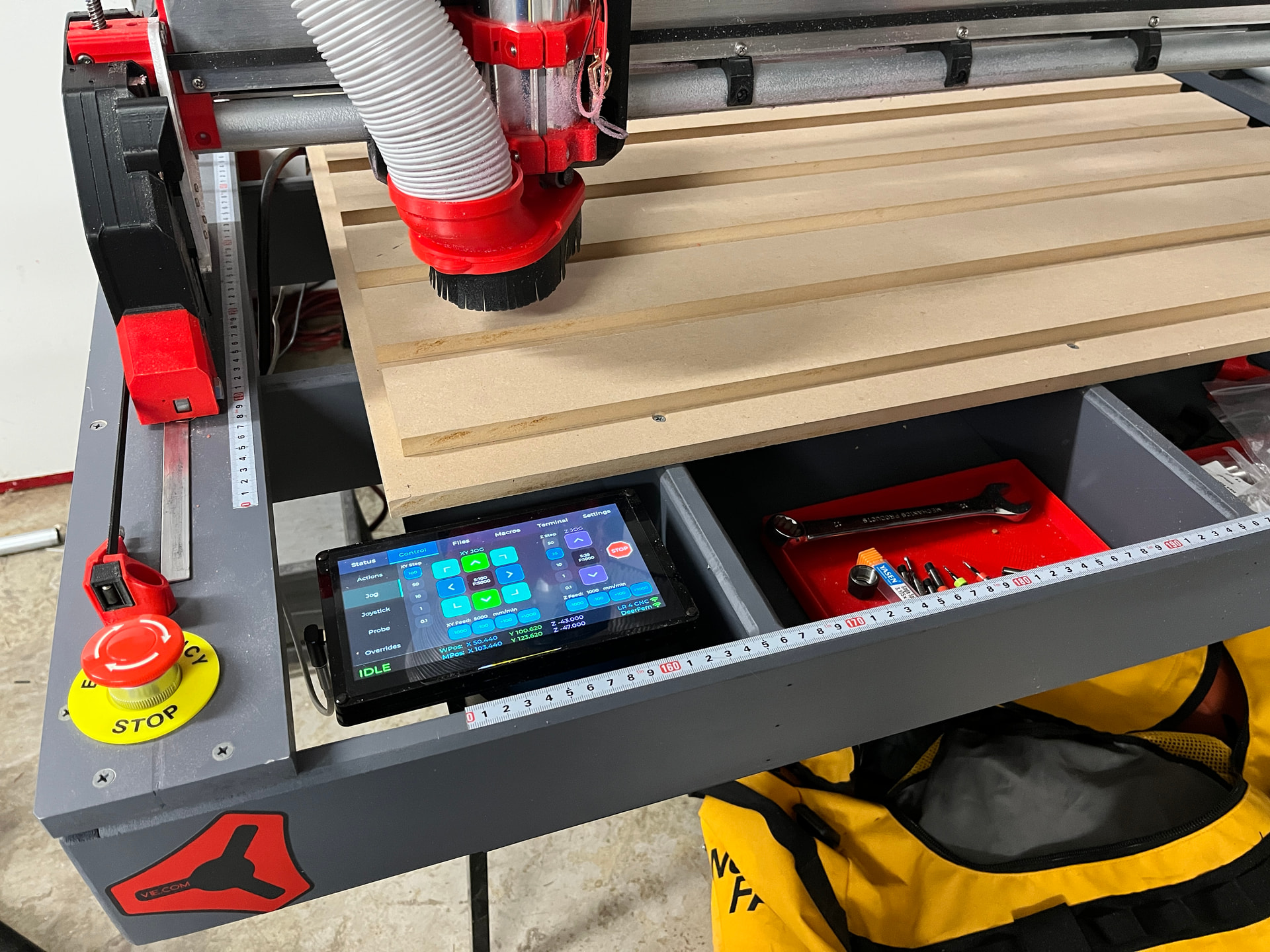
Then probably it is the same error I did. Yes I have the switch so it should be good 
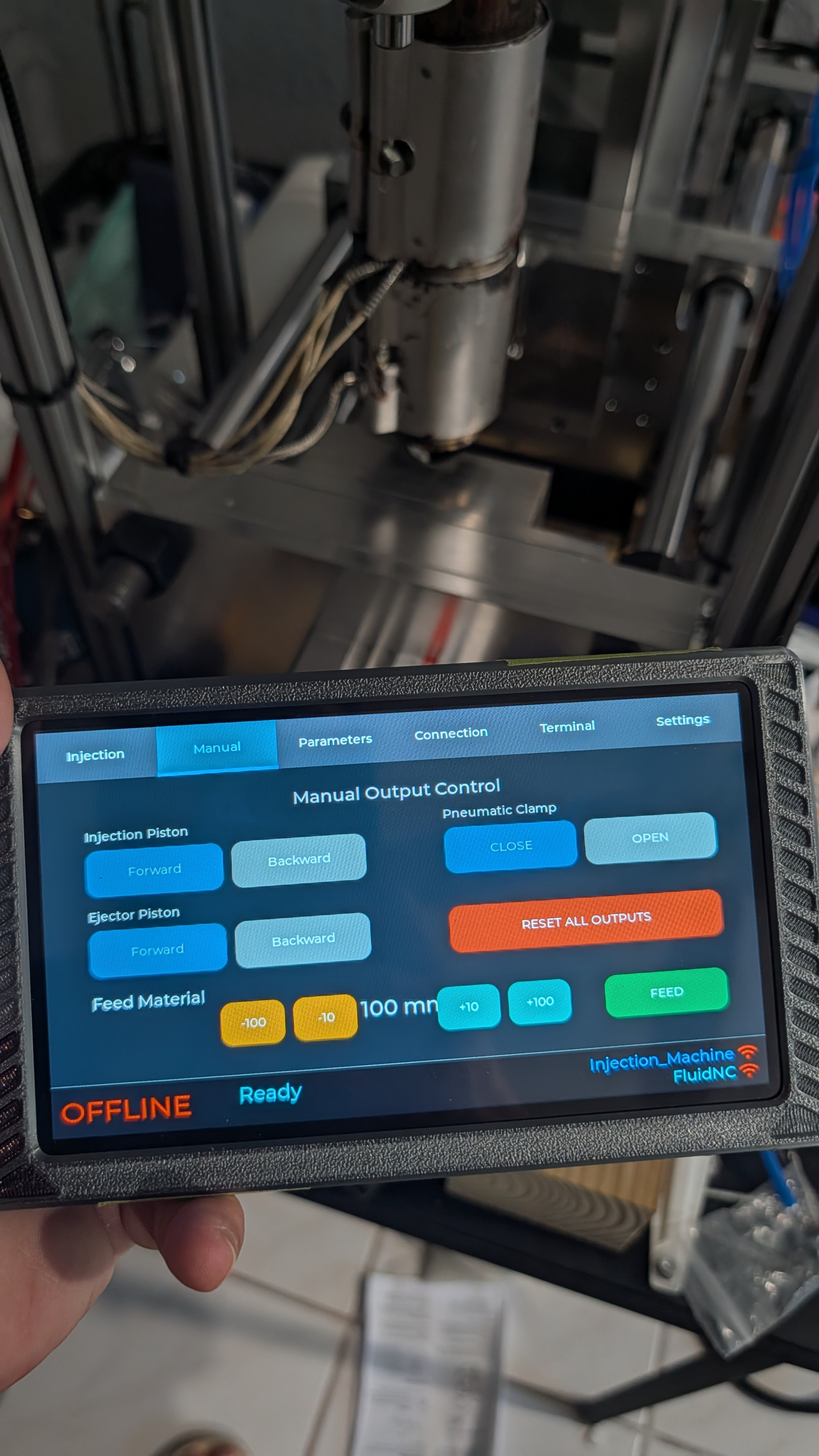
@jeyeager have you adapted the buttons for the v1.4?
Then probably it is the same error I did. Yes I have the switch so it should be good
@jeyeager have you adapted the buttons for the v1.4?
Not yet. The new display I ordered should be here this week, then I’ll update it.
@jeyeager, personally appreciate being able to occasionally catch up on your updates.
This is interesting…
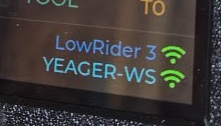
Does your pendant connect directly to the LR AP, or always goes through YEAGER-WS?
Was curious about the signal strength shown for LR and YEAGER-WS, and whether the touch display dual homed to both the LR AP and your YEAGER-WS AP, maybe using an additional ESP32 wifi module, or firmware that switches between networks, or, is the LR3 just another client device on your YEAGER-WS wifi network?
I have it configured in STA mode, so I connect through my home wifi. You can configure it to work with either in FluidTouch.
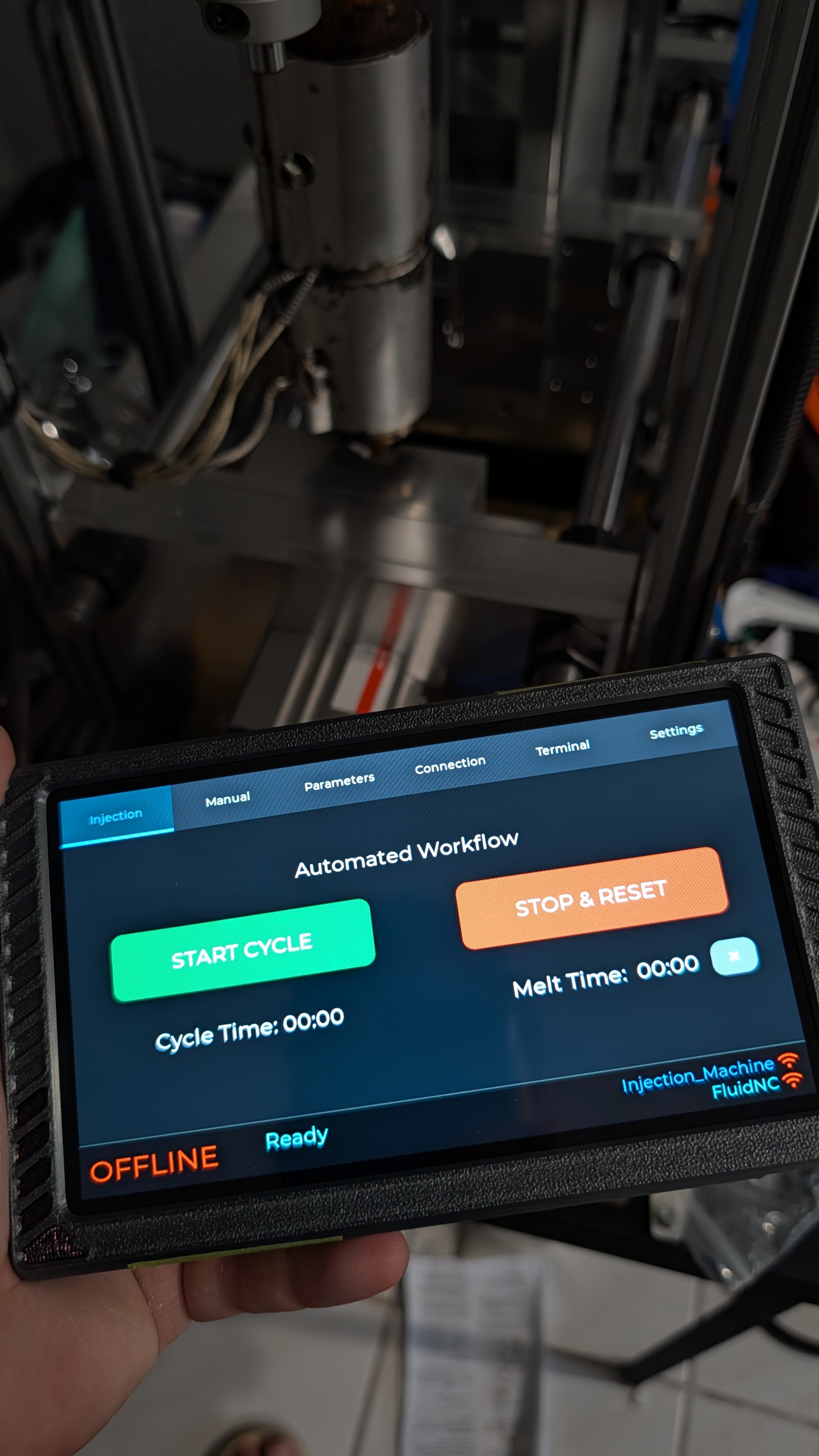
That’s not showing signal strength at all, it’s just showing the wireless connection. Perhaps I should use a different symbol for the machine. The wifi network is green if connected, or red if not connected. The machine connection is referring to the websocket connection. It’s red if not connected, green if connected with auto-reporting, or yellow/orange if connected with the polling fallback (which happens if a job is running when FluidTouch connects.
I’m not quite sure what you are asking. It only can connect to one controller at a time, but you can configure settings to connect to multiple controllers.
Nice! Hopefully that simplified making a custom UI.
Yes, someone is helping with a custom board to connect via the pendant connection on the Jackpot. This might be awhile yet.
I know that this is getting to be old news, but, I was wondering if you have any feeling for how long the 10,000 mAh battery lasts and how long it takes to fully charge.
I have my FluidTouch pendant in your case working fully with the 10K mAh battery, but I feel I’m flying blind a bit. I initially charged the battery (mounted in the case) for at least 24 hours and the LED never turned green. So, I’ve been using it with no obvious problems. But, with no sense about the lifetime, it can feel a bit uneasy.
Last night I had to pause a project overnite. The jackpot was powered the entire time, but, given my newness to the FluidNC/FluidTouch environment, I felt compelled to keep it on and attached to power as well. Probably completely unnecessary, but…
So, any insight, even a decent guess would be useful…
Yes it did. Also Jackpot3 has 24V outputs, it simplified wiring too. I dont use relays or external stepper drivers for my basic automation.
I am looking forward 
Well, since it will only charge at around a half an amp through the USB port, that does mean it would take around 24 hours to fully charge. That seems about right for the first time I charged the battery. During normal usage it draws around 0.4 to 0.5 amps, so it should last around 16 to 20 hours.
Hmm, I wonder if I could add a voltage divider so I can read the voltage of the battery. I need to see if the display has an ADC pin I can use.
If you do that, pay careful attention to the resistance values on the divider, so it doesn’t represent a significant parasitic load that could limit runtime and worse kill the battery.
FluidTouch v1.0.4 is released. If you are already using v1.0.4-dev, it’s the same thing. It’s just documented now.
Changes since v1.0.3:
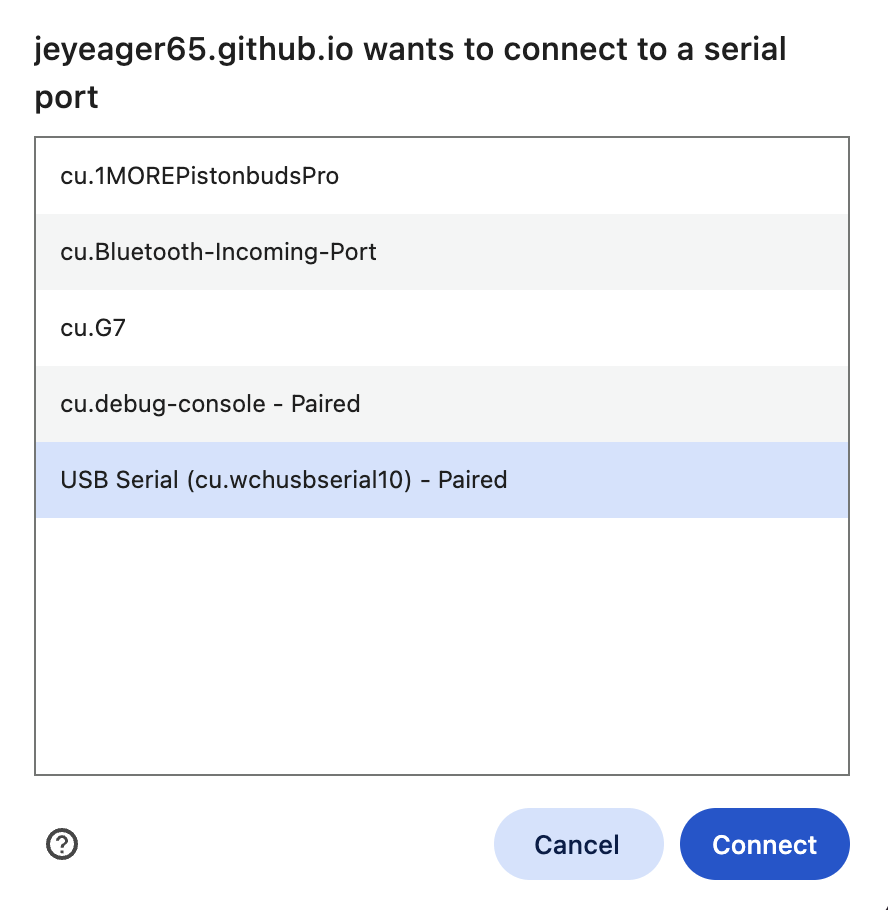
Just received my panel hardware v1.4. It boots normally into demo mode. Pressing boot button on power up, web installer pairs, but is failing to install - any ideas?
Message: Failed to initialize. Try resetting your device or holding the BOOT button while clicking INSTALL.
I’ve never had to press any buttons to install. My v1.4 display should be here in a few days.
Does it show any logging data?
Mine kept saying that until I figured out I needed to install the CH430 driver. After installing the driver it worked.
Never been able to have the webinstaller to work esptools always works. Never had to press any button
no logging data - beside bluetooth devices the only port i’m seeing is /dev/cu.debug-console (i’m on a mac) - which does pair using the web installer.
from esptool - running:
esptool --port /dev/cu.debug-console write-flash 0x10000 Downloads/fluidtouch-advance-v1.3-1.0.4.bin
results in:
A fatal error occurred: Failed to connect to Espressif device: No serial data received.
I’ve got a win10 device floating around - i’ll try from that and let you know
I’m pretty sure you need to do this then.
Looks great. It’s very cool seeing these all over the place. There are way more of these out there than I ever expected.