I’m in a spot now where I have a little bit of time to finally make some improvements to the WebUI, and feel ok about doing so now that the development on the original project has slowed down.
I detailed a few changes I made over in the other thread FluidNC 3.9.9
Restored coloring to the Terminal
Added setting for max Terminal messages to keep
Improved Terminal performance, especially when at max messages
Some rendering efficiency improvements
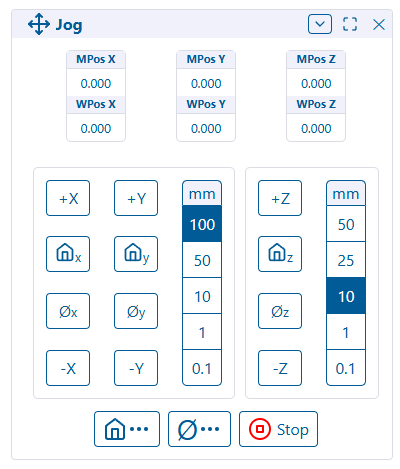
I’ve also made some changes to the Jog Panel that have been on my list for a while:
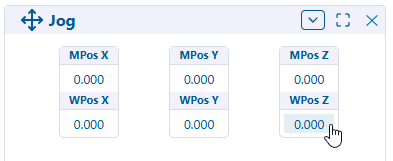
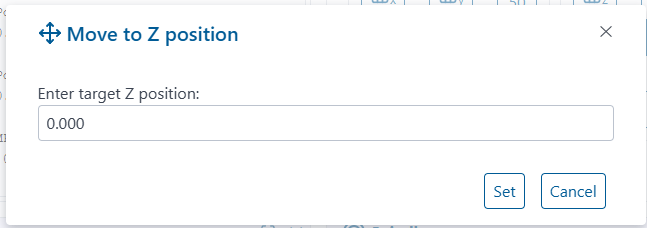
Go To Position
Position indicators now have button overlays for “Go To Position”
Oh buddy, this is needed so bad when manually jogging.
When this gets implemented I will add some stick on tape measures to my table so I can make some better educated guesses as to the location I want to be. This is slick to get you further faster.
You and Jason have really moved the needle on the webUI. I am really excited about the changes.
Color is awesome, separate Z jog is awesome. I forgot to check the " go to". I will hit that shortly.
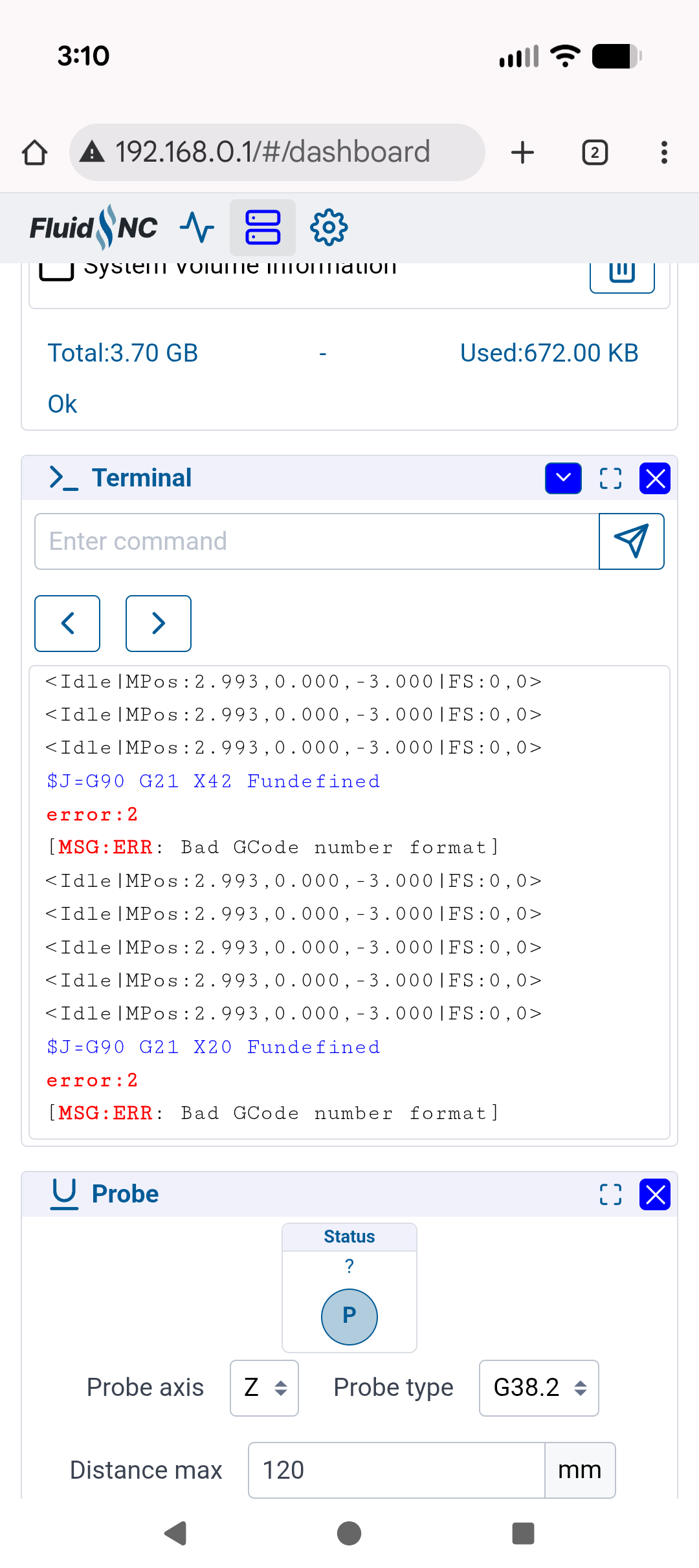
It was very nice to move XY at 500mm and the Z at 10 back and forth quickly. I was seeing if I had clearance under a shelf in the new table home, and I moved it all around. SO AWESOME.
Not sure if you want to look at other things at the moment. If not disregard this.
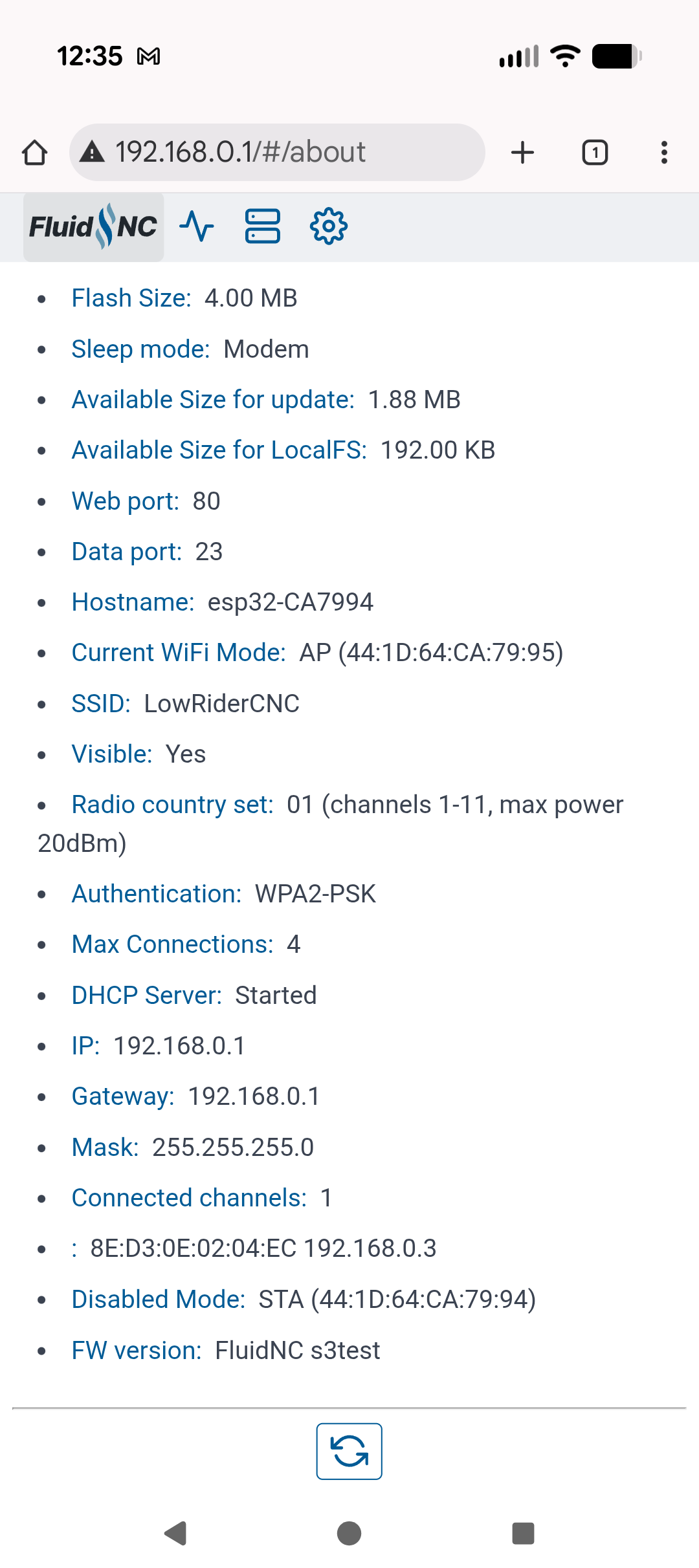
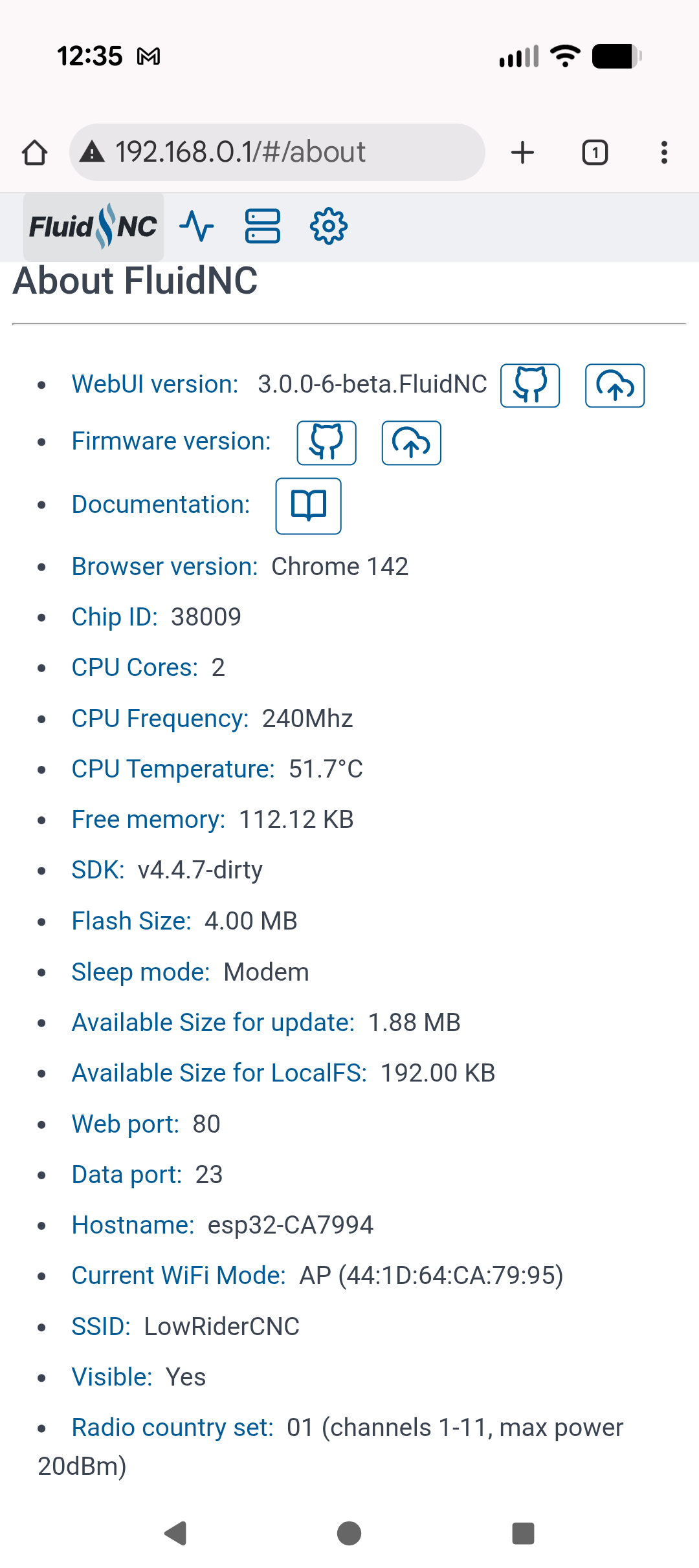
We have a firmware version with no output, maybe those are just links to use when in STA mode?
At the bottom we do get a FW version with enough info to figure out which it is, name instead of number.
I also agree, I see nothing special on the information tab that is not on the status module.
Is it possible to display the line number, or line of gcode it is paused/stopped on? Even if it is buffered. I left a clamp on one of my cuts and had to pause it to home and reset. It took me a bit to figure out where to edit my gcode to start from. Something that initiates an immediate stop/pause, then displays the line number or line of code we can search, then pauses again. That would be great to add an external “oh crap” input button to.