THAT’S where that is.
I was asking about that earlier.
I knew there had to be a zeroing button for each axis somewhere.
Why is it the diameter symbol…? ⌀ (Unicode U+2300)
I assumed that was for marking circles or something, like on an old school DRO.
Speaking of buttons, is there a good explanation anywhere of that whole GUI?
There has to be documentation of it, I just don’t know what it’s called.
For example, those buttons to the right of the jog controls?
Very much so, thanks! I keep forgetting that this is a stack of FluidNC, ESP32GUI, hardware, firmware, etc… lol
I’m always looking in the wrong place for docs.
I got the new board from Ryan, and it’s fixed!
All axes move smoothly, and in the proper direction, which is always nice.
I swapped the config.yaml back to the original, and everything seems to be ready to rock.
I was even able to run a simple cut job (just a little gear shape) and it ran through it just fine…kinda.
I’m getting fuzzy cutting, but I will search the forum for that, I’m sure it’s been covered.
So I have more questions now (of course), but they are more functional than troubleshooting.
Should I ask them here, to keep it all related to this machine, or call this one solved and move to new thread(s) for the new questions as they pop up?
My first Q is why do the Axis zero buttons on the GUI not always zero? Sometimes they do, sometimes they set the counters to some random numbers, and sometimes they do nothing until I refresh the page (F5).
Related: when I initiate a jog, the first movement does not travel the correct distance. Or at least it’s not reported correctly. It appears to be correct by looking at the gantry movement. Example:
Starting from 0,0,0
Press X+10mm button
gantry moves (looks like 10mm)
readout says X=0.04 (umm, what?)
Press X+10mm button again
gantry moves (looks like 10mm)
readout says X=10.04 (okay….)
Press X+10mm button again
gantry moves (looks like 10mm)
readout says X=20.04 (see a pattern?)
Same for Y-axis.
I haven’t noticed this problem on Z, but I haven’t tested it deeply either.
What you’re talking about with the readouts is the difference btween machine zero and workspace zero.
homing gets you back to machine zero but if the workspace zero is different it is’nt lost. This is very handy.
Using this feature I can take a bit of stock, set it on my bed, move the tip of the tool to the bottom left of the stock and set that as workspace 0,0. So say I put it 300mm from the machine XY origin at the front left corner of my spoil board.
when I home the lowrider again it will be 0,0 for the machine but -300, -300 for the workspace so I can always go back to the same spot if I need to.
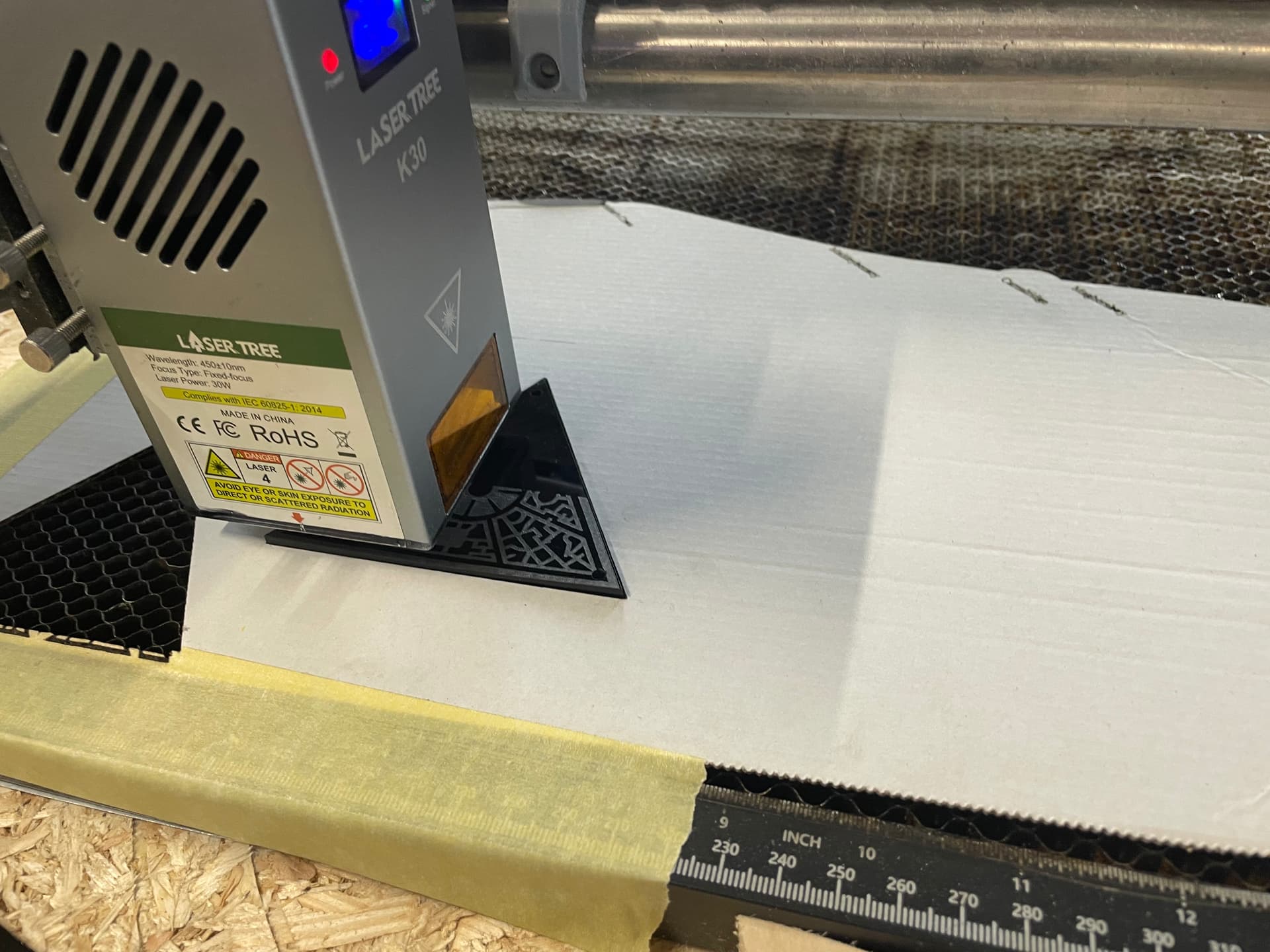
Handy if you’re doing things like laser cutting where the tool head couldn’t get to the absolute machine 0,0 because it hangs off the right of the router.
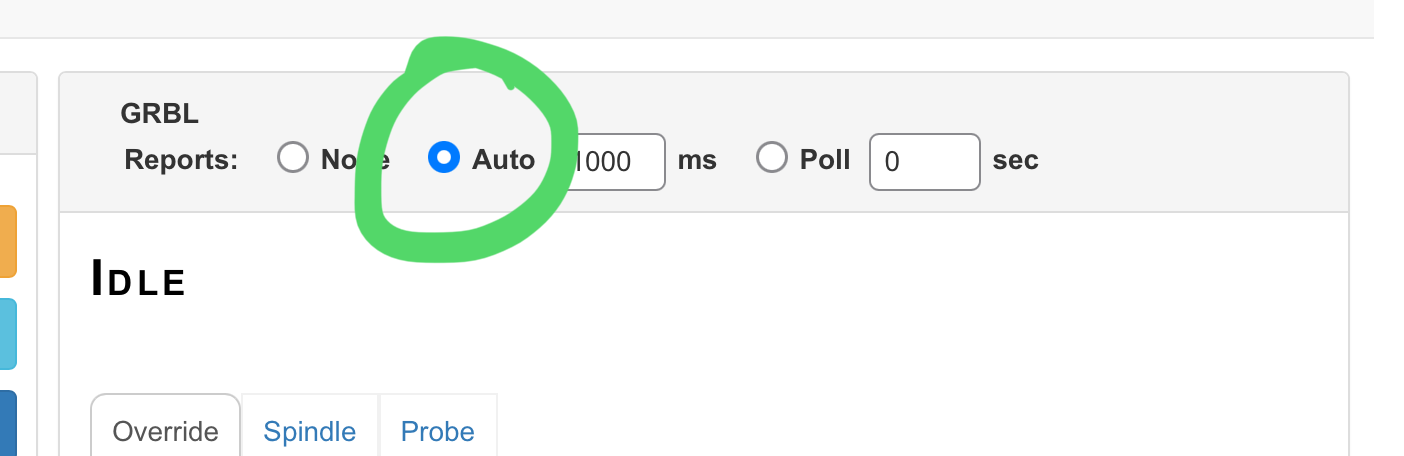
I think my GUI is already set to auto refresh, but I’ll check again. What I’m talking about is that when I hit the zero axes button, nothing happens sometimes. Sometimes it does. It’s not a matter of time, waiting for a refresh.
Also, I understand the difference between workspace and machine zero, but this doesn’t seem to be what’s happening. For example, I’ve yet to be able to figure out how to set machine zero, which means I have to be really careful not to hit any of the home buttons, or I get a nasty crash.
I’ve read through the docs for fluidnc, and it really doesn’t explain the GUI very well at all.
It doesn’t say anything about what those buttons to the right of the jog controls are for, other than the top left, which is for creating macros.
It doesn’t explain how to set home, or what the various values mean. It’s just generally lacking, as far as documentation goes.
All this might be common knowledge to you guys who have been in this for a while, but it’s really frustrating to someone who is trying to learn from scratch. I’m used to being able to dig into a manual and learn for myself, but I feel sort of lost here…
If there’s a good beginner’s resource for learning the controls and basics of using this machine, please direct me there. That way I can do some research and not be bugging you guys with tons of questions that have been covered many times before.
I’ve seen some oddities when zeroing the machine similar to what you describe but it’s been awhile. I think sometimes I just zero twice and it picks it up. But, in general, you should home the machine prior to zeroing. Although, I have a LowRider. I’m not sure how that process might vary with an MPCNC.
I do not. I just got the machine functional last night. I didn’t realize that the endstops were required, since they are listed in the build docs as optional.
Can I not just move the gantry to the desired 0,0 position and press some button to tell the machine that this is “HOME”? That’s how it’s worked on every other cartesian machine I’ve worked on.
My laser does that. I can set home anywhere I want, although it does have hardware endstops to prevent crashes in the even that I ask it to travel beyond the limitations of the machine.
EDIT: Looking at the files and instructions for the endstops now. How do I know which size I need? What exactly do I measure to see if I have the C/J/F size plate?
EDIT2: I just realized that no part of my machine looks like this.
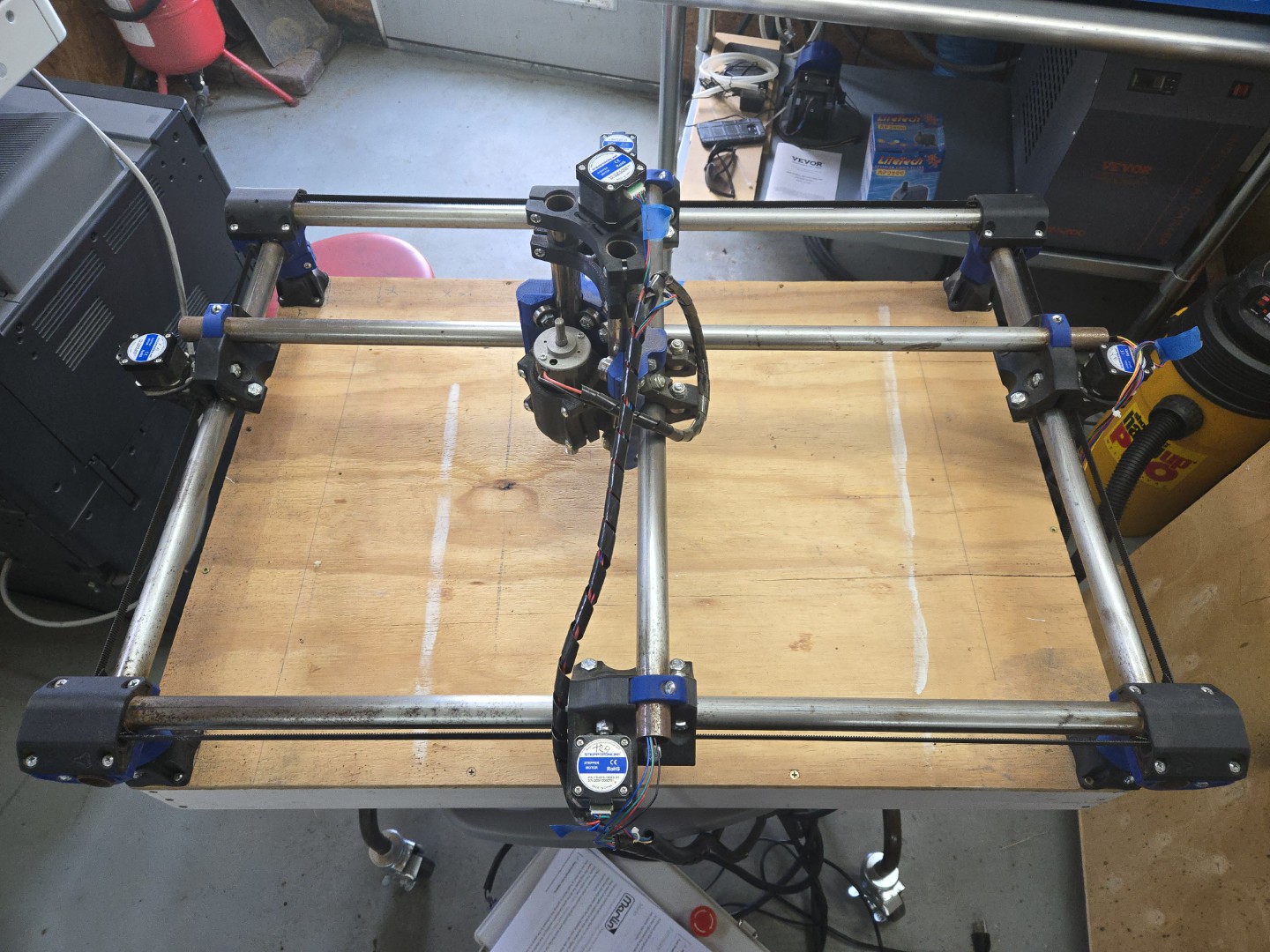
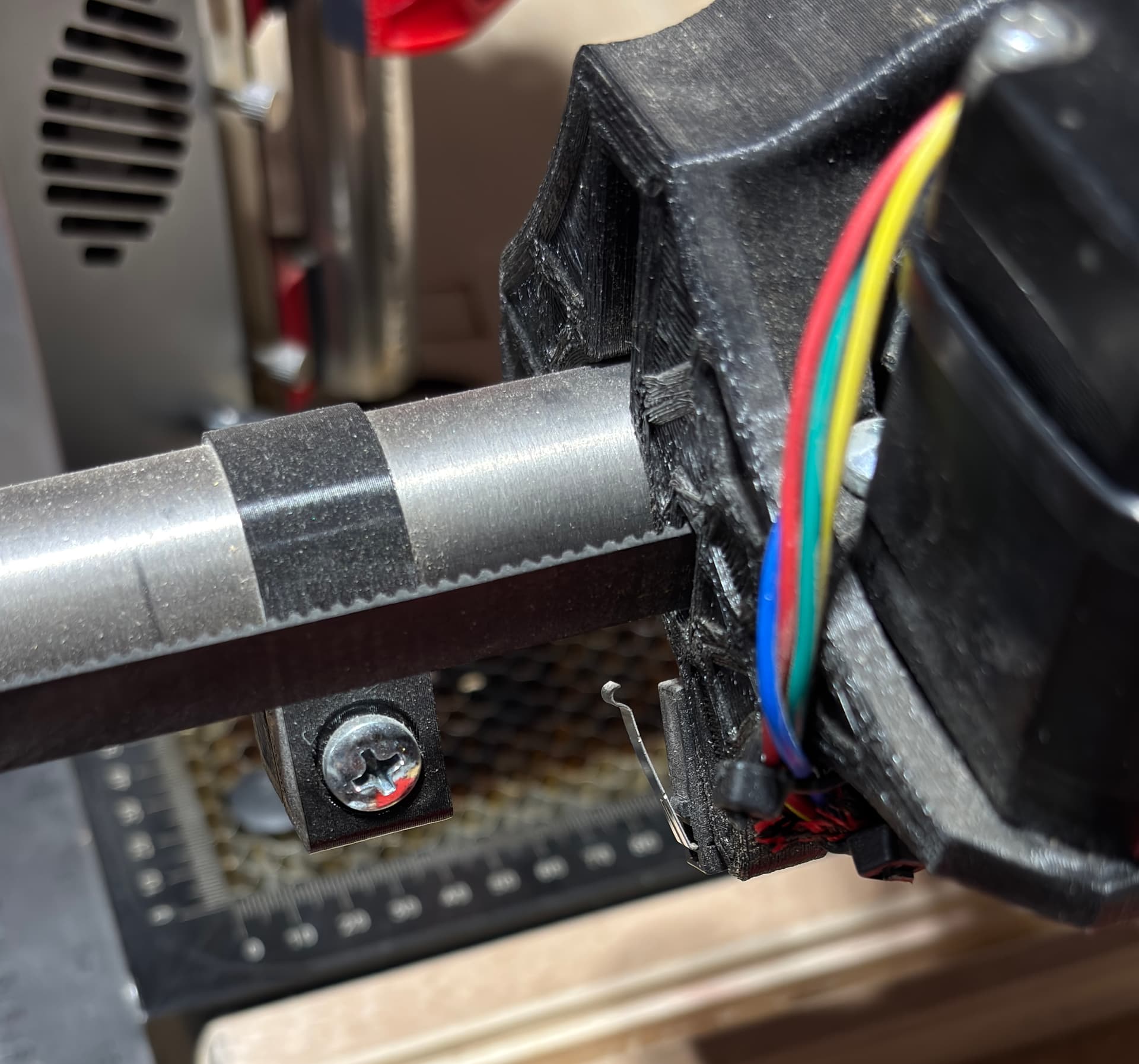
My trucks are different. Mine machine look like this, for those who don’t want to scroll waaaay back …
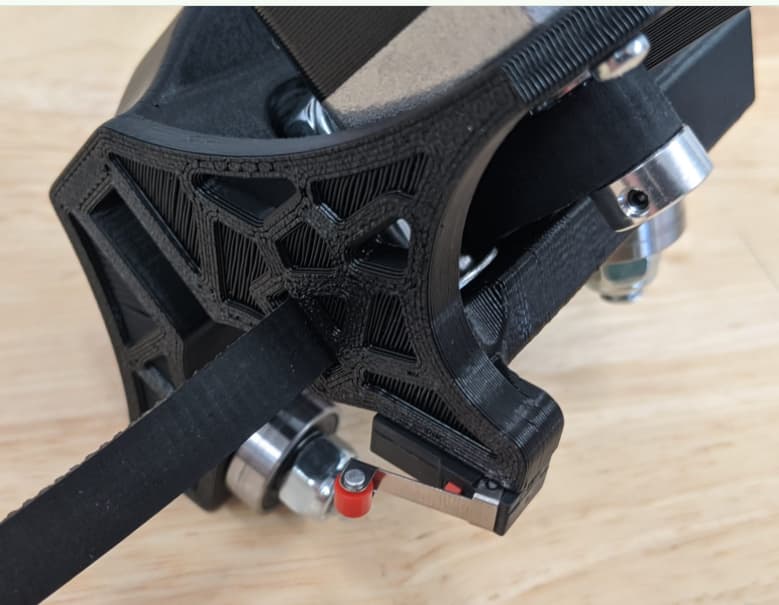
Connect the wires to the appropriate location on the Jackpot and power up. You can manually trigger each endstop to make sure they are connected correctly. The light will go off when you press the lever.
Oh hey, look at that! I never thought to look under ‘Trucks’. I was in the ‘endstops’ section.
So this setup looks totally different than the files on Printables. Where do I get the files for the one like you show?
Also, I ordered the switches and stepper extender wires from Ryan, but didn’t realize I would also need the endstop plug kit, so I need to rig up some wiring to connect the endstops to the extender wires. I think I might have enough spare dupont cables lying around to make that work.
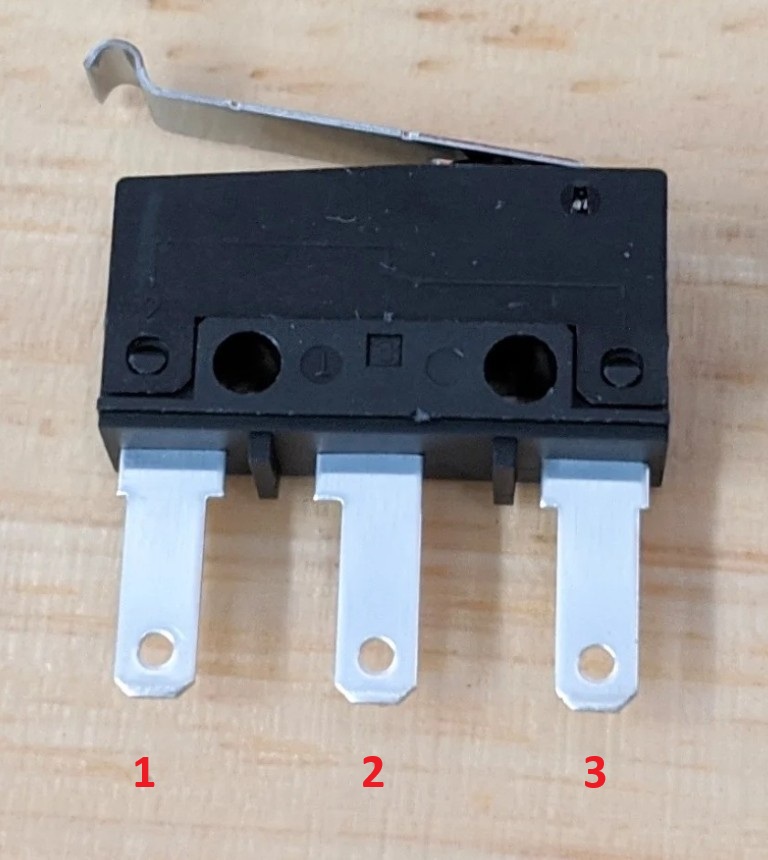
In regards to the switches themselves, which 2 legs am I using?
I apologize if that’s in the docs, I didn’t see it covered.
Here’s a switch image, with numbered legs for easy reference.
The different modes for the endstops, normally open and normally closed. You want them normally closed so that it also registers when a cable is broken or not connected.






 I live in NC…
