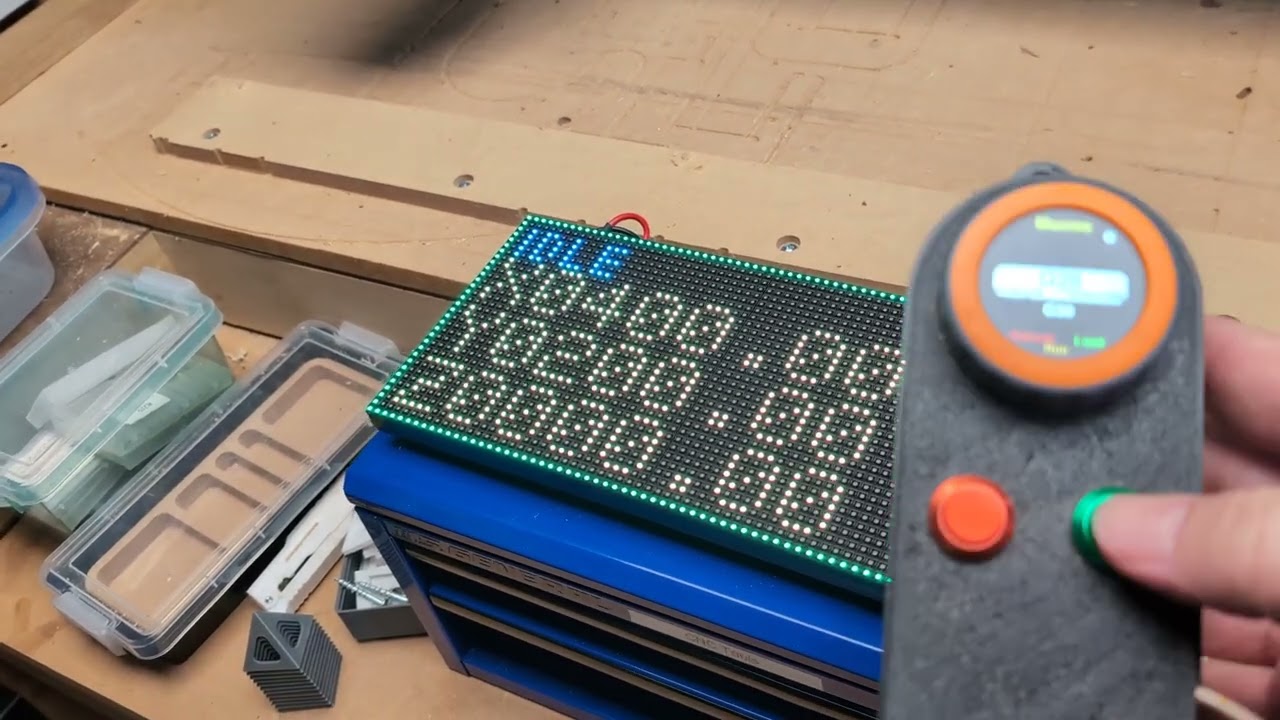
I have all 3 Jackpots.
Have you built and uploaded 4.0.3 before or just used the Web Installer? As far as I can tell we have identical hardware and software (My fork of Fluid Dial, my fork of FluidNC, Jackpot V1 and the same config.yaml)
I’ll do a sanity check and make sure the latest code on my fork rebuilds and runs on my JP1.
Yes, I have downloaded and installed Fluidnc many times. It used to be the only way to do it.
If this ESP-NOW stuff gets merged, I’ll add ESP-NOW support to FluidTouch.
Britt-I’m getting the same error now, so it’s my bad– will let you know what the hell I did. Maybe I somehow forgot to upload after I rebased on the Portability branch.
[MSG:INFO: FluidNC v4.0.3 (esp-now-connection-4488a2ac) https://github.com/Coinbird/FluidNC.git]
[MSG:INFO: Local filesystem is /littlefs]
[MSG:INFO: Configuration file:config.yaml]
[MSG:ERR: Initialization error at /axes/X/motor0/tmc_2209: Step pin I2SO.2 type must be gpio]
[MSG:ERR: Initialization error at /axes/Y/motor0/tmc_2209: Step pin I2SO.5 type must be gpio]
[MSG:ERR: Initialization error at /axes/Y/motor1/tmc_2209: Step pin I2SO.13 type must be gpio]
[MSG:ERR: Initialization error at /axes/Z/motor0/tmc_2209: Step pin I2SO.10 type must be gpio]
[MSG:ERR: Initialization error at /axes/Z/motor1/tmc_2209: Step pin I2SO.18 type must be gpio]
[MSG:ERR: Validation error at /axes/X/motor0/tmc_2209: Step pin I2SO.2 type must be gpio]
[MSG:ERR: Validation error at /axes/Y/motor0/tmc_2209: Step pin I2SO.5 type must be gpio]
[MSG:ERR: Validation error at /axes/Y/motor1/tmc_2209: Step pin I2SO.13 type must be gpio]
[MSG:ERR: Validation error at /axes/Z/motor0/tmc_2209: Step pin I2SO.10 type must be gpio]
[MSG:ERR: Validation error at /axes/Z/motor1/tmc_2209: Step pin I2SO.18 type must be gpio]
[MSG:INFO: Machine LowRider]
[MSG:INFO: Board Jackpot TMC2209]
[MSG:INFO: UART1 Tx:gpio.0 Rx:gpio.4 RTS:NO_PIN Baud:115200]
[MSG:INFO: UART2 Tx:gpio.14 Rx:gpio.13 RTS:NO_PIN Baud:1000000]
[MSG:INFO: uart_channel2 created at report interval: 75]
[MSG:INFO: I2SO BCK:gpio.22 WS:gpio.17 DATA:gpio.21Min Pulse:2us]
[MSG:INFO: SPI SCK:gpio.18 MOSI:gpio.23 MISO:gpio.19]
[MSG:INFO: SD Card cs_pin:gpio.5 detect:NO_PIN freq:20000000]
[MSG:INFO: Stepping:Timed Pulse:2us Dsbl Delay:0us Dir Delay:1us Idle Delay:255ms]
[MSG:INFO: User Digital Output: 0 on Pin:gpio.26]
[MSG:INFO: User Digital Output: 1 on Pin:gpio.27]
[MSG:INFO: Axis count 3]
[MSG:INFO: Axis X (2.980,1283.020)]
[MSG:INFO:   Motor0]
[MSG:INFO:     tmc_2209 UART1 Addr:0 CS:NO_PIN Step:I2SO.2 Dir:I2SO.1 Disable:I2SO.0 R:0.110]
[MSG:INFO:  X Neg Limit gpio.25]
[MSG:INFO: Axis Y (2.980,2443.020)]
[MSG:INFO:   Motor0]
[MSG:INFO:     tmc_2209 UART1 Addr:1 CS:NO_PIN Step:I2SO.5 Dir:I2SO.4 Disable:I2SO.7 R:0.110]
[MSG:INFO:  Y Neg Limit gpio.33]
[MSG:INFO:   Motor1]
[MSG:INFO:     tmc_2209 UART1 Addr:3 CS:I2SO.14 Step:I2SO.13 Dir:I2SO.12 Disable:I2SO.15 R:0.110]
[MSG:INFO:  Y2 Neg Limit gpio.35]
[MSG:INFO: Axis Z (-147.005,3.005)]
[MSG:INFO:   Motor0]
[MSG:INFO:     tmc_2209 UART1 Addr:2 CS:NO_PIN Step:I2SO.10 Dir:I2SO.9 Disable:I2SO.8 R:0.110]
[MSG:INFO:  Z Pos Limit gpio.32]
[MSG:INFO:   Motor1]
[MSG:INFO:     tmc_2209 UART1 Addr:3 CS:I2SO.19 Step:I2SO.18 Dir:I2SO.17 Disable:I2SO.16 R:0.110]
[MSG:INFO:  Z2 Pos Limit gpio.34]
[MSG:INFO: X Axis driver test passed]
[MSG:INFO: Y Axis driver test passed]
[MSG:INFO: Y2 Axis driver test passed]
[MSG:INFO: Z Axis driver test passed]
[MSG:INFO: Z2 Axis driver test passed]
[MSG:INFO: Kinematic system: Cartesian]
[MSG:INFO: Hostname is fluidnc]
[MSG:INFO: Connecting to STA SSID:Long and Wrinkly]
[MSG:INFO: Disconnected (transient during DHCP/association), retrying]
[MSG:INFO: Disconnected (transient during DHCP/association), retrying]
[MSG:INFO: Connected - IP is 192.168.86.39]
[MSG:INFO: WiFi on]
[MSG:INFO: Start mDNS with hostname:http://fluidnc.local/]
[MSG:INFO: HTTP started on port 80]
[MSG:INFO: Telnet started on port 23]
[MSG:INFO: HTTP command registered]
[MSG:INFO: espnow: server ready (broadcast status active; waiting for remotes)]
OK! Thanks for making me realize it @Britt ! The fix is bless(thankfully) easy:
One line change: I2S_STATIC to I2S:
stepping:
  engine: I2S_STATIC
Change it to
stepping:
  engine: I2S
I have erased and reinstalled Bart’s Fluidnc 4.0.3 with your config @coinbird
It loads successfully with no ‘Initialization error at /axes/Y/motor1/tmc_2209: Step pin I2SO.13 type must be gpio’ errors.
I can move X and Y too.
I’m installing your Fluidnc espnow.
Woohoo! It worked. The M5Dial is working. No I2S errors. I can move the X and Y motors.
The CYD doesn’t connect though.
Great news on the M5Dial !
The CYD stuff, I was hoping it’d just work (cyd_*_espnow profiles added) but no way to test. If you hook up a serial monitor maybe there’s some errors, but not sure I can do much without the actual hardware to play with.
Cool. This was a change in the Portability branch that I somehow had not tested. Thanks for the heads up on this! If you’re feeling bold, testing on the JP2 and JP3 would be awesome…
I tried connecting to the CYD with FluidTerm. It connects but I don’t see any output. Do you the command equivalent to $SS in Fluidnc?
I think it just has a serial output for debugging, serial monitor (via Platform.IO on the machine you’re building from) at 115200 should pick up something?
I see this in src/Config.h, might be worth uncommenting:
// #define ECHO_FNC_TO_DEBUG
Here’s what I’ve gotten so far:
--- Settings: /dev/cu.wchusbserial110  115200,8,N,1
--- RTS: active    DTR: active    BREAK: inactive
--- CTS: inactive  DSR: inactive  RI: inactive  CD: inactive
--- software flow control: inactive
--- hardware flow control: inactive
--- serial input encoding: UTF-8
--- serial output encoding: UTF-8
--- EOL: CRLF
--- filters: debug
 [RX:'e'] e [RX:'ts Jul 29 2019 12:21:46\r\n\r\nrst:'] ts Jul 29 2019 12:21:46

rst: [RX:'0'] 0 [RX:'xc (SW_CPU_RESET),boot:0x13 (SP'] xc (SW_CPU_RESET),boot:0x13 (SP [RX:'I'] I [RX:'_FAST_FLASH_BOOT)\r\nconfigsip: 0'] _FAST_FLASH_BOOT)
configsip: 0 [RX:','] , [RX:' SPIWP:0xee\r\nclk_drv:0x00,q_drv']  SPIWP:0xee
clk_drv:0x00,q_drv [RX:':'] : [RX:'0x00,d_drv:0x00,cs0_drv:0x00,hd'] 0x00,d_drv:0x00,cs0_drv:0x00,hd [RX:'_'] _ [RX:'drv:0x00,wp_drv:0x00\r\nmode:DIO,'] drv:0x00,wp_drv:0x00
mode:DIO, [RX:' ']   [RX:'clock div:2\r\nload:0x3fff0030,le'] clock div:2
load:0x3fff0030,le [RX:'n'] n [RX:':1184\r\nload:0x40078000,len:1323'] :1184
load:0x40078000,len:1323 [RX:'2'] 2 [RX:'\r\nload:0x40080400,len:3028\r\nent']
load:0x40080400,len:3028
ent [RX:'r'] r [RX:'y 0x400805e4\r\n'] y 0x400805e4
 [RX:'S'] S [RX:'T7789 panel\r\n'] T7789 panel
--- filters: direct
ets Jul 29 2019 12:21:46

rst:0xc (SW_CPU_RESET),boot:0x13 (SPI_FAST_FLASH_BOOT)
configsip: 0, SPIWP:0xee
clk_drv:0x00,q_drv:0x00,d_drv:0x00,cs0_drv:0x00,hd_drv:0x00,wp_drv:0x00
mode:DIO, clock div:2
load:0x3fff0030,len:1184
load:0x40078000,len:13232
load:0x40080400,len:3028
entry 0x400805e4
ST7789 panel
I don’t know if any of this is useful to you?
Hmm, not at a glance. Will look closer later.
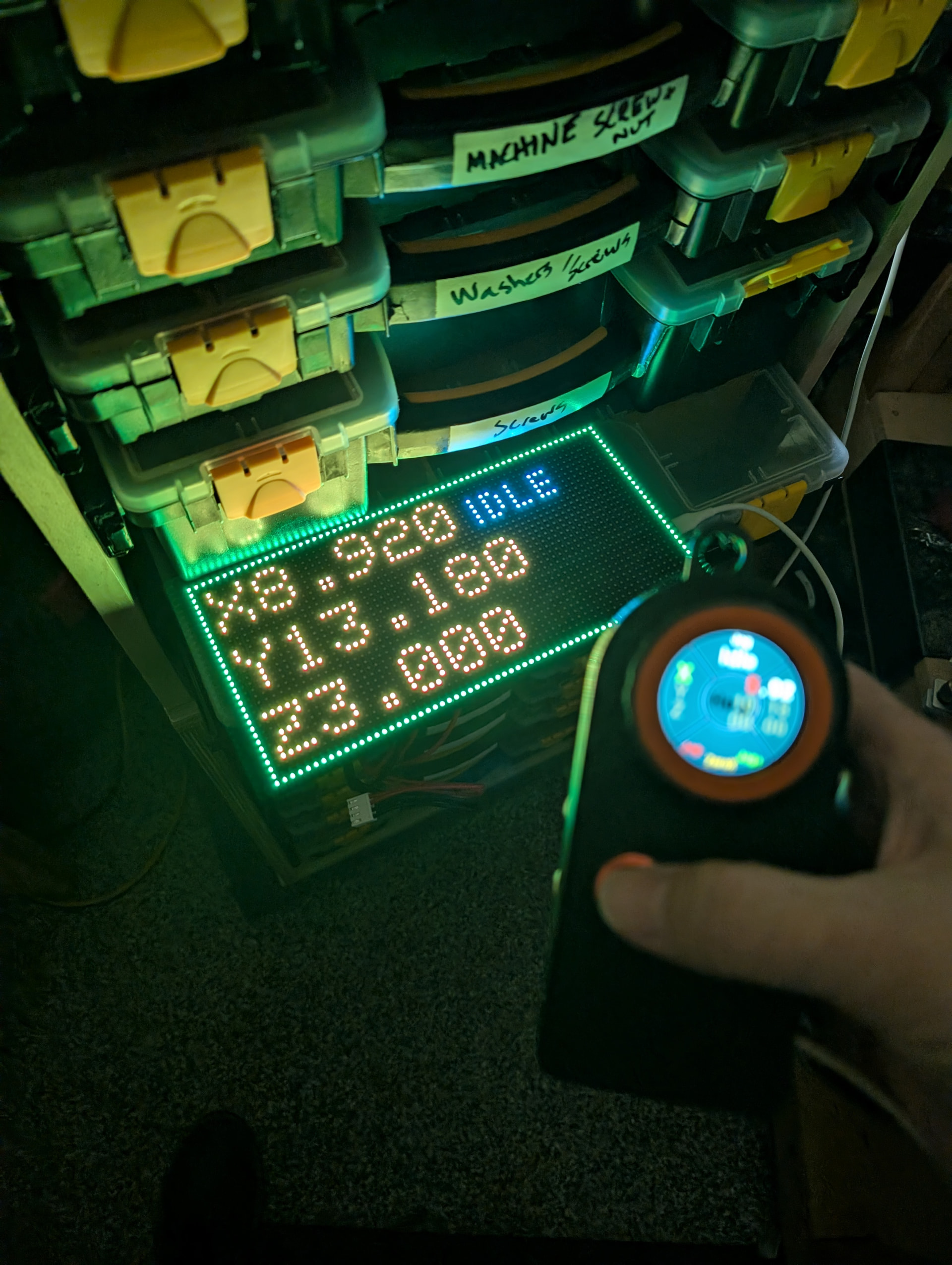
So how does this work for control if you have more than one FluidNC controller?
I know with WLED, pairing via ESP-NOW involves it listening for all ESP-NOW events, so it can display the last MAC address so you pair it to that MAC address.
Good question, I started to think about the multi-controller scenario and for now it’s (not ideally) first come first serve, so I do need to come up with a better solution. If you had two controllers you’d end up unicasting to the lucky one after it does the broadcast-to-unicast shuffle, as of now  Will add that to the backlog…
I installed your ESP-Now Fluidnc on my Jackpot 2. I was able to connect 4 devices to it at once. I had the M5Dial using esp-now, a FluidDial CYD plugged into it with RJ11 cable, the FluidTouch over wifi, and my laptop connected to Webui V3. I could control the Jackpot with all 4.
Neat! I found a bug regarding jogging, will push the change later tonight.
Jogging bug where the safety timeout was stopping jogs for webUI is fixed. Pretty slick passive broadcast, could fill the room with screens!