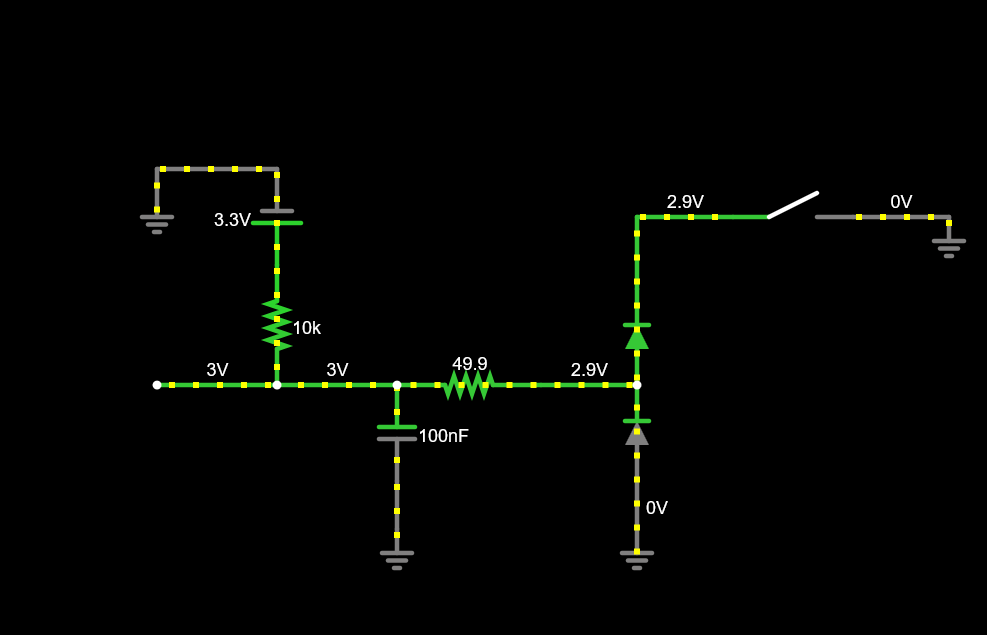
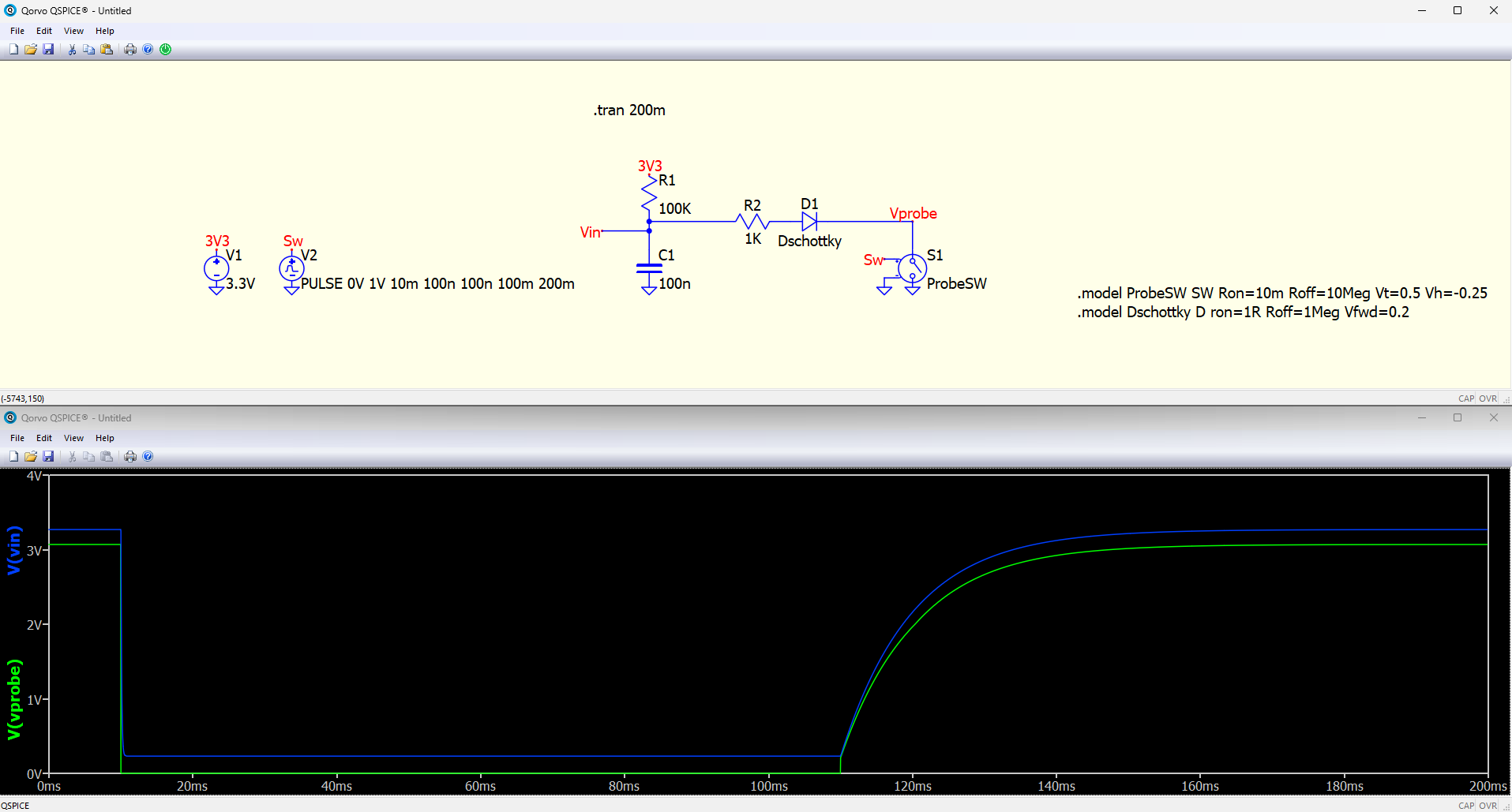
In this case, it’ll work the same as it currently does, assuming there’s not already a pull-up on it. It may be that in that case you want something else connected, too, that might be powered from +24V or +12V like a set of strip lights or something, in which case that will pull the output up above 3.3V.
This was more just an example of ‘other ways someone might use this’.
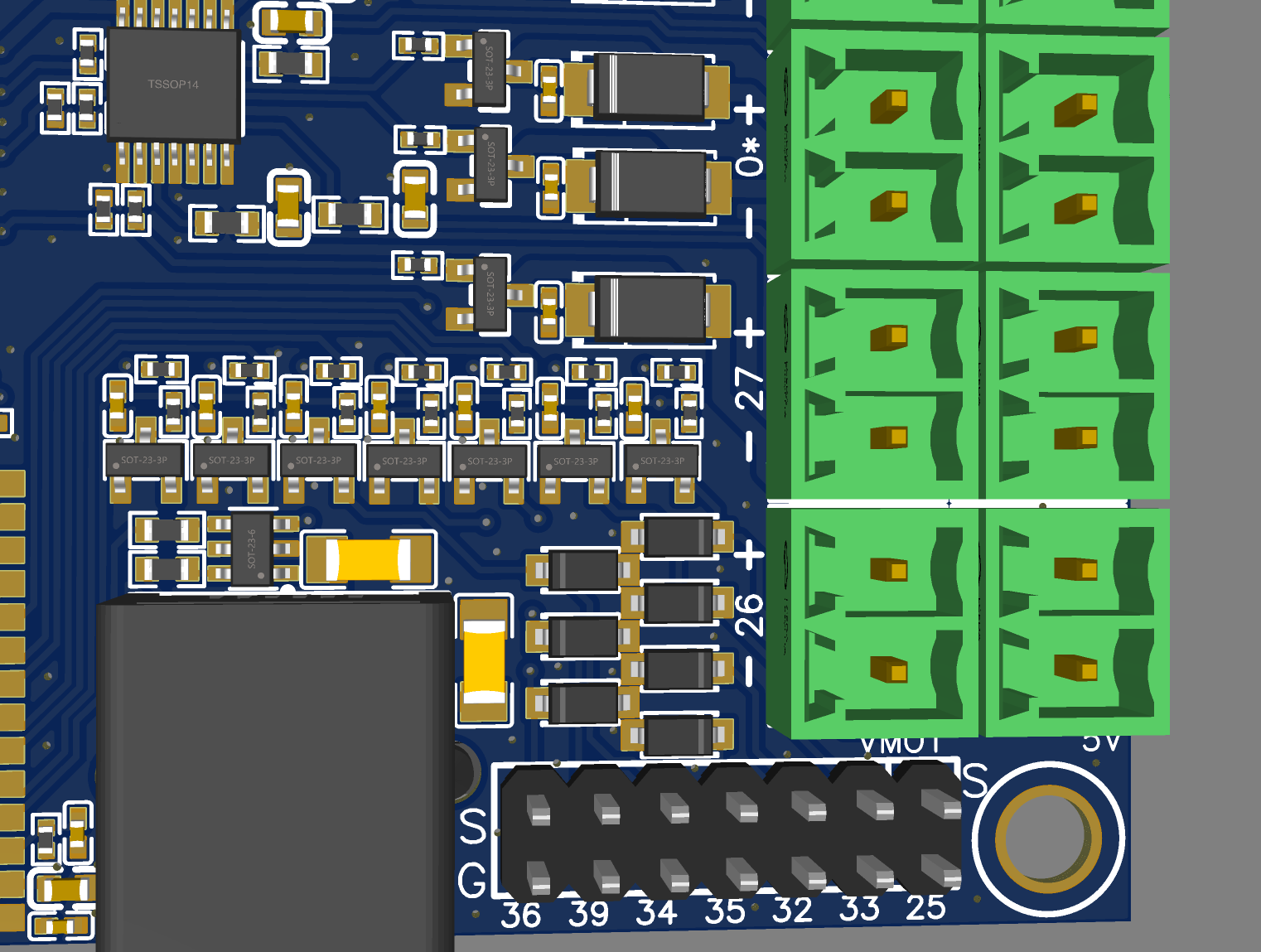
Yes, as long as you’re ok with people using 5V or below inputs then this will work fine.
I have a handful of leftover inductive sensors from an automated XYZ gantry that we used at work for testing. They can be powered from 10V to 30V and have a high-side switched output, so you either get open circuit or Vsupply as the output. In this case I would not be able to use one of those.
I’m not sure why you’d say ‘yikes’ here? I think you might be confusing yourself by thinking of this as ‘logic level’. At the end of the day it’s just different ways of using voltages/currents to accomplish things. RS232 used to be +/- 12V signals for ‘logic’. Plenty of sensors use +24V output, like my ones above, because you can use that to do things directly like power a light, operate a contactor, operate a motor or electronic brake, etc. Or you can use that same +24V output to control the input to a microcontroller to signal things. Hell, lots of industry uses 230V signalling. The E-stops we have in our lab at work are 230V fed, so that they can control a 230V coil contactor directly. You could do the same thing with a safety relay and running at 12V, but the 230V option is the simplest for what we need at the moment.
Ultimately it’s your call, I would just suggest bearing in mind that you don’t get a summary from everyone who buys one of these things explaining how they’ve used it. If you take a design that has 6x 0-24V inputs and quietly swap that with a design that has 6x 0-5V inputs, you may well end up hearing from a number of those people when they replace hardware and it immediately fails!
This is one of the things that makes this situation tricky, as I’ve alluded to before. You’re not really making a product, you’re making a component. As a result of that, I would suggest that it may pay to be as open minded as possible and not make assumptions about how you think people are actually using your designs because if you’re wrong it’s going to cause you legitimate problems.
Reliability issues have killed properly big companies before. I know you’re focused on keeping costs low, but that inherently also keeps margins low which means you’ve got less buffer for dealing with 5% of people killing their boards and clogging your inbox with e-mails saying ‘it arrived broken’ because they didn’t read some fine print about input voltages etc.