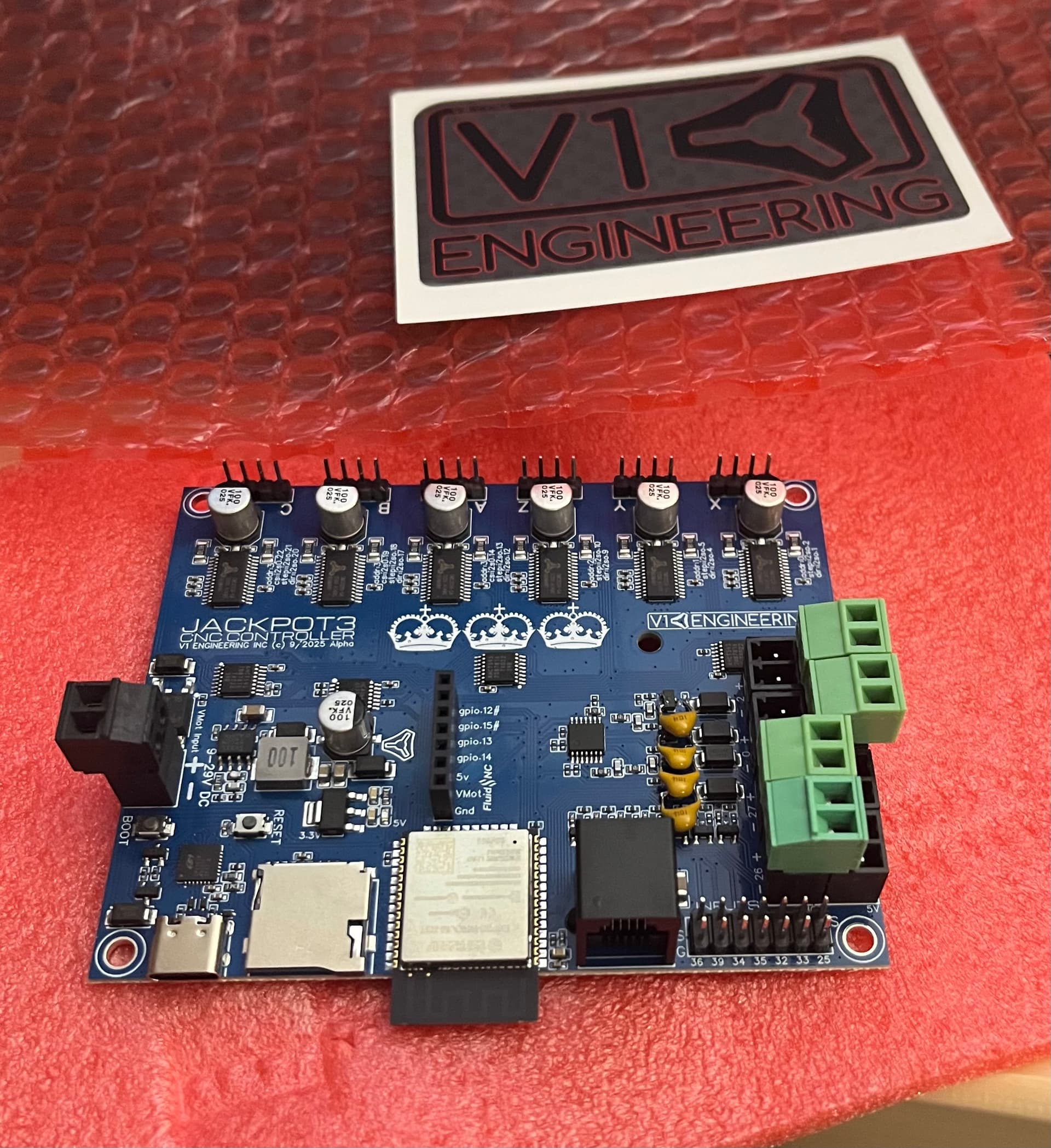
Dual voltage, also employing a buffer IC for the 5V outputs. I hadn’t studied this board earlier but this is essentially what we’d been kicking around in the V2 thread.
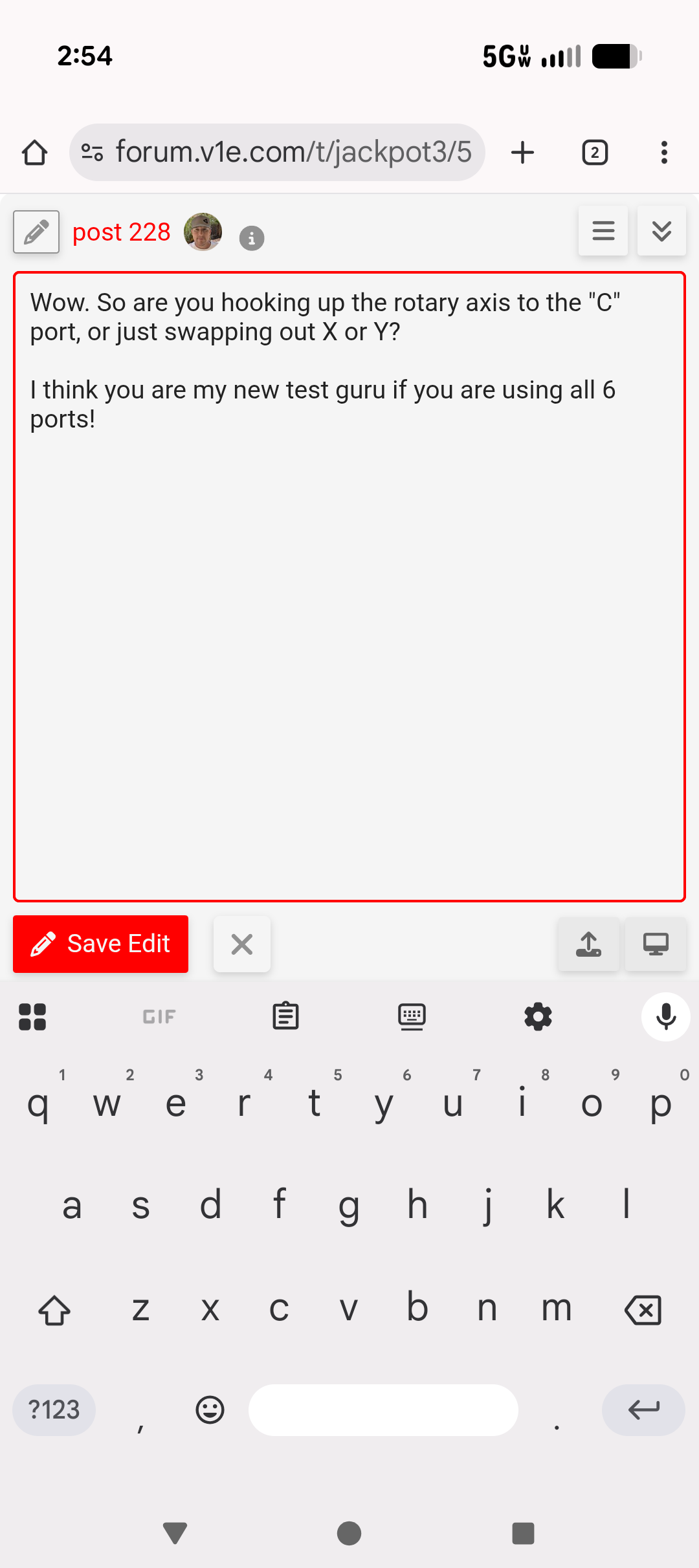
Ugh the new editor sucks badly on mobile…
It’s a mixed bag, if you want to avoid the possibility of someone hooking up VMOT to something that breaks one side or the other.
probably still worth it but it’s something to think through.
Yep. Britt has a great setup for trial running.
Dang the forum editor sucks on mobile. I sound like a broken record.
jeyeager
September 28, 2025, 10:06pm
4
With the last update, I don’t have a separate preview button. So, the preview happens while editing.
About 1/3 of the time I can’t select text to quote it. When it does that I have to reload 2 or 3 times.
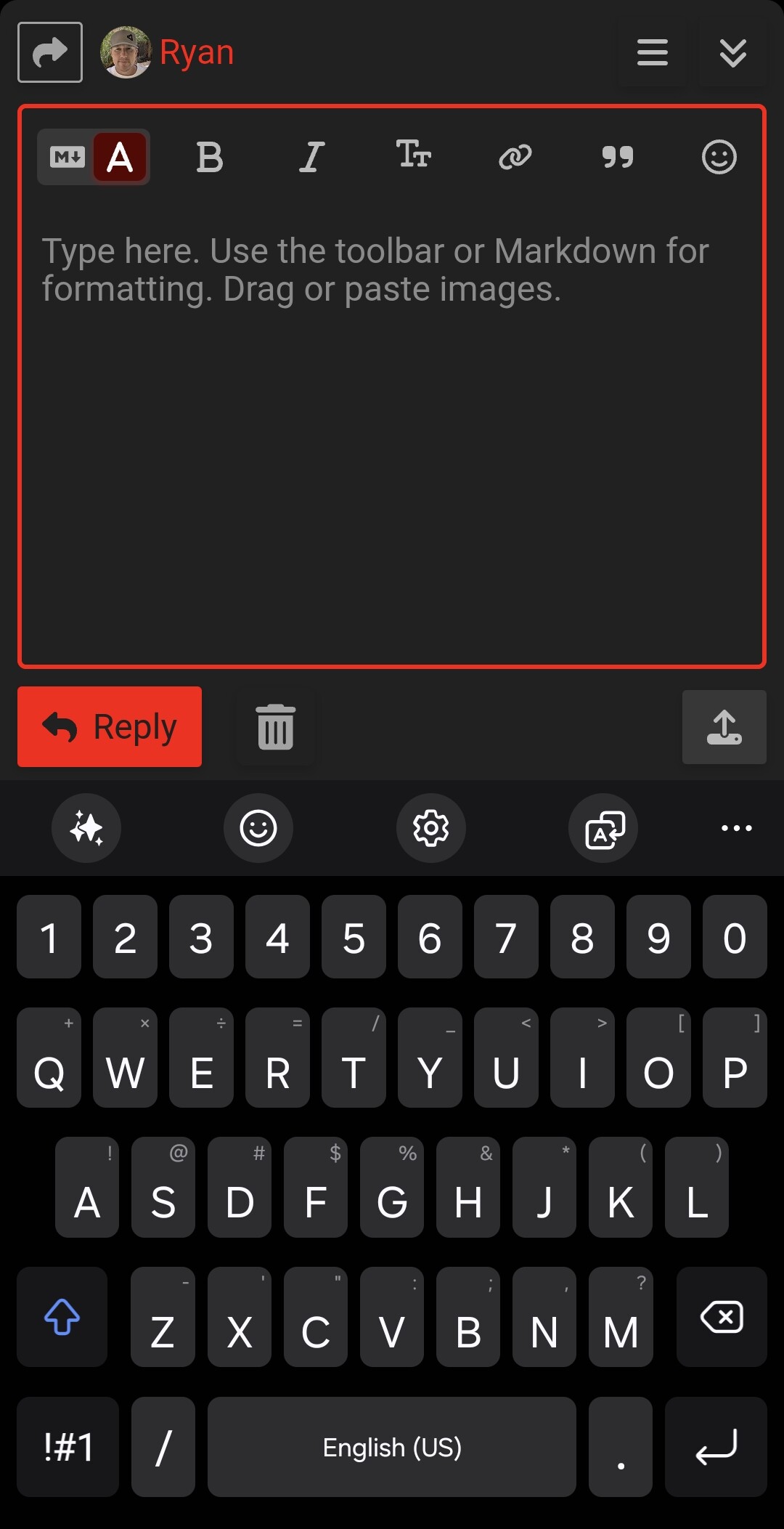
Any time I quote, the screen is scaled wrong for my iPhone and I can’t hit “reply”
I can hit the little down arrow on the left of the top toolbar to use the other editor, but then I have to rotate the phone to see the button.
I don’t even attempt multi-quote replies on mobile. Too frustrating for words.
And of course autocorrupt on iPhone has become a frustration in its own right.
Yeah, I don’t bother with the phone at all at the moment.
vicious1
September 29, 2025, 1:38pm
7
Well crud. I don’t have any control over discourse updates, so I can’t even roll them back.
Wait, it might have been an actual iphone / safari bug, is it fixed with an updated? iOS 26 bugs with fixed position elements in Discourse - Announcements - Discourse Meta
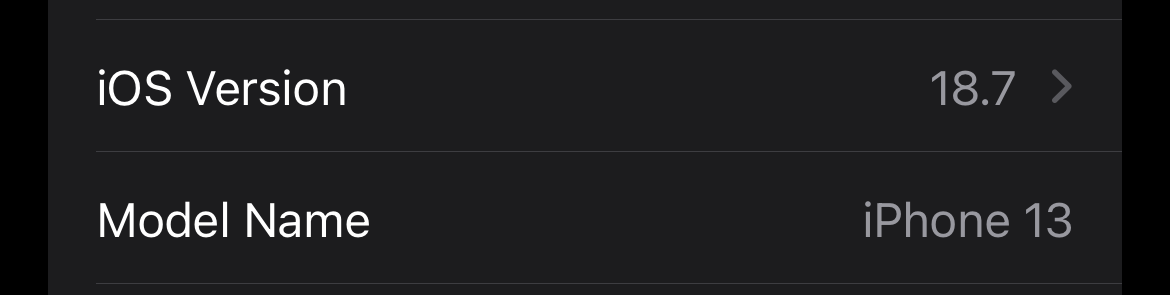
Looks like iOS 18.7 is available, I’ll update to that and re-test shortly.
This reply was one where I had to reload before quoting.
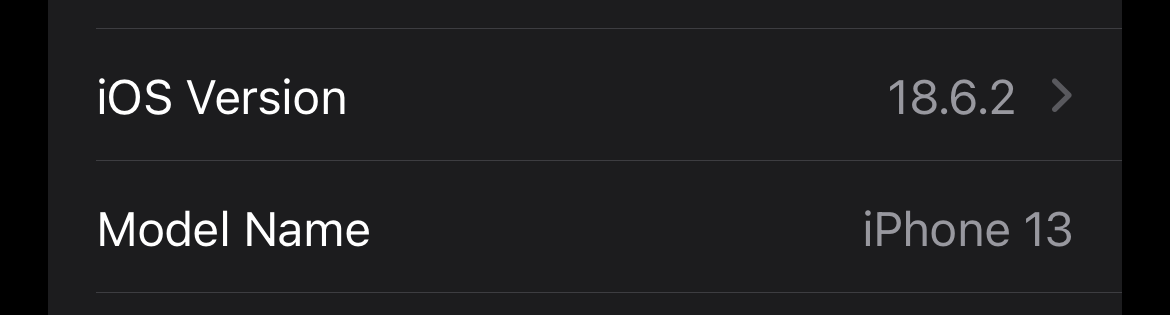
Present version:
Might be better in 18.7
Will go to iOS 26 later today
whoa, i have not seen that!
from my kindle nor my phone!
We tend to wander a bit.
Just another day at the office…
No paper.
What you see is what I got.
Editor is much better in iOS 18.7 and now in iOS 26
Apple has included a fix in a beta version, iOS 26.1 (23B5044I), so not available yet
If you use Chrome and navigate to the forum, it’s fine. I only have the problem when I launch from the icon I have pinned to my home screen, which I assume must open in Safari…
Edit:
I thought I was at the end of the posts… but I guess I wasn’t
Editor is much better in iOS 18.7 and now in iOS 26
The behavior I see is not any better in iOS 26
Edit Edit:
I’m using Safari on iOS, it’s definitely better for me. Once this evening it did the thing where I had to refresh multiple times to quote text.
All of my posts this evening have been from iPhone.
This post , however, I had to hit the dropdown in the upper left and then rotate the phone to see reply button. Weird.
Ok I take that back Safari on iOS 26.0.1 is a complete disaster.
Even simple things ligh highlighting text on a reply, iOS pops up is select options directly over the forum options.
It also regularly wigs out, with the edit box in a different spot from where you’re actually editing.
You could probably run a small town if you hooked up the corpse of Steve Jobs to a generator. He has to be spinning in his grave like a neutron star.
vicious1
October 1, 2025, 3:20am
18
The app and website direct both have the same issues?
vicious1:
The app
I don’t use the app. Just the web client.
dos
October 1, 2025, 3:58am
20
For what its worth, I have random craptastic experiences similar to @MakerJim using Chrome 140.0 on Android.
Quoting works 50% of the time, and text entry is buggy about as often… with the reply text box going entirely black if you try to move the cursor.
Nothing new though… been like that all year.