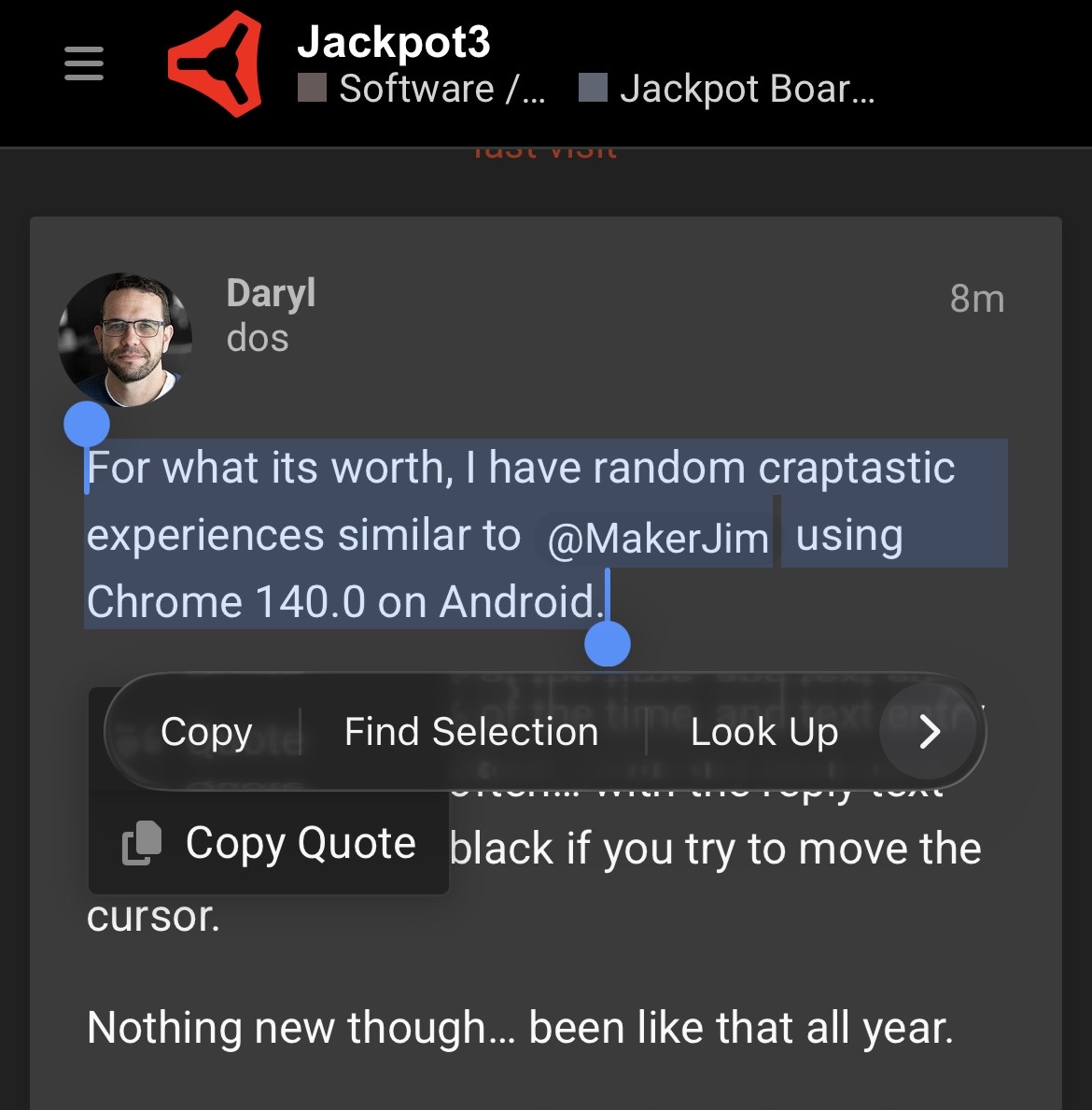
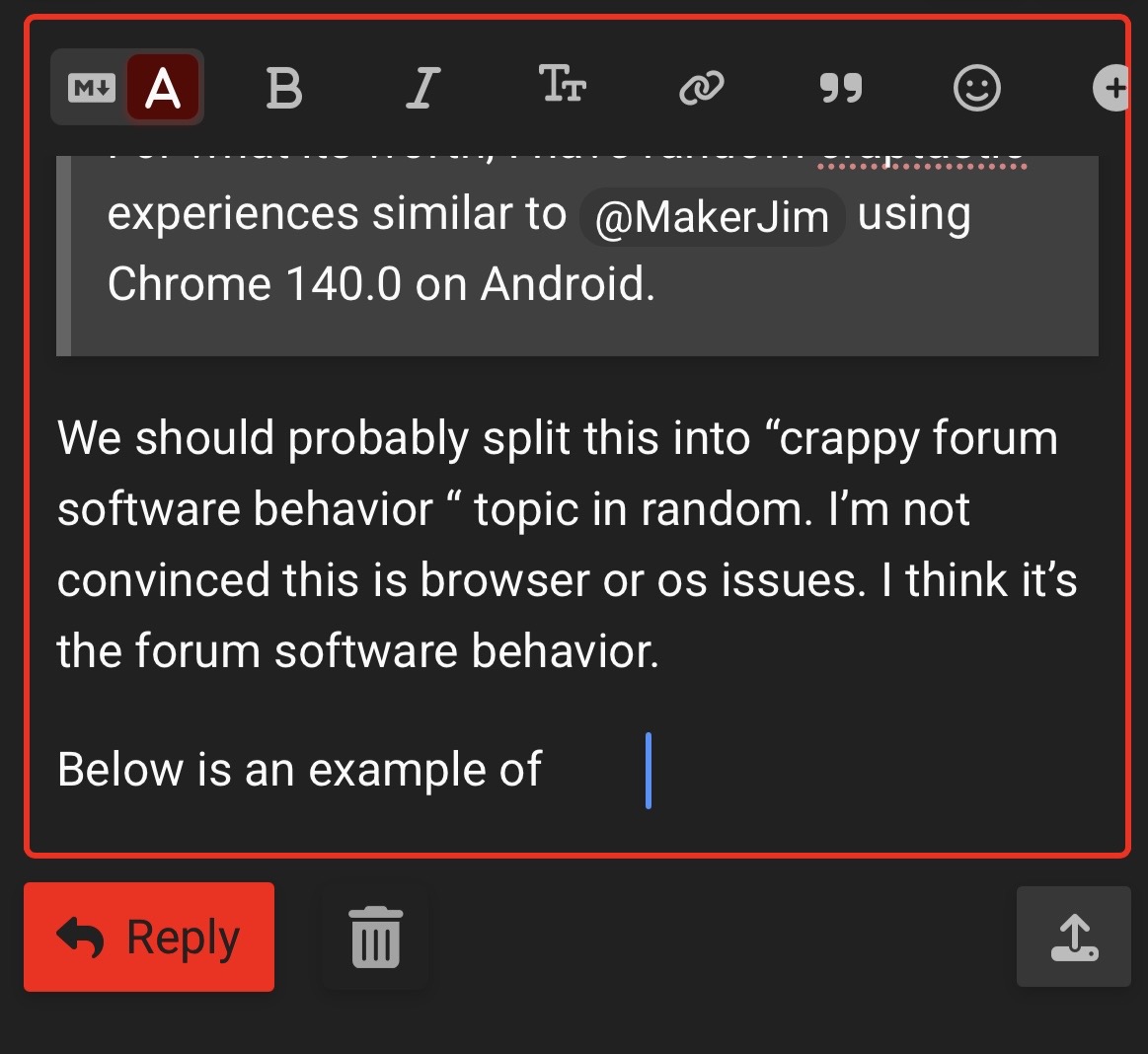
We should probably split this into “crappy forum software behavior “ topic in random. I’m not convinced this is browser or os issues. I think it’s the forum software behavior.
Below is an example of what it looks like when the select is borked:
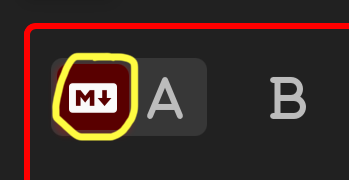
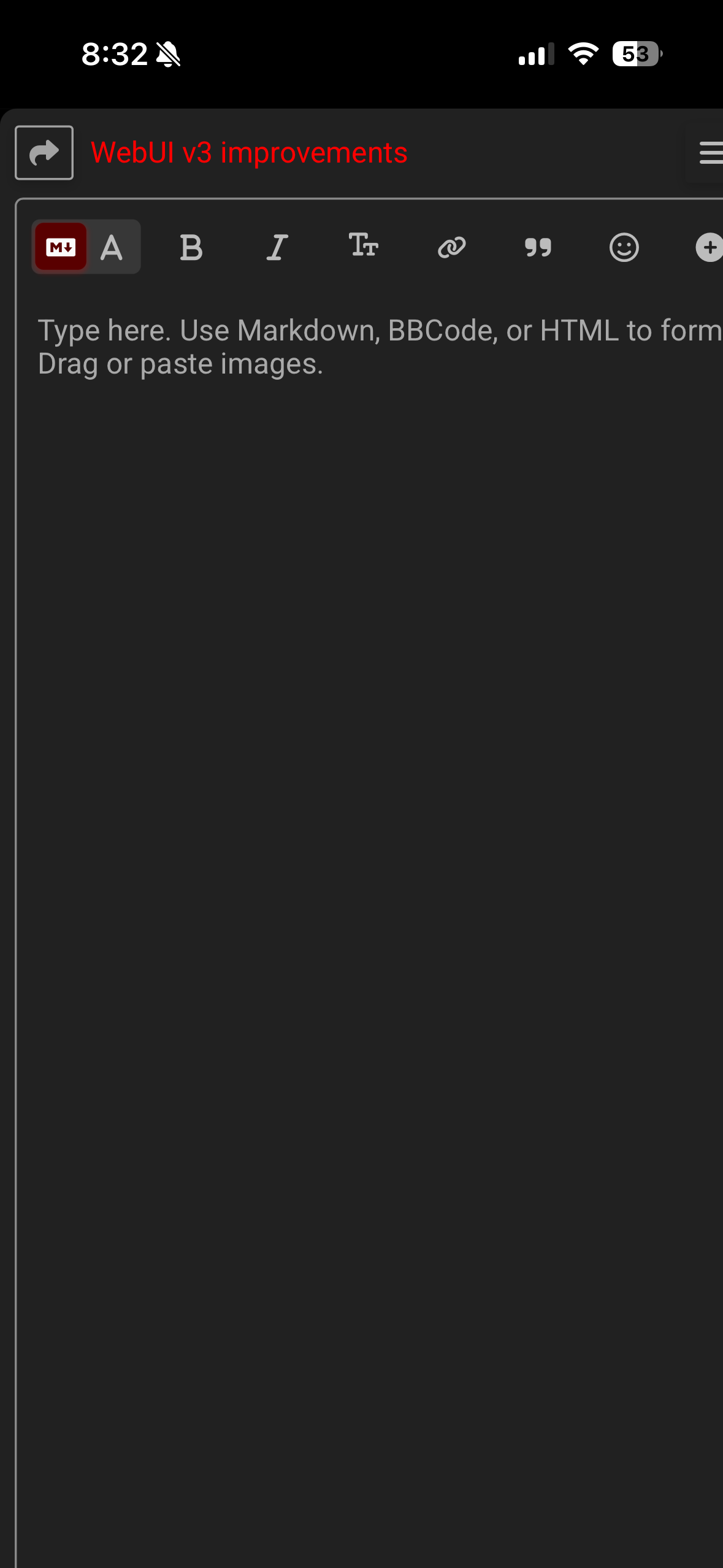
If you use the editor with the other mode selected is it better. You are on markdown mode, hitting the switch bring the “old” editor back. That is how I am using mine and see no issues.
I am searching for other solutions, just trying to narrow down the issue.
One thing I have noticed is that if you move the end of the quote too fast, it can “catch” the bottons and then it selects everything. Other than that, the new version works better for me. I am on android (which I think has more to do with it, since the selection is OS wide) and chrome.
Usually the problem with quoting is that you can’t. Touching/holding the spot you want to quote either results in nothing happening, or the normal browser copy/search/whatever pop-up rather than the “quote” pop-up.
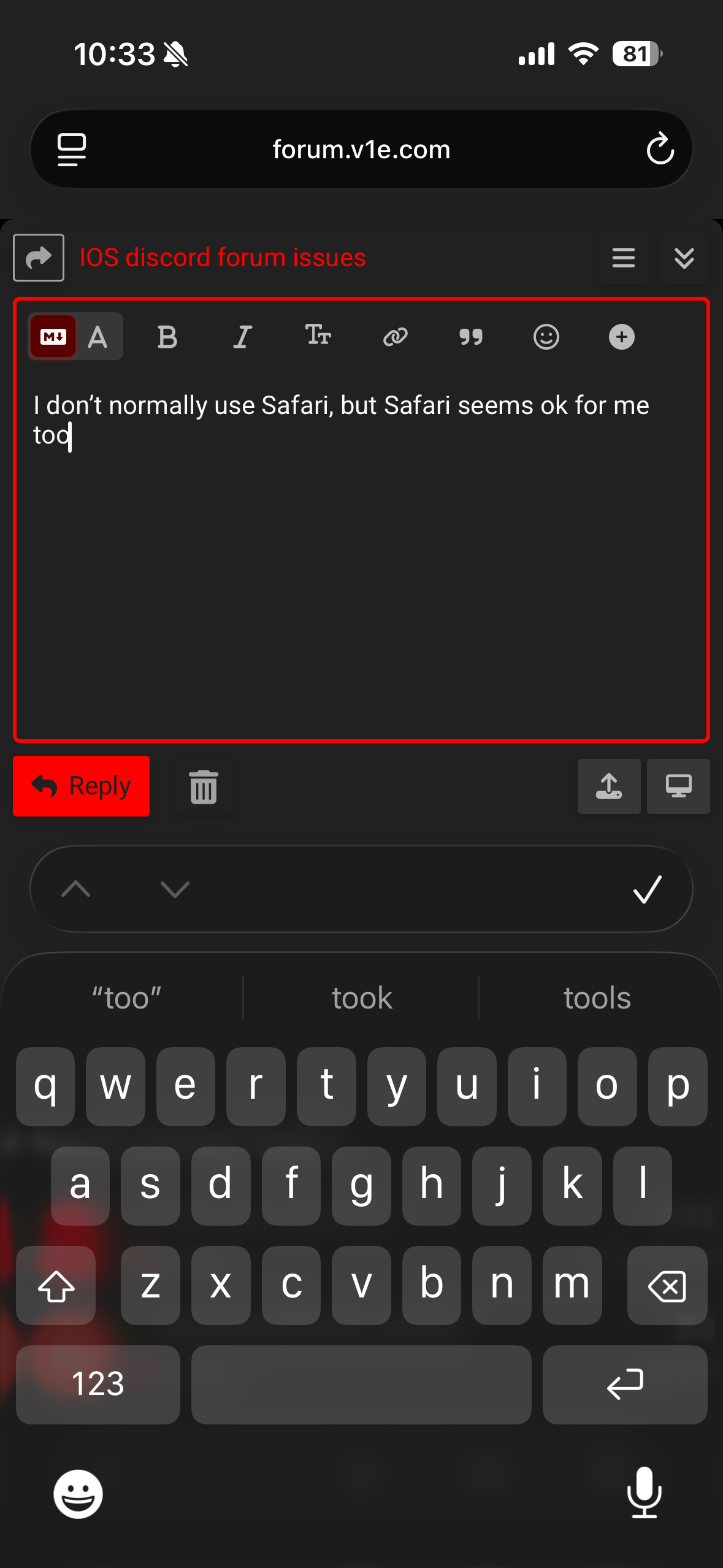
I seem to have fixed the issues in Safari, might be the same in the app, who knows?
On the left hand side of the search bar there’s an odd menu symbol (a box on top of a couple of lines) or an extension symbol on top of lines - that gets you to a “manage extensions” menu, but more importantly an eleipsis (three dots) appears on the bottom right - that takes you to a PageMenu screen - scroll to the bottom and toggle the “Request Desktop Website” on and off.
It’s a nice logical set of menus!! but that was the reset that fixed it for me, and it fixed the cursor position as well, so good luck!
Just don’t ask me how I found it - I haven’t a clue!


 but that was the reset that fixed it for me, and it fixed the cursor position as well, so good luck!