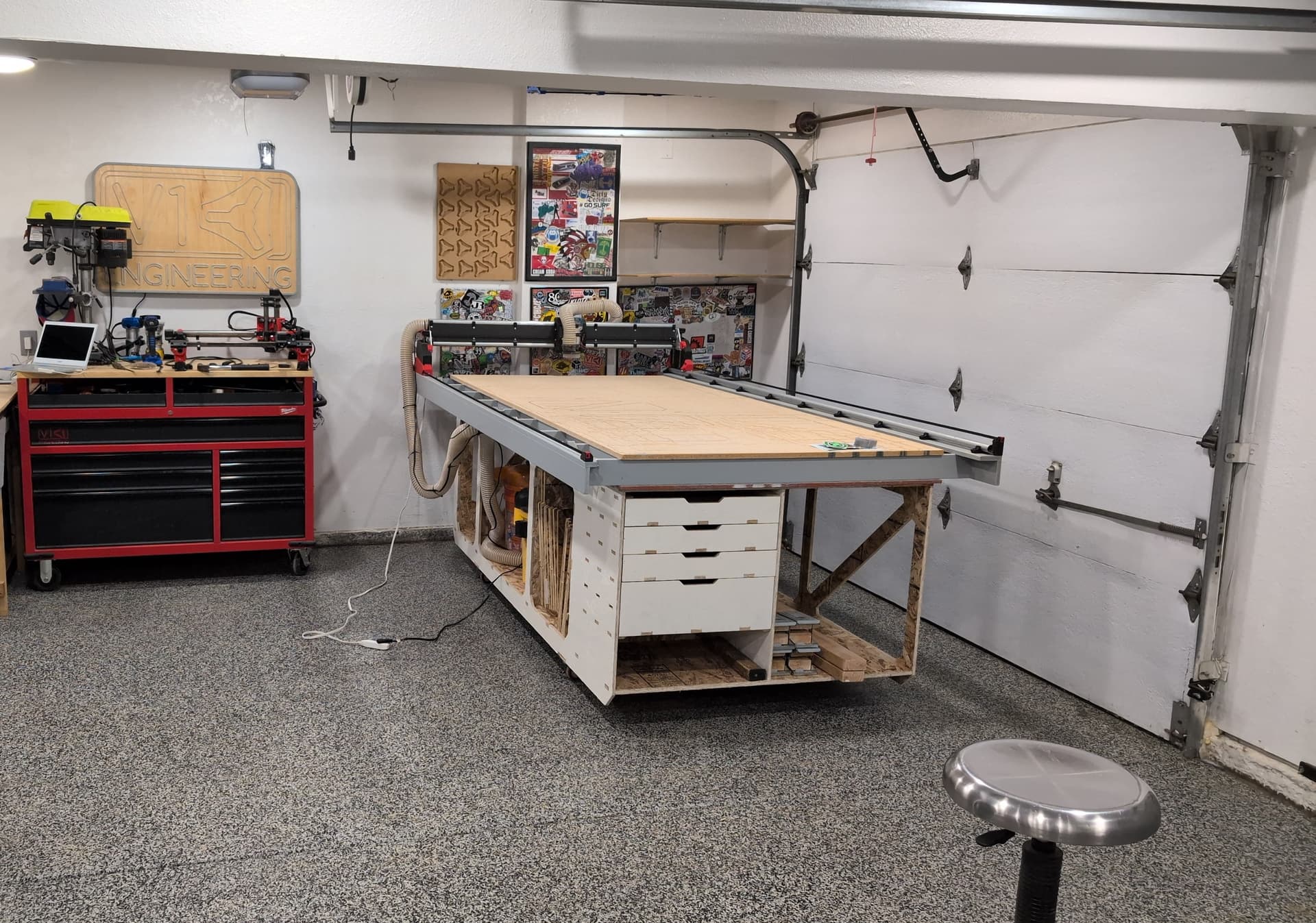
I have recently built (technically I’m still building, I’m currently swapping the 3d printed plates over to the 1/4 MDF cut ones) a LR4 for my first CNC machine. It’s friggin sweet. I also built the $200 non-cnc table (for more like $80, I had a lot of 4” and 6” baseboards leftover from my house build so I mostly used those) and it’s sitting on sawhorses. I’d love to put it on a workstation like this that utilizes the CNC to create it. But I have no idea how to get from Onsuite to OSB. I’d happily build one.
Nice! That is a heck of a project. Make sure to use the automatic overcuts in estlcam and I suggest nesting all the small parts into the dead spaces, it saves a ton of time.
18 for the bottom, you can use 11 for the rest if the price makes it worth it. You do not have to use OSB you can use any sheet material. OSB is just the least expensive where I live.
Now that’s an oddball size. Somebody might have measured that as a true dimensions (perhaps maximum vs. average) for whatever (possible higher moisture than standard) 15/32" OSB that they had on hand.
You might want to measure the true dimensions of your OSB.
So first the good news - I didn’t blow up an end mill yet and I have something that almost resembles a finished part, as long as you don’t look at the far end. I did quite a few test cuts at the other end of this sheet and then let the piece finish. The ends didn’t quite line up (you can see the uncut factory edge closest to the camera) to be cut but it doesn’t matter, this was my first real full size cuts and was all testing.
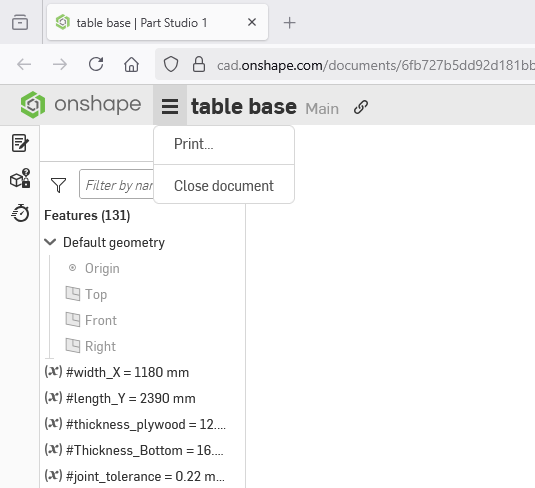
In Onshape, I can’t change the thickness of the materials. For me, even when logged in it’s in read only mode so this is the “default” thickness.
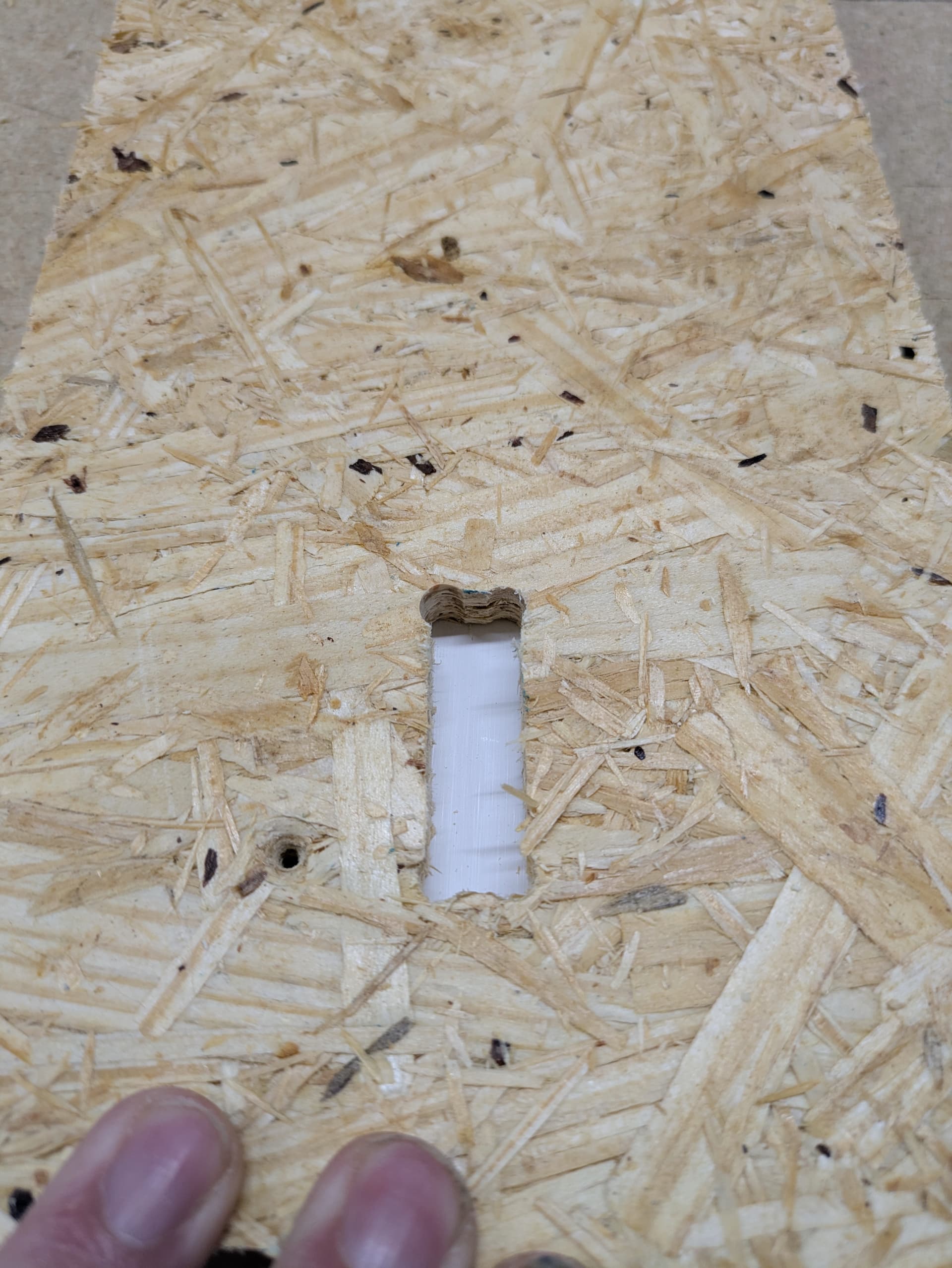
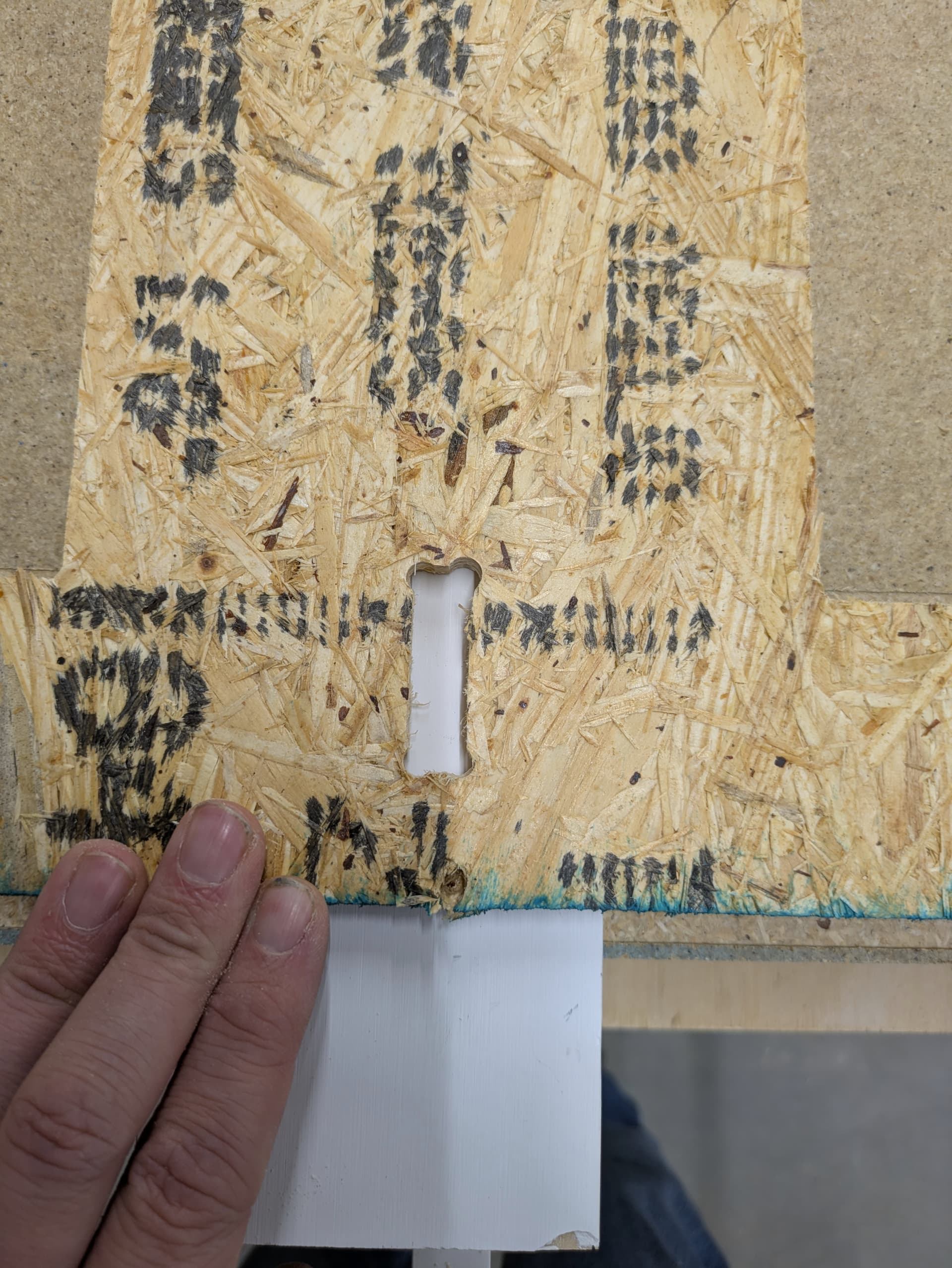
My cutouts are wonky. Using the automatic overcuts you can see the corners look different. The first pic is of an E-W orientation, the second is a N-S orientation. I would expect all 8 corners to look identical, but they don’t. In that second picture you can see they are all a tiny bit different.
Settings were 25mm/s feed and 6.5mm DOC with a new 1/4 single flute endmill and the Carbide3d $80 router. I backed off Ryan’s settings from Full size LowRider table base - #82 by vicious1 just a bit, I wasn’t brave enough to fully send it on the first cut.
you should be able to copy it to make your own changes.
slow down to maybe 20mm/s just to get things working right, mess with the spindle RPM until it sounds good. Then bump it up a 5mm/s each successful cut.
Make sure you are using a full depth finishing pass with a 0.6mm step over.
Thanks Peter. I don’t see where that would be though, despite a thorough search. While logged in I have the below message where I am expecting that big blue button to be and where it appears to be on your screen. I am on a free account, if that matters. I’m using the link from the first message.
I can copy the geometry of the part via a PARASOLID or STEP export and import that in a new document from a downloaded file, but it loses all of the parametrics and variables doing it that way so I can’t easily change thicknesses, for example.