Probing is something I do at the start of every job even when going back to workspaces so I’m good with only X and Y being locked if that’s easier for you.
I already have a fix. I was able to test it on my pen plotter (for which I never probe anything). I’m working on a couple other changes but then I’ll push the fix.
I pushed an updated 1.0.3_dev build. It updates the following:
- Fixed probe confirmation on locked WCS to actually perform the probe
- Untested support for Advance v1.2 display
- When uploading from Display to FluidNC SD, create /fluidtouch/uploads directory.
- After upload, display a “Open Upload Folder” button to navigate directly to where the file was uploaded.
- Fixed an issue where the display would crash if disconnected by connecting to WebUI on same port.
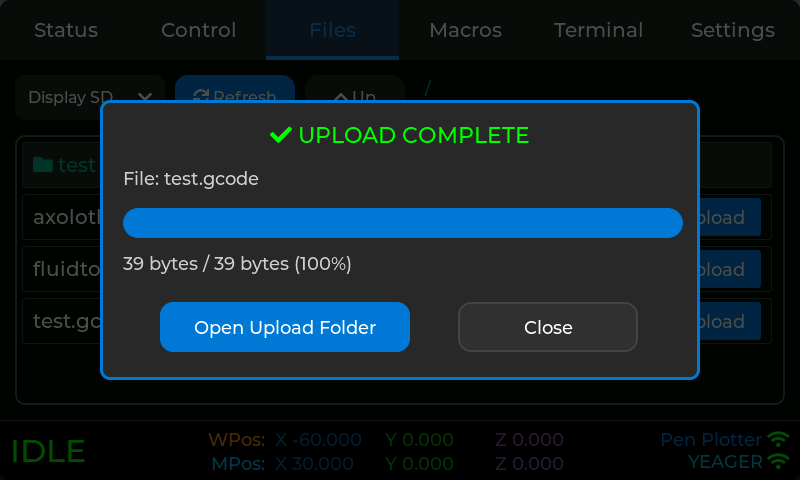
FluidTouch v1.0.3 Release:
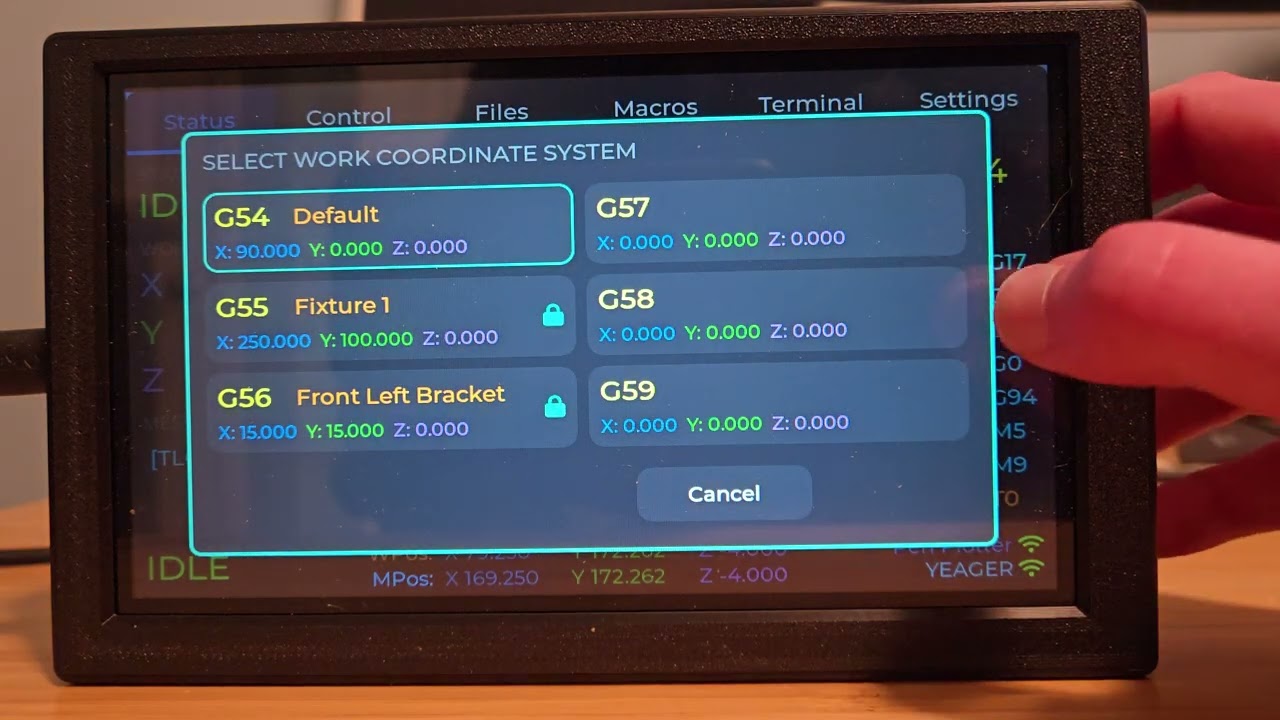
well I know what i’m doing when I get home.
Just installed and tested. Flickering is much better.
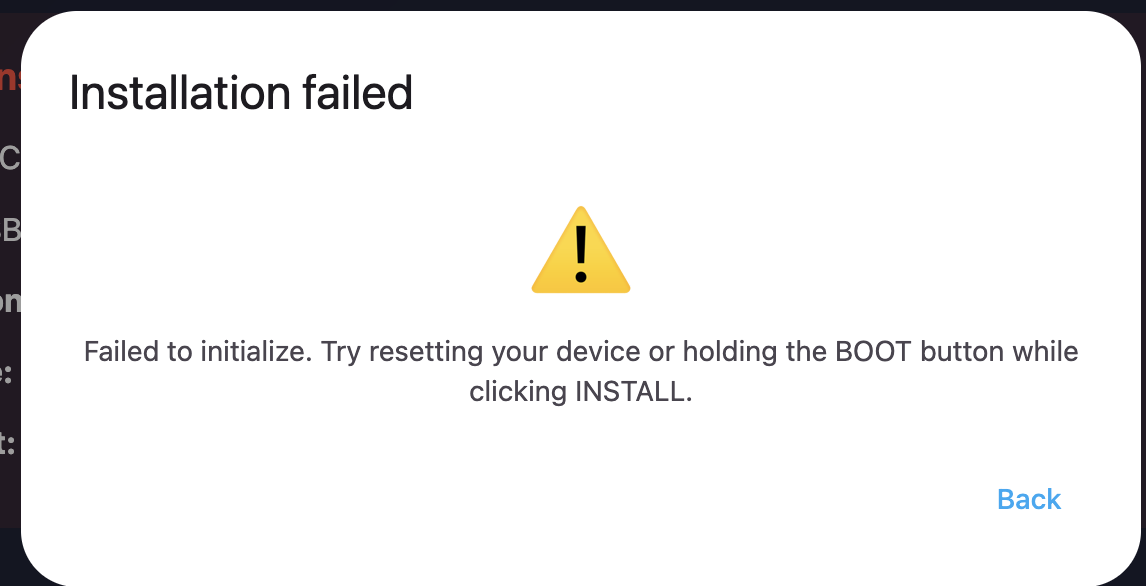
I am on Linux and it always failed from the browser I use directly esptools. It is pretty straight forward.
Hmm, I’ll have to check that out. I don’t have a Mac but I do have a Linux box I can try.
What browsers are you using? Does the FluidNC web installer work on those machines?
Chromium.
Yes I managed to install FluidNC on the Jackpot3 a few weeks or a month ago.
For me the device powers off on launching the install and does not power on. I tried pressing the buttons at the same time in different combinations but without success.
I also tried from my wife’s Mac but not luck there either
I had a problem the first time I tried to install on a “Basic” display from my Mac. I was able to install an older version of FluidTouch, and then after that was able to update to the later version. Since then, have not had any more issues.
I have no idea why that worked, or if it was a fluke, but you might try to see if an early version will load.
Hmm, I’ll have to wipe a device and try. That first time does need to change the filesystem.
I FINALLY figured it out. Woohoo! I had to use my old Intel MacBook and install the CH430 driver. Then I was able to install FluidTouch.
Here is where I found the driver: Installing CH340 Driver on Mac OS
This driver works on my M4 MacBook also.
Thank you Jason for all your hard work!
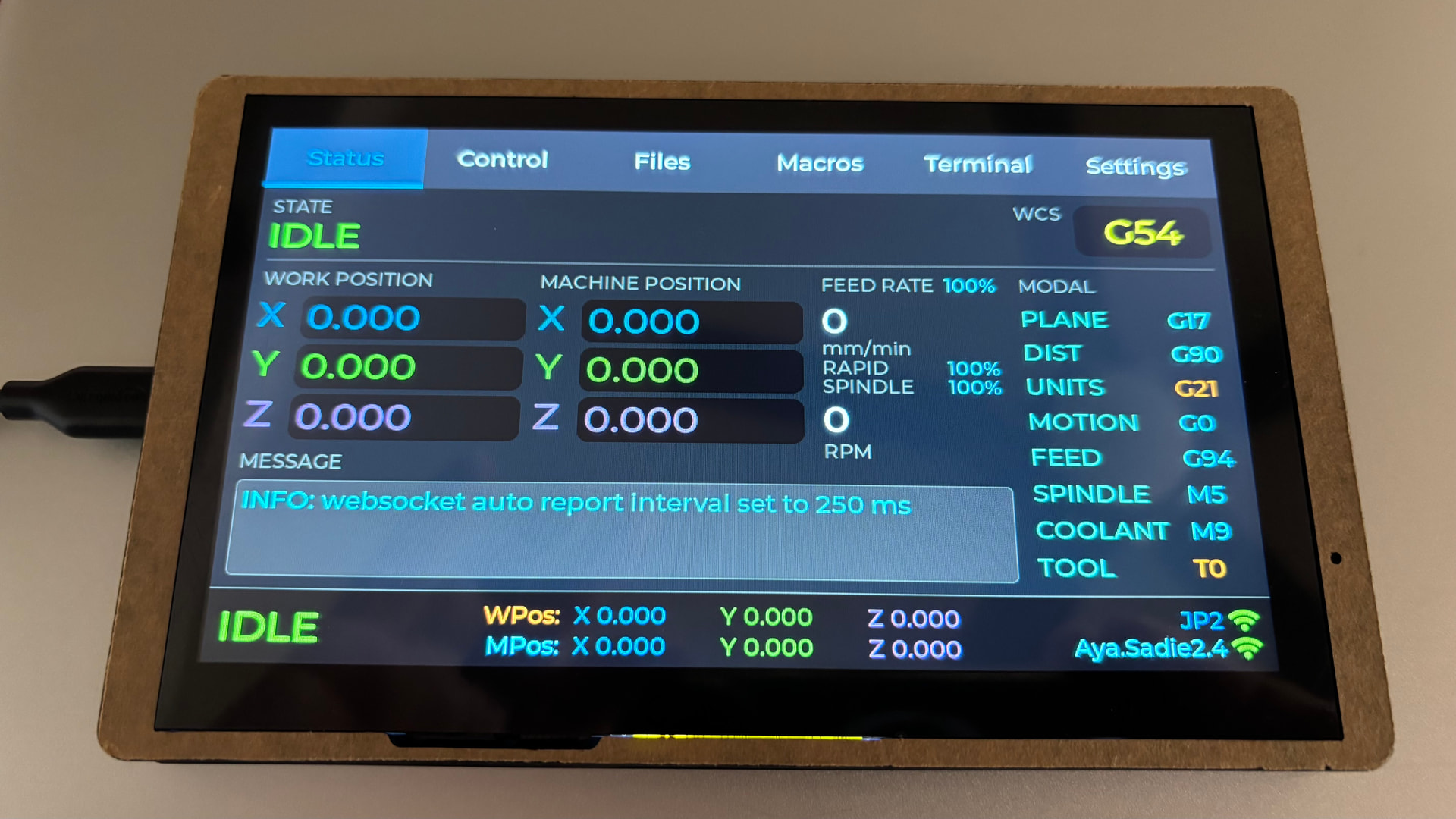
Working on A axis support.
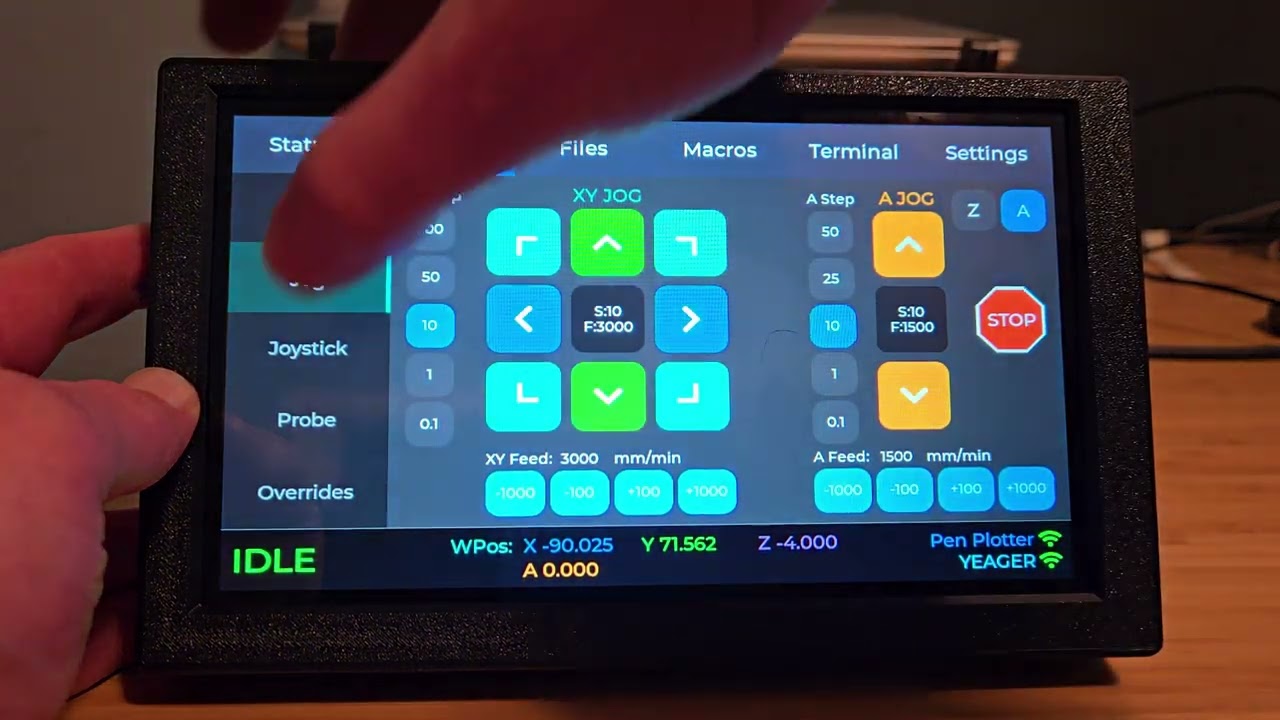
It’s in the 1.0.4_dev preview build.
I have a rotary Axis for my LR4 if you need me to test.
If you get a chance at some point, I would appreciate it. The person who requested it is looking at it, but more than one opinion is always good.
Interesting. This could be used to work with the script you wrote for using another spindle (idex).
-shop got really busy and i could not continue testing but it worked bor my penplotter&laser builds
I got a 8000mAh battery and I’m printing a case for it now. I have the battery installed and USB plugged into a charger. Is there anyway to see how much charge the battery has on the display?
Nope. The only indicator is that the charge light turns green when fully charged.
It is possibility to conect it to 3d printer with running Klipper system … oll in one 3 cnc and one 3d printer in one …