I’m sorry to hear that Cesar. I was just thinking of asking you if you were using it.
1 Like
It worked. Dont get me wrong.
1 Like
Yes im aware, will use it first with a new build first.
I have adapted the backpanel including spacer +6 mm to fit quite big battery.
Here is the file for bambulab, printable in 2 colors.
All unused holes have been removed.
The same screws from originally delivered plexi cover can be reused (hard to find same 2.5mm x 14mm)
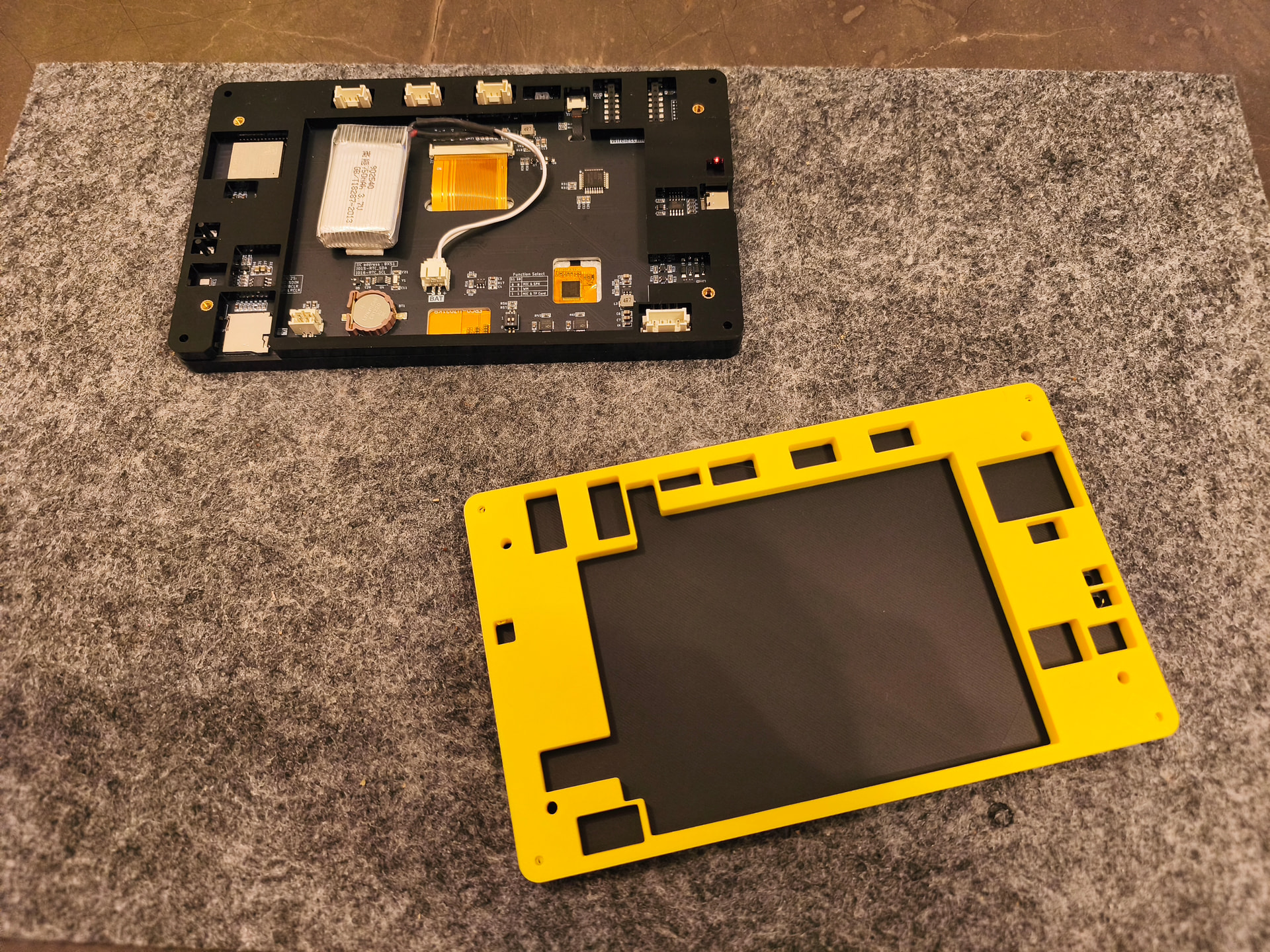
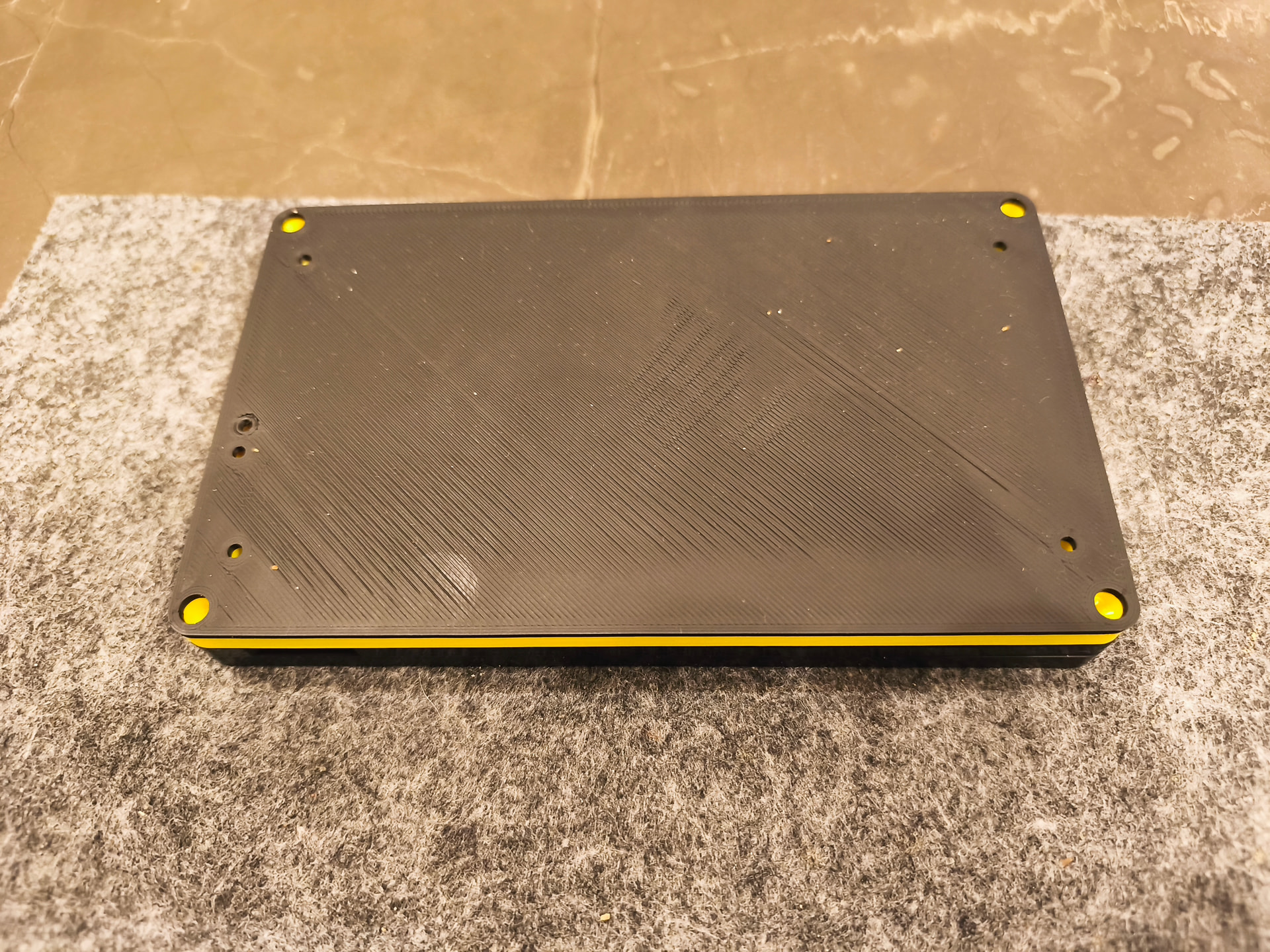
CrowPanel-Advance-7-HMI cover v1.zip (560.5 KB)
3 Likes
thanks for so fast answer.
you are right - version 1.02 did not work at all… tried logs and v1.03dev able to connect with machine. GREAT… i can connect (v1.03dev only)
i attach you both logfiles… in case you find something valuable.
esp-web-tools-logsVERSION102.zip (2.3 KB)
esp-web-tools-logsVERSION103dev.zip (3.6 KB)
Ah, it actually did connect with both, but it was in fallback mode (polling) instead of auto-reporting. Then something got confused and it thought it couldn’t connect at all.
1 Like
More progress on the case. Little details make me happy.
Showing the separate power/charge LEDs works great.
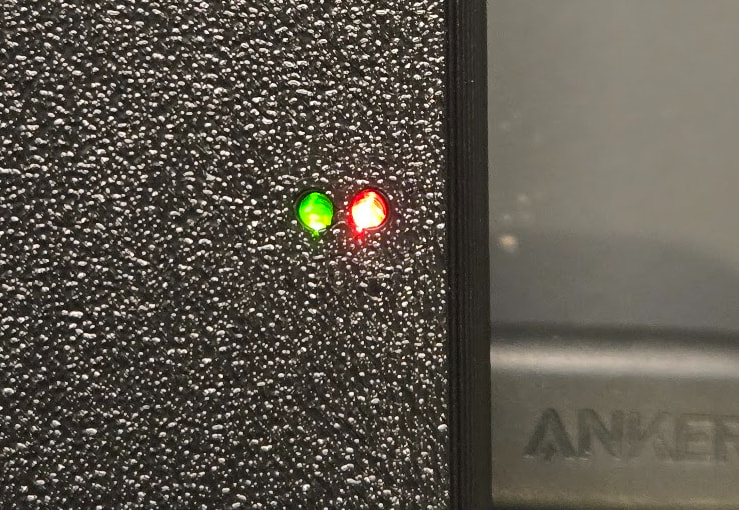
The hole for the switch is slightly too small so there’s a slight gap between the top and bottom. But, I noticed with that gap you can see the charge LED. Seeing that on the side would be nice so I’ll add a little hole there when I make the switch hole bigger.
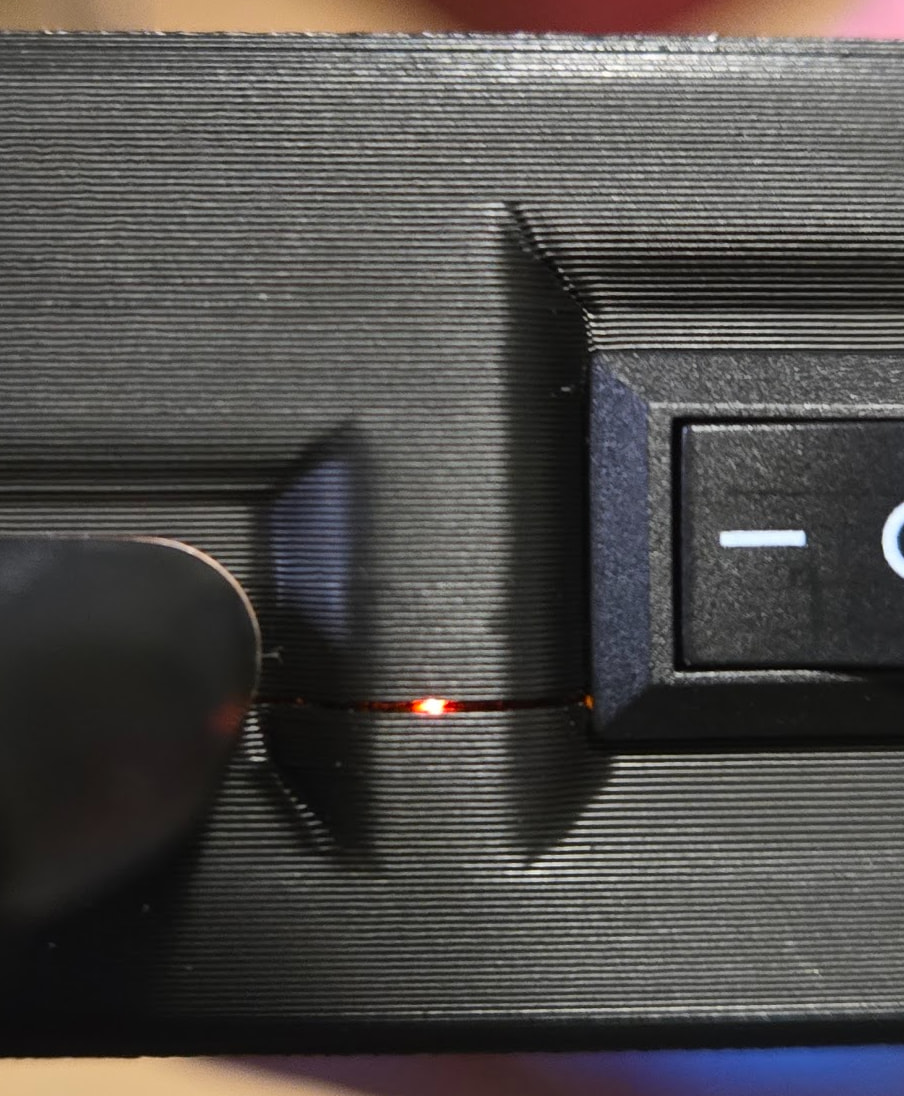
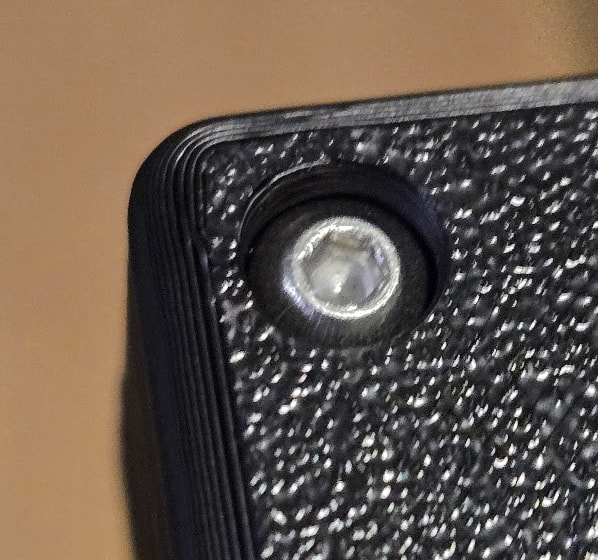
It uses 20mm M3 screws to connect the case halves. I was trying to use a normal length. If it’s a socket head, it’s flush:
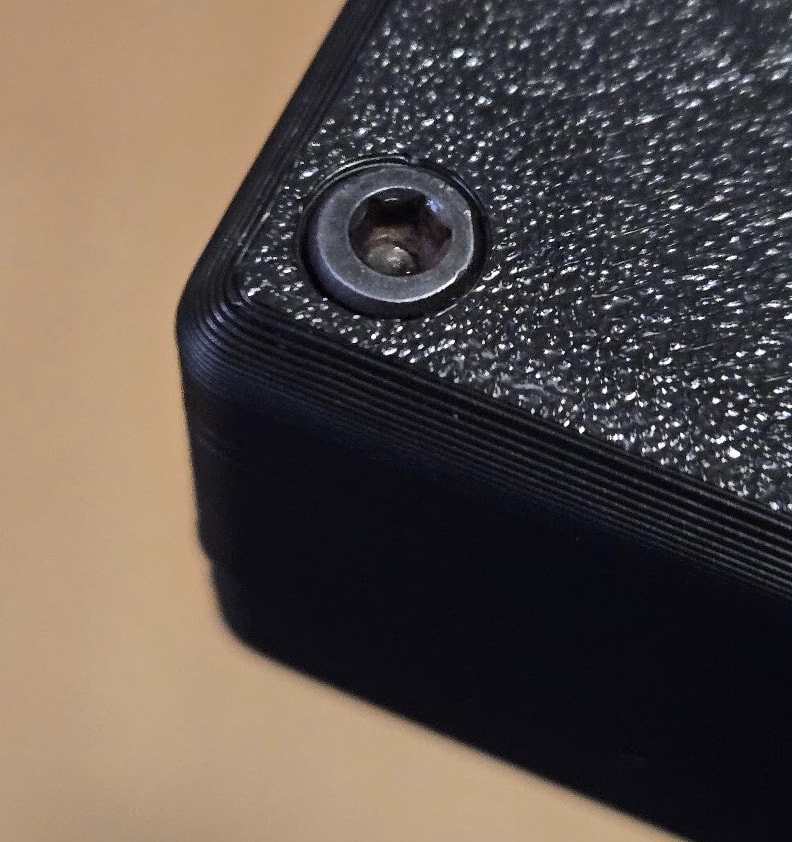
Button head sits in a bit.
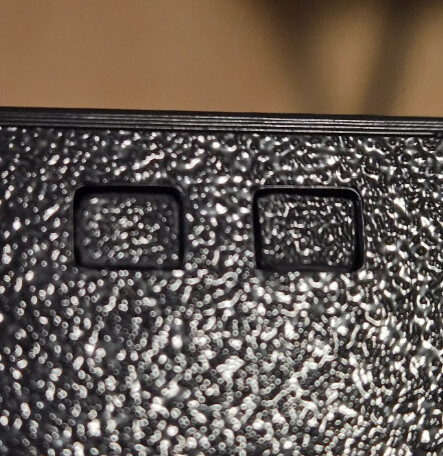
The boot/reset buttons are inset slightly. Easy to push but hard to accidentally push.
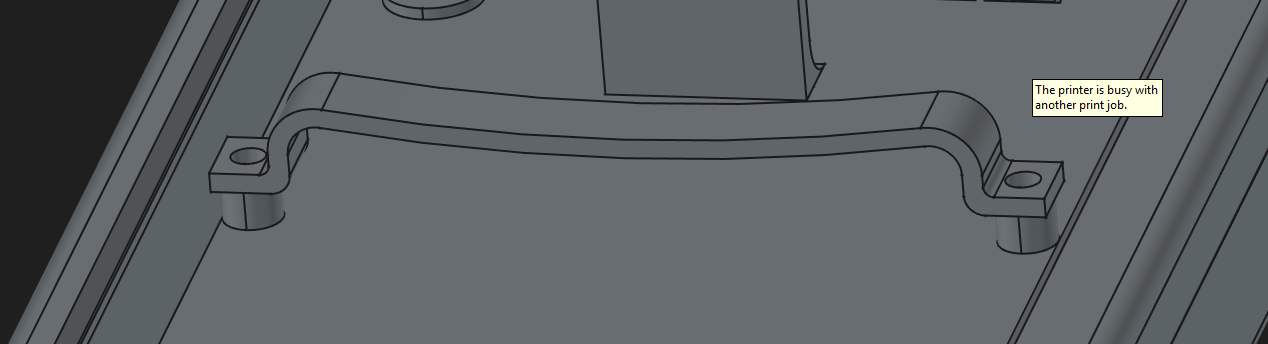
For holding the battery, this works fine in the one location, but not the other because the buzzer on the PCB is in the way. It has a bit of a curve which gives a nice amount of pressure. Trying to work around components on the board so I don’t need to make the case any thicker. It’s currently 28mm. I have a plan.
8 Likes
Yes please 
I might be blind but I tried for the first time to load a file on the screen SD. I select the file and upload it to a predefined location. I cannot find this file anywhere navigating from the screen file browser. As locations I see the SD card on the screen, the sd card on my LR4 and the flash of the LR4. Am I missing something?
I don’t think you can run a file from the screen’s SDCard slot.
If you uploaded the file from the Display SD, it goes onto the FluidNC SD in the /fluidtouch/uploads folder. If you can’t see it in that location, try the Refresh button.
I’m also not sure if that folder needs to exist before uploading it. So, if it still doesn’t work, create that folder structure using the WebUI first.
I probably have to create the folder first. I will try tomorrow.
Yes, I confirm that the folder must exist in order to be able to upload the files
1 Like
I’ll take note of that. I should be able to automatically create the folder if it doesn’t exist. Or at least raise a message so it doesn’t just silently fail.
1 Like
Tried to probe in a locked workspace today for the first time.
i got the popup and chose ‘Continue’ but it didn’t . I had to unlock the workspace.
So I need to play with workspaces, but i thought the probing should not happen in a locked workspace. Maybe I am wrong, but I thought you probed then just went to the new workspace and used it.
Each workspace has its own X Y and Z
1 Like
Ah, thanks. I see the bug. I’ll fix it. We have like -10 F windchills right now so I’m not testing it for real. 
2 Likes
Each has it’s own X, Y, and Z. So, it is very likely you don’t want to change X and Y but changing Z seems reasonable. This only matters when using the FluidTouch UI. If you include a probe command in gcode, it won’t prompt you.
1 Like
Thats purdy