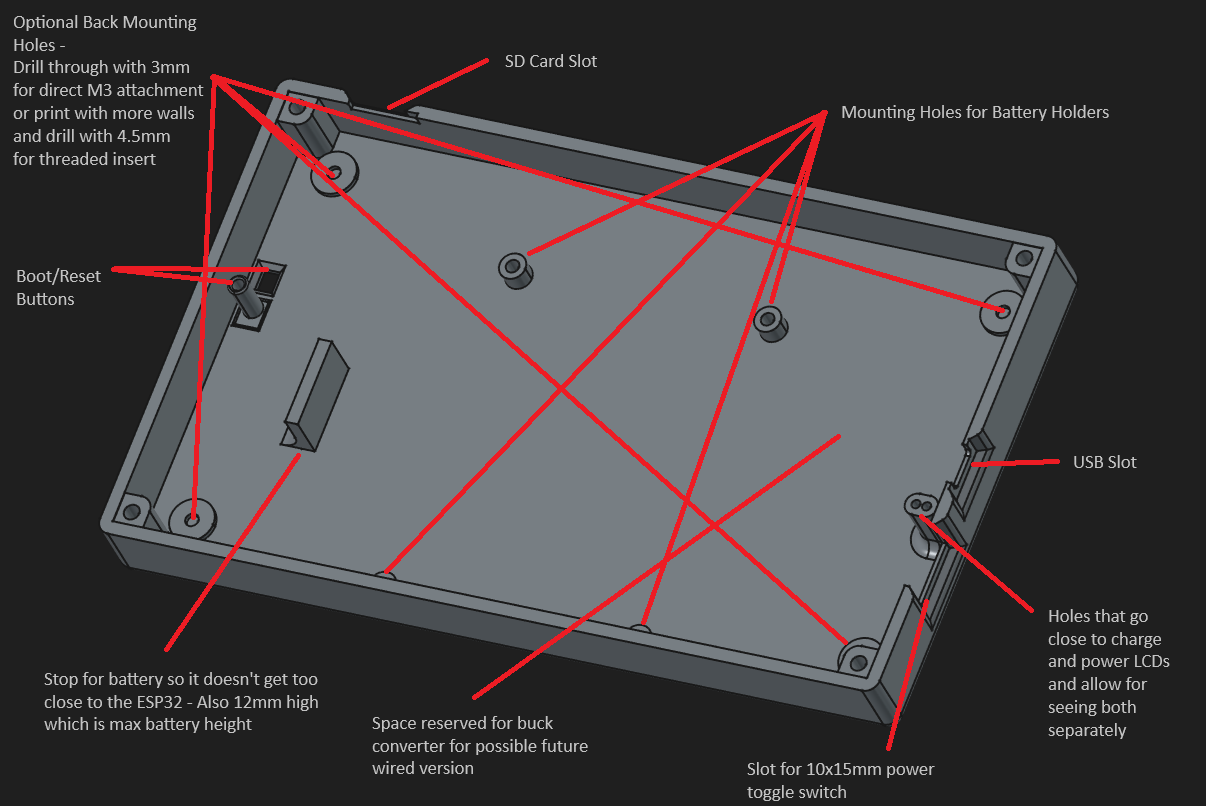
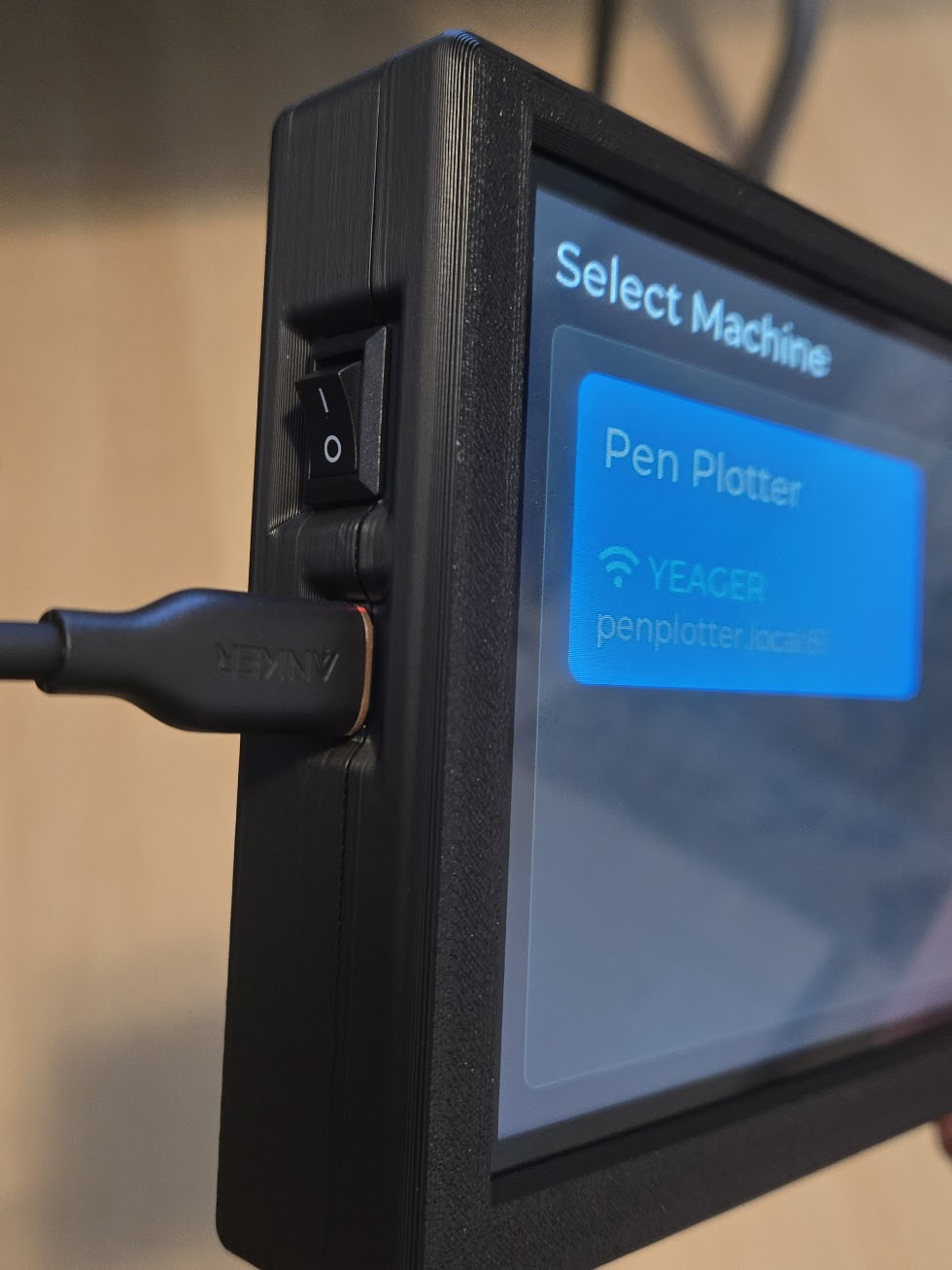
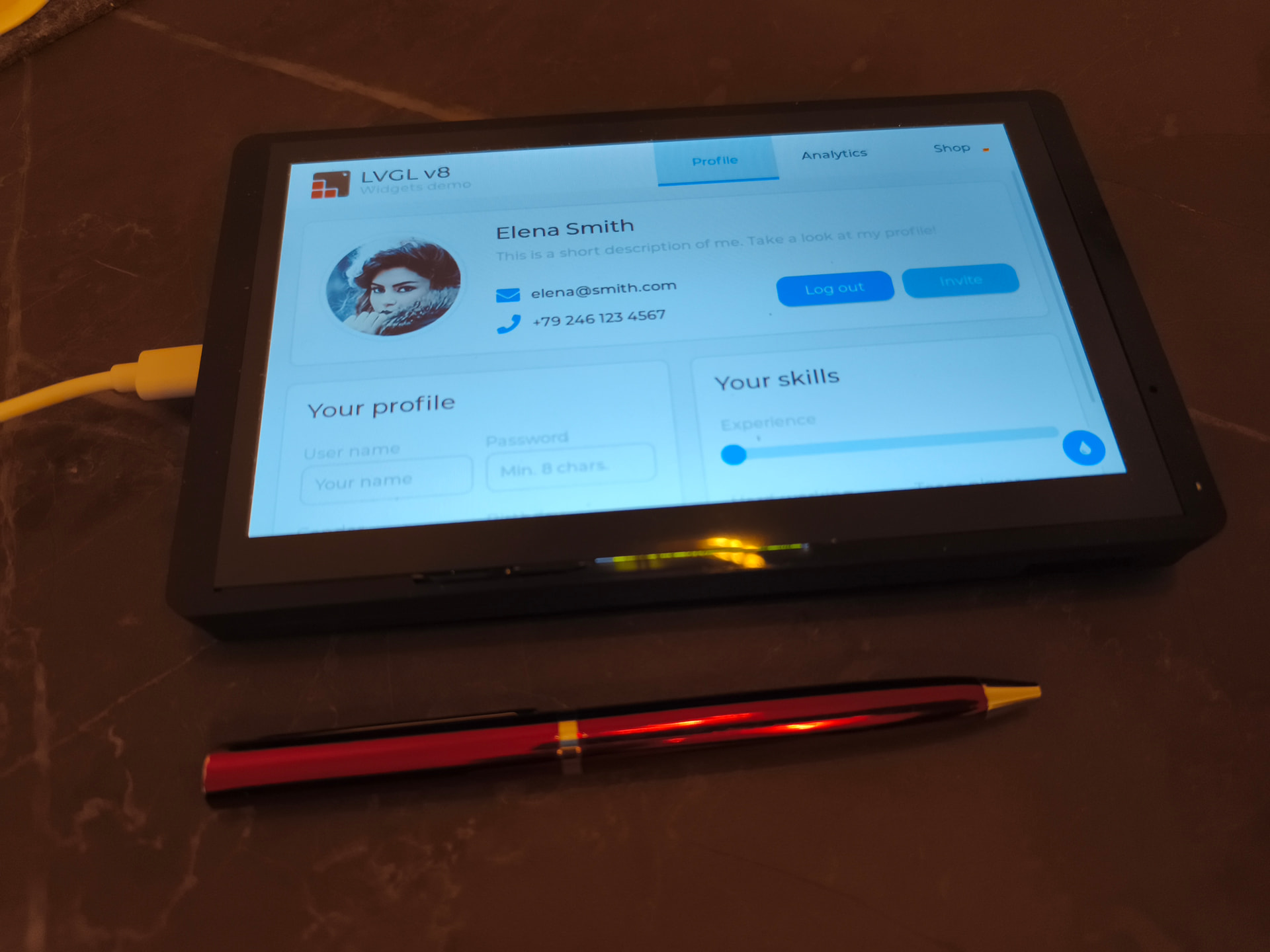
Yep, that one is linked above somewhere. That will work fine. My case doesn’t have a part for the antenna, uses a rocker switch, and I’m attempting to have the power/charge led lights visible. It also gives me some flexibility in the future to make a version for a wired connection. I also like more basic looking things.
If anything I think the fluid Dial would be better if it used websockets too even if it used a usb cable for power it would still eliminate the risk of frying the board through a direct connection.
But your FluidTouch is the better choice anyway, for me anyway.
Yea, I’m just intrigued to make it work when it’s not something I’ll normally use. I should probably sell my FluidDial. I bought the whole thing already made direct from Bart. He only made a couple to recuperate some costs from some extra parts he had.
Man that’s looking good. I just ordered the screen today I was going to print the linked case above, but I’ll wait for you to release this one instead!
I mean this is a much easier project than a CYD pendant and a bit easier than a FluidDial pendant. If you use the case from Elecrow and skip a battery, you can’t even really call it a project.
Yea, I’ll have to see how that plays out. I intentionally recessed it a bit to help with that. I put it in that location because it’s right next to the power/charge LEDs on the back. The rocker switch is a bit stiff so I think it will be ok.
finaly got my device..installed the batery.
the original case is very nice lasercutted plexi.
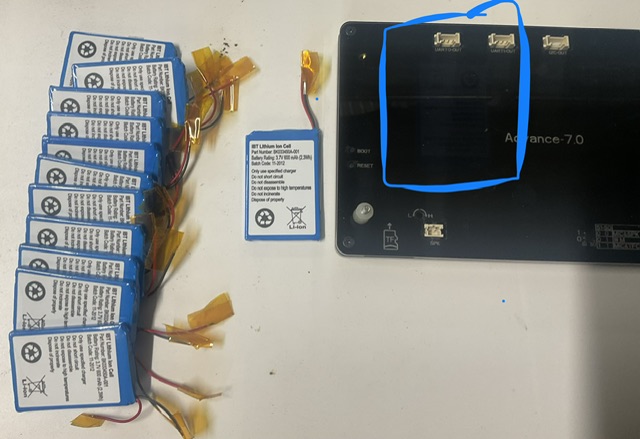
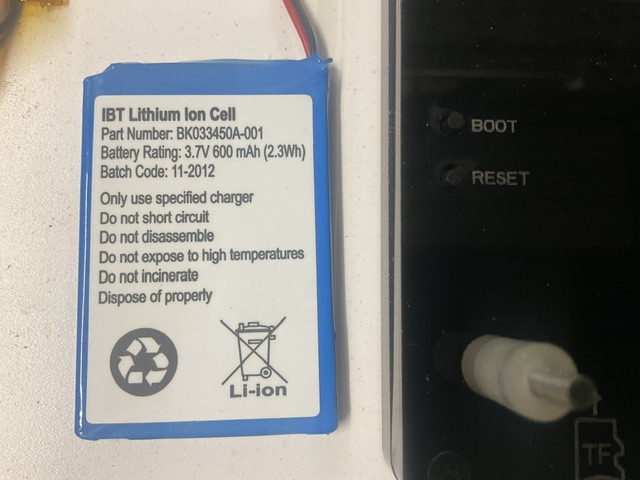
the only need to fit the battery is to 3d print middle layer of approx 4-5mm. it is easy
I am running device now, also had very bad flickering. occasionally, thought it is because of insufficient power. When i updated Brightness from 100% to 75% flickering disappeared completely.
i do my first trials with V 1.0.2 after fresh installation.
unfortunatelly i cannt connect to the LR4. i am sure that is UIv3… from my pc i use wifi FluidNC and connect to 192.168.0.1:82… all works
but connect from mobile display does not work at all, error shown "Coould not connect to machine “xxx”: URL 192.168.0.1:82
trials:
I also tried port :81 and port :80
tried to connect URL fliudnc.local - did not work
i changed config on the LR4 and set AP with IP 192.168.0.100. it did not help.
i ve tried it all… can it be that i purchased device (WITHOUT any addon modules) and the wifi just not inside? board is very fresh " CrowPanel Advance 7“ HMI"
when connected with PC i can see that wifi configuration is correct
You don’t need any of those addon modules. It has built in wifi. If it got to that point, it connected to the wifi network but failed to connect to the machine.
Given that you are connecting to 192.168.0.1, that tells me you are connecting in AP mode. That should work, but I use STA mode.
A couple options:
Try the 1.0.3_dev build. I changed the websocket library which is what is used to connect to FluidNC.
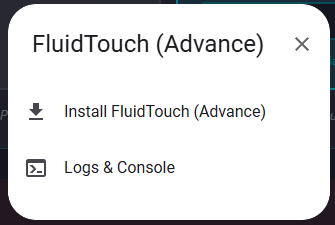
Connect via USB in the web installer.
When you go to install it, select Logs & Console. Reset the device and show the output when it tries to connect.
Im waiting your case release to build mine. I didn’t like the cyd pendant vs my tablet. Its already stored in a box. Webui3 i have not played with i really like webui2 (my 3 cncs runs that and im kind of slowwwwww with updates/upgrades)