These kind of issues bug me, so I have been doing some reading on work coordinates and I think I can explain this.
There is always a current work coordinate set and it is usually G54. You can check this by entering command $G This shows all of the modes that are set. You can check what the workspace coordinates are by entering command $#. You can change a work coordinate using G10. In this case I used G10 L2 P0 X0 Y0. P0 is the current work coordinates, P1-P6 is G54-G59.
In this screenshot you can see the current modes and current work coordinates:

In this one you can see the G10 command and the updated work coordinates:
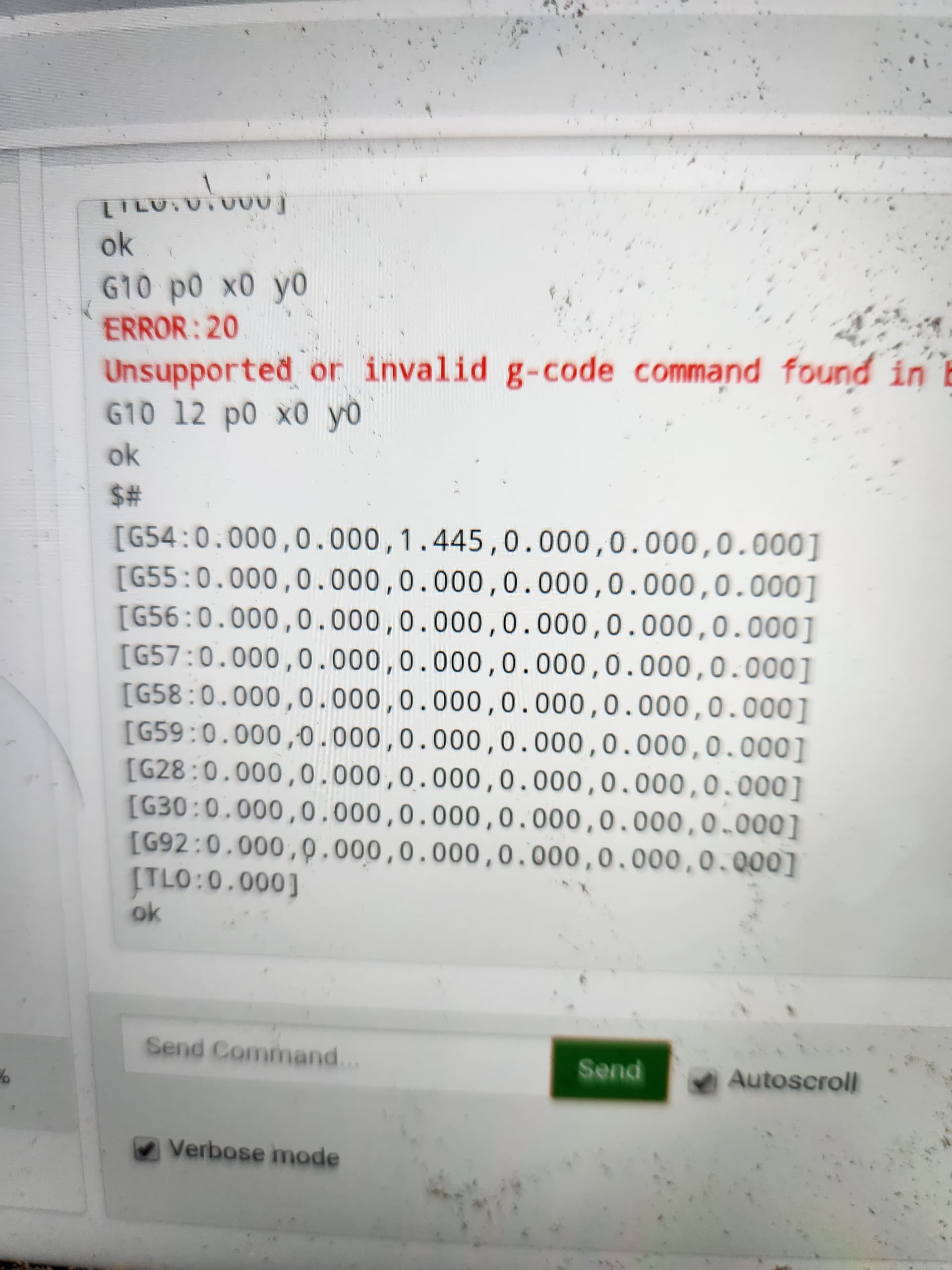
What is a little interesting, but I do not care is the graphic did not update:
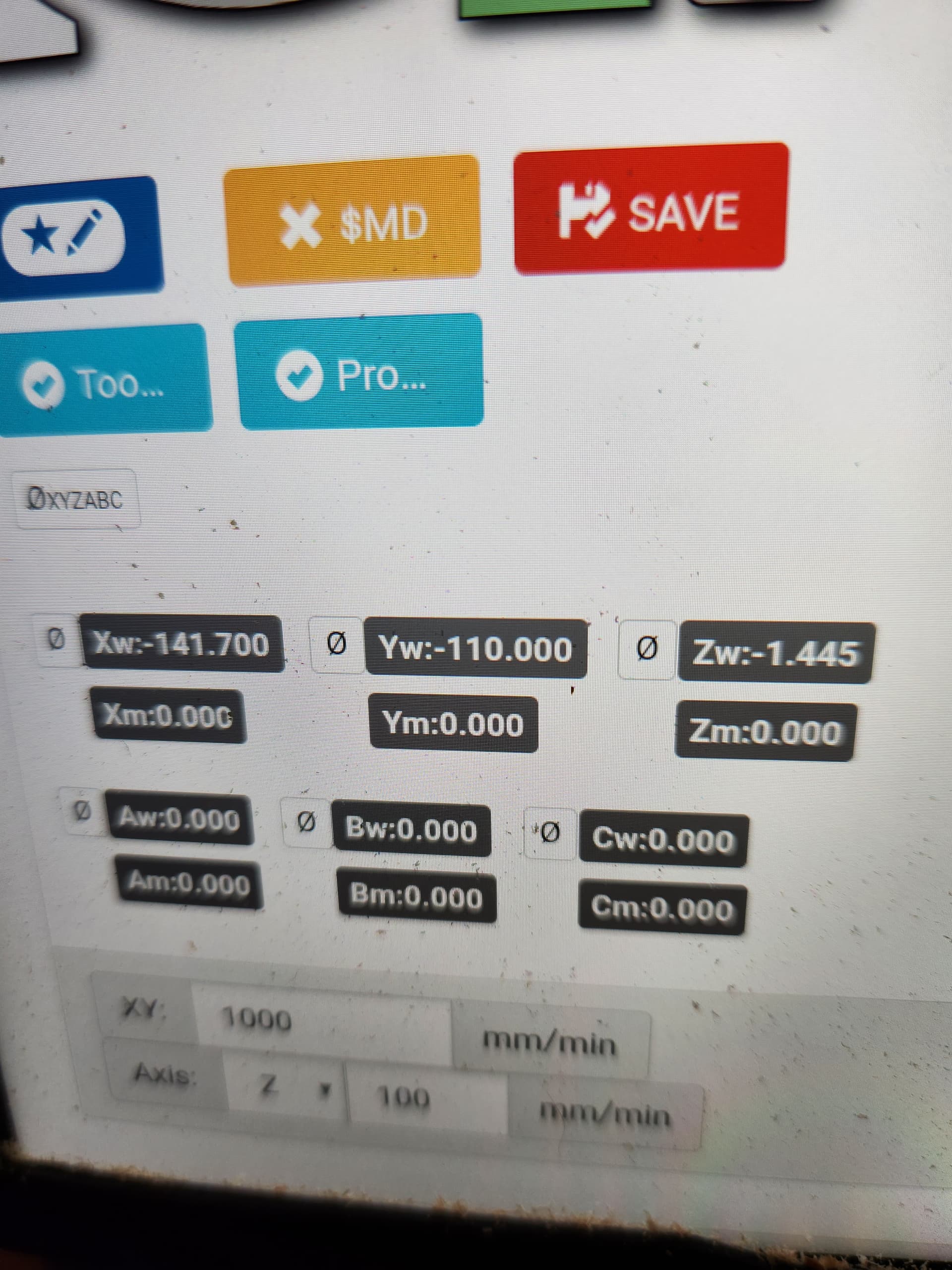
@vicious1, I am guessing you had G54 set to 0,0, so you are seeing normal behavior. It is now working correctly for me.