H2 regular and revo.3mf (184.4 KB)
If you wanna try it out.
I will put it on the file sites with CAD pretty soon.
H2 regular and revo.3mf (184.4 KB)
If you wanna try it out.
I will put it on the file sites with CAD pretty soon.
Thanks. I’ll give it a print.
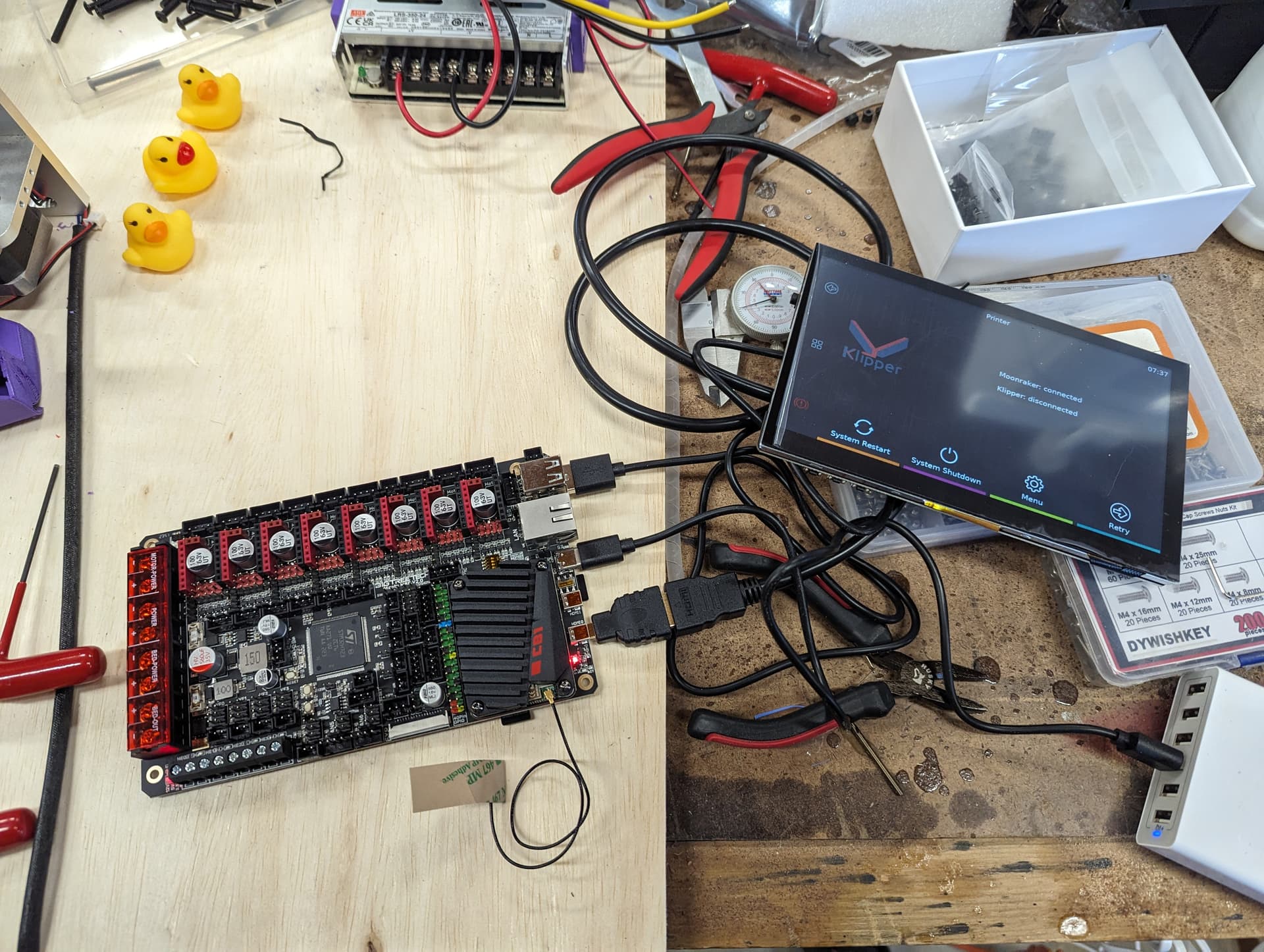
Initial boot test passed this morning. Touchscreen works. No time to do anything else as we’re out of town this weekend.
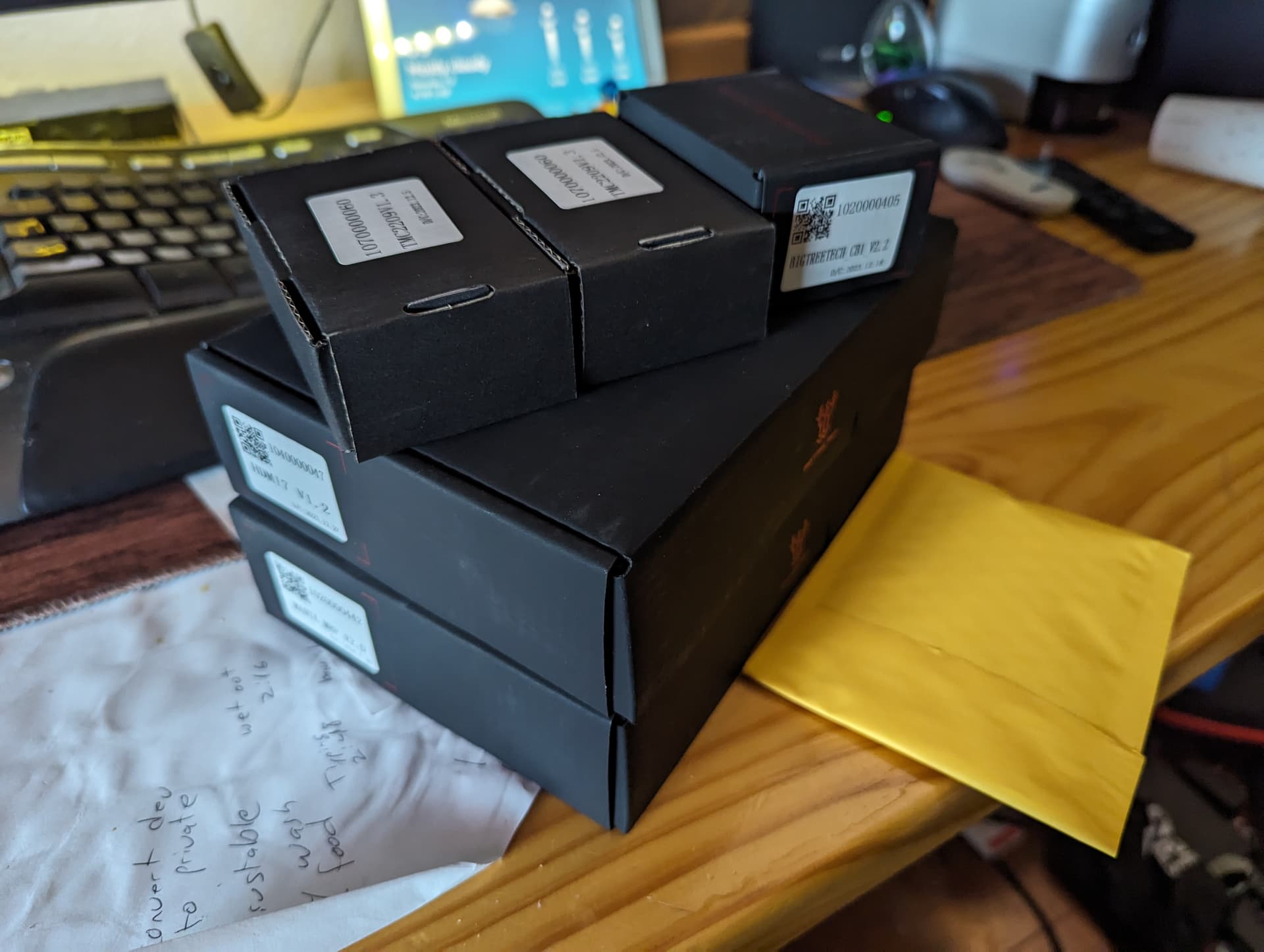
I just got my MP8 and CB1. haven’t messed with it yet but for some reason I expected the CB1 to be around the same size as a normal Pi. That thing is tiny! LOL
Most of the size of a pi is the connectors.
Are you using the Debian or Armbian base for the CB1? I have a pair of CB1s in the BTT PI4B carriers, and the Debian version of their software ground me to a halt about a year ago when I first played with it.
Did you load the BTT distribution with Klipper from their repository, or roll your own Klipper from scratch on it?
Also curious about this. I picked up a Manta MP8 and CB1 to go on the V5. Hoping to have good luck with it
I am gathering that this simply gets added to the printer.cfg file? Or is there somewhere else to add it? Pardon me for being so new to Klipper.
Pretty much yes.
Here is the link to the config reference about it.
The Klipper config is actually pretty simple, think FluidNC config with no whitespace issues.
The problem comes in with the Macros. The macros can get very involved and often reference each other and different components. So you could copy a lot of someones klipper config but double-checking everything is not easy.
You surely need to build your own at first while referencing someone’s. after that you stand a chance of just editing one to make it work.
When you save your config, Klipper checks it…but it does not really check the macros. So you have to test those with a finger on the e-stop. Some fail with things just basically pausing, some will reboot the whole thing…
This is very helpful info. Thank you!
I Snagged the build off their GitHub repo.
Can someone help me? What pins do I need to set on the board for my drivers?
voron had some good docs for my octopus board. Here is their page with info, but their pinout link isn’t working and this one does. It has a table with the pins for your drivers:
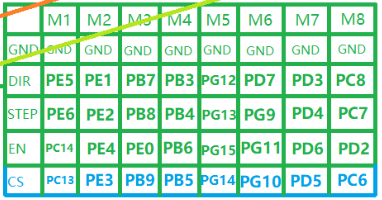
in the printer.cfg file, just make sure the pin definitions match the pin labels for the motor # in the correct axis section of your file. Better yet, you might pull a sample klipper manta board printer config file to start with.
Great advice here!!! The examples usually have all the pins mapped correctly. Just make sure you are getting the one for your exact board
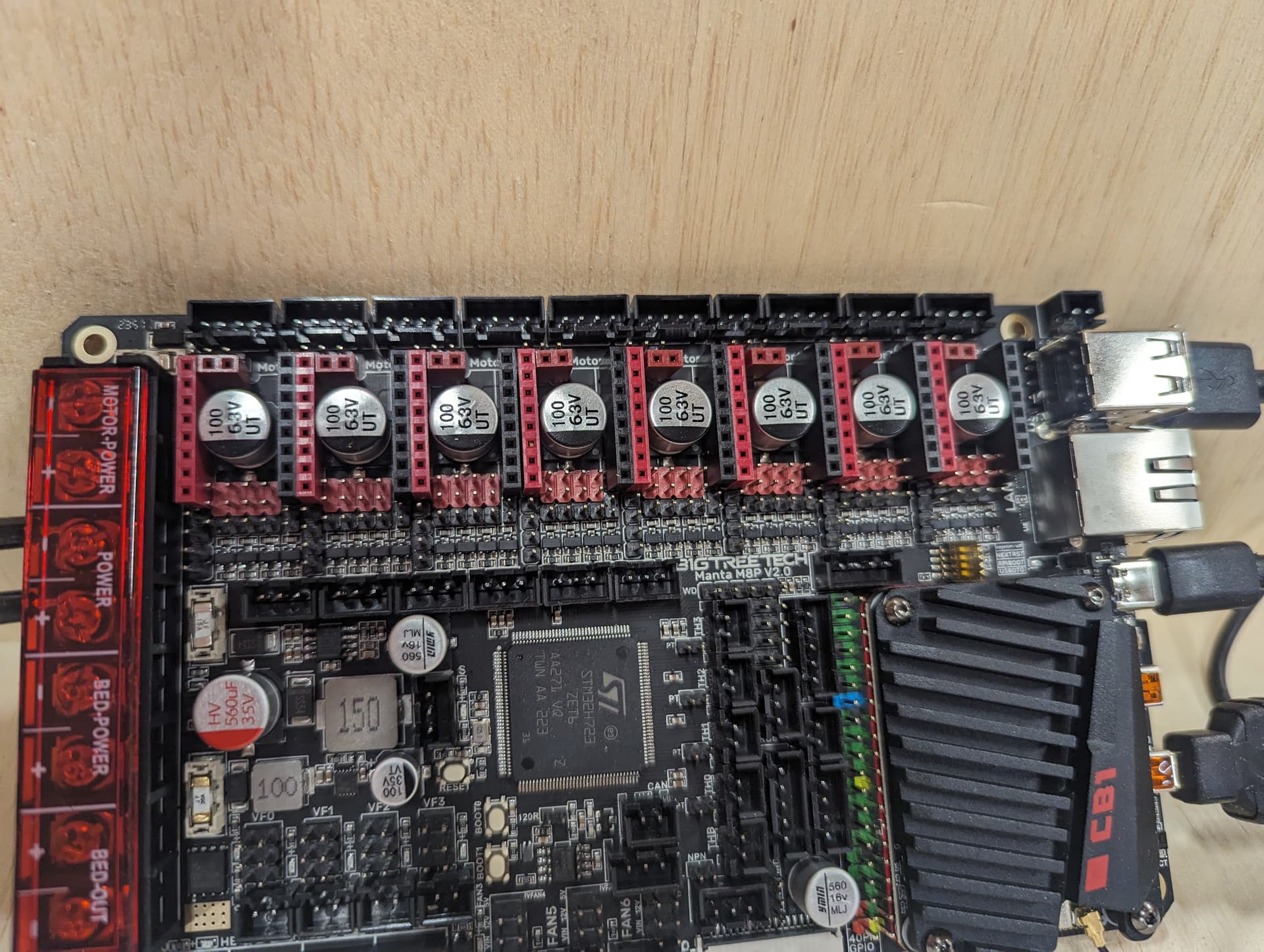
Sorry. I don’t mean the pin names. I meant what physical jumpers do I need to set on the board for my drivers.
you need the uart jumper in place. again, voron for the win:
The only difference between your system and the voron is the number of z motors and they use 4. The documentation they have to help with this is pretty good and very applicable.
I found this and used it.
Some progress. Having an oddity where the firmware seems to be disappearing after a reboot. Putting device in boot mode and flashing with make flash fixes it.
Issues started after I tried putting a new firmware on the SD card.
Need to figure out what’s causing that and finish configuring the printer.
I haven’t tried moving any axis yet. Want to figure out the firmware before I start testing endstops.