
Copy firmware.bin to the root of a FAT32 formatted SD card.
Put that in the SKR.
Power cycle the SKR and let it blink away.
After it finishes, firmware.bin should rename to firmware.cur.
At that point you have the latest correct firmware on the SKR
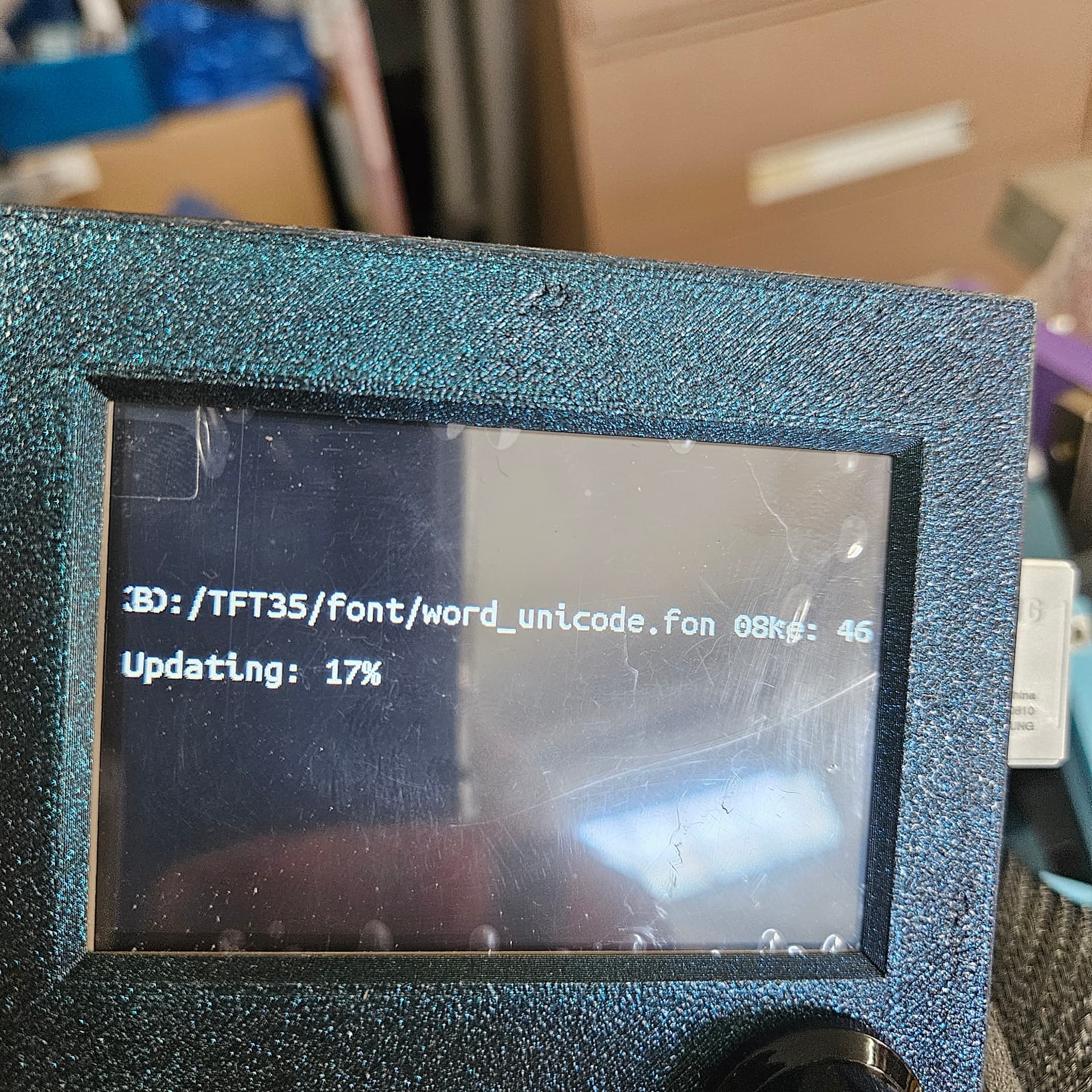
Got it!
All flashed. Now what do u do to make it move? Nothing seems to work so far

You should be able to use the jog function on the screen. What exactly did you try?
I found a setting called UART SPEED. That got me out of “TFT LISTENING MODE”
Only issue now is the Y motors are reverse of each other,
y1 is good it moves towards me when I do - motion but y2 moves in the positive
stoked though!
I think one of my motors isnt firing on the y axis
Is there a way to check?
Just ripoed the belts off the table. Just runnaway style
Your steppers should not have been able to do that, not even close.
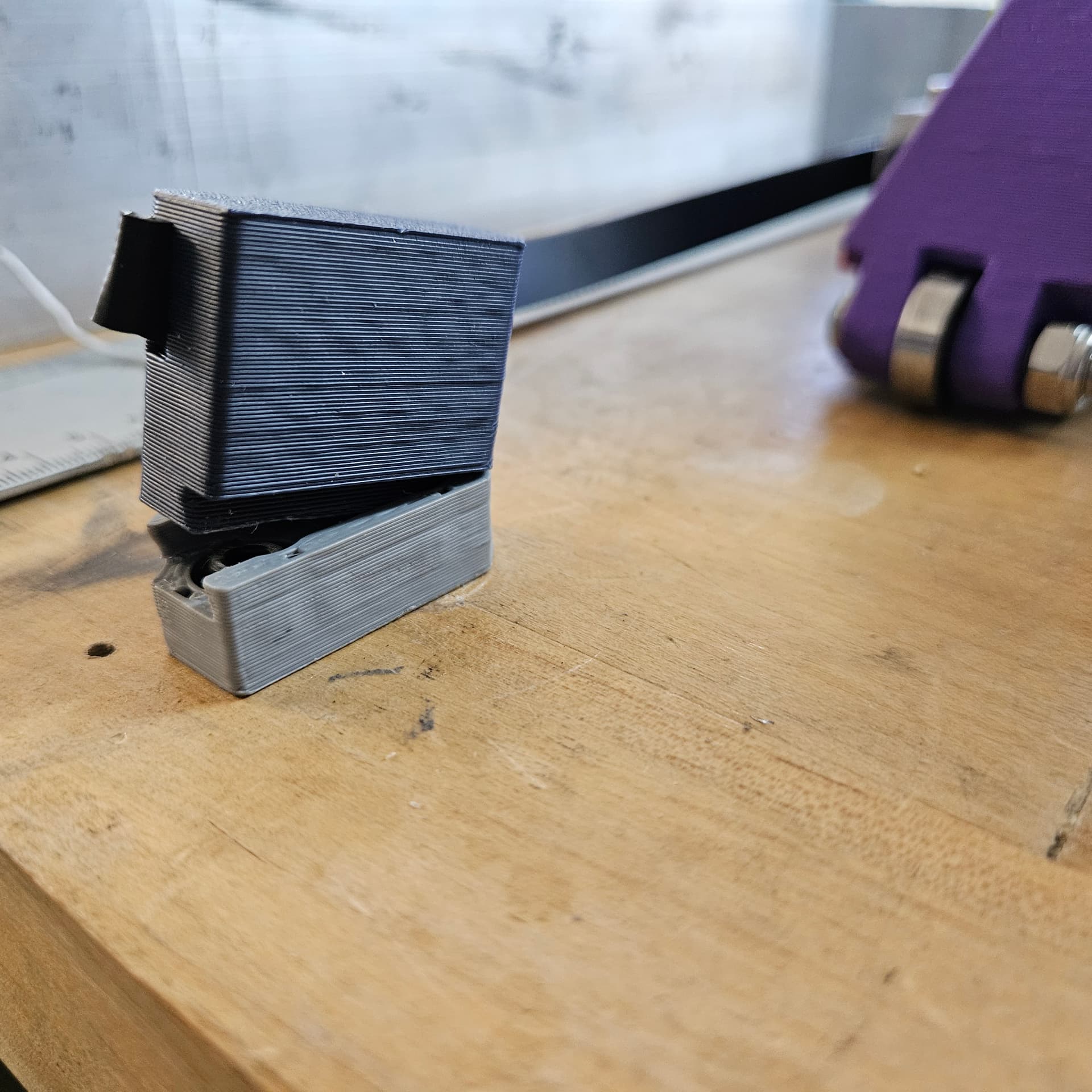

Looks like a layer adhesion issue with that part- plus the long motion. You should not have been able to break the parts with a long move, the machine should have been just sitting there losing steps.
Do you have an e-stop set up? Always good to have available.
It may be good to try a temp tower before you re-print those parts. This is actually somewhat fortunate as if you have layer adhesion issues they’ll crop up like this.
Back to the Y motors motion question- with the belts off, you should be able to command a move and see if both are moving. So at least we can troubleshoot that some more.
It is possible you had teh belts so tight the Y stepper could not move, and that made the parts break from the added stress.
I have honestly never seen that happen. Not only are the steppers not strong enough, the parts should have run into the blocks.
I had a similar issue with one Y base. The belt’s weren’t too tight, until I snagged a belt when moving something off the table, putting a lot of force on the belt. It wasn’t really a layer adhesion issue, so much as the PLA deformed under the load. I suspect that tightening the belt to guitar string tension would probably have the same effect.
I had the motors hooked up the wrong way. I was trying to figure out the opposite Y motion when I then bumped one of the Z jogs (cant remember which direction) but it went full motor speed or more towards the negative stalled for maybe 1/3 of a second then snapped them off.
Weird. No biggie. I printed those parts over a year ago so whatever.
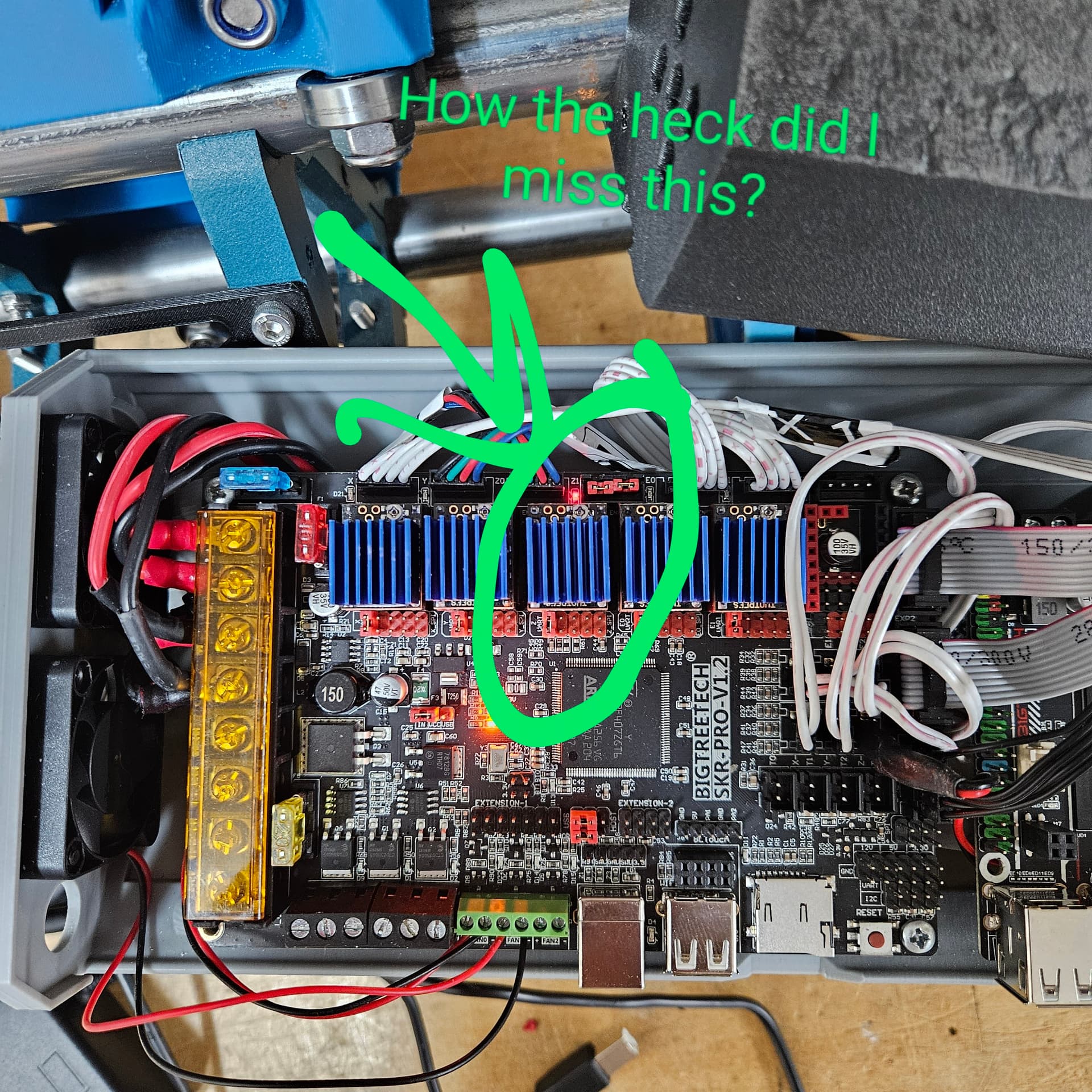
I’m not sure what is wrong in that picture. The jumpers in the second Z port are supposed to be there.
Could you have maybe hit a Y jog? Or did you try to jog Z and Y took off?
I don’t see a problem either.Those jumpers belong.
Were you able to change the drivers over to the other TMC2209s? That picture still looks like it has the set from before.