@Philipp Tokoloshe
My initial idea was actually quite similar to the Woodworking Workbench, mainly focused on making furniture design inside FreeCAD faster and easier.
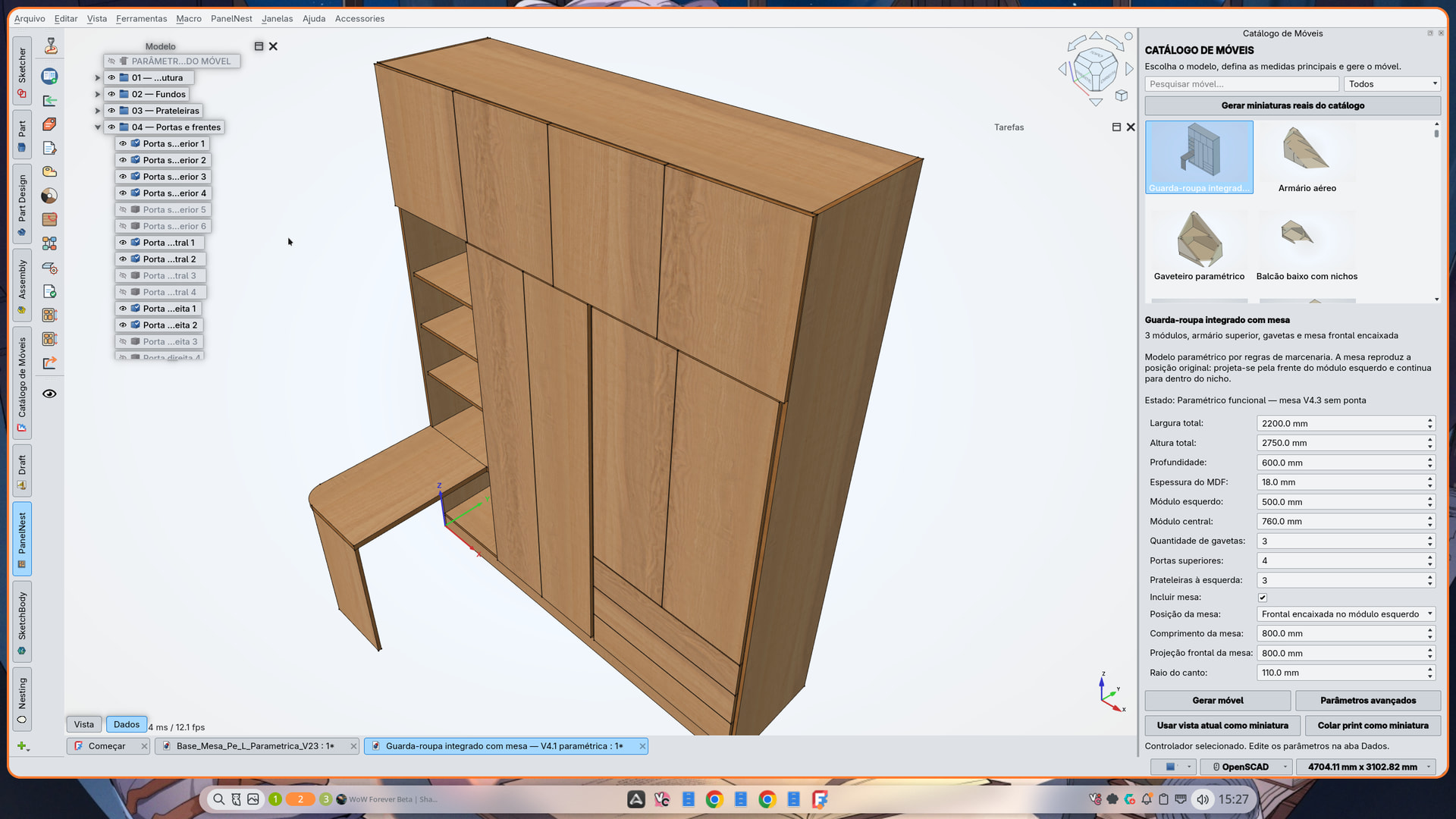
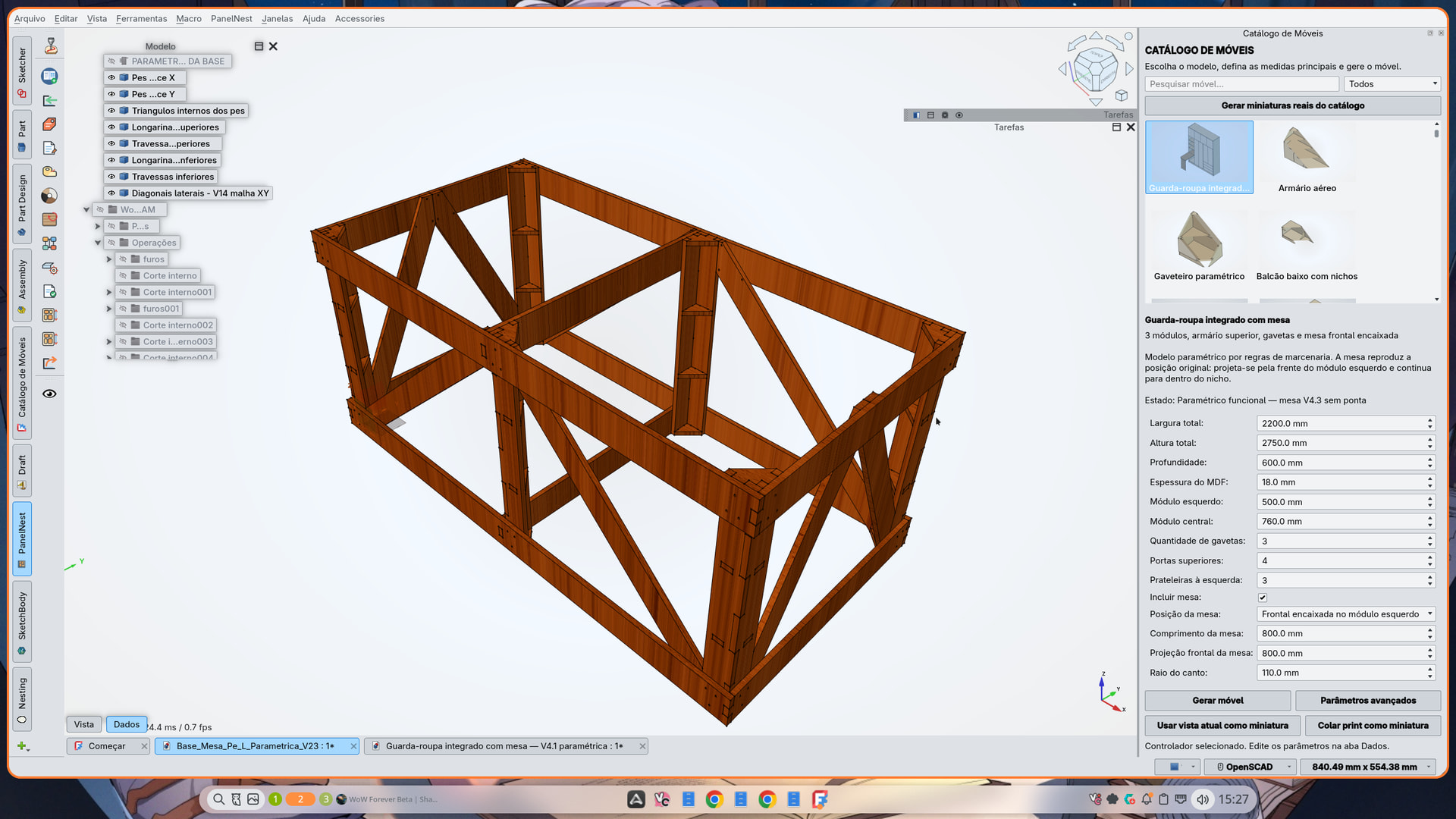
But as the project evolved, I gradually moved more toward the CNC workflow. At the same time, I started building a library of parametric furniture with the help of AI, and I found that development was moving much faster that way. I think this kind of AI integration is almost inevitable and will probably become a much bigger part of the design workflow over time.
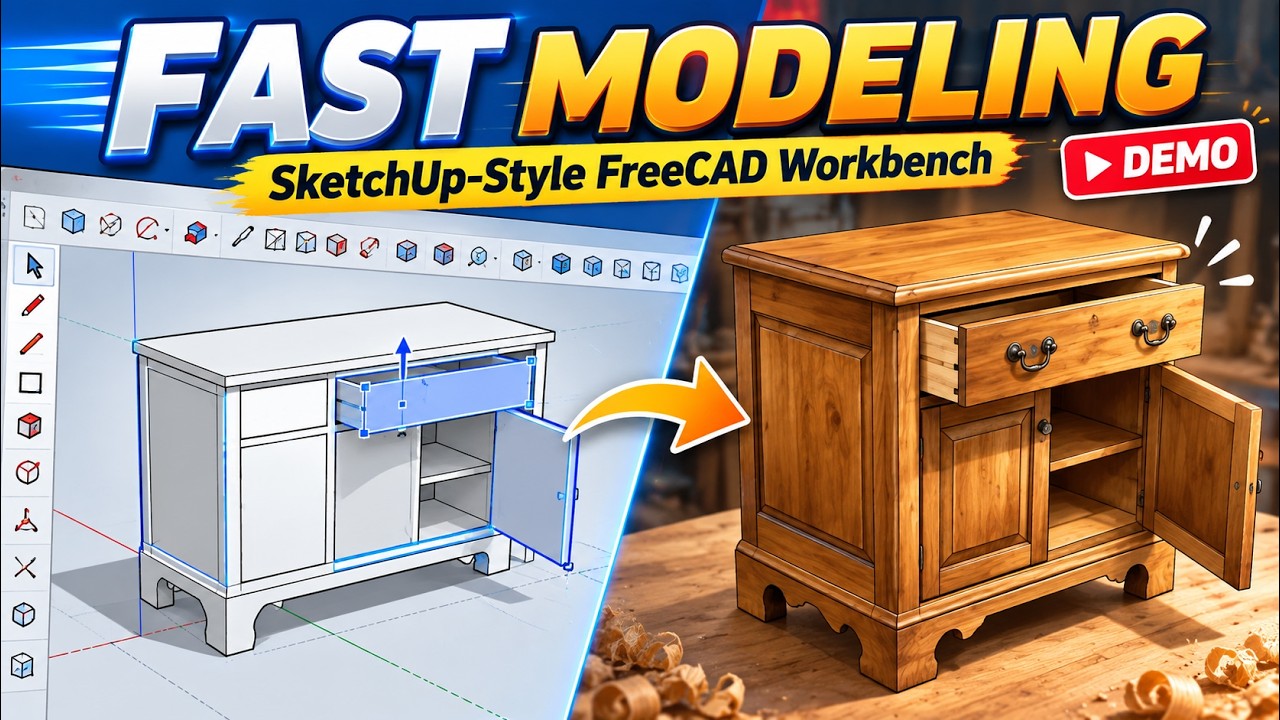
The furniture shown in the pictures I posted was actually created entirely with AI. I only applied the textures and materials from my workbench afterward, mainly to show that we can already achieve a very pleasant result this way.
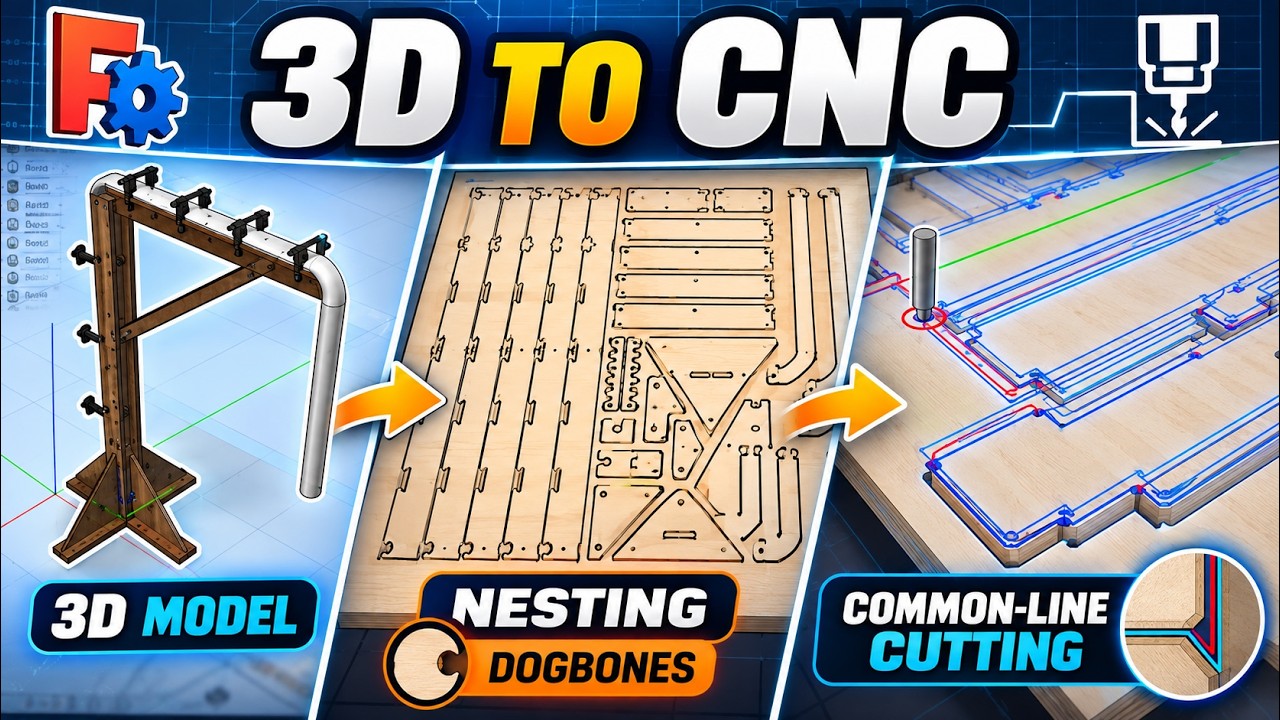
Today, the workbench is more focused on quick adjustments, easy part manipulation, cutting layouts/nesting, and generating CNC G-code quickly, without requiring an overly complex workflow when the job doesn’t need it.
The SketchUp-style idea came from my transition from Windows to Linux. I used SketchUp on Windows, and when I moved to Linux I felt there was a gap for something similarly simple and intuitive. Blender is extremely powerful, but it can be quite complex for quick modeling, and I also wanted the solution to be free. There are some very good alternatives, but many of them are paid.
That is what eventually led me to FreeCAD. I really like it, but I have always missed a simple way to quickly sketch something and push/pull faces, like in SketchUp. Not everything needs to be parametric or production-ready — sometimes you just want to quickly turn an idea into 3D and see roughly how it might look.
@Rick McConney
Sure — I’ll upload the workbench code and share the link.
Just keep in mind that everything is still very much a prototype, so there may be bugs or things that don’t behave perfectly yet. In my case, I use GPT with Codex while developing it, and that has made the process much easier. Whenever I run into a small issue, I just describe what happened and usually get a fix almost immediately.
So if you use an AI assistant as well, it becomes much easier to test, adjust, and improve things as you go.
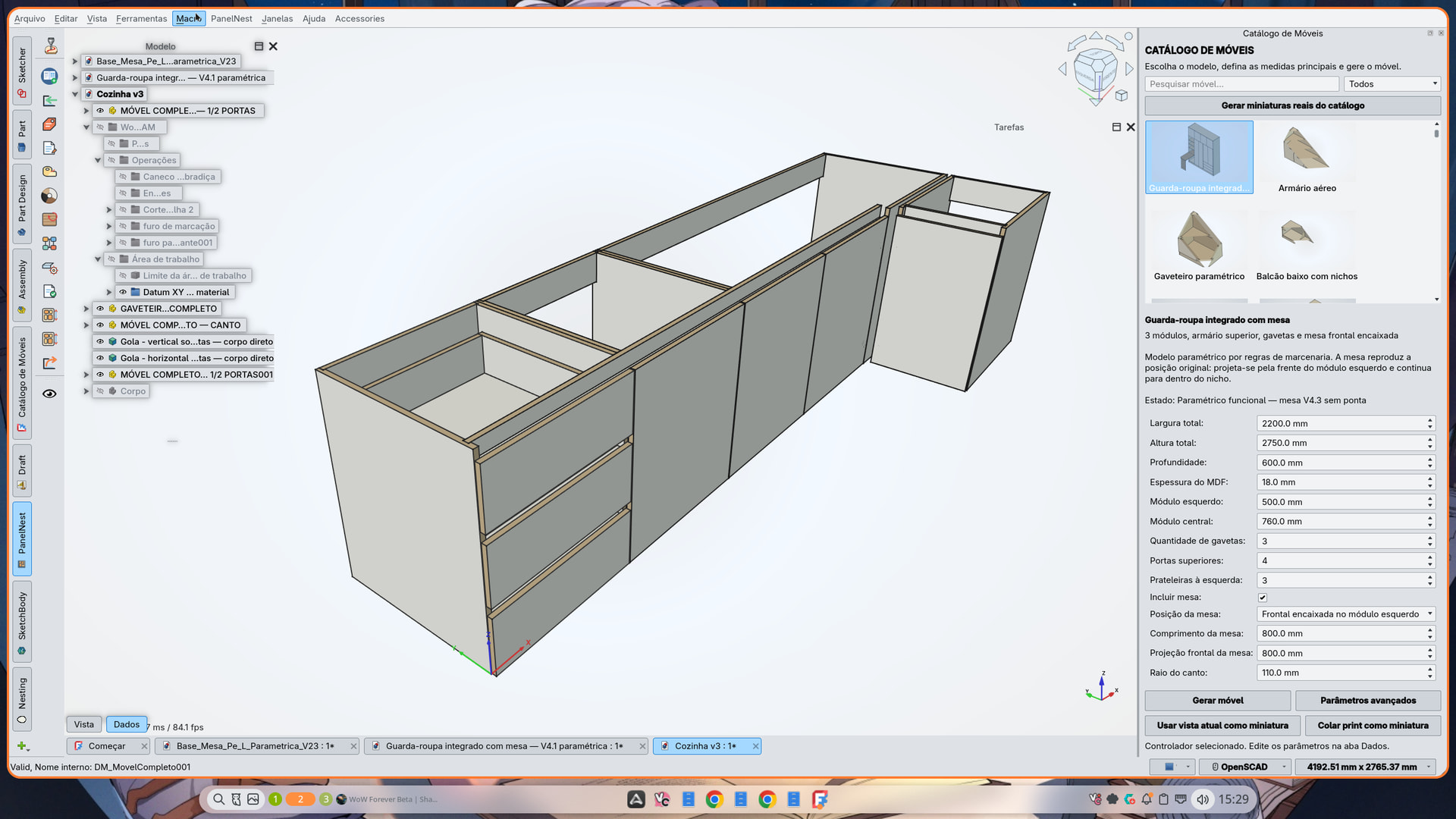


 )
)