WebUI v3 improvements

The latest build on the new stuff listed since release is here

index.html.gz.zip

Most notable for testing is that I made some big changes around the WebSocket management. I’ve been running locally and haven’t had any problems, but I’m really looking for anyone that can test and let me know if there’s any noticeable problems with it keeping the websocket open, or if there are any visible changes to the way it deals with reconnects, etc.

I will load it up tomorrow. I am kinda running in circles today.

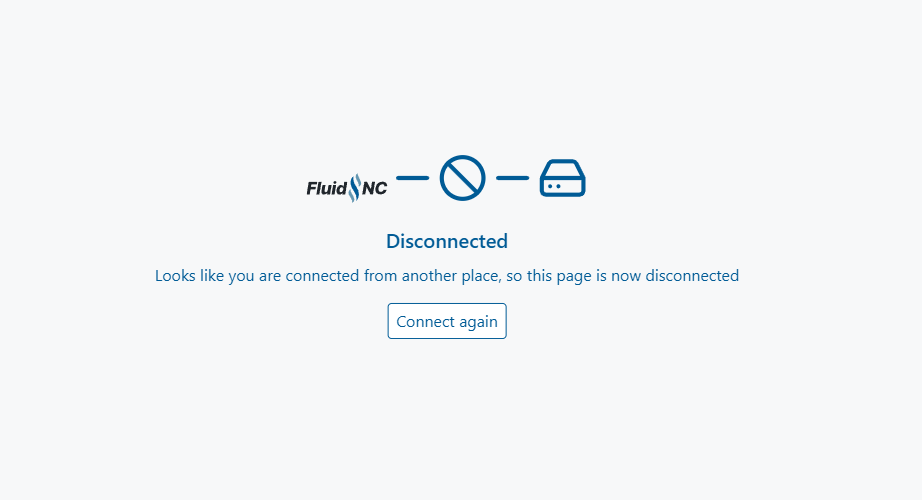
When it disconnects because you connected somewhere else, it now shows this message:
Already connected from another session
That’s different than what it used to display and not actually what happened. It seems to functionally work ok.

Ah, but I do see some nice changes:

  • Getting rid of the useless “Information” tab. Although, I feel like if that was redesigned so everything was much larger, it could be a useful view.
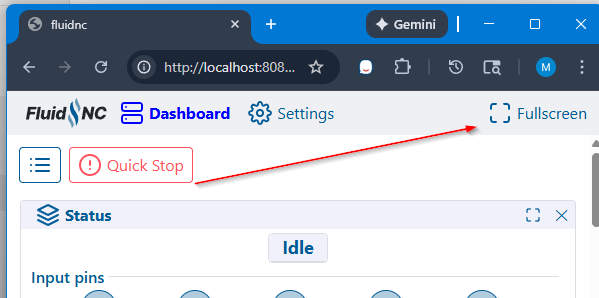
  • Overall Full Screen
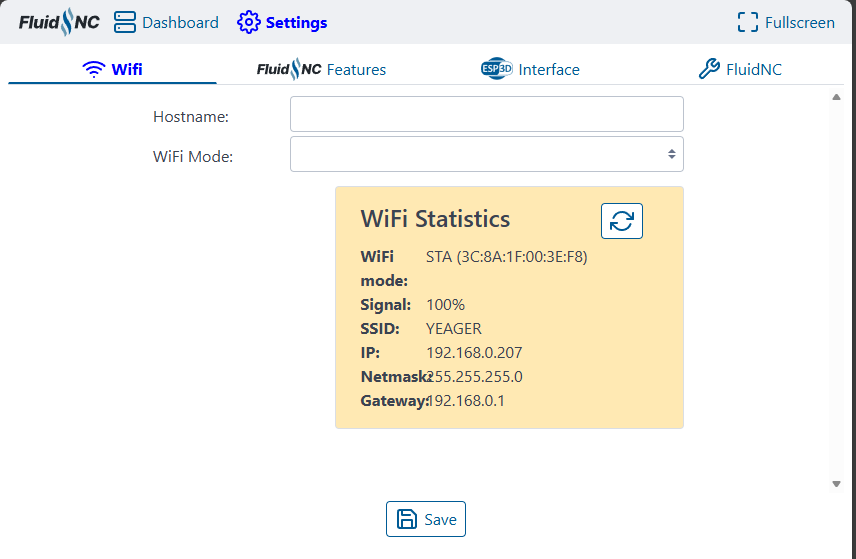
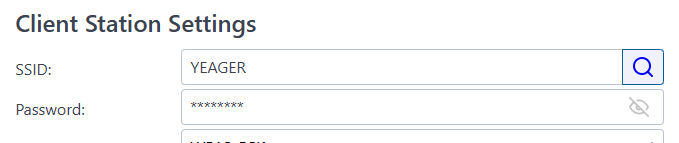
  • WiFi Settings - The only potential issue I see (I didn’t test this), is that if you choose to display the password, it’s all asterisks since FluidNC won’t provide that info. I’m curious if that could inadvertently change the password to asterisks. I suppose each piece of information is a separate command so it’s probably ok.

And it looks like you fixed this in the last release, but I didn’t notice until now, it now shows the hostname instead of I think it used to say undefined.
image

Looking good!

1 Like

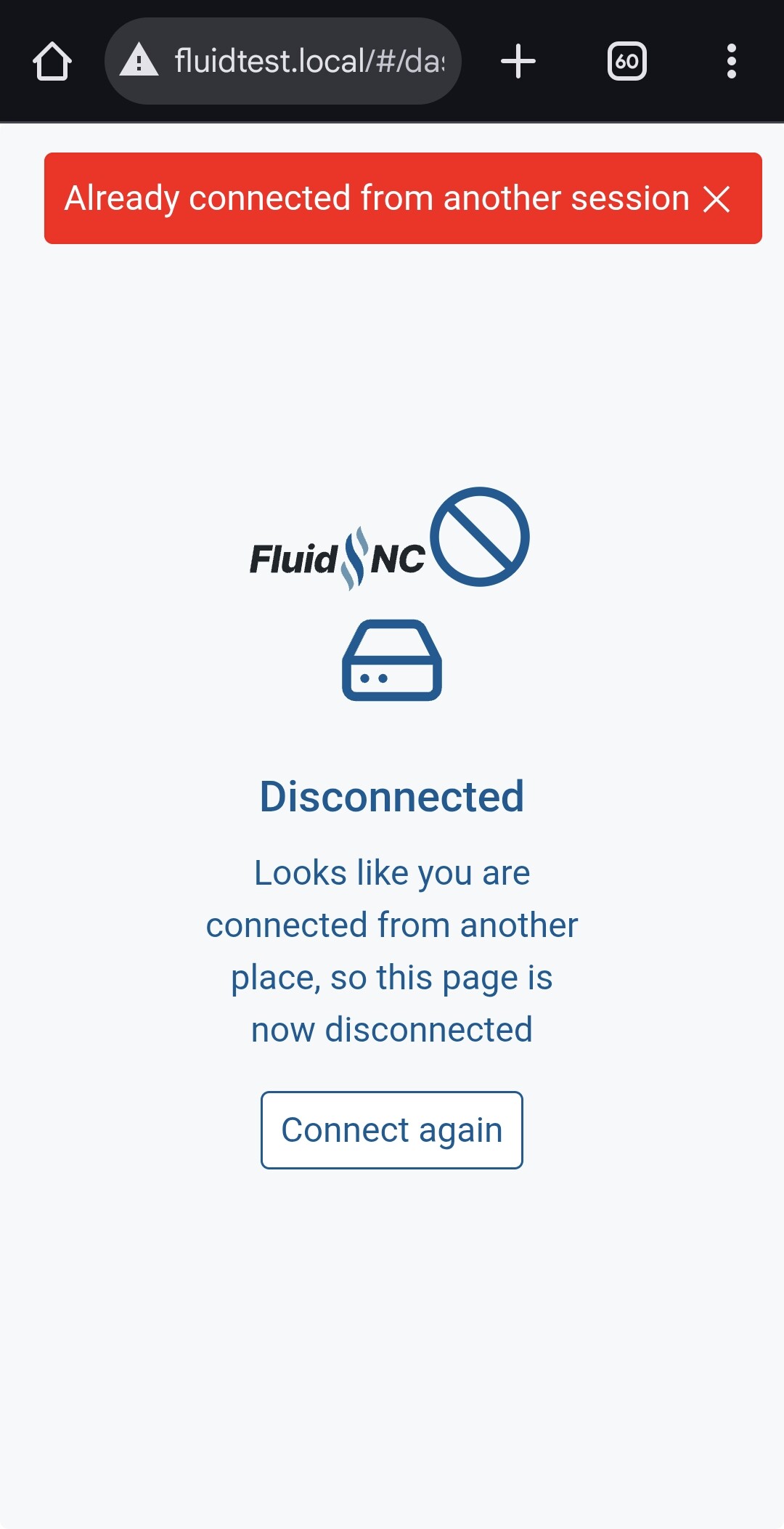
hmm… I just tried it and this is what I got…

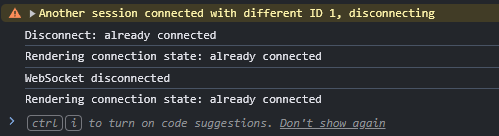
maybe check the console log?

mine says

It only shows the red message briefly.

ah… yeah.

I did notice that. I think the new websocket code toasts every error it comes across right now. I probably need to be more selective. It’s also got a bunch of debug stuff still in the console log I think that I need to remove

I thought this was going to be a better idea, but it turns out it doesn’t work on most devices because of limitations they impose.

I wanted it for my iPad because it’s such a pain to enter fullscreen, but the button does nothing. So for now, it hides itself on incompatible devices.

Feels like that might be a moving target though, and the only place it will be available is where it’s already easy to go fullscreen.

I was thinking instead it might be better to move the Quick Stop button there

and move the hamburger menu next to the logo.

Then we regain some significant vertical space for small devices

2 Likes

Works fine on my PC and phone.

I think you could move the hamburger and quick stop button and still keep the fullscreen button. I display a logo there in my themes, but that was only because it was empty space. I’d rather have useable space than fill it with a logo. I don’t think the fullscreen button needs a label regardless of screen size. That is also consistent with the panel fullscreen buttons.

1 Like

It might be just Apple devices.

You have to go through their special menu.

Speaking about the whole disconnect functionality on WebUI v3…

1 Like

yeah… i saw that…

I’m not sure what it’s about yet. He mentioned it to me the other day that he had some changes he was going to PR.

Honestly, I really like the functionality that let’s me not worry about how many connections I have.

If that’s a feature people want, I think I would hide it behind something you have to opt in to.

I don’t want to accidentally have updates mid-job streaming to 6 different tabs for no reason

1 Like

Yeah, auto connected stuff can be a bummer.

new version here

index.html.gz.zip

Mitch’s PR has been merged for FluidNC v4.0.0 support.

Most notable change in this build is

image

new setting that allows you to allow yourself to keep the WebUI connected when other websockets connect.

Default is true, behavior as before

1 Like

Doing a little testing of this on 4.0.0-pre1. Every time I go from the Settings tab back to the Dashboard tab, it outputs all this info in the terminal.

$Grbl/SoftLimitsEnable=0
$Grbl/HardLimitsEnable=0
$Grbl/HomingCycleEnable=1
$Grbl/HomingDirections=3
$Grbl/MaxSpindleSpeed=0
$Grbl/LaserMode=0
$Grbl/Resolution/Y=50.000
$Grbl/Resolution/Z=50.000
$Grbl/Resolution/A=200.000
$Grbl/MaxRate/Y=9000.000
$Grbl/MaxRate/Z=9000.000
$Grbl/MaxRate/A=900.000
$Grbl/Acceleration/Y=200.000
$Grbl/Acceleration/Z=200.000
$Grbl/Acceleration/A=80.000
$Grbl/MaxTravel/Y=1220.000
$Grbl/MaxTravel/Z=2440.000
$Grbl/MaxTravel/A=300.000
$Notification/Type=NONE
$Notification/T1=
$Notification/T2=
$Notification/TS=
$Telnet/Enable=ON
$Telnet/Port=23
$HTTP/BlockDuringMotion=ON
$HTTP/Enable=ON
$HTTP/Port=80
$MDNS/Enable=ON
$WiFi/PsMode=None
$WiFi/Mode=STA>AP
$Sta/Password=********
$Sta/MinSecurity=WPA2-PSK
$WiFi/FastScan=OFF
$Sta/IPMode=DHCP
$Sta/IP=0.0.0.0
$Sta/Gateway=0.0.0.0
$Sta/Netmask=0.0.0.0
$AP/Country=01
$AP/SSID=FluidNC
$AP/Password=********
$AP/IP=192.168.0.1
$AP/Channel=1
$Hostname=fluidtest
$Sta/SSID=YEAGER
$GCode/Echo=OFF
$Start/Message=Grbl \V [FluidNC \B (\R) \H]
$Firmware/Build=
$SD/FallbackCS=-1
$Report/Status=1
$Config/Filename=config.yaml
$Message/Level=Info
ok

It might also help for the Wifi tab to have some kind of loading indicator. It pauses at this stage for a few seconds:

hmm… It’s supposed to have a loading indicator..

And it’s not supposed to load the wifi networks unless you click the search, which is usually the long part.

I’ll have to put it on a board again and see.

I have an ESP32-S3-Devkit I bought over a year ago specifically to play with that S3 branch… so it guess it’s finally time to break it out

There’s something wrong with extensions in 3.0.0.6 that works fine with 3.0.0.5. It seems like the way that extensions get data isn’t working. Maybe? Although I am seeing an error about preferences.json in the upper right:

image

It’s successfully sending commands from an extension but the extension doesn’t seem to be getting any responses.

ok. I’ll look into it.

I definitely made some changes in the websocket code, and that ties into the dispatchToExtensions, etc.

not sure about preferences.json. I didn’t have any problems with that, but the entire web server got switched out in this version and I haven’t tried running on v4 firmware yet. I can’t get my S3 to flash

I’ll have to try 3.0.0.6 on a 3.9 version. I’m getting a little confused on the source of problems. I think the preferences.json might be a v4 issue.

yeah, I can’t upload my webUI at all in the installer

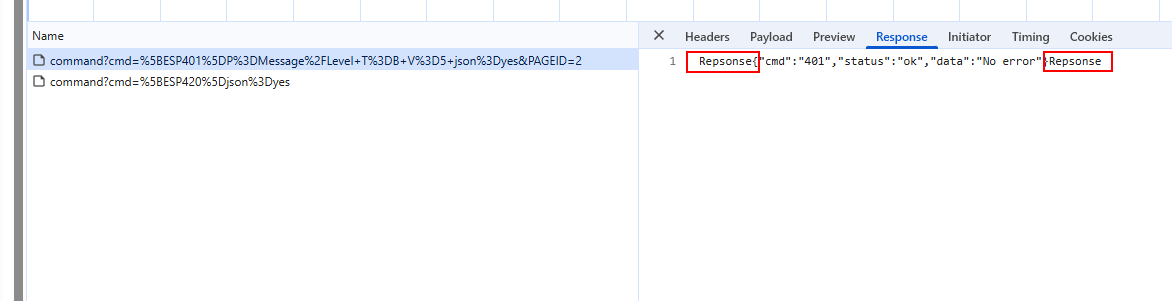
Looks like some of the responses aren’t right

1 Like