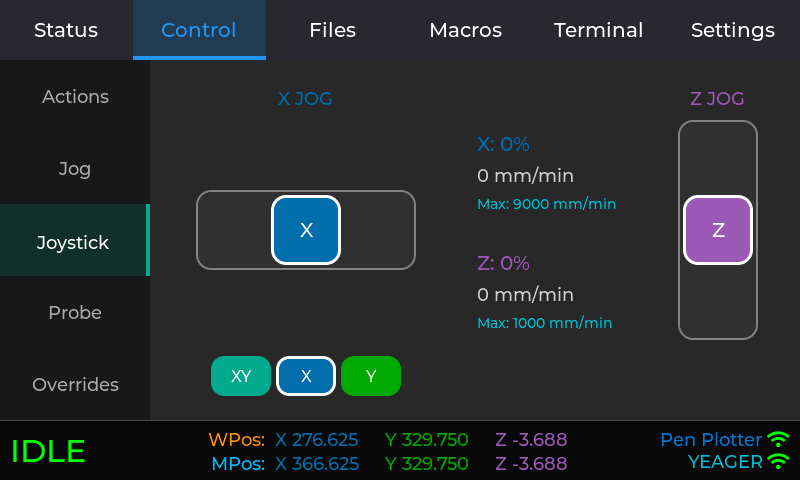
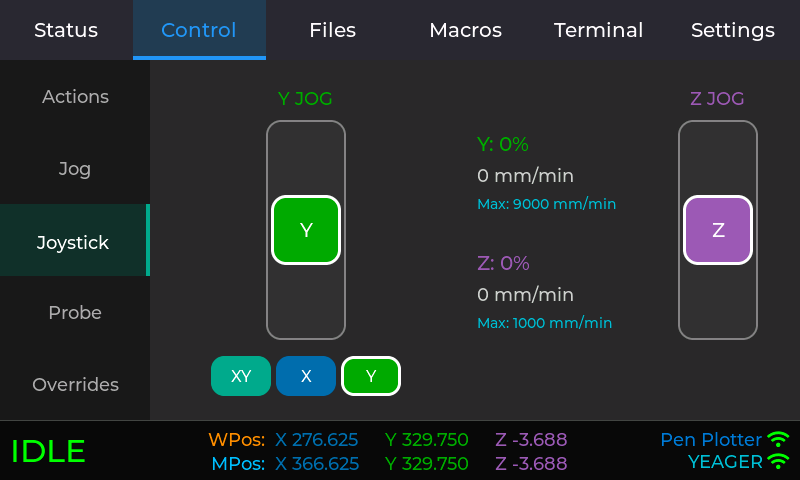
Jason I would love to make a new tag for your projects. It would help me find them easier and make it easier to show this stuff off to others. It does not have to be just for your projects but what do you think it should be, fluidnc_mods, or webui_tweaks, interface mods, something easier to remember?
I know we can just go to your repo but with a tag we can select a cover picture and then we get a gallery set up so it is easy to find your work. Did you do the klipper theme as well?
fluidnc_mods sounds good. I plan on making a new post for this once I release 1.0. I should probably close this thread then since it has spawned a few different projects.
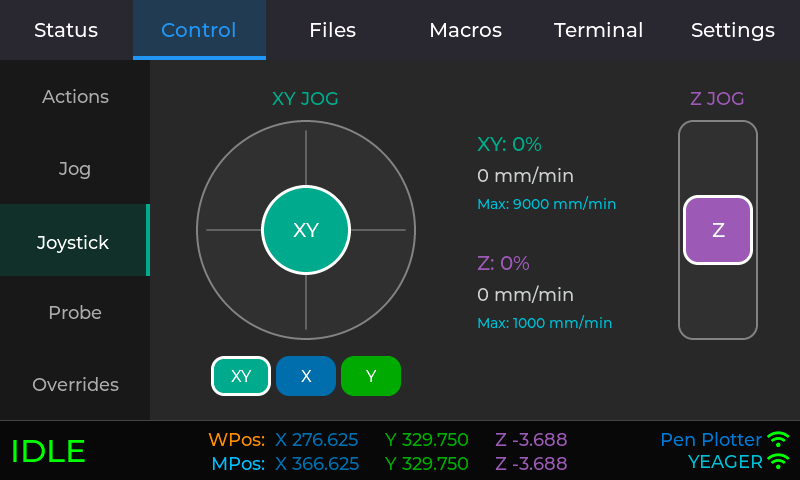
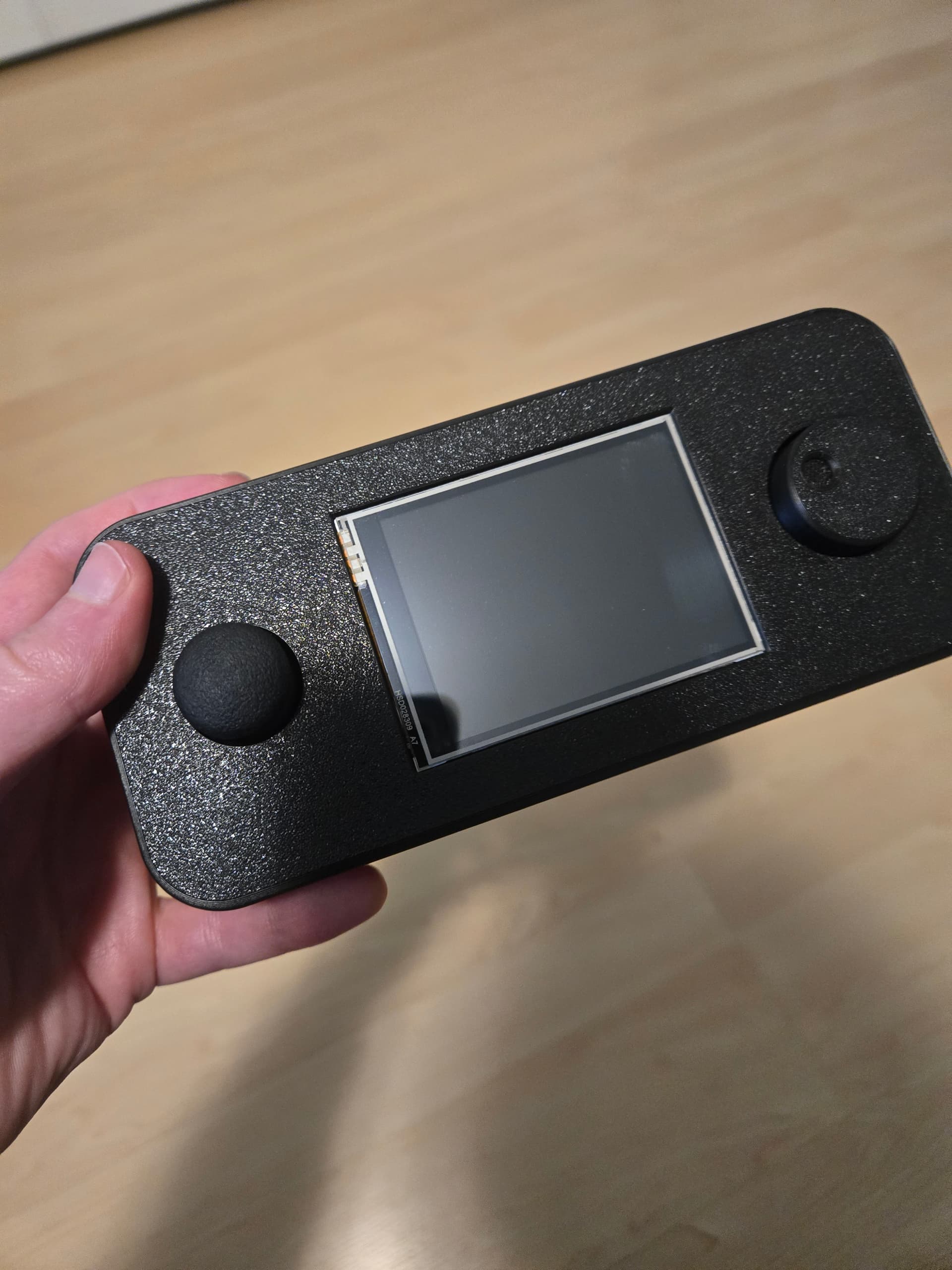
Well, that was a pain but it’s generally working now on the Advance version of the display. I still have some work to do.
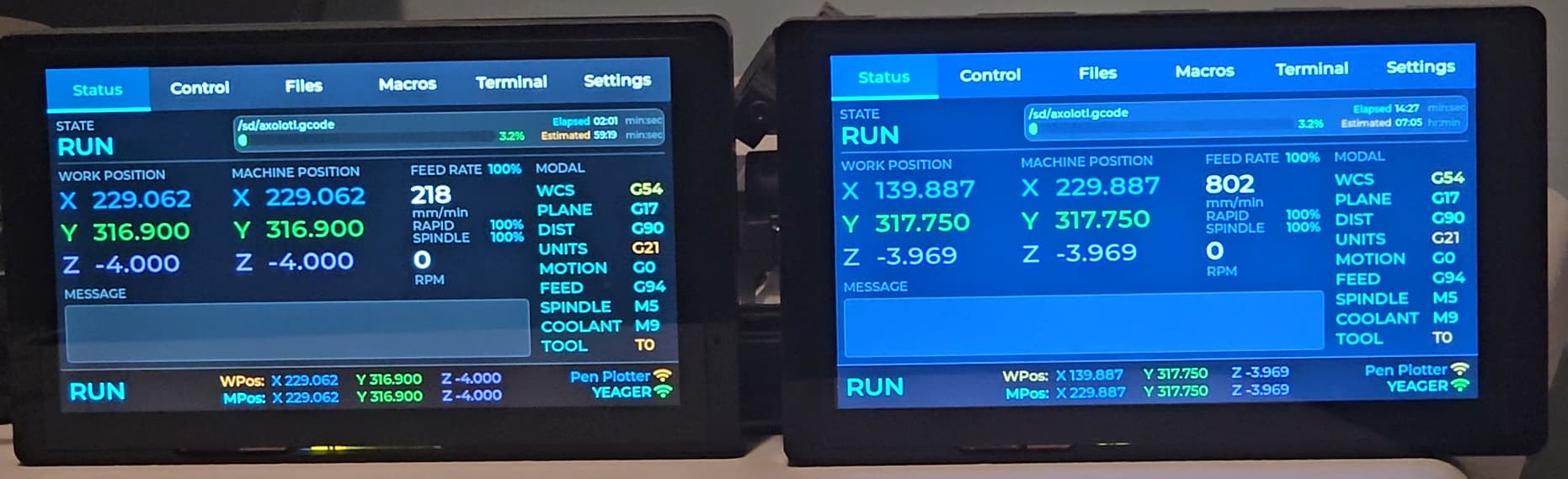
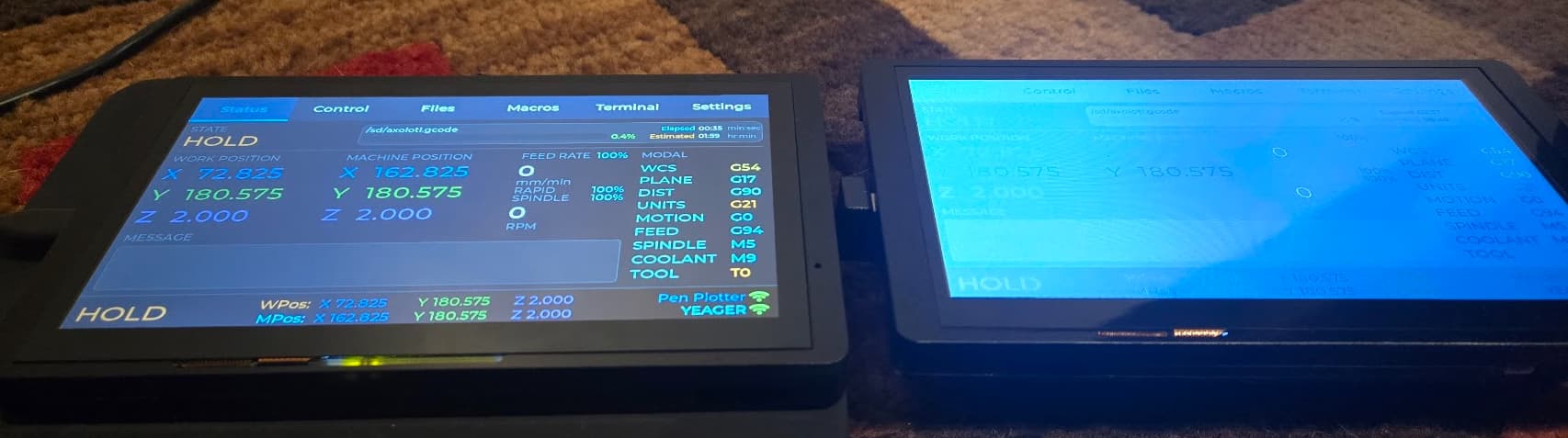
It’s hard to tell in pictures but the display on the Advance screen (left) definitely looks better and has better viewing angles. Is it worth the extra $10? For my initial thoughts, I could go either way. It has other features and some things I like but not using any of them for this project anyway.
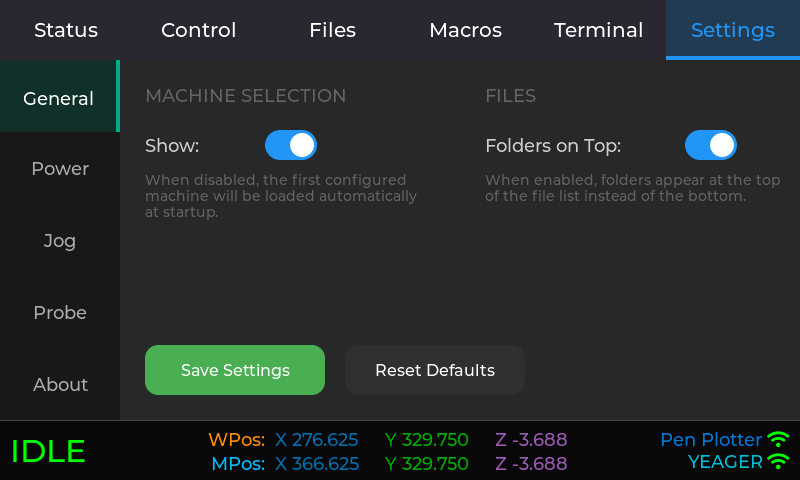
No, you can’t run two at the same time on the same machine very well. It only works at all if at least one is in manual polling fallback mode. The X work position is way off because it has a 90mm offset that it didn’t pick up since it was in RUN mode when it started.
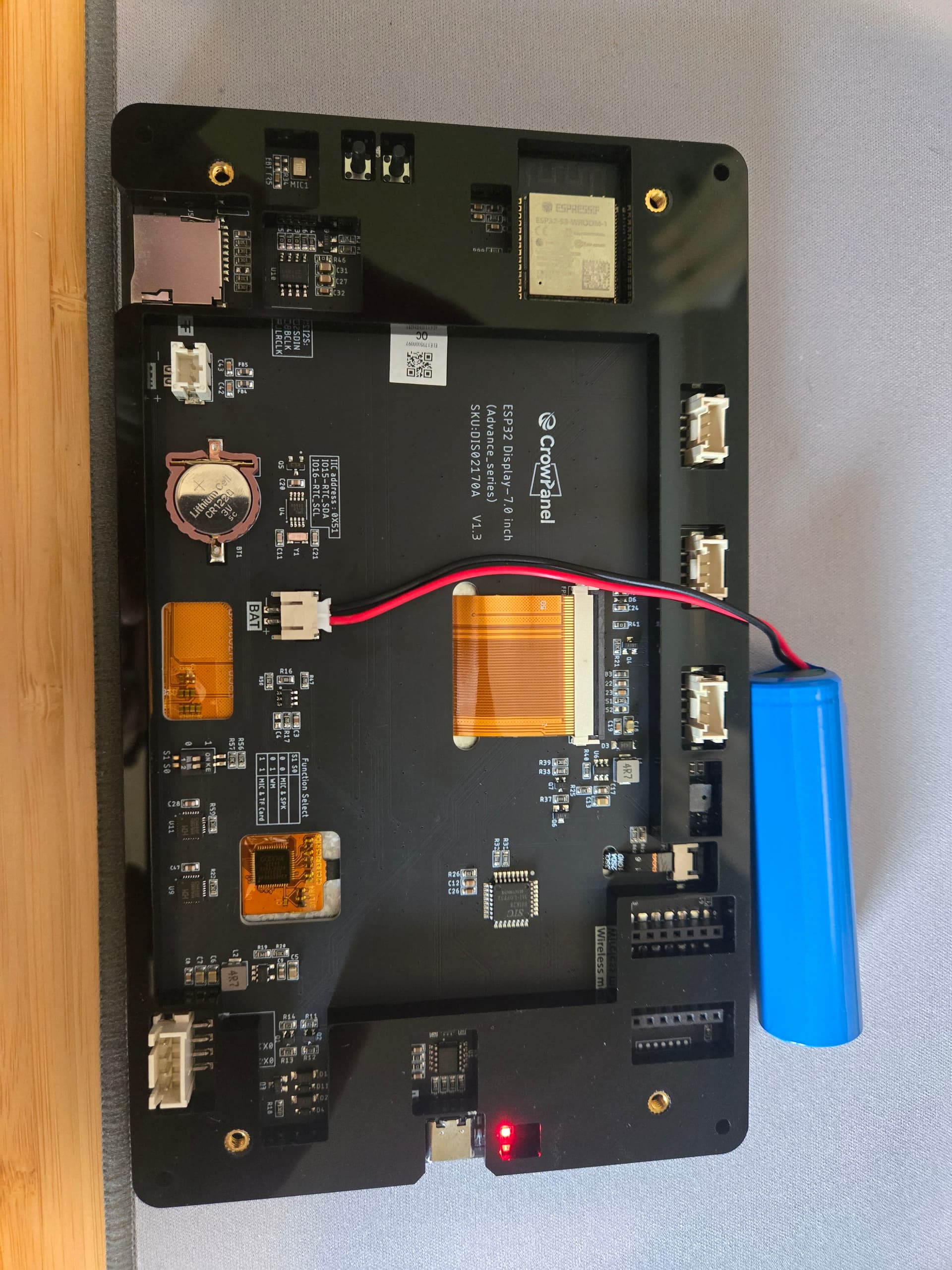
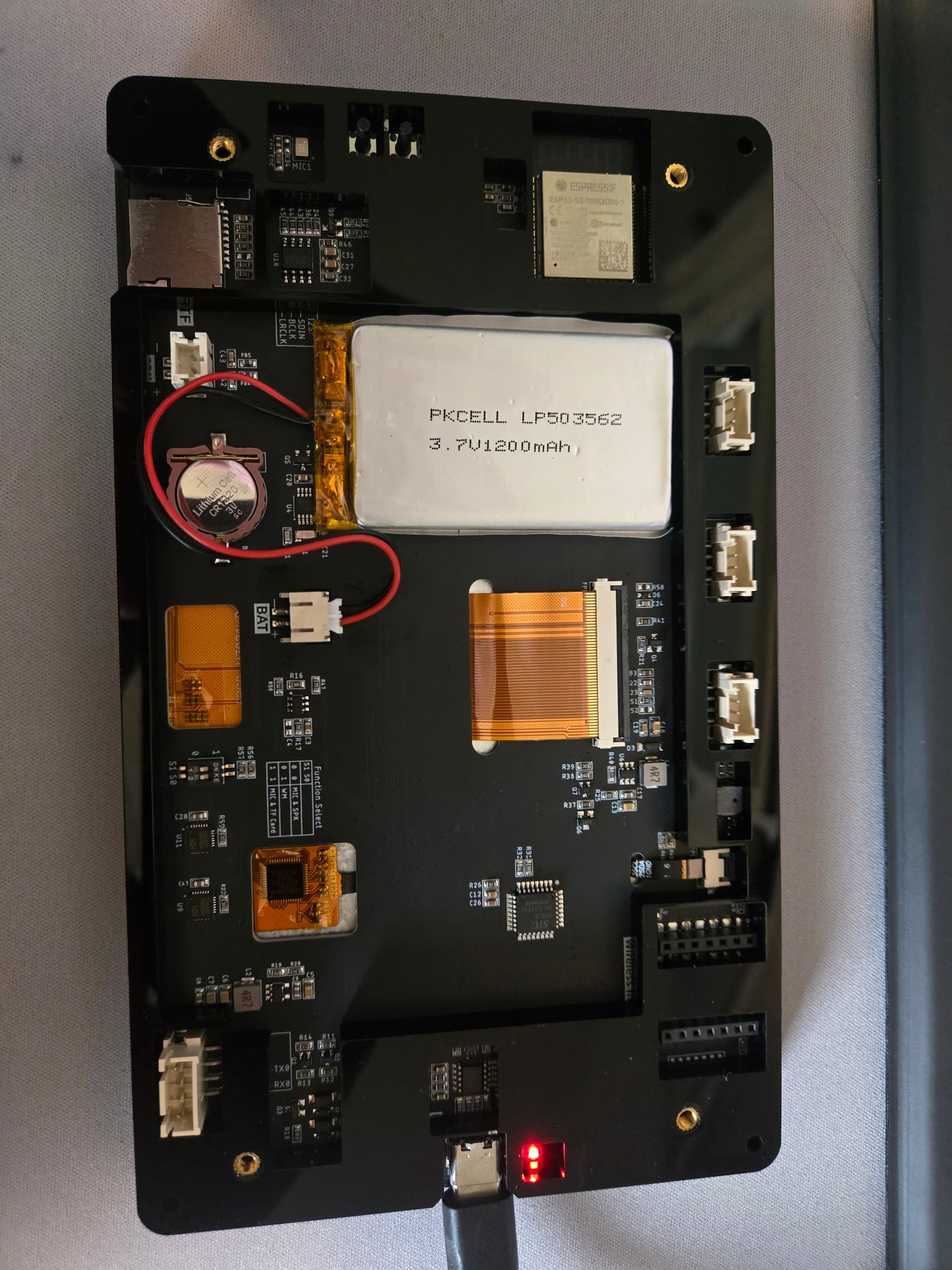
Well, the whole battery thing sent me on a detour but it was worthwhile. Before, I had it hooked up to a 10,000 mah battery (which was way larger, and heavier, than necessary). Now, on the advance, I have a 1200 mah battery inside the acrylic case. That is really nice. That means I’m much more aware of power usage. I haven’t meaningfully tested how long that will last. Although, even if I normally keep it connected to USB for power (which also charges the battery), being able to use it untethered at times will be handy.
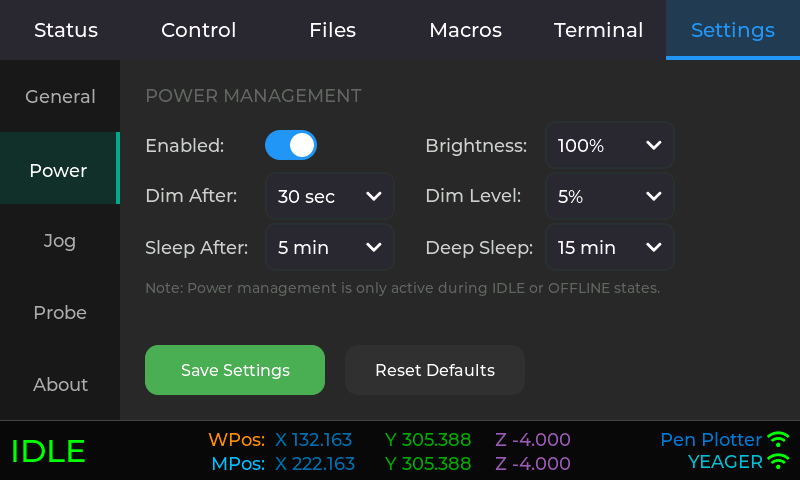
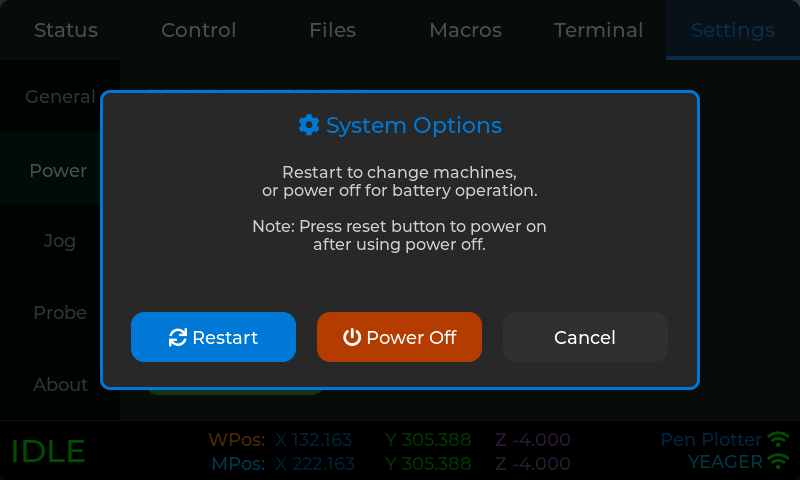
So, there are now configuration options set the amount of time until dimming the display, going into light sleep (screen and backlight off but still maintaining WiFi and FluidNC connection - touch screen to awake), and deep sleep where it’s no longer displaying or connected to anything and only using a tiny amount of power. Getting out of deep sleep requires clicking the reset button. This only applies when disconnected or in a state of IDLE so it you can still see what’s going on while it’s actively doing something.
Am enjoying following your project exploration. Cheers for sharing!
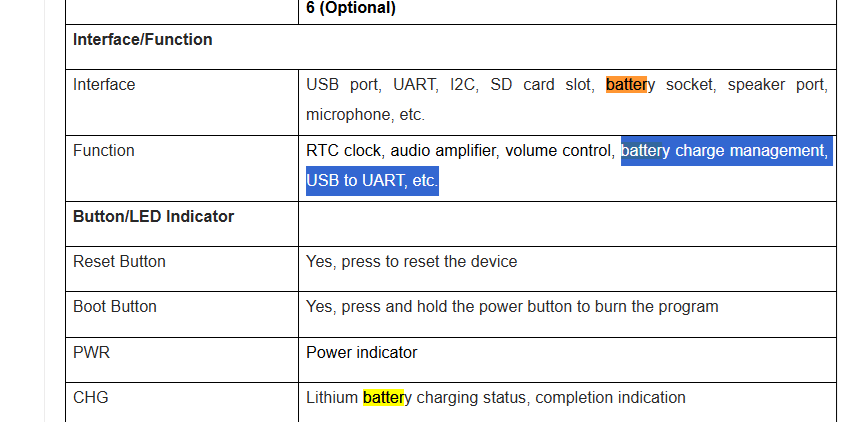
Looks like the board has battery management on board? Have been curious whether existing or adding pogo/magnetic connectors could enable charging without fiddling with USB cables when your pendant is docked on a Peter Plate mount?
It will charge the battery from USB and has an LED showing green/red for charged vs charging. Unfortunately, it can’t monitor the battery level without extra circuitry. The battery I am using has it’s own protection circuitry to prevent over charging/discharging.
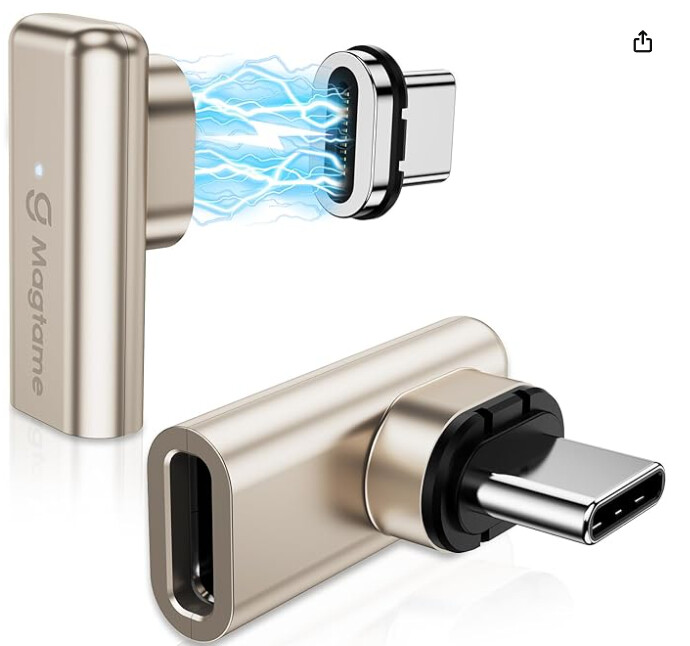
I was literally looking at magnetic USB adapters when you replied. I would actually prefer to dock it on the table instead of the LowRider. Looking for something I can mount in an angled 3D printed mount on the front of my table.
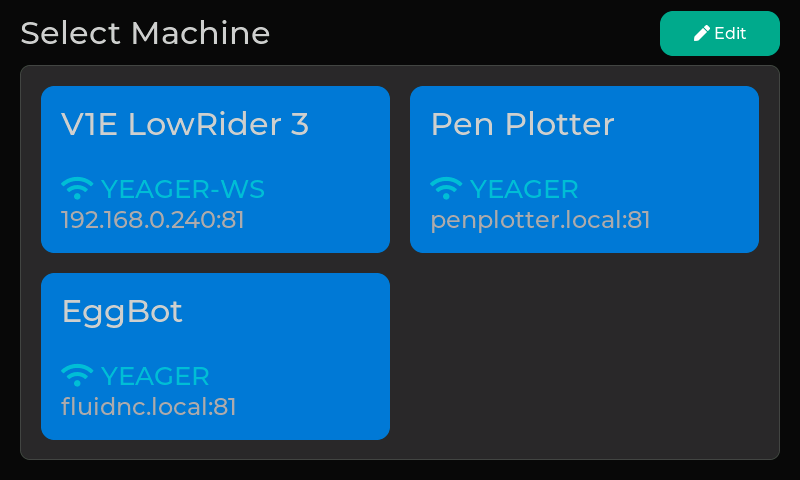
Yes, it supports configuring up to 4. It works now. I’ve switched between my LR3 and pen plotter. My eggbot is also using FluidNC but I haven’t actually connected that.
Eventually, I’d like to make it so you can also use it wired. I’m just unlikely to use it that way and I’m not certain how to do the physical connection. I know it’s a UART connection and I know what has to happen on the firmware side, just not sure how to hook it up. I assume I need some kind of adapter cable to go from the connection on the pendant to the phone plug on the pendant adapter. I have a pretty good idea but mostly I don’t want to fry anything. Might be a cool thing for RMRRF since wireless is not a good option there.
Battery usage in deep sleep is more than I like. I’m not sure how much I trust the USB power monitor thing I have but it’s showing 0.05 amps (50 mA) in deep sleep. While that’s only a 1/4 watt, that’s too much for leaving it connected to just a battery for any significant period of time. I hope to create a dock with a magnetic USB connection where it will normally live. But, I can pull it off the dock when I need to.
The displays have a micro SD card slot. So, I have it so it can list the files on the local SD card and each file has an Upload button. That button uploads the file to the SD card at /fluidtouch/uploads. I’m successfully uploading a 3MB gcode file.
Is that valuable? Is there something else that would be a better use of the SD with the display?
For me, my computer is in the house and the LR3 is in the workshop. I can remotely turn on the power to the LR3 which puts it on the same network as my computer, so I can upload directly from my computer to the LR3. So, this SD thing doesn’t really help me. If you have a sneakernet for transferring files (take SD card from Jackpot, copy files from PC to SD, put SD back in Jackpot), maybe being able to leave the SD in the Jackpot is helpful?
At some point, maybe I can see adding import/export functionality for configuration.
Note: Struggled for a bit with weird behavior (like the screen still functioning but everything was more green). Turns out there are some dipswitches on the advance that needed to be toggled for configuration between microphone/speaker/external wireless card/SD card.
Maybe if I stop adding features, I’ll get to a 1.0 version…
Put out a new release with display SD card support, documentation updates, and some other cleanup. This is basically 1.0 if I don’t run into any testing issues.