I 100% agree!
very nice work!
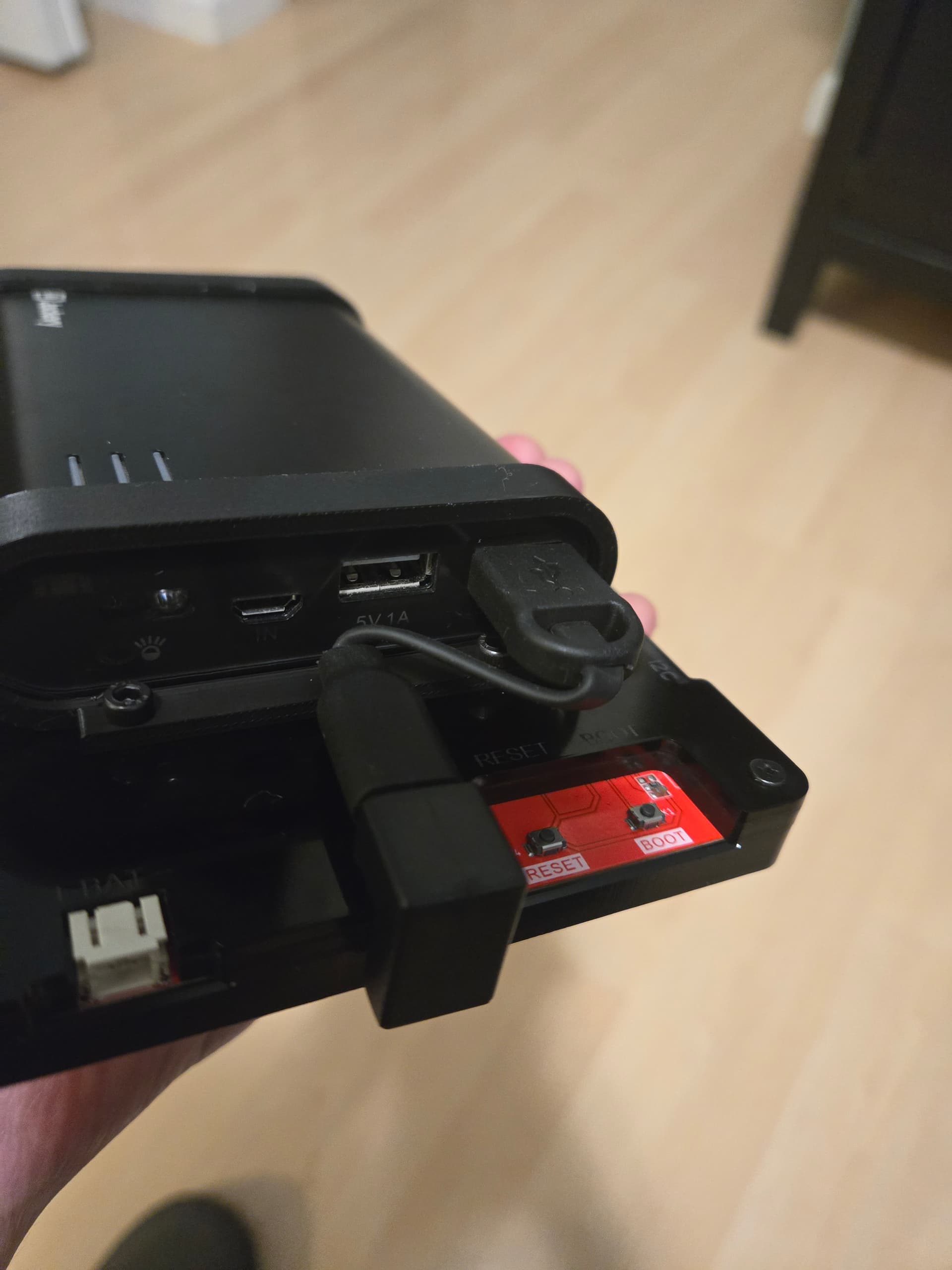
Odd…this morning I tried starting my 7” screen up again powering it off a USB power supply instead of a port on my computer since it was kind of flickering and contrast was pretty lousy so I suspected it might not have enough power off the port. I had run it off the power supply before when testing that it fired up on the stock demo code and it worked fine.
But this morning - nothing. The backlight came on but it didn’t seem to boot. Tried it back on the USB port and no go there either. Tried the reset button and still no go. Didn’t have time to mess with it further.
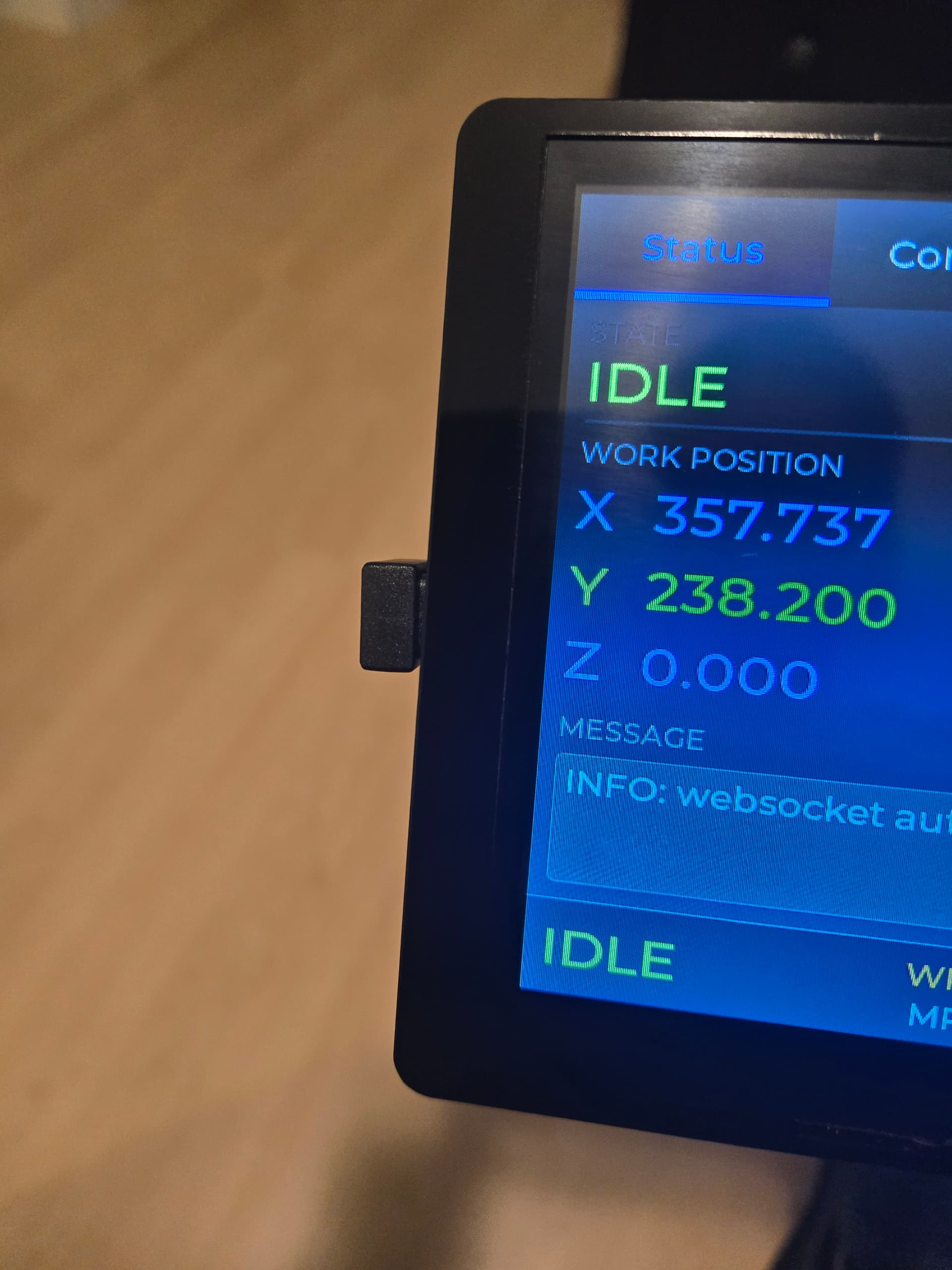
Then over lunch I plugged it in again…and this time it booted right up and worked fine. Very odd. Not sure why it was doing that. Curious to see if it does it again.
I haven’t run into any issues like that.
I’ve pushed up a bunch more updates. Trying to cleanup the connect/disconnect/reconnect flow. A bunch of things to improve UI layout and consistency. Added progress/messages for running macros. I tested the joystick jogging and it was performing terribly (mix of too frequent commands, too much serial logging, and writing a billion "ok"s to the terminal). Got that fixed and it’s working quite well now. Overall, it’s gotten quite a bit of polish in the past couple days.
The thing I’m working on currently is handling the transition between auto-reporting and manual polling. If there’s a hold in place or a file is running, it can connect to the websocket but auto-reporting isn’t working. However, manual polling still works. If it’s using manual polling, once it goes back to idle, it should try auto-reporting again and disable manual polling. I’m close on getting that to work like I want.
1 Like
Yeah, I’m assuming it was a fluke…like when my CYD fluiddial did the same thing - and just refused to boot one day…and had me thinking it had fried. But then a few days later when I went to debug it it was working fine.
Hoping this weekend I’ll have some time to clean off the CNC (it’s collected way too much junk on the table over the summer when it was too hot to go out there and use it) and work on some projects again. Will pull any updates from your repo and hopefully have a chance to try them out.
Pushed some more updates tonight. Fixed an issue with macros where they weren’t loading correctly as machine specific. The big one was auto-reporting fallback to polling. If it’s running a file, auto-reporting isn’t enabling which means it was showing as disconnected and you couldn’t do anything. So, now it falls back to 1 second manual polling. Once the state changes back to idle, it will enable auto-reporting. It even updates the machine wifi symbol in the status bar to yellow/orange when in the manual polling mode.
I should be able to do some more testing tomorrow.
Also, got the ok from Bart to call this FluidTouch and use the FluidNC logo in the splash screen.
7 Likes
Good progress! Is there an intended touch screen?
Yes, it uses a very specific Elecrow display. It’s the same display that the stalled FluidNC pendant project was using. The issue is that there are a ton of different screens out there with different processors, graphics drivers, touch drivers, resolutions, etc. Each of those require code changes. Elecrow has an “advanced” version of this display I’m going to try and support but not sure.
3 Likes
Didn’t do much with this today. Except I did make some brackets to mount the USB battery pack I have. The acrylic case you can get with it has M3 threaded inserts. Now I just have to order a short USB cable because somehow I don’t have a short USB-A to USB-C cable in my giant box of cables.
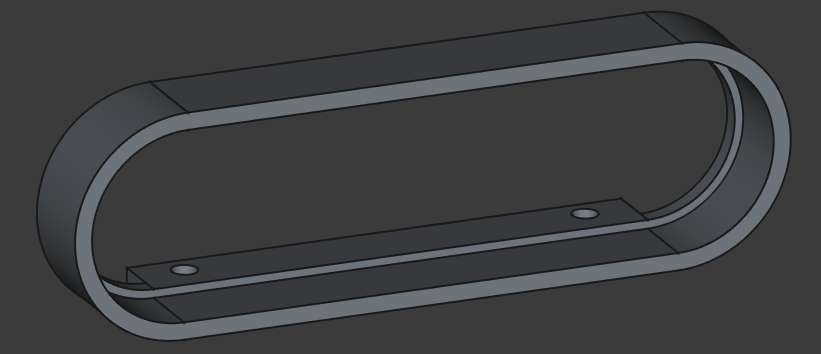
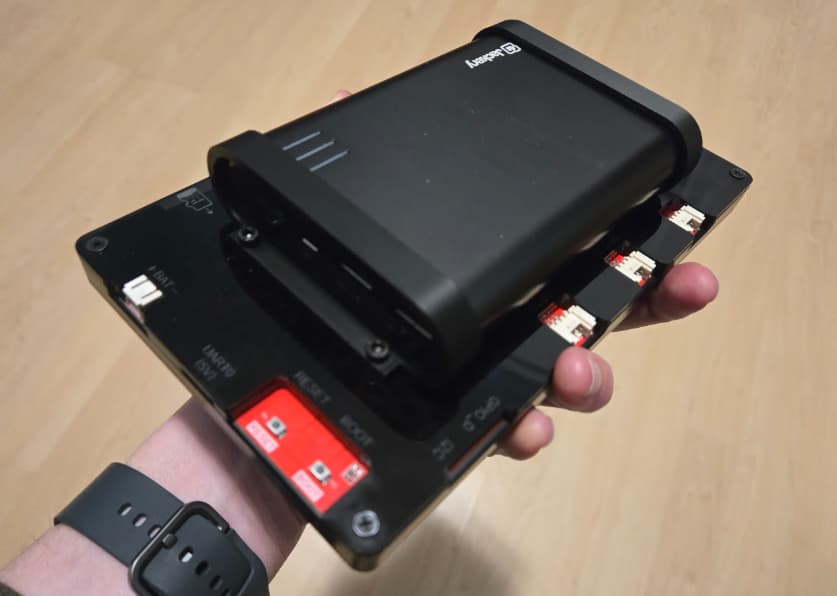
5 Likes
I did find some time this evening and fixed/tweaked some things.
Curious what the thoughts are on this version of the Probe tab. I implemented it for completeness even though I always probe in gcode.
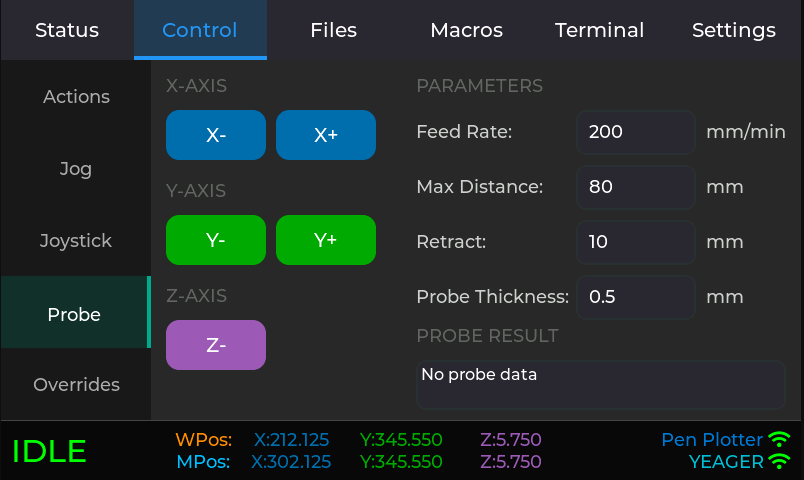
While you’d typically just use it to probe Z, you could technically use it to probe any corner with a touch plate (or corner block). You’d just jog to a good location, probe an axis, manual jog, probe, manual jog, probe. I suppose for X/Y probing you’d need to update the probe thickness to add 1/2 of the bit thickness.
I originally had a Z+ probing option, but that makes no sense. Maybe if it did a G38.4 (probe away, stop on loss of contact) instead of G38.2 but I wouldn’t bother with that.
And no, I don’t probe anything on my pen plotter. Having an in the house CNC is helpful for development and testing.
1 Like
yeah… that’s my biggest problem. My computer where I write code, and the place where I want to use the things I write, are entirely too far away… It stops me from doing a lot of things.
That little test machine setup Bart has is nice
2 Likes
Does the jog screen have a way to zero each axis - I couldn’t see one in post 185 but I may have missed it.
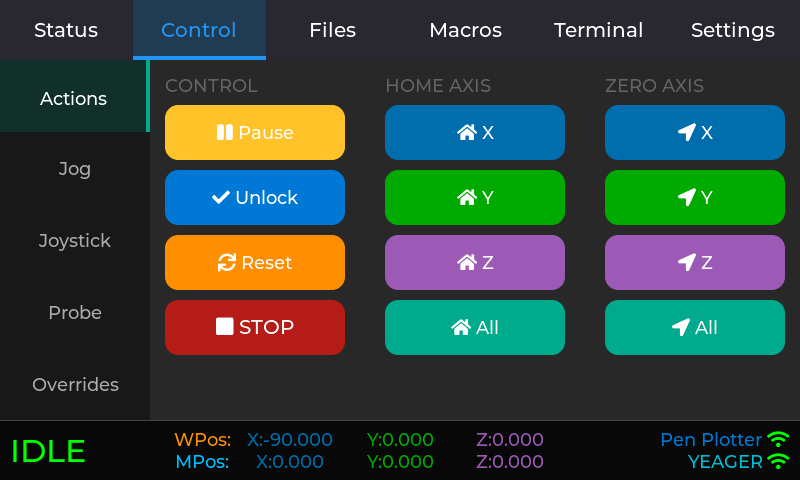
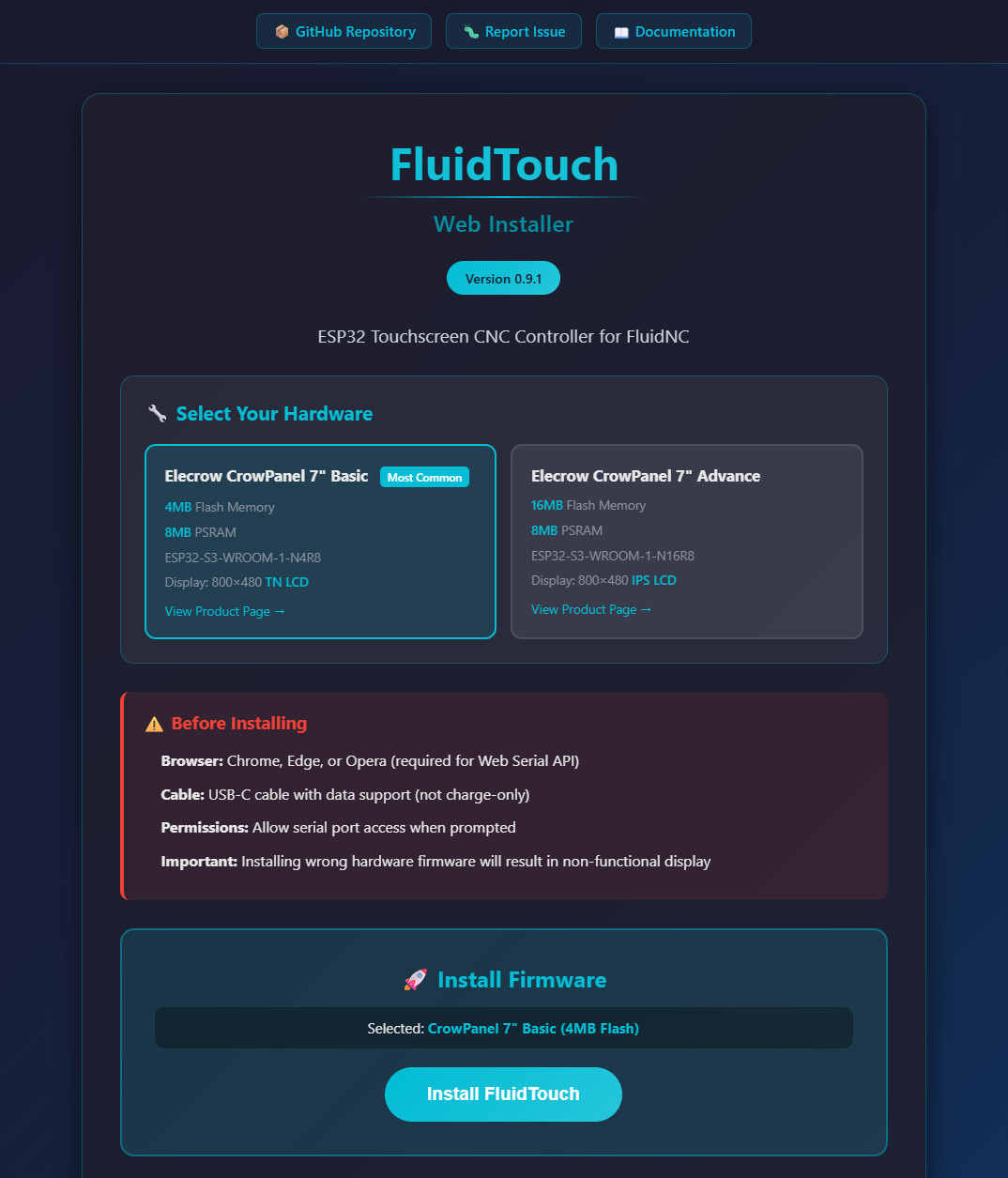
Cleaned up some more things, generated some documentation, captured a bunch of screenshots, and even had my good friend Claude setup a Github action to build it and create a web installer!
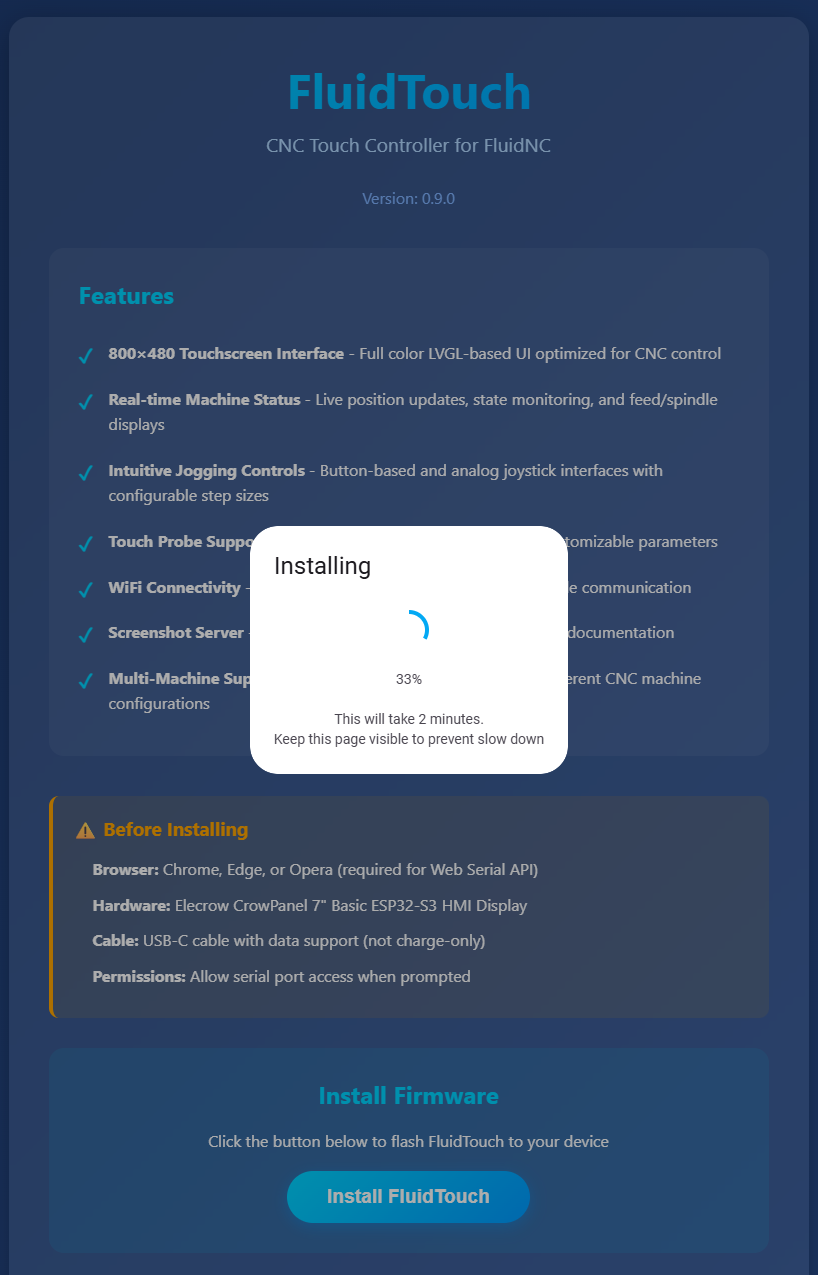
The generated documentation is a good start. I do have to review and update some of it.
So, there’s a 0.9.0 release out there now.
4 Likes

Whaaaa?
2 Likes
That process was greatly simplified by the ESP Web Tools project.
Just catching up with this over the last month worth of posts. Very cool that you were able to harness the power of AI to get such amazing progress and get the fluidNC endorsement!
Then I began to wonder… At first would the 7" screen I have work with your code, but it turns out it isn’t a touch screen, so I ordered a new one. Then I wondered… once it gets here could I alter the command just enough to get it to work with a klipper web connection for my CNC… perhaps a subject for another thread next year.
Recently I was messing with klipper screen and various options around that specifically with an E3V3 35 tft from BTT off an skr, but your work looks potentially like a better option. Thanks for sharing it!
2 Likes
Crazy week at work so probably won’t get to work on this much until the weekend. I’m itching to get a 1.0.0 release out soon. I put a 0.9.1 build out with some more fixes and polishing. I don’t think I’m aware of anything left that I need to fix.
I should have the advanced version of the display this week. I did some research and it seems feasible to support both displays. While this one has much more memory and some other features, I’m mainly curious of display quality since it’s an IPS panel vs a TN panel. The only extra feature I’m planning to support just for this display is adjustable brightness which the other one can’t do.
2 Likes