Frigging awesome!
Indeed, right up to…
Setting the hook. AI sycophancy is a problem, but with awareness perhaps can be managed.
1 Like
Might just be some AI paranoia. I’ve seen too many movies.
Yep,  by design to maximize engagement. AI knows most humans are suckers for ego stroking. SouthPark recently did a great PSA episode on AI sycophancy. Good news… You can tweak model’s default
 behavior, I’ve explicitly asked models to be succinct objective coaches that push back.
this is a serialized spec for the objective coach persona am currently using. Hope that helps. Am curious what others are finding helpful/productive for them?
2 Likes
Interesting, but that makes a lot of sense. I’ll have to mess with that. I would certainly like some pushback. It will happily try to implement terrible ideas. I’ve found that in VS Code, I’ll switch from Agent to Ask mode when I don’t want it to immediately implement something without some discussion.
2 Likes
Jason, you are the one. (Didn’t the touchscreen project from FLUIDNC stalled into the hole of forget?). And you made it work?
would be awesome to use this screen as a kiosk
 Im following this closely.
1 Like
Yea, I don’t plan on using a 10 inch screen. That’s also using an ESP32-P4 + ESP32-C6 for Wifi. Plus with a resolution of 1280x800, everything would have to be repositioned and resized. I do like that there is a version with a battery and a speaker.
I also don’t like ordering things from AliExpress. Elecrow has a version with the same processors as the one you linked but a 1024x600 resolution. I currently only see it in a 7 inch version but it’s supposed to come out in a 5, 7, 9, and 10.1 inch versions. If they all had the same resolution, it might make sense to support those at some point in the future but whether I would care to do that, I don’t know.
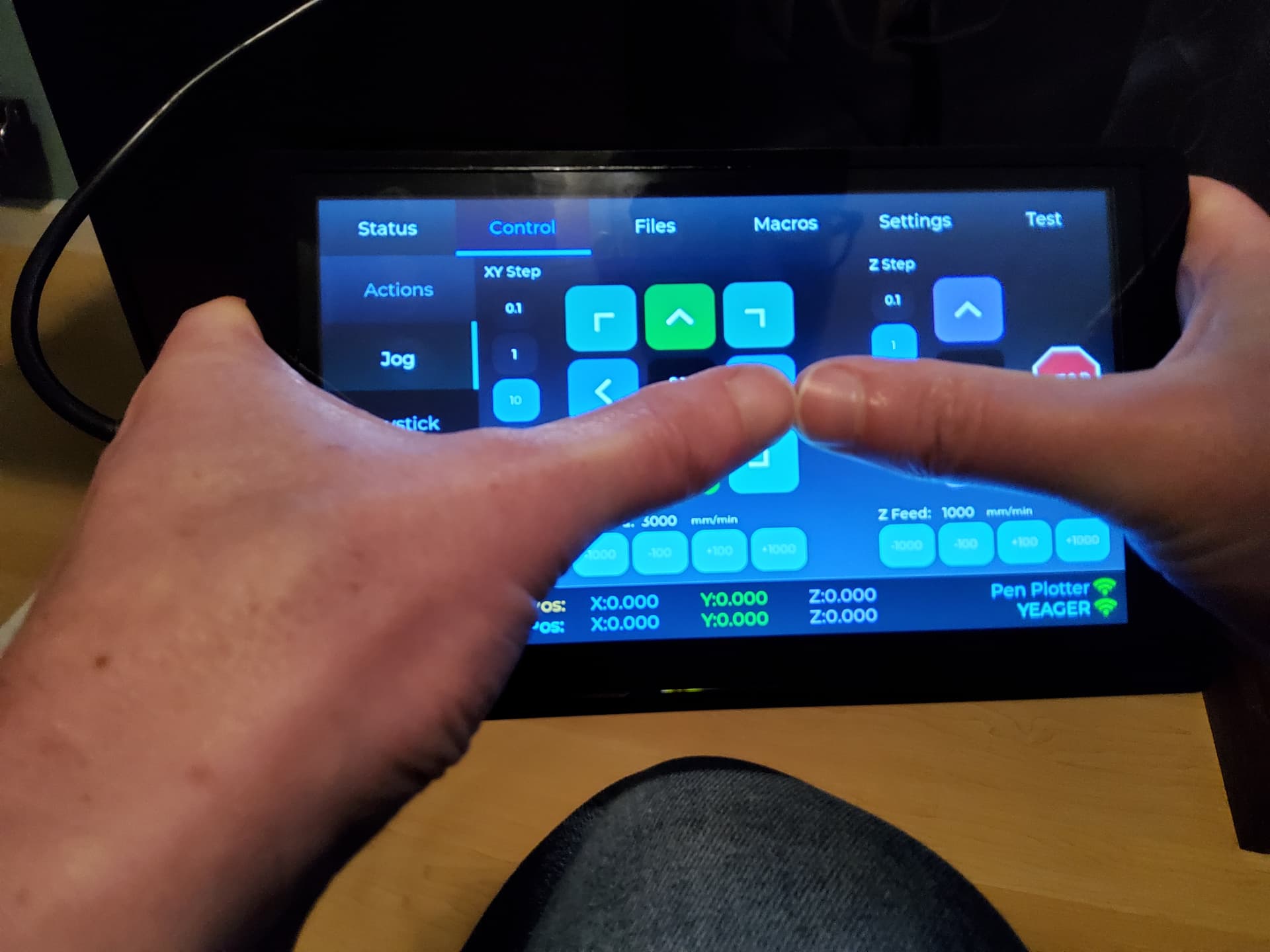
I have small hands, but I think 7 inch is an appropriate size for a pendant. I can hold it with one hand on each side and reach the whole screen without having to let go.
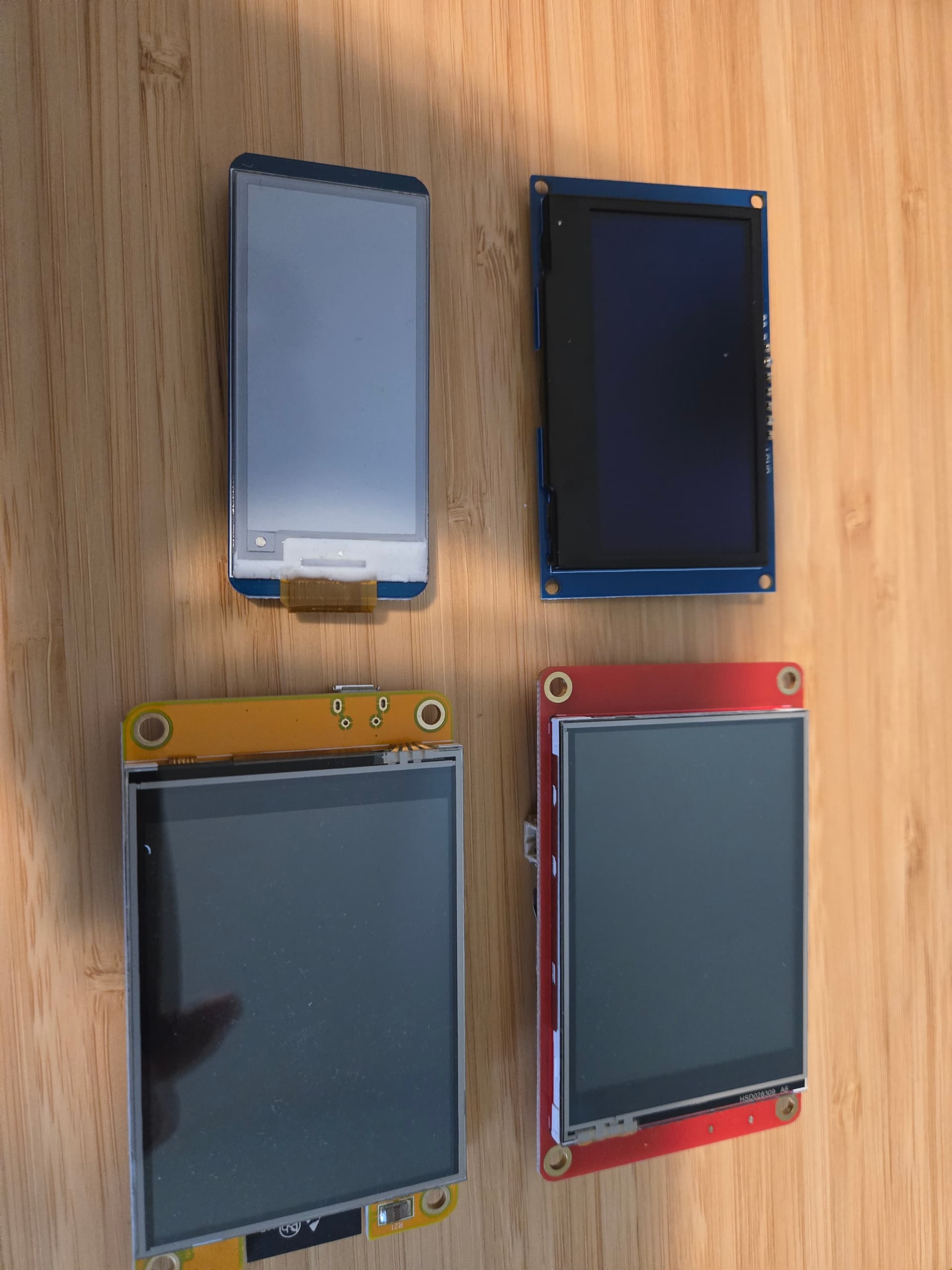
Then there’s the screens I bought for my prior pendant project and ended up not using. I think this is missing one of them. That gets more expensive with bigger screens.
3 Likes
Im not planning using it as a pendant. I would buy you one if we can accord something. I prefer my screens mounted on the tables. A 7inch screen is like one hand of mine. Will take a photo for reference tomorrow
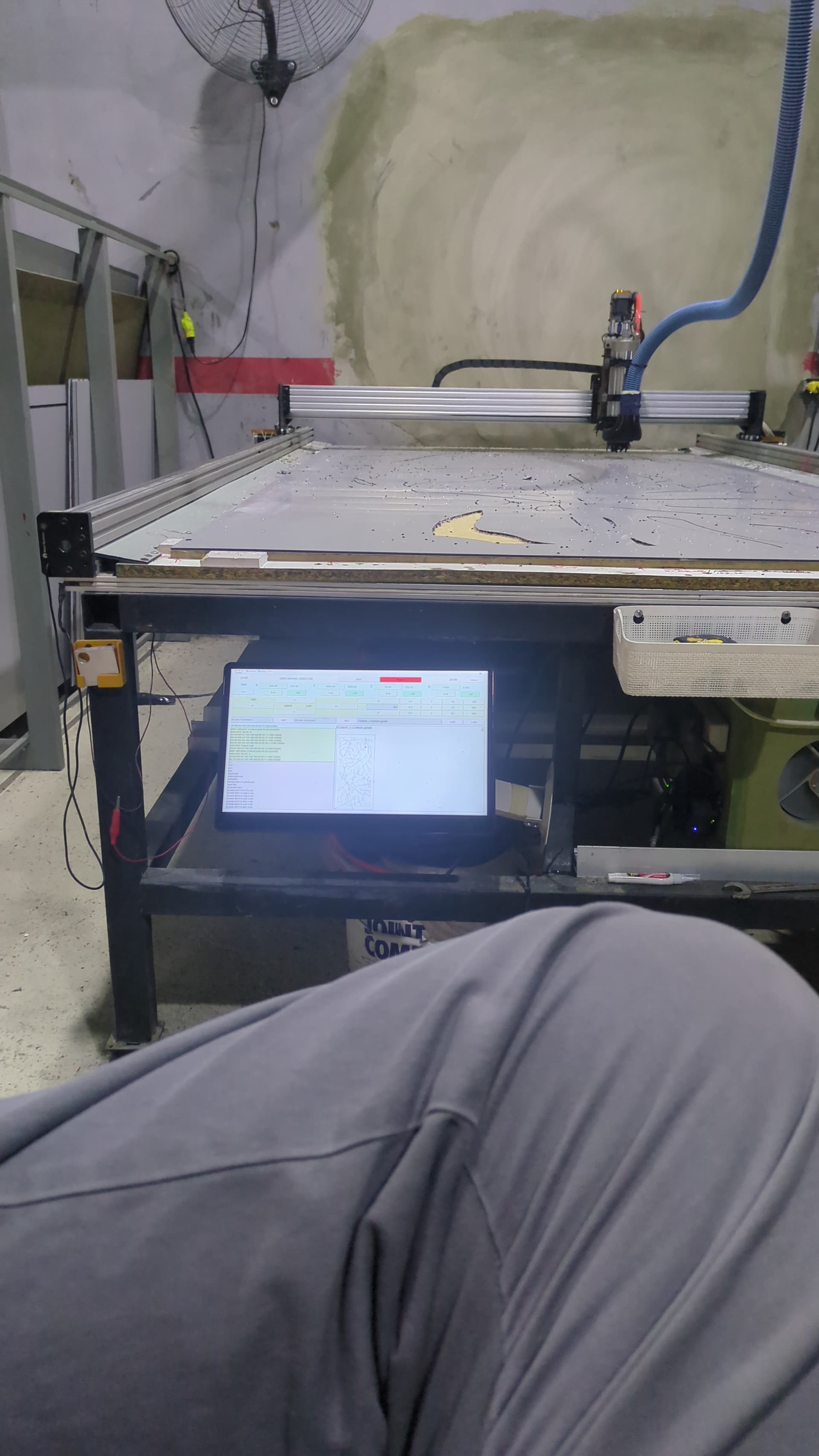
Thats a 15.6” touchscreen on one of the machines, the lr4 is running with a ms surface 3 tablet and the other cnc is running with another surface tablet. Surface 3 are cheaper than the screens alone but would like to make something nicer
2 Likes
Once I’m done with this pendant, I think I’m going to experiment with making my own full screen tablet extension for WebUI v3. No promises. It would take some of the ideas of this pendant into consideration. The other thing with that is it should scale font size depending on the screen size. That’s much easier on the web than with an ESP based screen. Also, I don’t think a gcode preview is feasible on a pendant either. I think this is probably more along the lines of what you are looking for.
I’m not a fan of the CSS framework that the WebUI uses which makes layout a pain. We have limited space to store extensions in flash memory so it needs to be small. I plan on giving this a try:
I really dont like small screens (i have fat fingers)
Im ok using the tablets i have 2 mounted into monitor arms under the tables. Im going to assemble one pendant i bought from @Britt and see if it improves things and get 2 more then
2 Likes
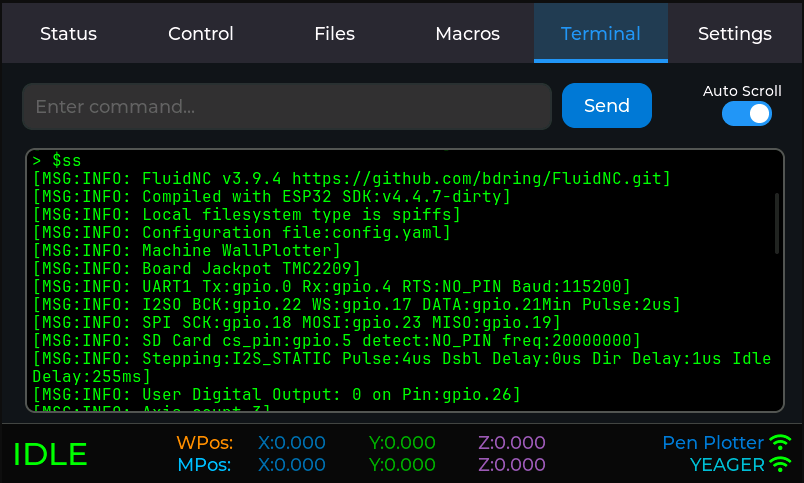
My pendant is now feature complete. I still have to do some testing, optimization, UI tweaking, bugfixing, etc. I’m thrilled with how this is looking.
Some things I’ve added since my last update. I’ve been a bit obsessed with this project.
- Hold popup - when it goes into hold, it displays a popup with the last message and close/resume buttons.
- Alarm popup - when it goes into alarm, it displays a popup with close/clear alarm buttons. Clear alarm does a soft reset followed by unlock.
- Joystick jogging
- Probing - I haven’t tested this.
- Overrides
- Storing default settings for jog, joystick, and probing.
- Macros - file based, looks for files on the machine SD under /fluidtouch/macros providing a dropdown to select the file.
- Terminal - re-added this, it works fine when you don’t display the status strings which get crazy when running a file
- Updated machine selection to add a setting to allow you to skip it which makes sense if you are only using it with one machine
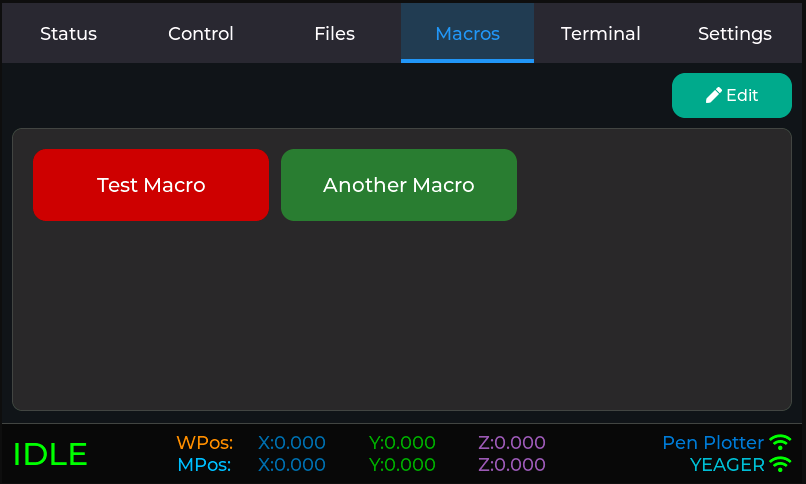
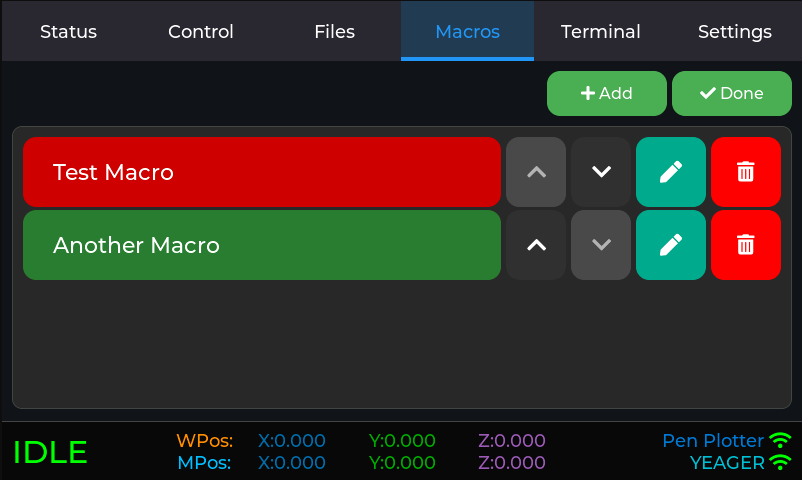


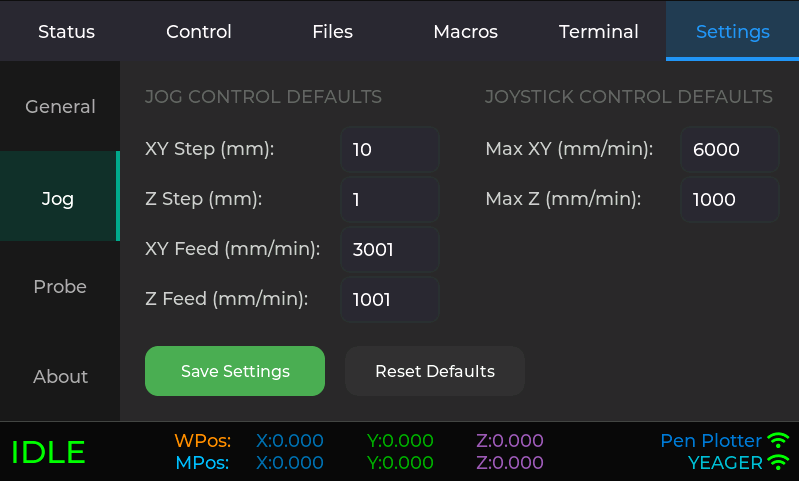
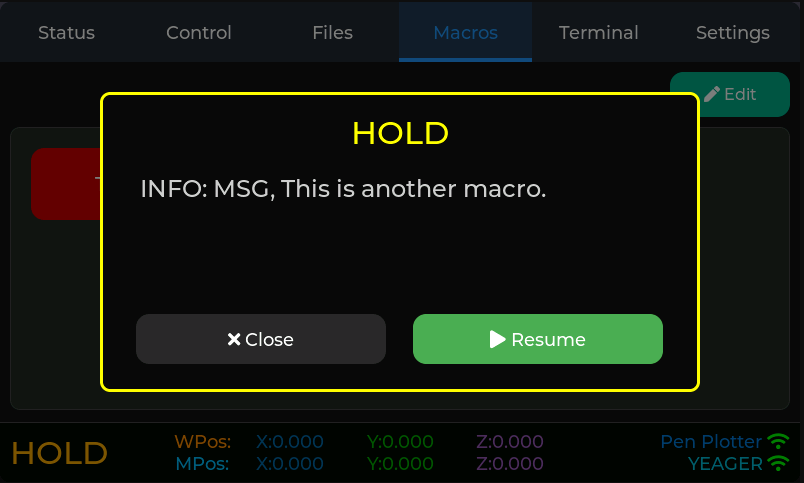
7 Likes
I have a Pi4 with a 7” touchscreen.
What is needed to make this?
I want to be clear that while this is 90-95% done, that last bit can take some time. I’m hoping to get it to a beta status in the next couple weeks. There’s also some documentation to do. While at some point, I hope to look at alternatives, initially installing the firmware will require checking out the git project and uploading via VS Code and PlatformIO.
This requires a FluidNC board like the Jackpot. It uses this specific display. I purchased it with the acrylic case option which seems nice enough. Powering it requires plugging in a USB cable. The acrylic case does have some threaded inserts which could be used to make some kind of 3d printed battery holder. Not sure I’ll get there.
https://www.elecrow.com/esp32-display-7-inch-hmi-display-rgb-tft-lcd-touch-screen-support-lvgl.html
I also ordered this Advanced version of the display. It does not currently support this display. I hope to make it work with this version too but no promises.
2 Likes
Thanks…..
I am very familiar with the Pi’s and touchscreens as I have a home built Santa Sleigh with a touchscreen so the kids can interact with the display at Christmas.
If there is a way for me to load and test your project, let me know.
No, this is for ESP32-S3 based displays.
A raspberry pi with any touchscreen will work like a regular pc/phone/tablet using the WebUi v2 or V3. Jason project is different, like a pendant (a wireless pendant if you use a screen that supports a battery pack
Following with a lot of interest!
3 Likes
Progress looks great! I’m excited to give it a try soon since I’ve got the screen already. I still haven’t even had time to open VS code and here you’ve gone and got to a 90% state 
But that was enough to get me to clone your repo and fire up vs code over my lunch…and…
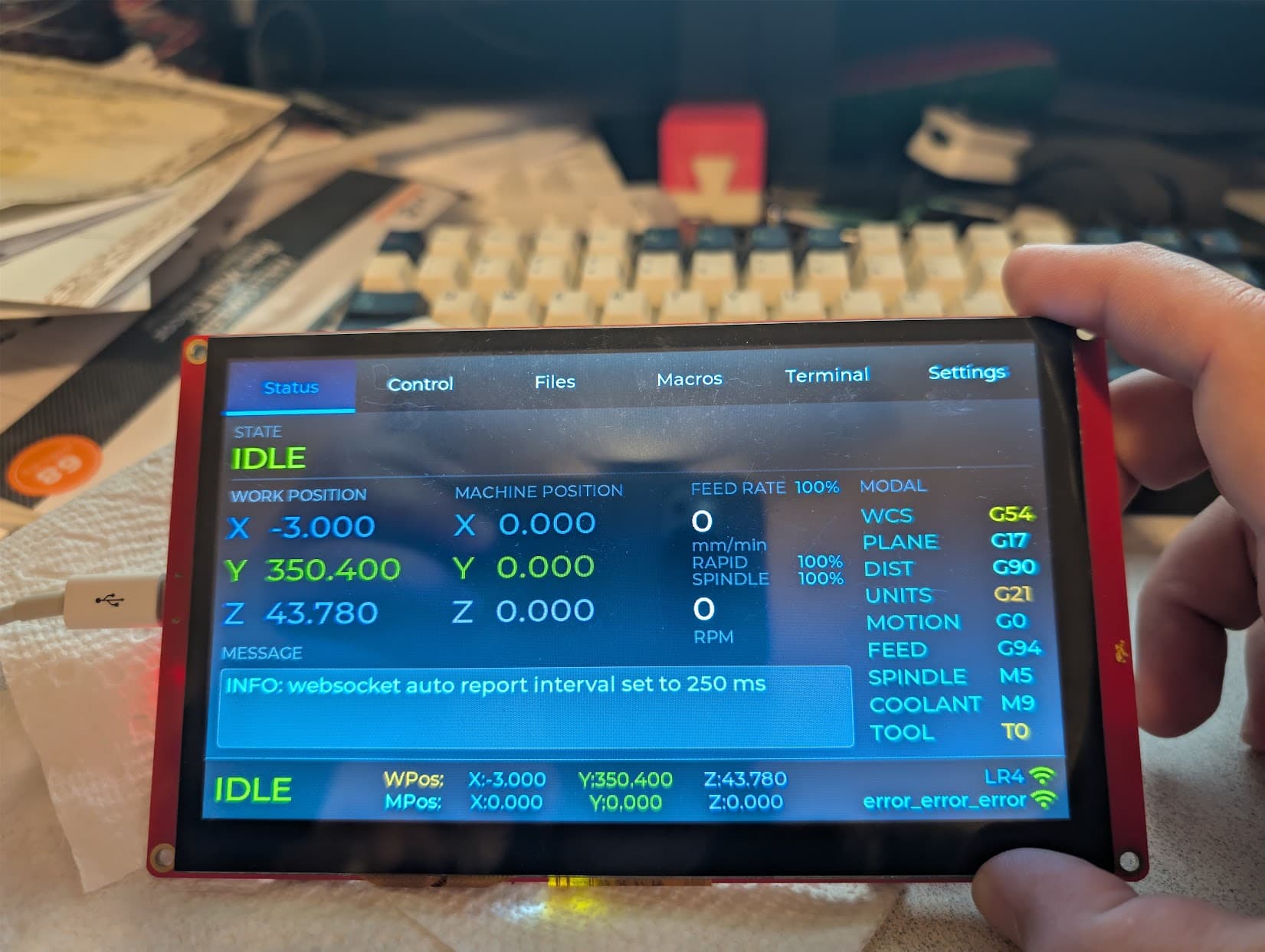
Looking good so far!
I didn’t have time to do much more than confirm it can connect. But I look forward to taking a closer look over the next few days! If there’s anything in particular you’d appreciate a second set of eyes looking at or testing let me know.
6 Likes
Hey, that’s awesome. I’m not sure on testing yet. I know of a few things I need to tweak. Let me know what you think!
2 Likes
I’ll tell you what I think: I think you’re awesome!
7 Likes