Hi all. I am at the point that I am just so lost and don’t know what to do. Also I’m not sure if this is the right category to post this for help.
First off let me say I truly believe this is all user error and not an issue with the jackpot or webUi
I just upgraded my fluidNc on my Jackpot1 to the most recent 3.9.9 and I am using the web ui 1.
I currently use Vcarve pro for generating my GBRL Gcode. (as it is way more intuitive for me to understand) in Both MM and Inch.
also using the AP Mode on a fire tablet.
Here is what’s1 happening. I am trying to surface my spoil-board on my 4*8 bed. I am using my Vcarve Pro to issue the Grbl gcode in Millimeters
The thing is I can do a test run of my gcode just above the surface and it will run flawlessly. But when I run it to actually flatting and the router is on, it process to about 22%, sometimes lower or higher in %, it will just suddenly stop running the gcode. Edit. the router and the CNC are on different outlets running to different breakers.
No Error is shown. just stops. I sometimes get in the commands section of the webUI that it is reconnecting to the ip address but not very often.
any help would be greatly appreciated. If you would like me to provide anything please let me know.
Great question. I was having the exact same issue, thinking the updated version would help and it it did with solving some previous issues that have now been corrected.
Yes I do have dust collection and I’m not sure if I’m answering this correctly I know that quad Outlet it’s plugged into is grounded, also I run this test with both the desk collection off and on in the same outcome.
Ok i do not run dust collection, but those who do have to run a ground wire on one end of the hose! It eliminates static electricity! And we all know what happens with static electricity. Try it without dust collection running or try grounding your hose.
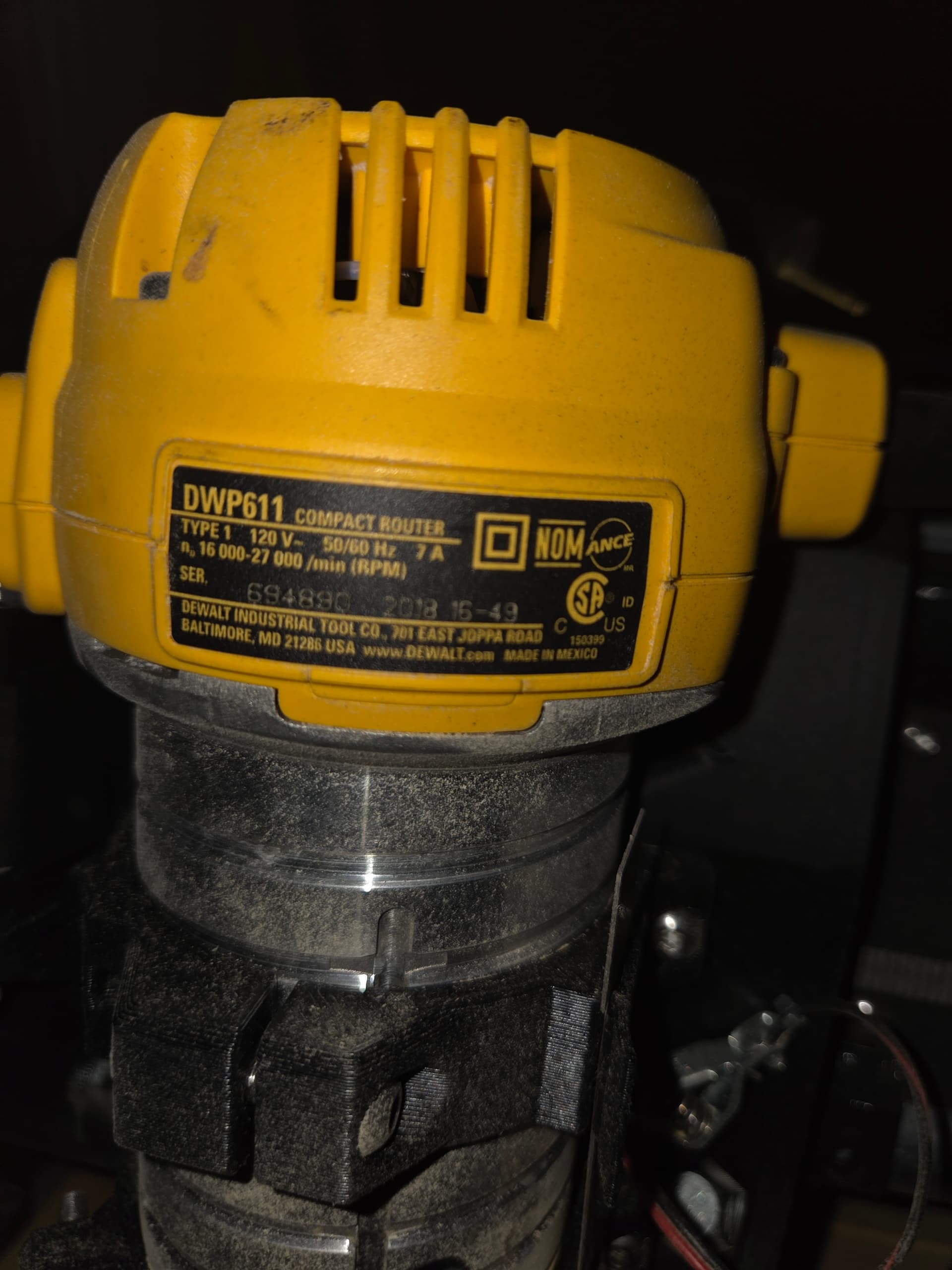
I’m not sure any of the routers that size have the ground lug. I will have to go out and look at my Kobalt to be sure, and the Carbide3D one I have as well.
But if you decide to replace it, everyone that has one is really enjoying the Carbide3D ER11 Router
You can try grounding the body to your Vac Hose ground. Maybe that will clear it up?
Make sure if you are using a touchplate the part that touches the router is the ground, and the plate is connected to the signal side of the plug on the board. The easiest way for router issues to make it back to the board is that touch plate set of wires so make sure there is no contact while it is running.
Sorry for my understanding could you specify as to what you mean by the “body”?
My first thought was the router body. But this is not something I’d like to make an assumption on.
Thanks!
Also has anyone played with or know if using ESD safe filament could work? My thought could that help eliminate static charges or discharges to the jackpot if i was to print a box for the jackpot?
Update Time:
I’m still figuring out what direction I want to go with grounding the vacuum hose, but for now I went ahead and removed the vacuum altogether.
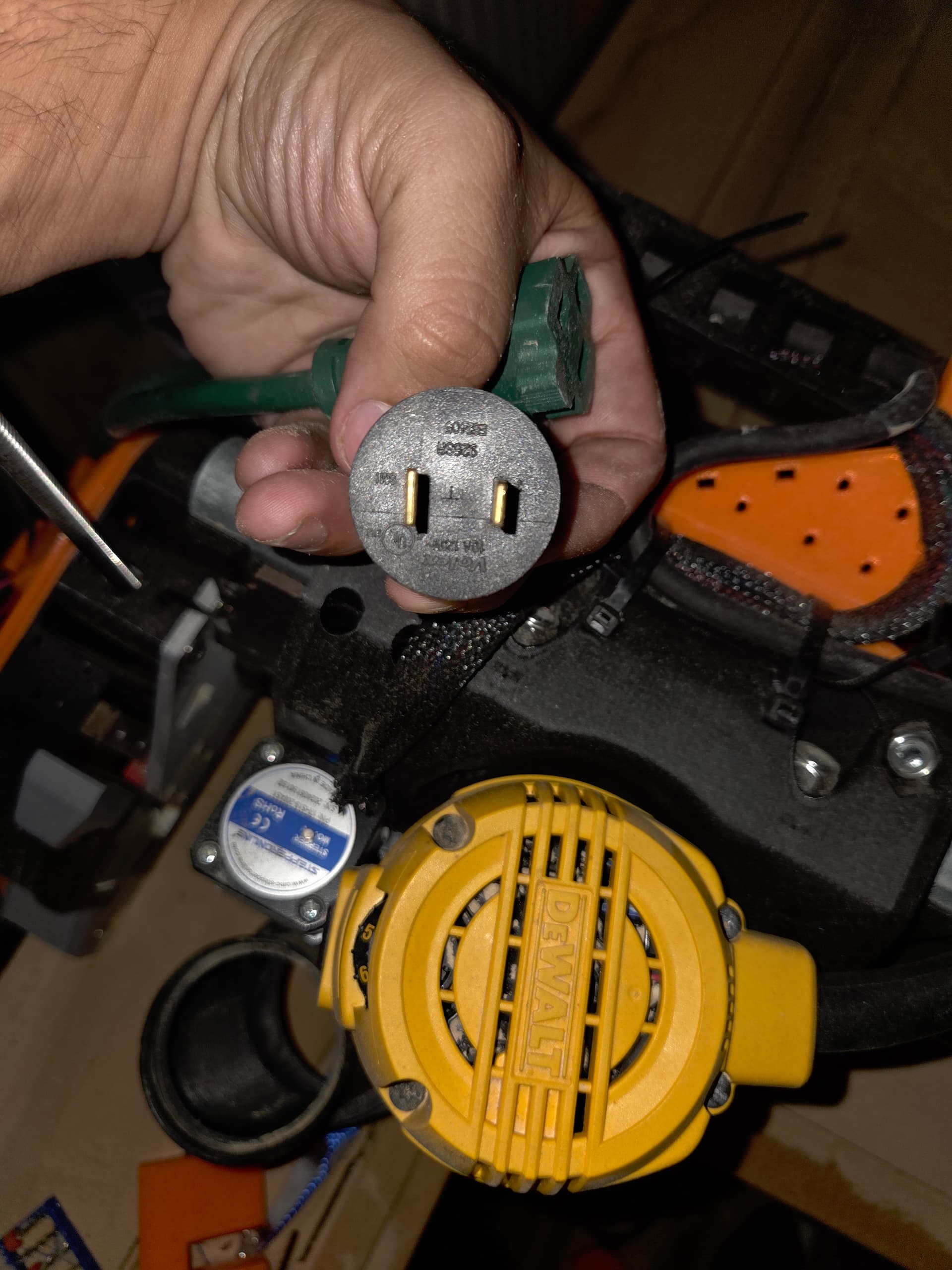
I connected a ground line directly to my router (I’ll post pictures later along with the link I used as a reference, in case anyone is curious). This actually helped a bit—the machine would run longer before stopping—but it still ended up pausing randomly.
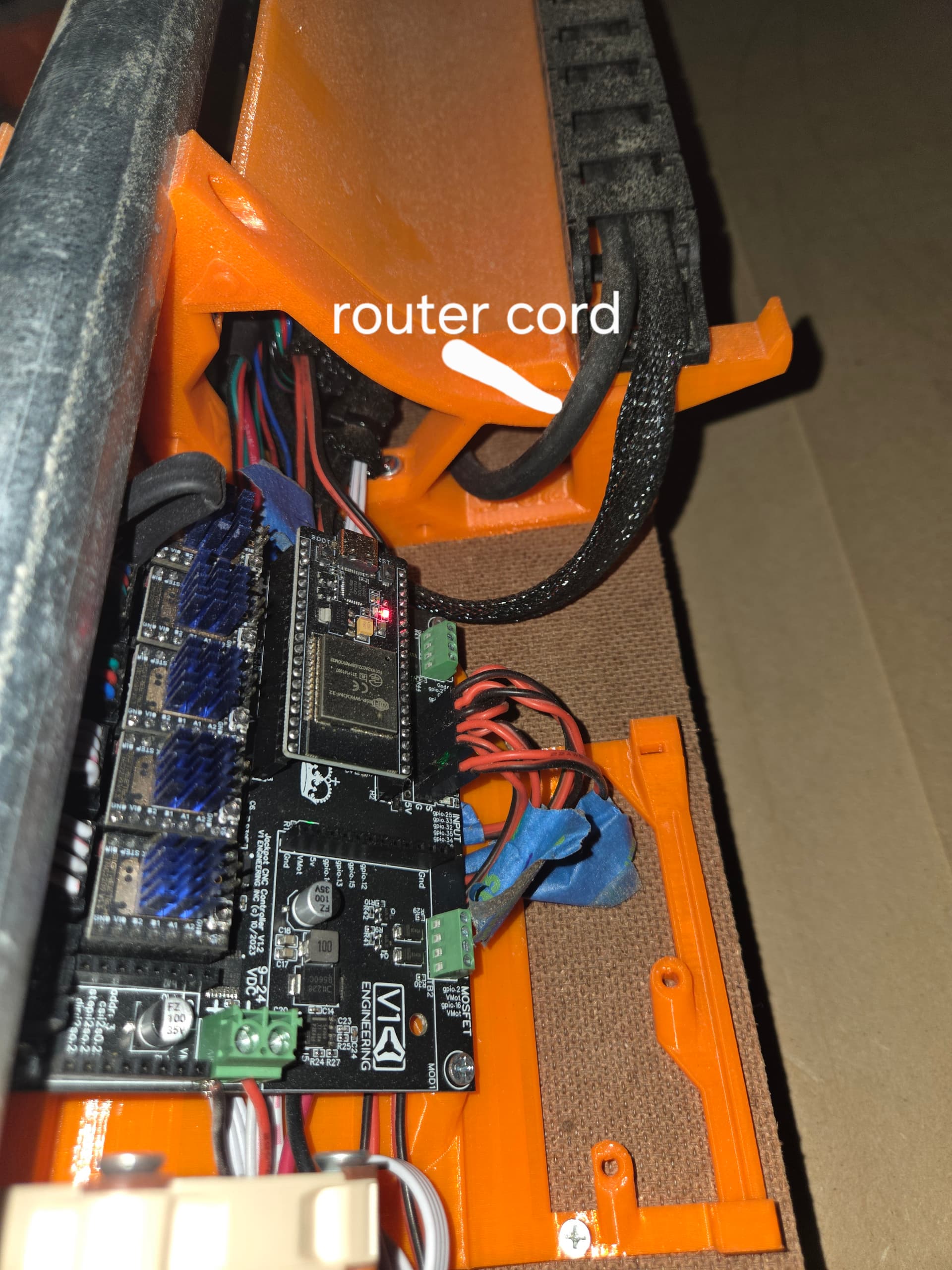
Then a random thought hit me: what if I relocate the Jackpot? I moved it about 2 inches farther back from its original inside mounting position by modifying its mounting board.
Surprisingly, that extra bit of distance between the board and the router’s crossing point on the X-axis seems to have made all the difference. As of writing this, it’s been running properly while surfacing my spoilboard.
I also reattached the vacuum, and everything still seems to be working fine.
I’m not sure yet whether this is a permanent fix or just a temporary improvement, so any thoughts or advice would be greatly appreciated.
Also—has anyone made an external mounting box or bracket for the Jackpot on the LR V4?