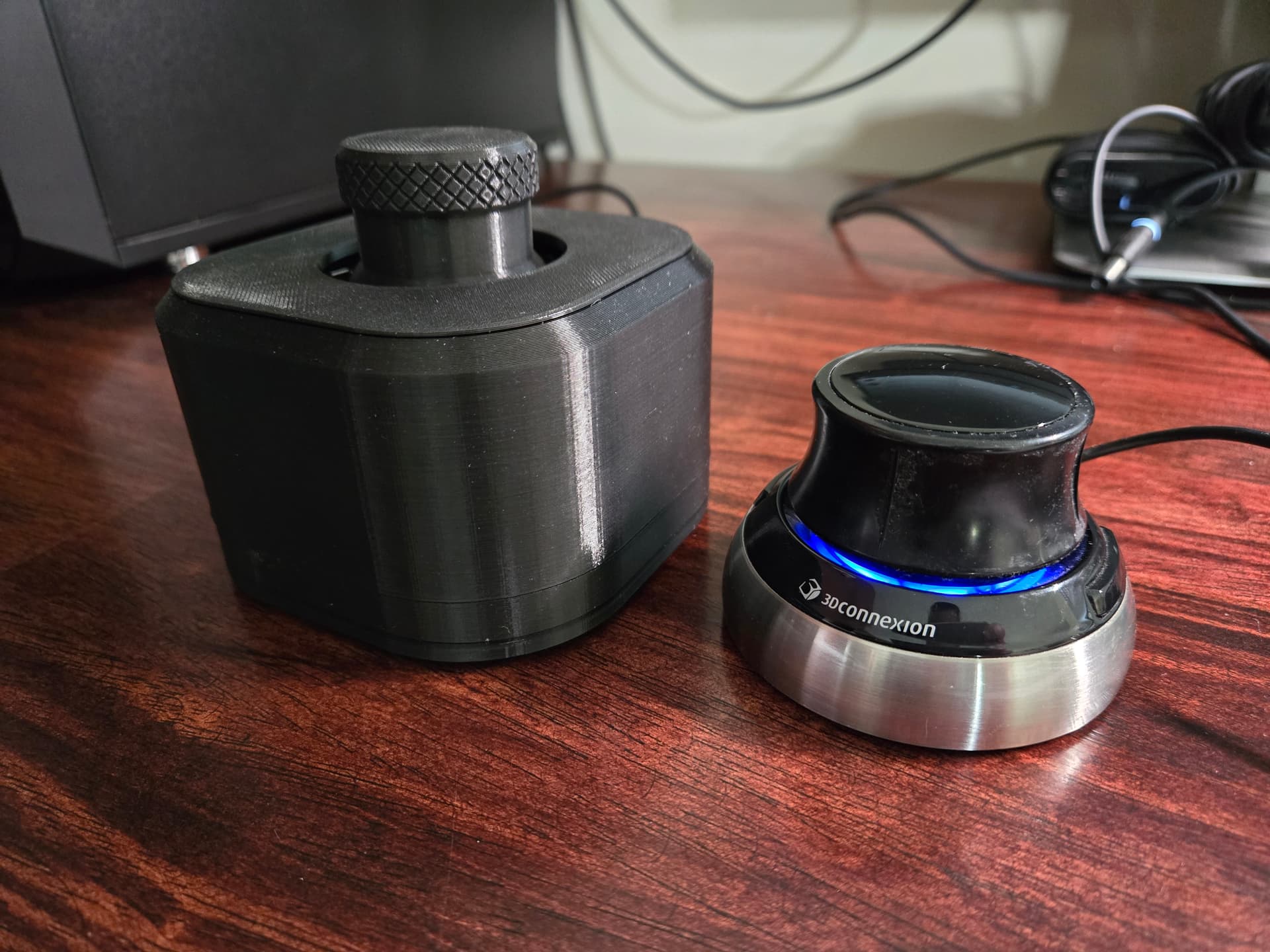
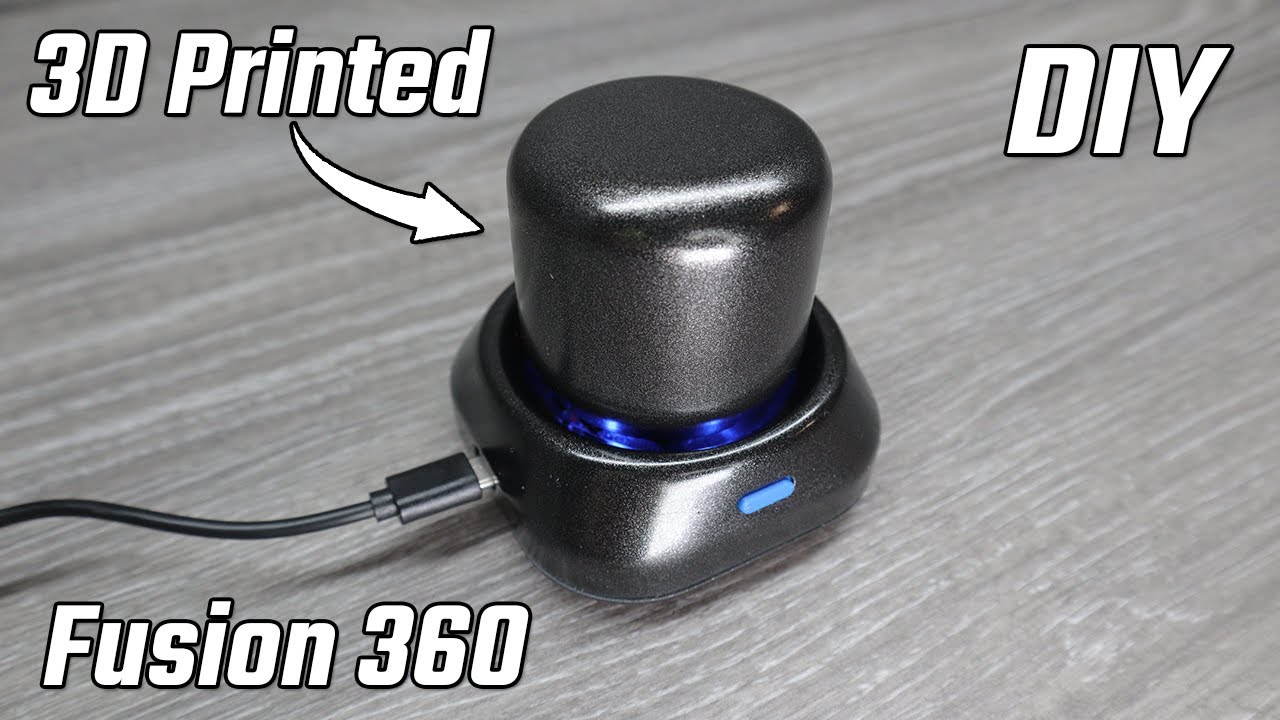
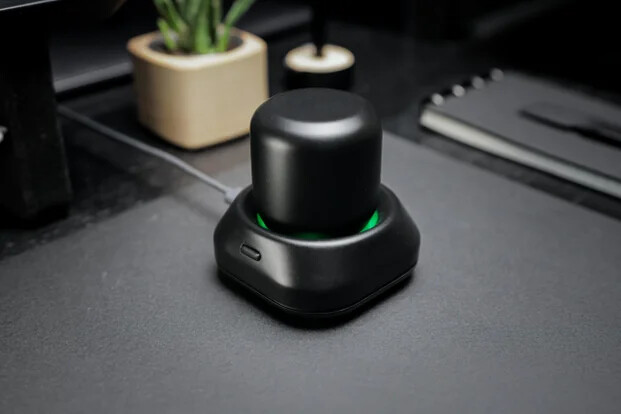
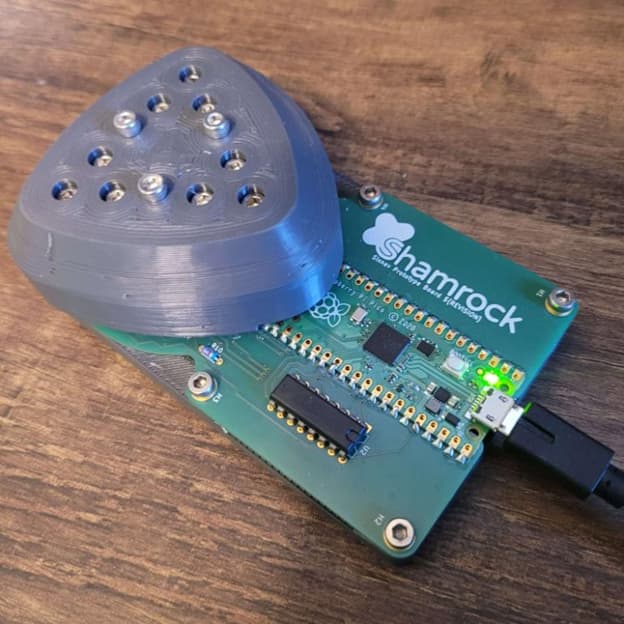
I do have a 10mm spacer for the weights I added but a pretty significant size difference. I honestly don’t really mind the size of the DIY version though. The biggest surprise on a real one is how little you actually move the knob. Maybe a couple mm. Sensitivity and stiffness is nice.
May mess with the code some to see if I can get it closer. I wonder if increasing sensitivity and making the hole smaller on top to limit travel would help.
I’m a bit sceptical about it
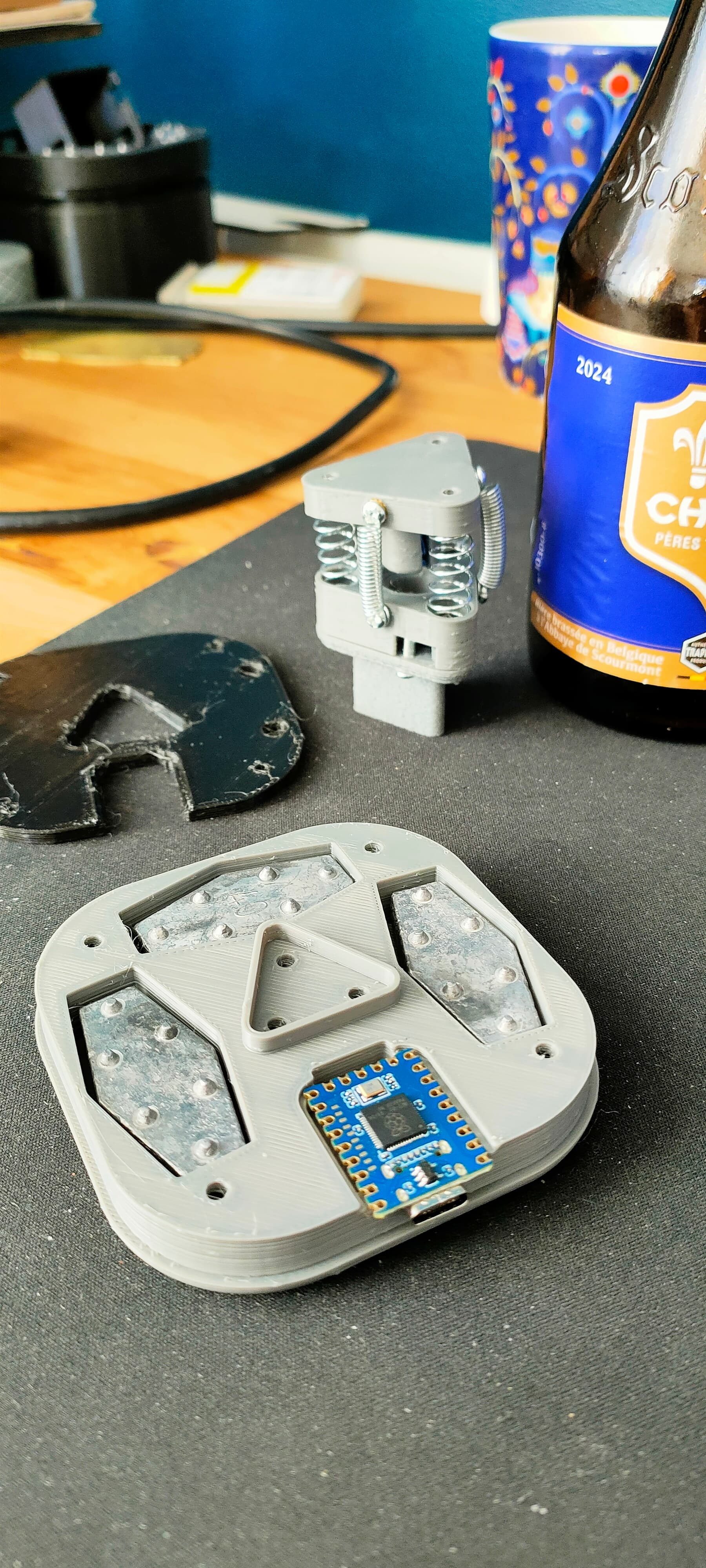
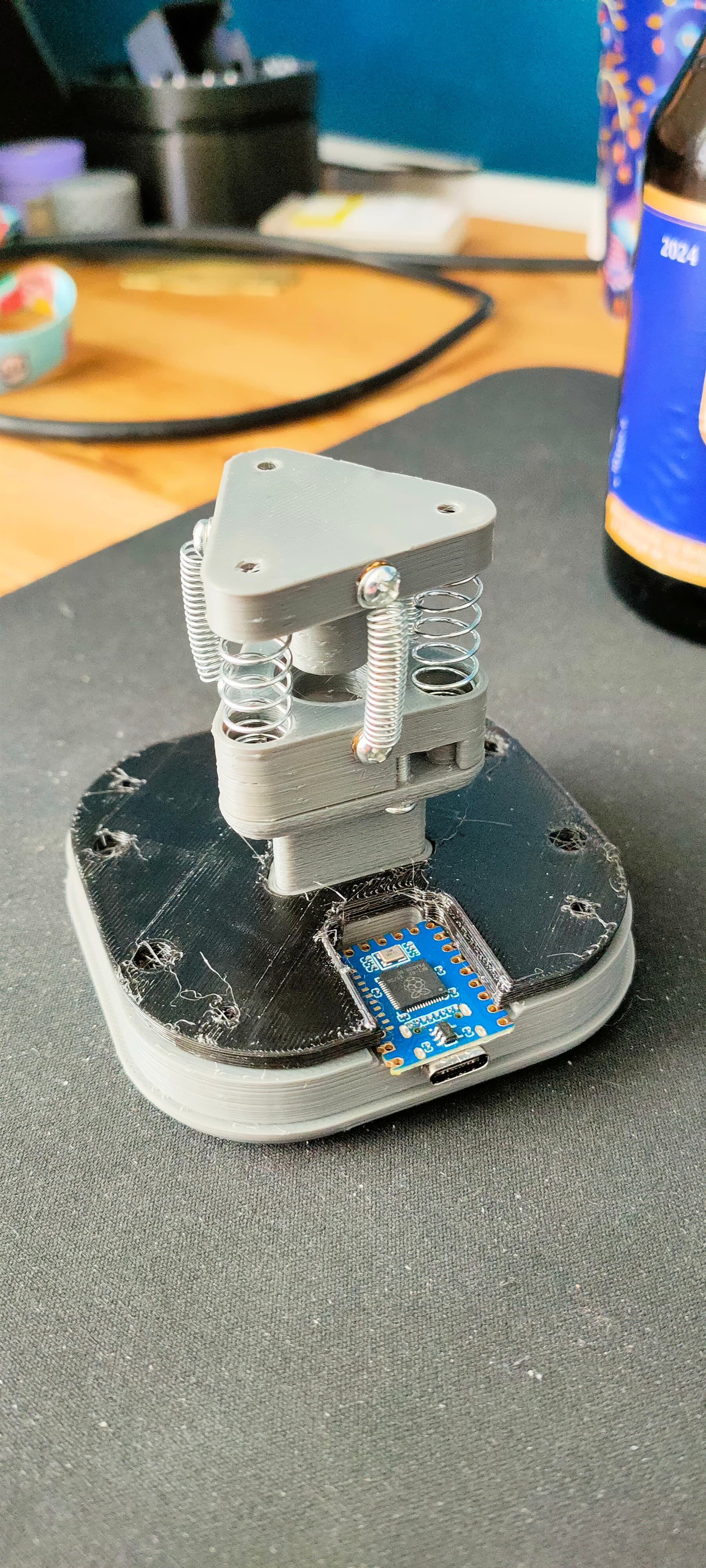
I made a dry fit of the parts and it doesn’t feel really great
The springs are a bit clonky and the movement seem less smooth
Also, you have to put some effort to push it and the base slides or tilts over
Just a quick update. I was able to find the answer for how to modify the content of the boards.txt file in order to get my DIY Spacemouse to be recognized by the native Mac version of my 3Dconnexion driver software. In the original Printables listing by Teaching Tech, in the comments section, there is a comment by a user named @memyself, that explains what is needed and links to the specific content.
Also, I was able to tinker with the Arduino sketch file that I obtained from Fabien’s posting (that got deleted by Printables?) to get a version that works perfectly with the Mac driver interface regarding direction in all axes for the software tutorial, and then another version that was tweaked to work perfectly with only one change, and that being that I like the zoom in and out to be done by a push downward and a pull upward, instead of a push forward and a pull backward. At some point soon, I will try to post a remix of my own that includes the modified software and few tiny tweaks I made to the printed parts.
The only minor issue I have right now is that I have to move the speed slider in the driver software for speed control almost all the way to the left to get the speed down to a more manageable setting. It seems like the physical zone for getting minor movements is very tiny, and it’s super easy for me to push past it into the high-speed move zone, and if the speed slider control is not moved way down then those faster speeds are just way too fast for it to be a usable device.
I did just now have an idea for my remix that has one significant change regarding how the thing is assembled, that is to angle all of the joysticks upward ever so slightly so two screws in the top edge of a joystick would be easy to drive in without needing to have a screwdriver that can twist at an angle, and then using a trough at the bottom of the joystick to clamp it in, while attaching it with two screws on the top.
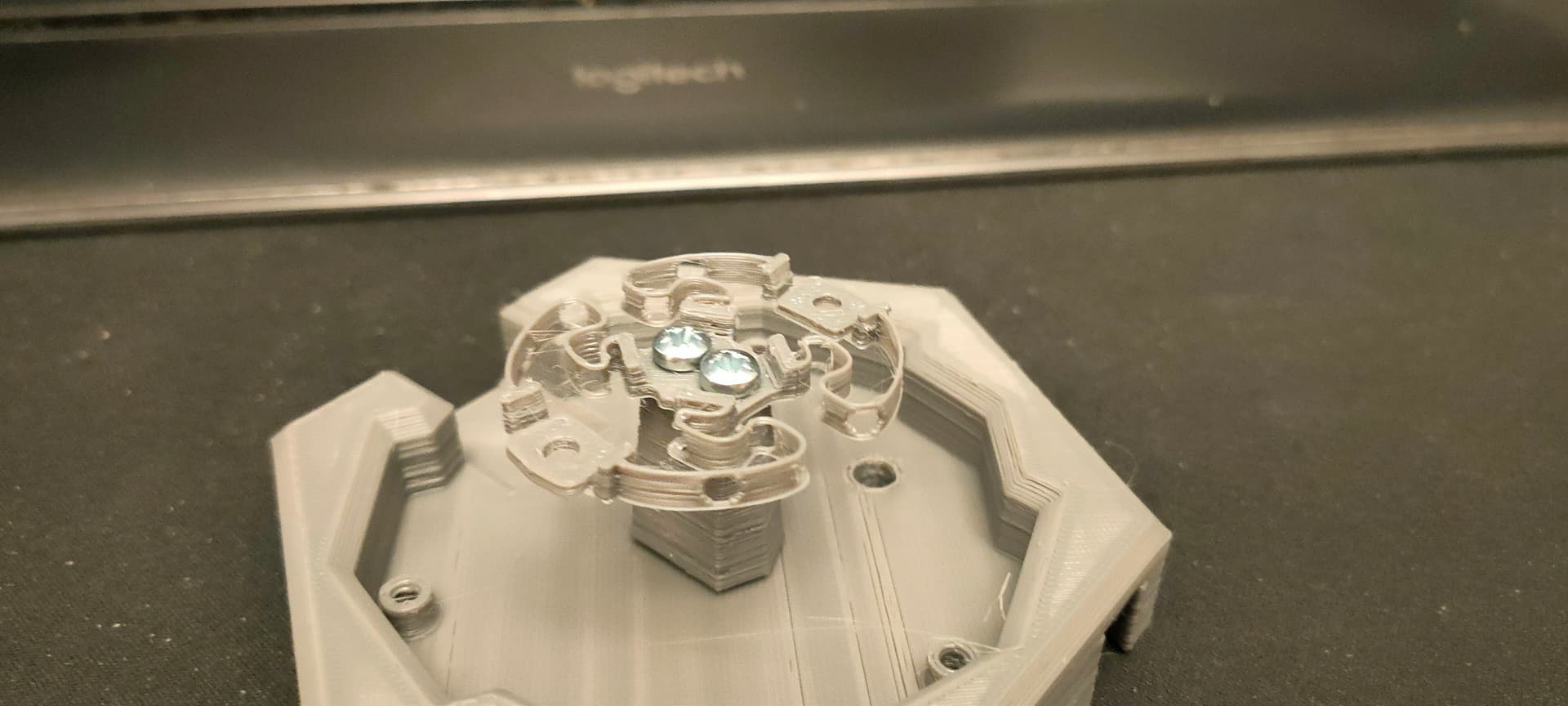
The one I designed and showed here, I can bend it, I can pull up and push down, but I can barely push it on the side, and it’s impossible to twist it…
All just because of the “springs” shape… Mesmerizing…
It’s a different spring design and spacemouse project I found… And this one Can bend, push/pull, translate and twist… and still return to it’s original position…
This field of design/engeneering is truly fascinating!
I love it… But I just cannot begin to imagine how you come up with these shapes…
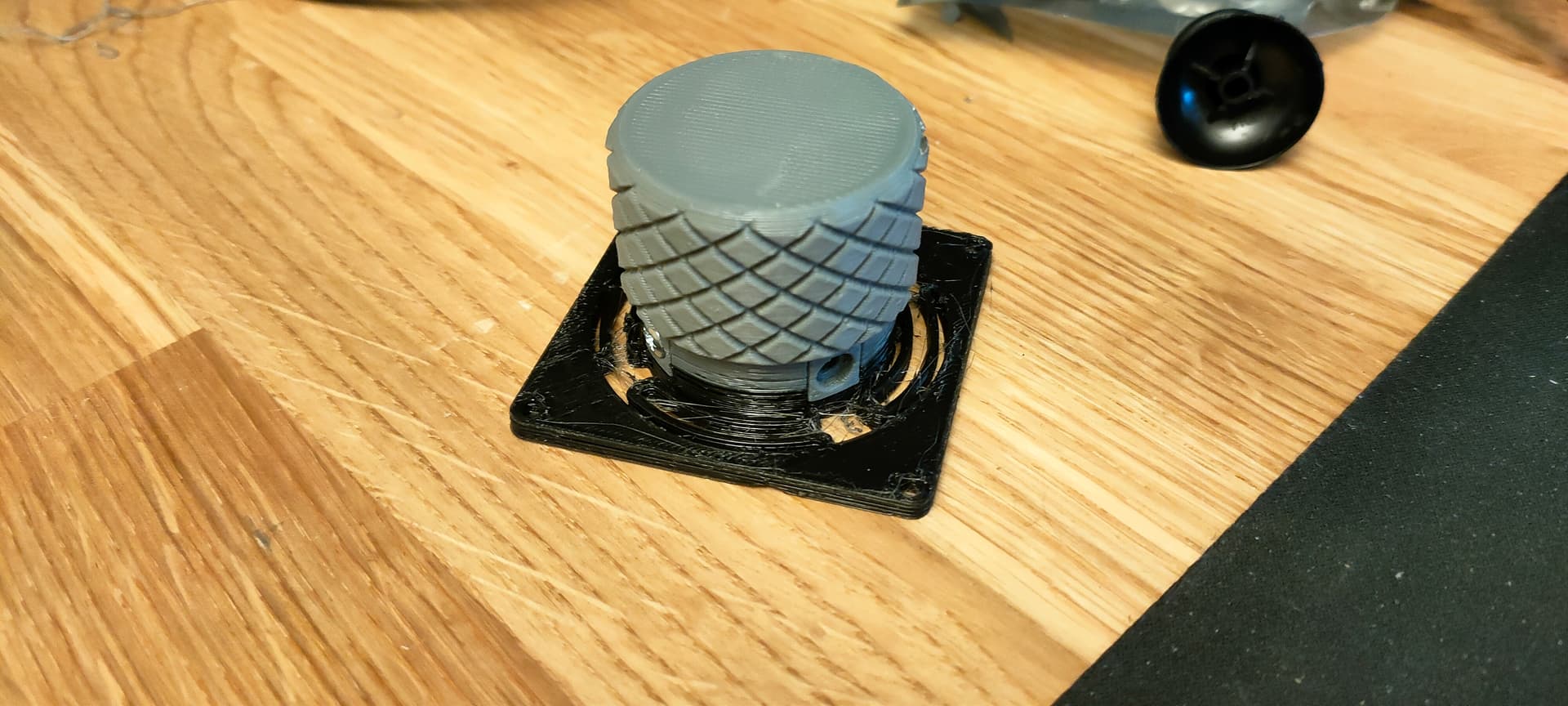
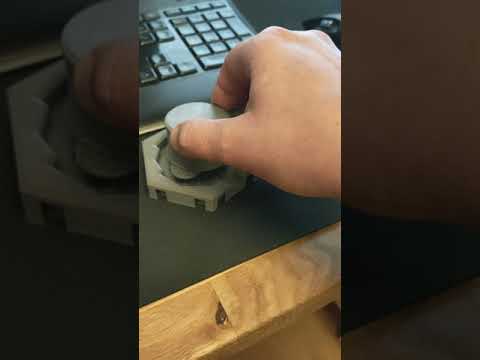
This one actually feels pretty good to use
It’s very smooth and the translation movement feels “dissociated” enough from the tilt that you can really tell which is which
It’s not really “6DOF” anymore though, as you cannot push/pull or twist the knob anymore
The push/pull for zooming I won’t regret too much as the mouse wheel can still handle this, I’d really like a twist motion for rotation though…
There are a few limitation to this
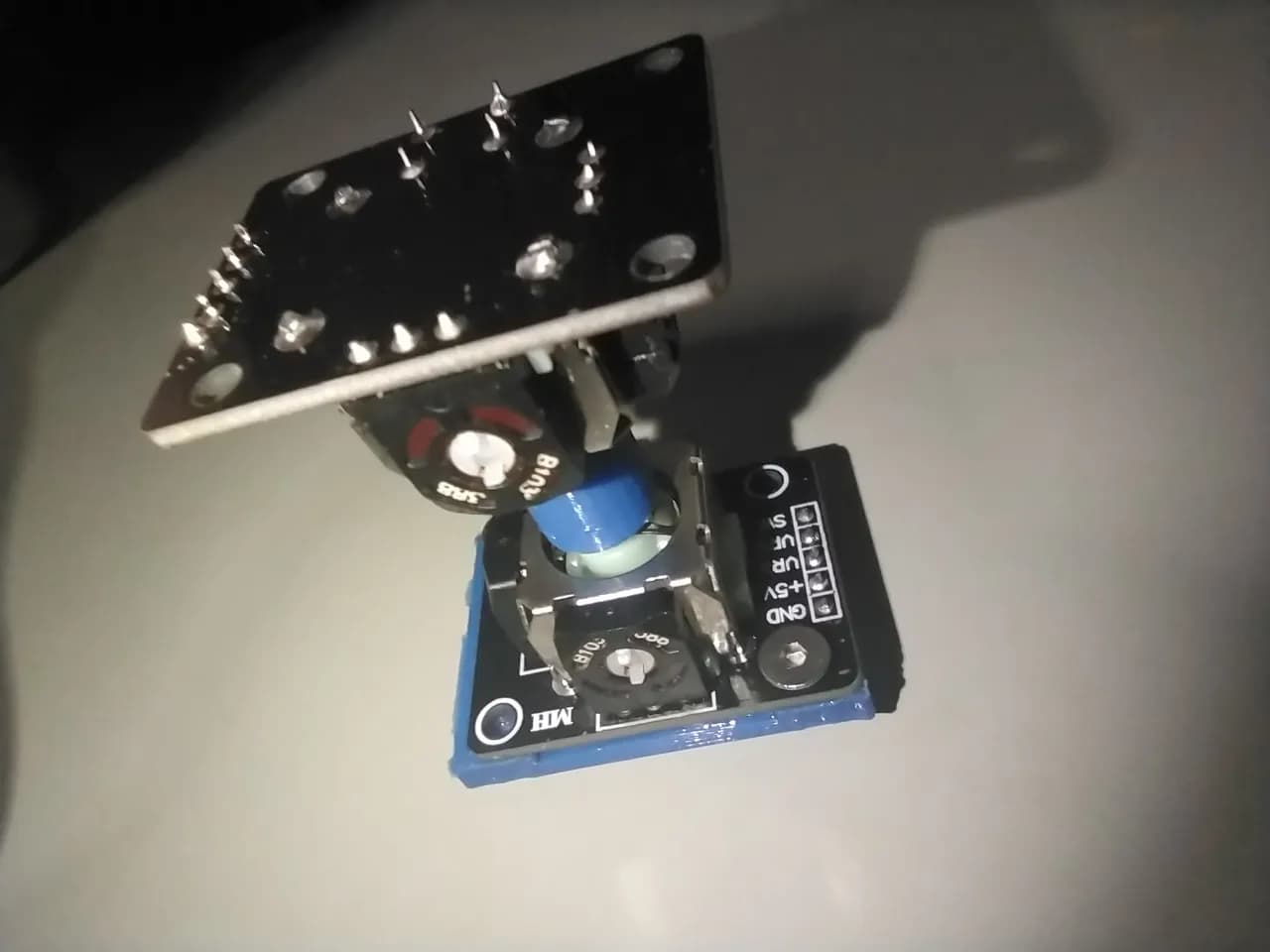
Sticking joysticks end to end above one another can lead to unwanted movements, as the rotation center of each axis is not at the same point
This is one of the concerns I have with the one I linked directly above this post
I think there’s a way to use individual potentiometers for each axis with a carefully crafted flexure plate though…
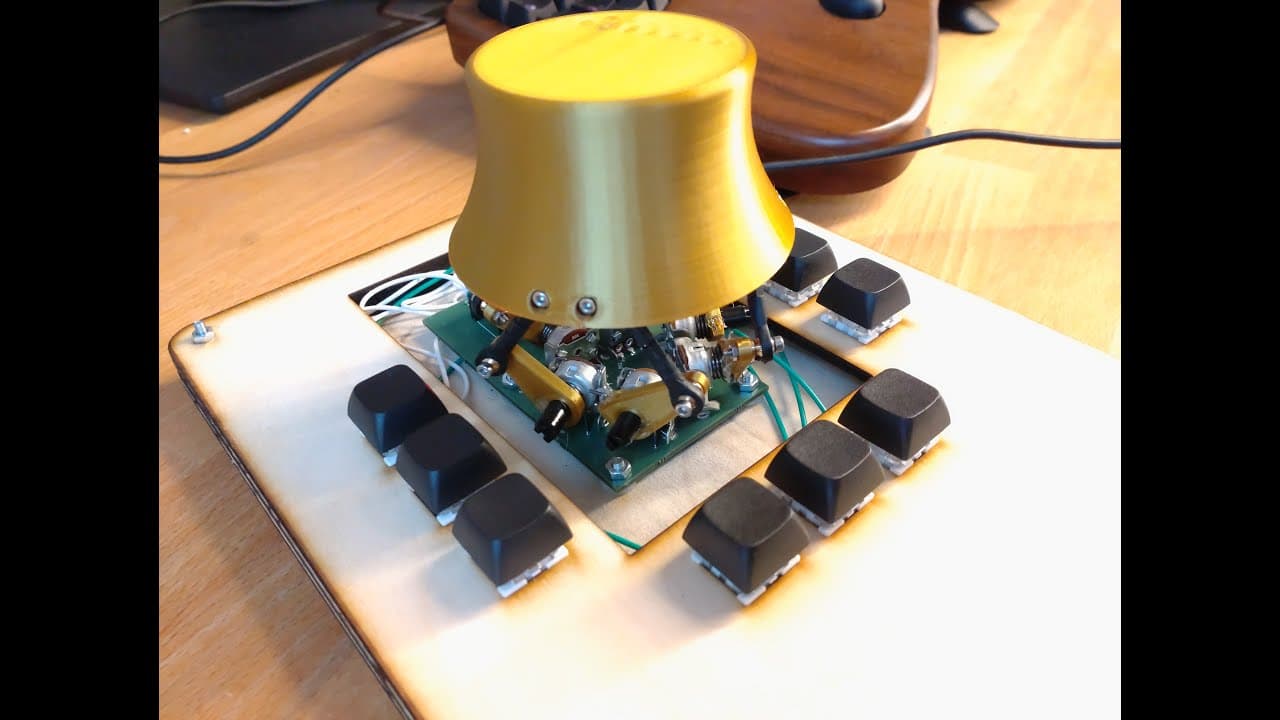
This is the original one using joysticks.
I built this one 2 years ago, it never worked and was very sloppy
The teaching-tech one is based on this design, but with 4 joysticks and a revised software
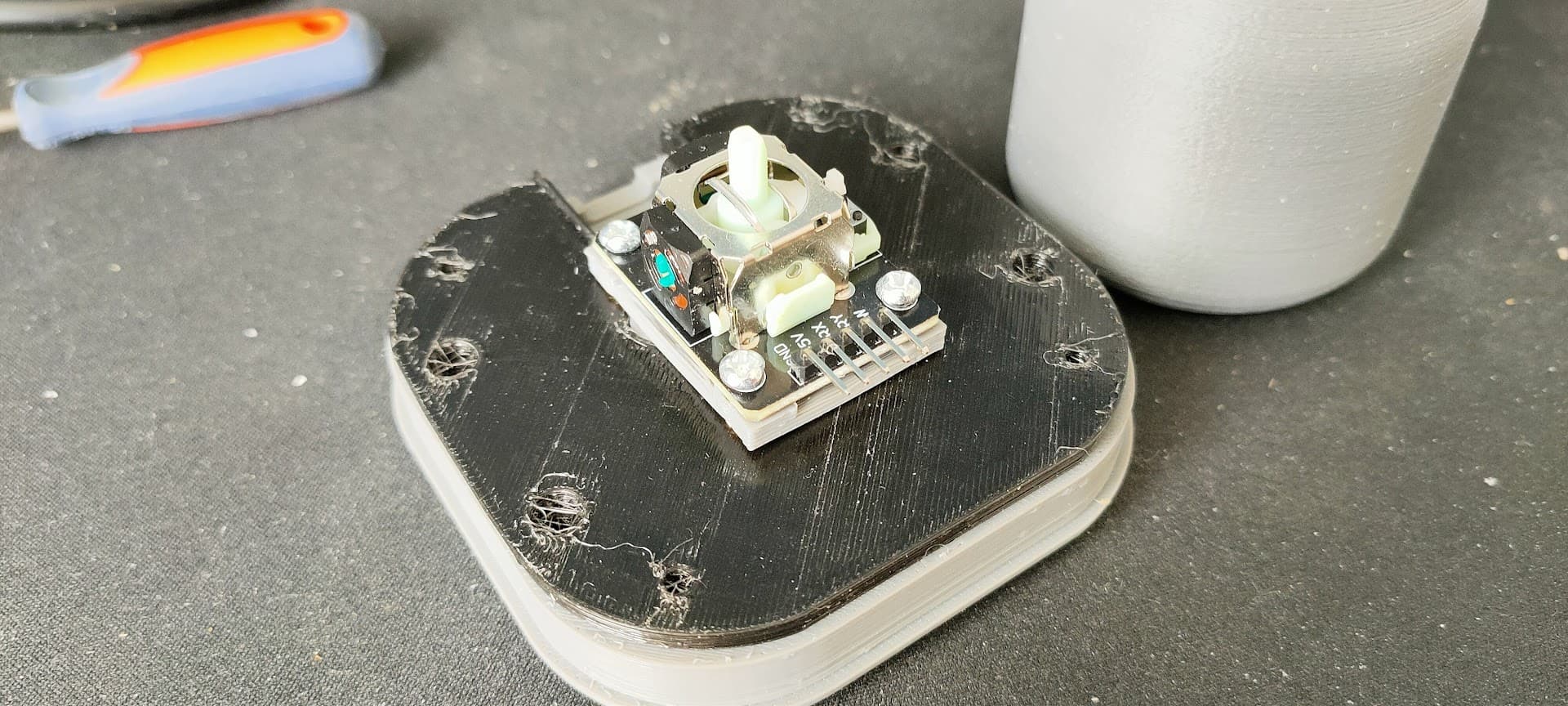
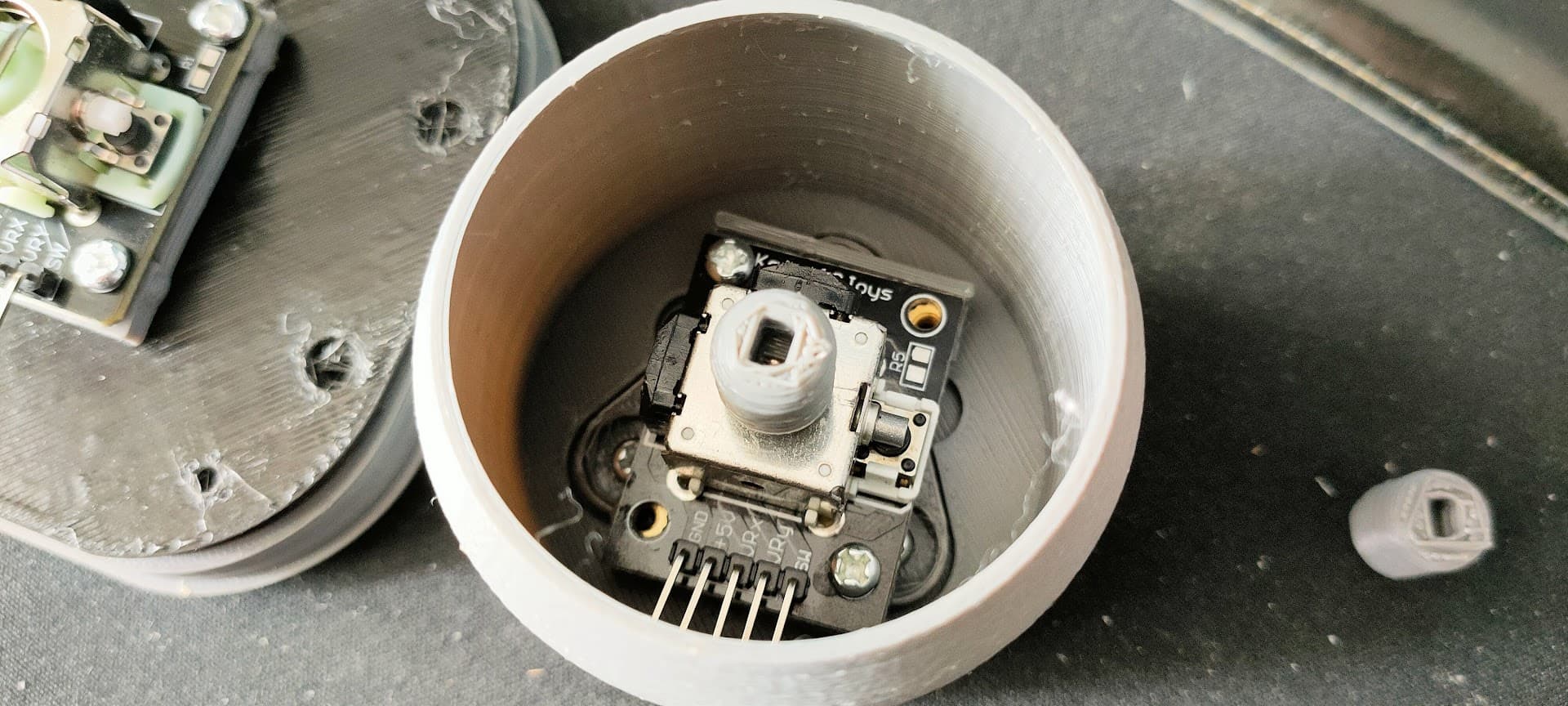
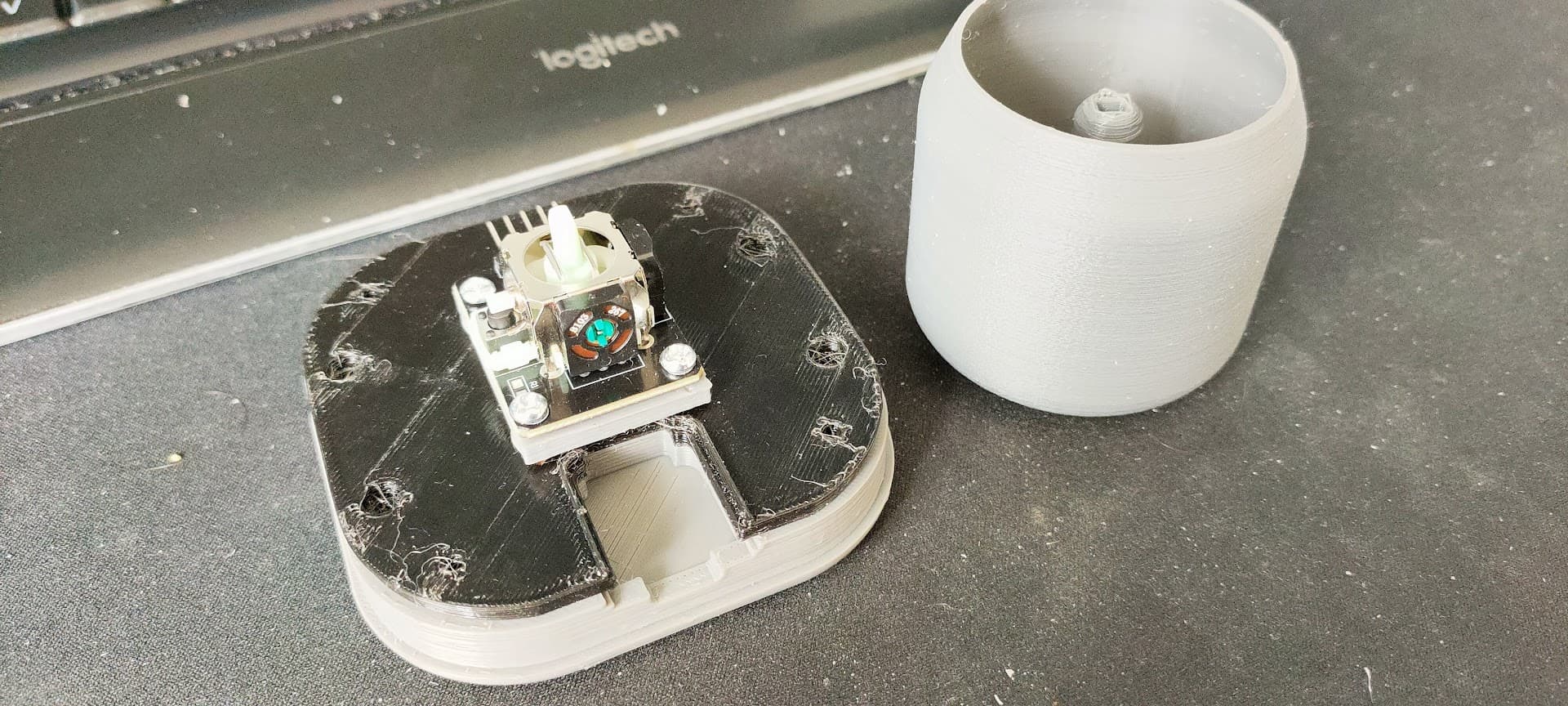
That’s the one I currently have finished and operational, it’s pretty nice and works, although it’s still not as smooth as I’d like and quite a bit bulky.
After building the TT’s version, I’ve been looking for other models and started to build the “magnet” version, but I’m currently waiting on parts
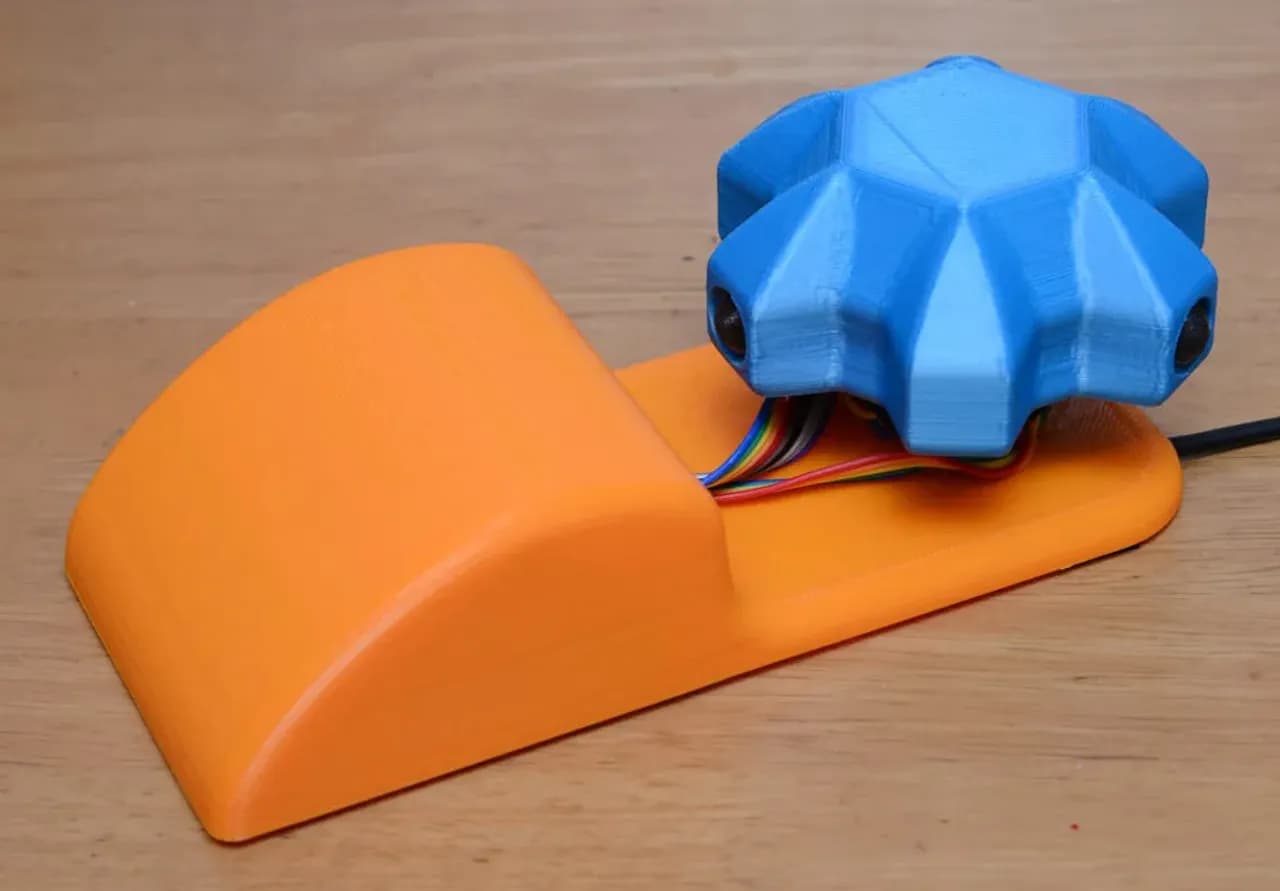
The original spacemouse uses IR LEDs and receivers with some slotted blades in between
I’m ruling out projects that are just a 2 axis joystick encased in a box, or boxes with multiple joysticks.
They have their merits, but they’re not really anything like the spacemouse…
So far, here’s what I found:
Space mushroom Printables
The original one using 3 joysticks
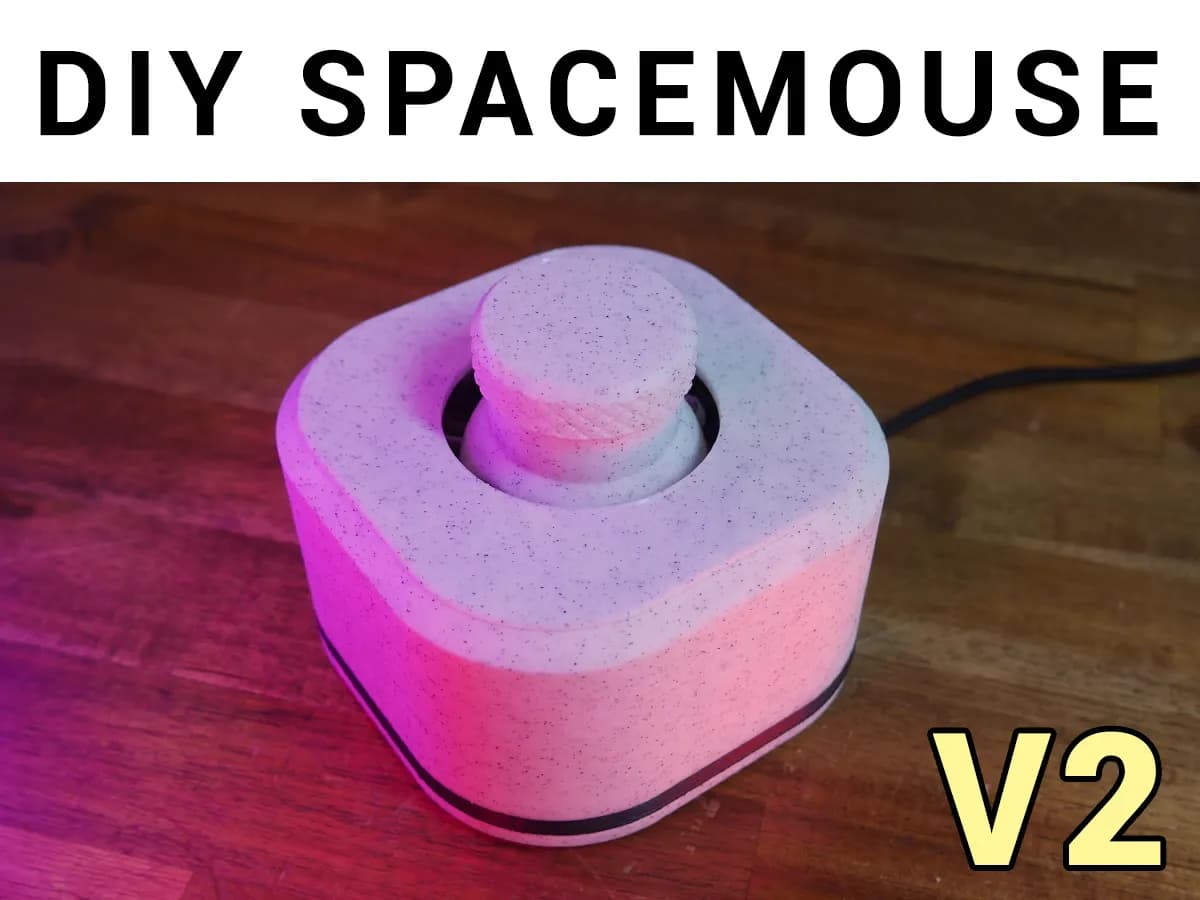
TT’s SpaceMouse v2 Printables
Remixed from the space mushroom and a few of it’s remixes, uses 4 joysticks and an updated firmware that emulates the spacemouse driver
DIY spacemouse (using magnets) - remixed to use joystick Printables
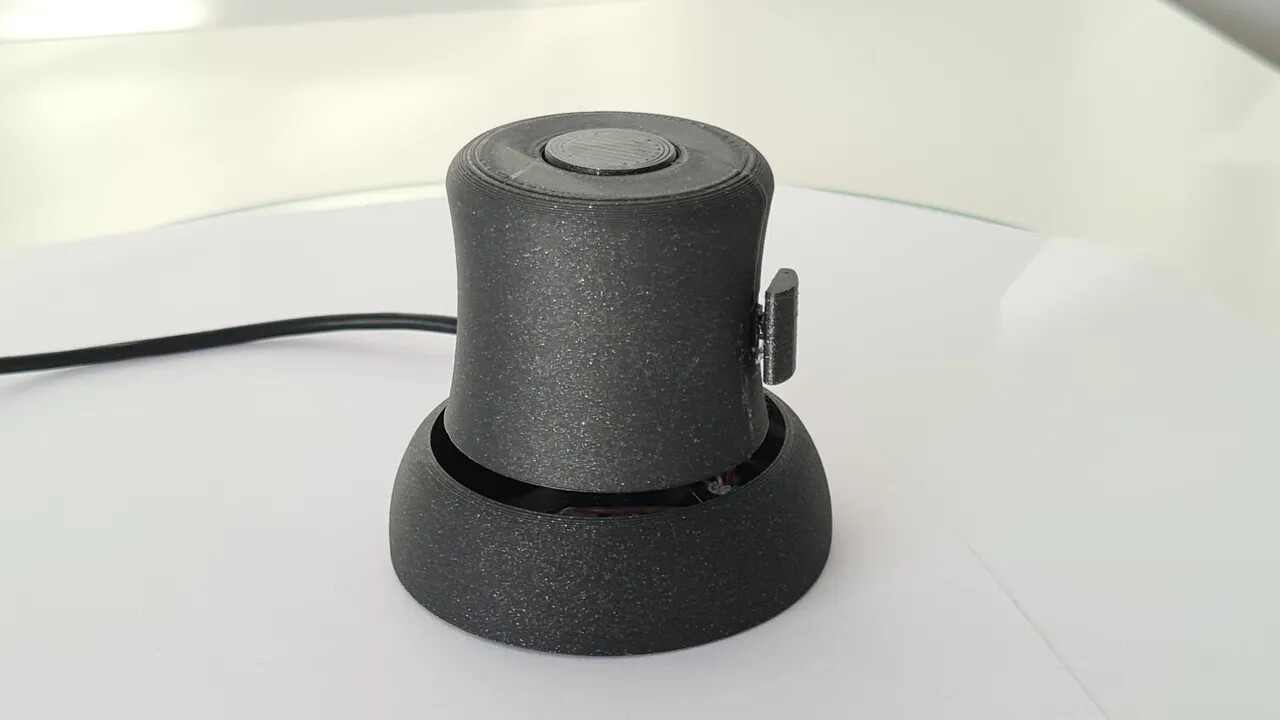
Same as the above, but uses two stacked joysticks for movement. Not really a 6DOF mouse though
SpaceRat Printables
Magnets and accel/gyro based. But it’s weirdly limited to two axises and you need to switch between rotation and translation with a switch…
Haptick Haptick, Part Two - The Blog of Matt
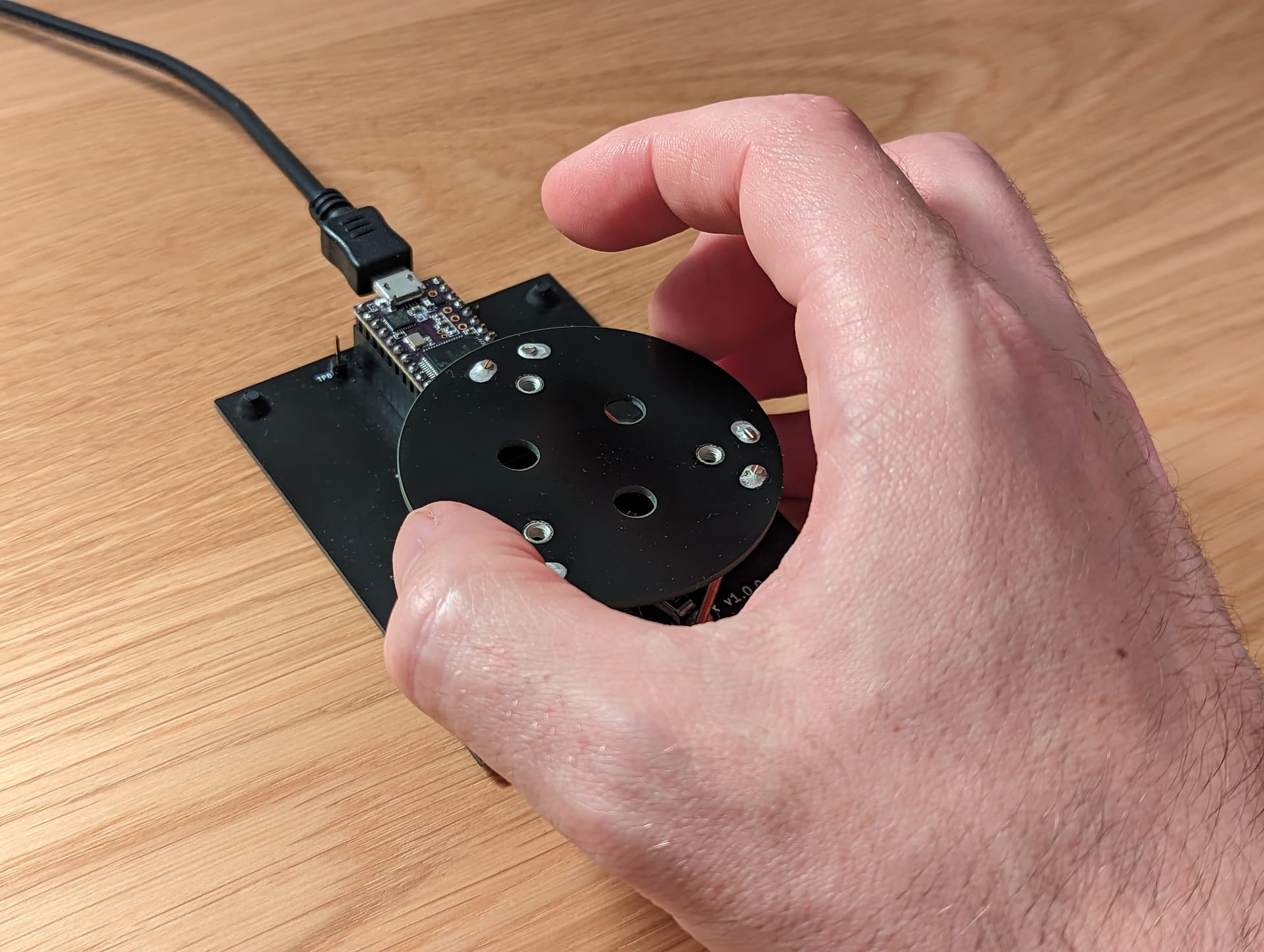
A very interesting take on the problem, using strain gauge wires to “feel” the pressure.
The “knob” does not move, you only apply pressure to it.
OS3M OS3M Mouse | Hackaday.io
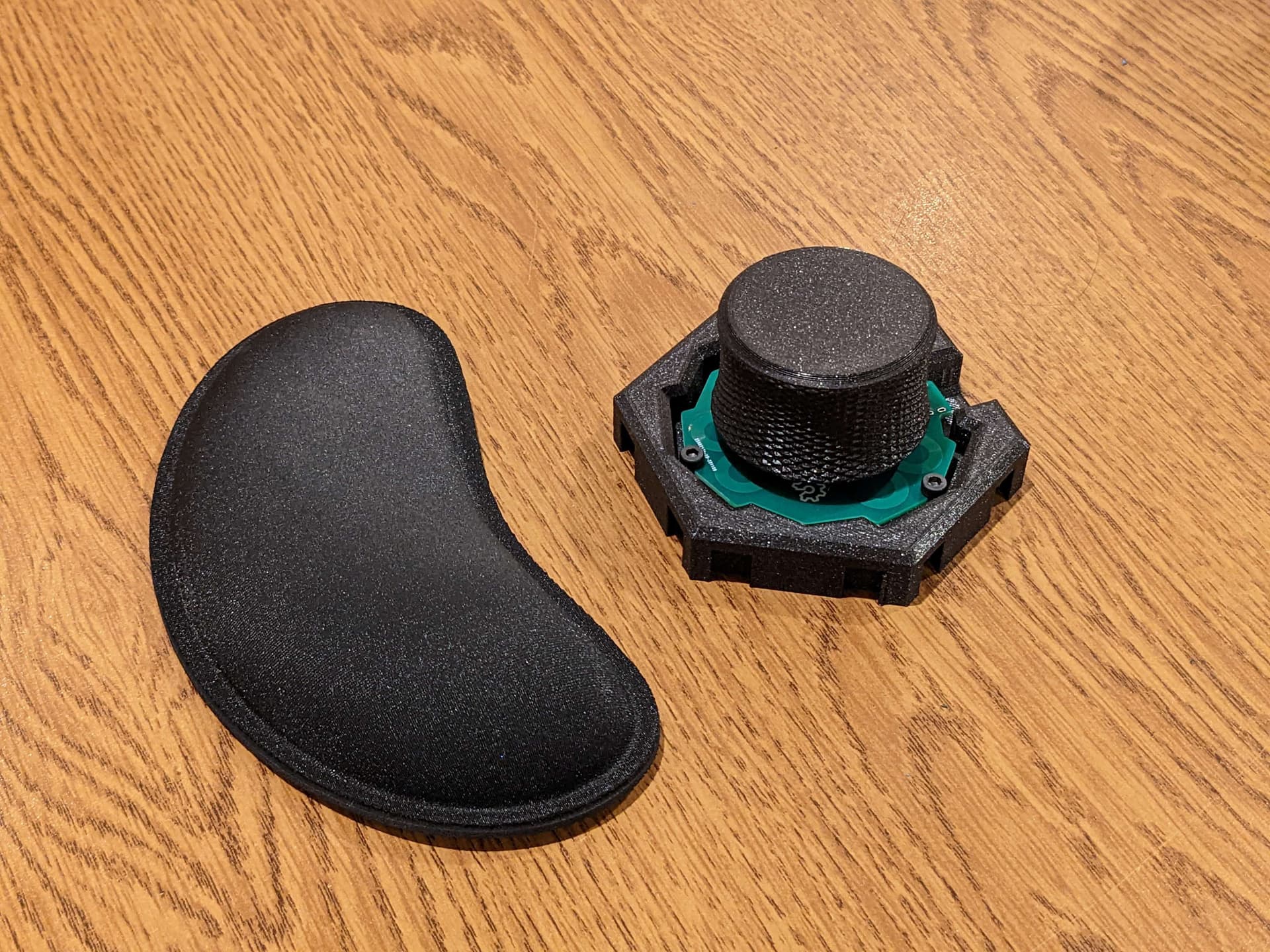
A very interesting one too. The movement mecanism is flexure-based, and it uses a custom PCB with coils detecting the motions of 3 coins attached to the knob for measurement.