I’m sorry, as it seems I was mistaken. Nothing wrong with the link you posted.
Something has changed on the PRINTABLES.COM site, not this forum.
Their site always had no issue with my ad blocker, but now their site is nonfunctional unless I disable my ad blocker. See “what happens while on ad blocker” below.
Even with the ad blocker disabled, I still get this in the F12 console output:
Then, while your URL is as shown in #2 reload the page (refresh your browser window). For me, this causes the page to load only partially.
I’m using Chrome browser on Mac. If any one can confirm this bug in Printables website code using some other operating system or some other browser or both, please let me know.
I’ve just had one of those moments when you silently nod to yourself and walk quietly out of the room, because the kids are asleep and you don’t have to be on duty any more.
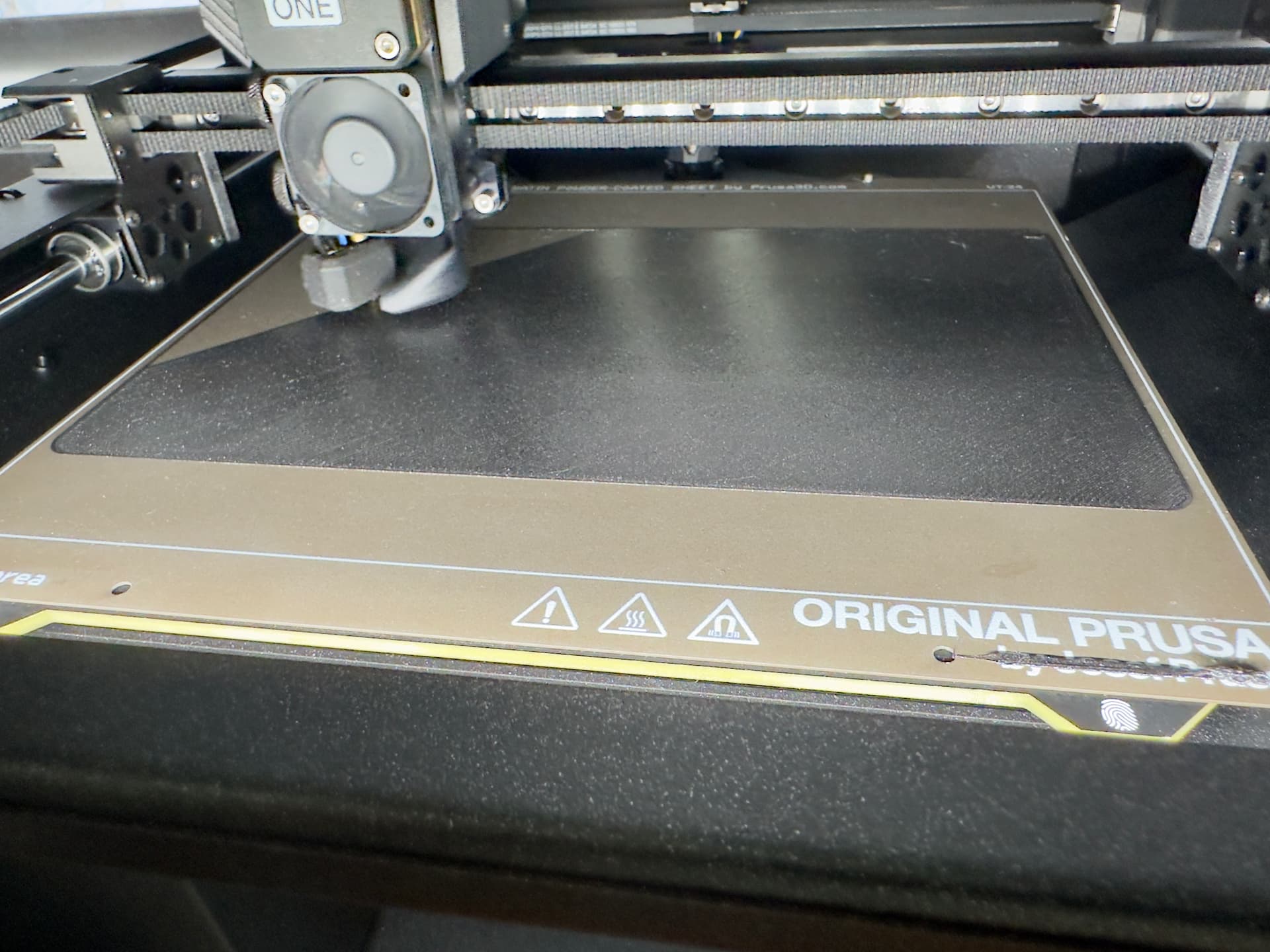
I’m a bit haphazard with the CoreOne I’m afraid - just press go the button and forget about it, but today I’m printing a tray which takes up a fair bit of the print bed, so I thought I’d pop back in and see how the first layer was faring.
Automatic Top Vent Operation: The extruder now automatically opens the vent for low-temp materials (PLA/PETG) and closes it for high-temperature materials, ensuring the optimal thermal environment and creating a true “set-and-forget” experience.
Easy Flex Loading: A redesigned filament insertion point makes the process of feeding flexible filaments quick and simple.
New Bayonet-Style Spoolholder: Allows you to use various spool sizes. Ready for a direct-feed drybox.
Firmware & Performance: Includes all software updates from the entire lifespan of the CORE One, resulting in even better print quality and smoother operation right out of the box.
So basically not needed. Since I nearly only print PLA and PETG the vents are always open. I also use the MMU3 and bet it isn’t possible with it.
I have had problems with flex because I was being stupid, but it’s being loaded through the MMU flawlessly.
My Dryer sits happily on its fold-away shelf, and the whole of the cabinet will be a dry box one day if feeding for the INDX/MMU works the way I think it will, but the Prusa Dryboxes are really sensible, neat designs (even if to replace my current setup would cost AUD$1200 in boxes alone) I have been contemplating how to go about making volume reducers for the Ikea boxes, now I have a budget to work to!
Am I right in saying that the hotend upgrade seems expensive at first glance, until you realise that it makes the coreone capable of doing what only machines costing tens of thousands of dollars can do at present? I don’t need it though.
As for the plus upgrade, well for the price of the sticker, why not? I presume the filament insertion point will be based on the “L” version, so the upgrade will be worth it just for that.
Same. If I knew that there were people who’d pay good money for those printed parts, I’d buy it, but that’s a gamble I am not willing to take at the moment.

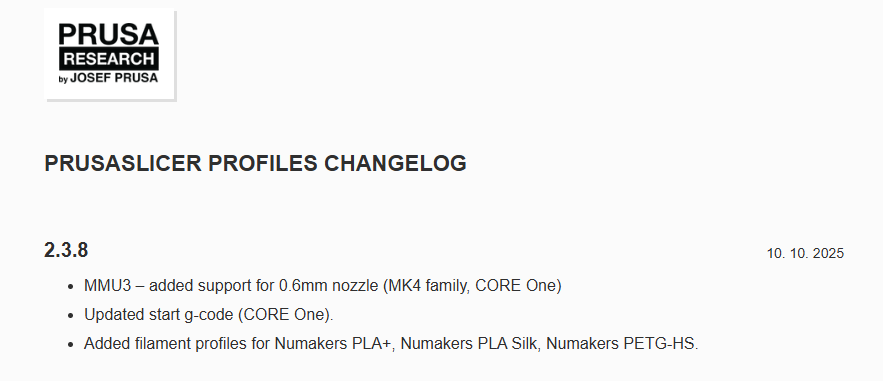
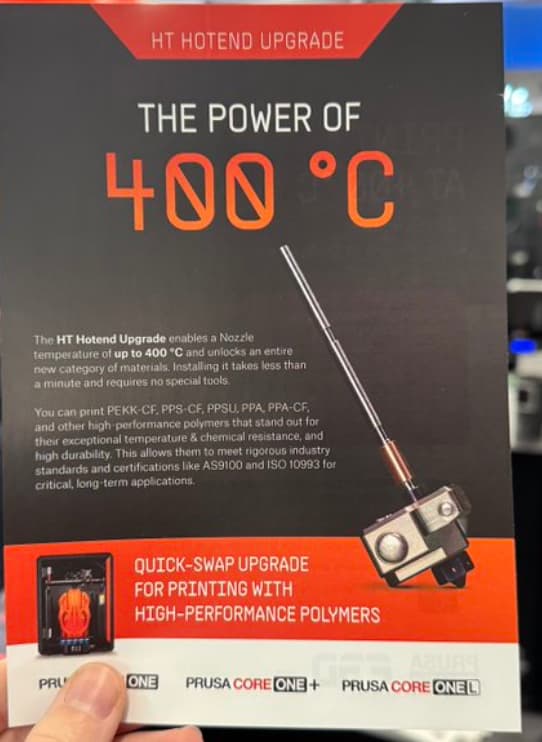


 Wondering what that upgrade is. Let’s read.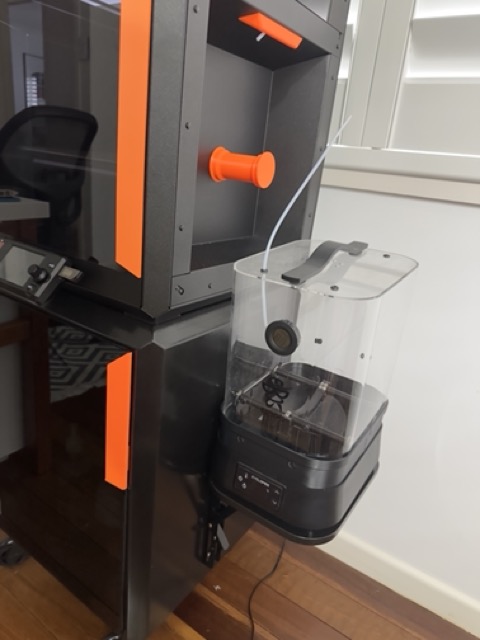
 I presume the filament insertion point will be based on the “L” version, so the upgrade will be worth it just for that.