Their first printer had a unique bed leveling sensor, lidar right? That was always new. They have definitely added a lot of innovation the whole time. That is part of the frustration. They pull in 98% of a printer. Then add 2% and don’t share the 2% with the 98% of people.
Innovation or not - the latest seems to be the greatest. Even THAT Tom says it’s flawless and I’m sure it’s got nothing to do with his affiliate links.
I just figured out that I can map the filaments from Prusaslicer when queueing a new print, that used to be only able from the printer directly, I can also enable spool join, which means I don’t have to slice the files for the LowRider in different colours any more, I can just queue them with the correct toolhead. Don’t know how I missed that. 
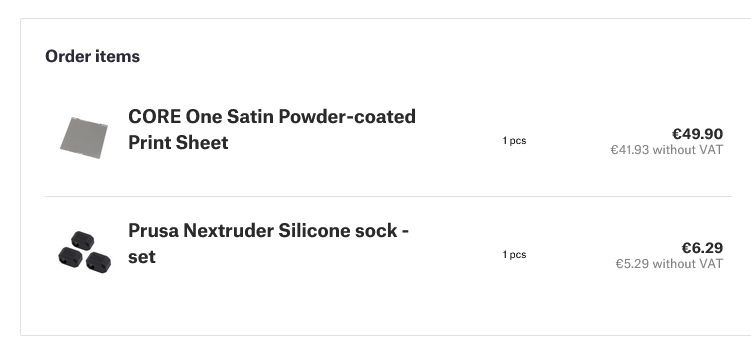
@bitingmidge: If that satin sheet isn’t as good as you said I am going to kick your ass! 


3 Likes
They’re both inductive heated, that’s about it.
That’s how I started this thread, and if I hadn’t convinced her that we should wait for the upgrade kit, I’m sure she would have ordered one for me there and then.
I’m about five days into the build, working when I can, and almost finished. As has been my previous experience with Prusa kits, I am in awe of their documentation, and indeed so much of the detailing.
You really do get the impression that the thing is built to withstand the apocalypse. All my influencer fuelled doubts about buying a prettier “turn key” model from elsewhere have evaporated. Or is this the Ikea effect at work?
Wow, that’s not very German efficiency of you.
Did you eat the gummy bears? I didn’t, maybe that made me save some time. No chewing, just working.
@bitingmidge, does your Satin Print Sheet also have the shadows of the prints that came before? They are on the bed after the first prints already, the little round disc I printed shows itself in the side plate as well. I have only had that problem with the smooth sheet when printing the wrong material and never with the other sheet.
Old Smooth:
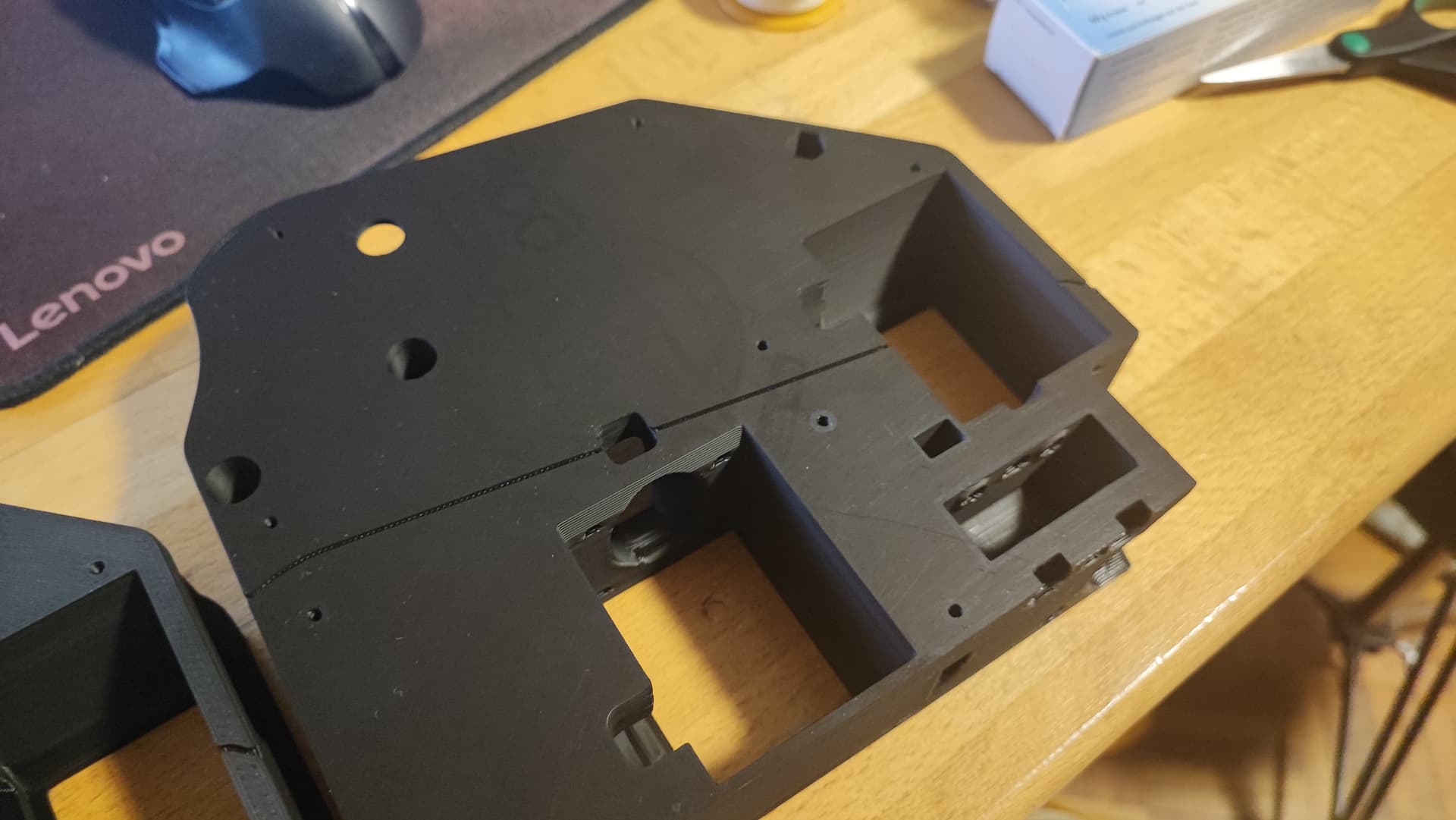
You can see the shadows of prints where some residue of TPU was still in the nozzle.
New Satin:
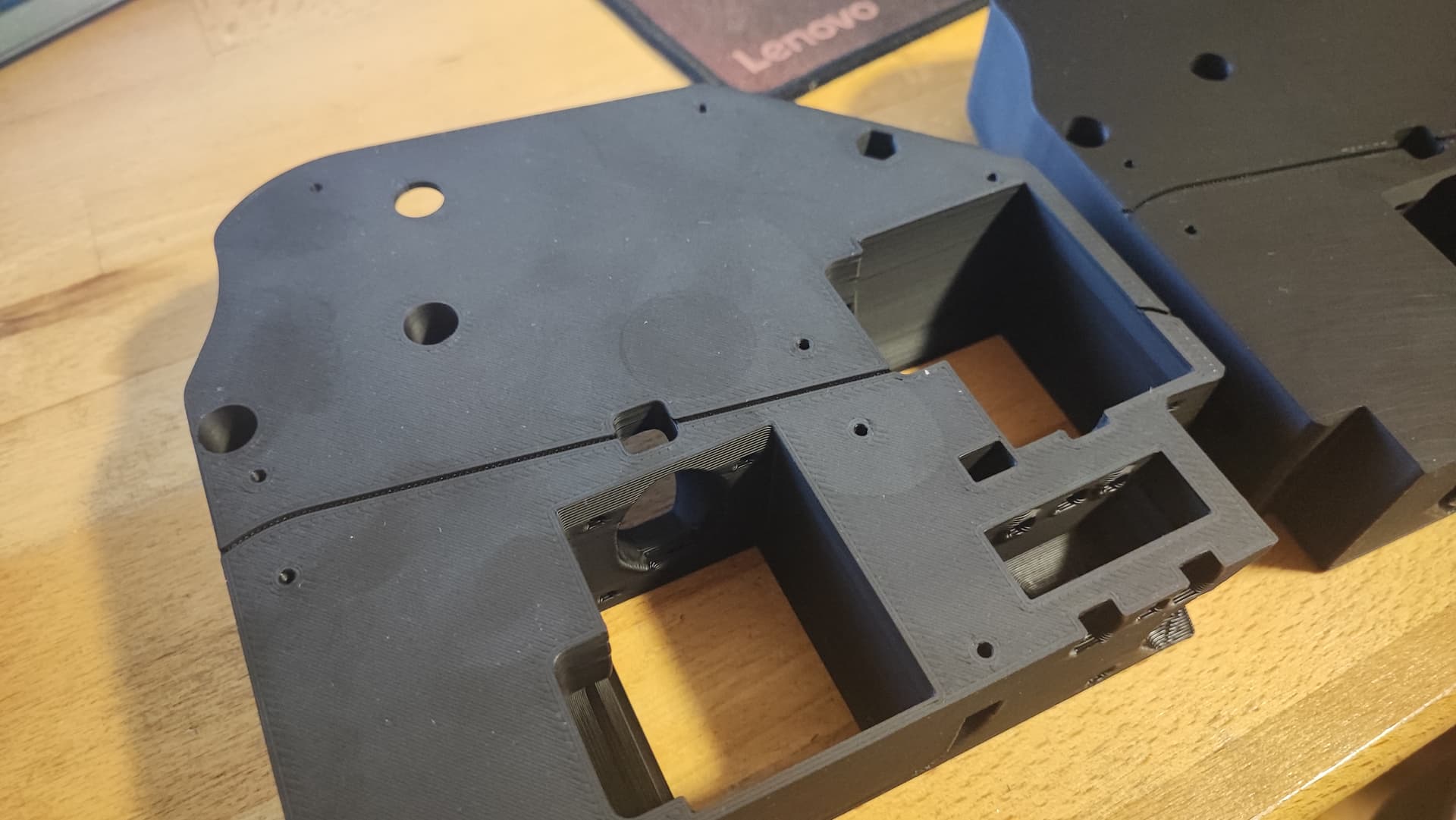
I printed one circle and wiped it down, you can see both… (though the satin surface looks much better for my taste, I just like matte more than glossy.
)
No not at all- did you clean it well with IPA before printing? It’s powder coat so it should not be embedded in the finish - try scrubbing with dishwashing soap, a clean microfibres cloth and HOT water - Prusa says don’t, but dry it immediately with a clean tea towel.
Let me know - it’s one of the reasons I love the satin sheet.
Prusa customer service -
My newly completed CoreOne fails the nozzle temp test, just stops at 170°. I look on the internet and discover a few of these going back many years. Perhaps I should ask someone on Facebook myself?
First, check the nozzle temp manually - it holds at 270° so there doesn’t seem to be a problem.
Next - load some filament and see if it cuts off automatically and does as it should - YEP!
Well let’s print something! Can’t because we’ve failed the heat test. (I could over ride it but let’s see if we have a problem first).
Get onto Prusa Chat (there’s a three minute wait - it’s 6:30 am in Prague on Saturday)
I checked and rechecked connections before the call - help guy asked if I could take a couple of resistance readings for the heater and thermister - both within spec. He concludes that it’s probably not heating up fast enough so timing out, so is going to send me a new hot end assembly. I’m not sure how that works, because it’s my Mk$s hotend, but I am incredibly grateful.
In the meantime I’m about to override the test and print something - wish me luck!
 Don’t burn the house down!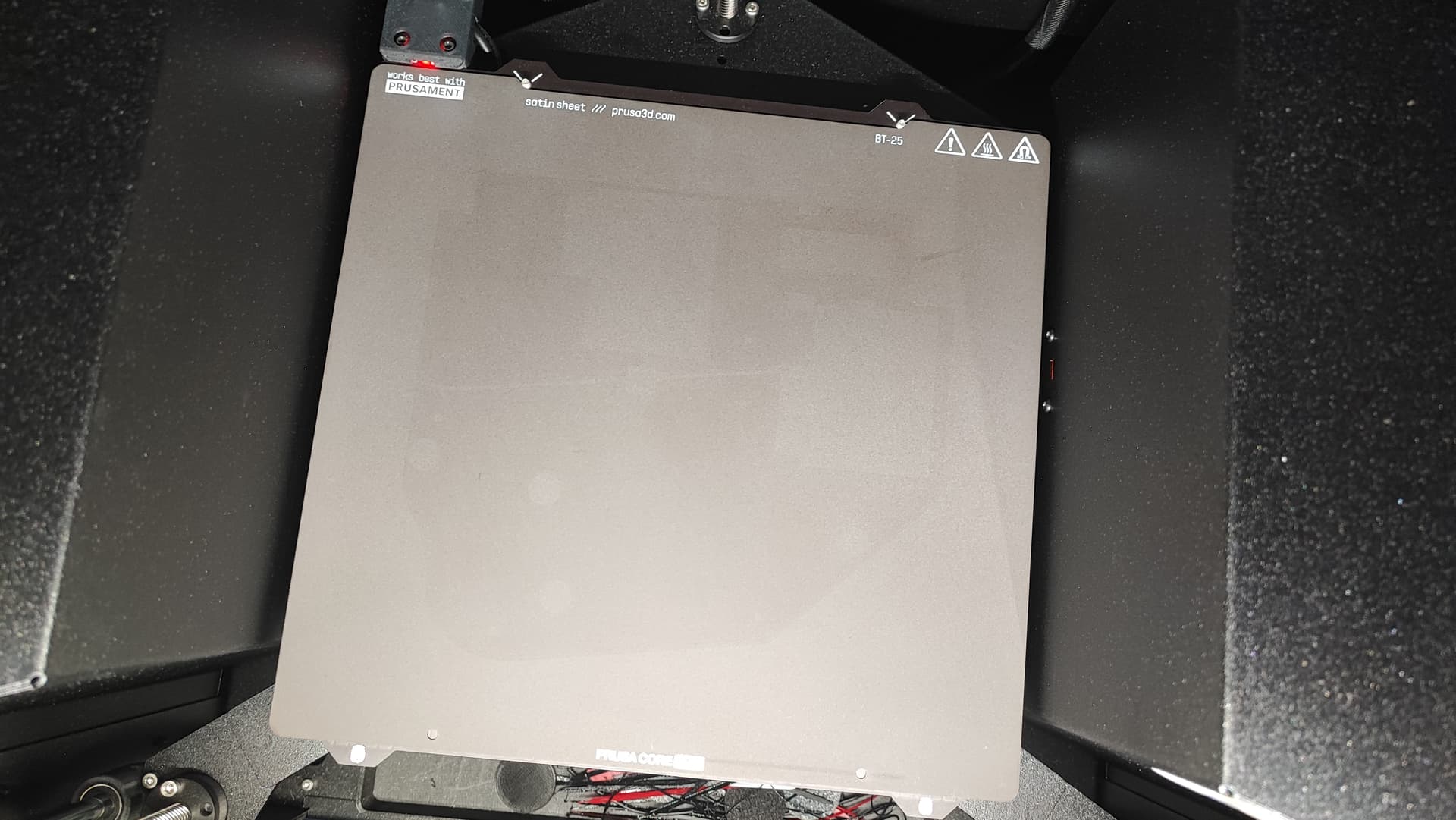
Message sent. I am surprised to say the least - neither my satin or textured sheets show any sign of imprinting - I maybe didn’t mention that I use neat detergent then wash it off with the hot water, but that looks a bit unwashable from where I’m sitting. 
I’m not sure if we can expect prints not to have traces from the bed? I just always assumed that it’s a part of the game?
They shouldn’t show on the next print though. 
If the image is powdered residue from the previous print, have you tried washing the print with IPA? I know on the smooth sheet it’s a definite imprint but Maybe not on the powder coat one?
I’ll check, thanks!
The belt tuning wizard is out! (Firmware 6.4.0 alpha)
Belt tuning wizard (C1)
A new guided wizard has been added to the Prusa CORE One to help users properly tension the X/Y belts. The printer uses controlled belt excitation combined with stroboscopic feedback to visualize belt resonance, making the tuning process more intuitive and reliable.
The wizard then measures the vibration frequency of both belts and recommends whether to tighten or loosen them. The target frequencies are 96 Hz for the upper belt and 92 Hz for the lower belt.
Important: Always tighten both tensioner bolts evenly and alternately. This ensures that the gantry stays square during adjustment.
That was introduced with the last version already and is a major change. I took my iPad instead of my Shitiomi and it worked great. 
PRUSA customer service.
Today, less than a week after my conversation, a small package arrived here in Aus, containing not just a hotend, thermister, heatblock assembly, but also a new HF nozzle and silicone sock.
I feel compelled to find a forum so I can thank them publicly!  We may not have fixed the problem of course, but what a lovely way to get me back on the lovey dovey trail!