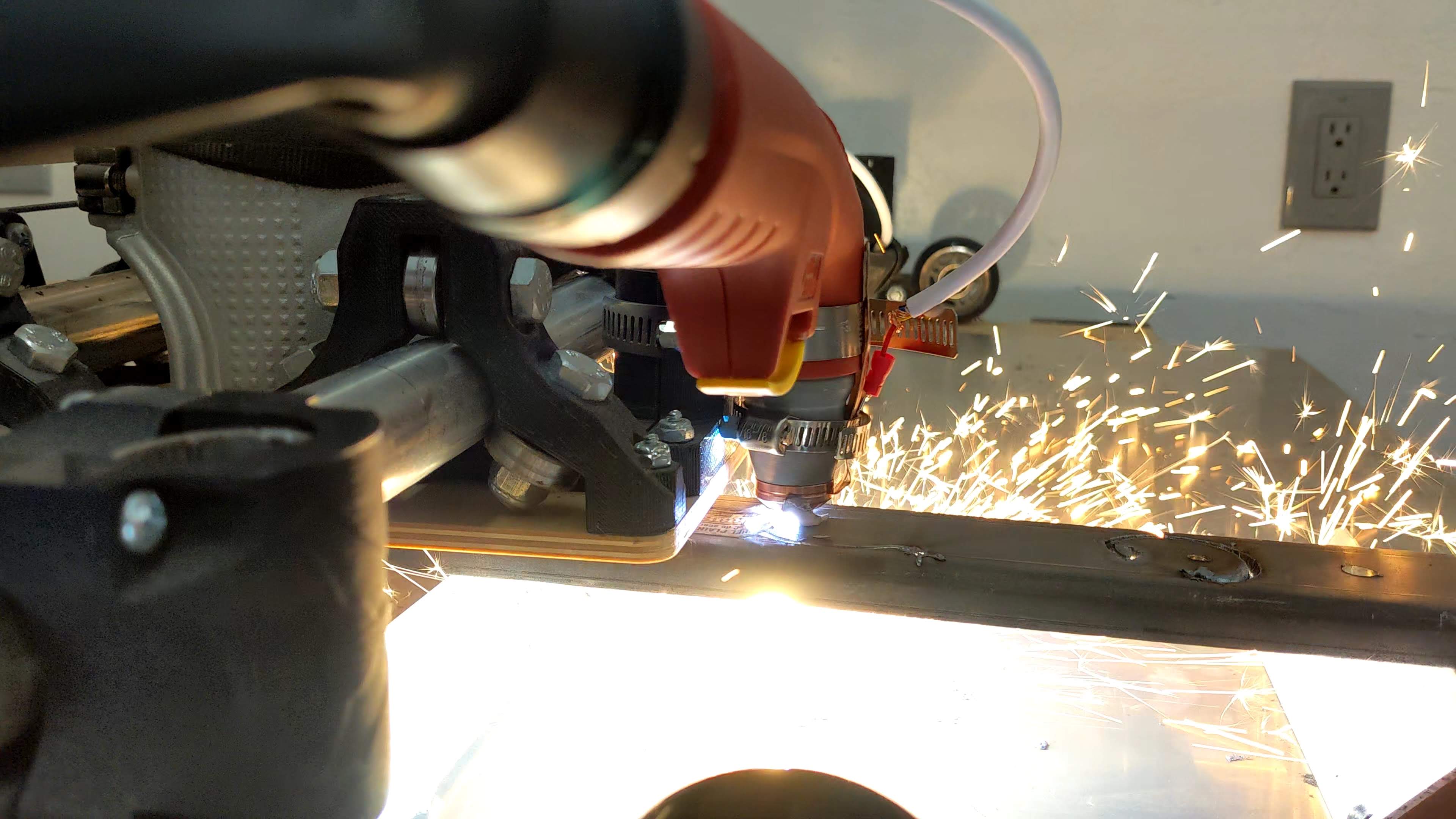
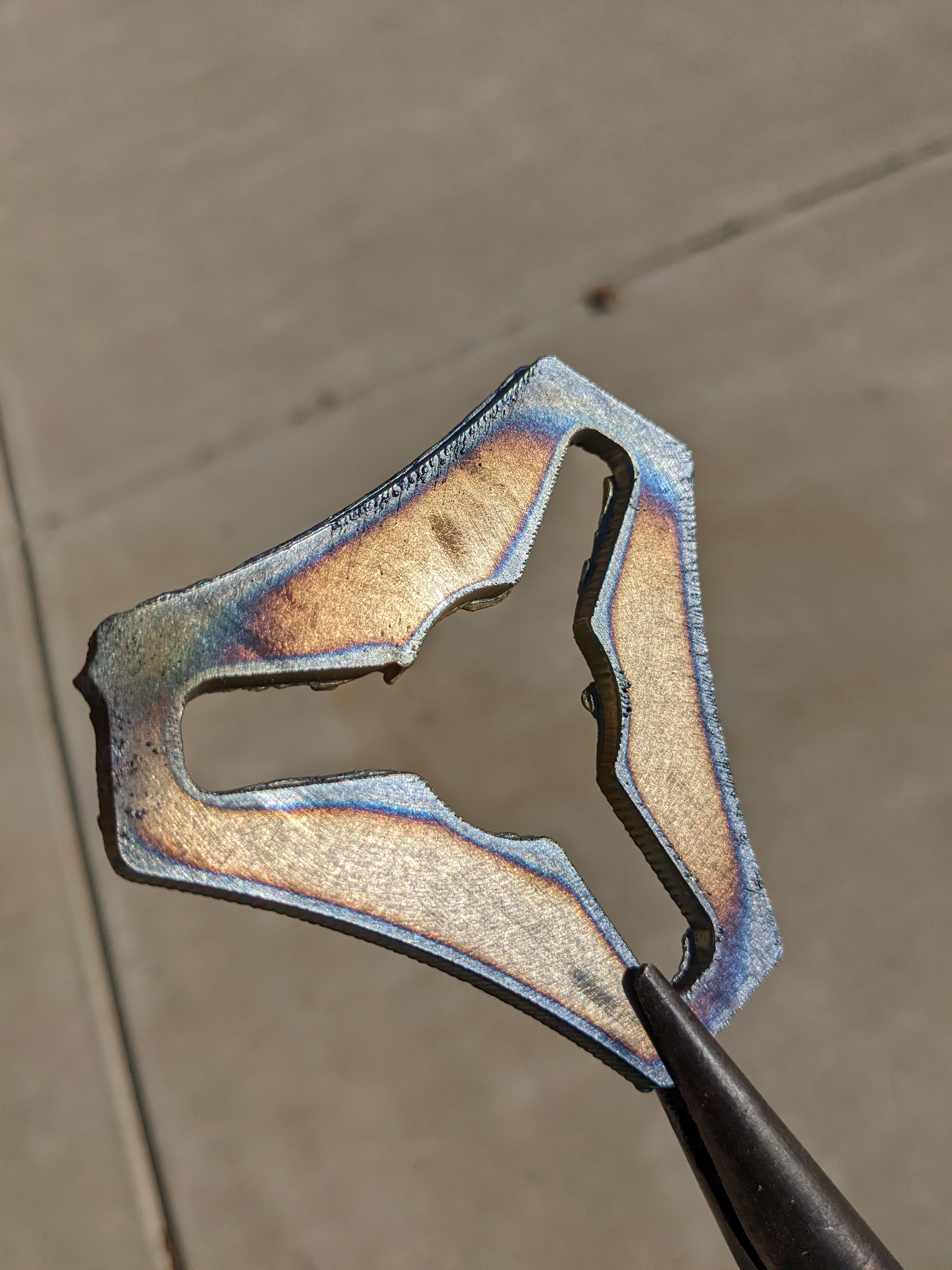
I just pipe clamped the torch on, and literally plugged in the stepper cables under the table. Apparently I have zero EMF issues even with unsheilded cables.
You know now this means I need to hurry up and make a new Lowrider so I can use this thing over water.
I need to slow down my probe speed. I feel like the ohmic pushes harder than expected.
Had a bunch of hiccups that cost me a lot of time. I had to make a whole new LinuxCNC setup once you get into qTplasmac it seems some of the settings don’t change right, So I followed the instructions and made everything work in regular linucnc (avid?) then set all the homing offsets and stuff, then switched to Qt and I was in business.
Then I had slag clog up the tip enough to trigger the ohmic mid air.
Simple now, took a while to figure it out the first time though.
Oddly I feel like if the CNC kit biz dries up I have a hell of a fab shop now. I now feel like I have a fallback career…if I didn’t want to do Engineering type stuff for someone else.
You’ll need to review the QTPlasmaC user guide. It will explain all the custom gcodes that it uses, there’s really only a few. Other than the few plasmac specific gcodes linuxcnc’s flavor of gcode is just a lot more… fully featured.
You don’t need to gcode a probe, when you send the gcode that fires the torch plasmac will automatically go through a probing procedure first. Basically it’s just torch on, move, torch off. Plasmac ignores any zaxis commands during a cut and relies on the thc and/or probing offset.
Its been a while but I did study the sheetcam pp a while back and it wasn’t too complicated.
I am reading through the guide now but it is info dense. I have a lot of tuning to do and lots of test cuts. Freaking pumped, I have wanted to build a CNC plasma since very very early on in this journey. That all of you for keeping me excited about it.
And Kyle that guide is absolutely what gave me the courage to attempt this. I would not have tried this yet if you had not put in that effort.
Right back at ya! I had always wanted to build a cnc since I found the free plans for the JGRO cnc back in the early '00s. I probably never would have if I hadn’t stumble across the mpcnc!
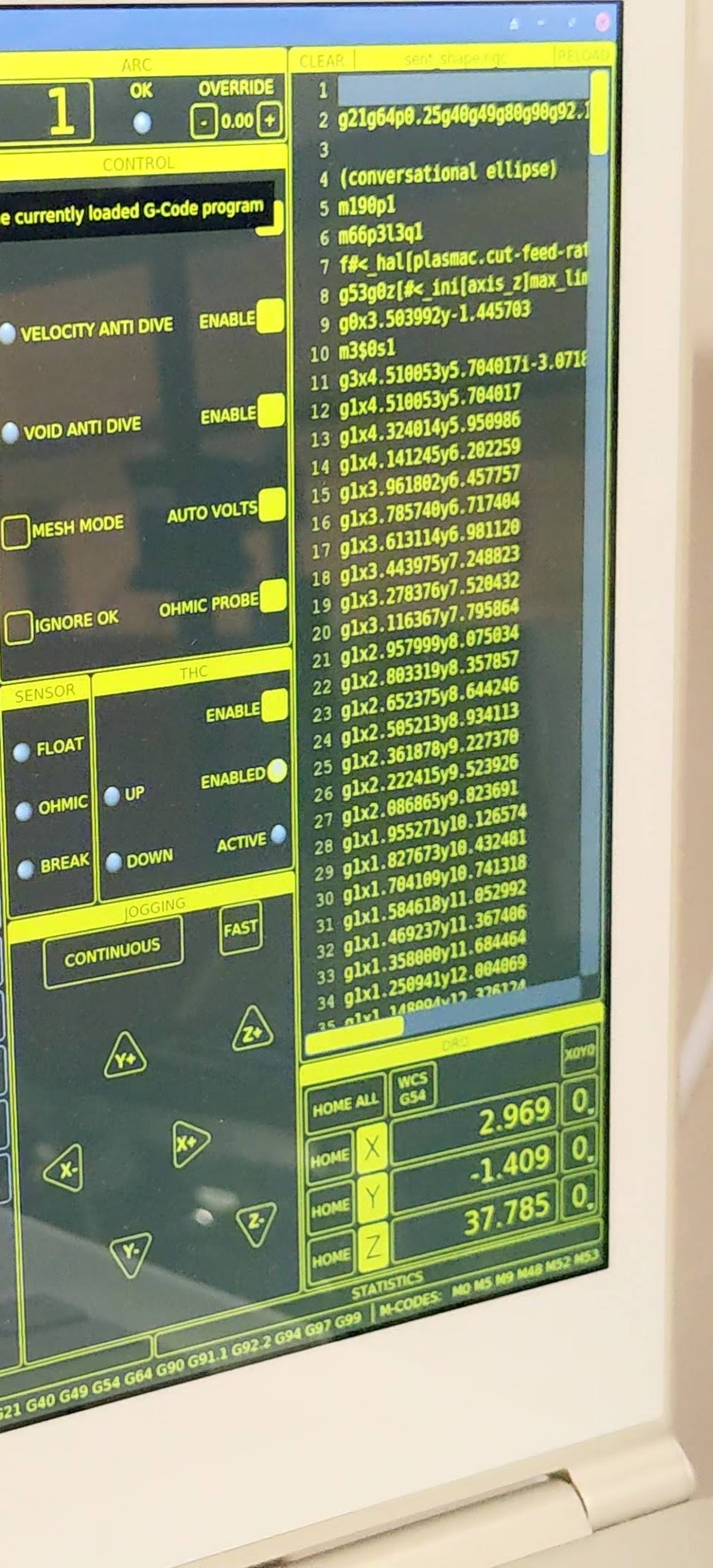
I have configured two materials. I have tried three was of starting my file (made with estlcam). I looked at sheetcam but there are no real instructions for a linuxcnc based machine, just a hundred pages of how to configure sheetcam. I tried;
F#<_hal[plasmac.cut-feed-rate]>
Then
They both work, but I get error about feedrates mismatching, I just hit ignore. I end it with the right command, I think, still get errors about how the file ends. Maybe I have to remove all comments estlcam adds?
As for the gcode not showing up I enabled the grid to verify the size, not there still. It does show up in the make your own code screen sometimes.
I really can’t believe how little info there is on this stuff, even videos on YouTube are lacking.
I would prefer not to specify the material in the gcode so I can load up any material I have on hand, load it in parameters, then just run my file. V1logo4.zip (1.0 KB)
Okay, I think I made progress. I made a simple sheetcam program. I am going to use the ending stuff from that mainly, M30 (end program), I think it is best to disable the “F” commands all together.
That did it, no more errors and I get a preview now.
(Estlcam seems pretty good, just missing the nesting features of sheetcam from my 5 minutes of browsing.)