Hi Tom … Thanks for the input. I reconnected the board after flashing and now have all steppers running. (Bonus) That said, I have a small problem in that the X axis is running the wrong direction. It should be a small fix in config.h. I believe It’s just reversing the direction. In writing this, the section name eludes me as it is late here, but I did find it. I’ll reflash and try again. I failed to realize this sets the axis coordinates as if it were a 3D printer, as opposed to the way I want it to home.
Thanks Jim, I’m learning a little more as I get into this. The further I go, the better the understanding I have, thanks to all in the forum.
Just an update … I reconnected the board after flashing and now have all steppers running. (Bonus) That said, I have a small problem in that the X axis is running the wrong direction. It should be a small fix in config.h. I believe It’s just reversing the direction. In writing this, the section name eludes me as it is late here, but I did find it. I’ll reflash and try again. I failed to realize this sets the axis coordinates as if it were a 3D printer, as opposed to the way I want it to home. I’ll keep you posted as things progress. A big Thank you to all who have provide guidance!
Power off the board, flip the x axis stepper motor connectors 180 degrees on the controller. Power up and try again.
2 Likes
See Jim’s comment - there’s no need to recompile to change the stepper direction. Better to flip the connector. If you edit the config file, then you need to remember to do it every time you move to new firmware. Change the plug and the “out of the box” firmware config will be correct and you never need to think of it again.
2 Likes
I had thought about that but wasn’t sure if it was doable. I don’t have a pinout drawing.
I had thought about that but wasn’t sure if it was doable. I don’t have a pinout drawing. I’ll try it in the next couple of days.
I’m happy to say the main problems I was facing are now solved. All steppers are now moving, and in the correct direction. I imagine with a little research I can figure out how to set home position for X, and Y. At the moment, when I select auto home, each axis moves about 20mm and then stops. I’m thinking it needs to be told where absolute home is. Am I on the right track?
No, homing is what tells it where it is.
What happens when you home just X or just Y by themselves?
If one or both of those stop, and you try again to home just that axis, what happens then?
1 Like
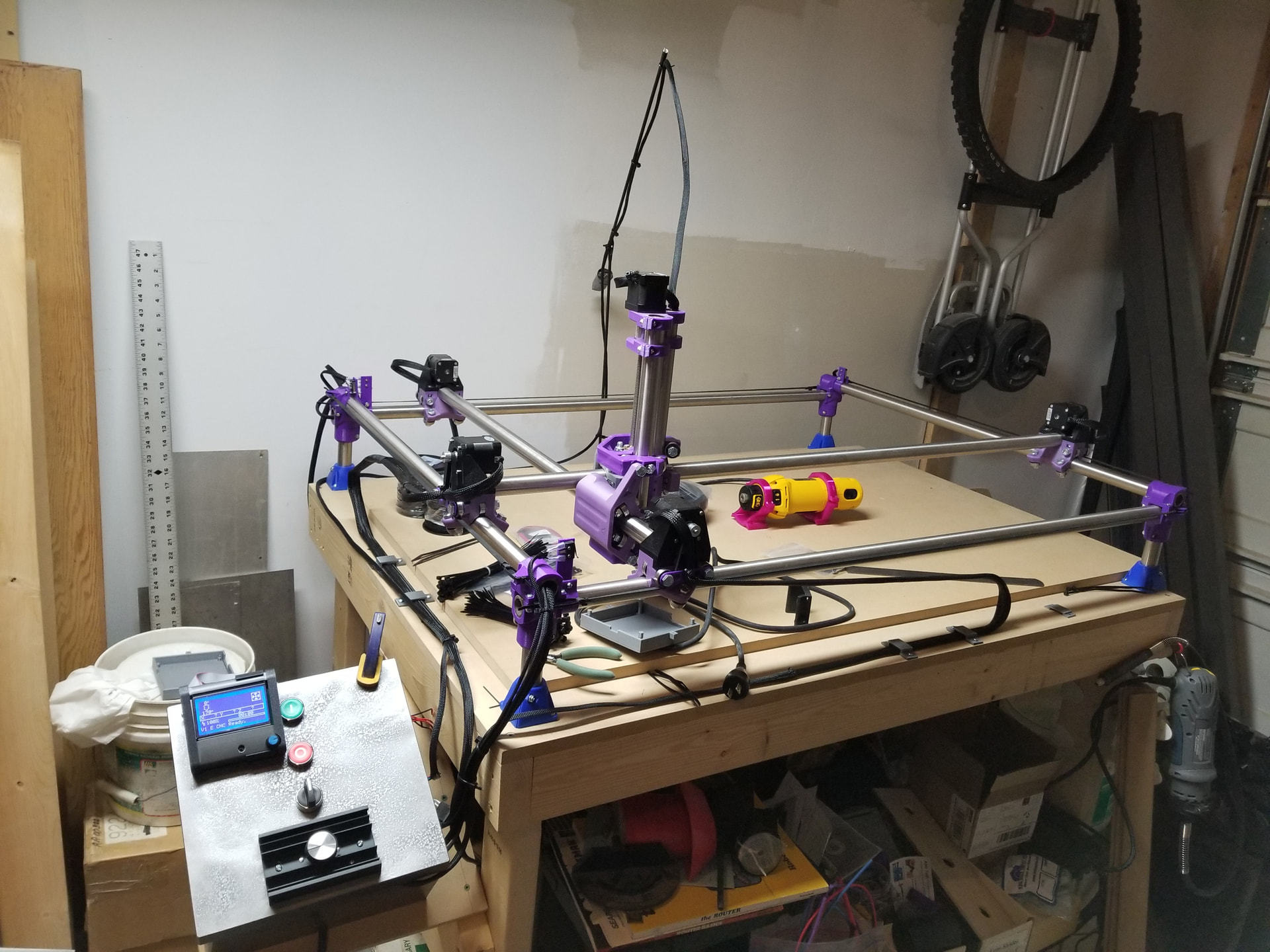
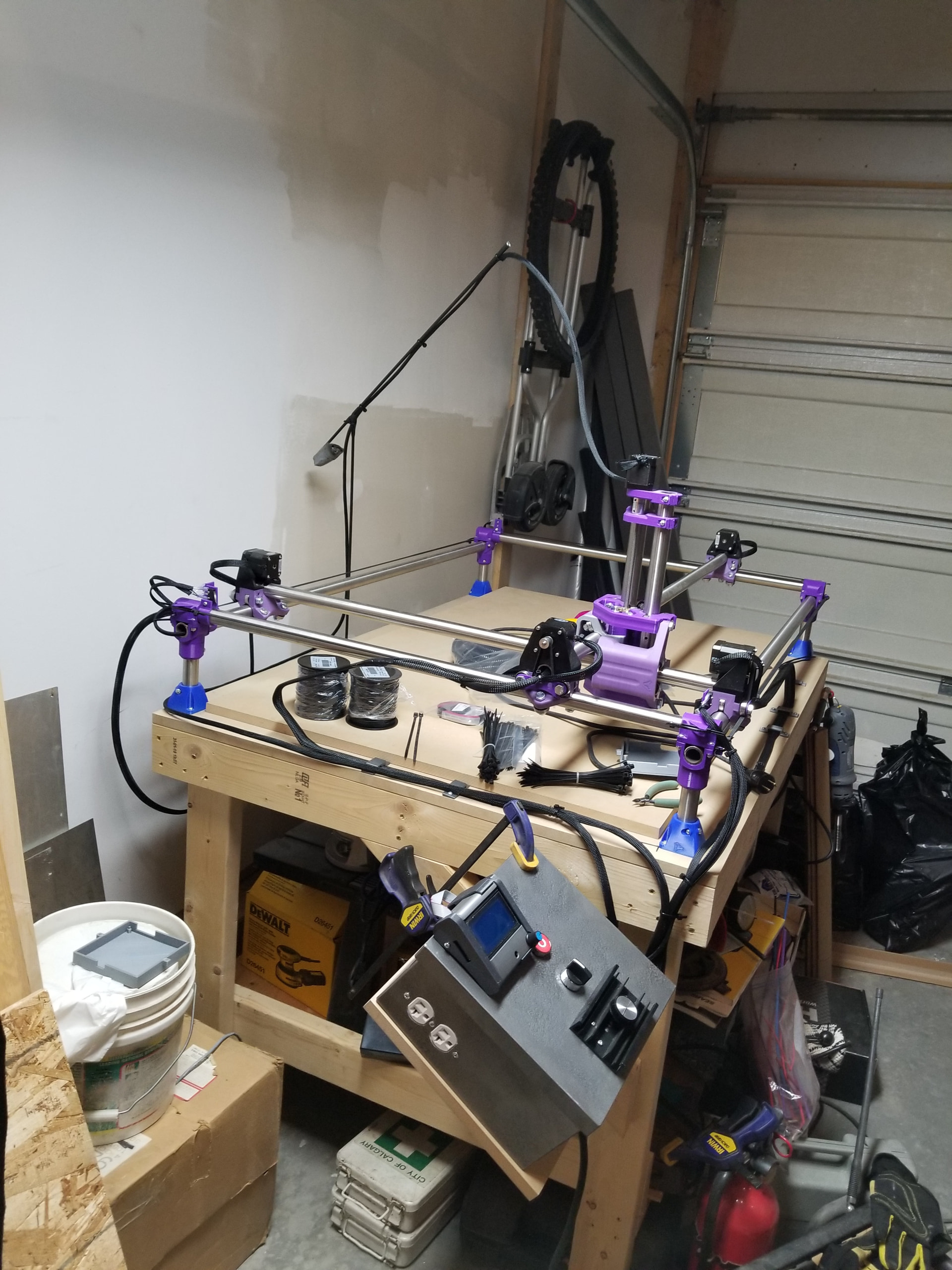
Turn off your machine, Move the machine SLOWLY by hand to roughly center in X and Y.
Turn on the machine, send an M119 in the terminal. What result do you get?
1 Like
Sounds like your end stops might be wired incorrectly. It thinks it is homed everywhere and is backing off to do the final position but the end stop triggers dont change. Did you wire to the NO pin or the NC pin on the endstop switches?
2 Likes
Exactly. That’s why I asked for an M119- to see what Marlin is reporting for endstop condition.
1 Like
It’s wired NC. All connections are correct. This I do know for sure.
1 Like
I’ll give this a try, however all endstop limit switches are wired correctly via the NC position. I’ll see if I can get my old laptop to cooperate, which may take some work. I just can’t justify taking a high end laptop to my disastrous garage.
That would be a good result if you can.
It doesn’t just matter what you measure, it matters what the controller interprets things as.
You motion is behaving as if the controller sees the endstops as triggered.
It could still be a firmware problem, so that’s why we need the M119 report from the machine.

All four returned triggered.
If you press one manually and re-send the M119, does one flip states?
I’m not sure I understand what you mean?
If it flips state it would say open instead of triggered.