I agree. Its going to get swapped out soon with all the wires in it. I just wanted to get the thing printing LOL
I’m starting to wonder if my Hemera is not different than yours. The only PTFE tube in mine goes in the top of the extruder Once it goes thought the gears there is no more PTFE tube. I have pushed that tube down as far as it will go. I’m pretty sure I caused that clog. This extruder loads/unloads differently than what I’m used to but I think I got the hang of it now. Always use the load/unload from the screen lol.
Yeah I figured swing for the fence. This print is insane with the 1,000 logos in it lol. But its humming right along!!
Now i have to figure out the orientation to print the lid LOL
I’m assuming like this…
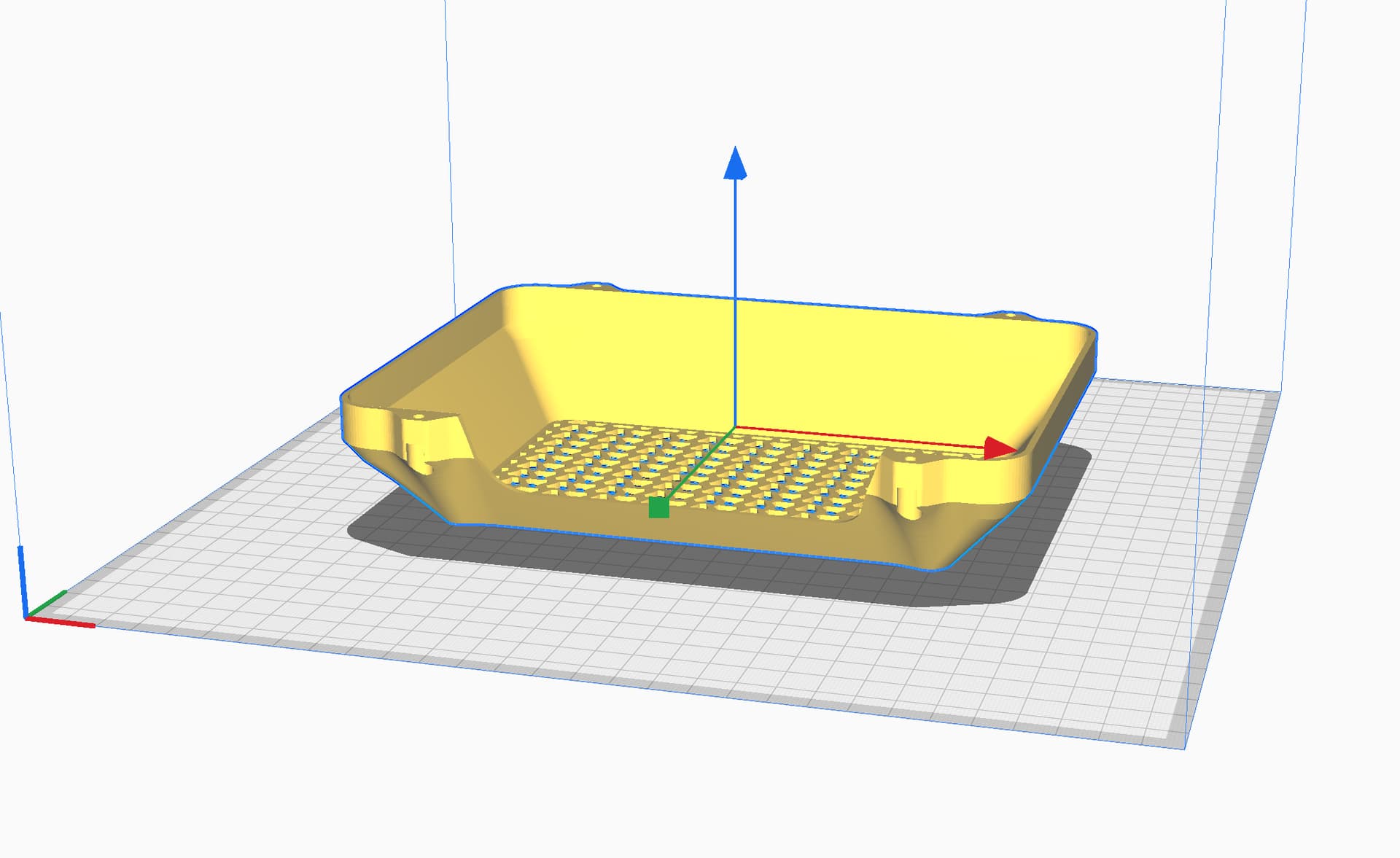
But it looks like it will have to have support for the 4 bolt holes. But support isn’t your thing so I’m not real sure about that lol
They are sloped towards the holes and there is minimal bridging, you should be able to do it easily. 
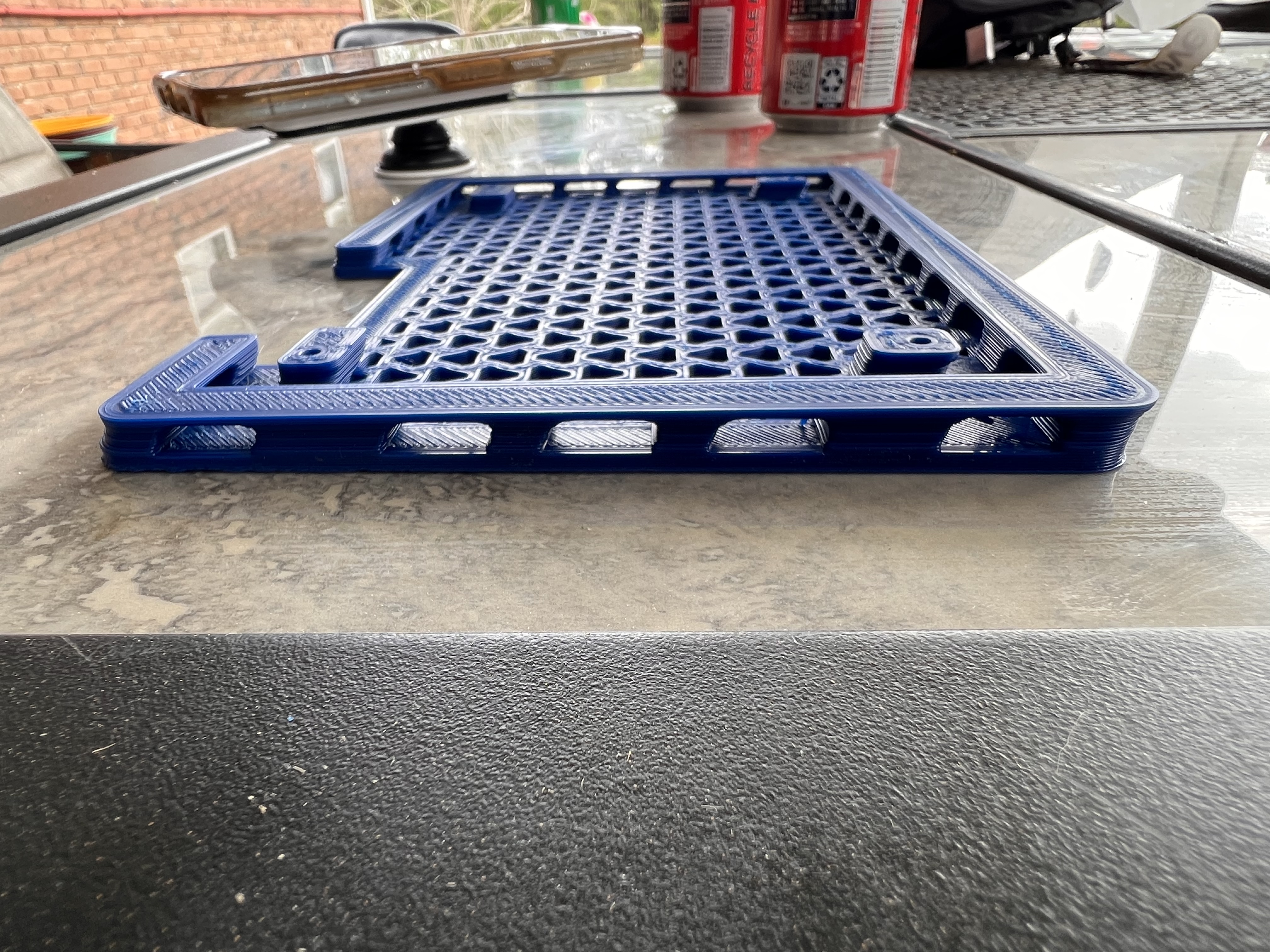
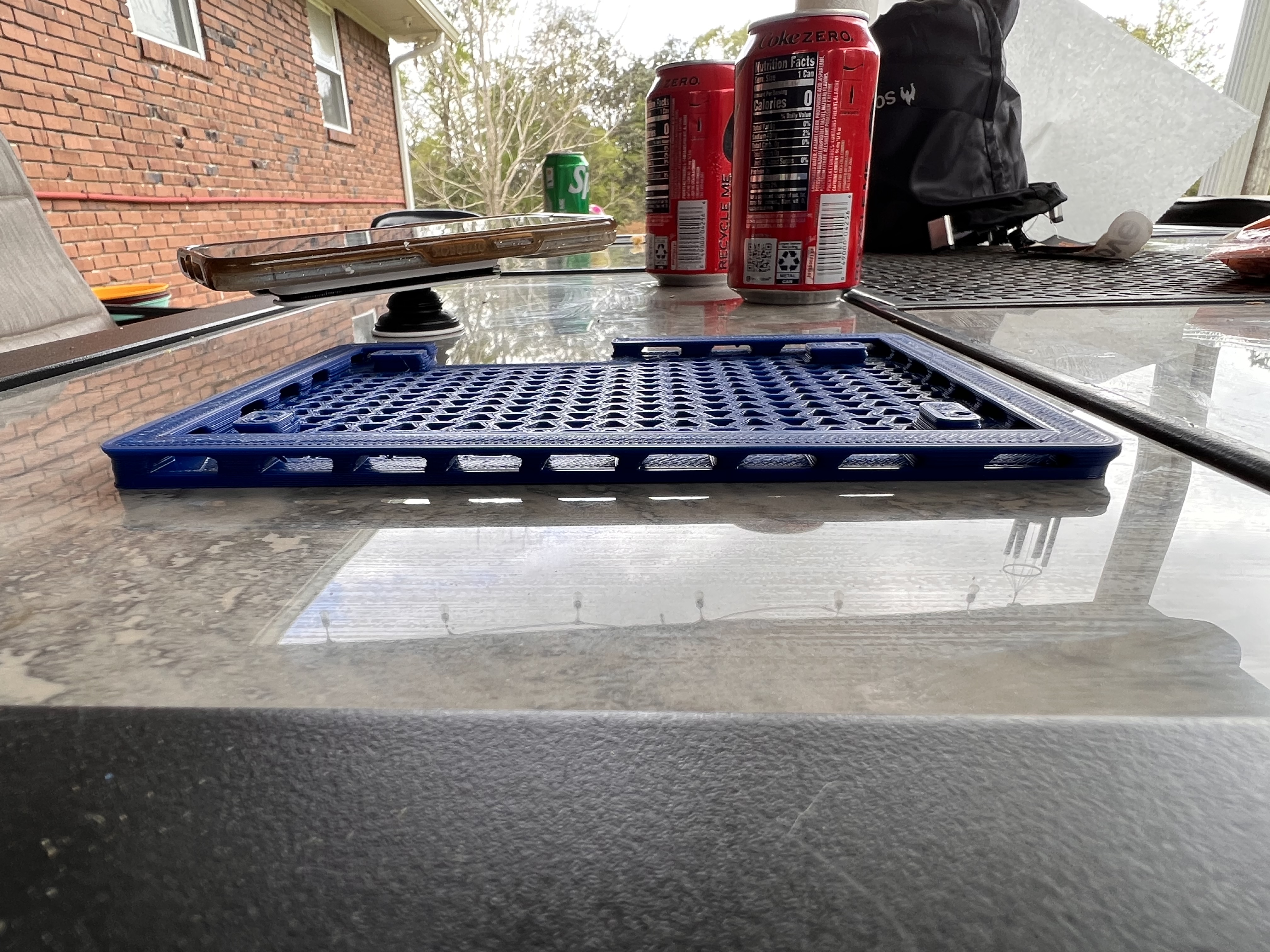
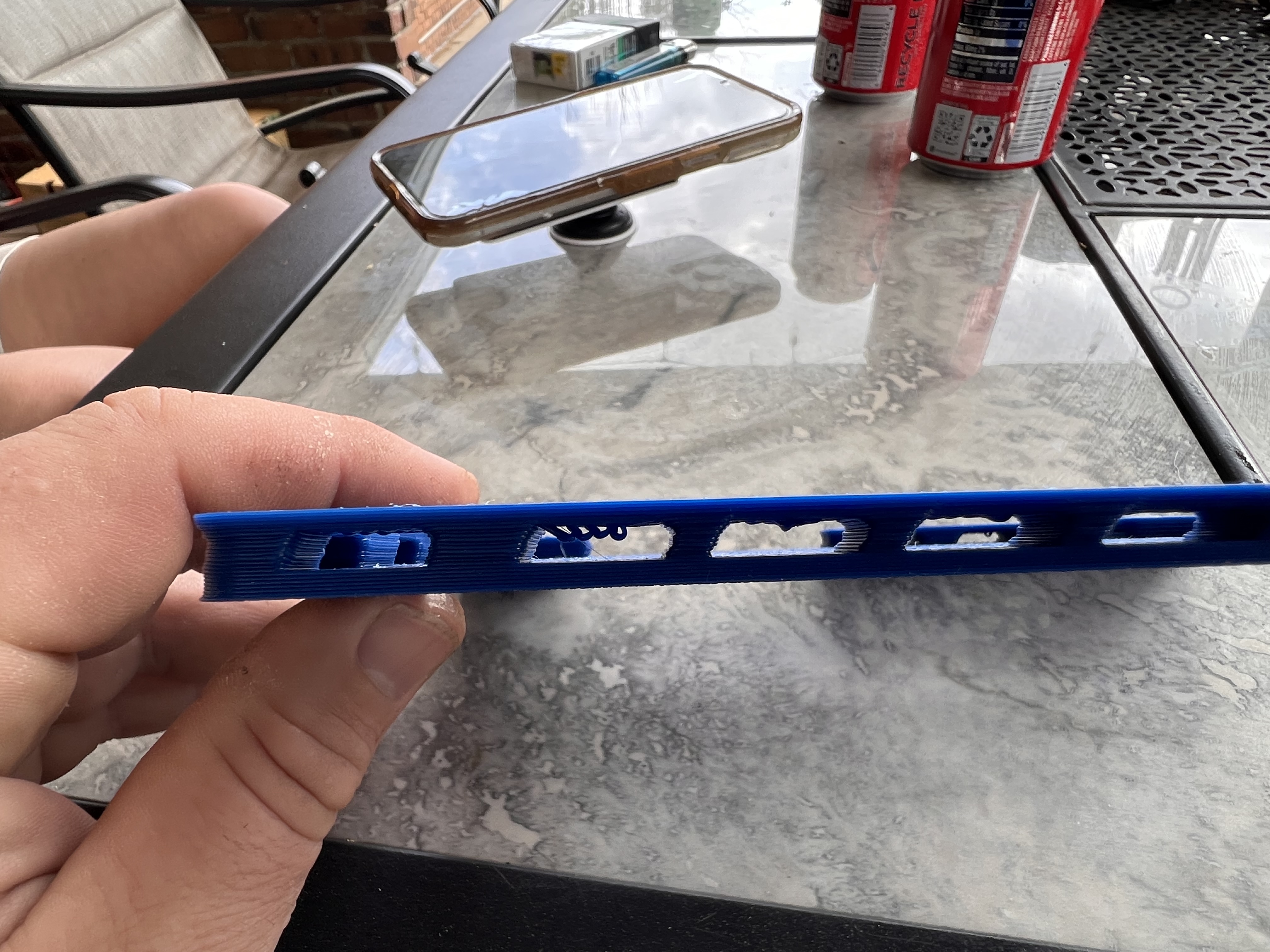
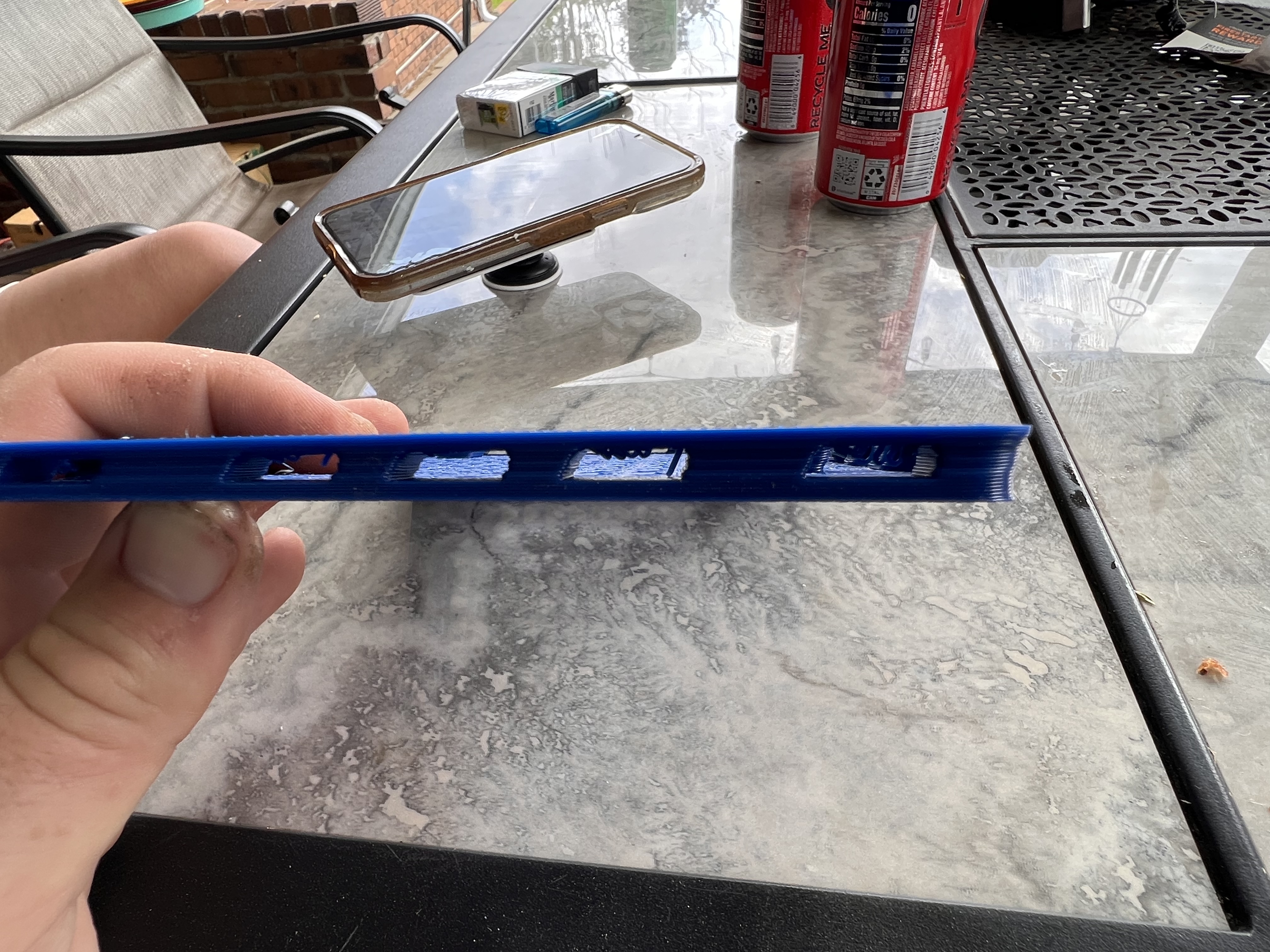

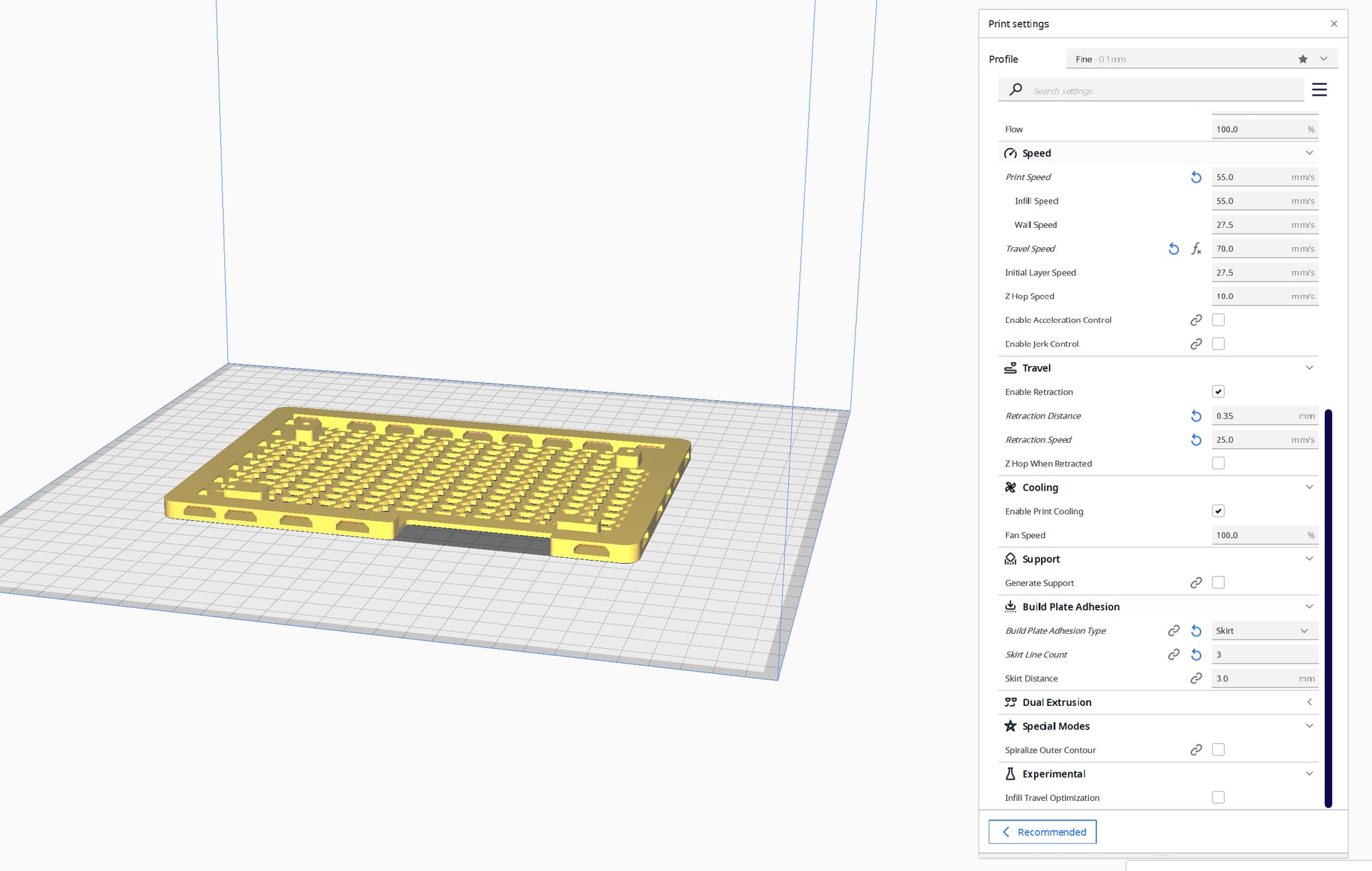
Its warming up to try again. I slowed it down just a little. Also loosed the belts just a touch. The X motor was a little tighter than the Y. They are now as close as I can tell by hand. Also bumped the current from 725 to 800mA. After 2 hrs of printing earlier they were barely warm.
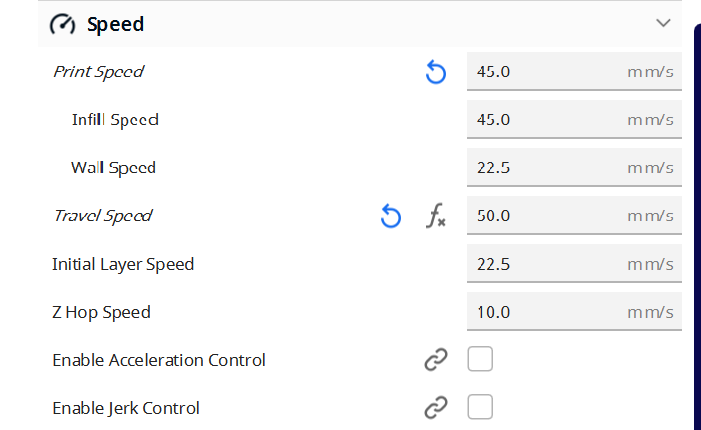
New print settings…
How did you get a reverse elephant’s foot?
I would do some calibration prints. I first test and sexy XY square, then I test ZX and ZY square/tram/perpendicularity. But it actually looks like you might have some other extrusion issues as well.
Not sure I’m seeing what you are on the reverse elephant’s foot. I see a pretty defined one. Need to bring the offset up just a touch. The layer shift was what I was mostly looking and and trying to correct. But I agree I do need to do some calibration prints for sure. I will work on that after this second wire tie finishes. Hopefully successfully this time lol
Is your mesh really out of whack? I think the firmware has that fade out parameter set. If it was really wonky, it would squash it (without the fade out, it would be a parallelogram, so not the fade outs fault).
I don’t believe it’s that far out. It looked like layer shift to me. It was at a 45° angle from x and y
Are there any in particular you would suggest? I know about Teaching Techs but what you described here seems like something more than that.
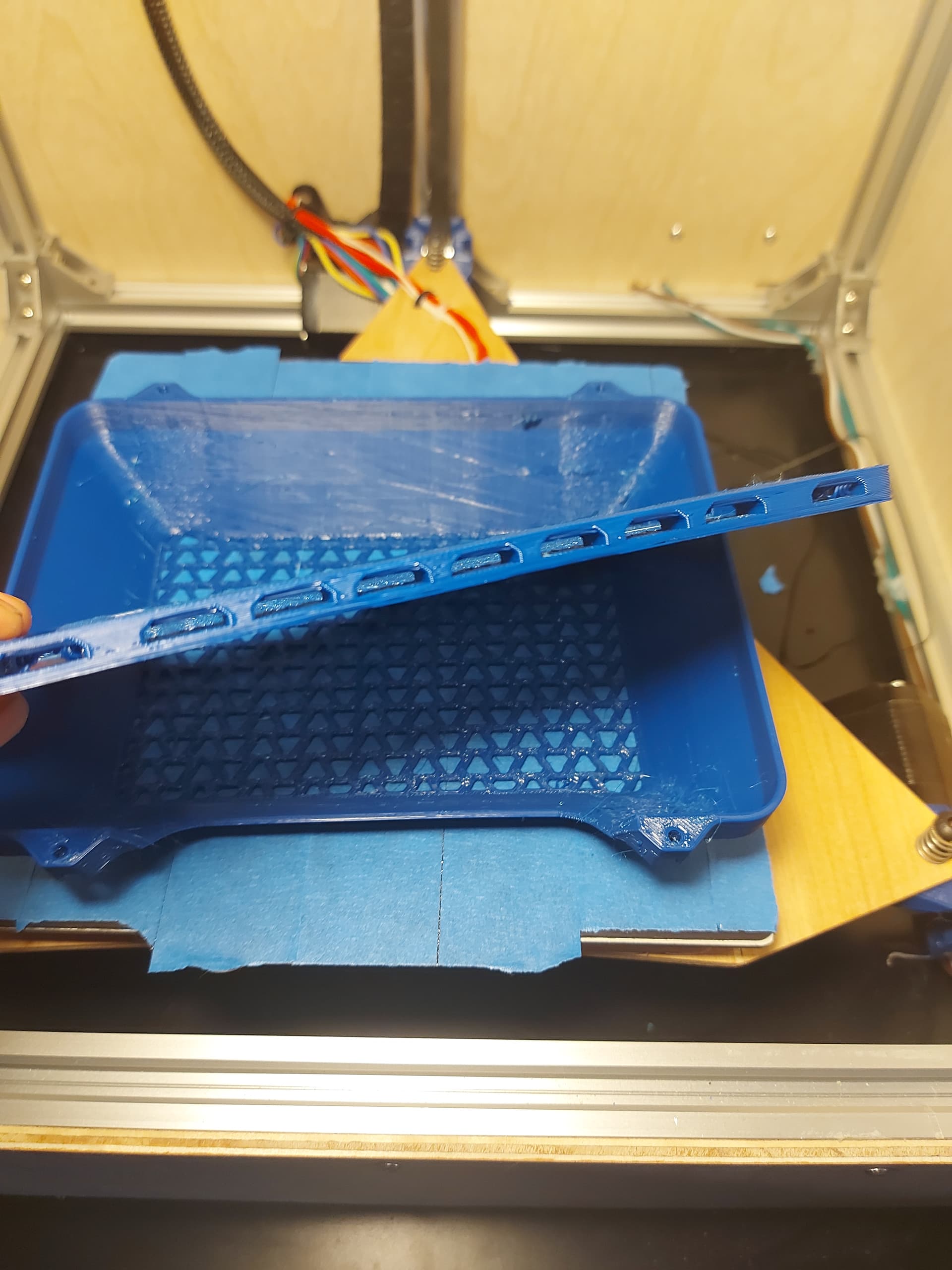
The second try is going much better. Almost done and no layer shifts. I know the boss wants me to do the calibration prints but if he doesn’t get a chance to let me know which ones he suggest before this is done I’m not sure I’ll be able to stand not printing the lid LOL
Ryan usually recommends the teaching tech test site.
That’s what I figured but I didn’t remember seeing the ones he was talking about the last time I looked at his site. But I know he often says to run thought them at least twice so i will get to work on that and see what I can improve
Well today was not my day. Testing has NOT gone well. That’s usual for me on the last day home. Time to shut it down and try again next time home LOL. I think I’m going to have to rebelt this thing. When I adjusted them I ended up going too short. None of the prints i have done have come close to hitting but these ones from teaching techs website…the temp tower. It hits and skips steps every time. makes no sense at all to me but I’m sure that I’m just over looking something trying to rush to get as much done before I have to leave. Is there some sort of belt calculator that will tell me exactly how long the belts should be for my size?
I would just measure what you have and add some extra.
The calcs I put up are all over estimates, your real belts will be better. This way you can get your 10mm back that was taken up on your belt adjust.
In what way. They curl up and hit? Or your Z is not moving up and it hits?
The z motors were hitting the x/y motors. Makes no sense. Why didn’t they hit on literally any other print but now are here. Either that or they aren’t hitting and it just looks like it and it’s skipping steps for another reason. Idk I’m going to order some belt from you in a few days and it will be there waiting for me when I get home. Looks like I might be here 28 days instead of 14 this time.
That would mean you have them on backwards. They face away from the XY steppers, they can not hit.
The motors themselves don’t hit but the printed bracket. Sorry I worded it wrong