+1 for Landscape orientation, although I would suggest putting in a few hours on your YBR (yellow brick road) LR4 before making the switch. This will ensure that all of the bugs are worked out, and that you are familiar with making good cuts and troubleshooting, before introducing some potentially complex variables.
I have an LR3 that I converted to Landscape, and based on the layout of my shop, it is really better for me than Portrait. I find loading large sheets of plywood much easier along the long edge of the table, and standing along the side at the origin seems more comfortable than standing along the end at the origin. Plus it simplifies the CAD and EstlCAM layouts, with the long edge always being X rather than Y.
Here’s a few pictures of my Landscape LR3 (parked at Home):
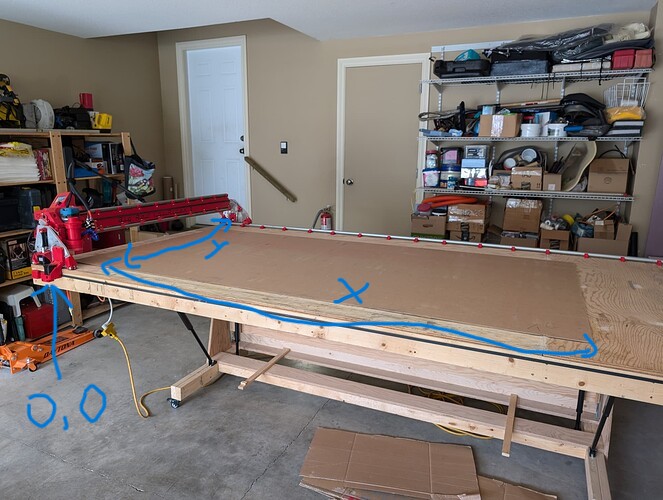
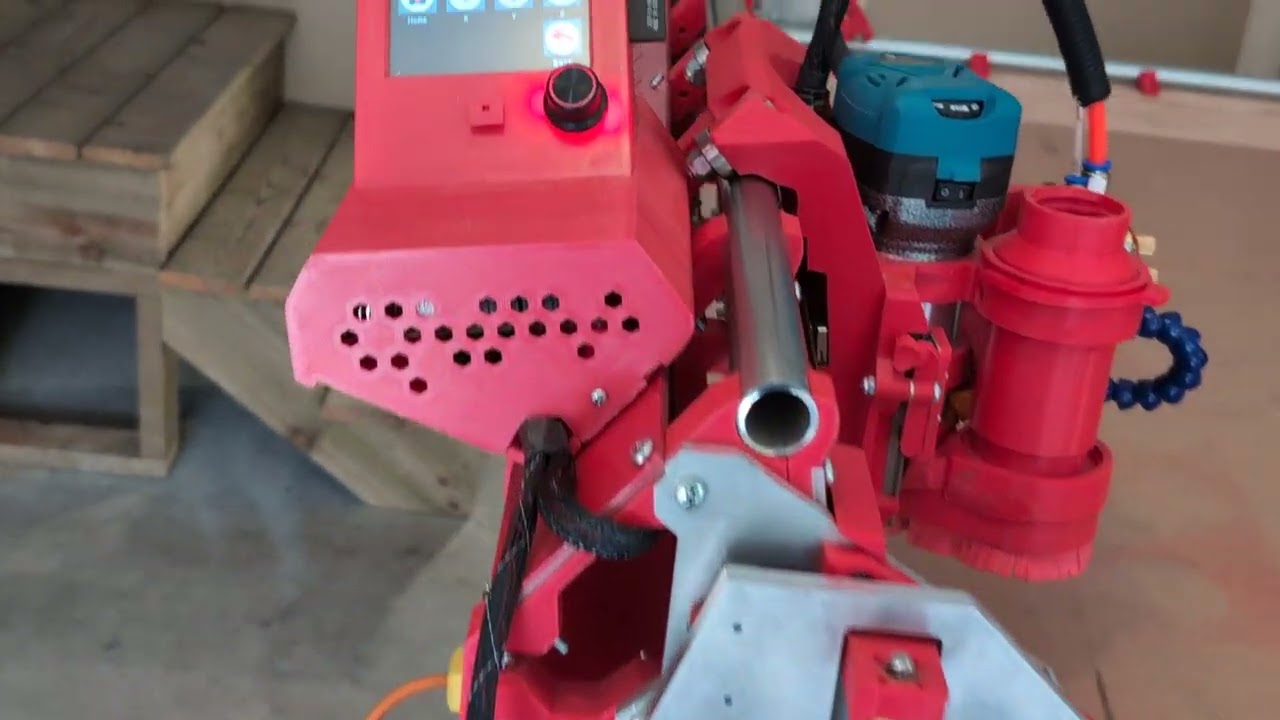
I haven’t converted an LR4 to Landscape, but it will be simpler than doing so on an LR3, as the limit switches for X and Y already have the holes pre-designed into the print files (which has confused more than one first time builder). You may need to reverse the Y belt holders so the limit switches are where YMax is on a standard build (which now becomes XMin). Software changes are reportedly very simple on the Jackpot board.
I don’t understand why changing to Landscape would affect your feedrate at all. The gantry is still the shorter axis, you are just calling it Y instead of X.