Ouch. That is frustrating. I thought about making a torsion box bench but opted to just use 2x4s and plywood on a basic frame. I have very mixed feelings about MDF. It has its place but does have its limitations. Thanks for sharing.
1 Like
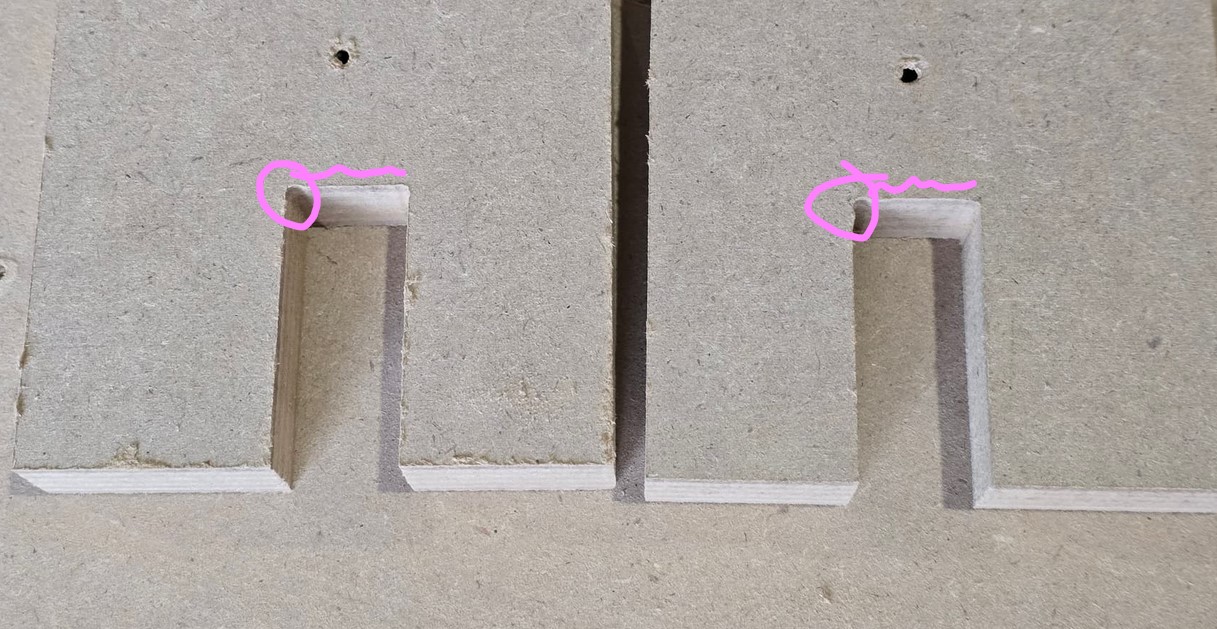
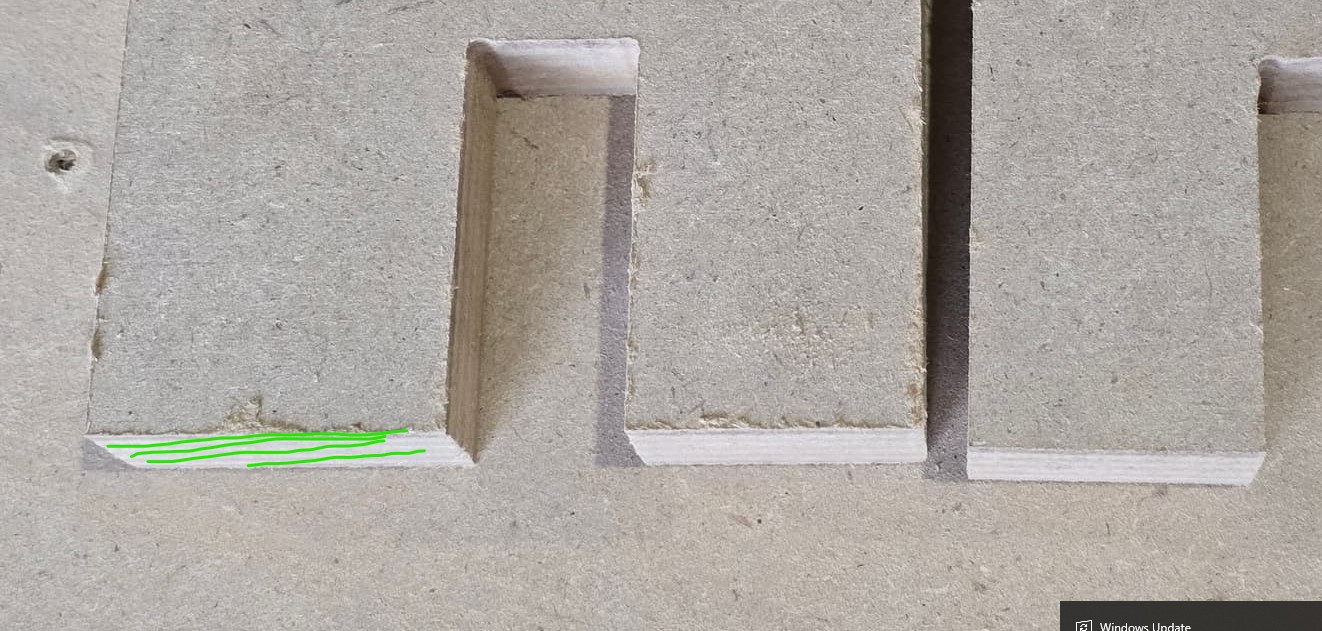
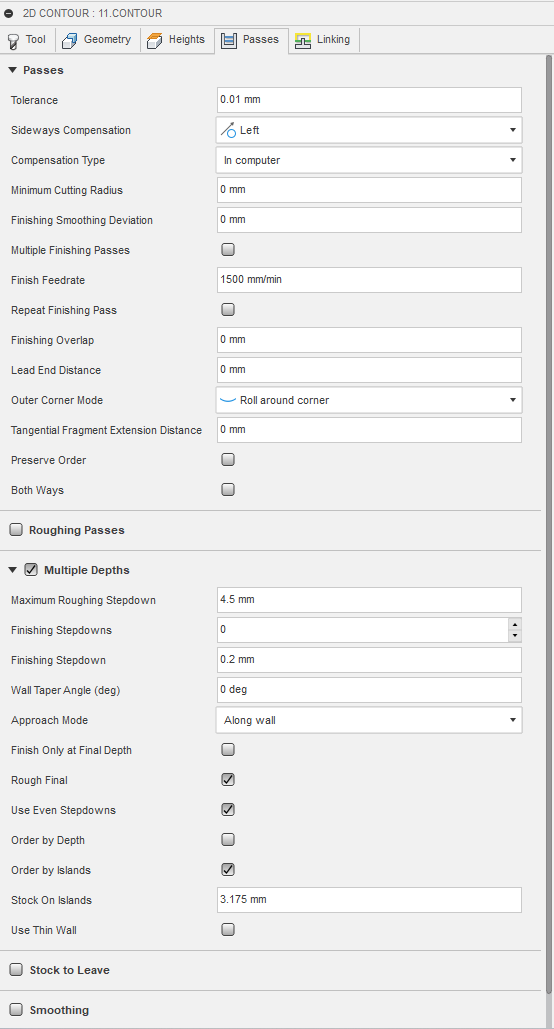
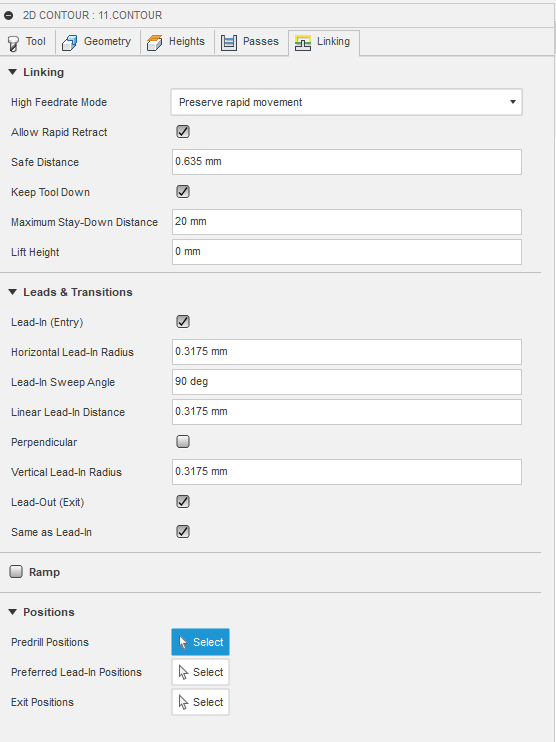
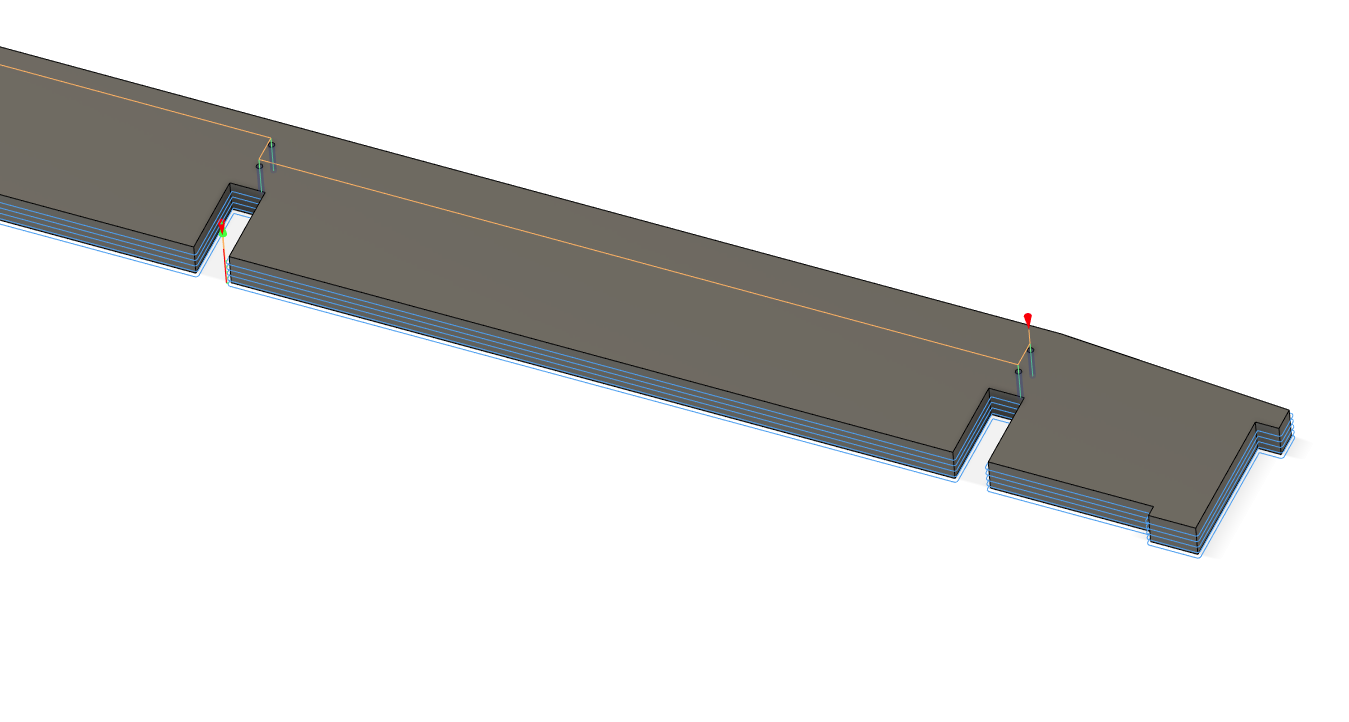
I must be doing something weird in Fusion CAM. My overall exterior dimensions are about 1/8" too large and my pockets are about 1/8" too small. The distance between features though are spot on.
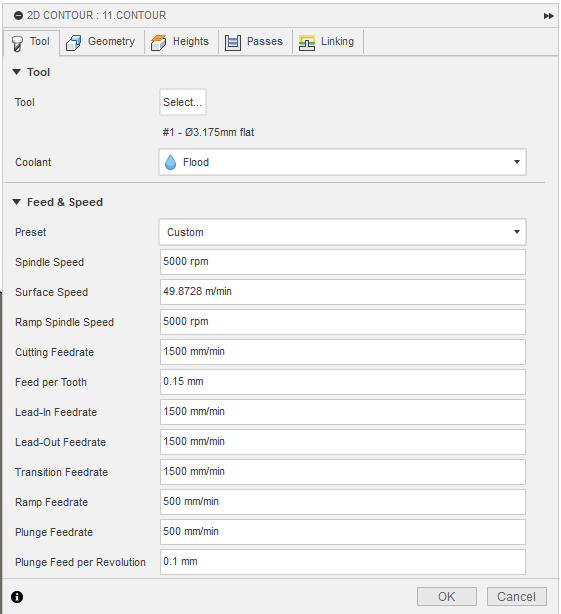
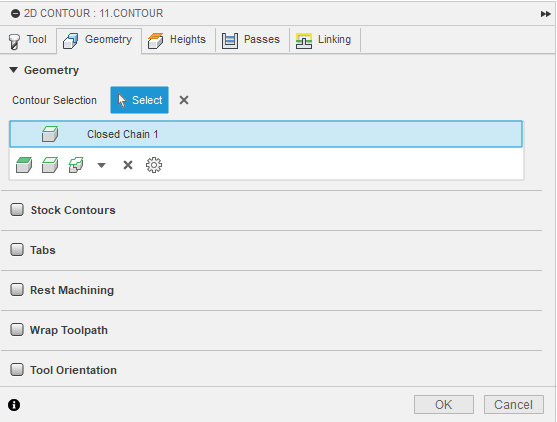
I’m using 2D Contour in Fusion and have the bit setup correctly as a 1/8" bit. I’m not sure what I’m missing
1 Like
Could somebody who CAM’s a lot more than my experience level, does anything stand out as incorrect?
Using a 1/8" flat end mill. I’m not sure what I’m missing, I guess it’s one of those I don’t know what I don’t know things when it comes to CAM, just seem to be fumbling around until it looks like it’ll do what I’m asking.
Thanks!

Had the same thing happen with the Y stop, luckily some glorious citizen made this:
https://www.printables.com/model/357225-lowrider-3-reinforced-front-y-belt-holder
I almost printed that, but I threw some clamps on it. I just need to cut out this table, I already have the new belt holders ready to go for their new position on the side of the table.
Just need to figure out why cam isn’t playing nicely 
I looked at the Fusion screen shots. I think most of us use ESTLcam for CAM, and I do for my LR3 router table, but I do use Fusion for CAM on my LR3 plasma table.
I have yet to spot a cause for the issue you’re getting, but it does seem like when it is found it will have the word “radius” in the name.
Do you have “dog bones” happening? They are needful for the inside cuts for the cross-lap joints.
I know exactly how you feel. 
So i changed my sideways compensation from the default “left” to “right or conventional as well as added a finishing pass and now I’m .04” off in the opposite direction. Contours are now .04" or 1.2ish mm too small and pockets are about that much too large… I’ve got to be missing something right?
Hm I’m not ready to switch to estlcam but maybe I could to see if i get the same issue.
I could definitely see the inside radius being an issue in the future, I added dogbones but the issue happens even before I get to the inside radius
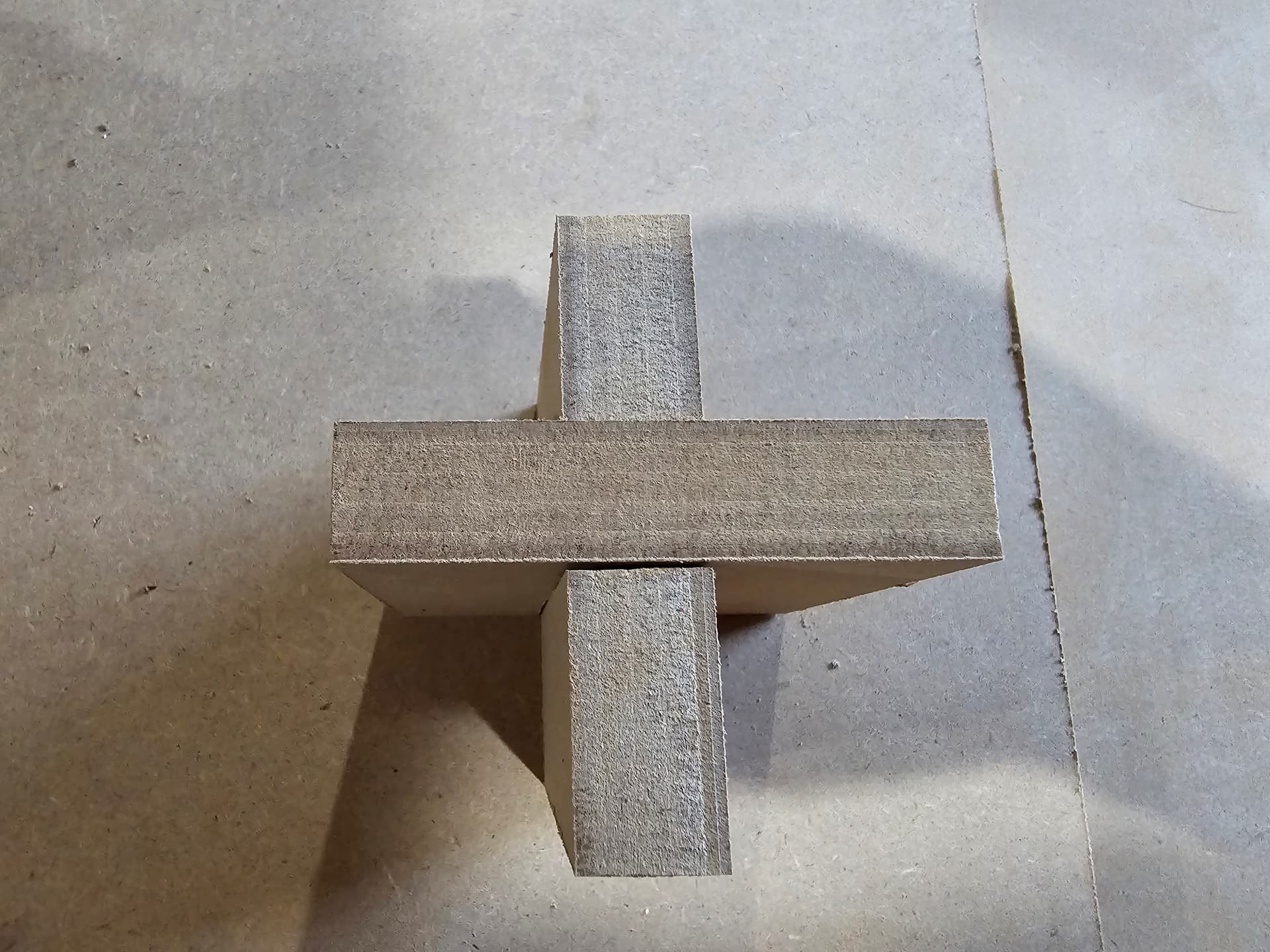
Just added my dogbones to the interior, tightened belts to make sure no backlash, did my finishing pass, kept right compensation, even turned on looped outer corners to make sure they aren’t messing with it… similar result still. Outside contours are 1mm small and inside contours are 1mm large.
Pics of progress
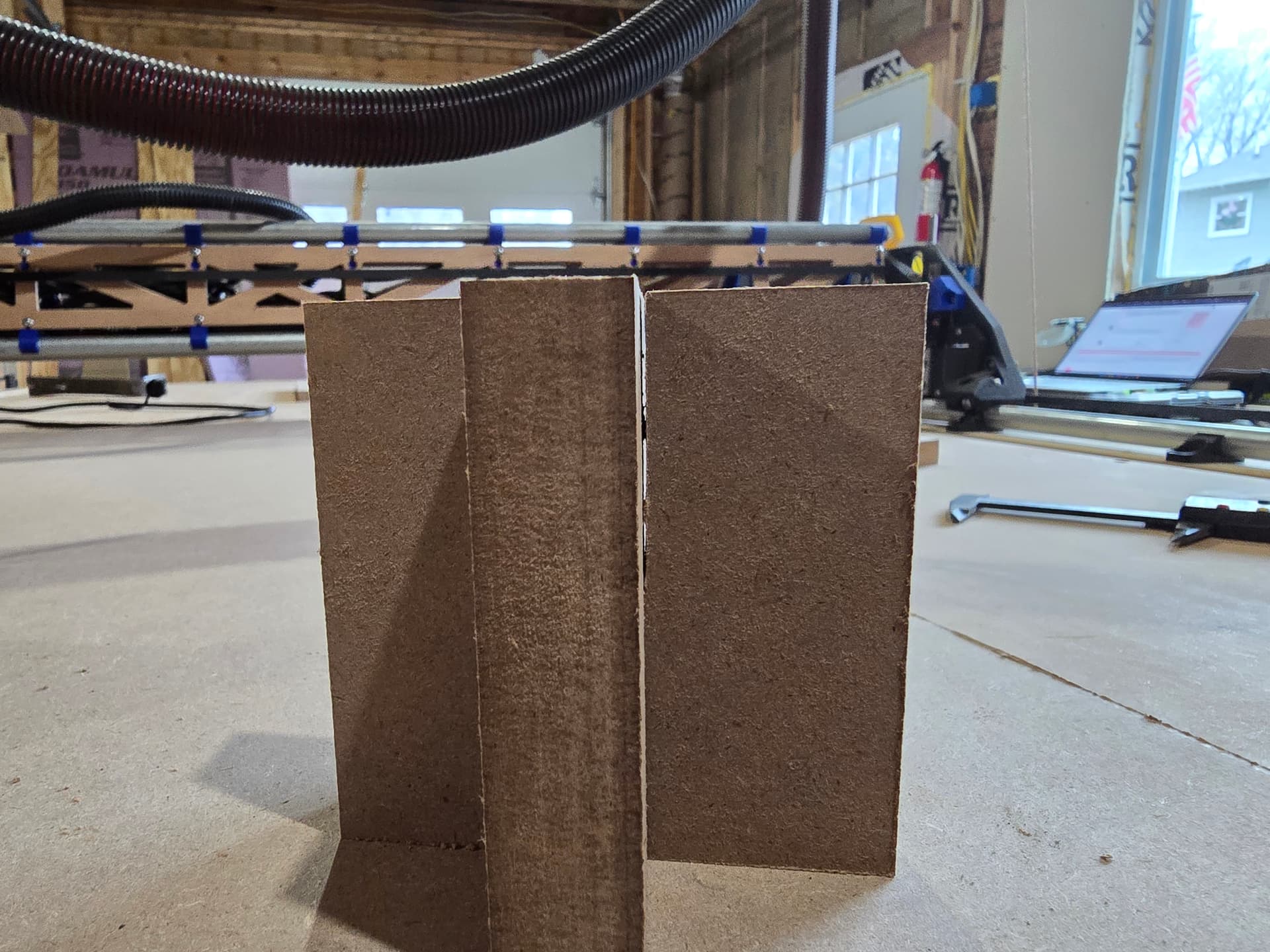
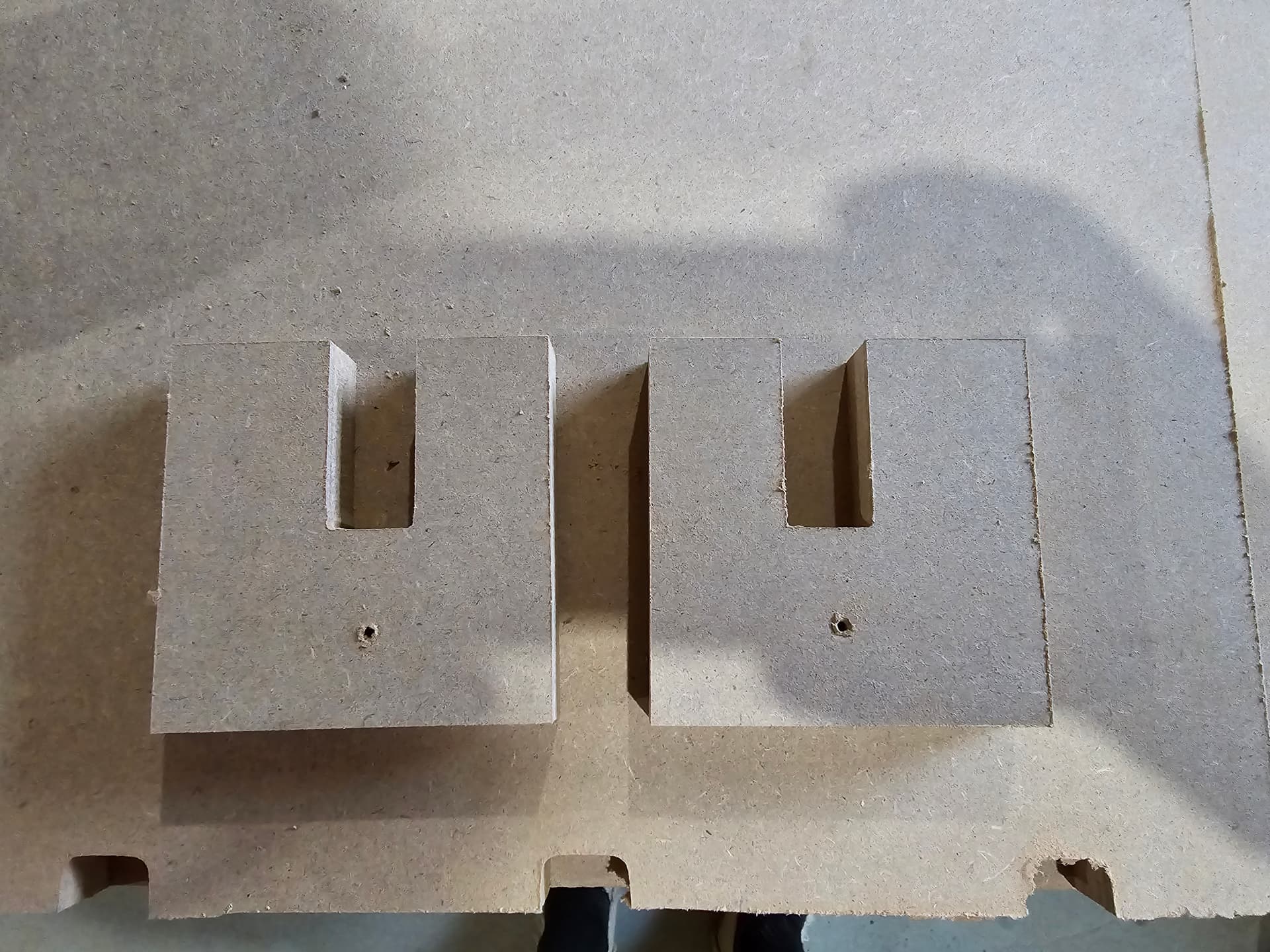
1 Like
Cut a single pass slot in your material with the bit that you’re using. Then measure the width of that slot. I bet the slot differs in size from what you have set in your CAM. Update the bit radius to match the size of the slot. Does it then work better for you?
3 Likes
I’ll try that now, didn’t think about that, thank you!
1 Like
Well I’m measuring 3.4mm instead of the 3.175 that I have setup. That shouldn’t make up all the difference but a good chunk of it. I’ll set it up and see what we get! Thanks for the suggestion!
Eh everything is .2mm closer to the correct number. I’m sure I could lie my way in Fusion to get to the right number, but that just seems wrong. There’s got to be something being missed
Make sure you are using a full depth finishing pass at about 5-10% the bit diameter and do some more test cuts. A slot in wood is not accurate in any way. Cut an interior and exterior square, with a 3-4mm depth of cut per pass, and then with a full depth finish pass and check the dimensions. Slowest rpm, move fast enough that it does not char.
You are using a two fluted flat endmill, those are not forgiving at all. A single flute upcut is going to be much faster and more fogiving.
If your tool measures correct and is cutting differently that means you have too high of a load and need to slow down.
2 Likes
Way better written that what little I provided.
1 Like
Could you explain that first part? full depth finishing pass at 5-10% the bit diameter. My finishing pass is .2mm depth
I’ll try the squares next, that’s kinda what I’m testing with right now, little U shaped box joints.
I’ve got 2 flute yes, setting on 2 for the Kobalt router 4.5mm doc and 20mms. No chatter, pretty quiet, and only at the very last of the cut does it look like it could be starting to scorch (im not sure what’s considered scorching, pic below)
I lied about the cutting diameter in fusion, well I shouldn’t say lie but it seems a little large for a 1/8" bit. I told it 3.6mm diameter which seems to get my parts about .2mm off still (total outside dimension of the square is .2mm small, and the inside squares are .2mm large.
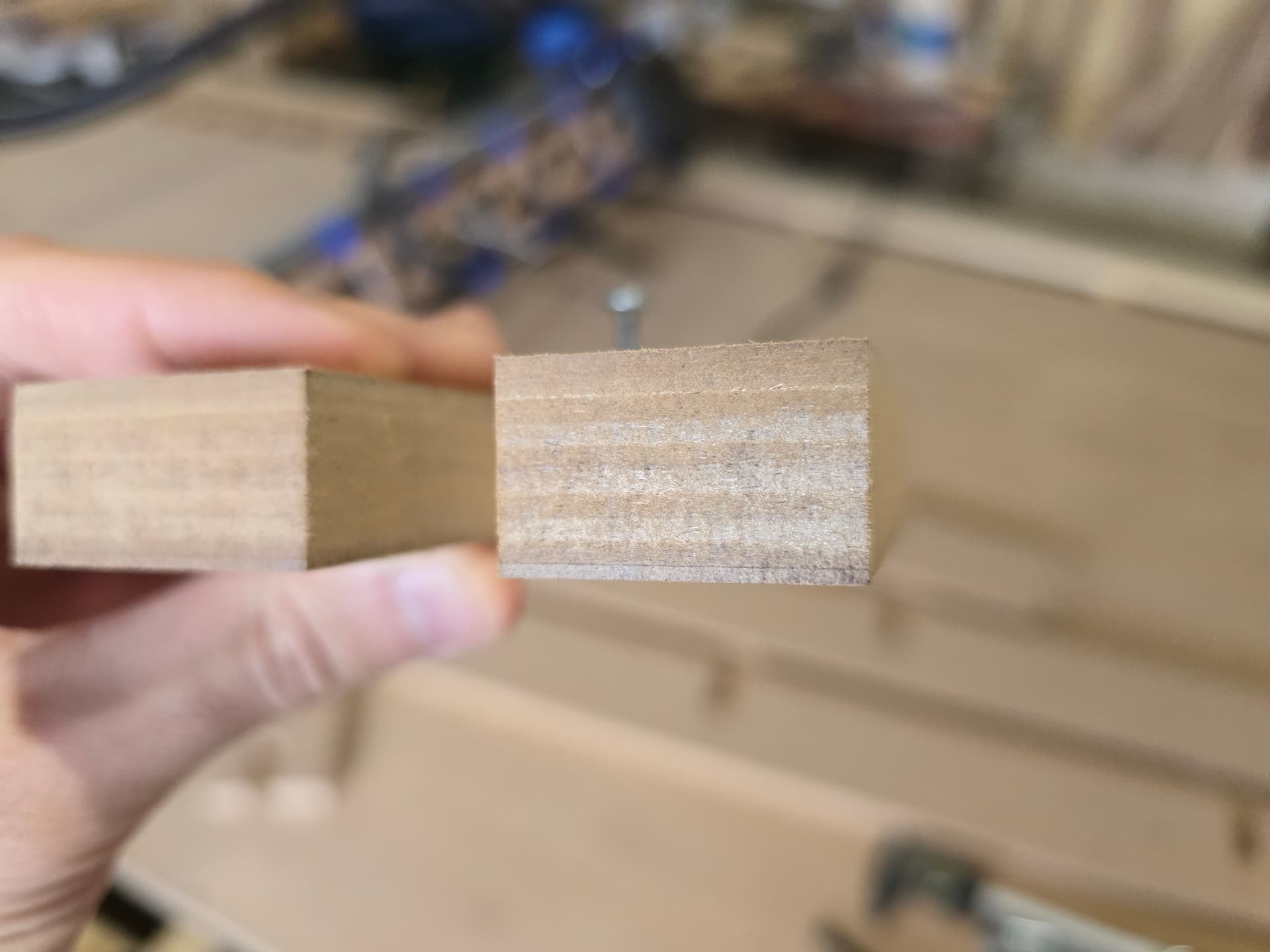
Any suggestions for next step?
Okay this time I ran same everything, bit size is still over what I think it actually is (3.6mm over 3.175mm) but slowed things down to 2 setting on router, 5mms, at 4.5mm doc for 2 flute flat endmill. Inside dimension is perfect 3/4" and the outside dimensions are within 0.1mm. I don’t know where this puts me, the odd thing about moving this slow was it was FAR louder and left a far worse finish. Not to mention the bit size is still larger than what I think it actually is. I’m having a hard time making sense of any of this.
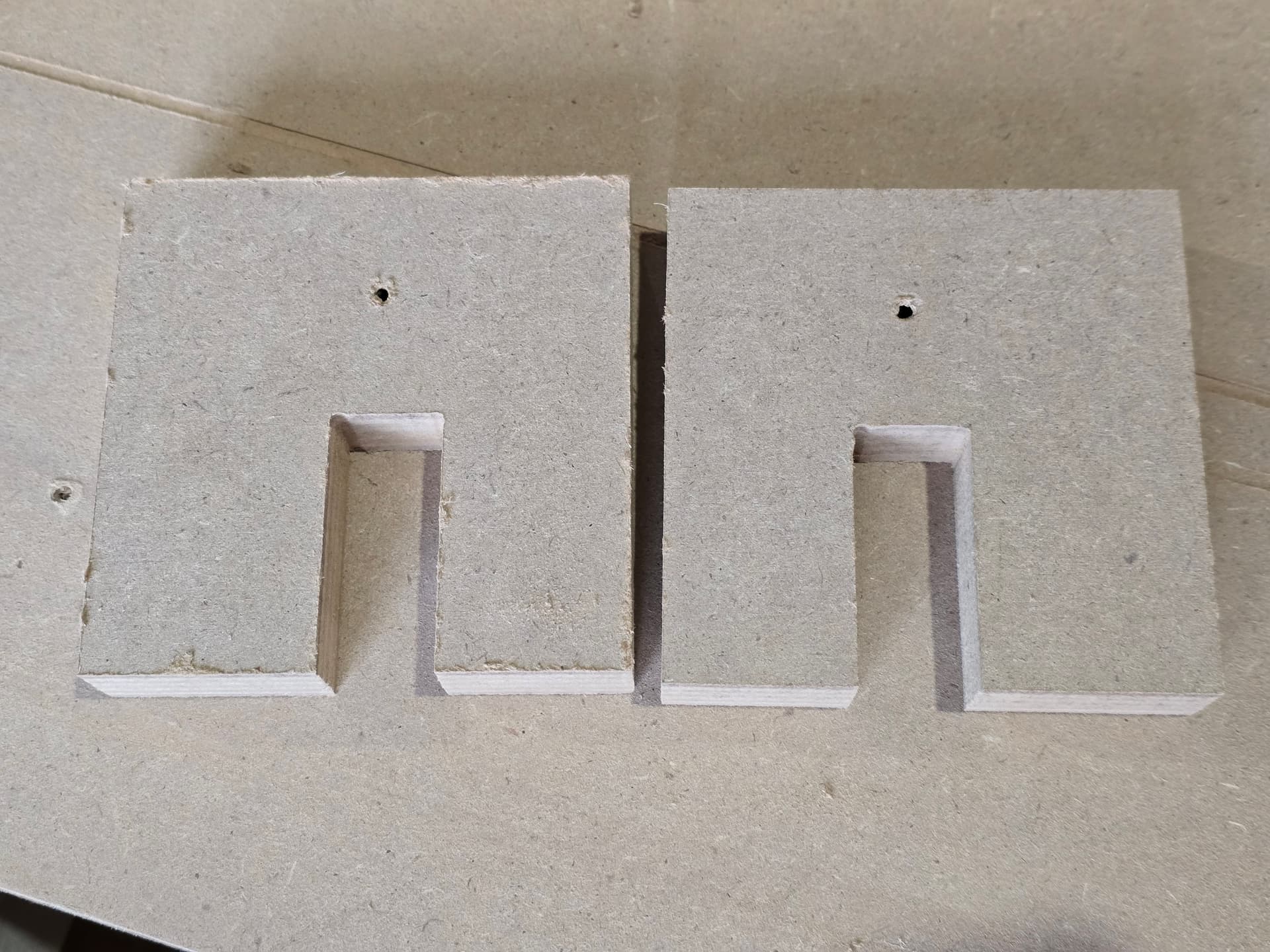
Newest one on the left
I think you are kinda getting ahead of yourself trying to get things within 0.2mm. You are going to compensate for things that are not there. I have never adjusted my endmill diameter to anything other than what they measure. (only do this if you can not add tolerance to your CAD).
Your cuts are not good enough to measure to that degree.
This super round corner should not be there unless it is in your CAD. The top wall looks super wavy as well.
I highly suggest you try a single flute upcut. a two flute flat endmill is not the right bit for the job here, you can use it for your finishing tool but not good for slotting or removing a lot of material. Definitely not needed in MDF it does not splinter.