It does say it in the terminal window, but Yeah you need to scroll to see it.
1 Like
How do you implement the macros with your github files? When I look at the Fluidnc wiki, macros are directly implemented in the config file. If I look on the WebUI, there is a macro manager that you can add the individual macro files (macrox.g), but what do you do with the macrocfg.json file?
All of the files in Ryan’s Github should be uploaded to the filesystem.
So the Macrocfg and macro files, etc. sit next to the config.yaml
1 Like
I feel really spoiled with Estlcam as the Cam… 
I just wish you could ditch the USB cable you need to use it.
1 Like
I pause my mpcnc skr through octoprint regularly. I’ve had it paused for 8 plus hours at a time on rare occasion. The catch is with marlin: you never know exactly how soon it will stop. Once it stops. Power off the router and then when restarting, turn on the router, press resume on the octoprint web page and it goes. My grbl system stops immediately when I pause it, but they both pause reliably.
2 Likes
Question… Will I be able to run the LEDs with the Jackpot board like I do with the SKR and Marlin???
Also just noticed this on my Primo. Earlier the end stop led was out and I couldn’t home Y. I checked all the wiring and everything was good. It’s soldered. Ended up getting side tracked. Came back and it’s on but flickering. And it’s able to home now
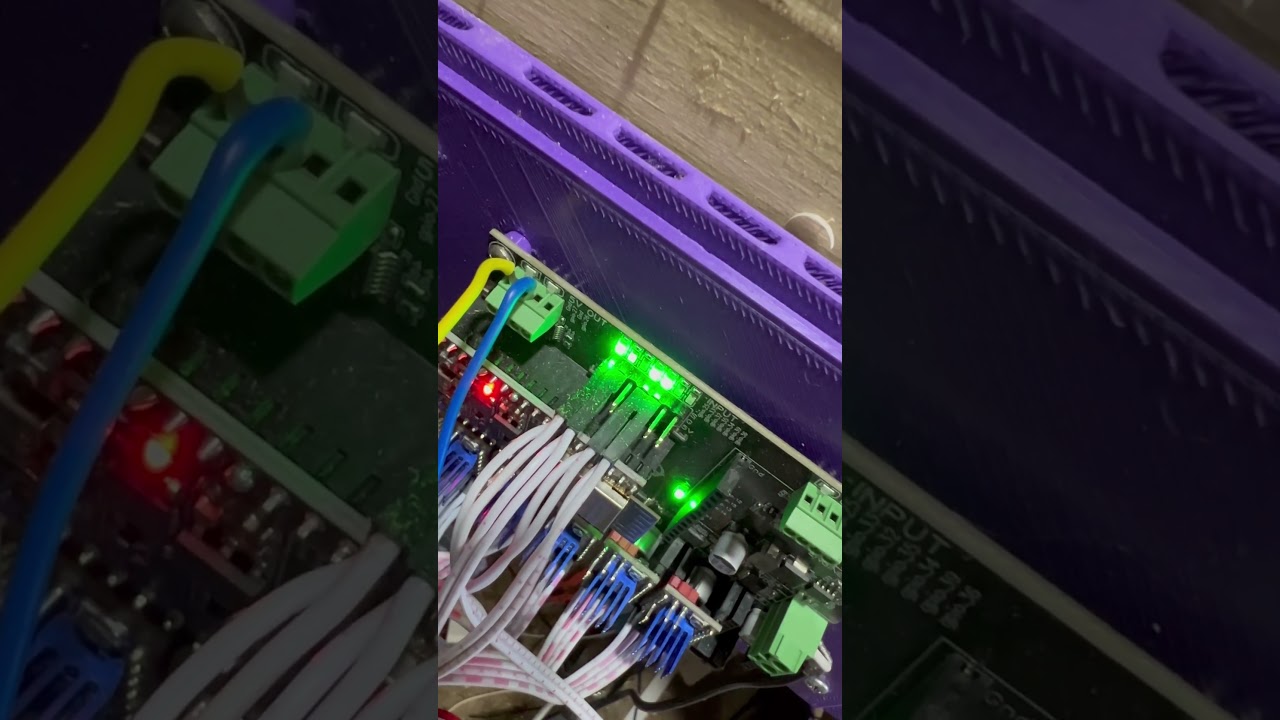
1 Like
You can use a 5V port (up to 25ma), or a 12/24v port up to 2.5A. So yes you might need a relay if you draw a lot of current though. The jackpot should handle more output than the SKR ports (other than the heated bed).
1 Like
I have power covered. I’m thinking about control side…
1 Like
Yup you can easily trigger any of the 4 ports with gcode or macro buttons.
2 Likes
@vicious1 any thoughts on this?
Bad / loose connection? That is Y1
Dang it. you are right. Its where it plugs into the extension cable. Ill have to pull the wire wrap off and just solder it there
Nice, not a bad board.
1 Like
What are you typically running for holding current? Default in the config is 400mA. I can’t remember what I had set in my skr board, but I skipped some steps changing a bit. 600mA also seems low for the run current. I was running a 1A before. Are these just conservative starting values?
1 Like
He upped the default values to 500mA hold, 680 mA run in the more recent config files.
You may need to get the latest from Github
2 Likes
I see a few of these, like on lasers, where they are only using 2 of the 5 drivers you install. Should the extras be removed if a stepper is not installed?
This is a good point, but I would rather opt for a more.purpose made board, and is why I got the Bart Dring pen/laser boards with 2 TMC2209 drivers on-board.
Yeah if you are not using them.
I have some pen laser boards I will be adding to the shop soon. 2 drivers built in.
1 Like
Why wouldn’t you use four? Don’t you need squaring for a laser?
The smaller machines, using 20x40 extrusion, track pretty square. with a dual Y and the X is a single stepper.
Mike
1 Like