Ha… I went and googled it to make sure I remembered that right…
Wikipedia says:
" It has been described ‘probably one of the most mocked acronyms of the industry’."
Ha… I went and googled it to make sure I remembered that right…
Wikipedia says:
" It has been described ‘probably one of the most mocked acronyms of the industry’."
I find it “great fun” to convert these machines and I have stack(s) of them to prove it…
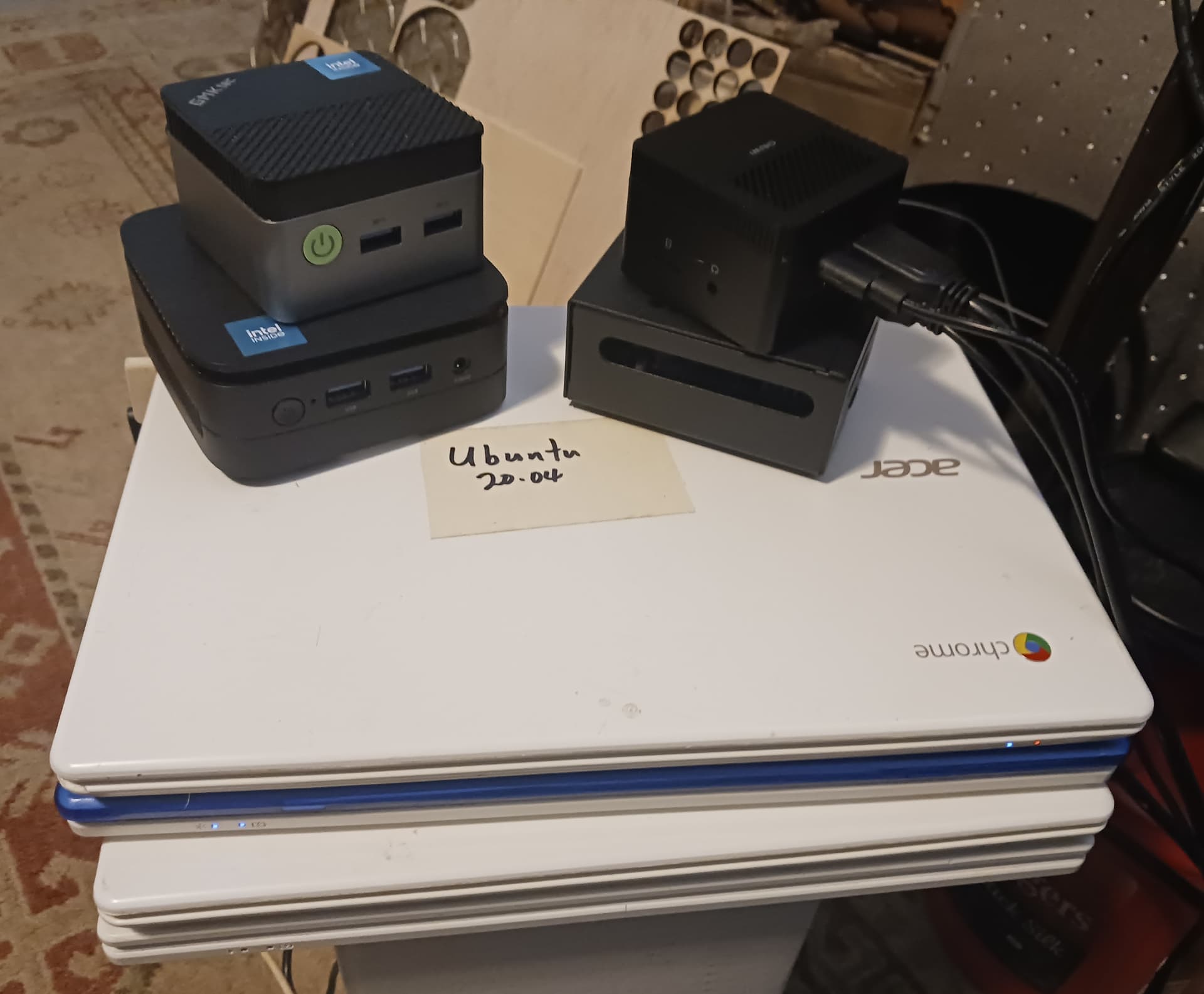
I bought all my grandkids Chromebooks when they first started using them in school. Seven for them and one for me at the time IIRC… and I only asked that they return them if/when they ever no longer needed them. I’ve now got four (photo above) and they all run some flavor of Linux… either Ubuntu or LMDE, headlessly (lid closed). The two minipc’s (GMKtec and Kamrui) with the blue Intel sticker are running LMDE and Debian13… also headlessly. That is a RPi 5 in the case with the long slot for size comparison… it runs, headlessly, but is “laggy” when running anything other than Jeff’s V1Pi/CNC.js image.
The smallest of the lot is a LarkBox Pro minipc that I received yesterday and I’m about to return if I cannot get it to boot from USB… it is being extraordinarily stubborn and is useless to me as is. Sadly, I actually broke down and booted it up in the installed OS just to make sure that the hardware actually works… what a POS with all the ads and restrictions! IMO, of course…
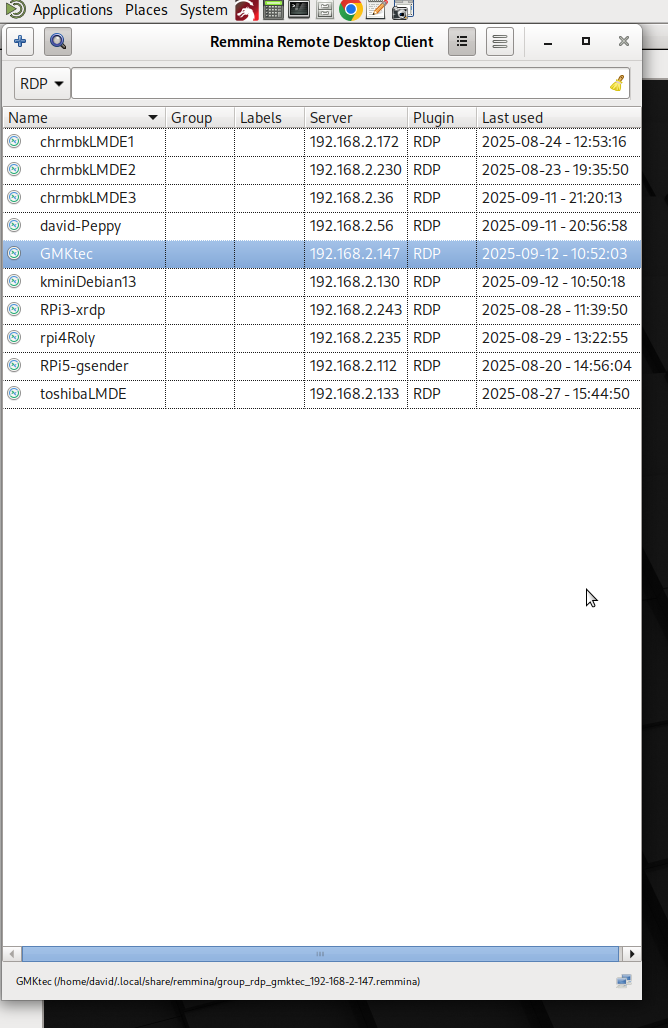
My main laptop is an Acer Aspire 3 running Debian13 “trixie”… I’m using it now to type this and access and control all of the headless machines through Xrdp.
I have several older Dell and Lenovo laptops that are all running some flavor of Linux. And a couple of nicer Chromebooks that run Debian in “developer mode”. I actually used Chromebooks for years for everything I needed to do and only switched over to the Acer Aspire 3 within the last year. Finally, I have a few RPi’s 3/4/5 that have run all my laser and CNC machines until I started playing around more recently with the mini PC’s and GSender, UGS, CNC.js, Lightburn, etc.
And I have always tried to keep one small, inexpensive, Windows10 laptop – just in case… but even it is now running LMDE after it started acting up recently after an update. And though I’ve had a bit of a love/hate relationship with Wine, I’ve found that Bottles seems to handle the relatively few M$ only programs of current interest reasonably well… Carbide Create, Estlcam, and possibly Lightburn/MillMage(?) going forward. But for now the only Windows machine in my house is this silly little LarkBox Pro… but it’s “out of here” real soon if I can’t get the crappy biased BIOS to boot from USB.
Sadly, development time with my MPR&P machine suffers because I piddle too much with these silly computer-thingies… and Spider… and Mahjongg…
Later.
Okay so what do you guys think the minimum requirements are for a youtube/Netflix box at 1080p or maybe even 4k? I am not a fan of roku rolling my own has always been better.
It is pretty fascinating how little it takes to do some things, but overall I am pretty clueless.
Do you have a premium subscription to either Netflix or Youtube? A monitor that can do 4k? Then do 4k? 
My son found a Soundblaster Audigy PCMCIA card in my shop in a box full of old equipment. He brought it to me and asked what it was. It’s sitting on my desk now because I saw he had left it on the back patio the other day.
Fun fact: Netflix does something with their service that gives settop boxes like Roku better access to 4k content. You get it with a little more lag and worse seek times running from their app, and even worse from any browser.
As such, I watch 1080p/4k Netflix from the Roku embedded in my TV.
I only have 1080p displays on my other devices I sometimes use for Netflix etc. The slowest of those runs a 4 core Celeron N5105 with Win 11. (Side note: do NOT attempt to run Fusion360 on that.  ) it manages a browser and deals with 1080p media OK most of the time, when Windows allows it to use its processor and disk.
I did have an old laptop which would no longer run Windows acceptably but dealt with Mint 20 OK… i don’t remember its specs offhand. I was using it in my workroom, but it seems to have walked off somewhere. (Really, someone bothered to steal my 13 year old laptop? SMDH) To do it though, it had to be doing absolutely nothing else.
Steam has pushed the envelope so far. Pretty much every game in steam works in Linux these days. I have seen some benchmarks that a lot of them actually run faster too. But it is mostly the brand new games that have trouble.
The steamdeck is very popular and developers know that. They care a lot about the green “steamdeck verified” checkmark on the steam page. Most of the yellow warnings are because games require keyboard and mouse input, or don’t scale well on the tiny screen. Neither of those problems will affect you on desktop.
I would encourage both of you to install steam in Linux, turn on the compatability and install some games that claim to be windows only. They really do work well.
I would assume almost any machine more powerful than a pi4 could handle that. I use a google stream dongle thing for my TV. I need to upgrade it to the latest google TV streamer. Mostly the reason I don’t use a computer is because I want to use a remote control on the couch.
I had no idea streaming video was so easy on resources.
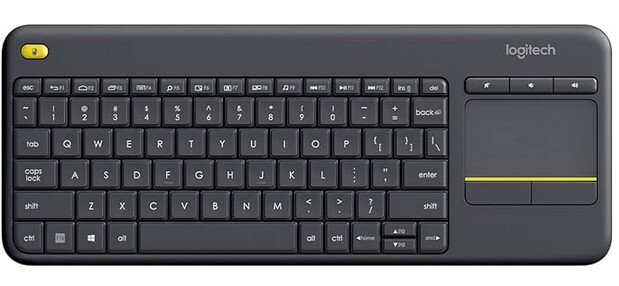
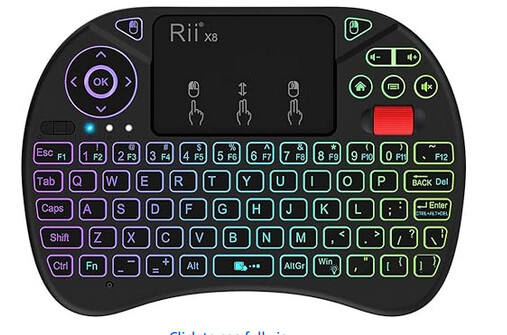
I use one of these because I end up doing all sorts of random searches. But I think I need to try this little guy that I never use much on the LR4.
The computer I switched over to Linux…. Popped the power supply I think. I will pull it apart tomorrow to see if maybe I knocked something loose when I cleaned it up before putting mint on it. Hopefully just a loose connection.
If it is dead the cost of a new power supply is not much less than one of those new tiny boxes or used ones you were all showing above.
Good news!
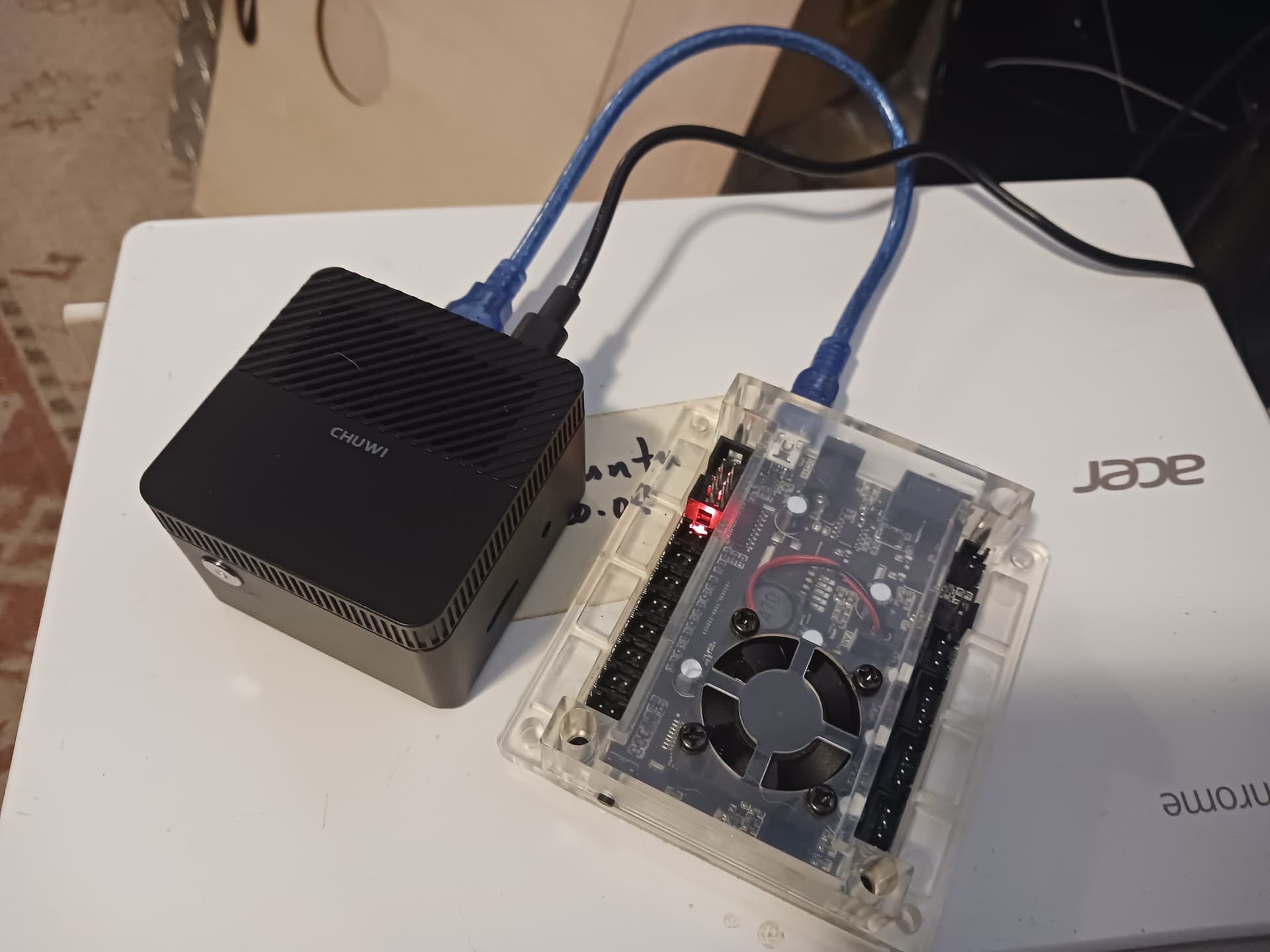
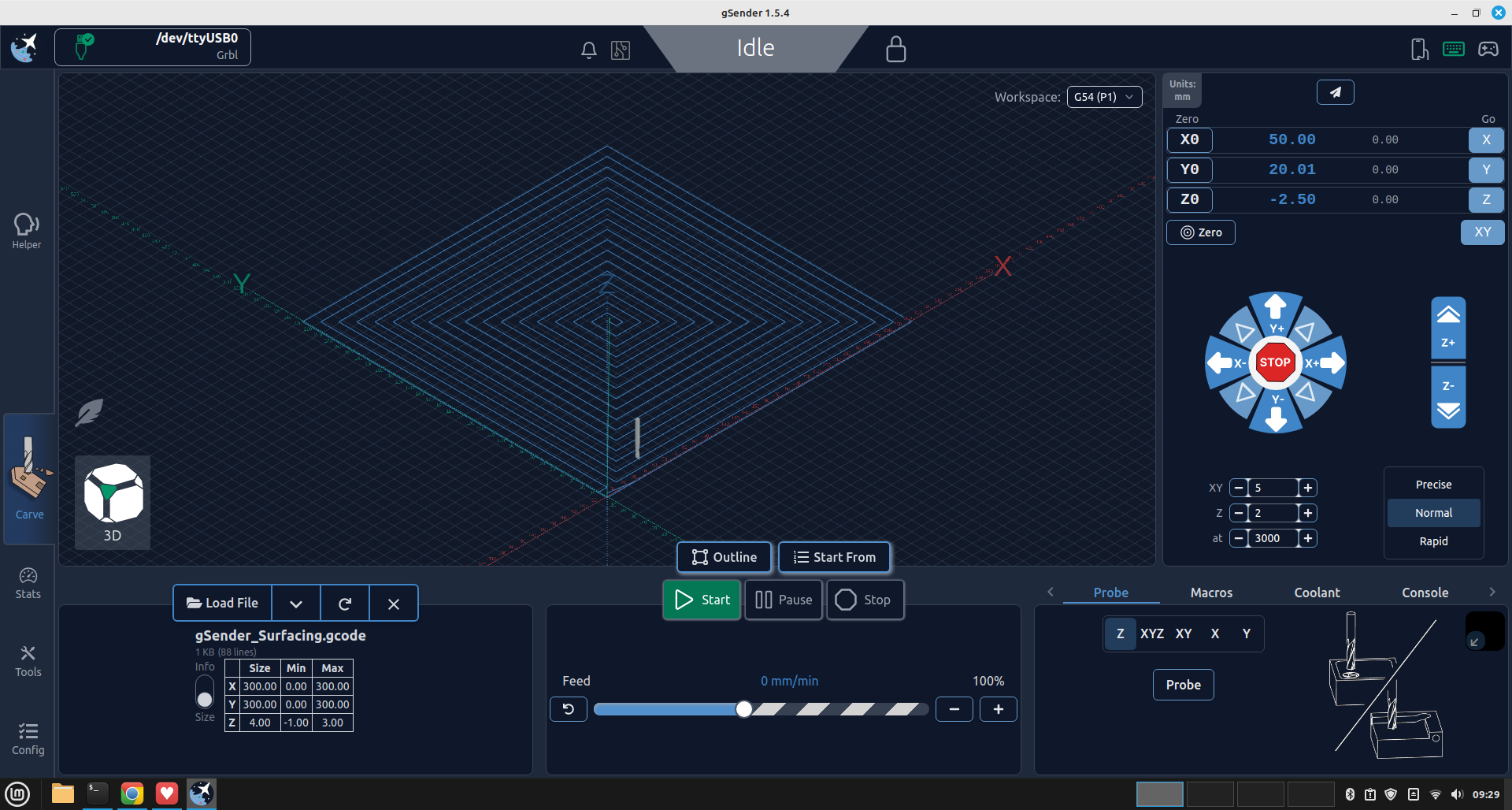
I’ve been able to boot the LarkBox Pro mini PC from USB and successfully installed LMDE 6. With all the abortive attempts to boot from USB, I apparently corrupted the Linux install media that I had used many times previously. I created a new bootable USB stick and it was immediately detected with my last tried BIOS settings.This incredibly small machine runs the full LMDE desktop and gSender (or UGS, CNC.js, etc.) quite nicely; i.e. far better and more responsive than the originally installed OS… or RPi5! And it had no problem detecting the GRBL controller seen in the photo below…
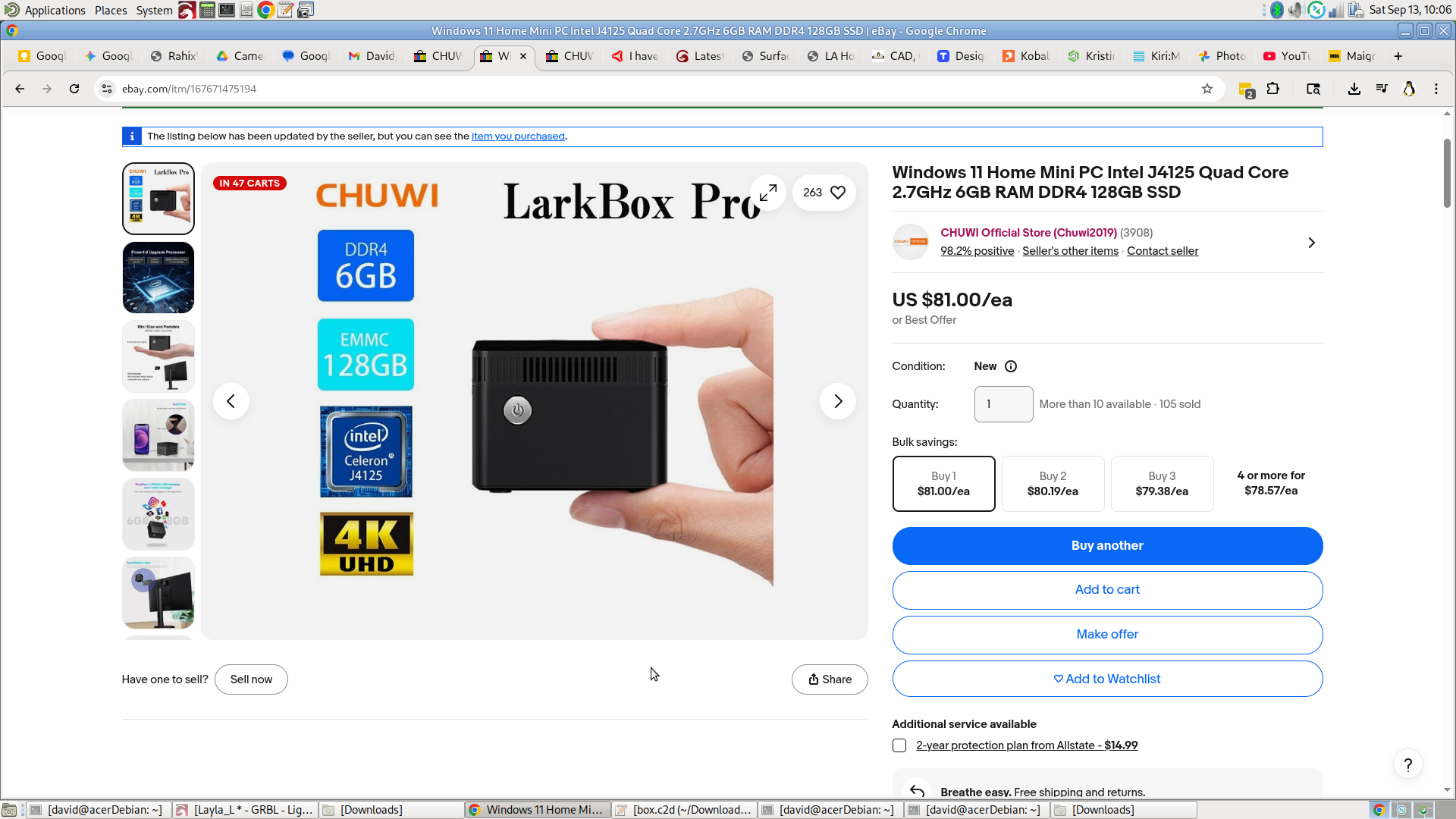
At $81 USD and free shipping, this very compact little computer is about the same $$$ as a barebones 8G RPi5… and far less than one with accessories. The only issue beyond setting the BIOS to boot from USB is that being so small and with so few ports (2 USB, 1 HDMI, and SD slot) you may need to use a USB hub to attach a keyboard, mouse, and bootable USB stick all at the same time to get it initially set up.
To their credit, Chuwi (the manufacturer) did respond within 24 hours when, in my initial frustration, I contacted them and said that I was having trouble getting the BIOS set properly to boot from USB… not realizing at the time that my bootable media had also been corrupted. Their initial response was to ask for the serial number on my purchase… and there’s no telling how helpful they might have been had we had to correspond further about my “issues”. But they did reach out to me… so that’s “something”.
Anyway, I’m happy… 
– David
True, but I’m reminded of this Rossman rant on the inability to play greater than 720p on Linux when paying for 4K Netflix, so software is lacking.
Gaming is just one reason. I also have some other windows only apps. Yes, there’s Linux replacements for most of them, but after spending all day at a computer, I’m too tired to spend time on it.
Check this out, I took apart my dead computer, found a bad power supply. Checked online and there is a micro center 50 minutes away….OH Buddy! $41 later I have a working linux box again.
Microcenter is amazing, a little better than Fry’s was, just because they have soooo many 3D printers there and most of them are actually working and printing. Guess what was next door, harbor freight! What a combo.
So, another score for linux. If I stuck with windows I would have just replaced the whole thing since it is so old.
This also made me want to make a smaller PC case. Micro center had some slightly smaller boxes for $50, that did not sound fun and honestly was not all that much smaller. So I started looking at 3D printed cases out there, nothing I want to attempt. Going to have to make one of my own!
Aluminum or wood?
and 3d printing, Everything!!
Wow!!! Cannot believe you had never been there before. Mine is nearly 2 hours away
I wish we had one close. Closest one to me is 285 miles away
We used to have Fry’s electronics 20 minutes or so closer, it closed. This one just opened May 30th.
That area used to have all sorts of cool surplus electronics and tech startup clearance centers. I used to go to that area when I would come up to visit the Bay Area and scrounge around. Weird stuff warehouse and excess solutions (https://www.youtube.com/watch?v=j5gUFnc7EUw), anchor electronics, so many cool random techy thrift stores.
edit- OMG anchor is open, and there might be a few new ones!!! https://www.yelp.com/search?find_desc=Surplus+Electronics&find_loc=San+Jose%2C+CA
mine is so clostrophobic with crap and people it makes me very uncomfortable. I did get a 99 buck ender though!