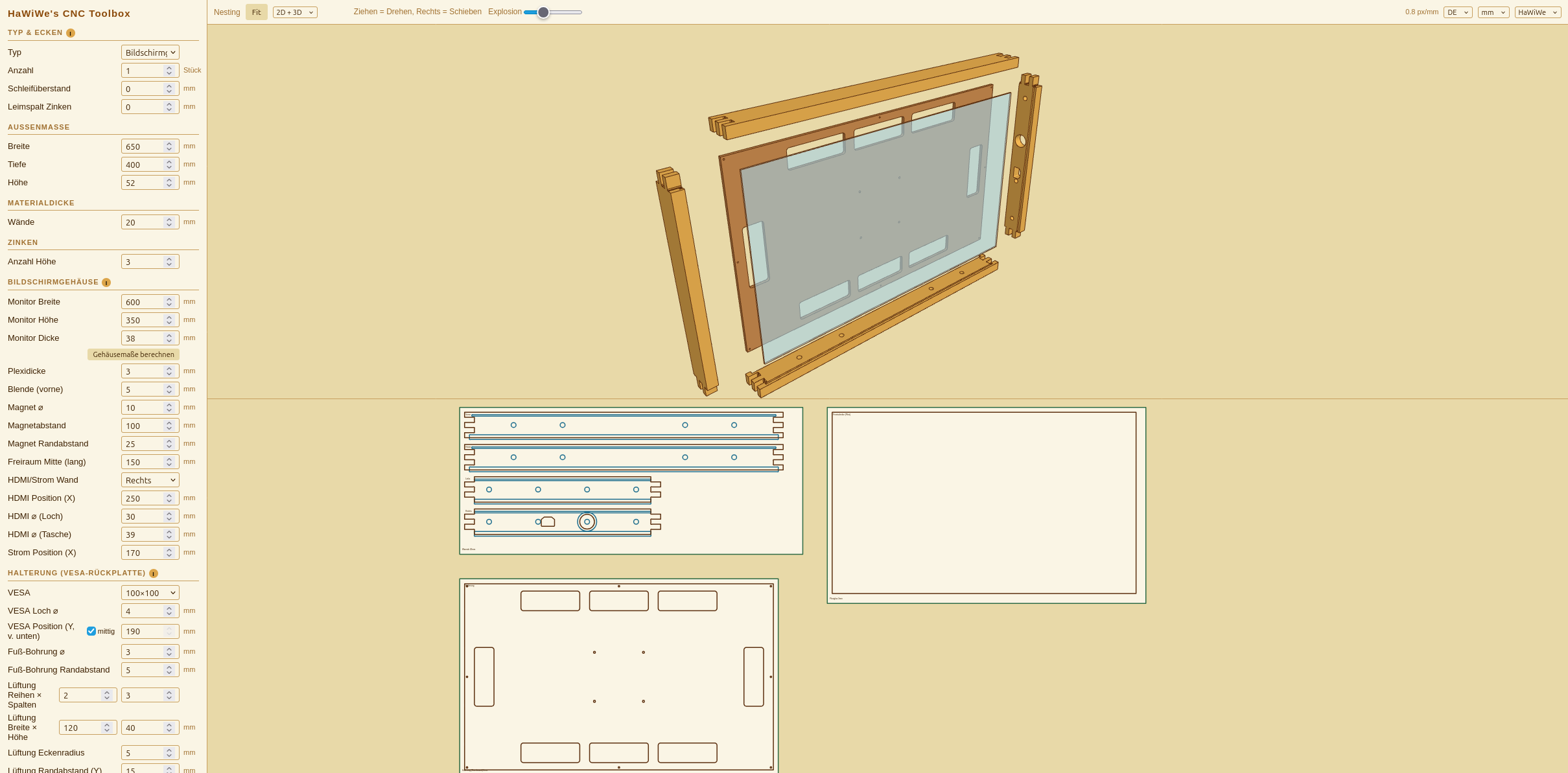
I created, with the help of Claude, a box generator because I was not happy with the ones that exist, since I wanted minimal dogbones, basic nesting, the ability to add sheets, have patterns on the box etc. I know there is boxes.py, but it does not solve a lot of the things that I wanted. The generator is not perfect, especially the English locale makes problems if you entered a comma somwhere and does not render, but besides that it’s great.
I am especially proud of the generation of the dogbones. The minimal dogbones took forever to get right, but those aren’t generated by any other simple box program. If you want them, you normally would have to use a Fusion addon.
Not all options together make sense, for instance Voroni and dividers together are kinda moot if you want to cut the voroni through. They are rather for nice boxes without dividers or if you want to create a lantern you want to put a light in.
If some parts don’t show check whether you added sheets for the walls and the dividers separately if they have different thicknesses. You obviously can’t cut them from the same sheet of wood then.
All the information you enter there is saved on your end, not on my server!
The box designer got a major update. It can now also create a lid or two doors. The nesting was also majorly improved.
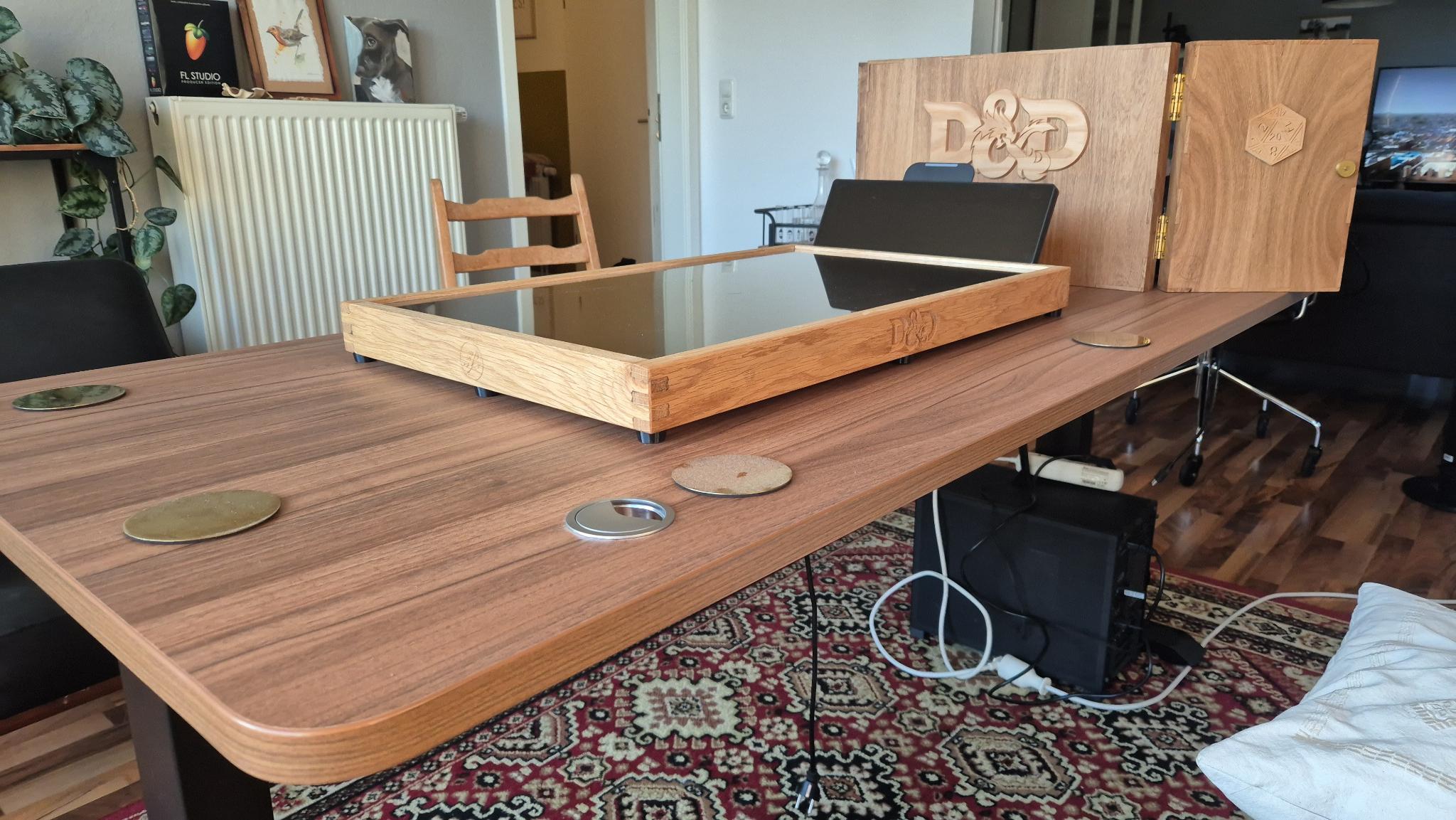
What it can also do is generate the complete monitor casing for a battlemap for DnD. Just enter the size of your monitor and nearly everything else is created automatically.
Then you can add magnets, the holes for the power plugs etc.
Curious how the minimal dogbones come out at small bit sizes. Do they still leave a visible notch if the corners are tight, or do you have to widen the openings to get the bit in? Asking because I’d probably run a test cut on scrap first before trusting a full sheet.
If you choose a bigger endmill you can see the effect better. The corners are not completely cleared and you have to hammer the parts together for a fit (or clamp them a bit), but the dogbones are barely visible then.
With Claude Fable for everyone for a few days, Claude improved on the designer.
It fixed a few bugs regarding pockets, then added houses for animals in the form of a castle (including a brick voroni pattern!) (that was pre-Fable). Fable now added the option to create the DXFs in a way that Estlcam can automatically create the toolpaths when the file is openend. It works, it’s incredible.
The CNC Box Designer is now called CNC Toolbox, there just so much more in it than boxes now…
Next to the castles and the automatic toolpaths for Estlcam, there is now my kid’s coat rack as an option. Please make sure to not use that one commercially, because the background with the little kids has to be licensed. It took me around an hour before to do those by hand, with the toolbox it now creates all the paths for the cutout, the engraving etc. and you can upload any font you own. Extremely neat.
I also added all of my French Cleat in there so you can generate your own sizes. Took me a bit to fix all the mistakes, but everything is in there and should now work.
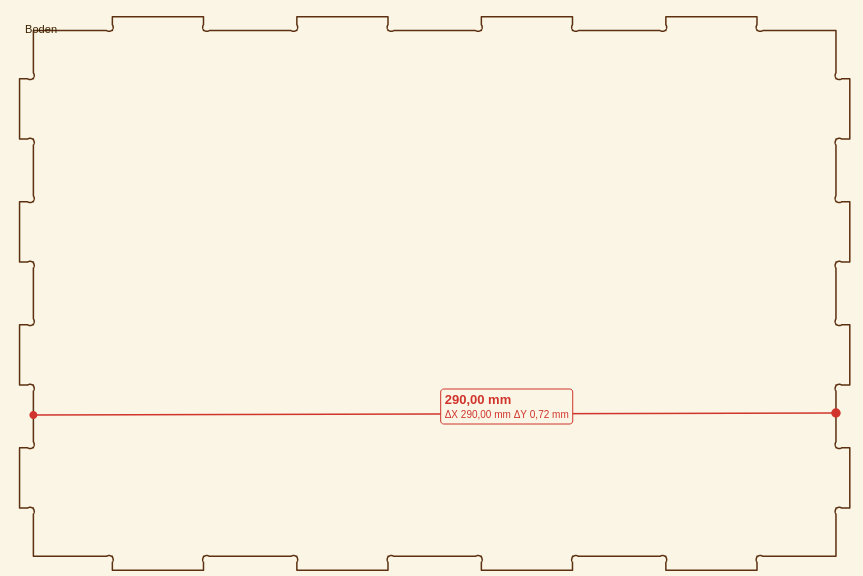
A completely new feature, that took Claude 51 seconds was to include a ruler (I was so sure it’d take a long time…). It works like in Estlcam, you click the middle mouse button, it snaps to the next line and then you can click another line with the middle mouse and it tells you the distance (as well as X and Y), so you can measure whether it’s big enough on the inside.