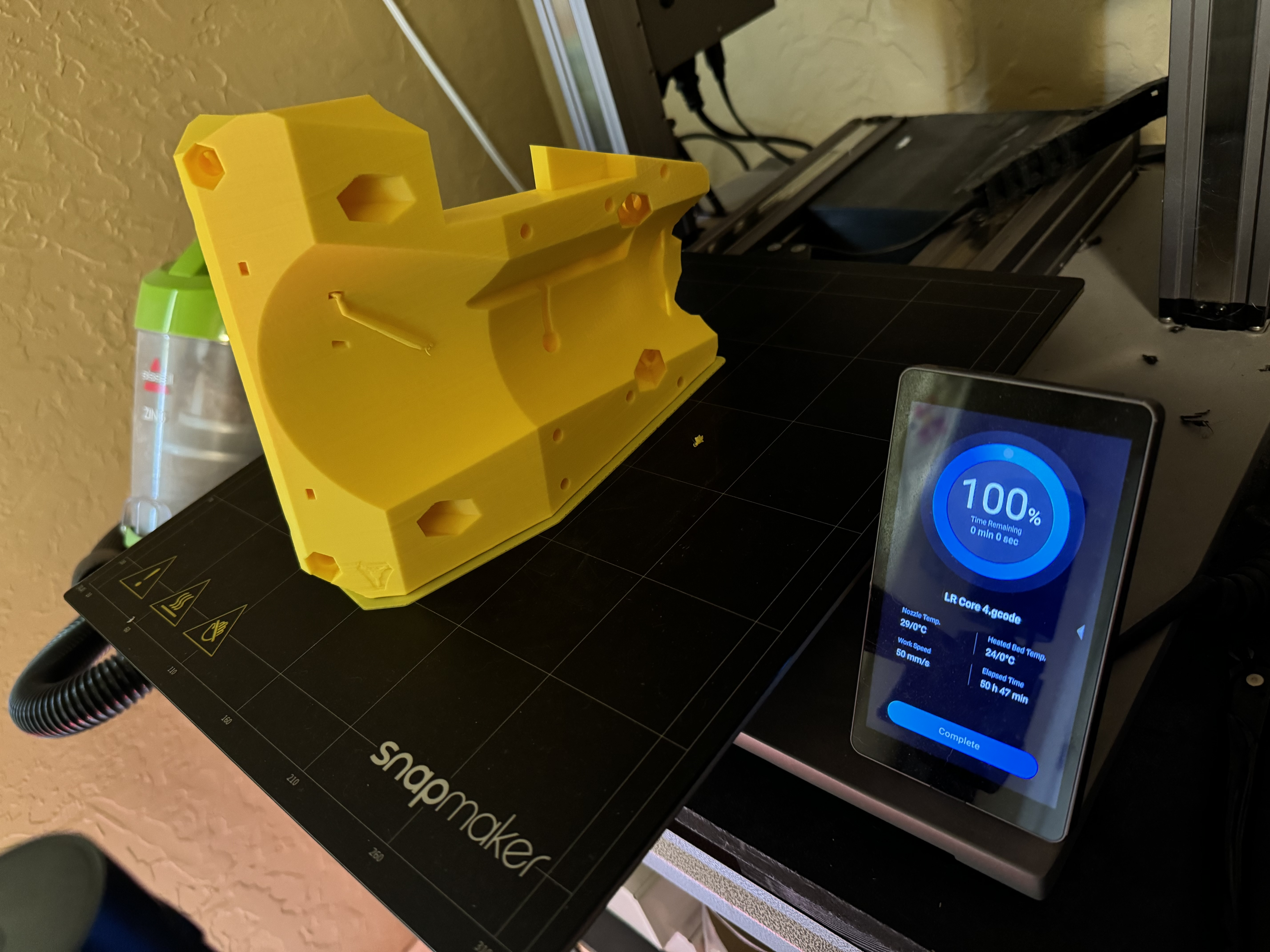
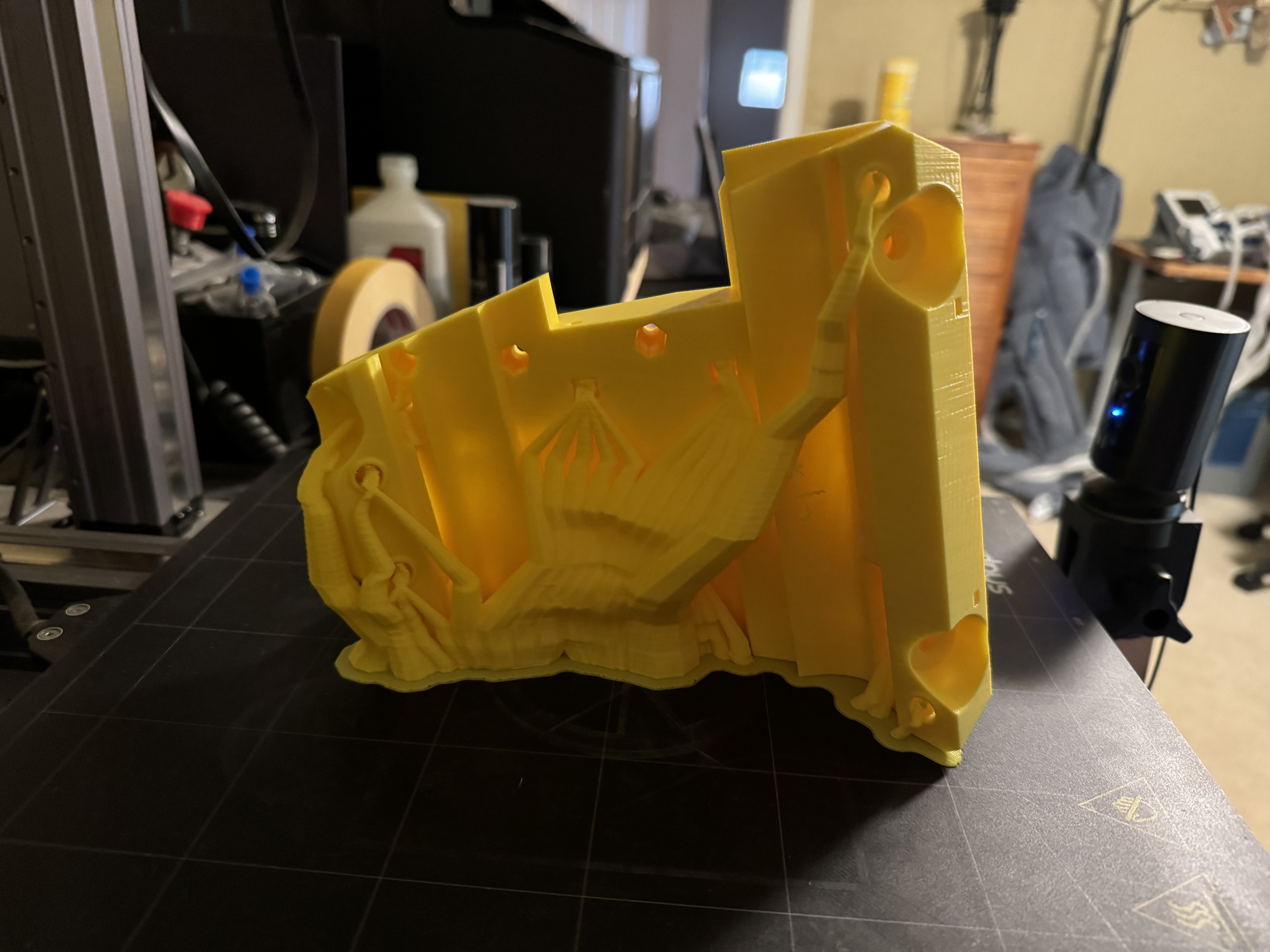
So this was the day that apparently everything wanted to go wrong…
Working on a new LR Core, so keeping all of my work light (low feed rates) so as not to over-stress an already failing mount, so everything was just taking forever already…
For some reason, my Y-axis belts were very loose causing missed steps even at max tension so had to remove and adjust them and reset.
My X-axis belt popped out on the base side multiple times and I had to work some tomfoolery in to get it to stop popping out. Then I had to reset the X-axis tensioner to deal with the change in belt length… oh and when the belt popped off, I was in the middle of a contour cut and the wood chips caught fire before I could shut down the router! That’s a first, but I’m sure it won’t be the last time that happens…
By the end of the day, my z-axis steppers were missing steps left and right and sometimes just free-fall dropping 5-10 mm at certain points, thinking maybe they were overheating? It’s like 105°F in my garage right now and I’ve been fixing, testing and running jobs constantly since 9:00 am (8 hours ago).
I’m thinking it may be time for a full mechanical maintenance cycle when I replace the LR core in a few days to make sure everything works step-by-step from the assembly guide.
Are there any issues with GT2 belts being exposed to prolonged heat above 100° F and stretching or deforming?
I guess I should also ask about the SKR Pro control board operational temp limits as well since I know computer hardware plus heat equals failure…
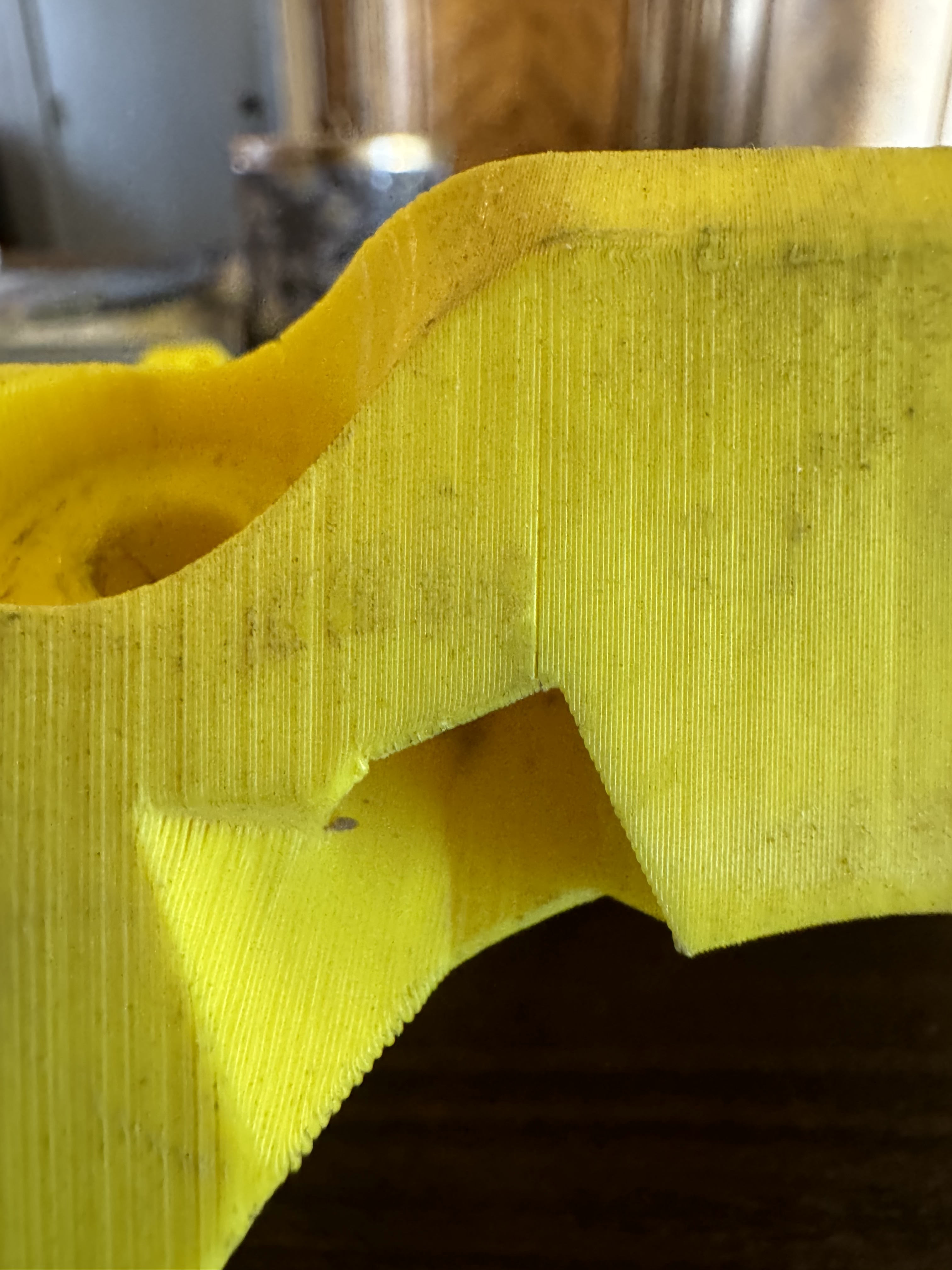
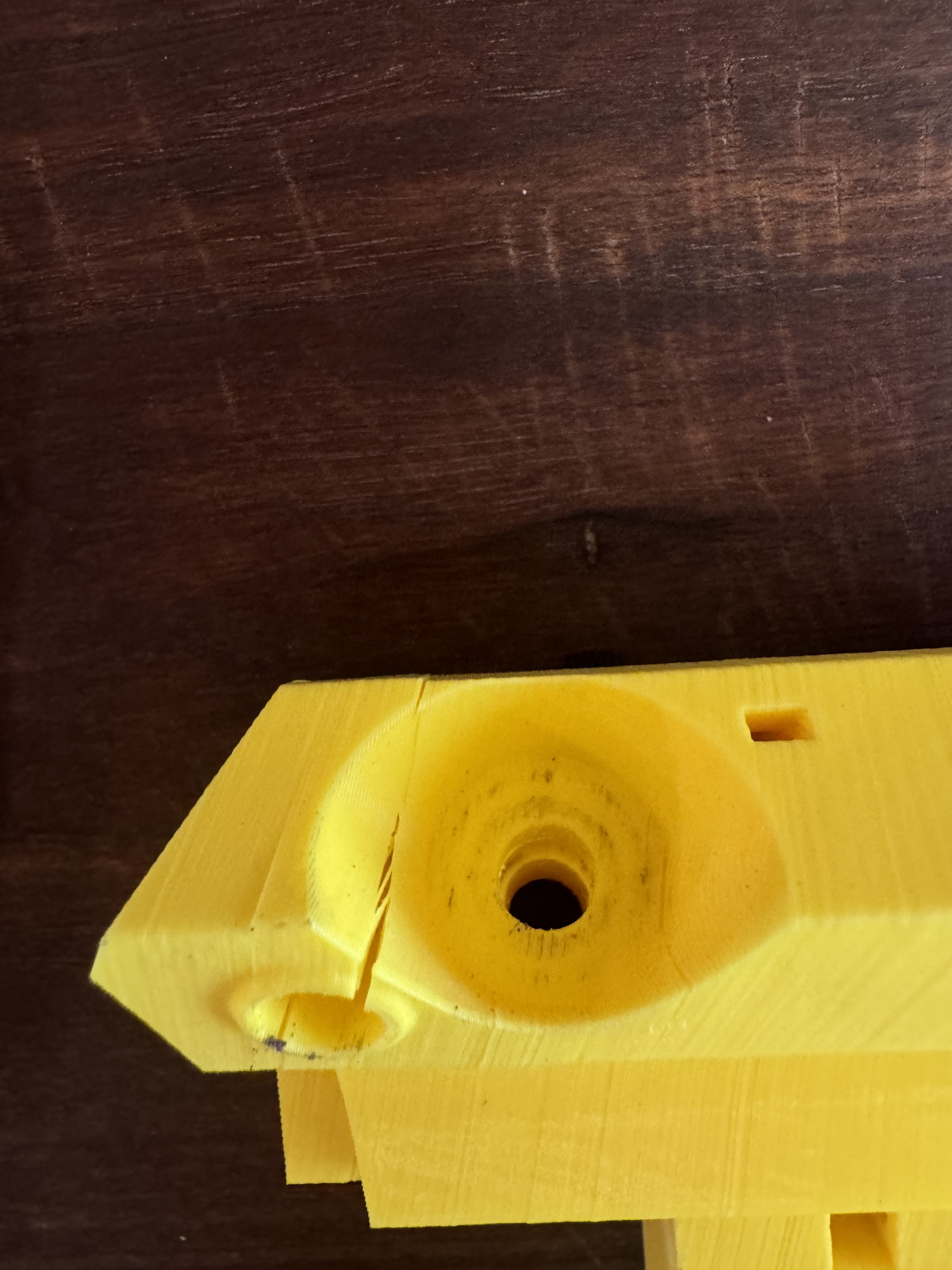
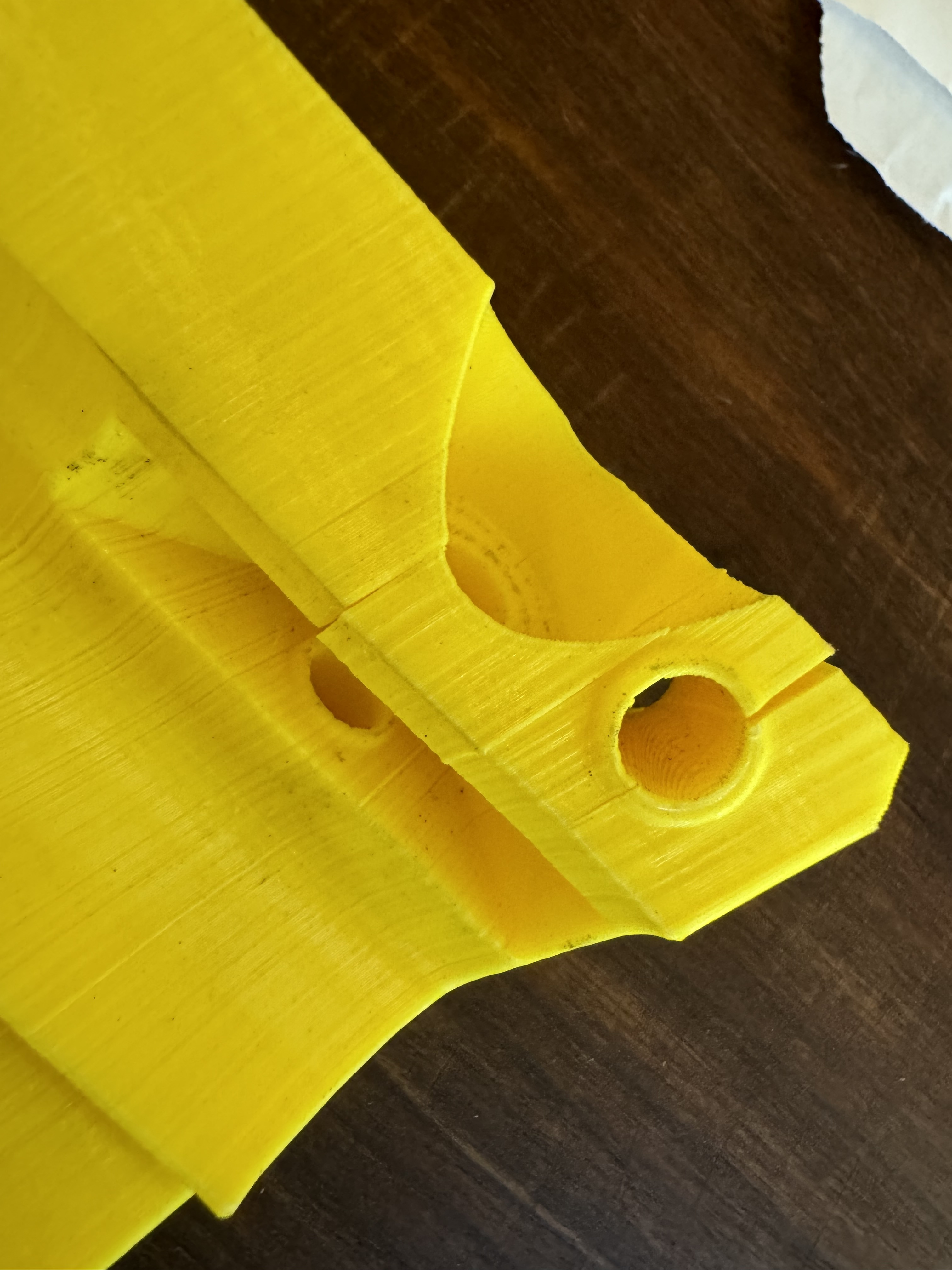
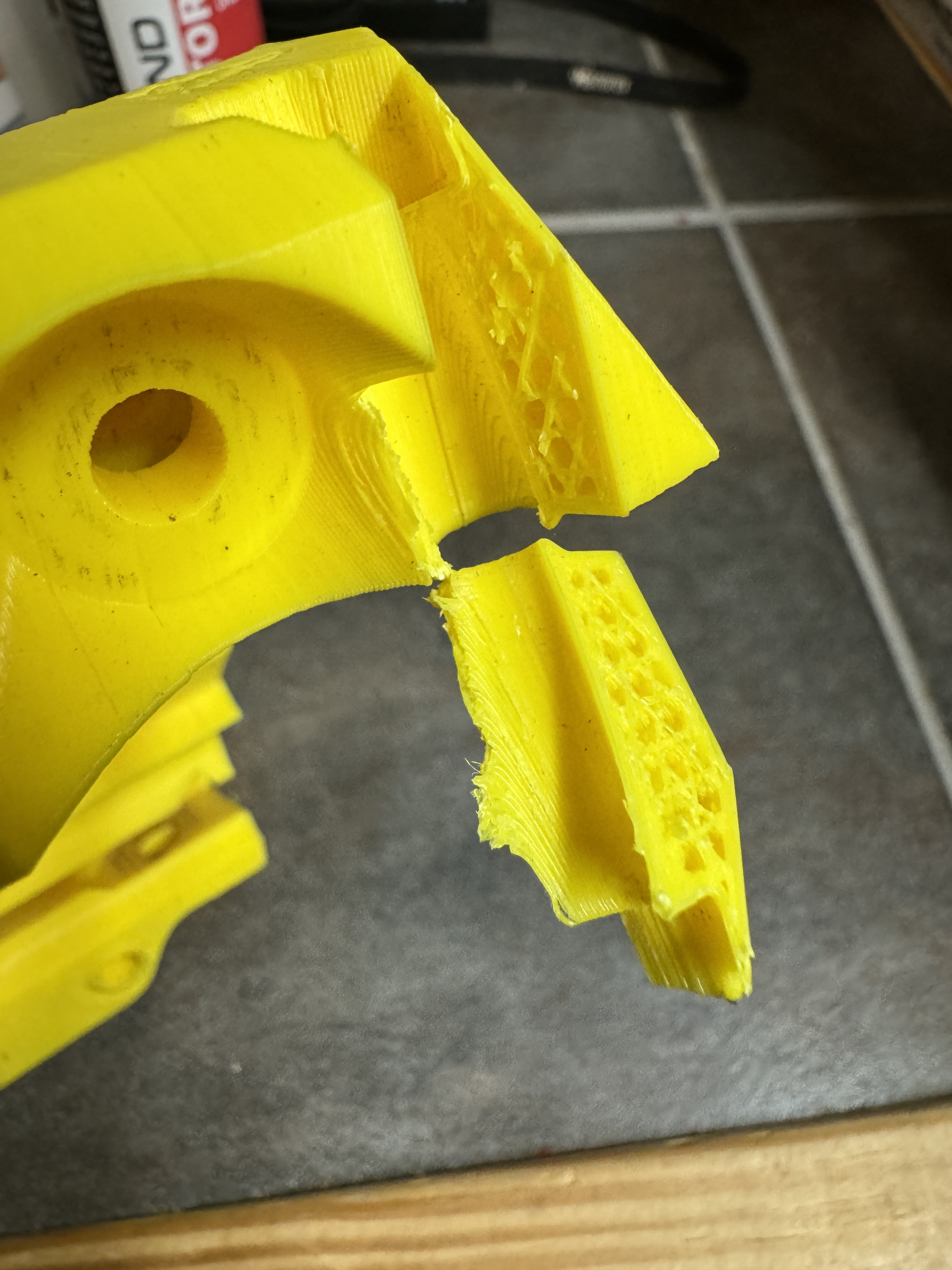
This happened to me recently on the rail side except it didn’t come out all the way. I have to figure out how to get it out of there, but it’s holding in the current position for now.
Yikes. At first it sounded unnecessary to monitor 100% of the time, but I’m definitely convinced that’s too risky.
I was having this happen a bit but I just re-lubed them so hopefully that’s all good now. It used to be that it would drop when I cut power, but that wasn’t happening anymore.
I think they should be ok as long as they’re the type with fiberglass.
I seem to recall someone setting up their case with a small fan.
Your drivers could have been overheating. They will pull power when they get too hot and that can cause your missed steps. There are a few cases on printables that you can mount some 4010 fans in. that air flow across them should help with that issue.
Yah I don’t know what kind of GT2 belts i have, got em through the V1E site though so @vicious1 should be able to give us some insight there.
I never let my CnC run anything without supervision unless it’s a repeat job that I’ve run without issue multiple times and then I still stay within listening distance in the house so I can always jump up and run if I hear a crash.
My new case has two 40mm case fans, but while this is better than moving no air, moving hot air is never the best situation. I really need an air conditioned shop… if only I had an extra $25k laying around…
If I’d have been thinking clearly I would have grabbed my IR thermometer to pull some stepper motor temps before I shut it all down today… however, those triple digit Oklahoma temps were motivating me to just get everything put away and cleaned up so I could get back into the air conditioning.
Oh I get it on the heat. It was 102° in my garage above my big lowrider at 3pm today. 97° in front of a fan at waste level where I was working on something else. Heat is killer for sure. But in this case its less about the temp of the motors them selves and more about the temp of the drivers that are plugged into the SKR board. If those get too hot they will lower the current to the steppers. The steppers don’t care how hot they get. They will melt the PLA mounts they are in before they have any issues lol.
Said it before, I’ll say it again… These things aren’t toys, and they can start fires in a dozen ways from many different common failures.
3D printers have temperature sensors and various ways to “know” if they’re in trouble, but these CNC machines don’t. They don’t know what the cutting bit temperature is or the material temp, and even if they did, you’d have to know what the actual danger temperature is. Cutting aluminum has a different safe range than softwood, and you don’t really want overtemp errors when cutting harder materials either.
Also, if you had a 700W hotend, you’d want to be more careful with your 3D printer, too. Power ultimately becomes a thing’s ability to generate heat, no matter how it’s nominally intended to apply it. Your router/spindle can generate a LOT of heat, it deserves a lot of respect.
You might get away with leaving it unattended for years, but the next time, it might cost you.
Yah this is the Snapmaker A350T, jack of all trades, master of none basically.
If the 3D printer module ever dies or I get truly tired of the slow speed, mediocre quality and annoying build plate, I’ll probably move to a BambuLabs P1S or Prusa Mk4 machine.
That 1.6 Watt laser is pretty much trash though, but I don’t think upgrading to a proprietary laser on a limited 12” square platform is worth it in my opinion. I’d rather build a dedicated MPCNC with a fluidnc controller and toss a 20 or 40 Watt laser module on a 30x30 base.
I am debating upgrading the spindle on it to the 200 Watt version with the linear module braces to stiffen it up. I like that the spindle has the ability to reach down deeper into work pieces than the trim router so I use the Snapmaker for a few specific jobs here and there. I like the idea of the rotary module as well, but still on the fence due to the same proprietary equipment on limited build platform issue. I think I’d rather put together a 48-in stepper-based lathe module to use with my LowRider.
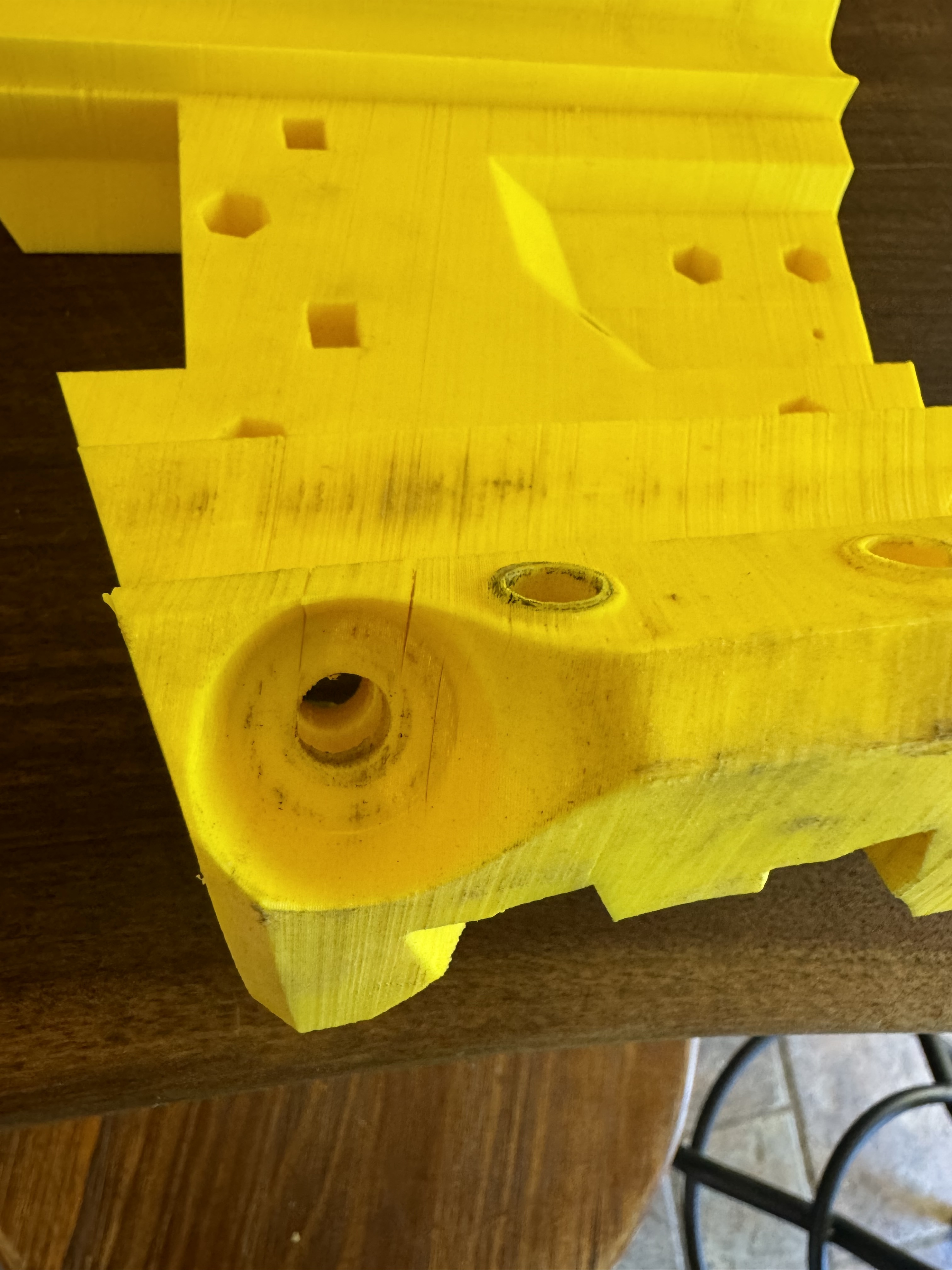
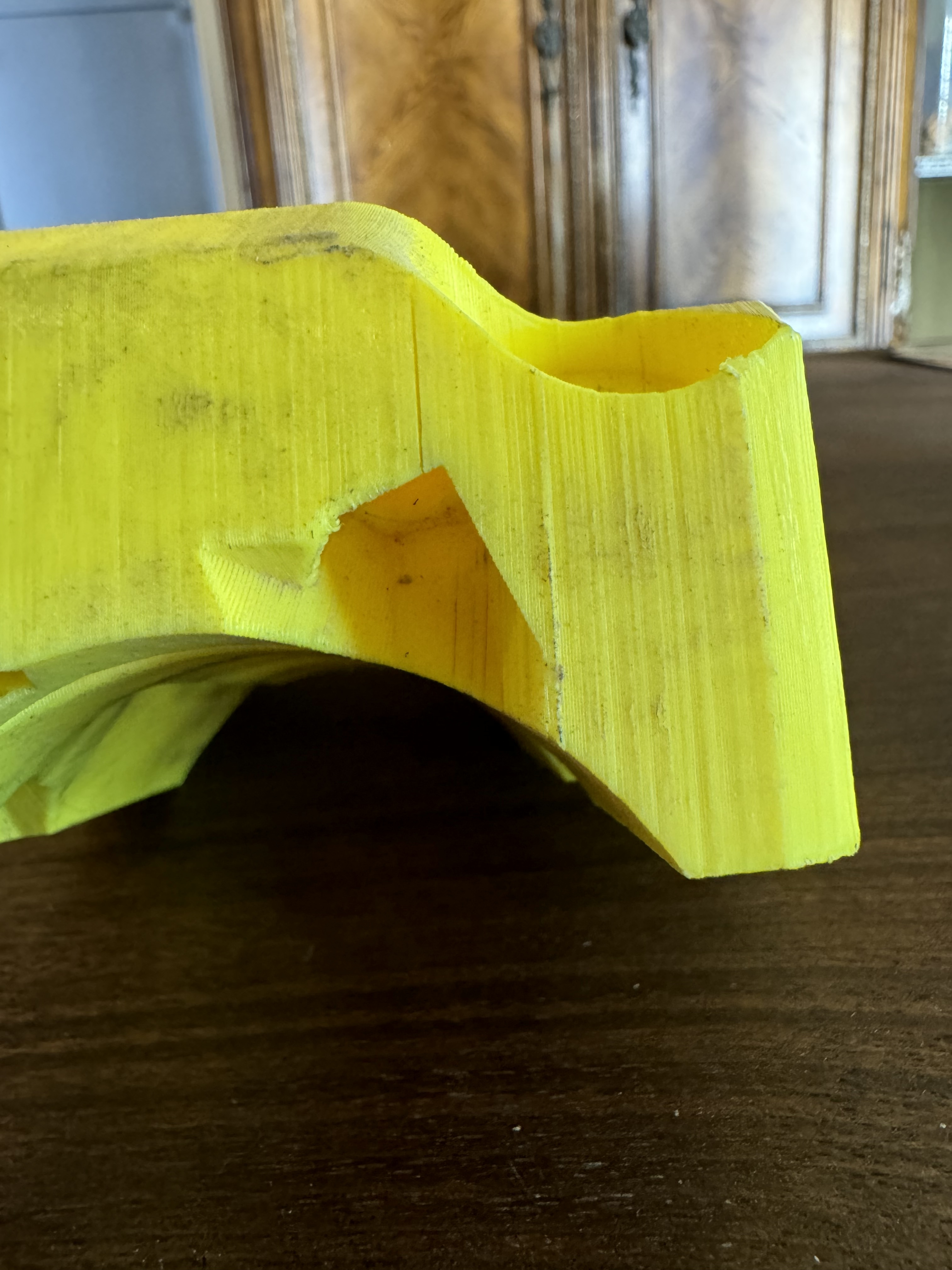
See if you can insert a pry tool at one of the cracks and cause it to fully split out.
If so, post pictures. Bad layer adhesion is a possibility as you note.
The way I built the table with threaded inserts allows quick and repeatable alignment of the table sections and the rails.
However, the setup really doesn’t allow you to do any real quality calibrations, as you’ll lose all your efforts when you break the table down and set it back up again. The biggest issue I see is the z-axis height variation even on pieces I run through the jointer and planer. There’s probably some x/y issues as well, but the results seem square enough.
It’s close enough for what I want it to do for now, but as soon as I have the shop space to set up permanently, I’ll be moving to a torsion table and then squaring and tramming the system.