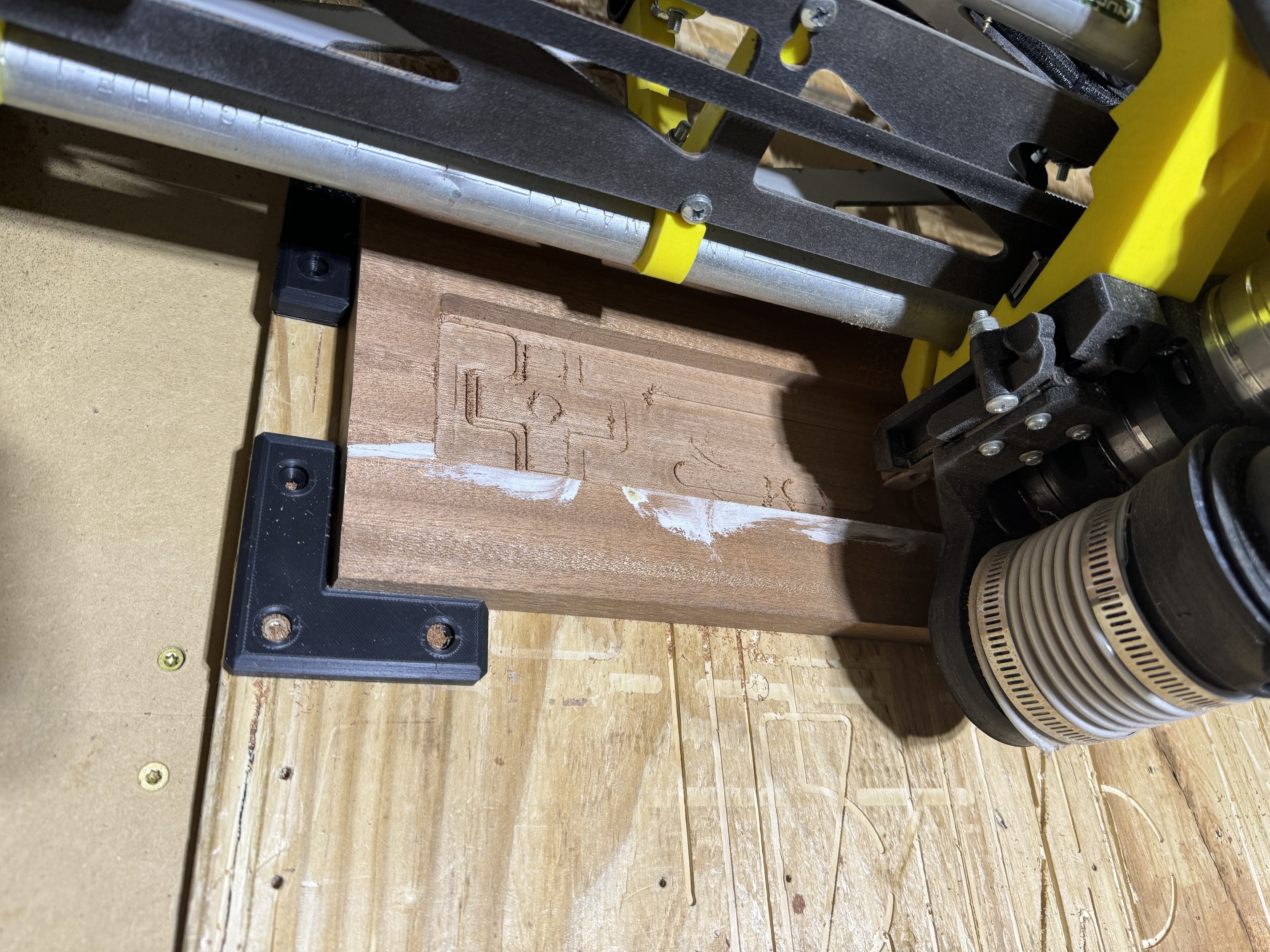
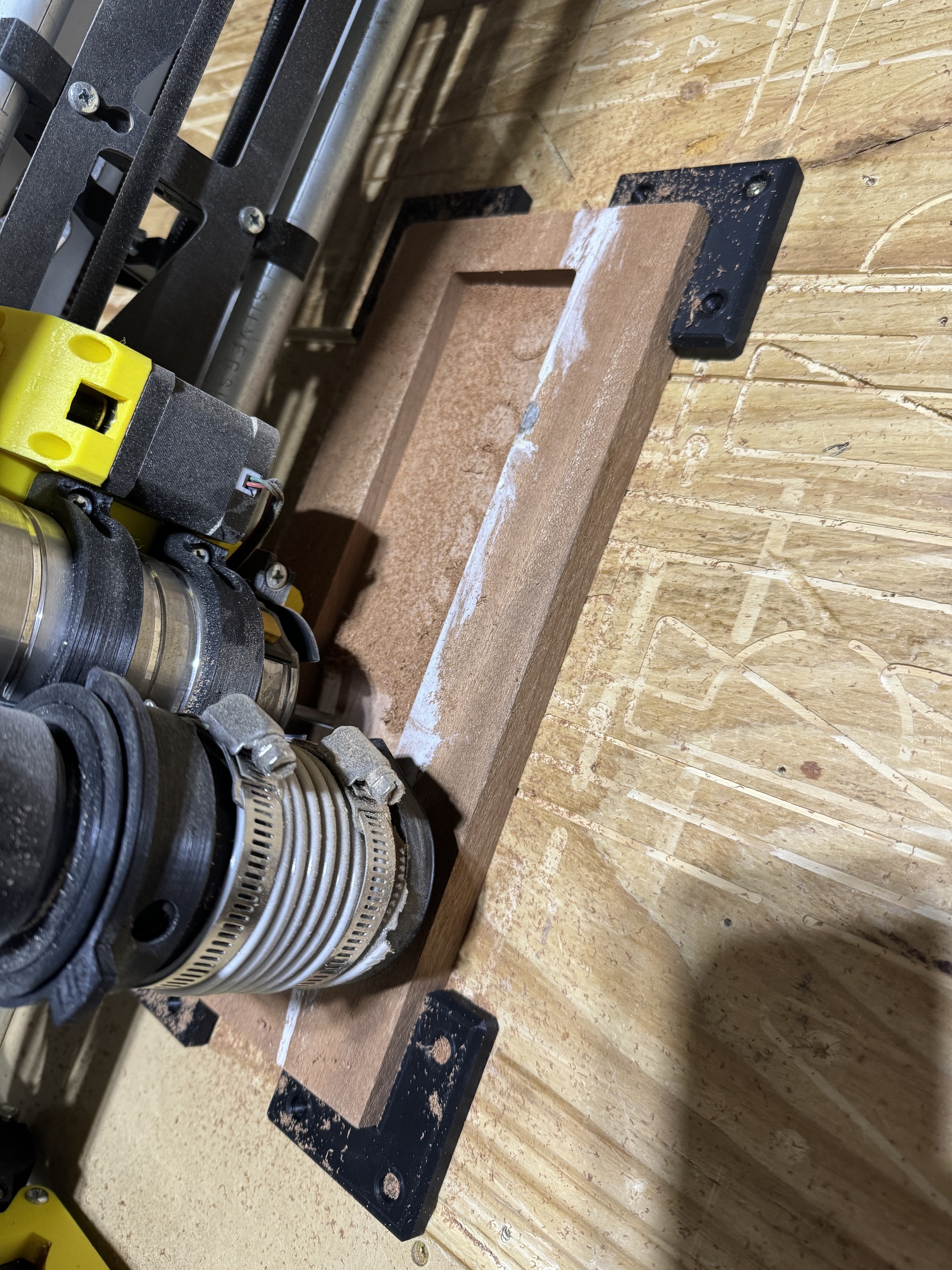
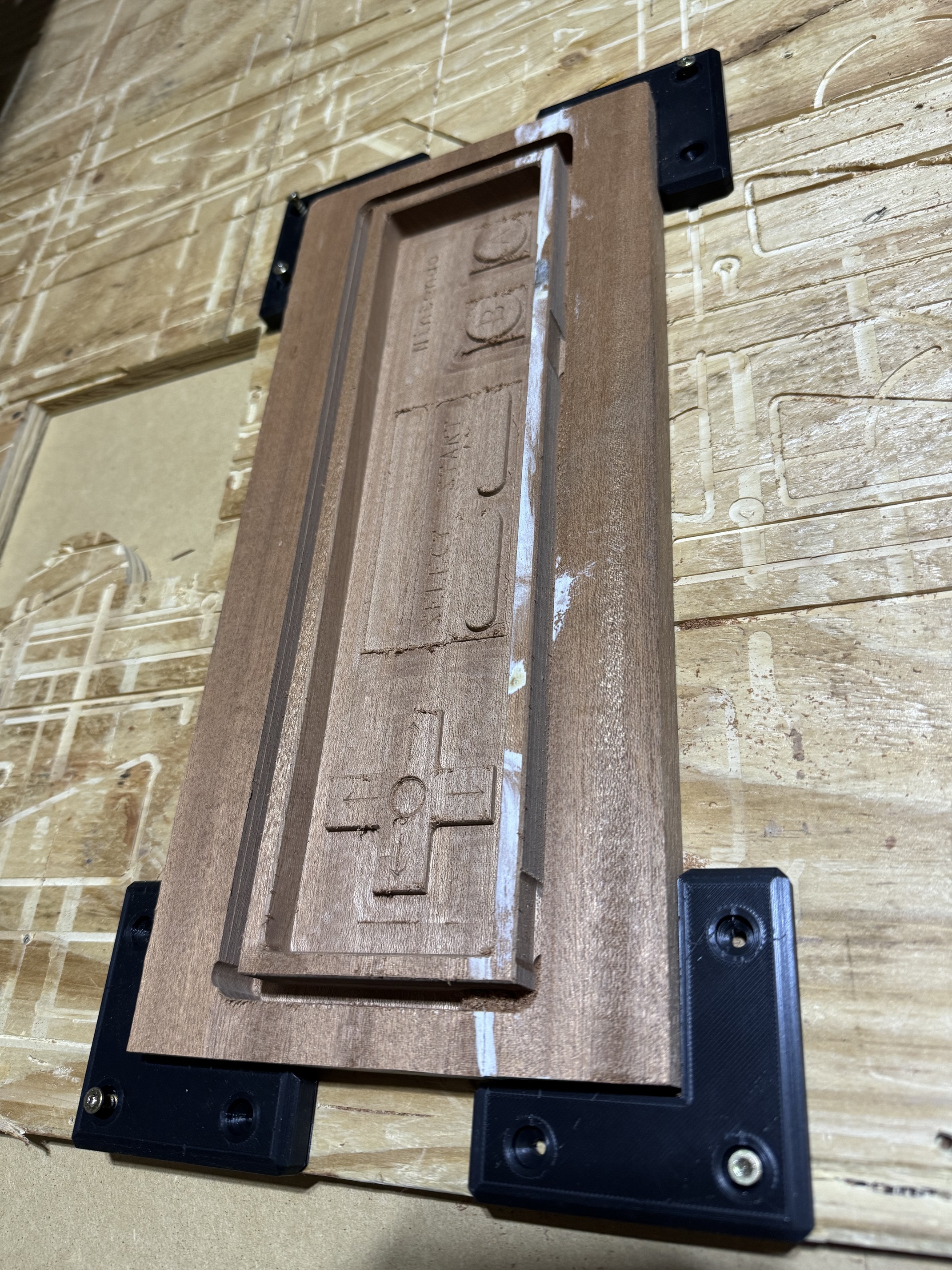
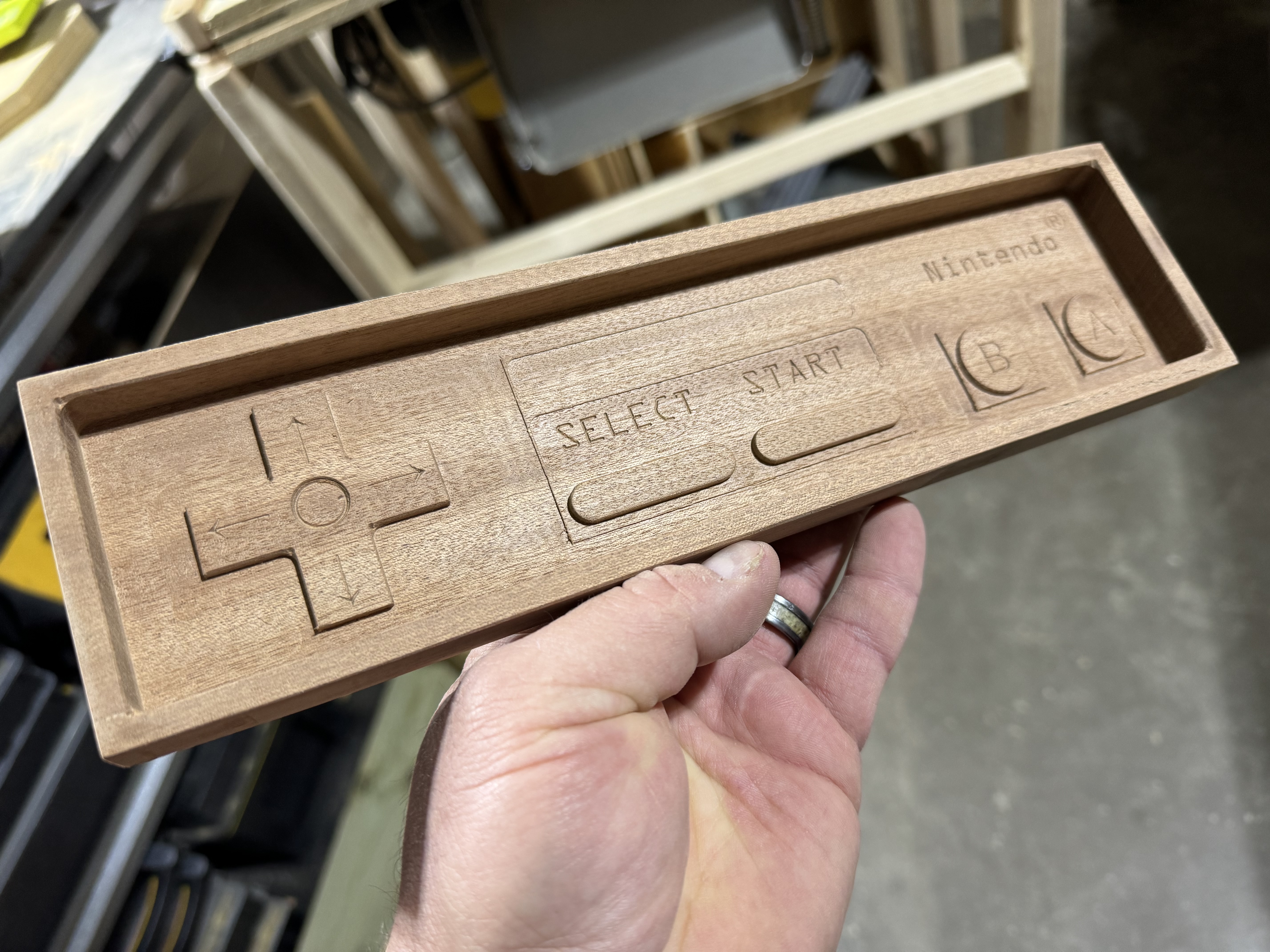
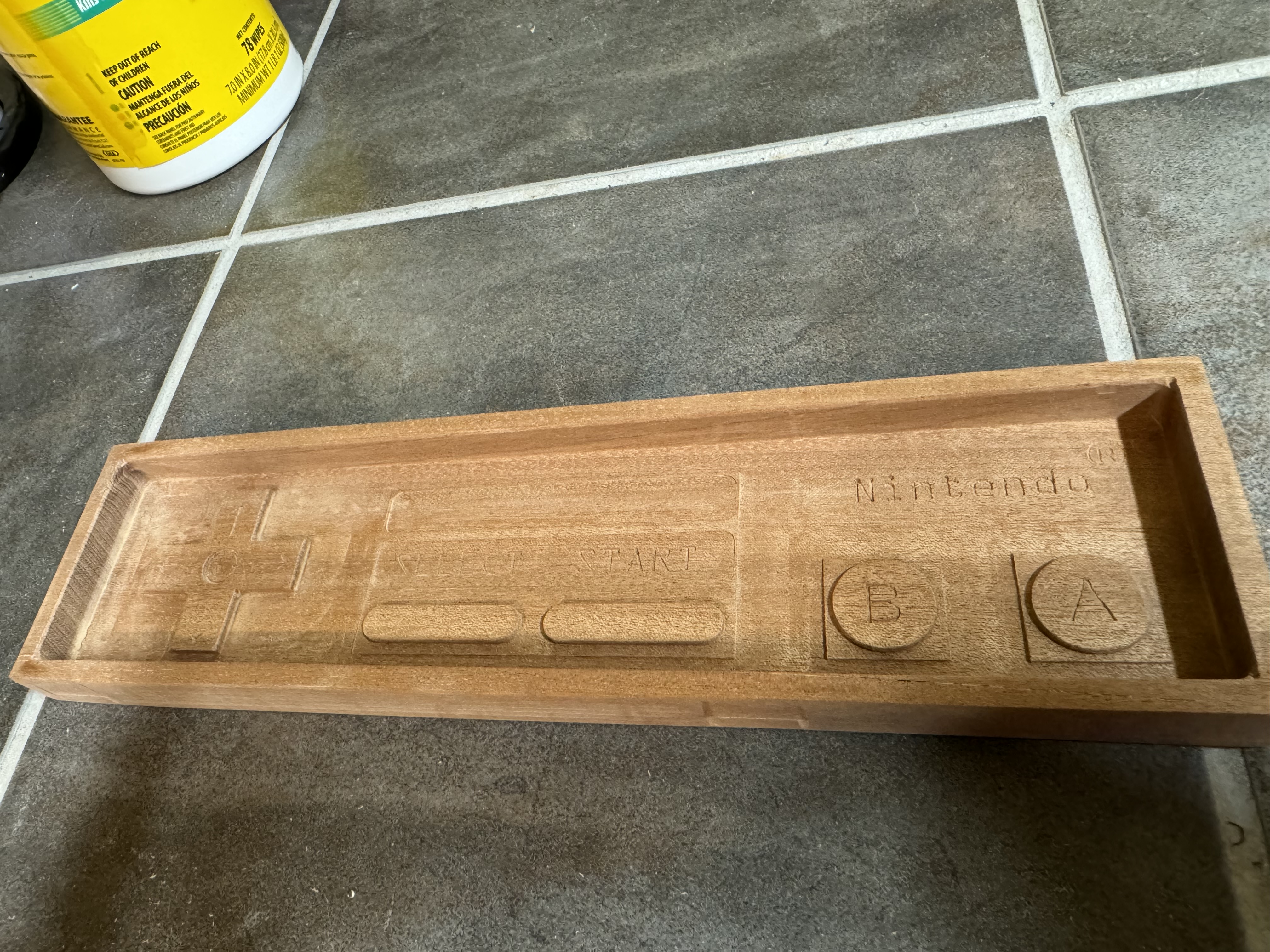
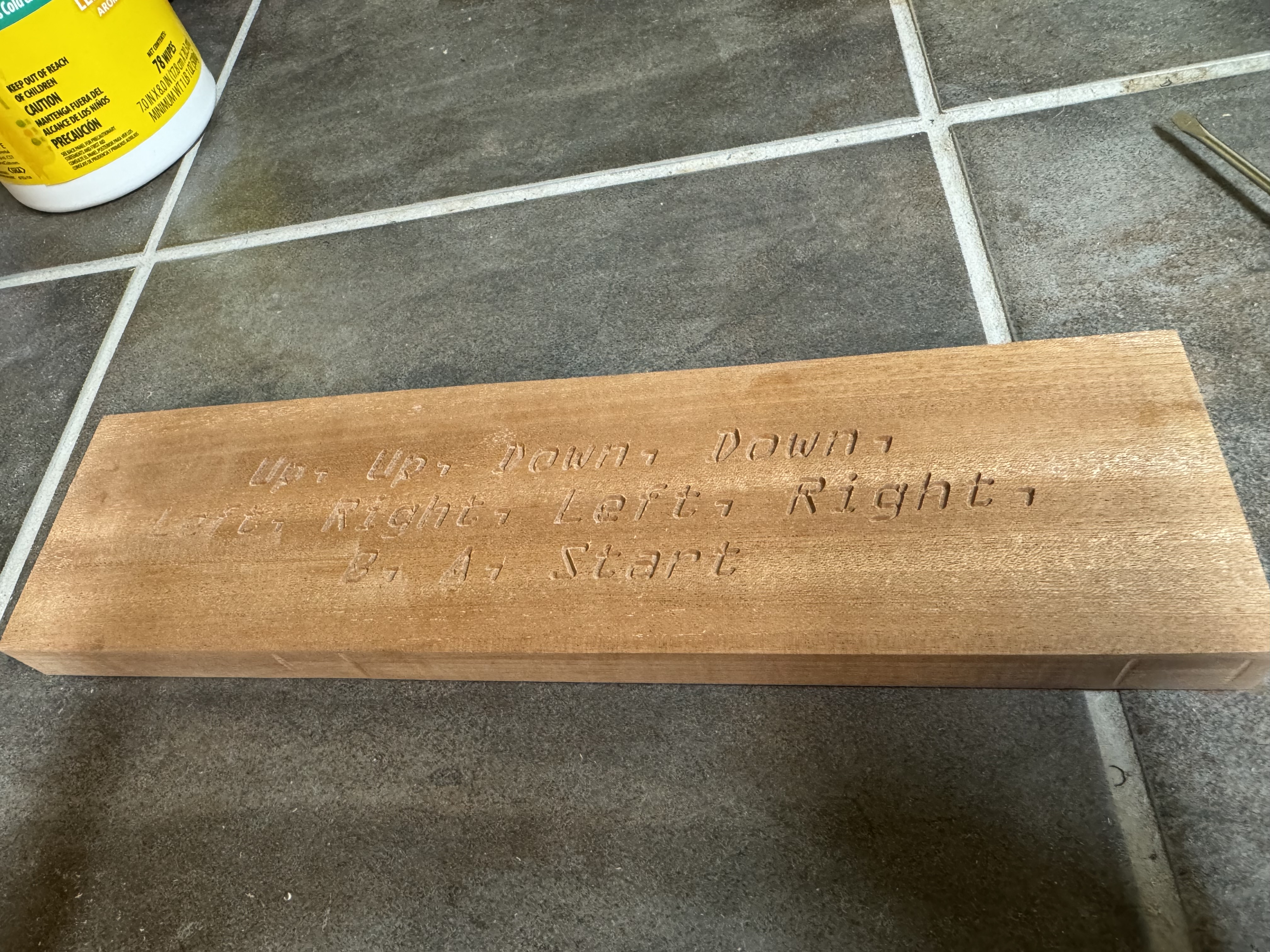
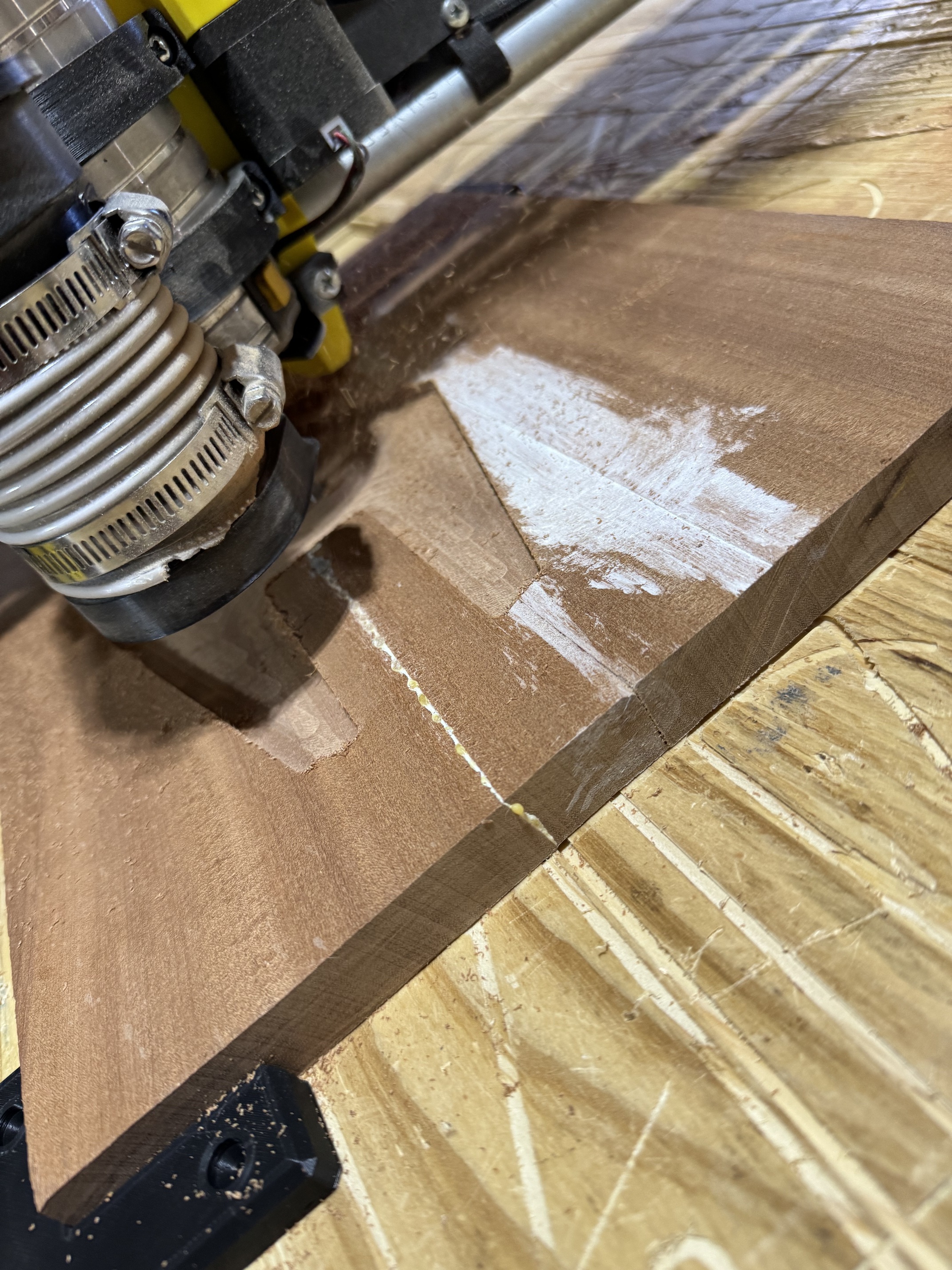
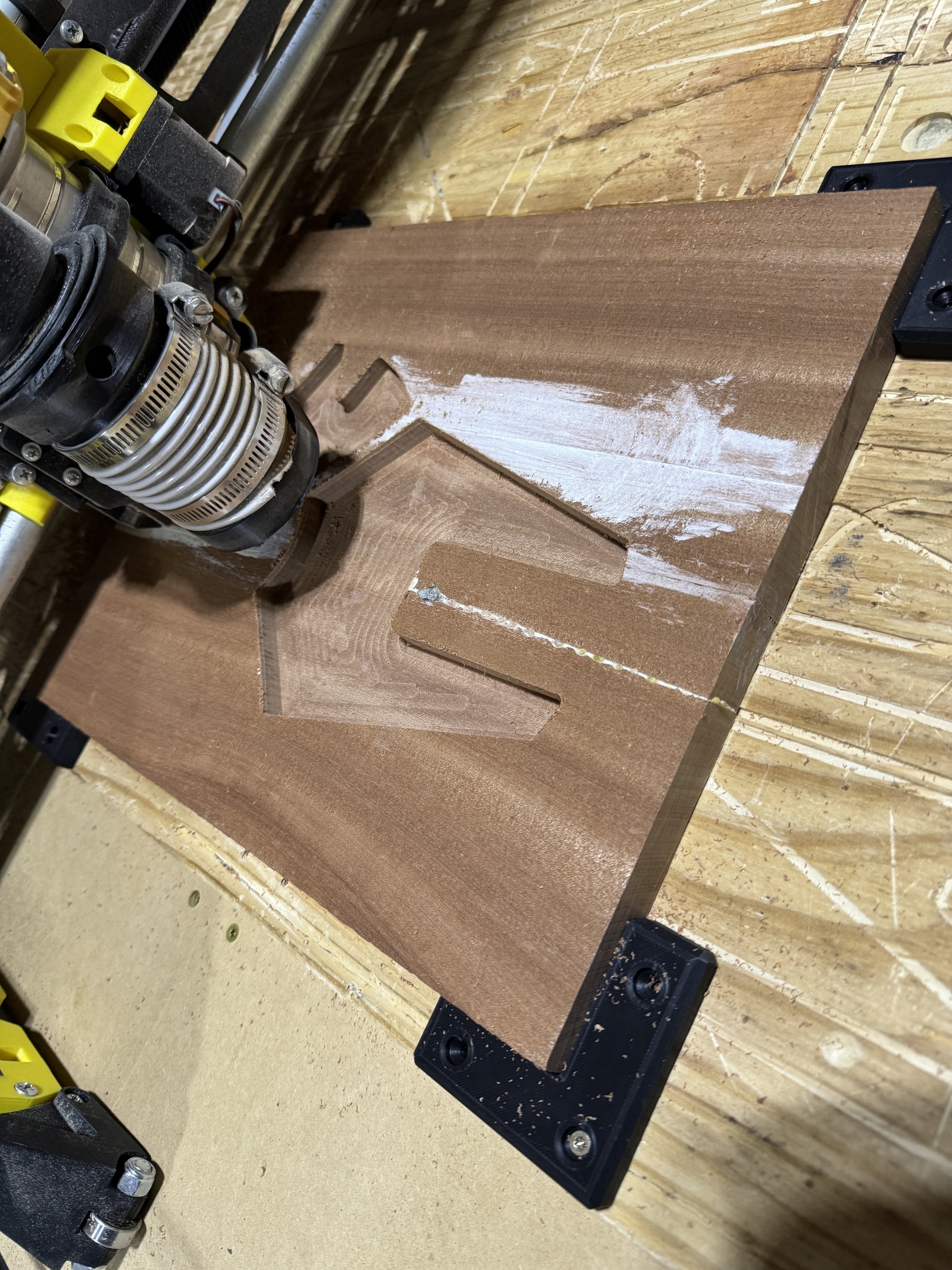
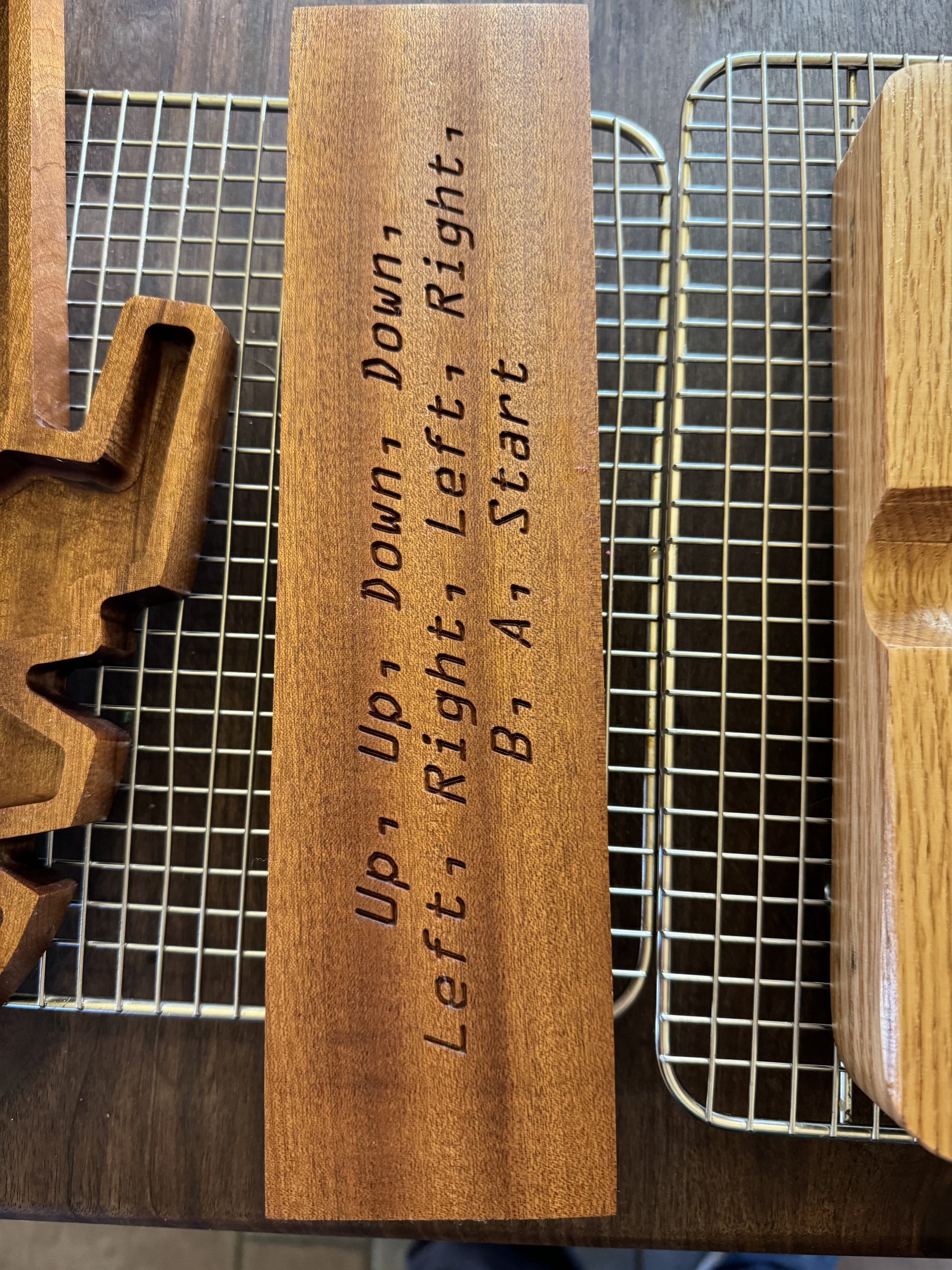
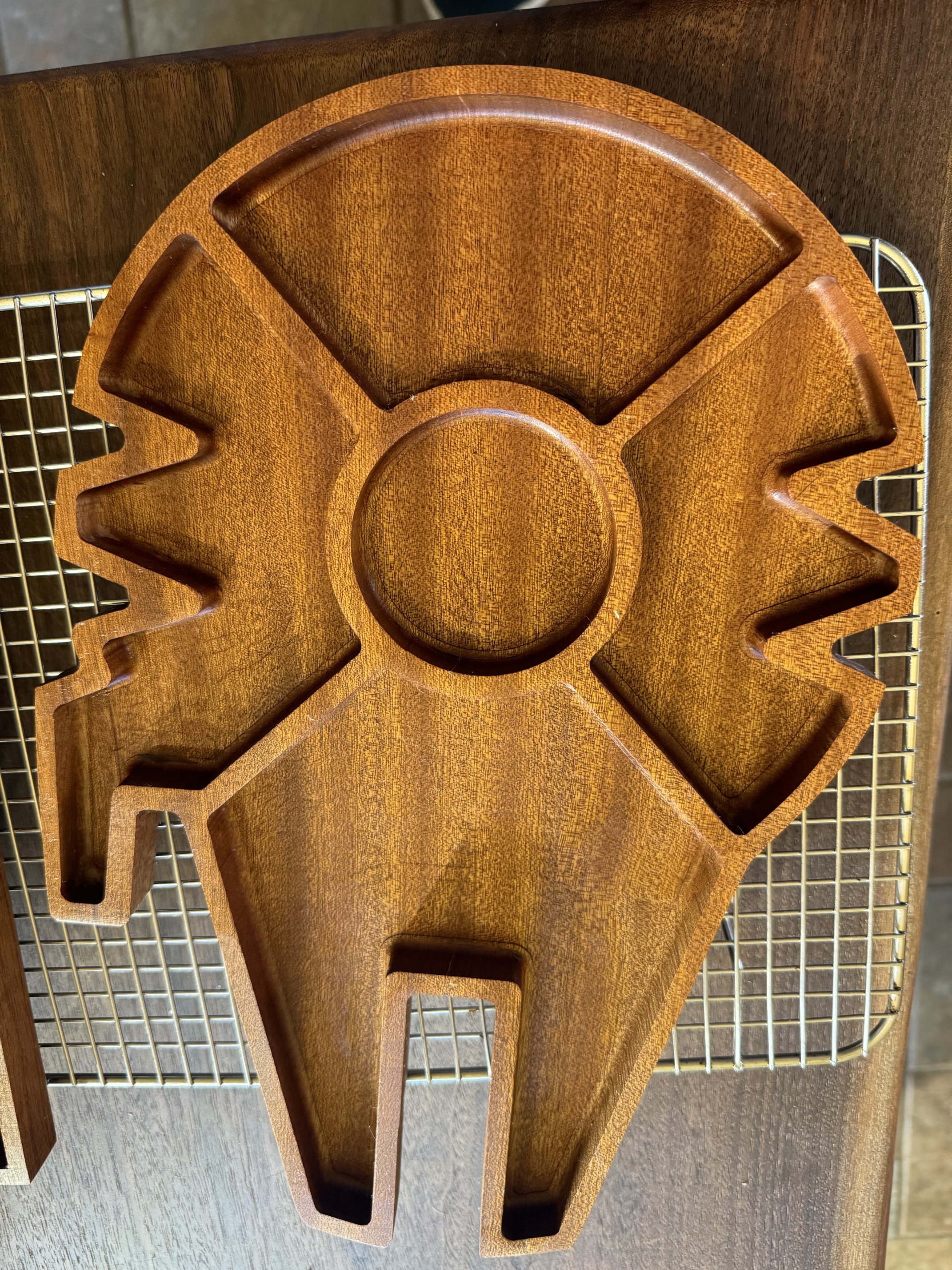
im sure there is a “thats what she said” joke here, but I’m going to leave that alone.
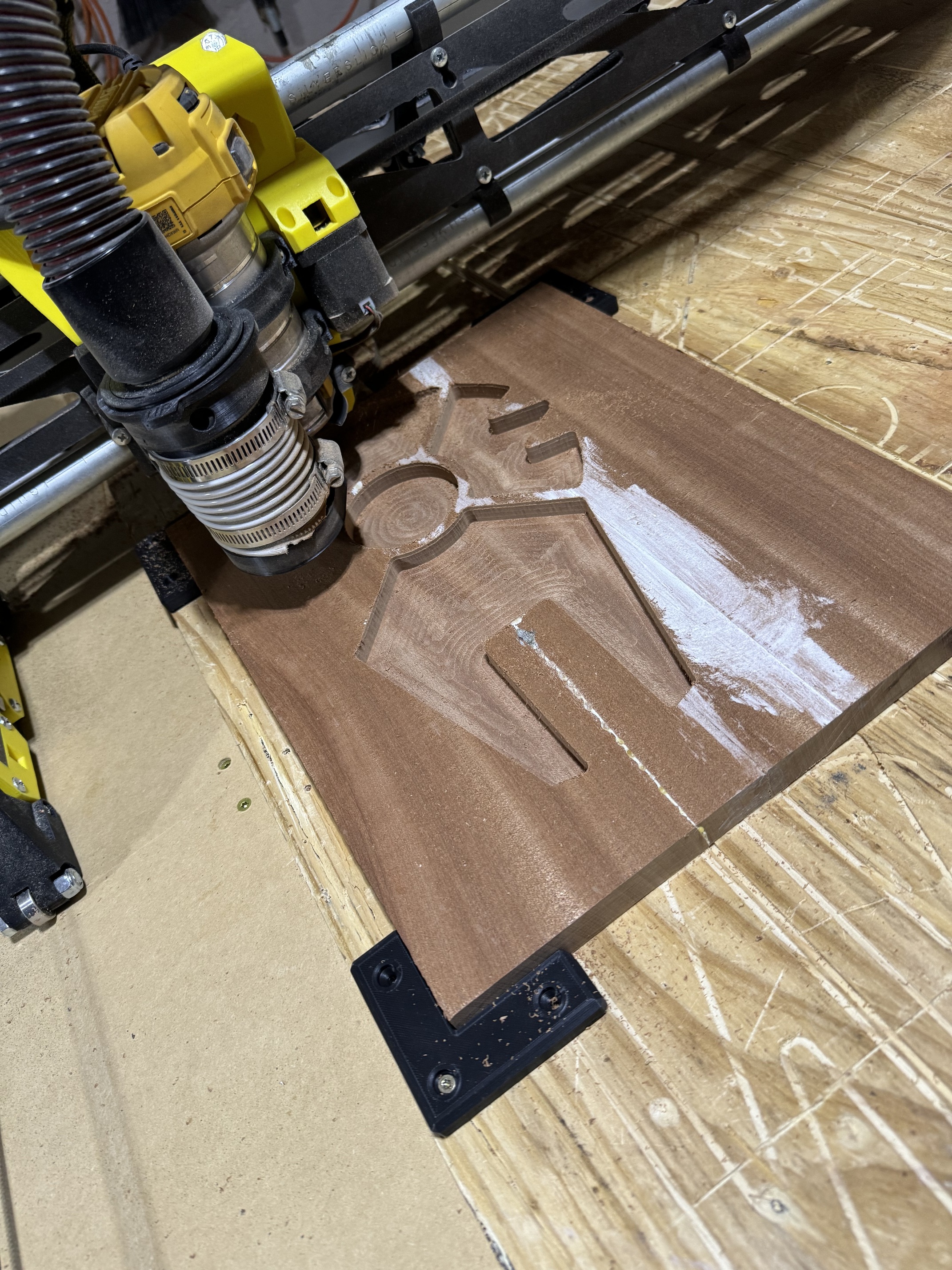
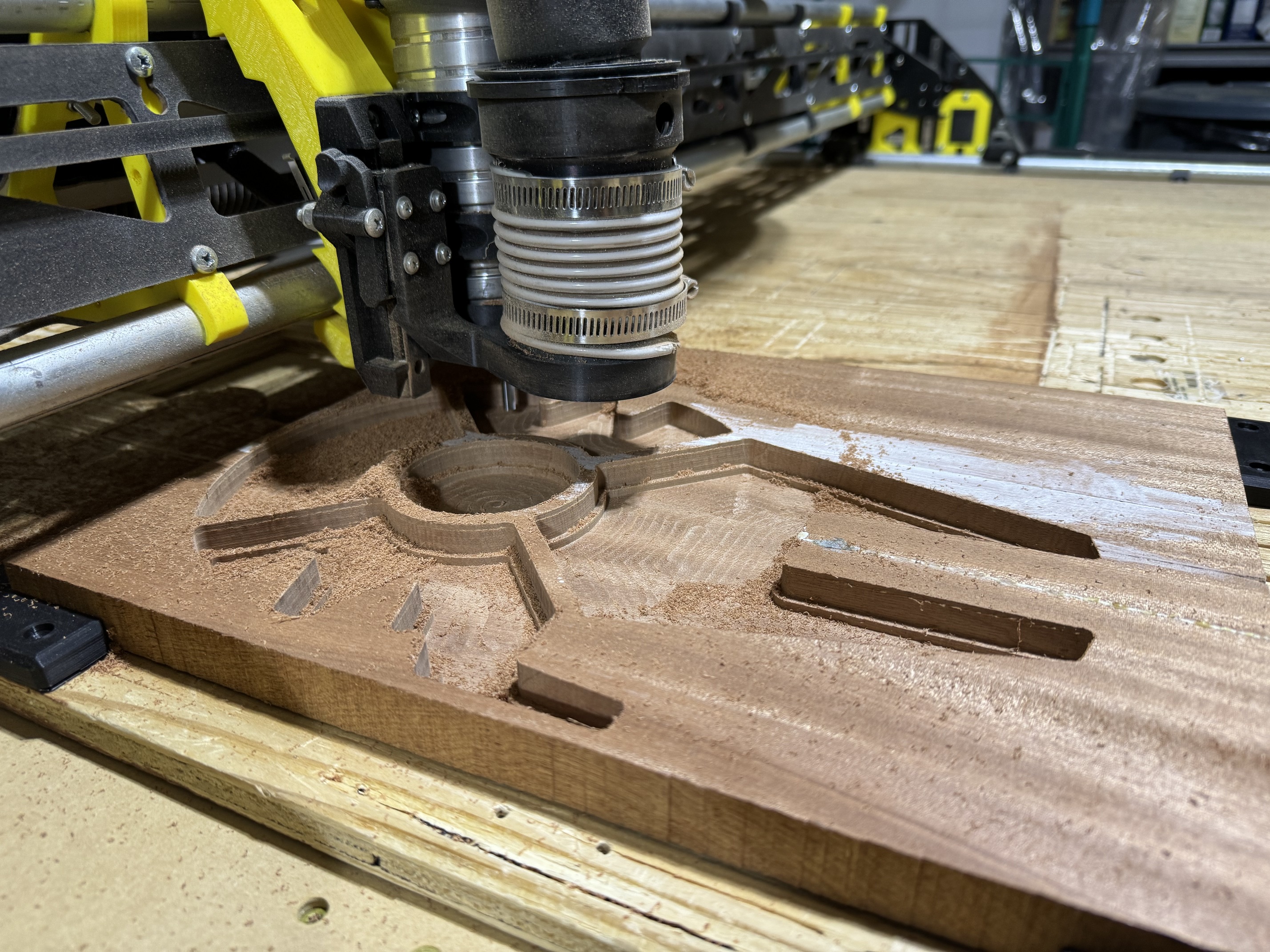
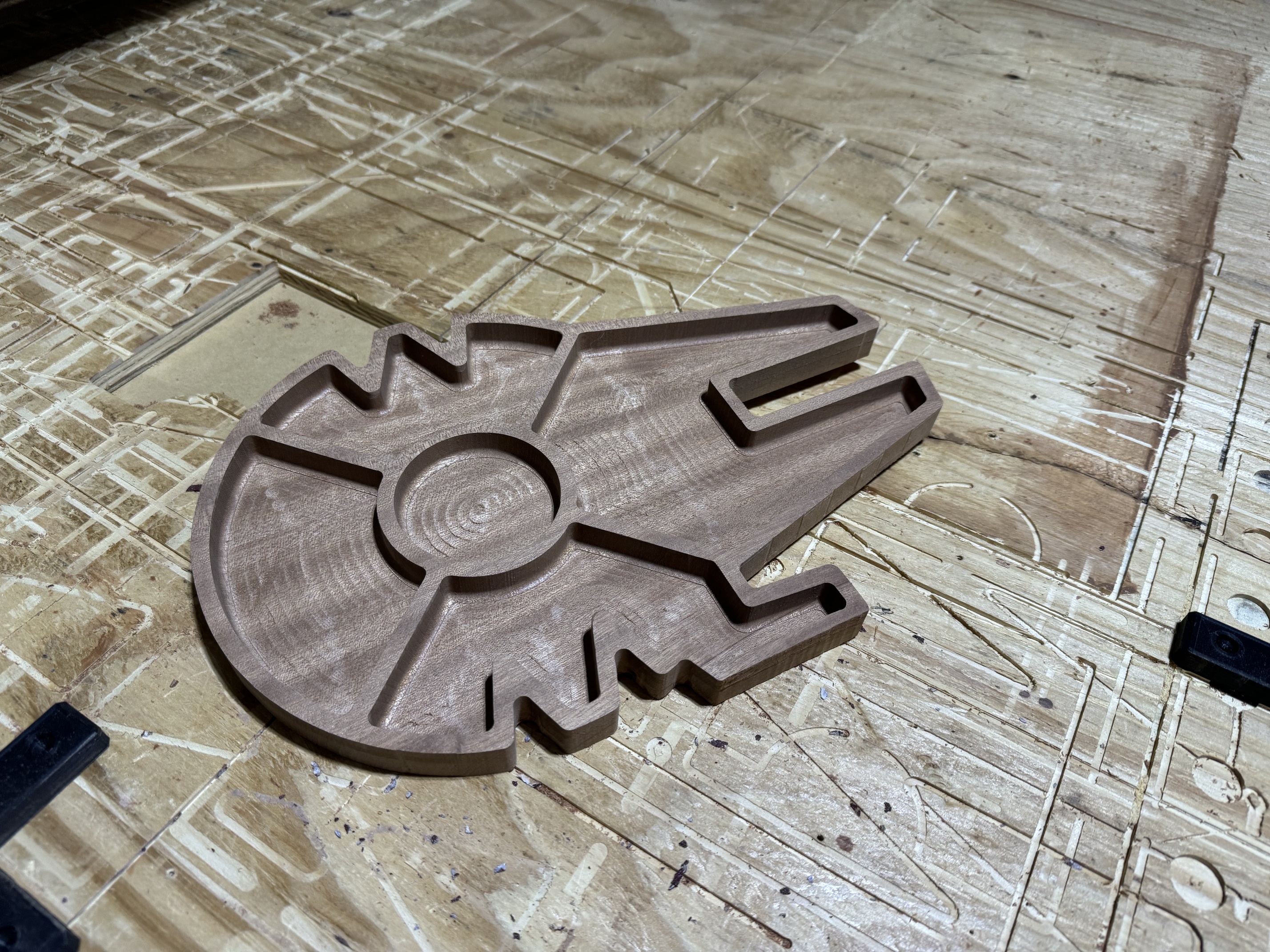
but this was something I was thinking about before I got the kobalt… dremel has a flex handle that is much more narrow that the tool itself. It would make for less offset between the outer diameter of the tool and the bit. Meaning the tool could get down into the work better and the need for longer bits would be lessened. It wouldnt be able to get all the way to the edge, but it could easily carve inside that pocket. I dont know if there is a more robust version of that type of tool. Im sure with all the industrial type rotary tools and dye grinders out there that someone makes a better one.
just thinking outside the box a little. I dropped the idea but it might be worth revisiting.
I’m thinking the depth issue on the LR3 is inherent in the design. It was specified in the documentation that the design becomes more unstable the taller you make the frame. I’m assuming a similar correlation for how far you drop the router collet down from the LR Core.
I’ve investigated extended length flat end mills, but I think there are drawbacks for those as well in the area of bit deflection and needing to run at lower feeds/speeds to avoid bending/breaking bits.
The fact that the LR core sits below the collet level on my router also blocks it from reaching max depth on this platform as well. I think I may not have my router seated fully in the mount though, so it may be an issue on my end.
Added a single keystone jack adapter to my SKR Pro case to install an RJ-45 (cat5 network cable) adapter. While my current system for z-axis calibration works, I think I like the idea of a quick connect, usage and then removal from the table better. I think the cat5 cable would be great for this application as it’s a single point connection that’s one-hand insert- or removable. (Also, I have a ton of it laying around.) More on this when my RJ-45 adapters show up from Amazon.
Added a rear gantry mount to lock down my vac hose connection so it’s not flopping around when I move it to/from storage. My vac connects using a customized 4-inch threaded coupler that I threw together in Fusion 360 awhile back, so I just took that same design and reworked it into a surface mount that I attached to the rear strut plate similar to what I used for my SKR Pro case. If anyone is interested in the 4-inch threaded couplers and spin on left-thread hose adapters, let me know and I’ll see what I can put together for pics and maybe a thingiverse or printables build.
Finally received my Kobalt Trim Router from that sale way back when since I had to ship it to a friend… I don’t see any specific mounting options in the LR3 documentation for the Kobalt router.
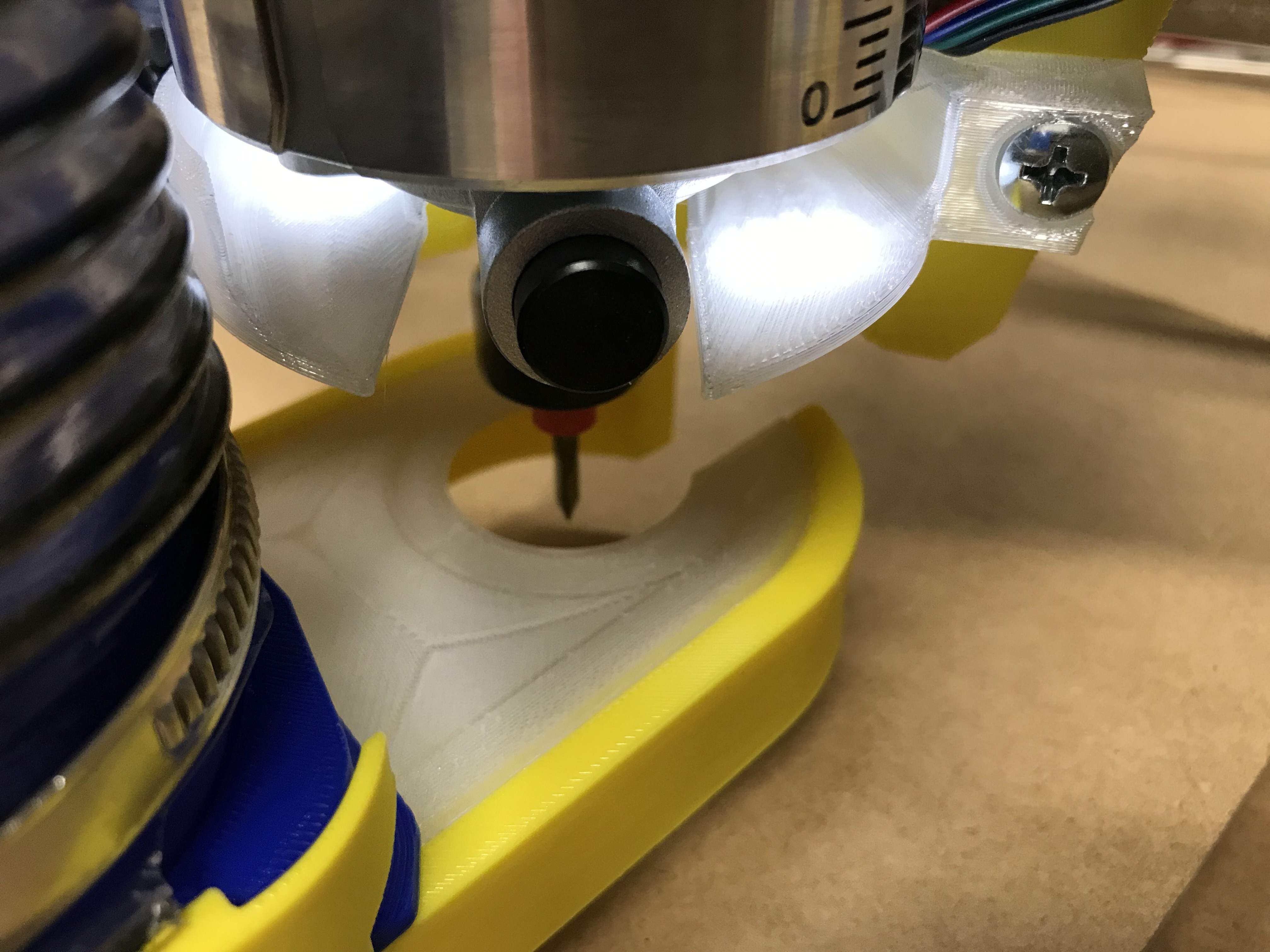
@DougJoseph Time to try out your Kobalt free-floating dust shoe mounts!
I have some clear PLA coming this week, but I’d forgotten about this mod. I think I’ll make that part happen!
Doug’s vac hose mount appears to use alternate Kobalt mounts so the floating dust shoe can attach, so I think that’s all I’ll need to get moving on it this weekend.
The hardest part for me for creating CAM operations in Fusion360 was setting up the machine and the post-processor configuration.The bit configuration is pretty straightforward if you use major brands, as they all have downloadable libraries that you can just drop in and copy to your machine library.
The second hardest part is trying to figure out which 2D and 3D CAM operations match what people describe in EstlCam, Carbide or Vectric on YouTube and other places. I ended up just trying a lot of different things and seeing what they did on the simulation, but there are some very finicky operations that require some non-intuitive setting changes.
Yeah, I started playing with it but never sent anything to the machine yet.
I feel like I am hitting limitations with Estlcam and want more control. Plus I dream of getting an actual mill (Tormach or similar) so I would like to build the skills.
I also have a crappy computer in the garage so making edits to Fusion requires me to go back into the house. I guess that is easily fixable.
I had the same problem with making edits to Fusion 360 from the garage. I had to come in from the garage and run upstairs to my office. I kind of got around that issue by using a VNC desktop share to my garage computer. It’s slower than using my office PC directly, but it’s better than having to run up and down the stairs multiple times to make small tweaks.