This video is awesome, I was going to post it myself. I just spent the morning reworking my FreeCAD interface based on this video. I would vote that this video is time well spent for a new FreeCAD user.
I am personally at the point that I am using FreeCAD for all my CAD work. I was new to CAD when I built my LR3 and after poking with a number of options, all I was going to have to learn, I went with FreeCAD. I prefer having the software on my PC in front of me, and same with my save files. My software being controlled or accessed by external entities just gives me spine tingles that I don’t like. I will never have an Alexis or RingCam or any of these cloud controlled tools having free reign in my home either, but that is just me. Great thing about freedom, you do you.
Claude can create a FreeCAD toollist with ease, I just tried. Exported my EstlCAM tools as a CSV, Claude looked for the right format on the github. Then you can just add it into the two folders, Bits and Toollist and all your tools are there (the length of the cutting edge is missing, but that’s about it). Incredible.
Mistral failed spectacularly btw.
I have been lurking on this thread… as an intermediate user of Onshape, I can draw pretty much anything I need quickly and without fuss - should I contemplate starting all over again or wait until free users are inevitably choked out of existence?
My preference is the latter, but I’ll keep standing by!
The Cam continues to improve steadily. There’s a bunch of development activity.
That guy Tarman3 is an active participant on the CAM “Big Board”, where cam development, in-process feature/fixes status, and completed issues are noted and discussed.
Stuff in the Done column often ends up in the next weekly “WIP Wednesday” Dev Release.
I used to be the same , what i do now is when i get to a point, where i think the next part of the design may be a stuff up . I save a copy and if it becomes a birds nest i just shut it and re open the saved sometimes undo makes it worse
Claude was also able to write me a plugin for FreeCAD to render/create a design for me. It looked pretty good. Wasn’t exactly what. I was looking for, either, but I didn’t have time to try to get it to modify the design for what I wanted.
I’m glad to see others embracing Claude to make CAD life easier! I’ve been using an AI code assistant nearly daily for almost 2 years now, Claude has always been better than everyone else… the shit I cook up with Opus at work is insane lol.
I recently used Claude to make me STL files of my iPhone and MacBook Air, it searched online and found the dimensions and made a python script that created the STL! It took a while (the LLMs definitely do not have spatial reasoning yet lol) but it got it done and the models are basically perfect! My thinking is to have a library of STLs of all my gadgets and tools, so if I want to CAD something involving them (ex. a phone case), I can just drag it in and get to it .
I finally spent some time with FreeCAD again and I absolutely love that when I sketch a simple rectangle, it’s automatically constrained!! Man that is nice, nothing made me more frustrated than drawing a rectangle with the rectangle tool and have it be like “ERROR NOT CONSTRAINED” like mf it’s a rectangle with known length and width, that is good enough lol
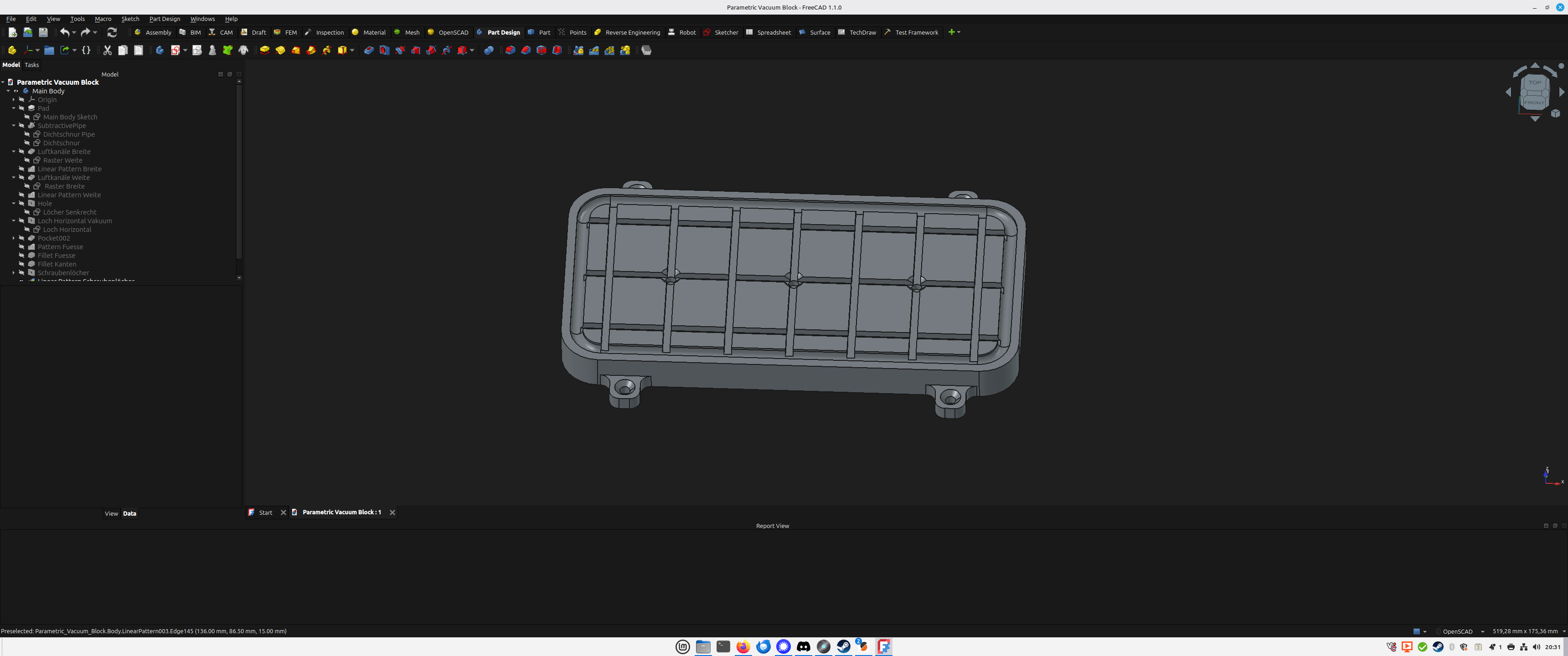
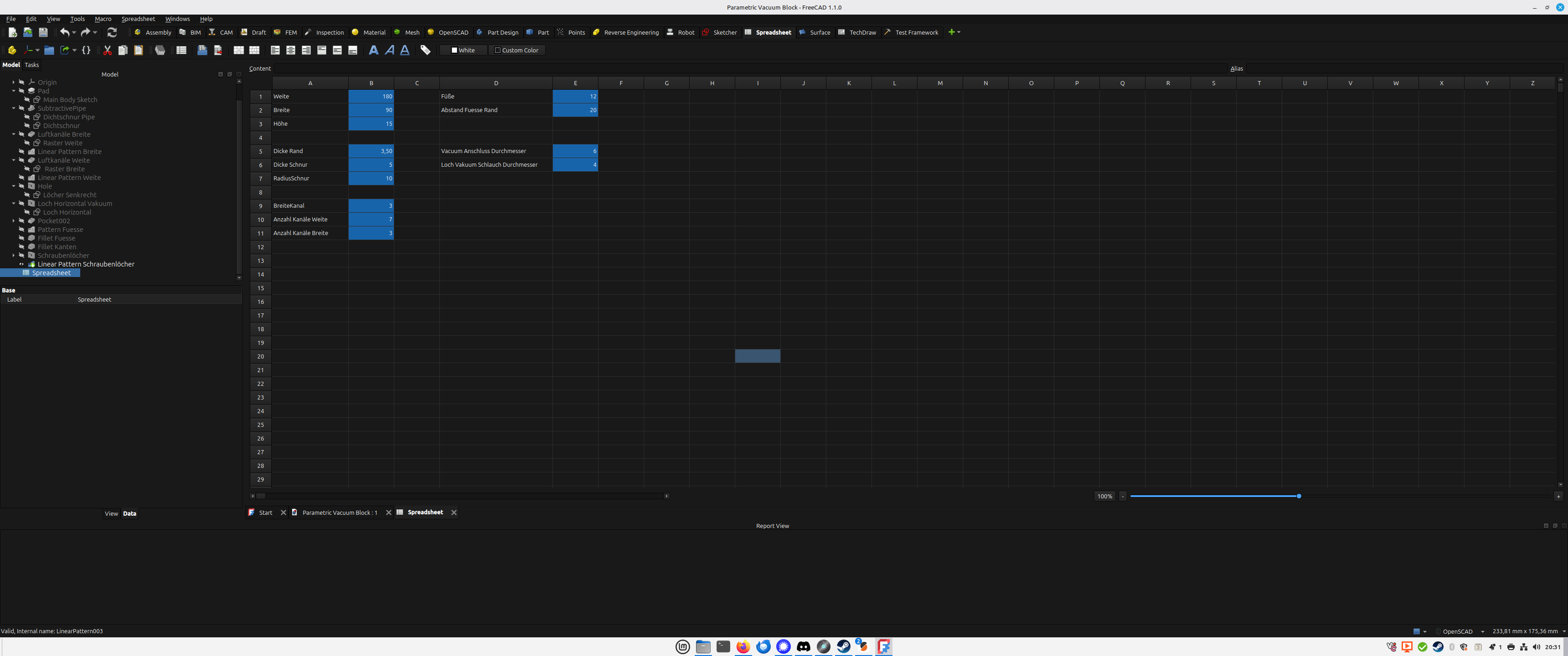
Took a few hours, but you can now basically configure everything you could ever want. There are a few restrictions: it can’t be smaller than 80mm, it should have an uneven number of channels in both directions (because you want the hole in the middle to be at a “cross”, though technically it should also work with an even number, just looks stupid) and it’s going to complain about not being able to fit the two outer holes when you have less than 5 channels for air, it will still render though.
I am also pretty sure some of the design decisions (or rather how I got there) are questionable at best, the formulas I used are (probably) needlessly overcomplicated, but I wasn’t able to solve it any other way and it seems to work. I’d be happy if you fiddled around with it a bit.
I scaled it up until 800mm x 500mm, it sometimes throws errors, not sure why, but most of the time it works. If it doesn’t, close the file, reopen and slowly approach the target value…
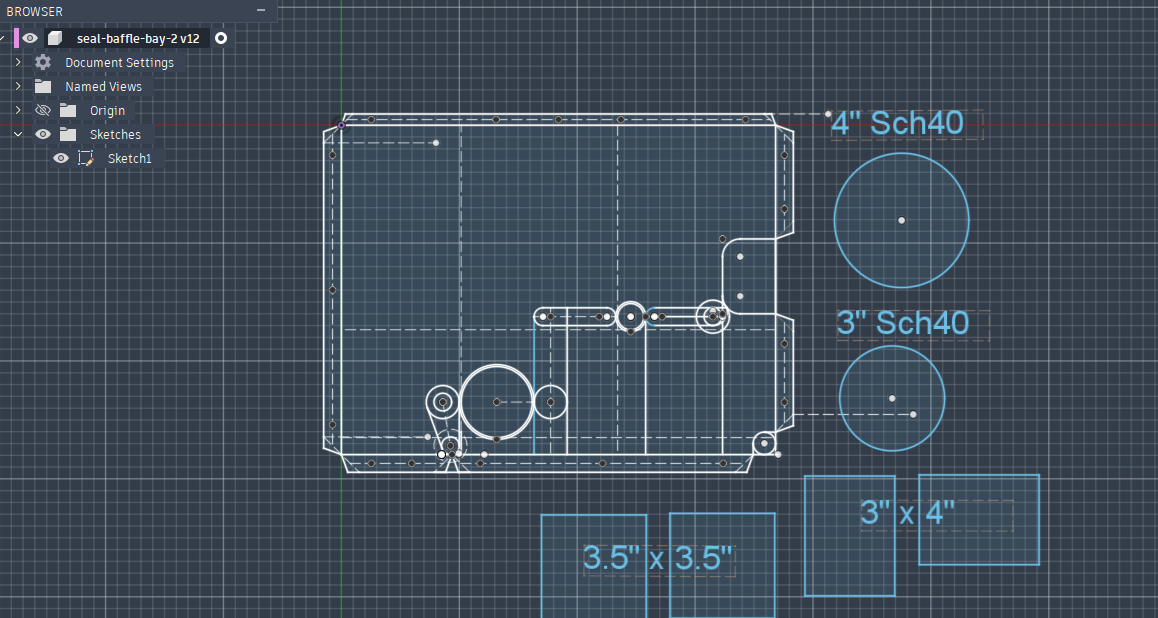
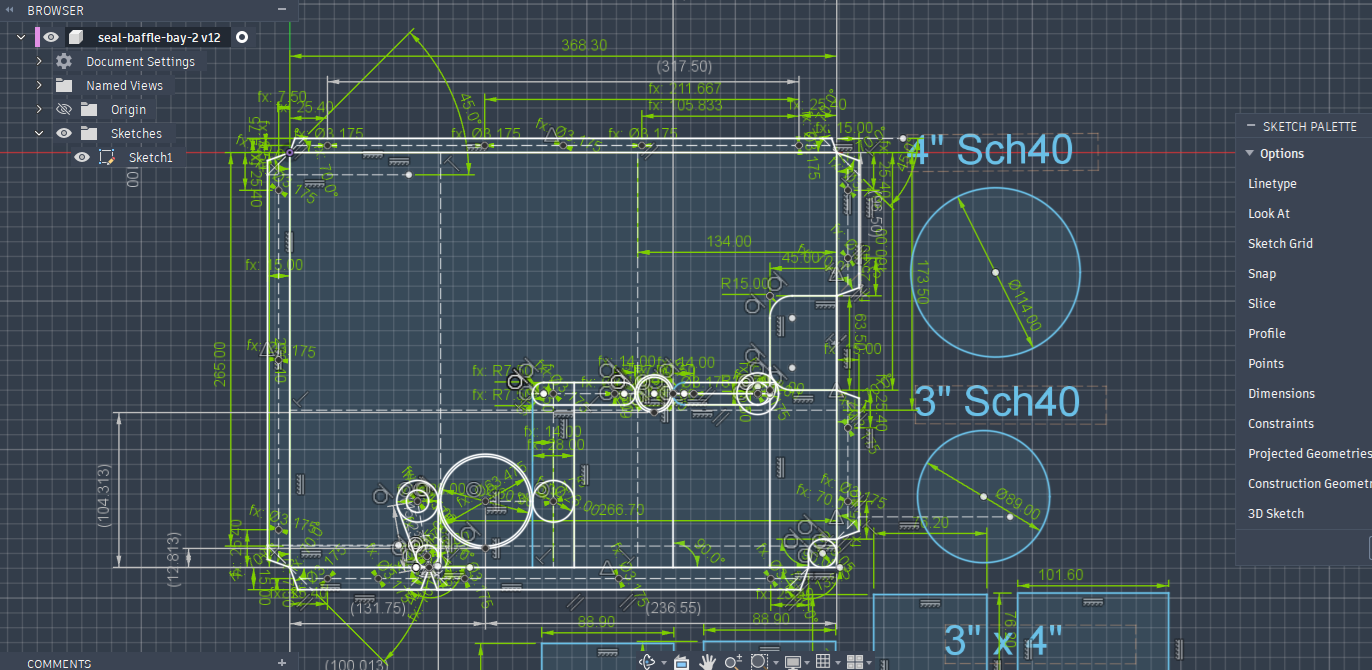
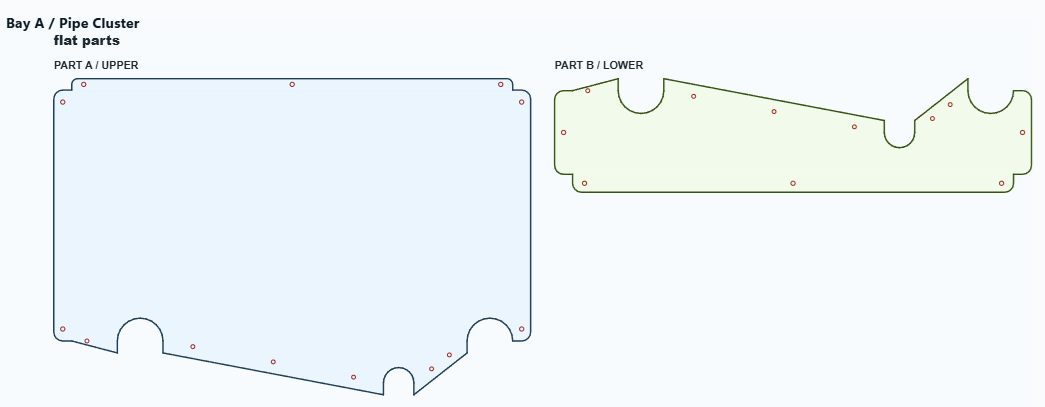
After that frustrating experience, I burned many more hours trying to “save time” and make something semi-automated (web tool that generates multi part baffles given arbitrary set of openings with various shapes/dimensions/locations with overlapping regions, and reasonable mount hole locations, split path that can be physically installed)…
That only happens when there’s no space for the chamfer. That’s the reason you can’t go below 80mm, the fillet of the feet error out then (or if you enlargen the distance of the feet).
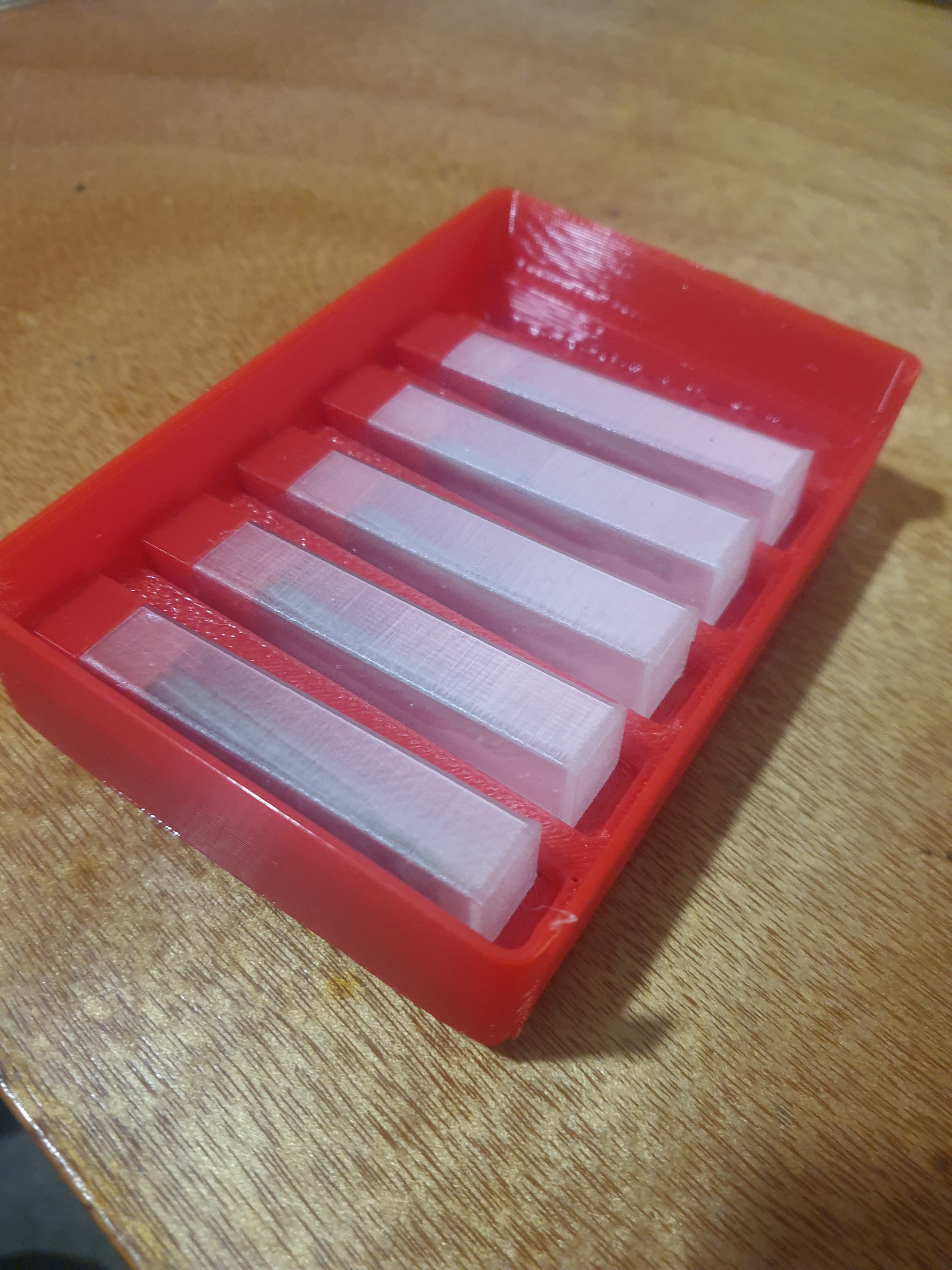
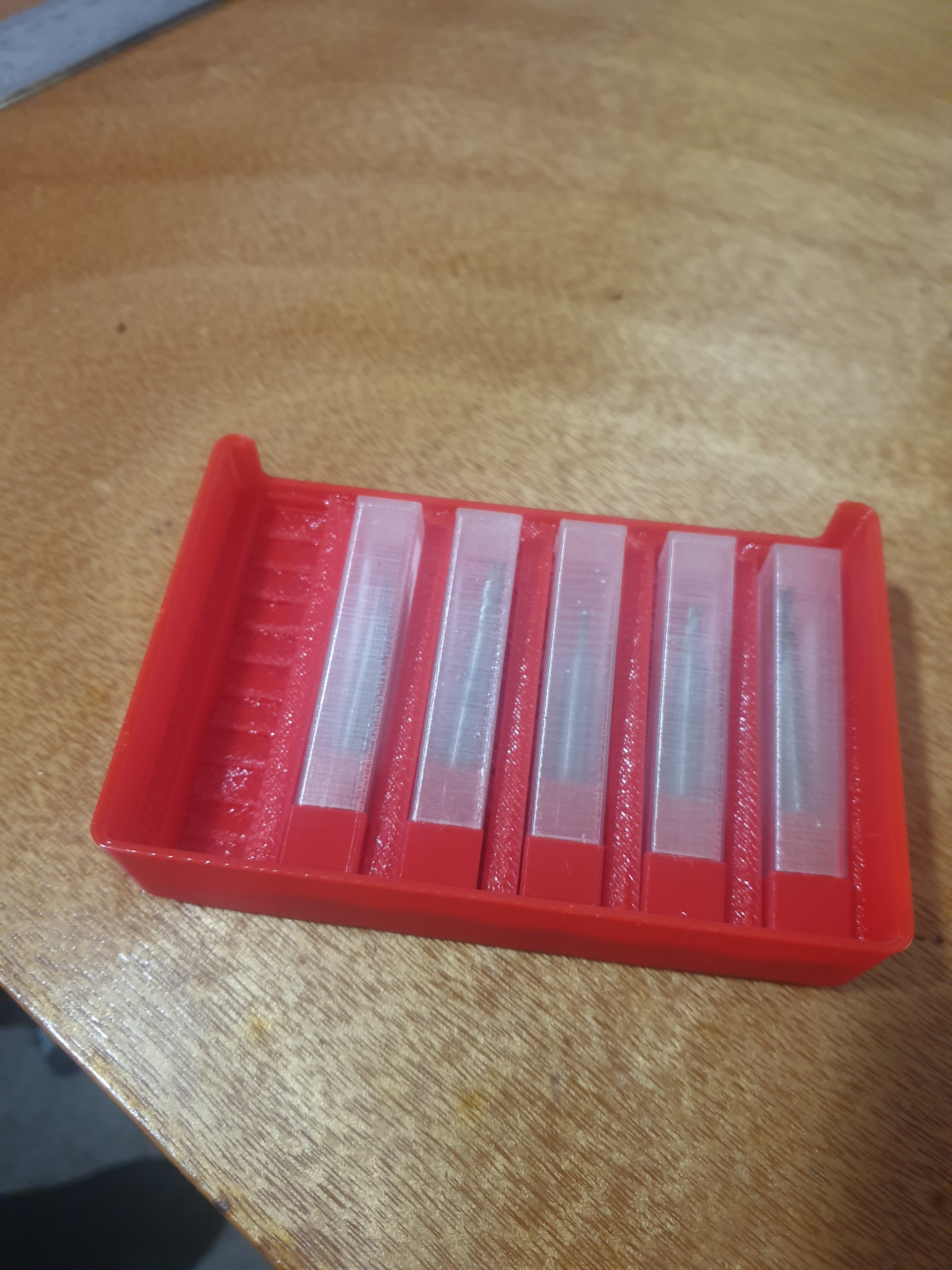
Made up theses bit holders yesterday using the grid finity workbench and part design workbench to try out some of the new features, def more stable and user friendly than free cad 1.0
I generally leave chamfers and fillets off till I’m absolutely happy with design, ive had them do some random things when editing and i never add them to original design only to a copy, i lost 3 hrs of work once due to a chamfer error , so over causious now
This is the exact video I needed to deal with breaking models. I knew that TNP was an issue but I didn’t really understand it. This video helped immensely. It didn’t really matter until I started getting into more complicated models.