I had tried using FreeCAD with Claude before and it was a mediocre experience. However, I recently found out about MCP servers (helps AI use things) for FreeCAD. Also, discussed here:
Wow, this is a much different experience.
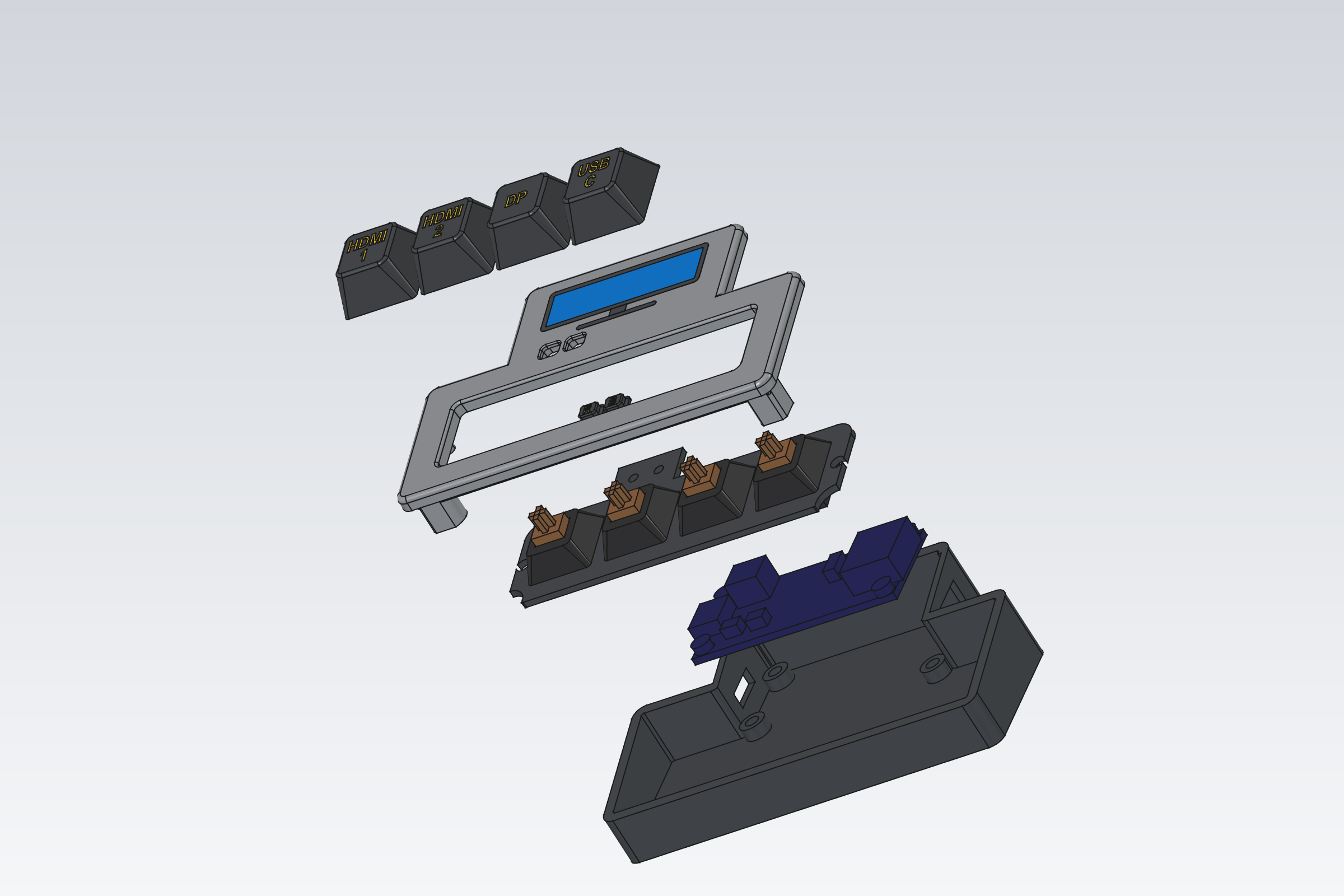
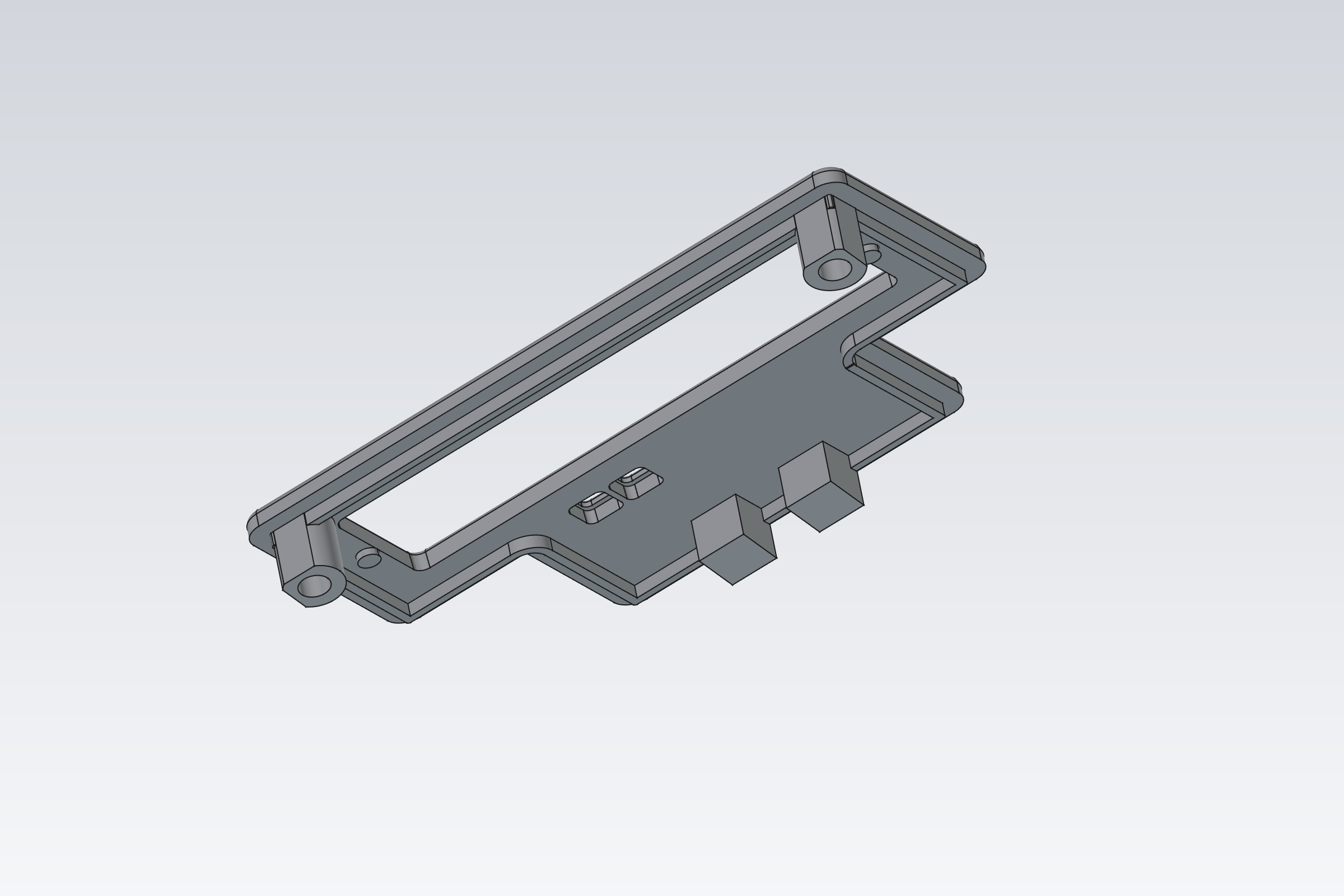
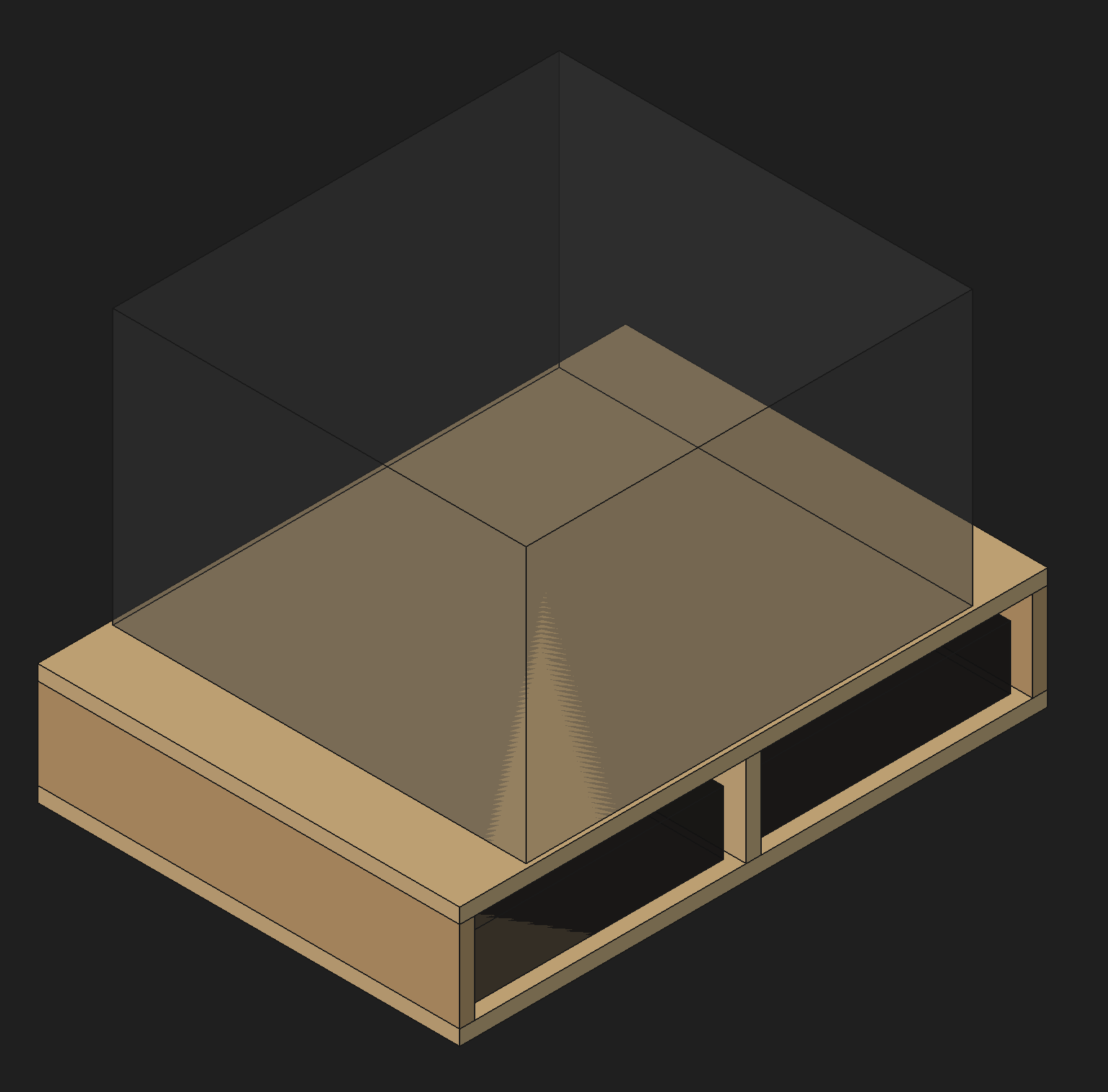
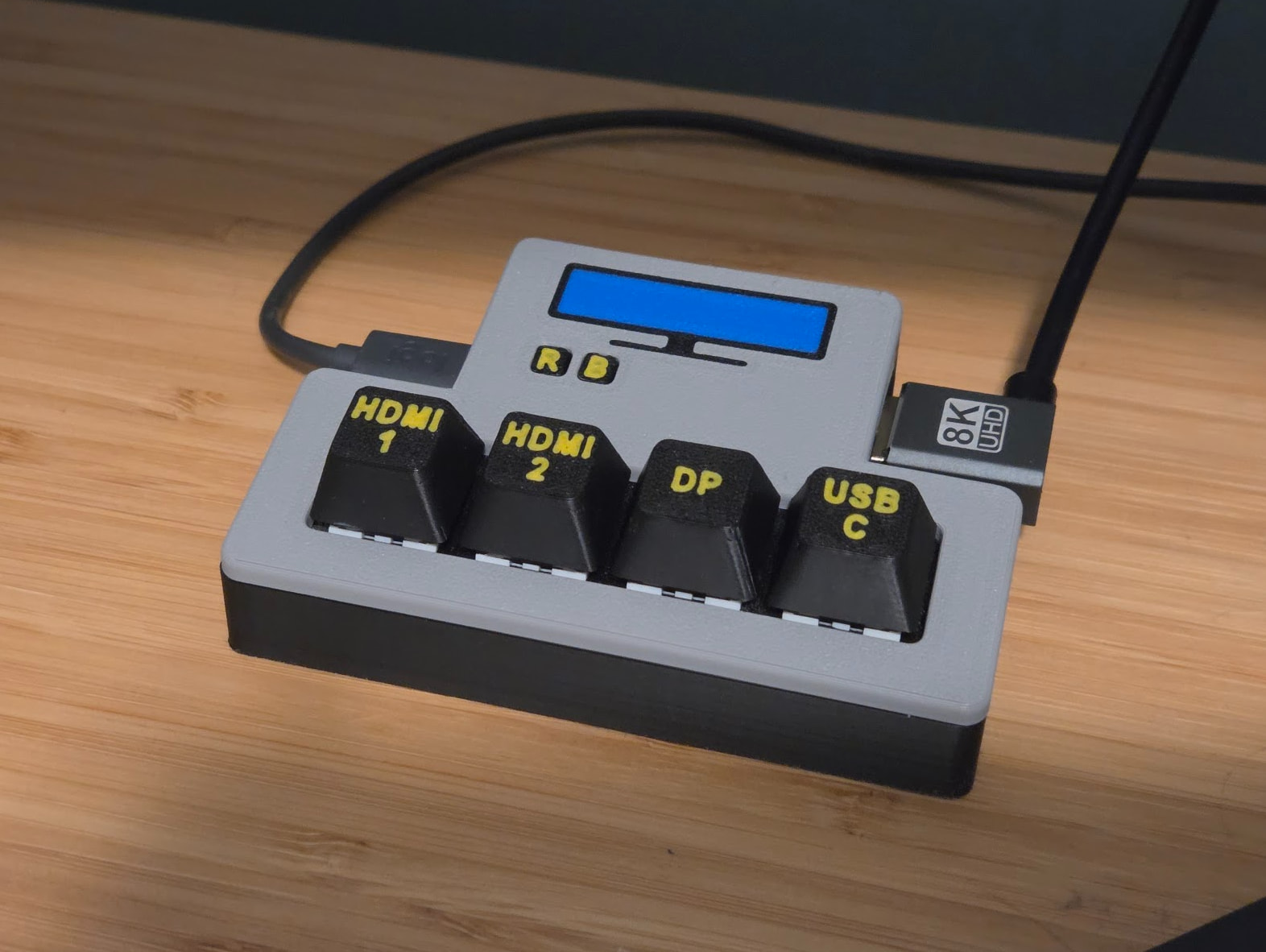
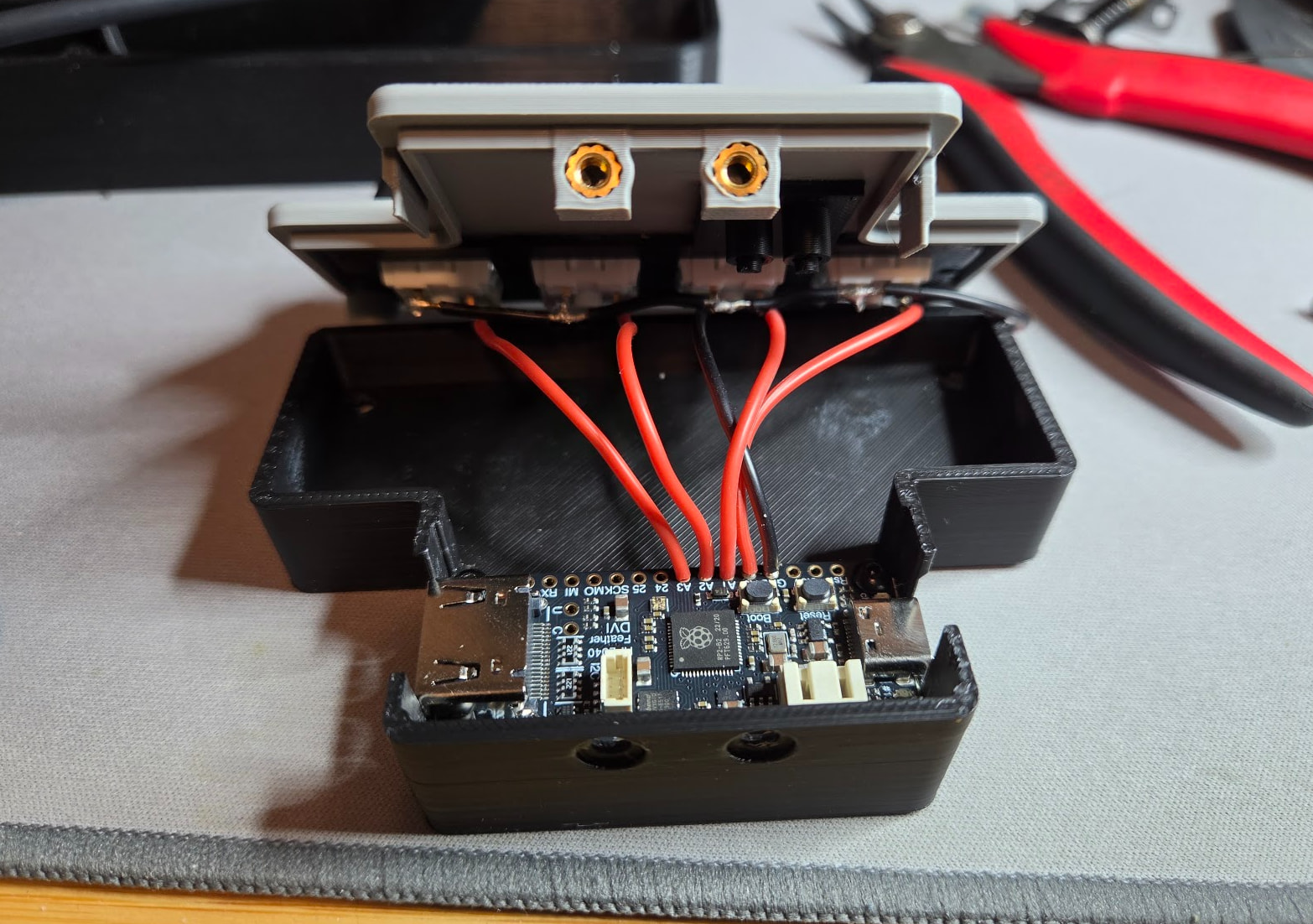
I’m building an external monitor input switcher and designed this with it. It went and found the 3D model for the Adafruit board I’m using and handled sizing and spacing. It also designed some small pieces I printed to test tolerances. With some instruction, it even made sure it printed without supports. That includes a 1 layer bridge on countersunk holes and teardrops on vertical holes. It also has it setup with the separate color inlays.
Yep, MCPs aren’t for a specific AI. I would expect ChatGPT to also do quite well. I primarily use Claude but I also use ChatGPT sometimes and it is also very good.
Holy cow, so if it has that kind of power, where does the interaction with the pc stop?
That is simply crazy. Part cool, very scary, but will really advance peoples designs
Also, is chatgpt free or paid for, for the desktop version.
I’m currently on a $20/month Claude subscription. I’ve also had a $20/month ChatGPT subscription before. I used to use Github Copilot but getting it right from the source seems cheaper these days. They both have some level of free usage but what I was doing requires more than that.
It’s crazy how much the MCP helps judging by what’s in this thread, so far every LLM I tried is terrible at spatial reasoning on its own. Looks like the MCP takes it from 0-100 lol def gonna be giving this a shot!
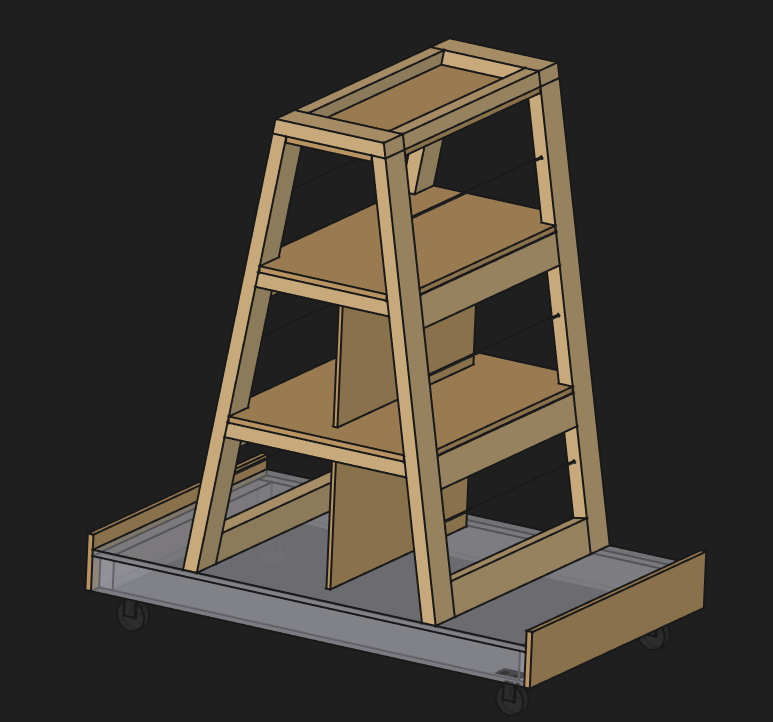
Also, working on a lumber cart. I already built the base but trying to figure out what to put on top. This is still a work in progress but still done by Claude. It also provides a complete cut list.
I am also trying to get my head around the latest state of play with AI + CAD. I have worked as a consultant naval architect for 25years so I have what are starting to look like ancient workflows.
For my work I use Rhino 3D for 3D modelling, Autocad for 2D drafting & various specialist naval architecture packages. I am quite happy with my process to a basic 3D surface model and the creation of various plate parts for precutting but it is not a parametric model I create. However my biggest bottleneck for time is creating various 2D sections and detailed construction plans for survey approval and building instruction after the precut “kit” has already been detailed and nested.
Rhino now has an AI plug in called “Raven” that uses an MCP and a similar approach to this. I am interested to see how powerful this is in creating my 2D construction plans and/or parts from my 3D surface model.
My thoughts are you can ask AI to create a boat with a set of parameters 6m long, 2m wide, etc… and the resulting shape will look right but might not be right. Interesting times ahead as I see change is coming very fast now and most engineering fields will be unrecognisable in a few years.
My other thought is do I devote the learning time to stay up to date with this new technology only to produce new kit designs that are considered “made by AI” and so not of much commercial value. I suspect this AI + CAD technology will eventually devalue all existing and new CAD designs.
As an example I saw on this forum how quickly FreazyKam was created by an experienced software engineer using an AI assistant. It looks a remarkable product, was created incredibly quickly and yet it is shared for other people to use for free. This is great once retirement has kicked in and our passion projects can be persued but for younger guys with a family to feed it is a scarey state of play. I wouldn’t like to be selling Vectric software right now with some of the free options available.
I am Interested to see what other people here think. I am close enough to the end of my career to try something else if necessary but my preference is to keep going and get onboard with this new AI + CAD future. Am I being too negative here?
MCPs are pretty slick. We write custom ones at work a bunch for various reasons.
I even have one I wrote for my budget app that allows my local LLM read data from the database for writing reports.
I need to play with the FreeCAD MCP. The last time I tried to use claude with FreeCAD, the best it could do was a custom plugin that I could run from inside FreeCAD to generate the CAD.
I finally figured out how to install FreeCAD MCP and Claude desktop integration this morning. Wow, it was so easy to have Claude create a floating shelf and cut layout for it. Unfortunately, as I was asking Claude to make some changes and add a couple of new features I ran out of message time. I’m using the free version.
So I decided to integrate Gemini with FreeCAD. I got that to work finally too. Then Gemini CLI ran out of message time. Oh well, I can copy and paste a python script from Chrome Gemini into FreeCAD if I want to continue.
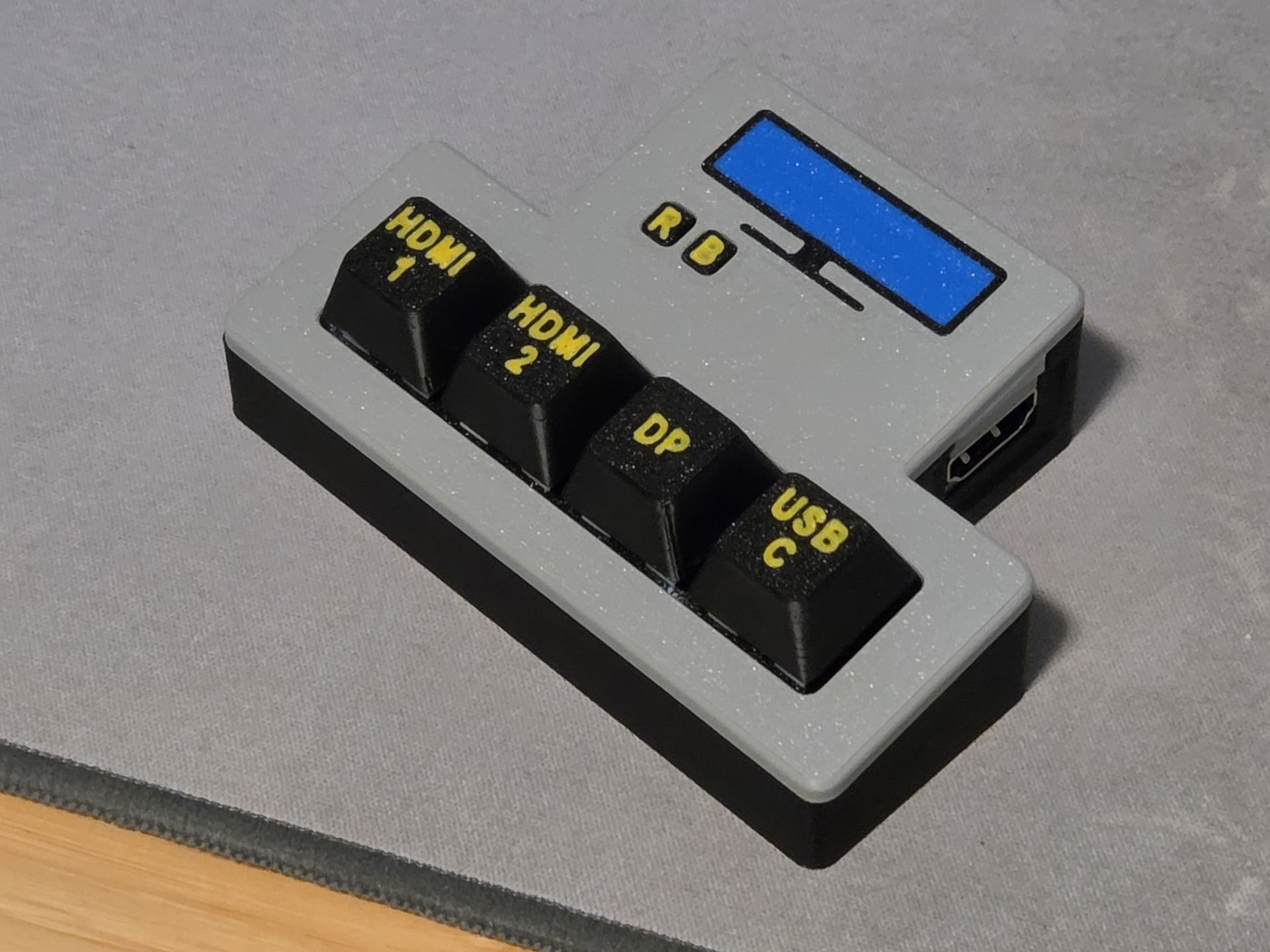
I finished my little monitor input switch. So, in the end I have a real working thing and I did zero coding and zero CAD. I could have made it myself but it would have taken longer and been less fancy.
It wasn’t very long. I don’t know when the time started because Claude helped me set up it’s connection to the MCP server. I’ll try again tomorrow and get a better idea.
I needed help finding the hidden folders and then figuring out what to put in them. There are 2 folders with the same name in the extracted github project. I put the wrong one in the first time. I also had to install a lot of commandline tools and figure out how to update homebrew for Macos 27.