You will like the CYD version. I would suggest the Capacitive screen.

@Dreyfus
Nice!
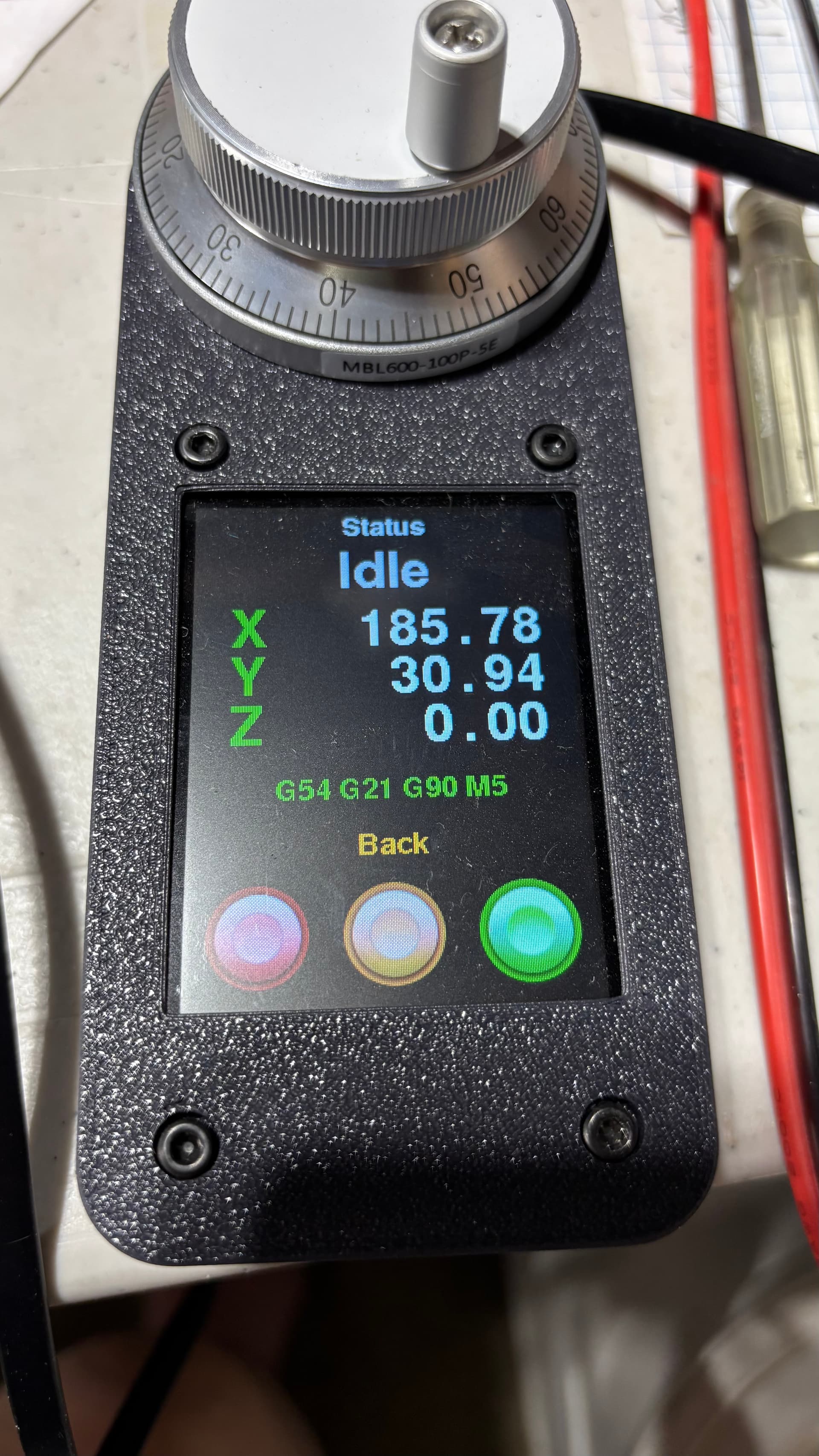
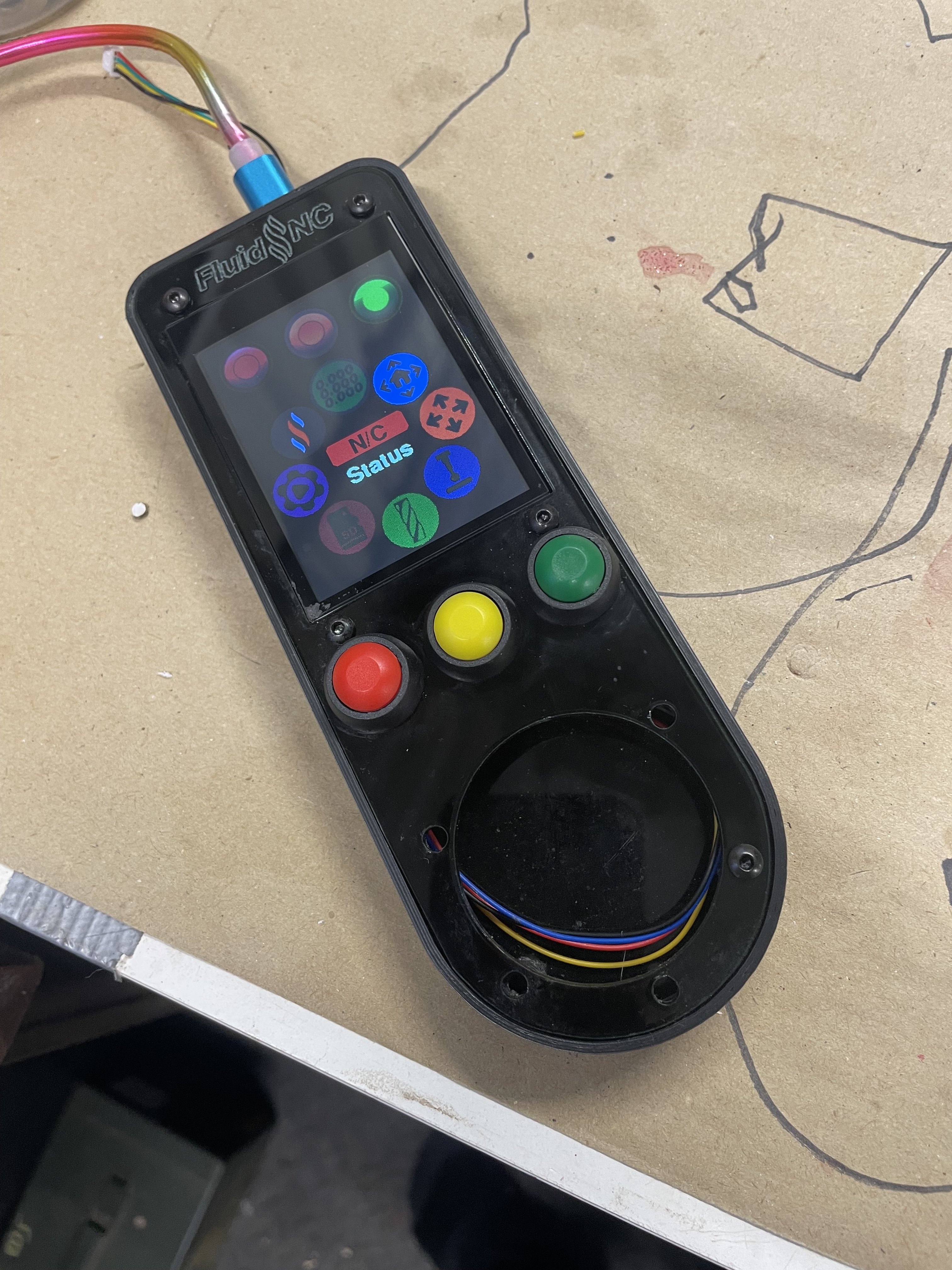
I had an m5Dial and I like this much better, this thing is great.
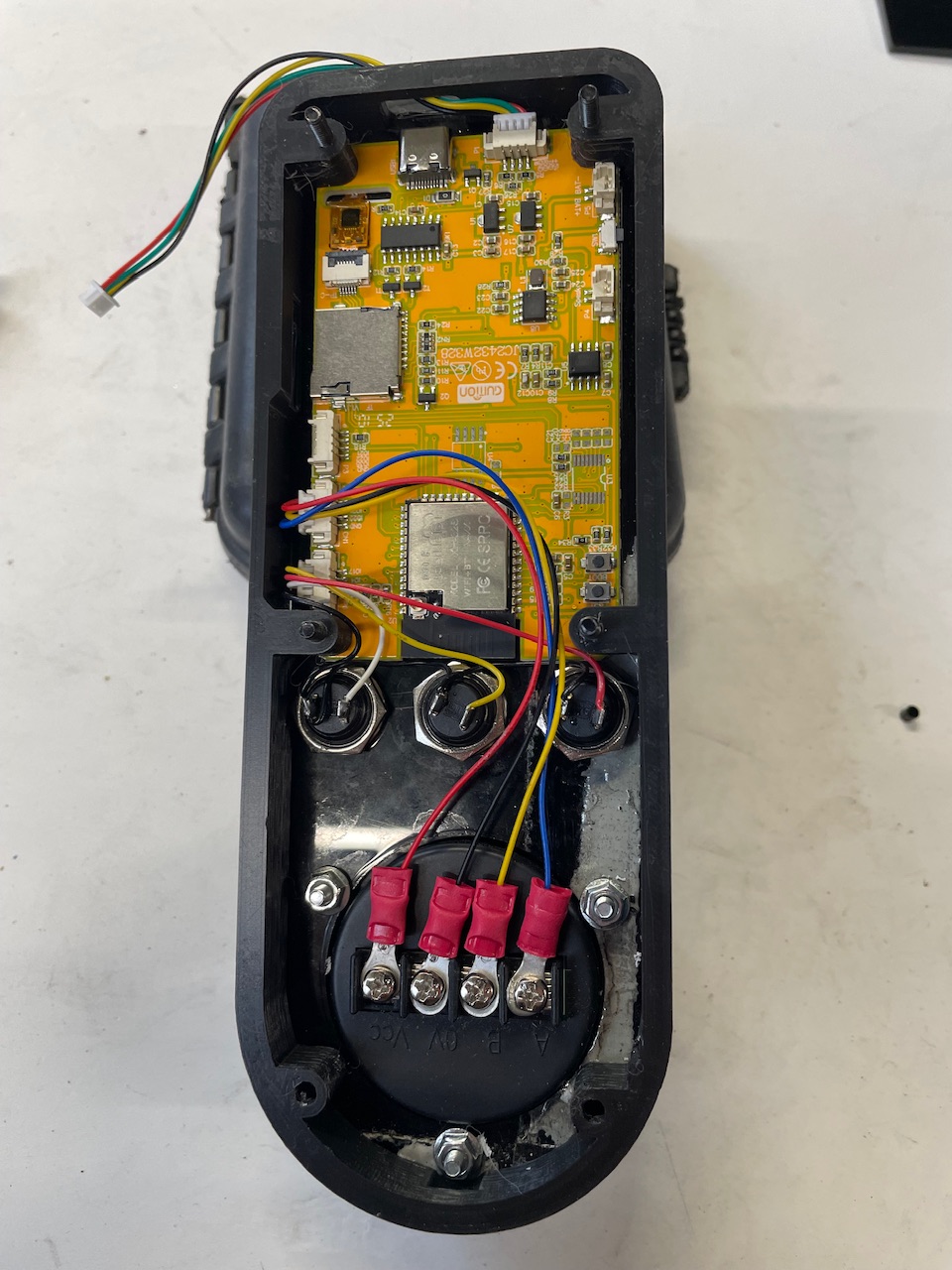
The wiring, the screen, the jog wheel, i prefer them all.
On jogging I can leave it on single units and scroll really quickly but with good feedback.
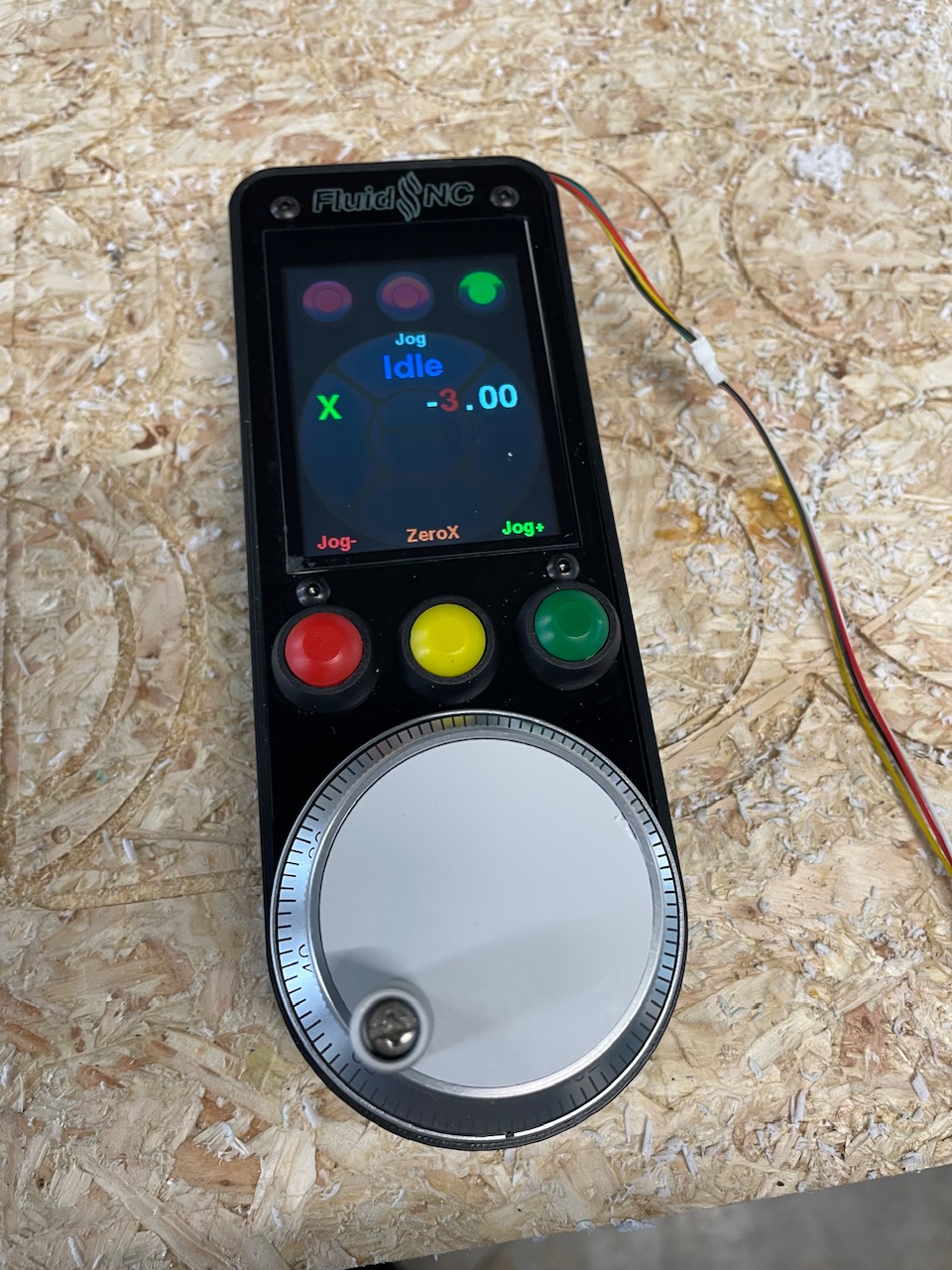
The only thing more I would want is to access the onboard SDCard and run files from it.
As opposed to running them on the Jackpot SDCard?
I really like mine too. The Jog Wheel is great compared to the M5Dial. Mitch did a great job getting it all working.
Yeah, only because it’s more accessible than where the jackpot is mounted.
I really appreciate the software is available on the web installer too. I’ll play with it for a bit and see if I need a lockout switch.
I just upload mine to the Jackpot. I’m using Webuiv3.
Me too. Still on v2 UI though.
I really missed my m5Dial when it died, I don’t think I could cope using just the web interface alone- the pc is too far away for jogging and zeroing and using a tablet or phone was always frustrating for me.
This looks great, just what I’m looking for as I agree with others the m5 stack screen a bit small especially wheb you have sausage fingers.
Is the a link to a separate thread for this build as I would like to get a list of the parts required
Here is the wiki for the CYD pendant: CYD Dial Pendant | Wiki.js
Mines a tiny bit different to standard because I laser cut the top and bottom and made the 3D printed middle about half as thick but I foubd it much easier to put together than the other type.
I see someone made 5 to sell on tindie and Mitch was okay with it so I may make a couple to offset the cost of my own.
Hi Britt,
Thanks, I did eventually find this.
However I am having trouble finding the display JC2432W328C that’s the capacitive touch one that does not have the led on the from
Amazon in the uk have nothing and AliExpress they all seem to be the resistive type
Will have to keep searching
I bought this one on Amazon:
2.8" inch ESP32 Display JC2432W328C Capacitive Touchscreen 240x320 TFT LCD Module ESP-32 Development Board ST7789 for Arduino IDE
I bought this one on AliExpress:
https://www.aliexpress.us/item/3256806545687380.html
This is one I ordered 3 weeks ago;
| ESP32 2.8" TFT HMI LCD Display Module JC2432W328C WIFI+BT Capacitive Touch Screen 240*320 ST7789 Driver for Arduino
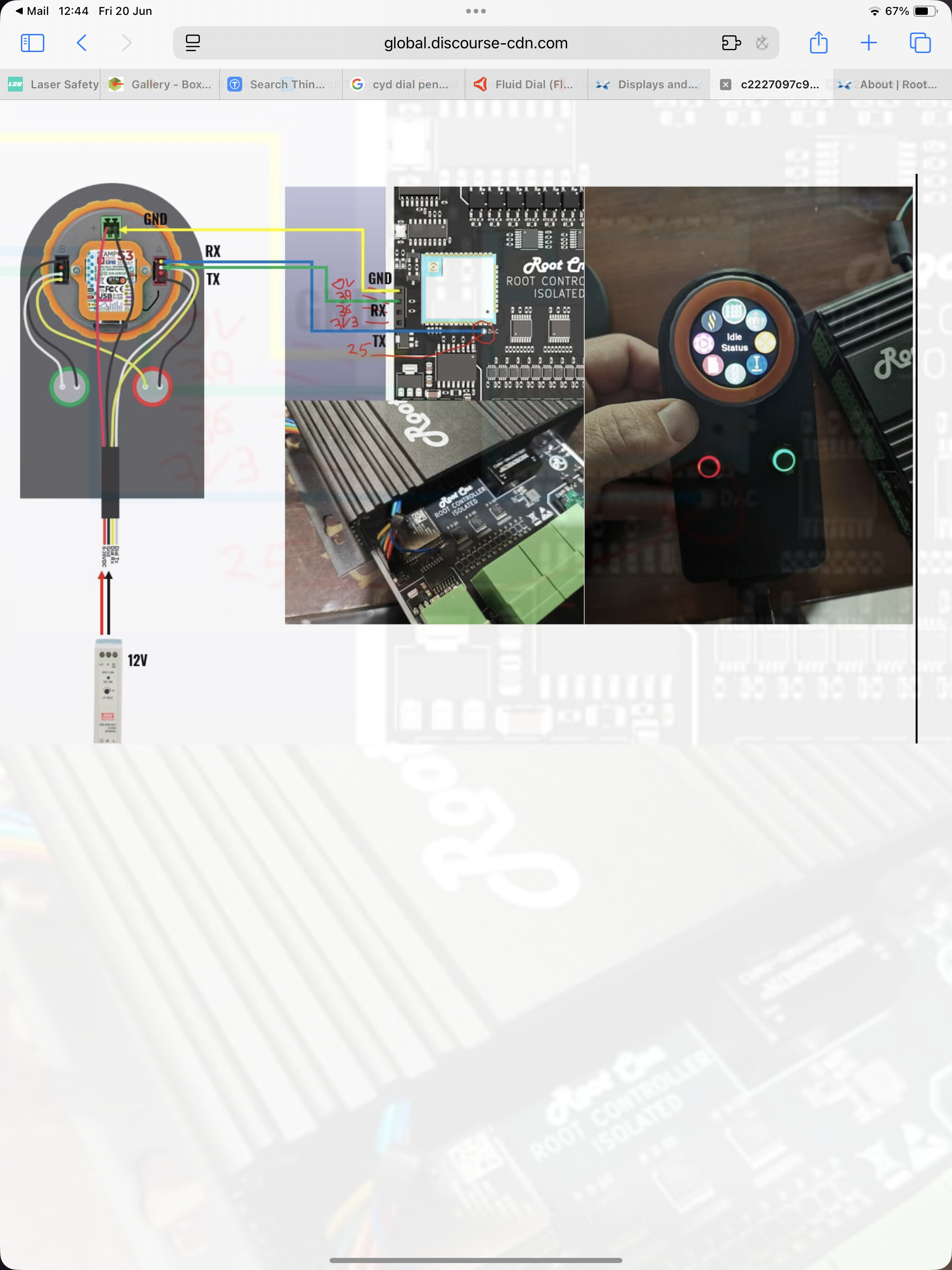
So getting my head round how this works, but need a little help / advice
I believe that you need to add a few lines into the YAML file for your controller
This is the example given
uart1:
txd_pin: gpio.25
rxd_pin: gpio.27
rts_pin: NO_PIN
cts_pin: NO_PIN
baud: 1000000
mode: 8N1
uart_channel1:
report_interval_ms: 75
uart_num: 1
However I already use unart1 for my VFD spindle
Can I use unart2 instead ?
Also what is this uart_channel1 ? And uart_num: 1
What do I use there
uart2:
  txd_pin: gpio.15
  rxd_pin: gpio.12
  rts_pin: NO_PIN
  cts_pin: NO_PIN
  8baud: 1000000
  mode: 8N1

uart_channel2:
  report_interval_ms: 75
  uart_num: 2
  message_level: Verbose
Is what I’m using
Oddly enough I tried to use GPIO 13 and 14 and it didn’t work.
No idea why, but the above works fine.
Great thank you
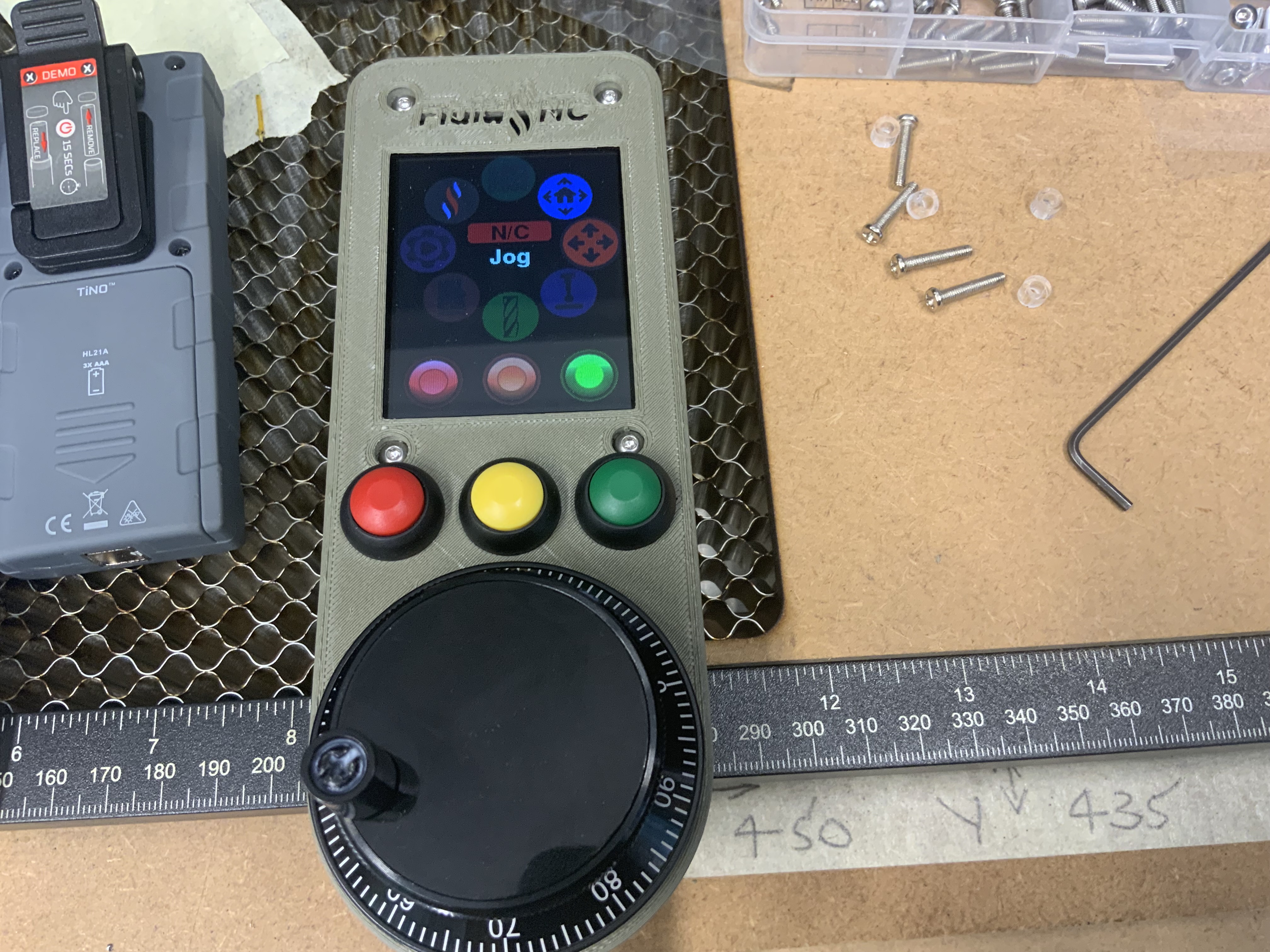
Check your RX and TX wiring.
It has to be
RX ——— TX
TX ——— RX
And your config.yaml correct for the GPIo pins you’re connecting to.
It’s the CYD wiring diagram you want, not the M5dial - and there are also 2 different versions of CYD, resistive or capacitive, so check that as well.