It’s always a good idea to create a unique forum topic for your issue, it helps us focus on your setup.
Create a new forum topic, copy/paste your details from above.
Share the pendant config section from your YAML, tell us which FluidNC controller you are using (Jackpot?), and what interface electronics you have (using the Bart interface boards?)
Post more details of your wiring, including the TX/RX connections as @Dreyfus mentioned above.
See you over in the new topic to troubleshoot further.
Hi,
Thanks everyone for your help and advice.
Having checked and double checked I had the Tx and Rx wired crossed over as per every diagram I looked at I swapped them over (so they were wrong) and everything started to work
I now have a fully working unit. It’s awesome
Thanks everyone
I am completely lost in this process so can someone please help me with my question
I downloaded the Fluid Firmware using the Fluid web uploader ( 1.1.0) to the M5 dial
I keep reading about this Yaml Config file where and how do that step.
The config.YAML file is located in the ESP32’s flash memory on the Jackpot control board. When you connect to the Jackpot using the webUI you can access, upload, etc.
If you connected the M5 dial to, say, a computer via USB, and installed the firmware onto it via the USB cable, then that sounds like you have that all done.
One could (and usually it’s how I did it) use the free extension known as PlatformIO, running inside the free VS code environment, to install the firmware onto the M5 dial. There are other ways. VS code is also one way of many to make edits to your config.YAML file.
NOTE: be careful to not put meaningless spaces into the file, and don’t mess with existing indentation. Adding unneeded trailing spaces can actually throw off the parser that reads the file.
Hopefully the process described in the wiki is clear enough to follow:
One difference is for Jackpot the IO numbers are different from the “6-pack” board that the Jackpot was based on. See above in this thread on the numbers needed for Jackpot board —regarding edits to the config.YAML file.
You can use the Webinstaller for both the M5Dial and the Jackpot. You don’t need to use VS code unless you want to. The Webinstaller is much easier to use.
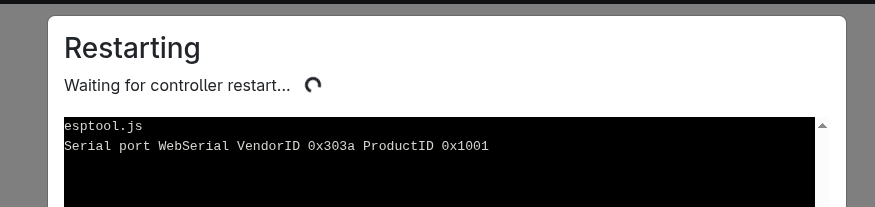
This happens both on my Linux device and my wife mac. On my Linux device I tried to set the baud rate of the controller to the two proposed at installation time but the result is the same.
I also tried to press the button behind the dial at different moment of for a different length of time but it is not affecting the process.
No I am not sure. I know there are instructions for VScode on the wiki. That is the only way I have done it, well that and the web installer but that isn’t working right now.