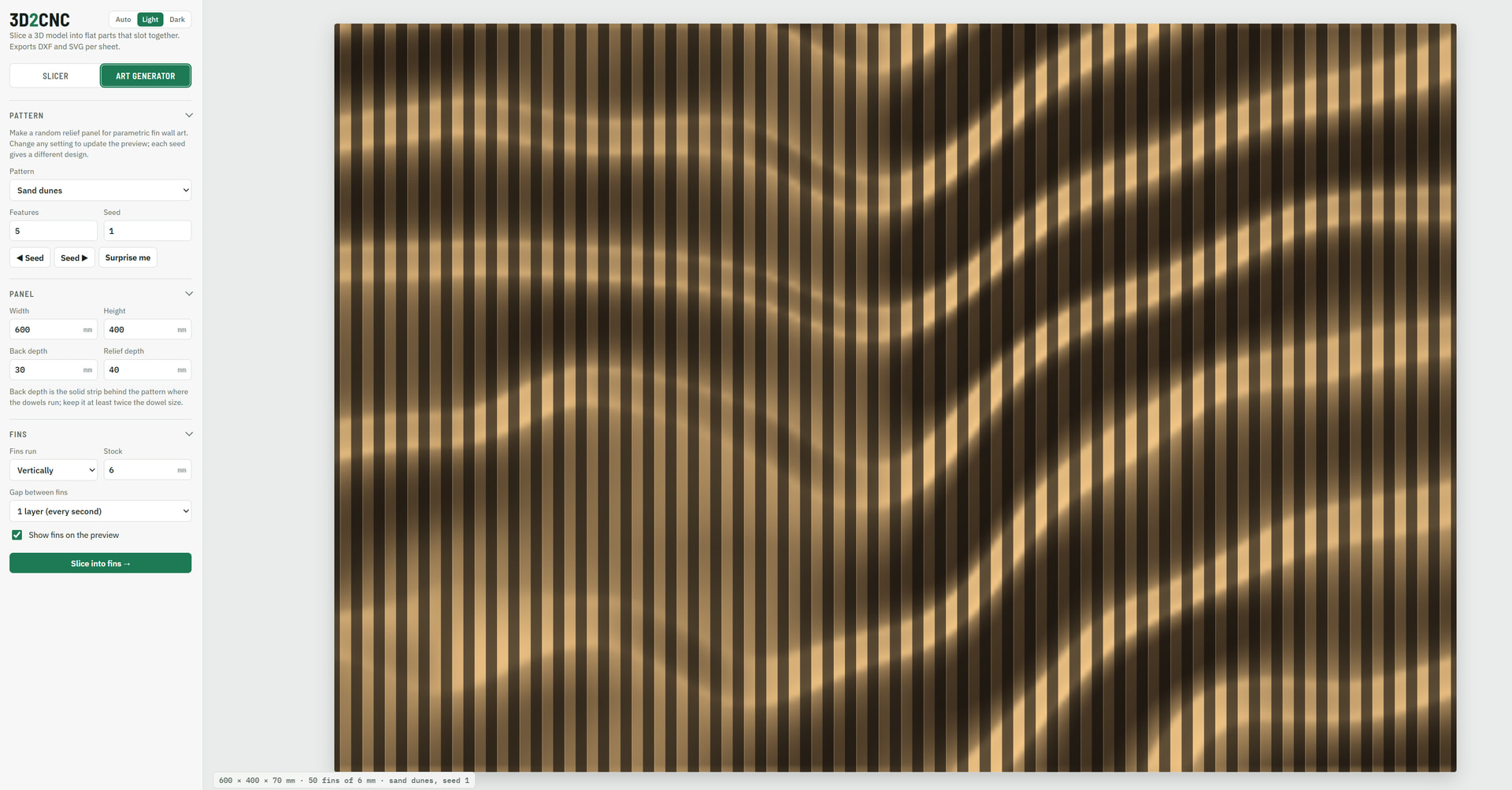
I’ve been vibe coding a couple of tools that others might find useful.
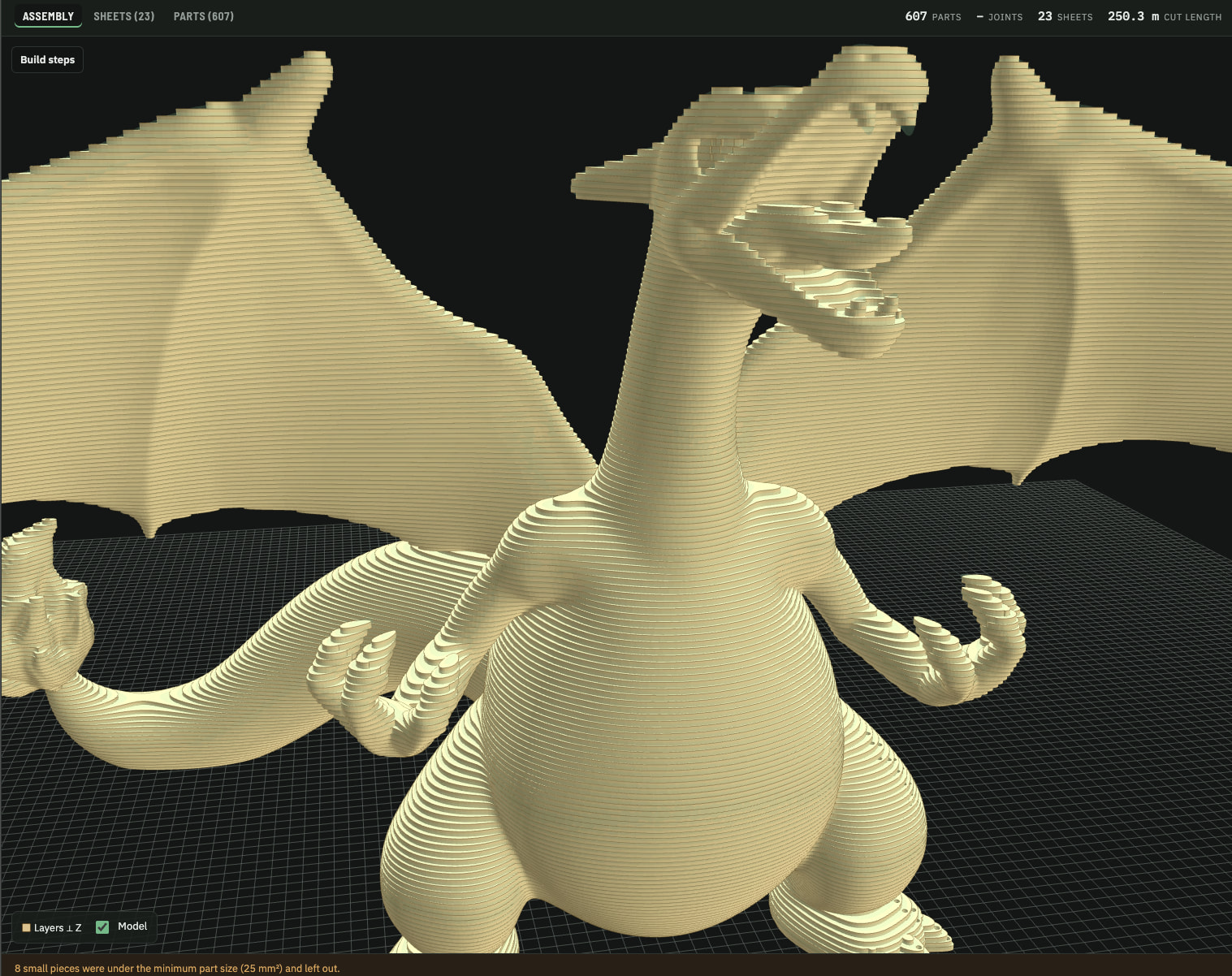
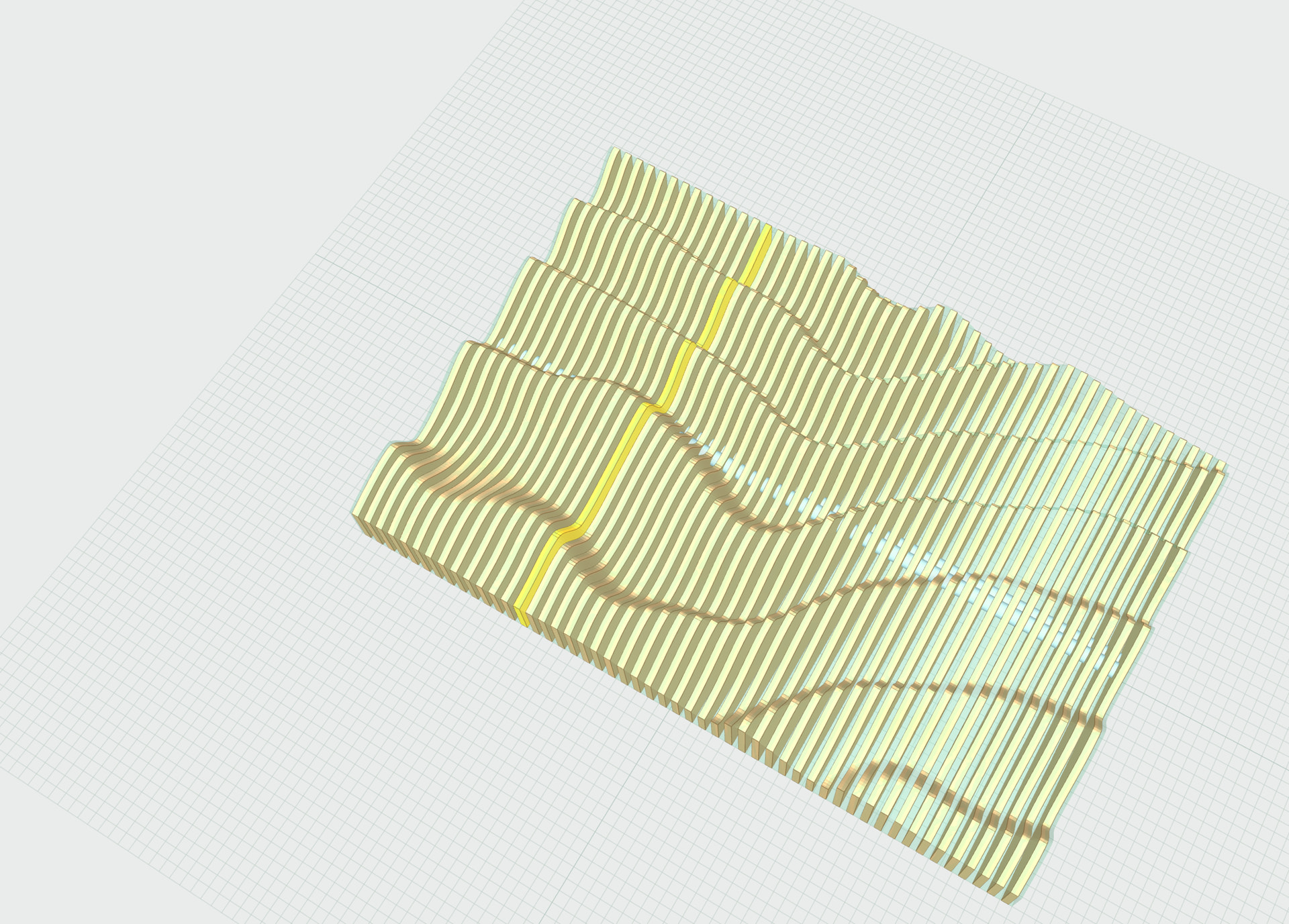
First one I shared in another thread, 3D2CNC. Upload a 3d model and this will slice it into panels that can be CNC machined or laser cut and then assembled. Has numbers slicing options, manually adjustable panels, optional wall attachment panel, scaling etc. Doesn’t have true nesting so the sheet calcs are not too great but I nest in Millmage anyway.
Second on is MacroBench. I wanted something to help me play around with some macro ideas. This basically gives you an interface to select which gcode commands to run with what settings and it will output the gcode. It includes conditional logic and setting of variables etc as well as visualisation. You can set your machine size to get a good visual on whats going on. Note: I haven’t had a chance to test any exported gcode on machine yet. My quick checks for the simple macros I have done look ok gcode wise but be careful with what you run on your machine. There is a tutorial in there as well as a reference guide.
Suggestions for improvements and additional features welcome. I will update them as I make changes so they may evolve regularly (or not regularly) depending on what’s going on in life.
OH, THIS is incredibly so cool!
Thank you for sharing so much!
I’d describe Ai like Uranium. We can either make Nuclear Reactors for power or we can make Nuclear Bombs and go extinct .
Amazing what positive possibilities it opens.
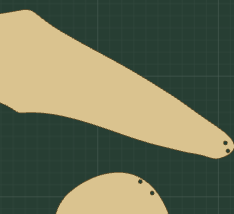
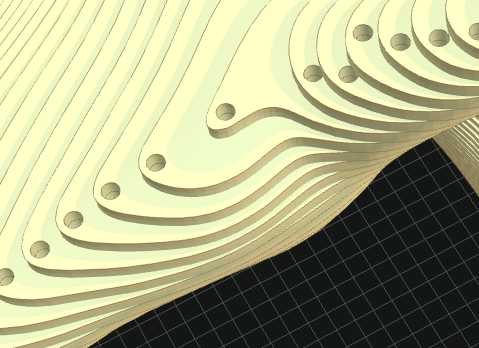
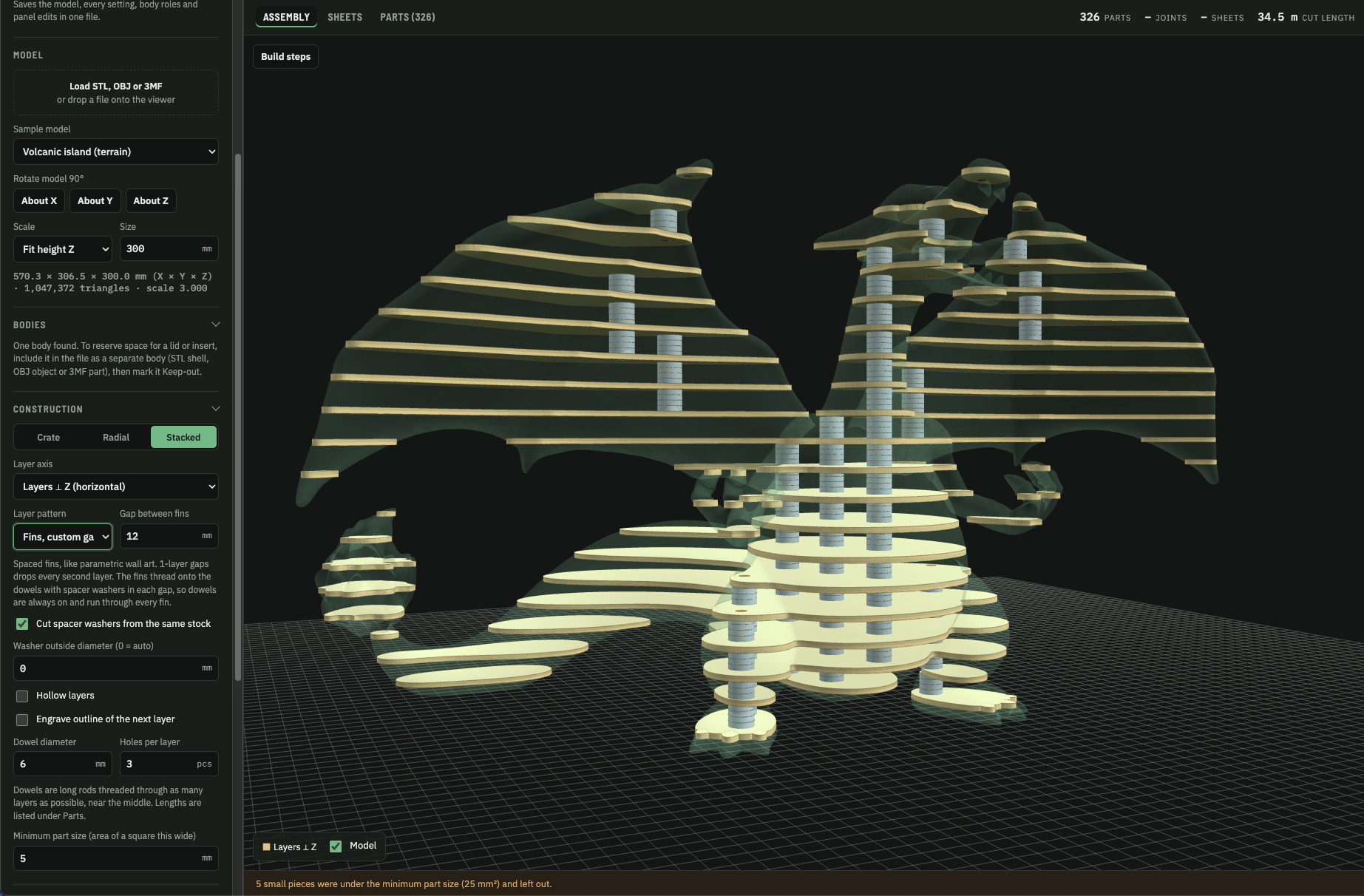
I am wondering if the placement of the dowels can be tweaked they seem to land near the edges where they will be seen and are not at the opposite side of the part where they would have the most alignment effect. See the following screen shots. Also as you mentioned it would be nice to have better nesting as currently a lot of material is wasted. As you are vibe coding this it should not be too hard to fix. Both PureCutCnc and FreazyKam have nesting code that the AI could use or it could do its own thing. Thanks for sharing, my grandson is into pokemon so I thought a large Charizard would be cool. Now where do a get lots of 3mm stock from
Will work on that. I haven’t looked too much into stacking panels so there are bound to be some issues. Should be an easy fix. I’ll update today sometime hopefully.
I’ll take a look at nesting too. I have been doing that externally but would be good to have an ask in one tool.
Honestly it’s just knowing the right words and phrasing to use with the AI. I didn’t code any of these, just provided a set of guidelines and instructions. It does help to have some programming experience in that regard because that gives you the terminology and a bit of an understanding of what is and is not possible, creative ways to overcome issues etc, but it is by no means necessary.
I just use Claude online in the browser. Tell it I want a web app to do xyz, must have features abc etc and sit back and wait. Or for more complex projects I chat with it to describe what I want, ask it to suggest features, select the ones I want, then have it write the project brief for me, once I am happy with the brief I ask it to make it.
Very nice improvements. The nesting is great, might want to the set the default rotation to none so the first nest is fast, as at the default, 15 degrees, it hangs for a while until it is finished.
The dowel placement is much better, but dowels can be missed on layers that have disconnected pieces like in this screen shot. Note the flame at the end of the tail has no dowels. I tried increasing the dowel count but looks like it is now capped at 3.
This is slick. How are you calculating the slices? Are they such that you would have a “triangular cross-section” of extra material that you could file and sand off to match the original part curvature if you wanted to smooth it out. Or would you have to fill it? Seems like it would be a nice option to select max or min material depending on which direction you want to go.
@Elmkom Maybe I’ll give it both options, one just uses a couple of central dowels through most of the parts and then engraving lines on leftovers for alignment, then another that attempts to dowel every layer. I wanted to try and avoid a situation where you are having to cut 50 dowels of different length but maybe some models will just require that.
@Bigchepin
At the moment its basically 50/50. The middle of the slabs intersects the geometry. Which means you could either gap fill or sand back to get roughly the same effect. I could add an option to choose to either make the parts larger to ‘overfill’ the geometry so they can be sanded back or make them ‘underfill’ so they could be filled with whatever material. I want to do some reworking of the UI and things too because its a little messier than I would like. There are so many options for each mode that it becomes a little confusing.
I did cut a test project out using one of the early versions but it was only a quick test for both the webapp and my LR4. My spoil board was not level across the X axis and I was having issues parting things out at one side of the bed. Ended up quite messy trying to get all the bits out but they cut clean and did slot together as expected. I just never fit them all together and threw them in the bin haha.
Yeah thats my issue with a lot of vibe coded tools too. They want accounts but I have no clue what their data security is like, and a lot of the time neither do the vibe coders.

 .