I have a LR4 with a JP. I use a Windows 11 notebook with MillMage which I am absolutely loving.
My issue is on a few occasions, about 1-2 minutes into running a job the FluidNC WIFI connection drops. Not horrible because the cutting just stops. And I don’t lose machine coordinates. So I reconnect and just restart the job. But irritating.
It may be pure superstition but I hover my mouse over the WIFI connection and leave it open showing I’m connected. Seems to stay but honestly I don’t think that’s it. I’m right next to the LR4. And it occasional.
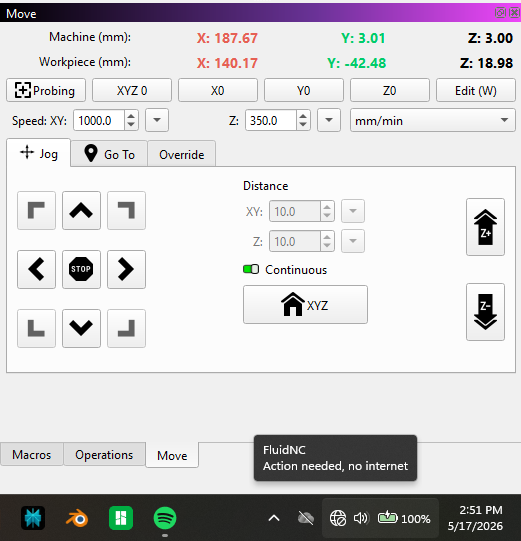
Any thoughts? I am warned “no Internet connection” but that’s normal. I also have no automatically connect WIFI’s set. Just manual.
I did the dreaded change two things at the same time however so I still have some testing to do to know exactly the cause.
Here are my thoughts.
I changed out the power supply, I don’t think this was ultimately the issue
I believe my router was the culprit.
My network has a router at the house that handles the DHCP duties and a router that is hard wired in the shop on the same network. It is my understanding that the IPs that are assigned by the home router just pass through the second router in the shop. I did assign a static IP to the new CnC using the house router.
The network in the shop has been rock solid during this entire trouble shooting process. The Lowrider with a Jackpot1 has never dropped the connection, all lasers and computers worked as they should. The new CnC was unable to hold a connection. I restarted the router in the shop just because I was out of ideas. The new CnC has been rock solid just like the rest of my stuff up there.
I will reconnect the original power supply if needed to confirm the failure point.
I don’t understand why this happened, any ideas or thoughts on the reason for this behavior would be appreciated.
My recent experiences has taught me a few things. Maybe it will help a little. I used to have one expensive router (and an expensive matching wifi adapter for the main PC) and placed it central and just dealt with bad edge reception. I tried two routers and they never seemed to hand off well and I had all sorts of random network issues. I got a new set of mesh routers and I have to say, now, it is flawless. So much so I didn’t notice for more than a week I did not have one hardwired, it fell back to wireless backbone and it worked flawless. Plugged it back in and boom it went back to wired. I would say keep an eye out for mesh router deals and update. I think it is worth it.
I never considered that router because nothing on the network exhibited any problems. I have 2 lasers, 2 computers, 1 CnC, a NAS and 3 3D printers on the network all just doing their thing. The new CnC was the only machine that couldn’t hold a connection.
Nothing at all should make you feel that way. Networking can be really difficult to get right and an unholy terror to troubleshoot when it goes wrong. Particularly so for wireless.
There are so many details about networking that could represent where the trouble was. Hopefully your troubles are over, but if you have trouble again in the future with either of your CNCs, we can pick up troubleshooting.
Hold you head up high, man! You’ve successfully built multiple CNC machines. You rock.
I have been having the same problem and it magically cured during my testing process. As part of the process, I set up a RPi Pico W to test the of the access point and restarted the access point. It sounds like restarting the AP made the difference.
Thanks for posting this! It makes my results more comprehensible.
There’s so much to it. For example, many APs have a setting to set the channel to “auto” . In theory, that means the AP will auto scan the radio and pick the least congested channel. In practice it means the channel will randomly change.
2.4 GHz wireless in the U.S. only has 11 channels, and only three of those do not overlap.
if you have different SSIDs, and that AP and all it’s clients and up on the same or an interfering channel with that poor Jackpot, it and its clients will lose the noise floor battle every time.
Just one example of how it gets mucked up even when a different device sitting right next to it seems”fine”
Kind of took my pride for a ride on the rough side to make that post but I thought it just might help someone that ran into the same situation. I am very glad it helped you figure out what was happening on your network.
The true thanks go to Ryan, MakerJim and all the others that chimed in helping me to figure it out! This is the best forum on the internet, hands down. People helping to make us all better, no judgement just assistance when I need it the most.
We were just there for moral support, you figured it out, and probably saved a lot of headaches for a lot of future users. So hats off to you for sticking with it. Thank you for being a part of this and having the nerve to post.
The Jackpot gods have been in my favor last couple tries as I have not lost my connection during a job.
I do have a couple questions to hopefully clarify.
But other than that I’m okay just moving on as for me “mostly works” is good enough for my needs.
This is my setup:
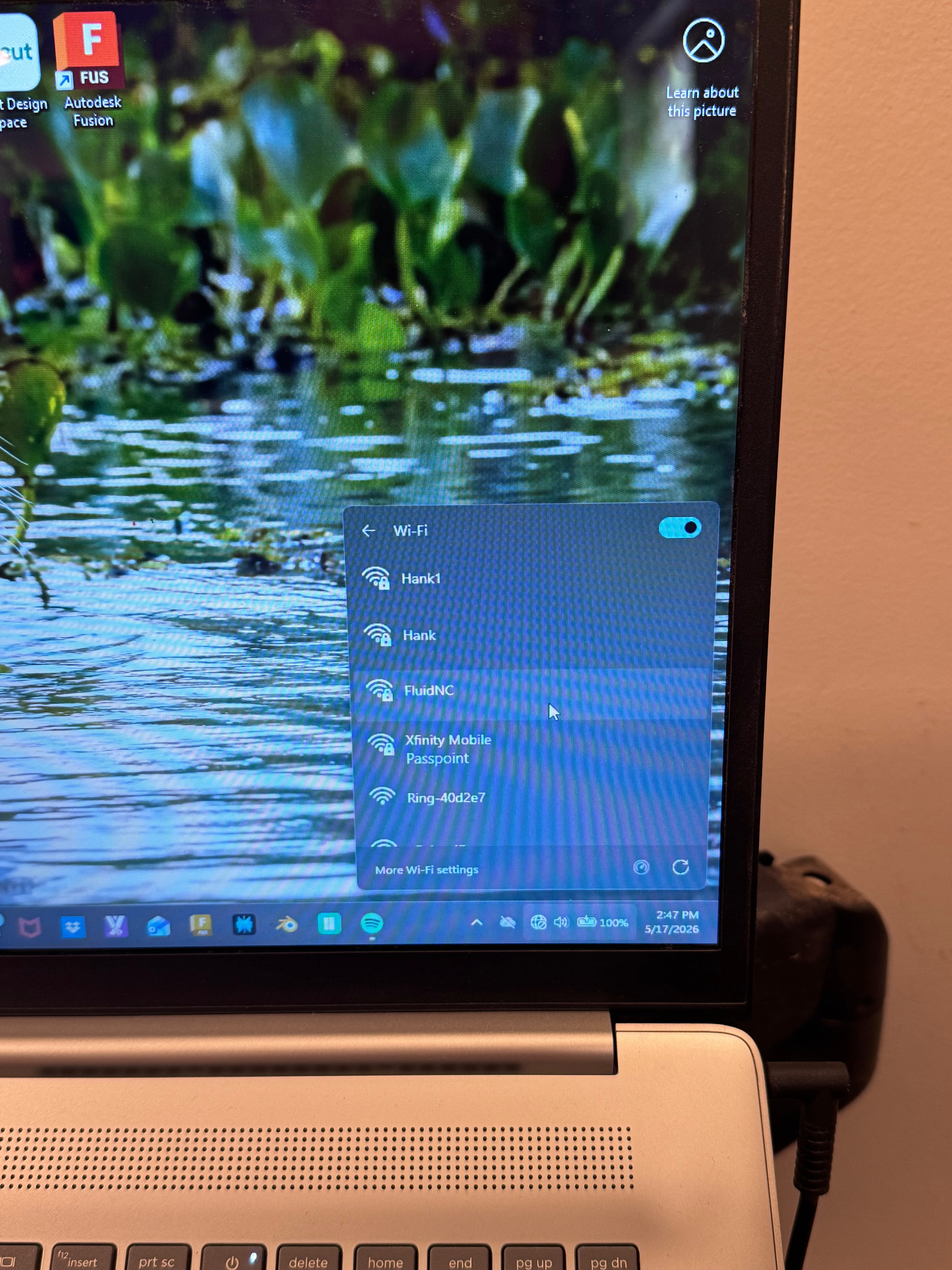
Sorry I just took picture but here is my FluidNC next to my home network (Hank and Hank 1)
My Windows 11notebook is RIGHT next to my LR4 (JPv1) So …I just log onto FluidNC WIFI SSID
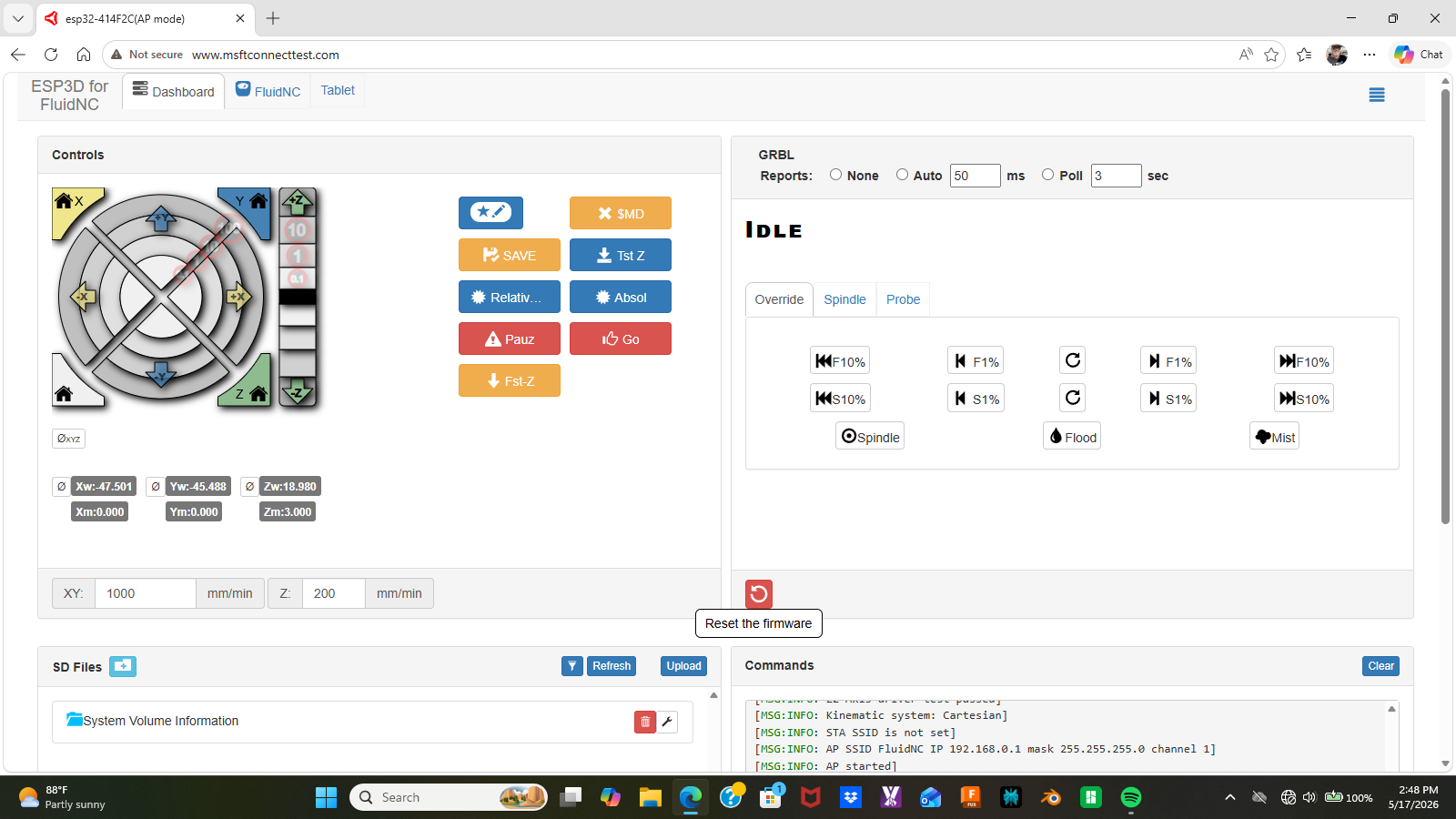
Go to the ip address which open automatically for me after a pause of being redirected.
I always test by just homing Z to verify they are linked. Then I minimize the browser screen.
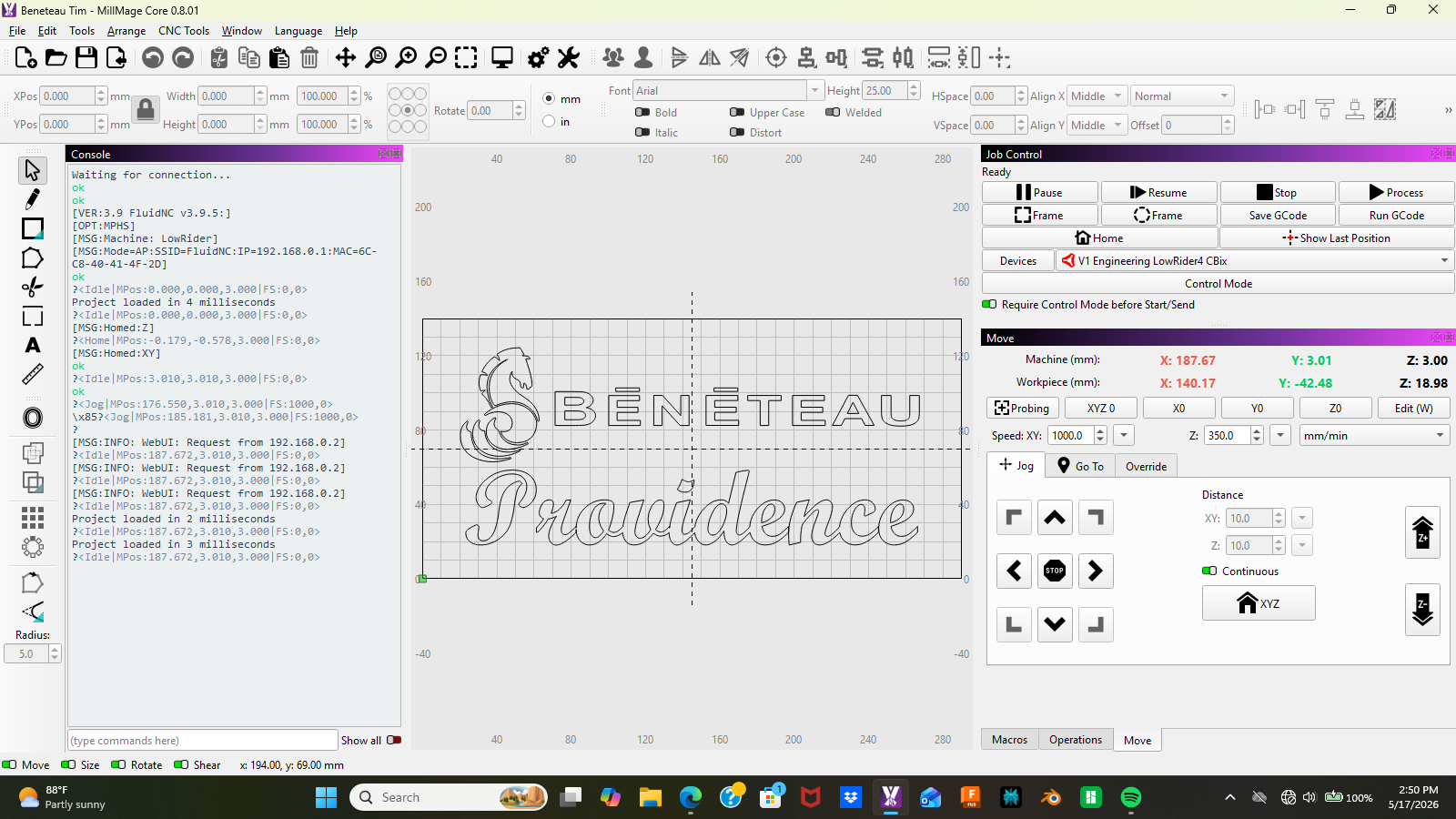
Then I open MillMage and all is good. And I do my XYZ Homing, Probe, etc then run a job.
So all is good. EXCEPTon occasion I Drop the FluidNC connection. But no harm I just reconnect and re-run the same job.
So my only remaining question is:
Once I am directly connected to my FluidNC Jackpot isn’t my home network WIFI basically irrelevant?
I would think I could even turn off my Home wifi as it’s not in the connection between my Notbook to LR4 Jackpot? Right?
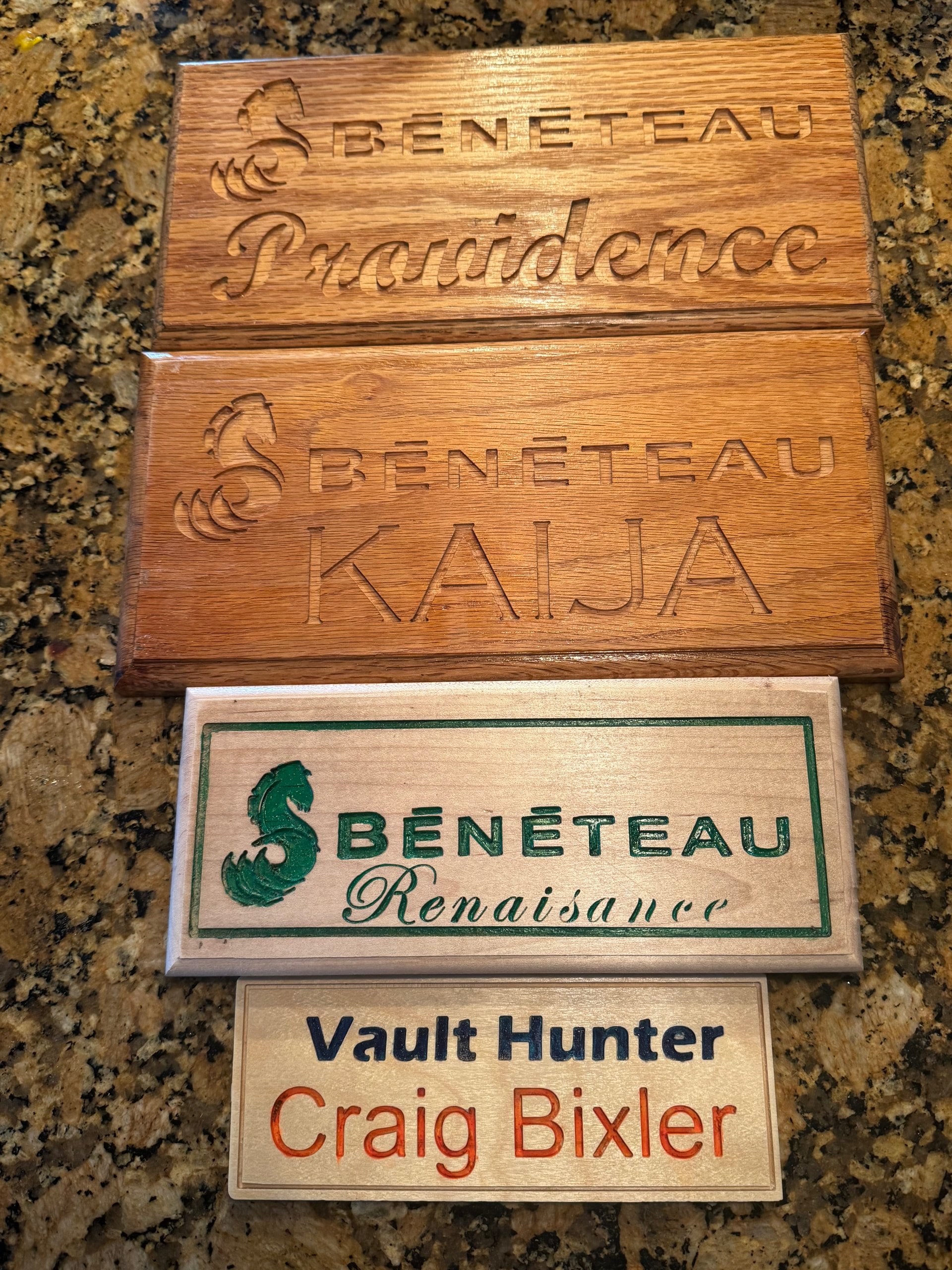
Just a shot of some fun jobs for a couple sailing friends. We all have the same sailboat. Ignore the stupid “Vault Hunter” plaque is in reference to a video game Borderlands.
This one is still not fully connected, you are in the captive portal.
All I can say is if you have any sort of connection issues I strongly urge you to just use gcode files on the local micro SD card. The disconnects mean nothing.
They still need to either share the available transmission time (same channel) or will happily talk over each other (adjacent, overlapping channels), causing packets to be repeated.
I’m pretty sure he means the part where the web address you’re connected to is www.msftconnecttest.com - I believe that means you’re not fully connected. That page is the “captive portal” Ryan’s talking about.
I think you need to go to http://192.168.0.1/ once you’re connected to the wifi to have the full connection.

 Thank you one and all.