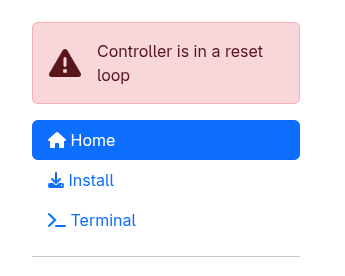
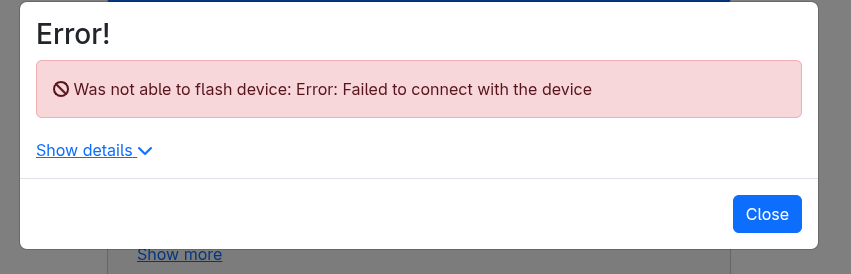
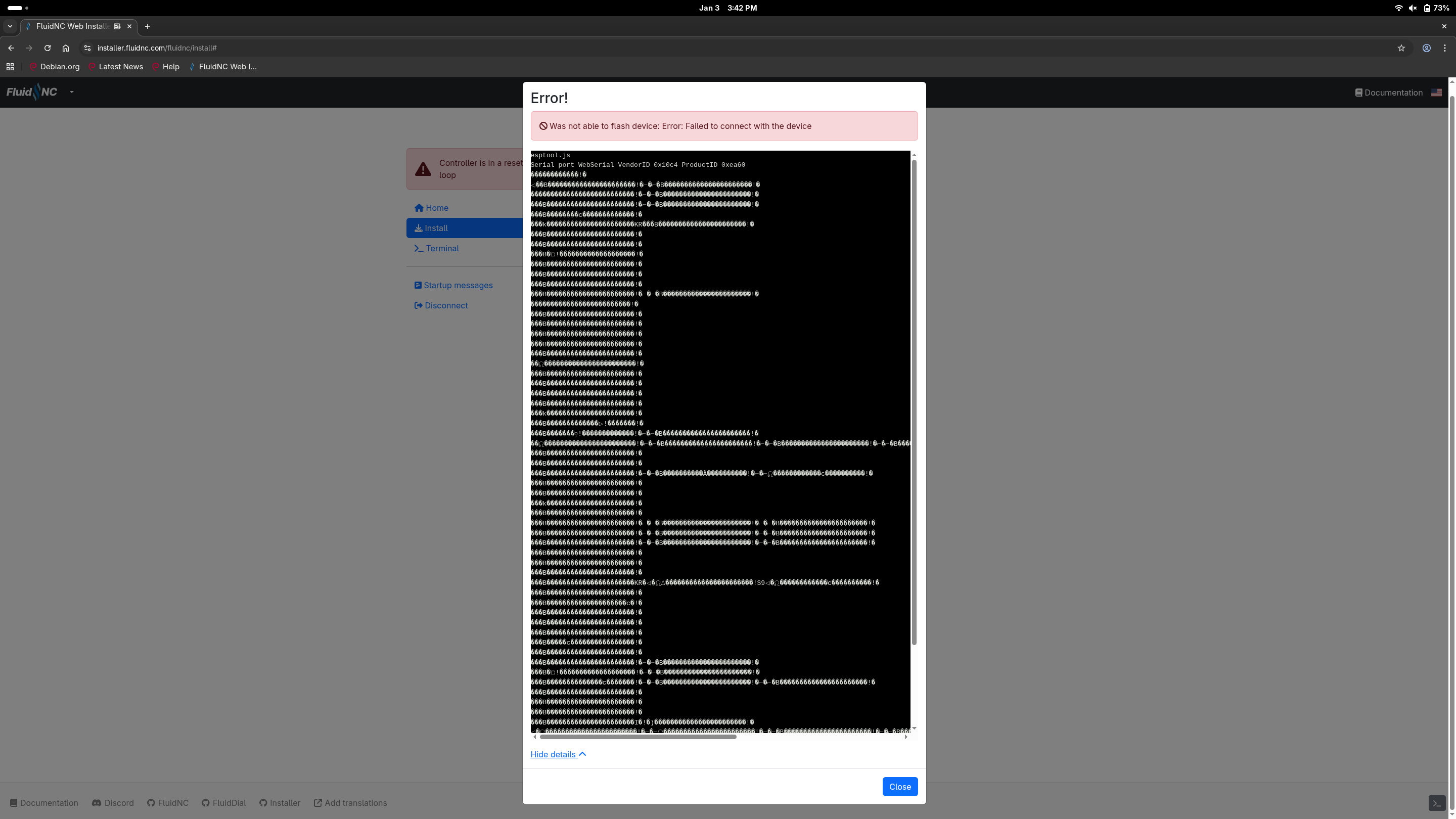
Got the Jackpot3 from elecrow. Migrating all the cables from the Jackpot1. Plugged in the USB-C into my laptop (Debian, used the same one for the Jackpot1 installation).
Try again, open the “show details” drop down, Use the Boot button when needed. Sometimes you will just need a tap, other times in needs to be held for a few seconds. Typically, you will only need to do that at the start and it will finish the rest.
Chrome. I used the same exact setup for Jackpot1 without any issues. And I recently connected to the Jackpot1 for an update. I tied 3 different cables all with the same outcomes. It look like something is not working on the board. Should I reach out to Elecrow?
Yeah send them an email, and they will email me so it might take a bit to get a reply. Since you did the troubleshooting, it speeds things up considerably.
Maybe a small note since you leverage Elecrow service: The pins for the limit switches were not very well soldered. If interested I can share a picture.
I had something similar happen to me once before. The only way I could get my Jackpot to update was to download Fluidnc and run the erase.sh shell script. Then I was able to install the update using Visual Studio Code. I didn’t try the webinstaller back then, but it might work now hopefully.
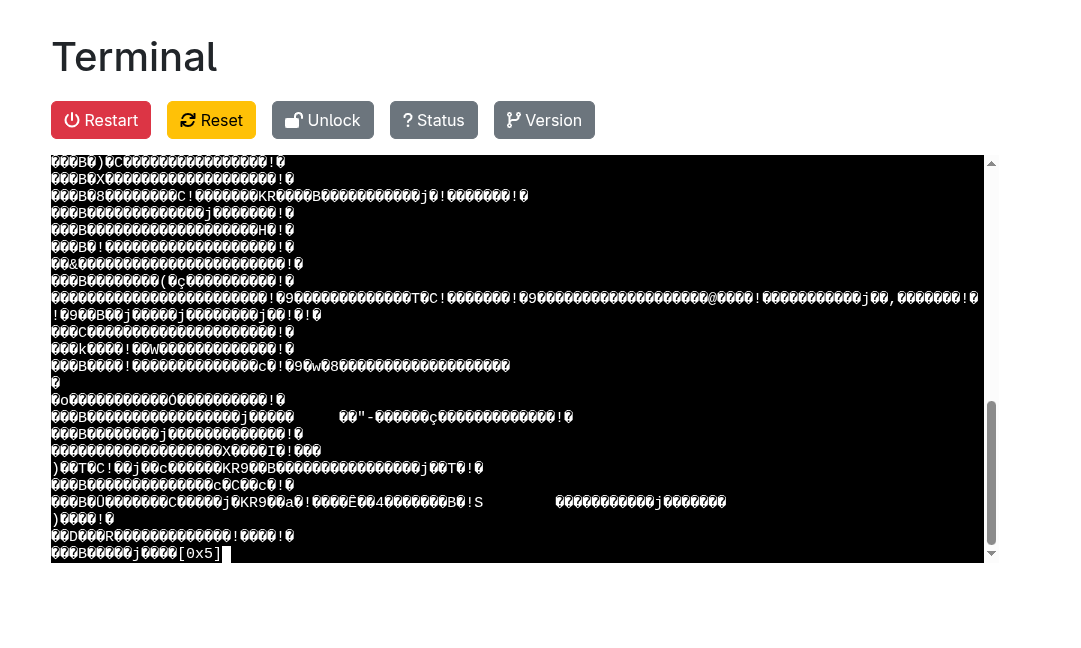
That looks like a Baud rate Mis-match. Check the Device Manager COM setup for the Com port created by the driver for the communication chip on the ESP32 (I can’t remember which one it is).
I think the USB connection is supposed to coordinate the baud rate, but that really looks like what I’ve seem before when they don’t match.
I know the web installer was down for me a few days ago but that was on a M5 Dial pendant. Been a little bit since I have tried to flash a jackpot so I’m not sure if its down for that as well or not
Thanks all. Yes the script worked. It was indeed probably related to the baud rate. I loaded the config and the preferences files via the term and after a reset I can connect to the interface. Tomorrow I will do some testing.