same errors.
So i make sure I am doing this correctly, I grabbed the firmware from your site, unzipped it.
It give me a new folder with a firmware.bin and another zip file of the source.
I then unzipped that source and got Studio code to open that folder. It contains the marlin folder and the platform IO as per the instructions.
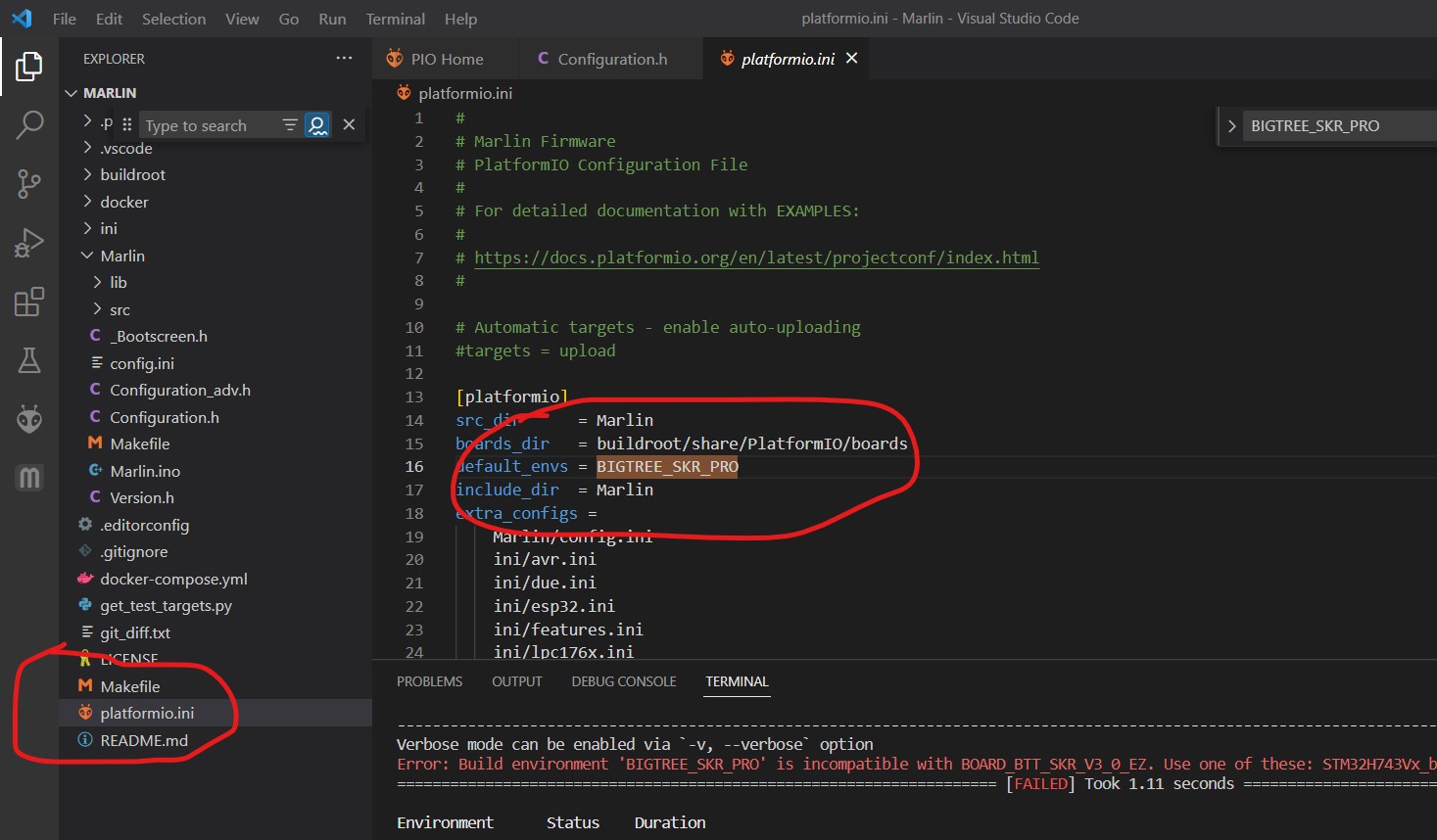
You will not get the arrow or checkmark without the folder structure looking like this, it has to see the platformio.ini file. So I think you opened one folder too low.
Ok,
so you were right about the level that i was opening the code in VSCODE.
I opened or loaded it in VSCODE with the marlin folder and i am getting the tick now.
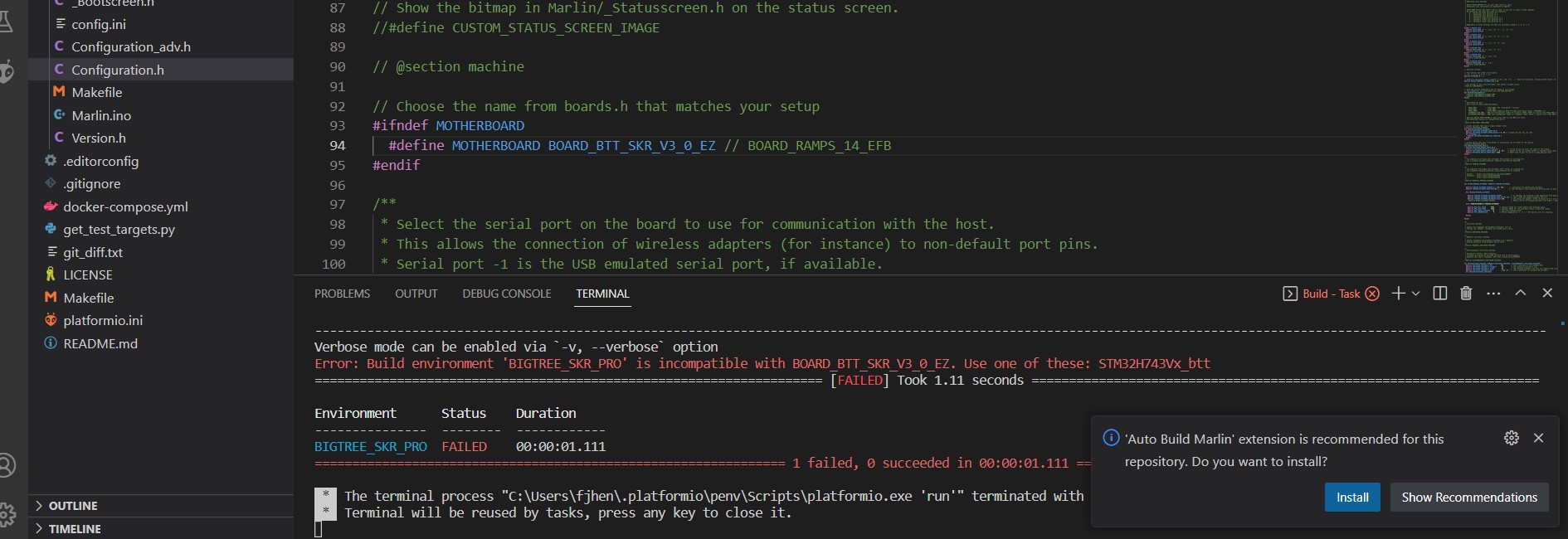
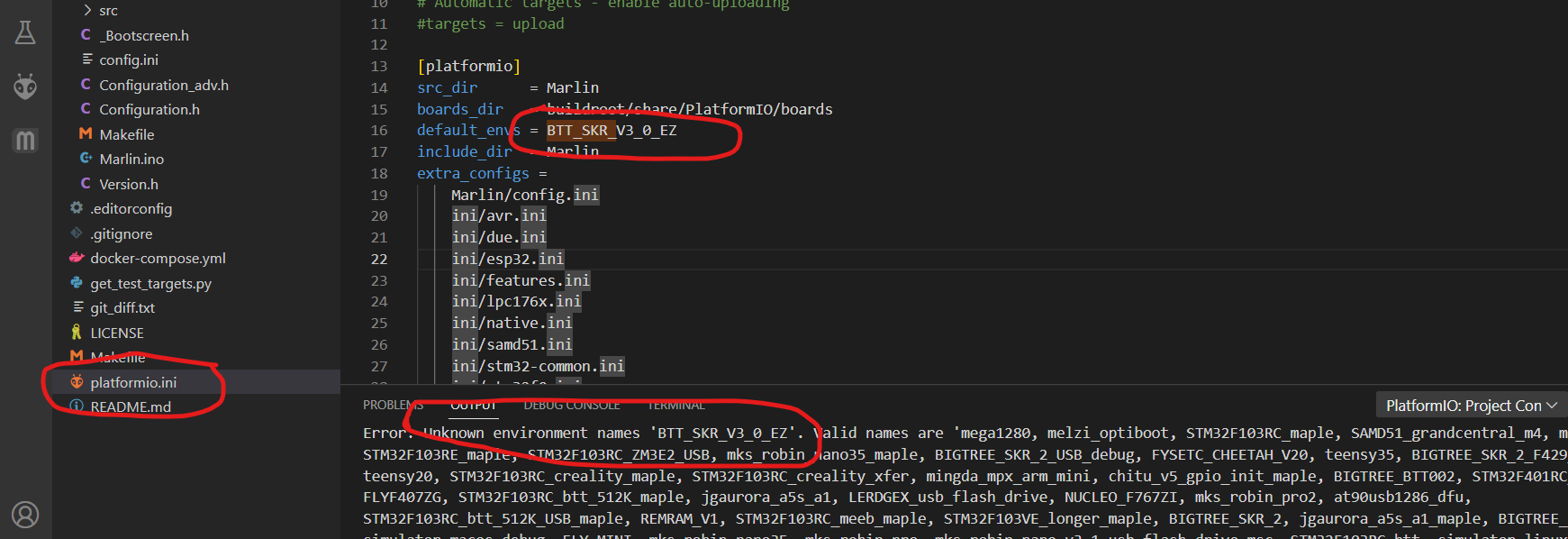
But i am getting this error
should i accept this?
-=-=-=-=-
edit 1
-=-=-=-
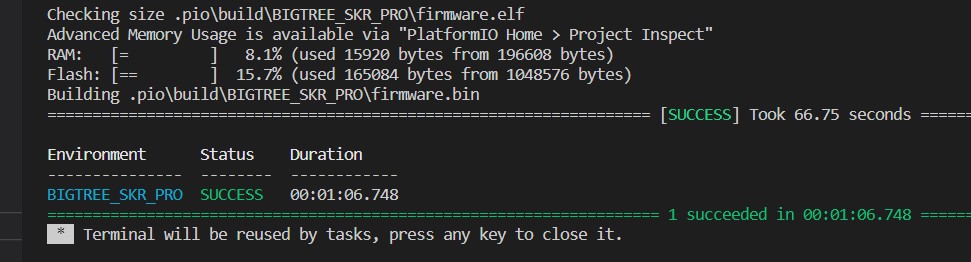
ok, so it compiles ok with no changes.
Auto Build Marlin | Marlin Firmware looks like all it does it chnage teh platform.io name for whatever you put into the configuration.adv. I’d say skip it and edit it yourself to keep things simple.
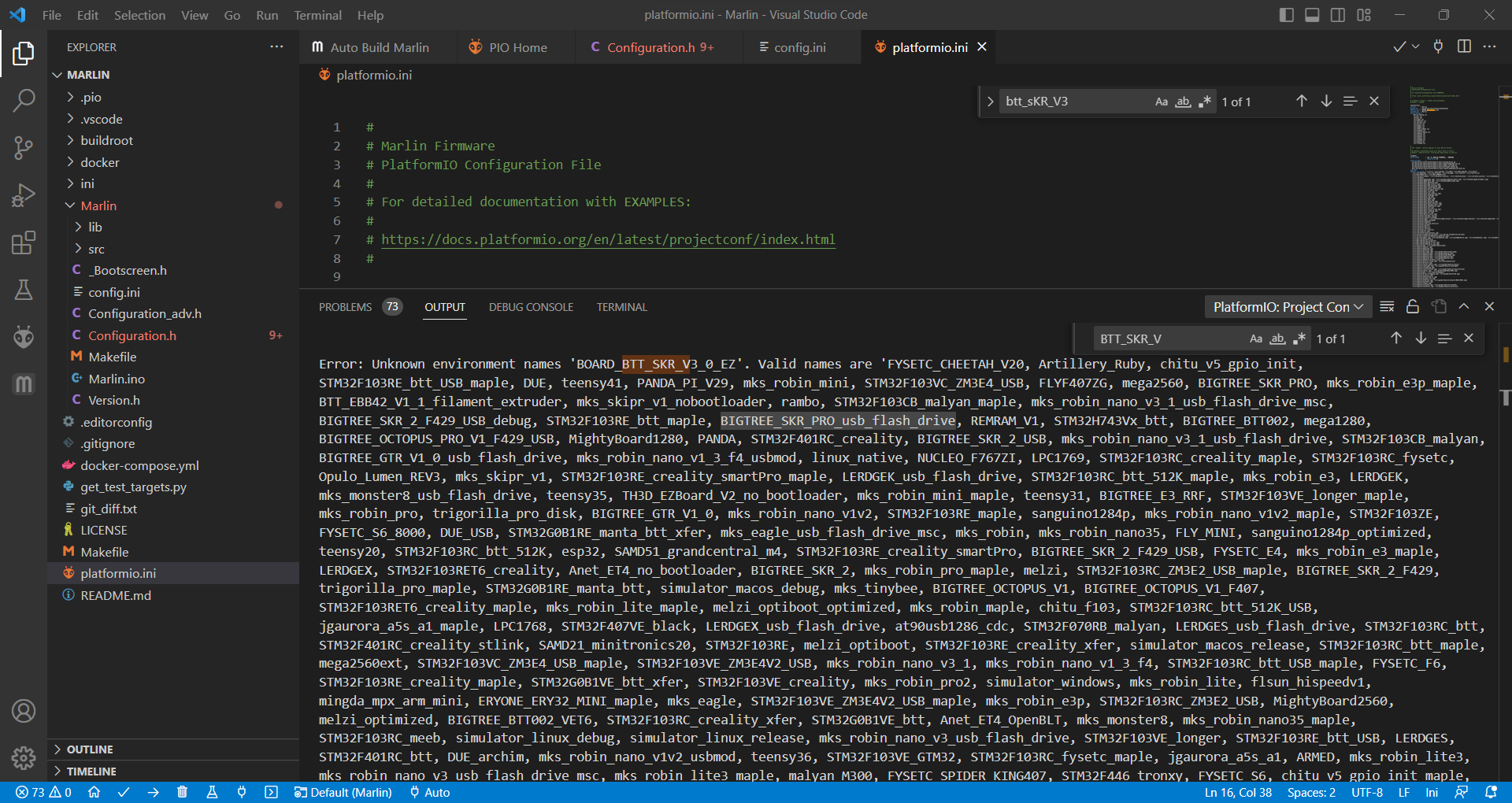
Okay, BOARD_BTT_SKR_V3_0_EZ , shows as a valid option. I think I might know the issue. That board came out after the build of ours you are using. Try editing the two files using one of our nightly builds. linked here, Workflow runs · V1EngineeringInc/MarlinBuilder · GitHub
Then unzipped the file down to the MARLIN folder, loaded that into VSCODE and ran the build with no changes, that worked fine.
Then made the change to CONFIGURATION.H and changed it to BOARD_BTT_SKR_V3_0_EZ and tired to build again, but got an error that it was a an “UNKNOWN Environment” still.
Searched the boards.h file and BTT_SRK_V3_0_EZ is there.
Searched the resulting error file for “Valid Names” and BTT_SKR_V3__0_EZ is still not in there.
ok, i watched that video and it seems the boards are pretty close, so that gives me hope.
Also that little trick to power the logic of the board (not the drivers) with the jumper for the USB, was good. I am going to use that now.
So i have the firmware.bin file and now I was just wondering if I need to change anything on the firmware build to accommodate the tft35?
right,
I put the Firmware on the SD card and turned it on as the video shows, and after checking the card the firmware file has been renamed to .CUR so that means the board has take the file.
Then after messing around with the TFT35, it fires up into a printer screen set for say 10-15 seconds and the drops to a screen that says “Marlin or Printer” with some graphics and but i cant select anything. So clearly this need to be setup as well?
well i really need to bring in my laptop tomorrow and see if i can connect with pronto face.
But whoo hooo it actually works… sorta… well it powers on and has taken the firmware is all i can tell right now. LOL
Ok, so now we have the environment things sorted, i went back to your “standard” firmware and changed the board and the environment and built it, then put it on the SD card and loaded it to teh board. (the file was changed to .CUR so it worked)
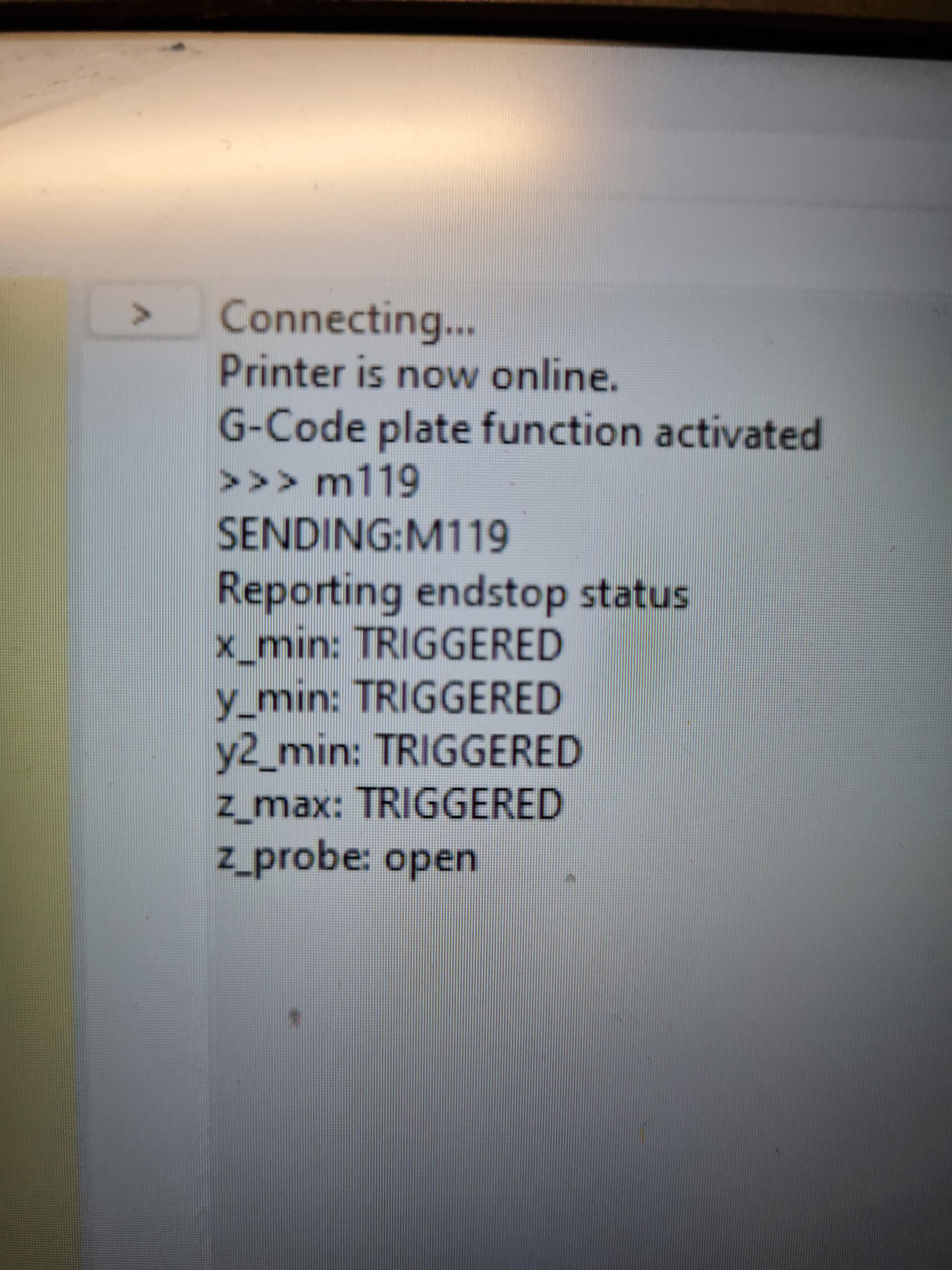
Then I loaded Protoface and connected the board to my laptop, then connecting to it via protoface (as per the video) and I am able to get back a response to M119.
clearly the end stop settings need to be switched around, no big deal.
I then found and updated the TFT with the 9/25/22 (cnc) update and its sort of working. It starts up with the V1 logo and drops into the menu (its the updated ones, the buttons are grey) but across the top you can see “not connected to printer” and then after 30sec of so it drops to two buttons “bigtree tech” and “marlin”
they look to be selectable, as they have a box around them, but you cant touch the screen or use the dial and also the push button on the dial does not work.
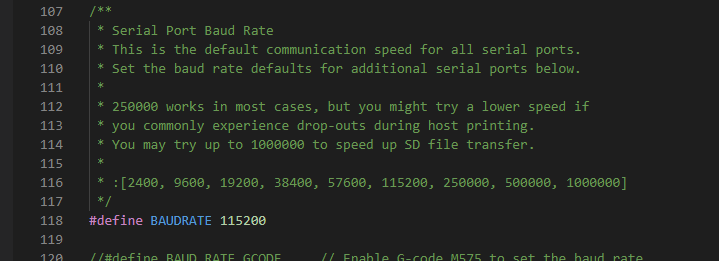
So maybe the baud rate is wrong, i am checking now.
So a bit more work on the firmware and I have the EndStop inverting properly, but only one of them, Ymin, will trigger but non of the others will trigger.
Also now the TFT35 reboots the board if the know is turned or pressed. SO that is different.
More playing with the config…
-=-=-=-
edit
so the TFT is now stable when using the 115200 baud rate in the serial baud rate slot
You are able to use it for maybe 30seconds, click on any button and it goes in to it, say teh setting menu, but then drops back to the two icons “Marlin” and the Bigtree logo and then does nothing.
It still has “the printer is not connected” on the top.