Z Homing Issue

Hey,

Just finished getting the low rider 4 setup, all the parts were purchased off the V1 website. Parts were printed by me at the recommended specs. I initially tested everything where it was easy to work on, I believed it to have be working fully. Labelled everything and moved it to its final location.

Issue I seeing first was the stepper clicking randomly and not moving, lead me to believe it was binding. I released it from the lead screw and reseated it. The clicking no longer happened, also it now seems homing Z axis is unreliable and Z1 motor stops working randomly. A power reset is needed to have it working again.

During homing this message happens: Homing Fail Pull off travel failed to clear limit switch, although the homing was working correctly. Moving upwards, clicks on the switches on z0 and z1 pulls off slights goes back up and then clicks and stops moving. At this moment, you hear the z1 stepper become unpowered. Sometimes during homing, it fails on the first click instead of the second.

Also, if homed successfully and left for a random amount of time. If I go move the Z a few steps only the Z0 will move. I am able to move the Z1 side manually (Physically), tells me its unpowered.

Things to note, X and Y Home perfectly.

Things attempted:

Reseated all connection, at boards and extensions.

All limits are working correctly, when clicked within a few seconds on the webui shows open.

Swapped Z1 & Z0 steppers and limit switches at jackpot. Swapped “Z1” from B to Z and visa versa. After doing this I was seeing issues on the Z0 physical side. This makes believe the B is the issue on the jackpot. Was getting the clicking sound on the stepper, when I previously was not.

$SS showed nothing out of the ordinary.

Anything I could attempt before looking at a replacement?
1 Like

Welcome aboard! Nice to hear another LR4 is up and running. I may not fully understand your problem however I know a lot of people have had the grub screws on the Z couplers come loose. It causes erratic behavior that can seem like electrical issues. Worth a quick check. IMO

1 Like

Thanks for the suggestion I’ll give that a shot. Now thinking, this could be the issue with it refusing to pull off the limits switches during homing.

To add, this was not the issue. Every coupler was double checked.

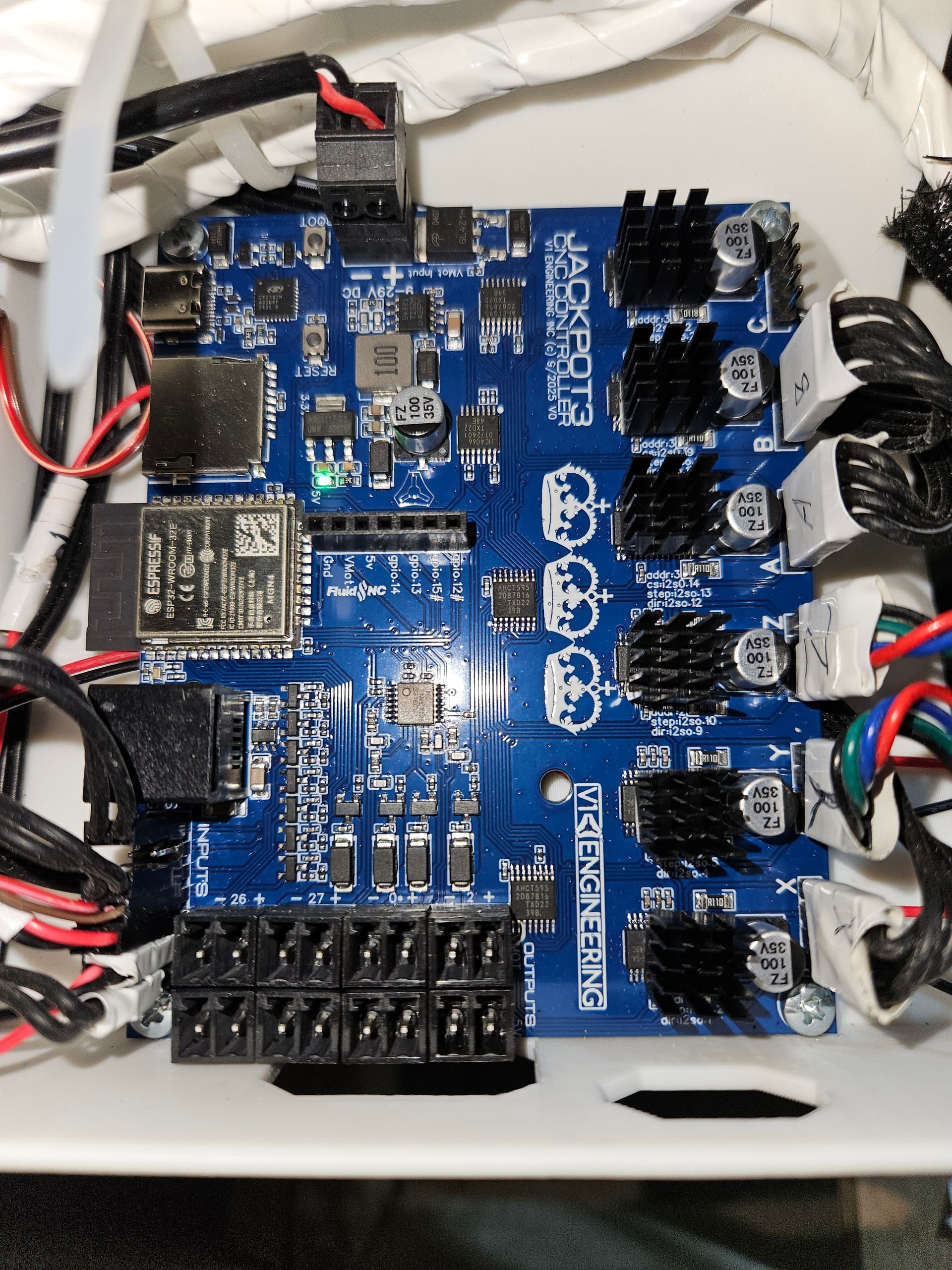
To explain a bit more clearly, the issue is random. Usually happens within a few minutes of starting the jackpot and is not specifically related to homing. The issue is, “B” connection on jackpot will disconnect the stepper from power. As setup in the photo from the OG post. The “B” connection controls axis Z1 (Stepper Z2). After further testing the “B” connection with every axis (X0,Y0,Y1, Z0) the issue replicates itself with every stepper. Makes me believe wiring and Z2 motor to not be the issue.

From email, including @vicious1

1 Like

Let’s move your Z from the “B” port to the spare “C” port to see if it is a driver issue.
You just need to re-upload the yaml file and reboot.

config.zip (1.6 KB)
Unzip and try this file. The C port will now be your second Z channel.

Looking at your picture your heat sinks look disturbingly close to the capacitors. They should not touch

1 Like

I will try this today, I was wondering if it was possible to try the C port.

To add, the photo is deceiving, it is 100% not in contact. Prior to placing, I had read many posts on the forum of this issue.

2 Likes

I had a couple of the limit switches that went bad and caused the same issue, they wouldn’t have continuity unless there was light pressure on them

1 Like

What case is that mounted in? Are there any ribs in the bottom pressing up on the board?

The JP3 will not fit correctly in a JP1 box.

2 Likes

I can confirm that the limits are operating as they should, they were checked with $limits for an extended period. I agree this had huge potential, definitely my first guess.

1 Like

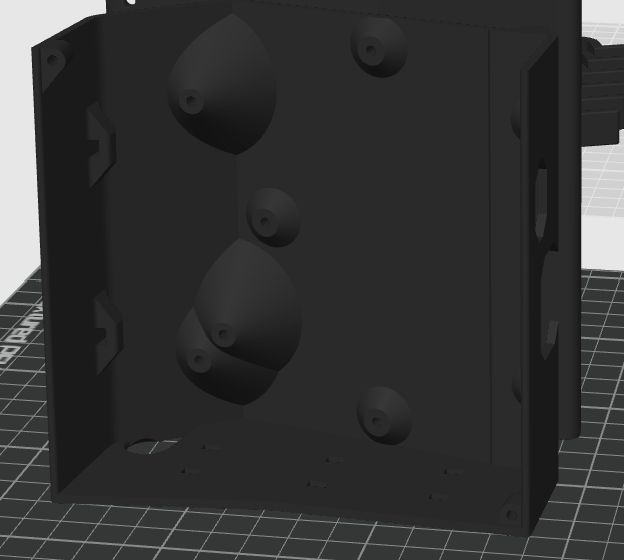
The photo below was the file used for the case. The file that was included in the DIY LR4 (Makerworld) section.

1 Like

That is the Jackpot 1 case.

The standoff are in different places. If you want to keep using that you really need to loosen all the m3 mounting screws so it is not flexing the board the wrong way.

The correct box for the J3 has all the ports lined up for easy access.

3 Likes

Ill grab that box, get it printing.

Currently testing the config file you provided.

  1. The homing is doing the same thing as before, typically first time working. Home a second time, no go. To add, seems to fail homing if the device is already close to the top.

  2. Jogging in 10: unable to replicate. 25: Only allows me to do it once then disconnects power. 50: unable to replicate issue

  3. I have gotten some stalling (clicking) on all three jog increments. Usually because it’s not level, although it does not happen on the Z0 side, only on Z1

If it is happening on a different port I have to lean towards Z axis binding or lack of lube.

The Z stub can be slightly twisted.

You do not have the locking screws in do you? Lets s a picture of your Z’s

I did have the locking screw in place, although not tightened it was able to move back and forth.

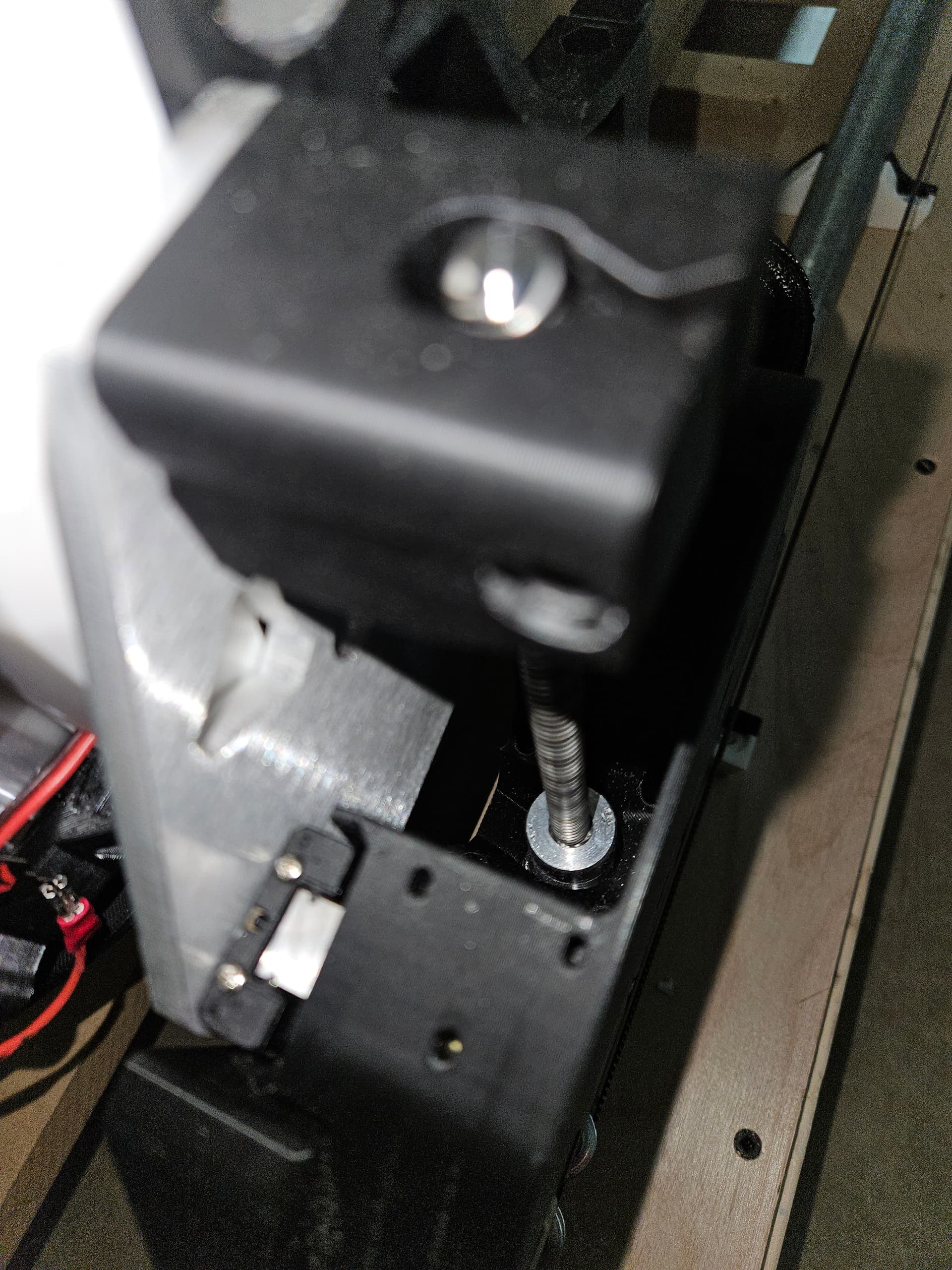
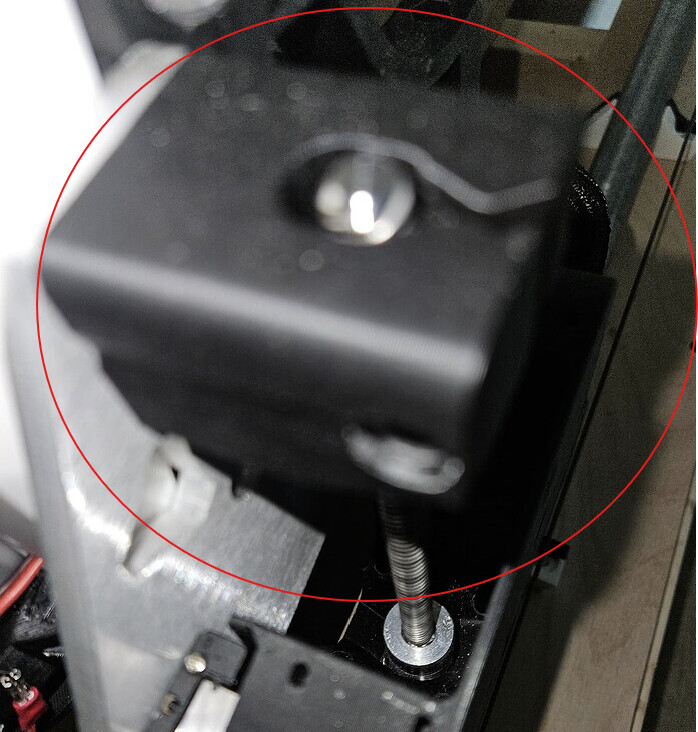
By z stub are you referring to This If so, yes there is an ever so slight twist I can see while its rotating.

Will lube again right now.

I tested Axis Z0 on the c connection in 25 increment, immediate failure.

Photos to follow next reply. Can provide a quick video if needed to see failure

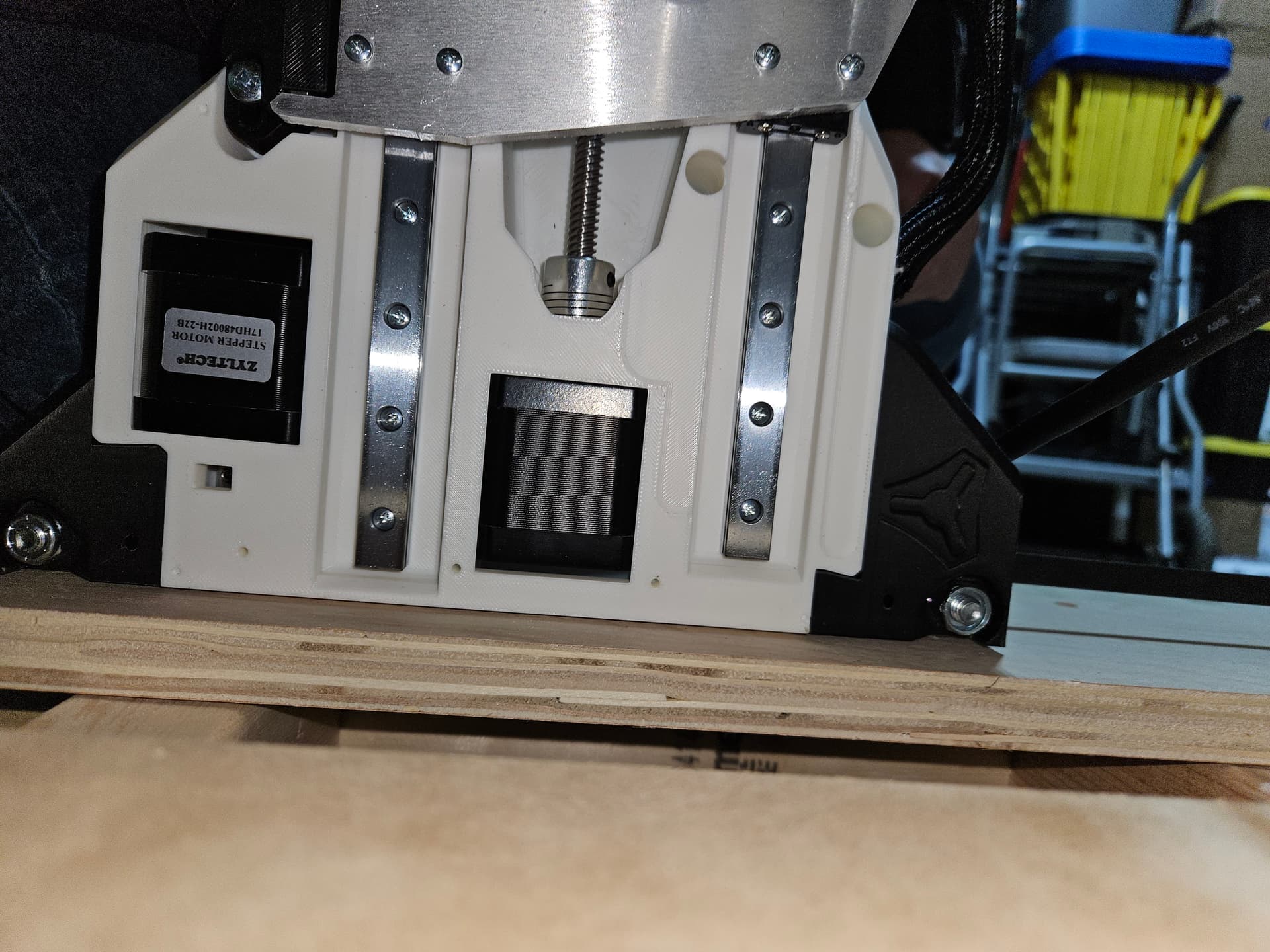
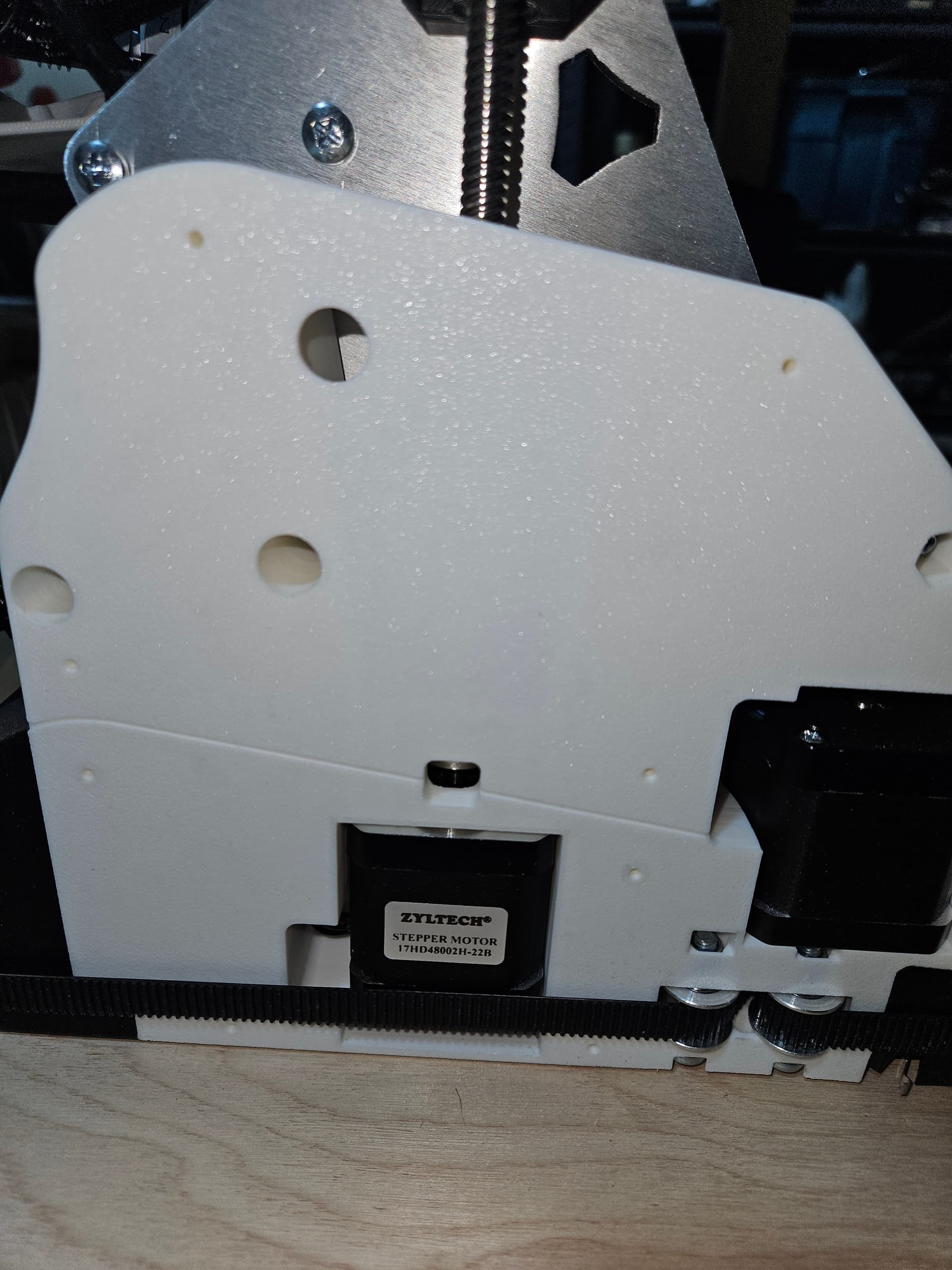
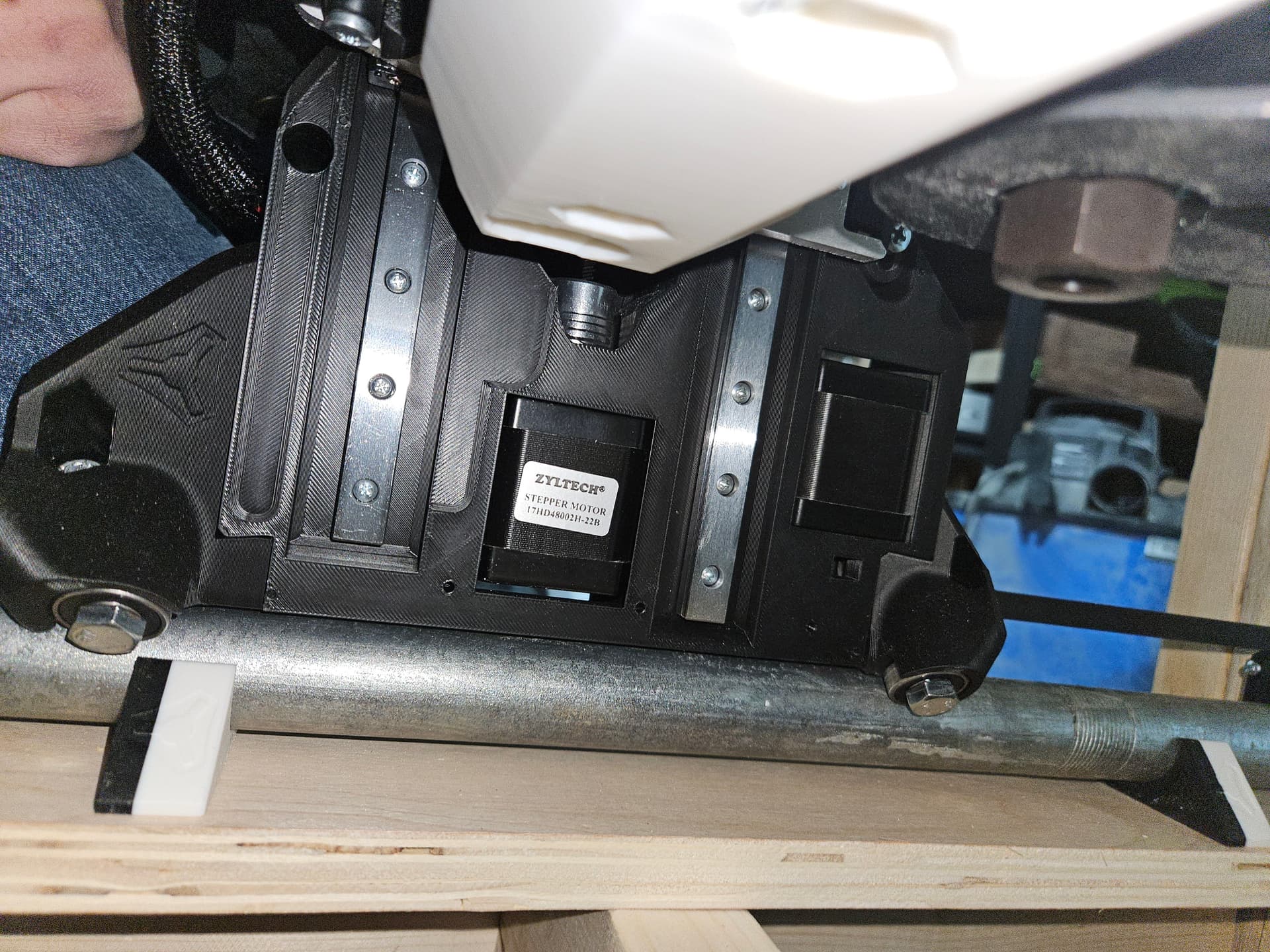
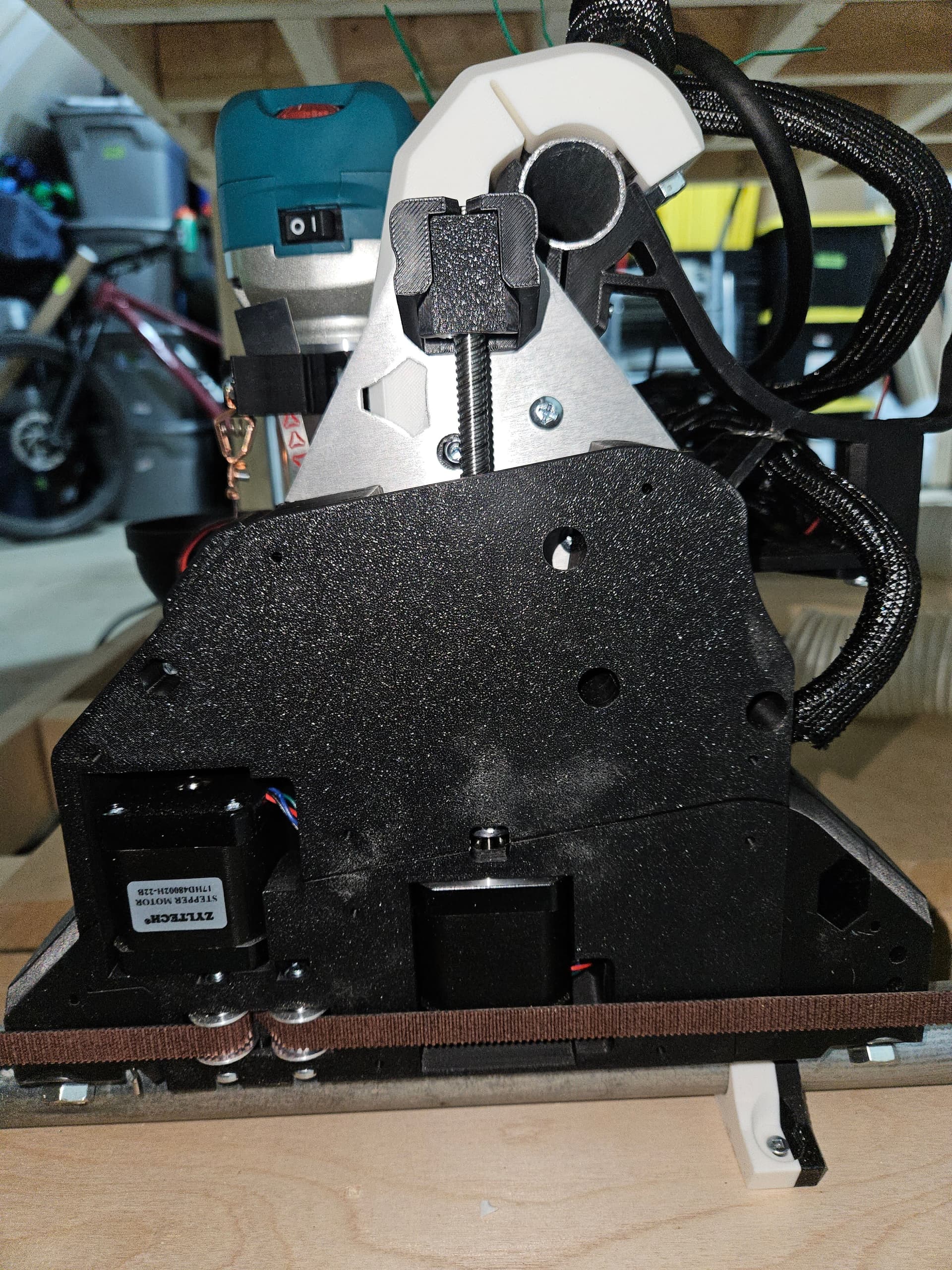
Z0:

Z1: (Ignore different belt on Y Axis, had to order more belt from bad cut, oops)

1 Like

With the power off do both Z axis move easily all the way up and down with you twisting the screws with your fingers?

Did you folder over and tape the Far Z axis connection so it is not loose?

Check the webui config to make sure all 5 steppers are set at the same current. Do all 5 steppers get equally warm after 20 minutes of being on?

Take it out.

The z stub is the part that has two screws into the XZ plate.

Swap that to Z1, with the power completely off when plugging and unplugging.

home, move it down 20mm home again. don’t just home twice could be a pull off error.

Another thing it can be is you have the Z endstops up too high and it is hitting the top before triggering the endstop.

All three of these do point to a binding issue. The Linear rails and Z acme screws need to be complete smooth in operation, any binding you feel with your fingers is all bad.

Checked and yes, can twist with my fingers, machine moves downward great. Up, of course with the weight of the machine needs assistance from other hand to relieve weight.

Yes, when initially troubleshooting even untaped. Reseated, ran it without it untaped to visually confirm its seated. Still had issues, retaped.

From the file you provided, still on the board currently for C connector as the issues seem less frequent. Yes, all 5 steppers are set at the exact same thing. Run @ 0.8, Hold @ 0.7, Homing 0.8. I am working in a somewhat colder environment. None of the steppers are warm to the touch

Done, still have issue

Just to confirm, this

From a visual inspection, they appear good. How might they be twisted? I do not feel any binding while moving lead screw by hand.

I checked both the Z1 and Z0, only switching connections during unpowered state. Replicated issues on both sides.

Here is a video of the issue, moved down 25 x2 homed. Not 20 sorry recorded before comment. Again, is it not just during homing. It will fail randomly during jogging as well. I can take a video of that as well if needed. https://youtube.com/shorts/dRUm09wOF4g?si=ZzjHiRRI5JFXYq0H

Endstops have been moved to lowest position for testing. Still had issues