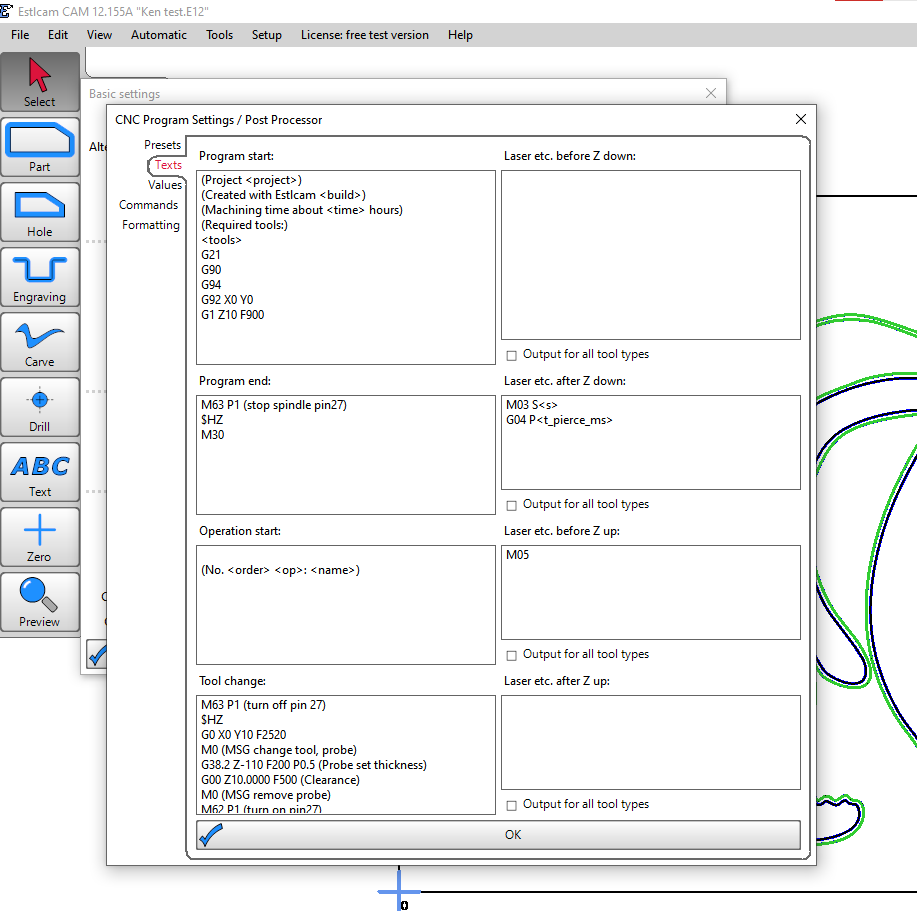
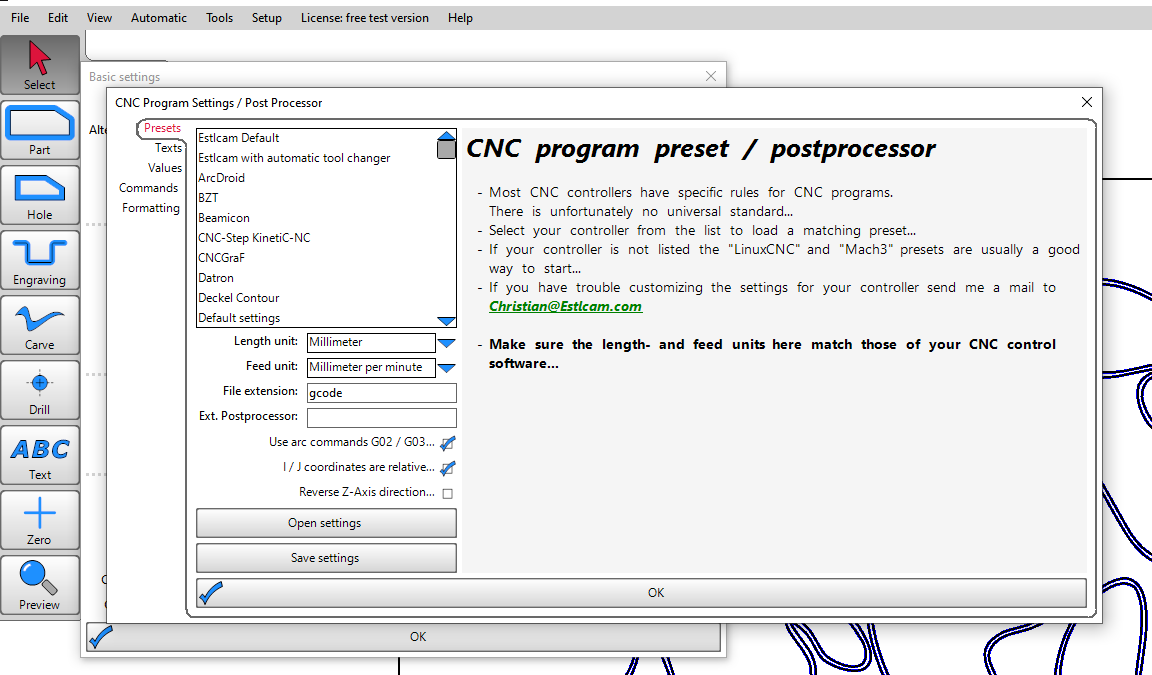
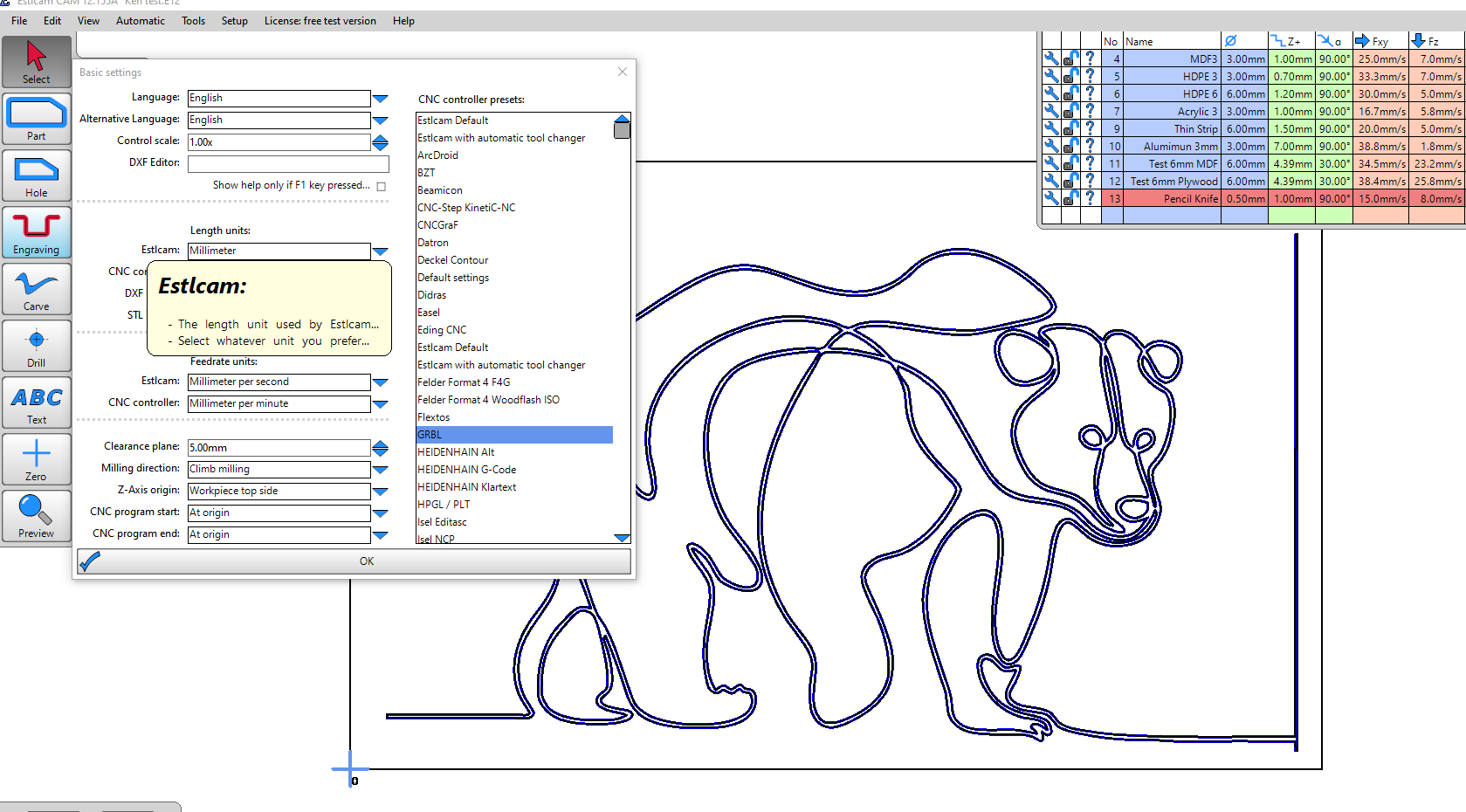
When I run the crown GRBL gcode from V1 engineering machine runs fine but when I do my own pencil gcode the Z goes down for some reason - Can someone please help me out to figure what I am doing wrong in my setup of Estlcam .Thanks
(Project Bear test)
(Created with Estlcam 12.155)
(Machining time about 00:06:28 hours)
(Required tools:)
(Pencil Knife)
G21
G90
G94
G92 X0 Y0
G1 Z10 F900G00 X0.0000 Y0.0000 Z0.0000 F2400
G00 Z5.0000 F900(No. 1 Engraving machining: Engraving 2)
G00 X63.3108 Y23.4398 Z5.0000 F2400
G00 Z0.5000 F900
G01 Z0.0000 F480 S24000
G01 Z-1.0000
G03 X64.9955 Y20.4123 I13.7517 J5.6700 F900
G03 X68.0155 Y18.2027 I6.3611 J5.5254
G03 X75.6870 Y16.2498 I9.7618 J22.3033
G03 X80.6154 Y16.0233 I4.6402 J47.2206
G02 X81.6159 Y16.0159 I-1.0044 J-204.6197
G03 X86.6961 Y16.2205 I1.1679 J34.1686
G03 X90.9446 Y17.6798 I-1.1426 J10.2408
G03 X87.3977 Y18.6556 I-6.3491 J-16.1443
G02 X83.9469 Y19.6128 I2.5652 J15.9456
G02 X81.8633 Y20.7503 I2.6319 J7.2983
G02 X81.3072 Y23.4341 I1.4907 J1.7084
G02 X82.5479 Y24.8181 I3.3990 J-1.7990
G02 X82.9241 Y25.1028 I18.9860 J-24.6958
You never set 0 for Z, your G92 only does X and Y.
Change this into
G92 X0 Y0 Z0
Then 0 will be where your pen is at the moment you run the code.
G00 X0.0000 Y0.0000 Z0.0000 F2400
G00 Z5.0000 F900

(No. 1 Engraving machining: Engraving 2)
G00 X63.3108 Y23.4398 Z5.0000 F2400
G00 Z0.5000 F900
G01 Z0.0000 F480 S24000
G01 Z-1.0000
Gcode is intended to be human readable. G00 is a rapid, G01 is linear move
So your code says
rapid move to z5,
then rapid move again to z5,
another rapid move to z0.5
Move to z0.0
Move to z-1.-
The question is where are you setting z0 and how?
Thanks - I added this and it works
G92 X0 Y0 Z0
when I copy and paste the code from the Docs like
G21
G90
G94
G92 X0 Y0
M0 (MSG Attach probe)
G38.2 Z-110 F200 P0.5 (probe down set thickness )
G1 Z10 F900 M0 (MSG Remove probe)
M62 P1 (If used start spindle pin27 )
I get “Hold” message on my M5 Dial - is that normal?
FYI -I have MPCNC Primo
Does that message have anything to do with my touch probe not connected ?
Yes the M0 commands cause a hold that you must resume from.
Noted ,I will pay attention to the “Hold” when I start using my touch probe down the road ….Taking baby steps for now with fluid NC/jackpot
Thanks very much - I appreciate all the help from everyone .
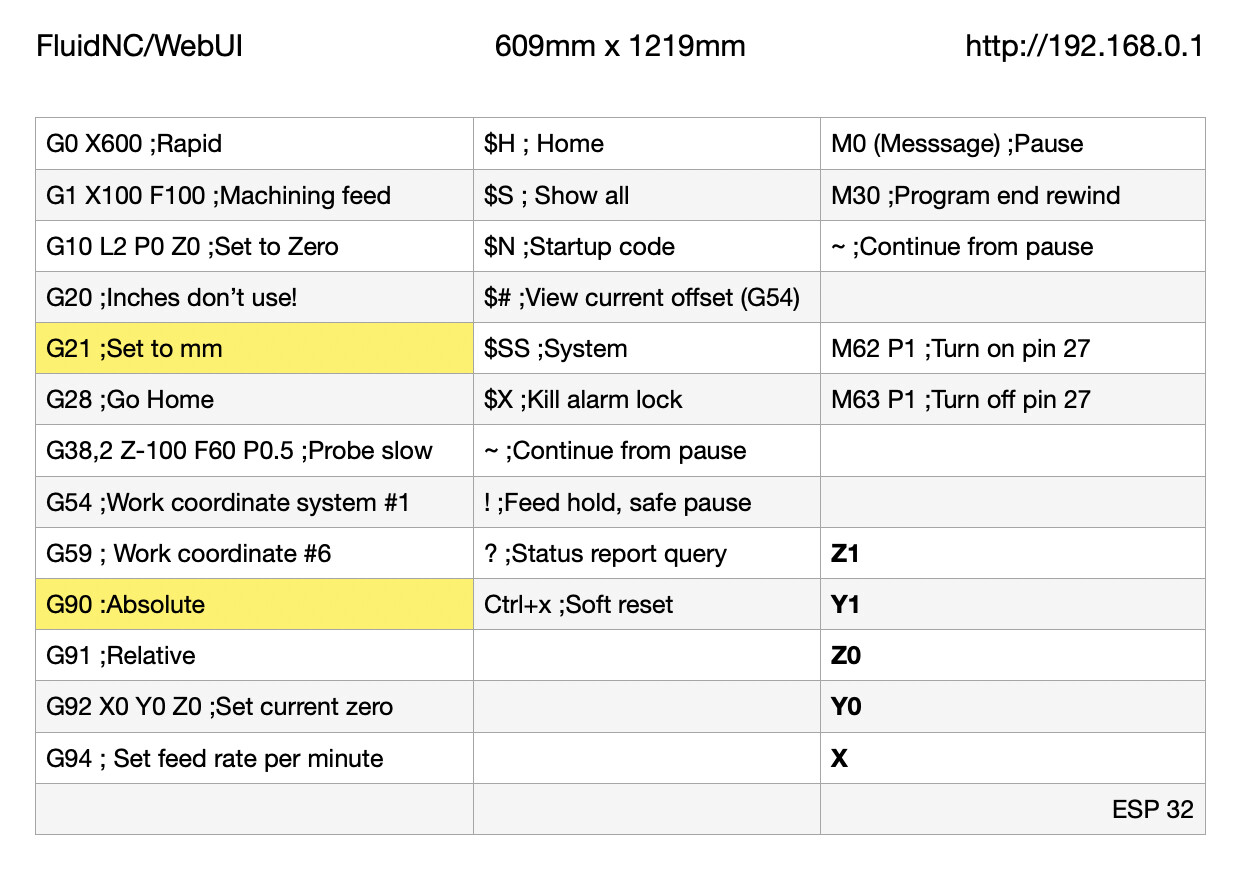
Just a thought. I found it helpful to add";" and a brief note to remind me what each command code does. I know it may seem silly but just after a while you get to know each quickly without but helps in the beginning:
Here is your same commands but with added notes the the machine does use but for us humans.
G92 X0 Y0 Z0; Set current position to zero
G21; Set units to mm
G90; Set to Absolute
G94; Set feed rate per minute
G92 X0 Y0; Set current
M0 (MSG Attach probe); Message pause
G38.2 Z-110 F200 P0.5; (probe down set thickness of 0.5)
G1 Z10 F900 M0 (MSG Remove probe); Move to Z10 F900
M62 P1 (If used start spindle pin27 )
I made this cheatsheet and keep next no my machine and computer as a help.
Would appreciate the experts to add or correct to my sheet. 
noted and thanks for the advice .