Greetings from Slovenia. Today I wanted to cnc YZ_Plate_Min. I have a problem with the file that I load into artcam 2018 and edit the settings. The g code is not executed because it has dxf errors, which I can’t fix. The problem is in the external lines. Can I get a corrected dxf file? Thanks
Just generate the goods with Estlcam, it’s free. 
I don’t know this program and I should learn it from scratch. There were no problems with the YZ Max board in Artcam because the file has no errors. Thanks
There were hundreds if not thousands of users who haven’t had a problem with the file. Maybe you can repair it in your CAD software. 
I tried many ways but it didn’t work.
It’s similar in the Aspire program.
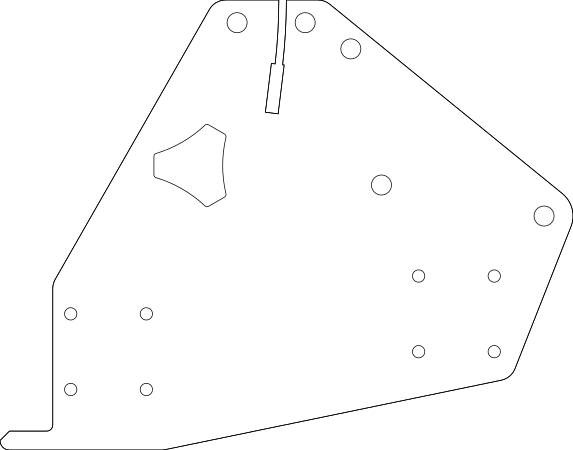
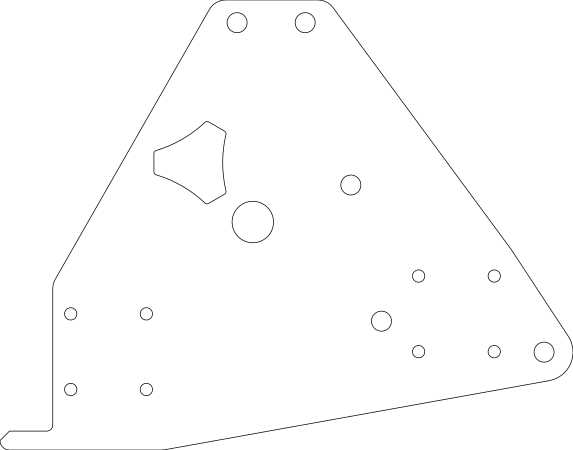
It’s also repeatedly been flagged as a broken file.
It is a broken file. @vicious1 should fix it.
Oh, I haven’t seen this, dunno how I missed it. I think I might fixed it when sending it to the manufacturer and never thought about it again. 
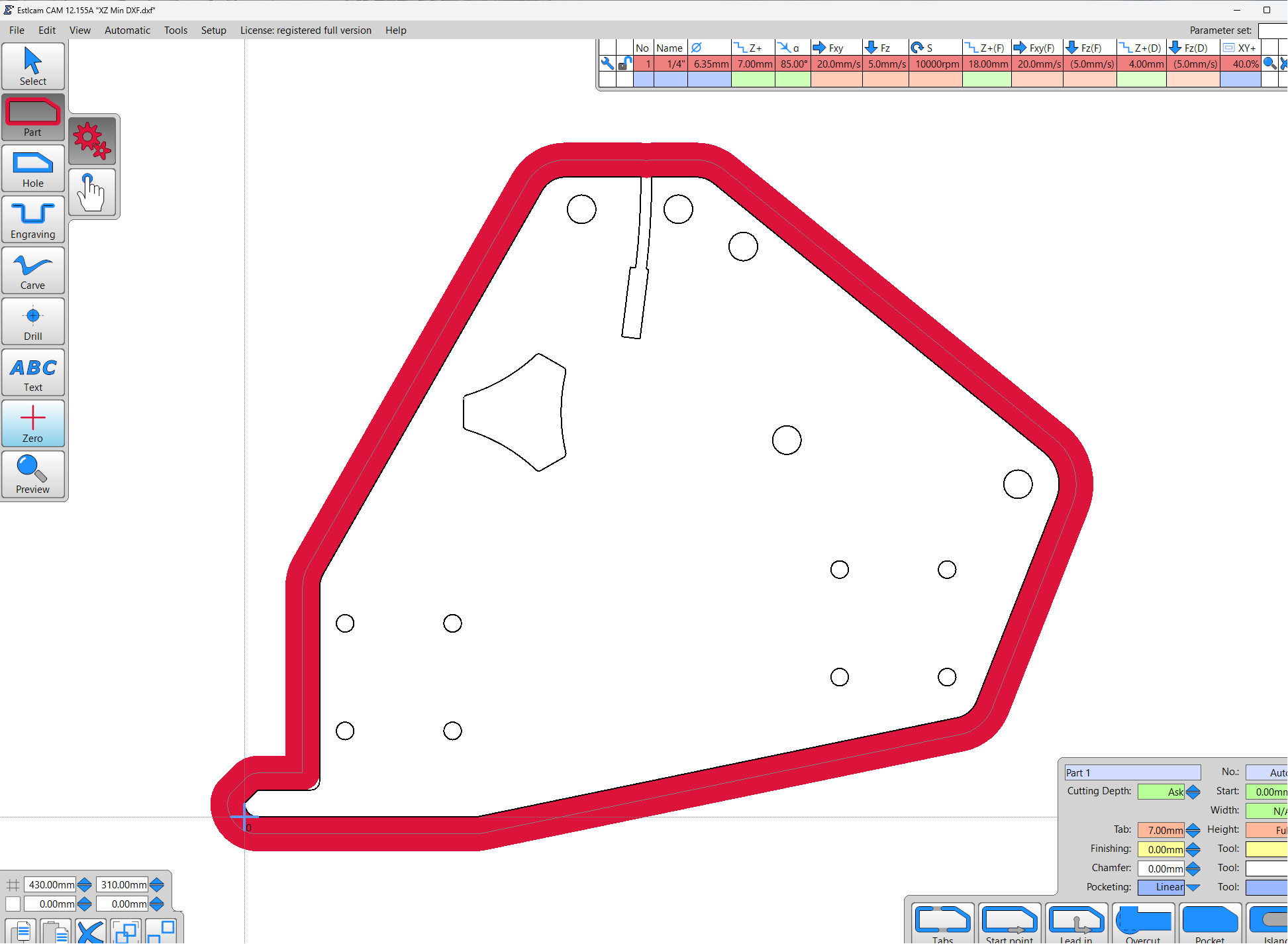
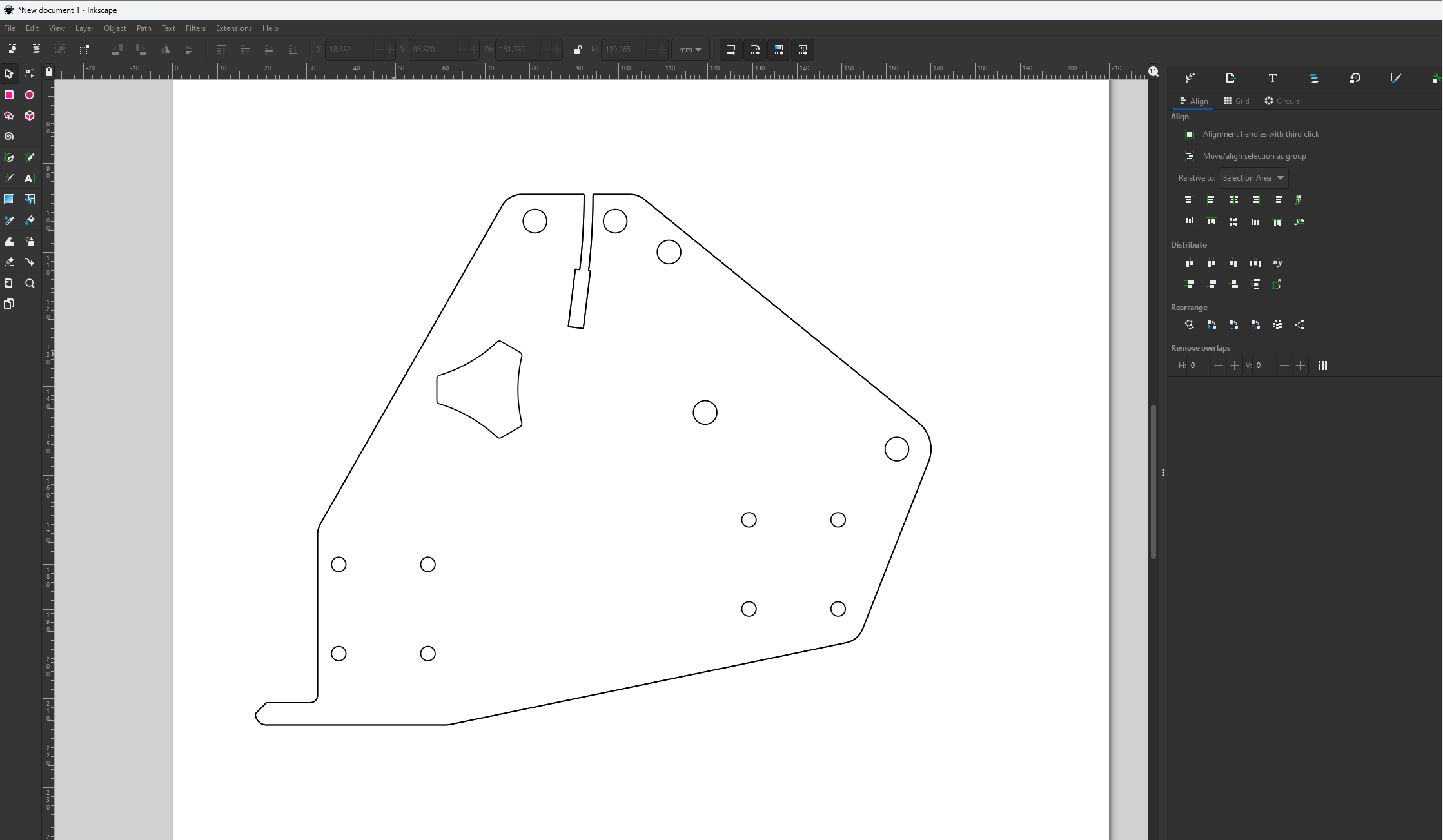
Try importing it into FreeCAD it’ll flag the errors
At least one of the paths isn’t closed
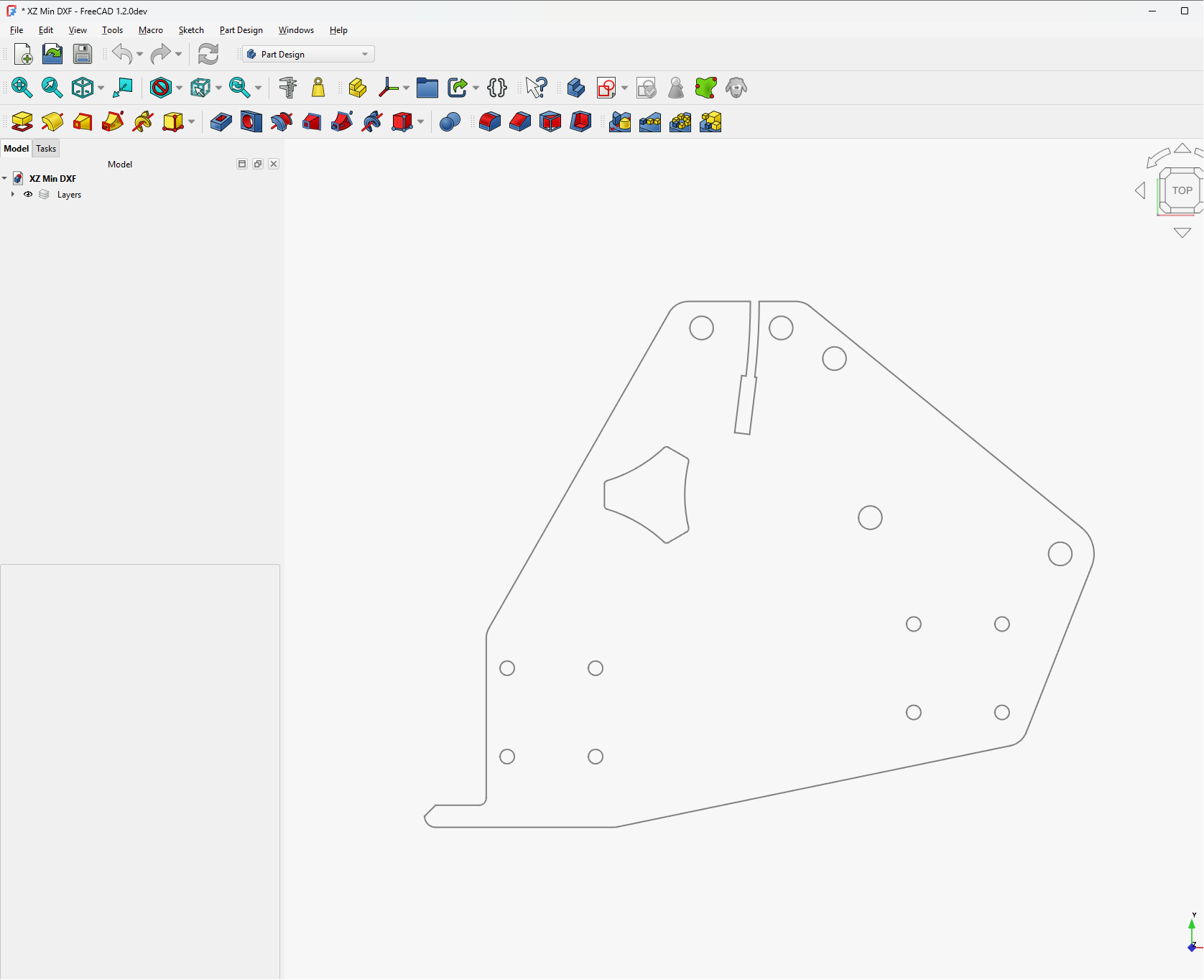
It’s up on Printable’s if you guys could test I would appreciate it.
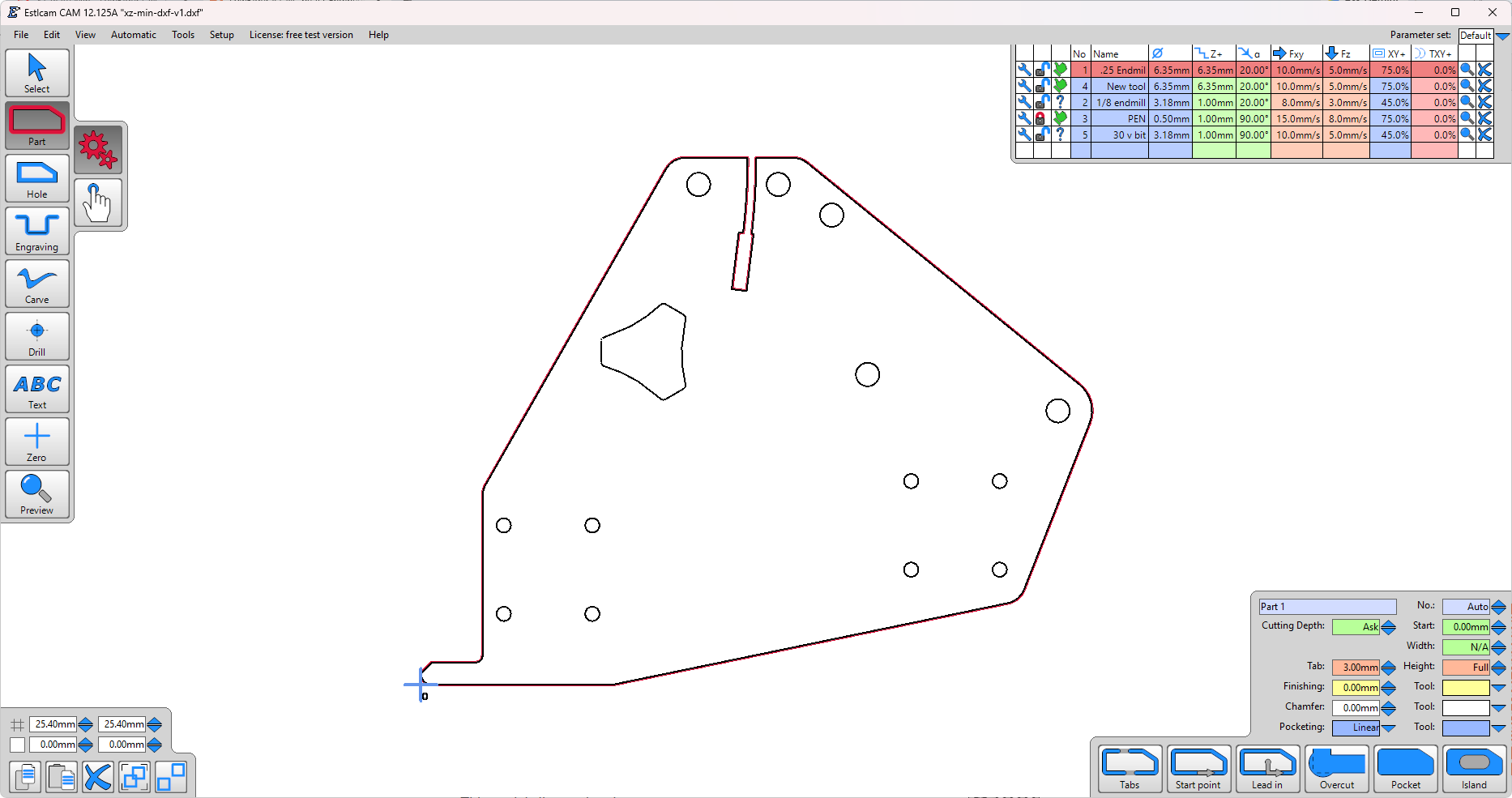
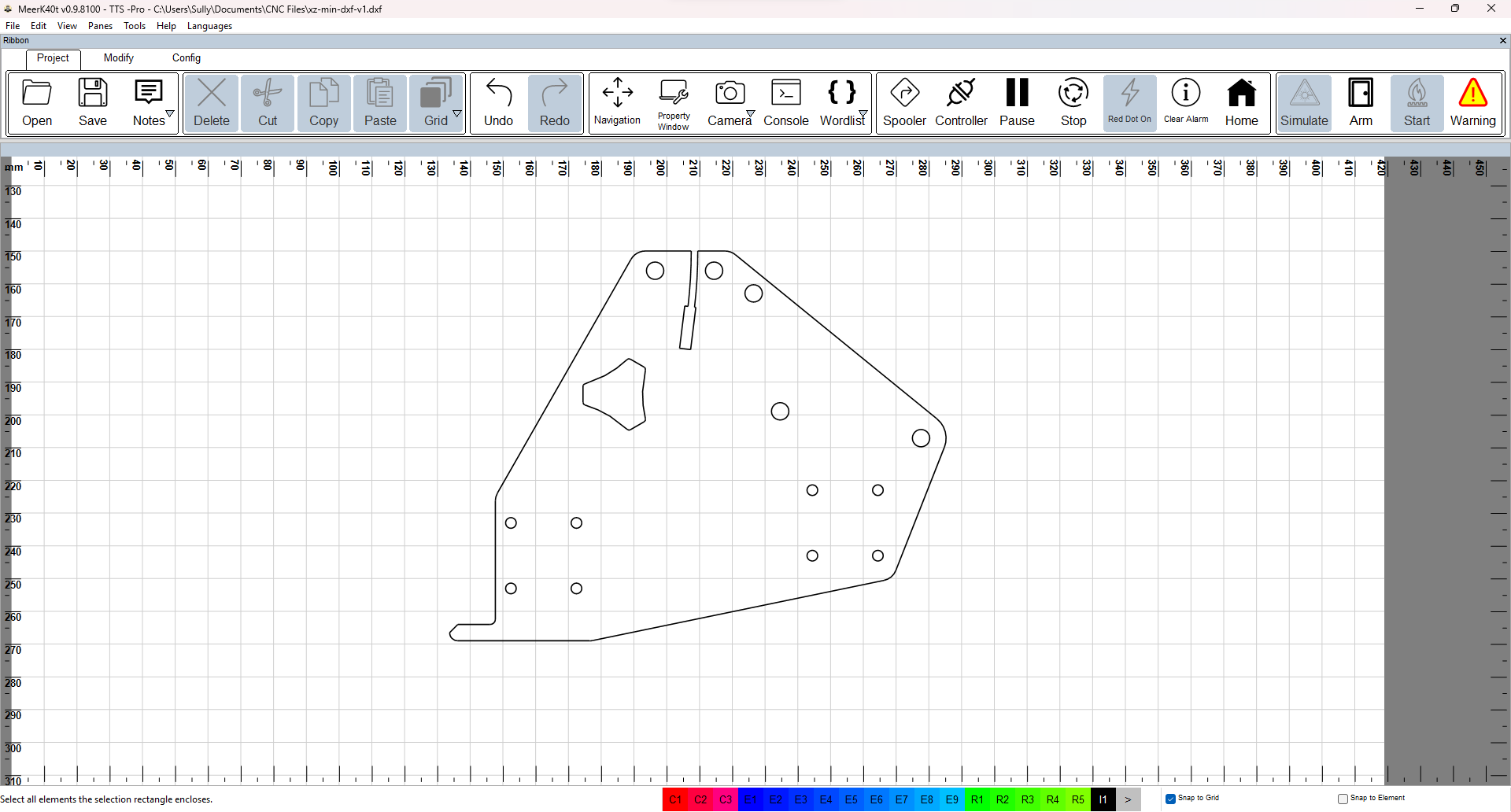
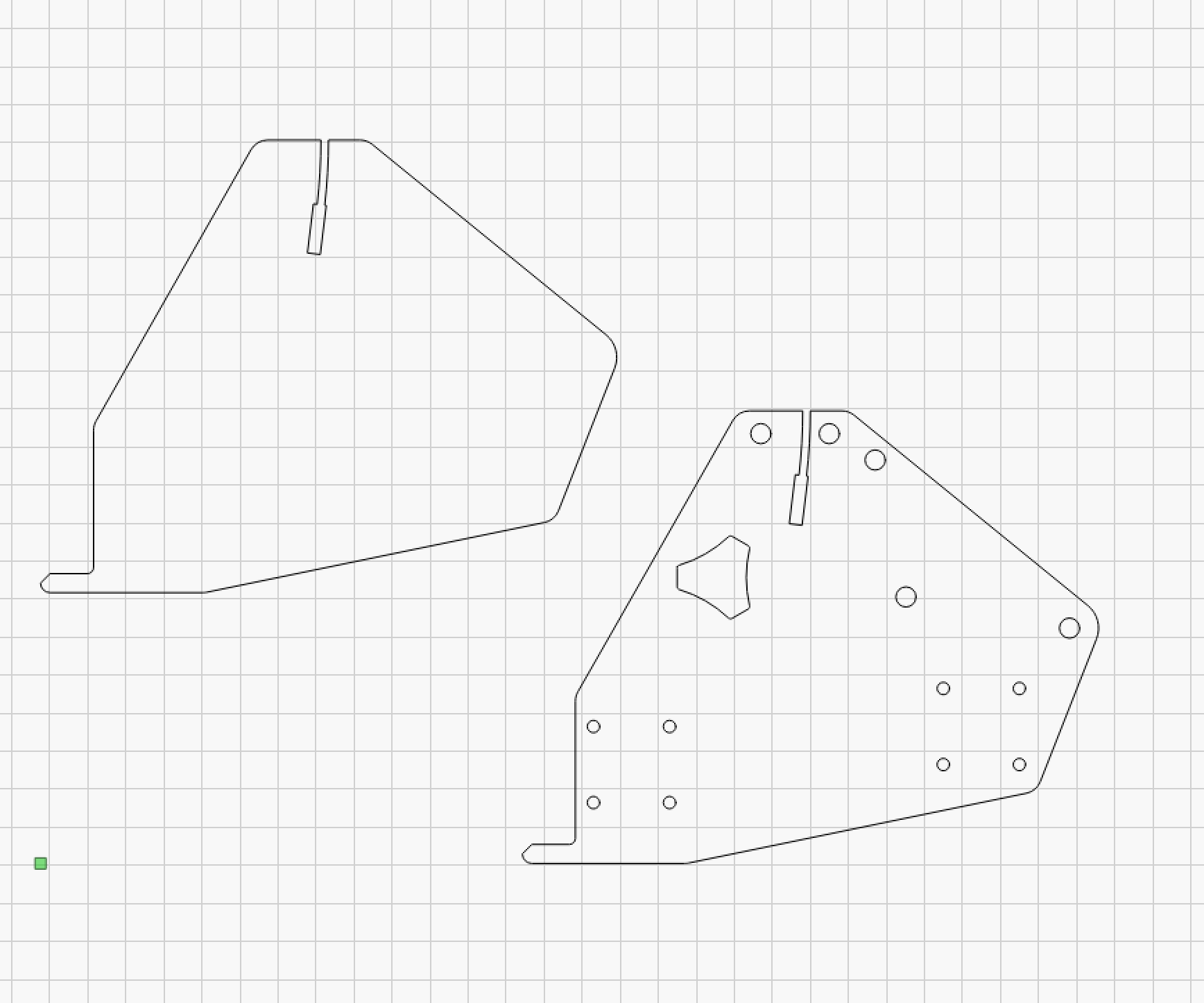
Thanks everyone!
Duplicate lines, What a bummer of an error.
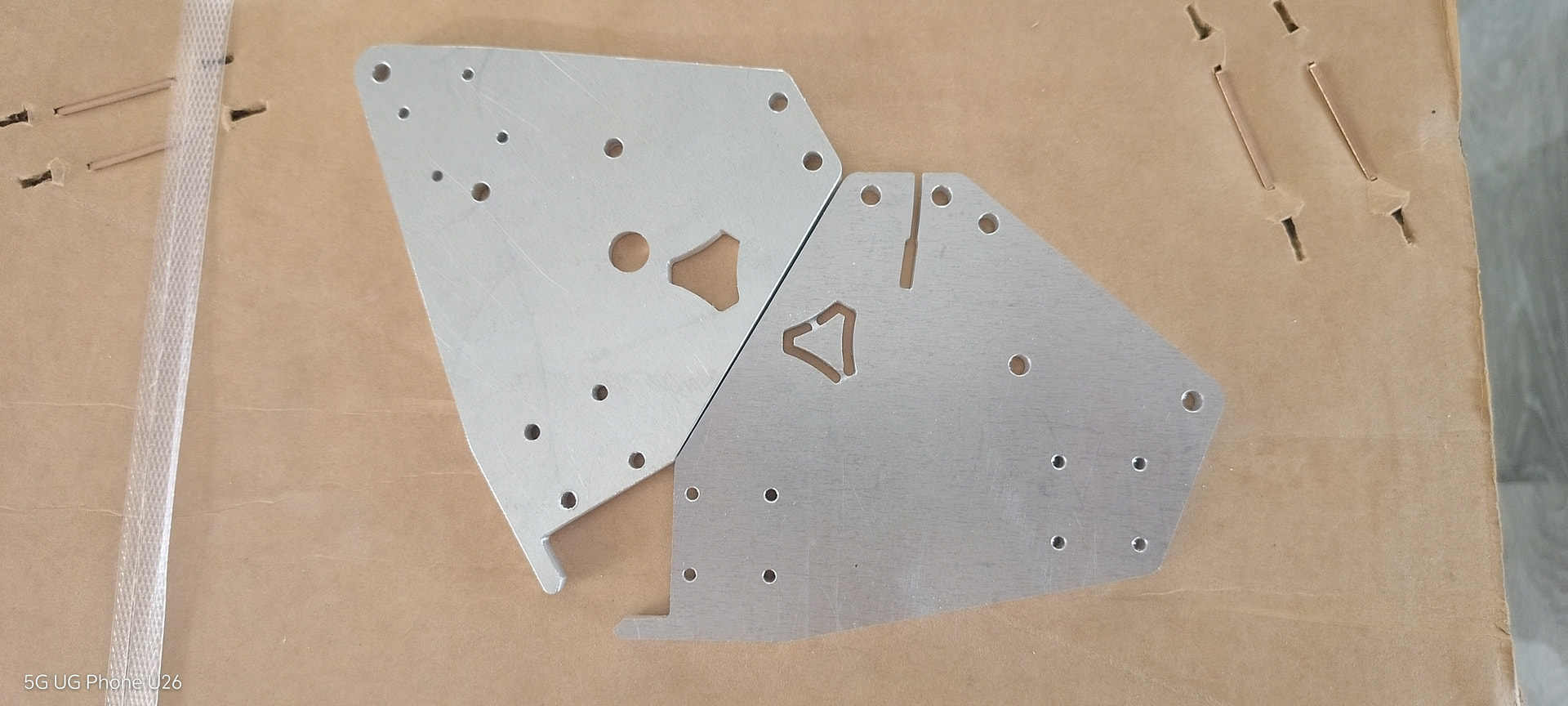
The YZ Plate Max file also has a minor defect, so it would be desirable to fix this as well.